Removing a public IPv4 or IPv6 address (VPS, migrated Cloud Servers, and VPS+)
Valid for Linux VPS, Windows VPS, migrated Cloud Servers, and VPS+ managed in the Cloud Panel.
When you assign an IPv4 address and one or two IPv6 addresses to a VPS, a migrated Cloud Server, or a VPS+, these IP addresses are automatically configured within the operating system. These IP addresses are automatically removed from the operating system configuration when you delete them in the Cloud Panel. This article explains how to proceed.
Note
If you have assigned two IPv4 addresses and at least one IPv6 address to a VPS, a migrated Cloud Server, or a VPS+, and have manually configured them within the operating system, you must manually remove these IP addresses. Instructions on how to do this can be found in the following article:
To delete one or more IP addresses in the Cloud Panel:
- Log in to your IONOS account.
Click Menu > Servers & Cloud in the title bar .
Optional: Select the desired Server & Cloud contract.
Activate the desired server in the Infrastructure > Server area.
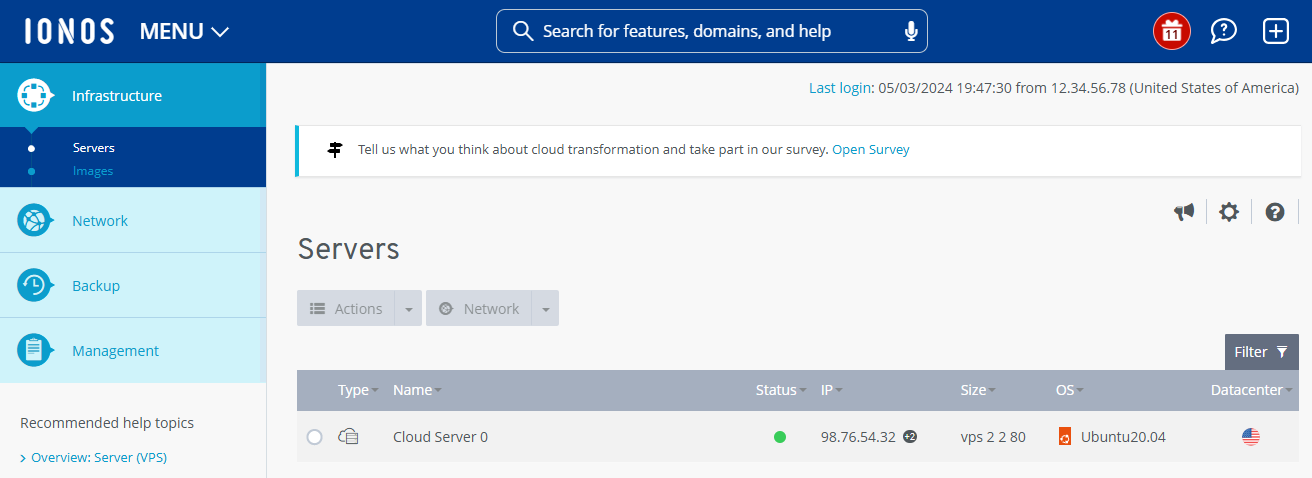
- Scroll to the IP area.
- Click on the pencil icon in the IP area.
- Activate the IP address to be deleted and click on Delete IP address.
The IP address is deleted.