Get your website project up and running in no time with MyWebsite Now. This article outlines the essential steps for building your site, complete with links to detailed Help Centre guides to help you along the way.

The First Step: Customising the Template.

By choosing one of our professional templates, you will start the creation of your website. Each template contains carefully designed, ready-to-use and easily customisable content for your industry. Change the text with a click. Add your images, text and videos to your website in no time.

You can find additional information here:
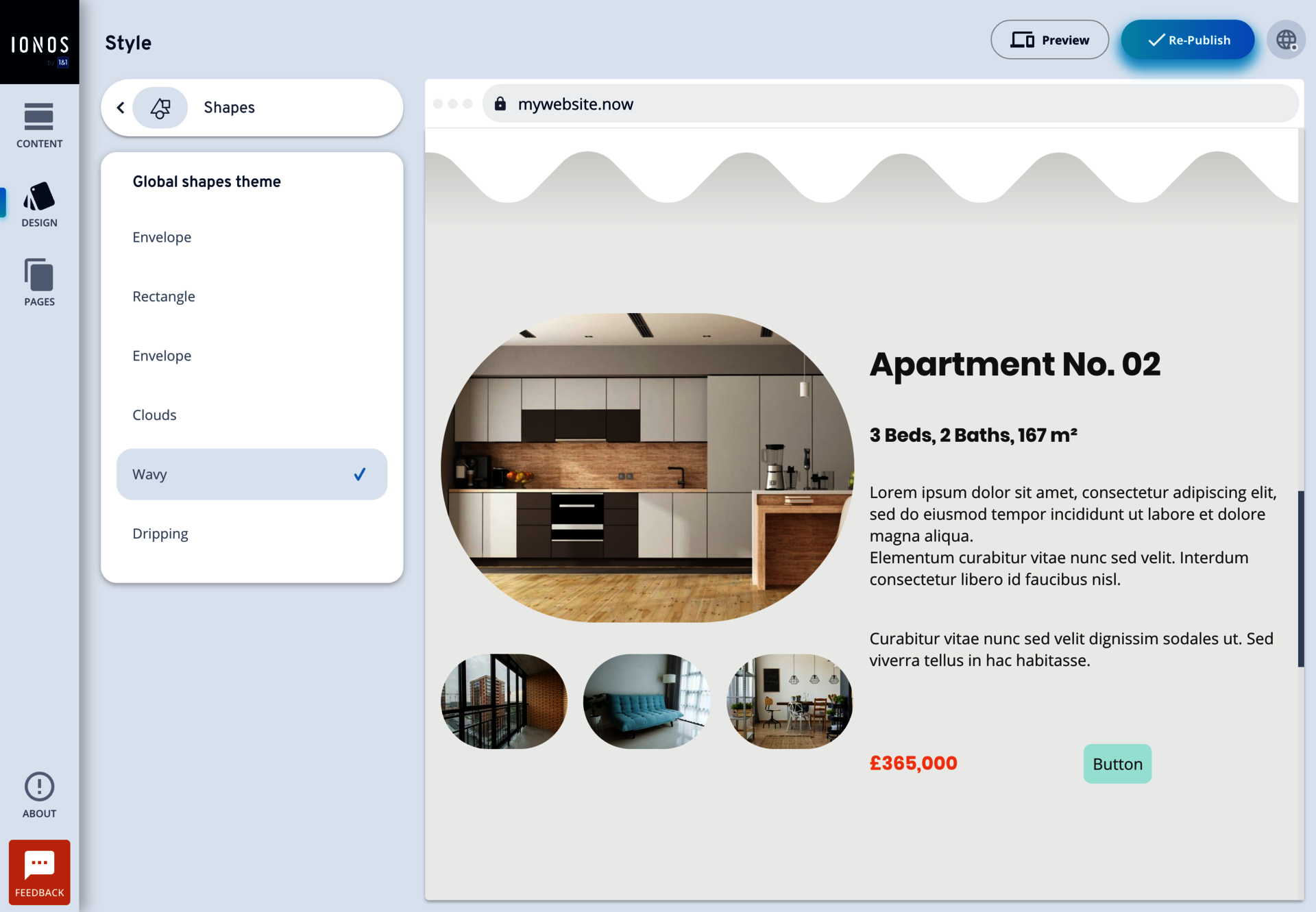
Inserting and Editing Elements

Log In and Edit WebsiteEdit Website

Your Design: Colours. Styles.

Now give your website your personal touch: Change the colour scheme with one click. Adjust the font and set accents with shapes and other spacing options.

You can find additional information here:
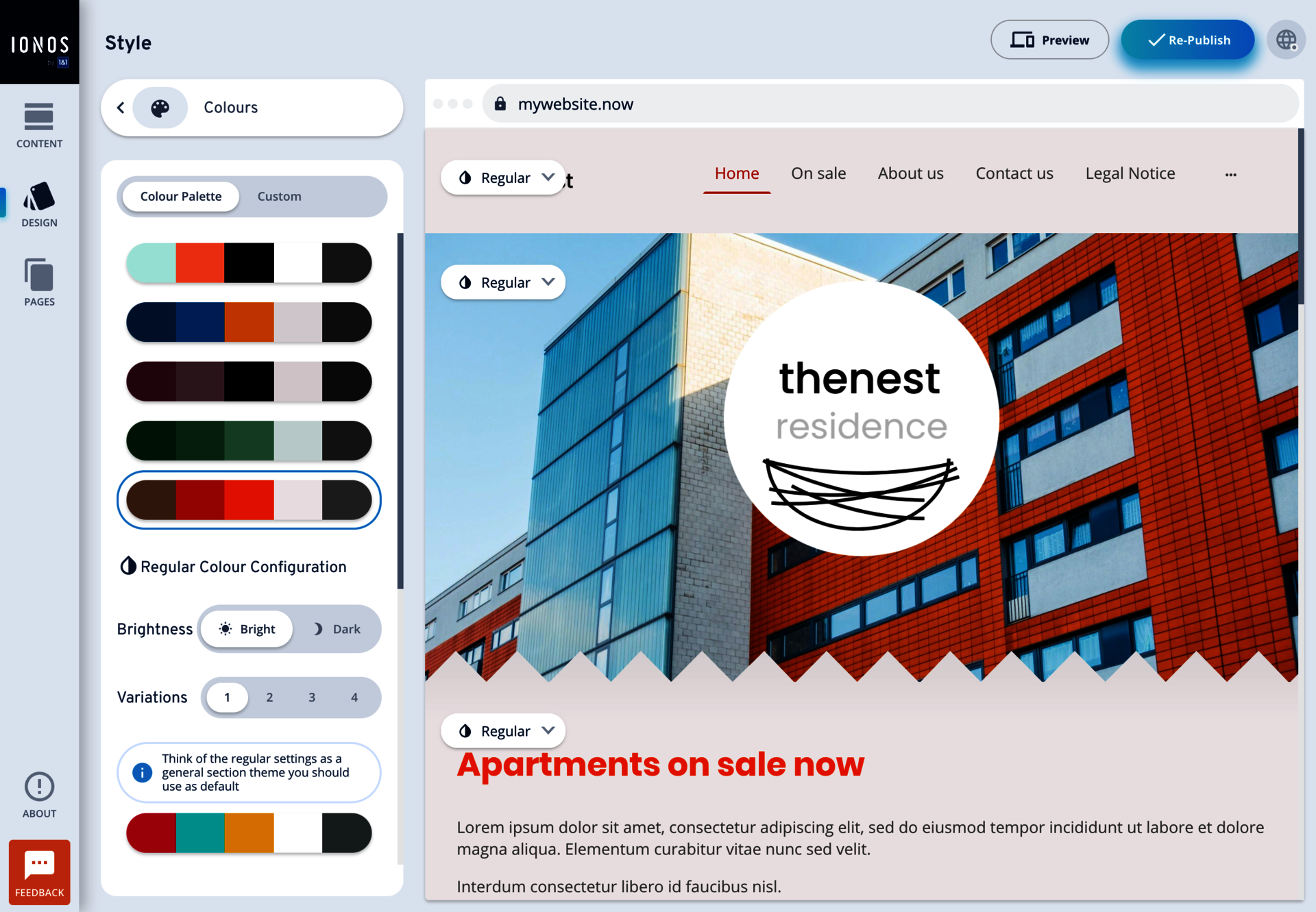
Customising Your MyWebsite Now Design

Log In and Edit WebsiteEdit Website

Create Content: Pages. Structure.

Change the default page names, create new pages, copy existing pages, and thus provide more content and a better SEO ranking of your website.

You can find additional information here:
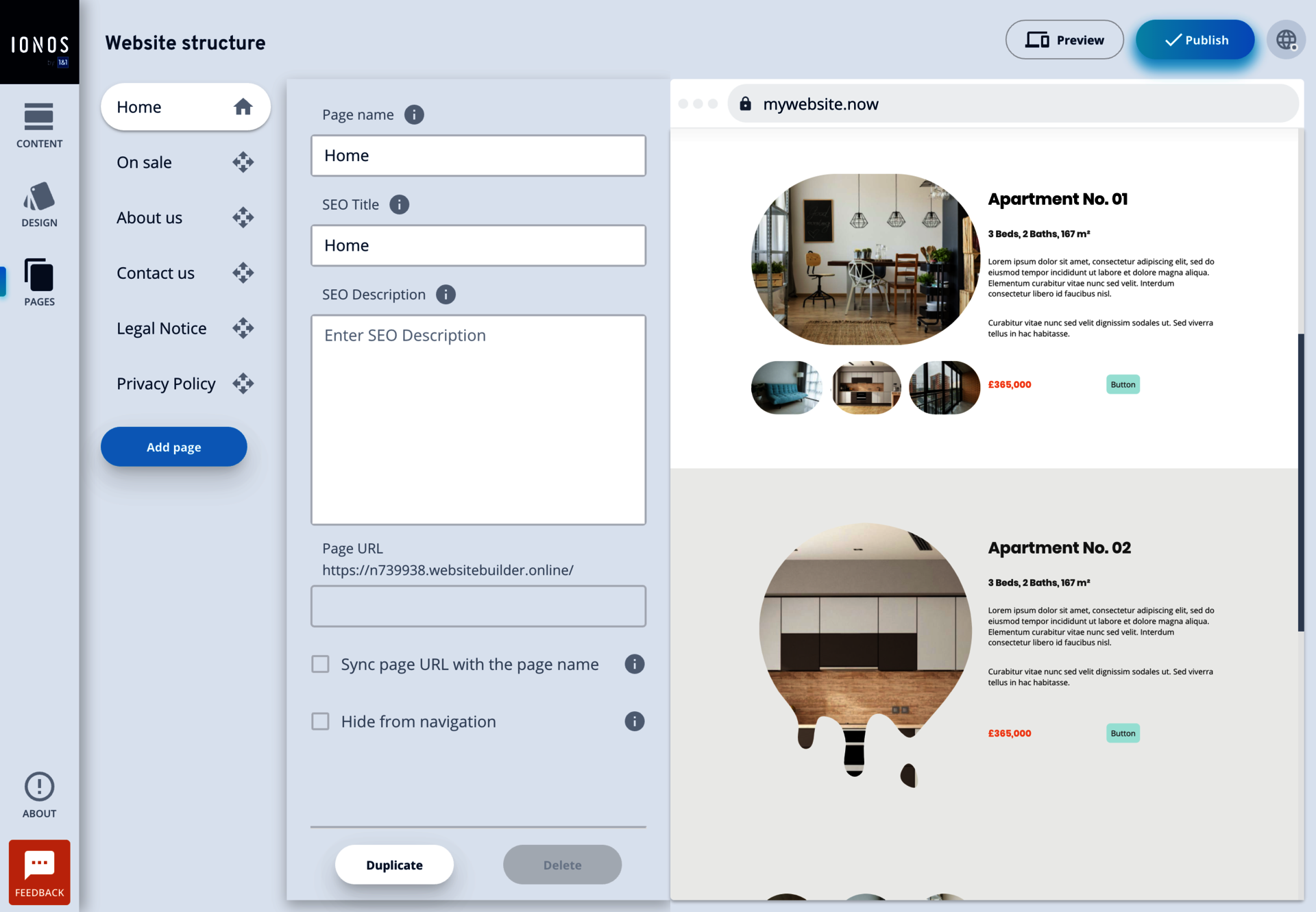
Managing Pages

Log In and Edit WebsiteEdit Website

This is how you will be found.

Here you will find valuable tips on how to make your website easier to find and attract more visitors to your website. Together we will improve your SEO ranking and analyse the most important key figures of your website.

You can find additional information here:

Online Marketing

Log In and Edit WebsiteEdit Website

Your Personal Consultant.

Your IONOS personal consultant is there for you  any time of day. They will advise you with suggestions, help with easy-to-understand instructions, and give you tips on how to make your website even better. All you have to do is ask them...

Log In and View Contact DetailsView Contact Details