Creating a task in IONOS Webmail
Valid for: Mail Basic and Mail Business
This article explains how to create a task in Webmail.
- Log in to Webmail.
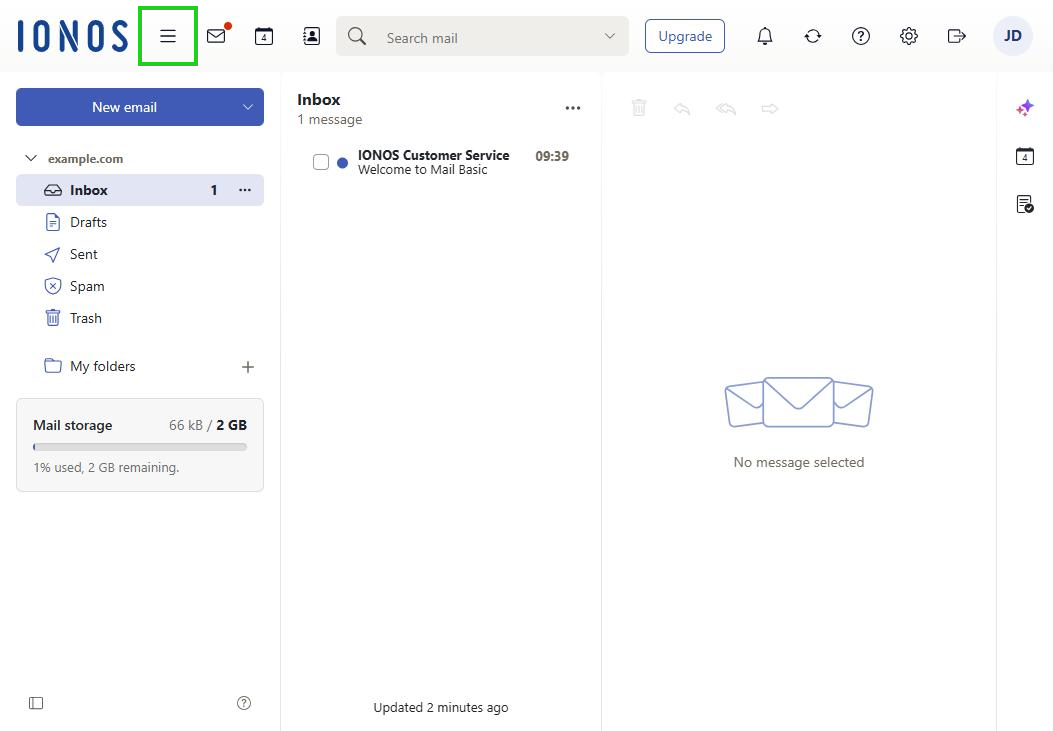
- In the main navigation at the top left, click the icon with the three horizontal lines (tooltip Navigate to).
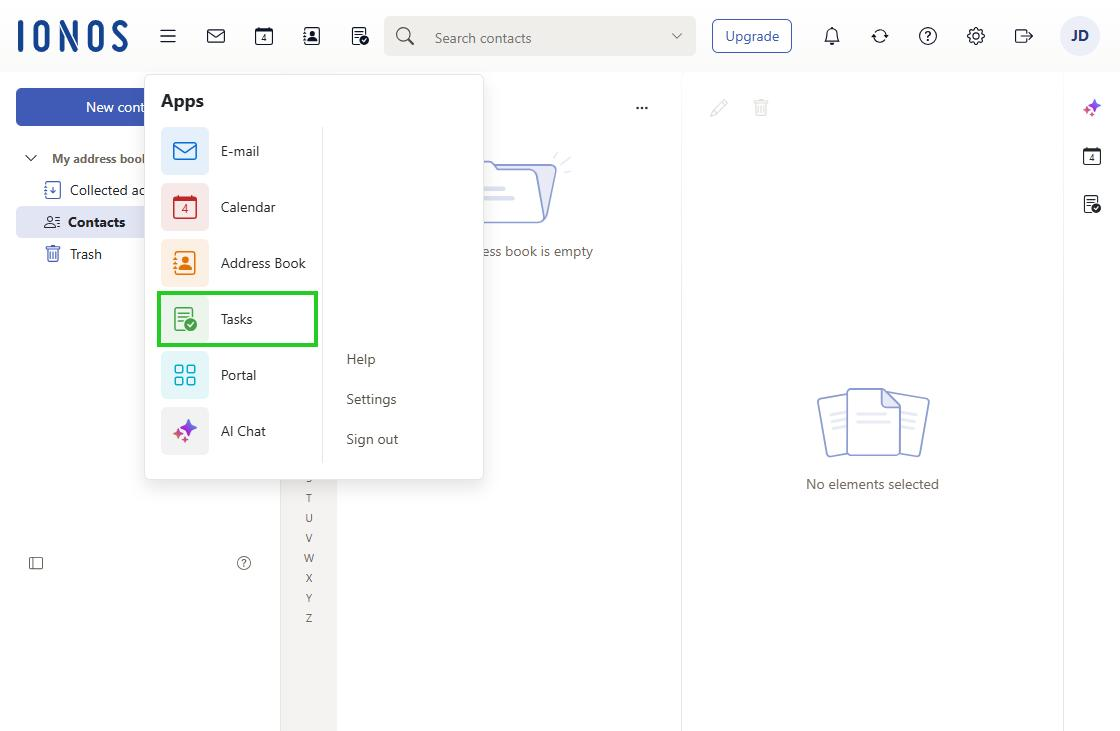
- Under Apps, click Tasks.
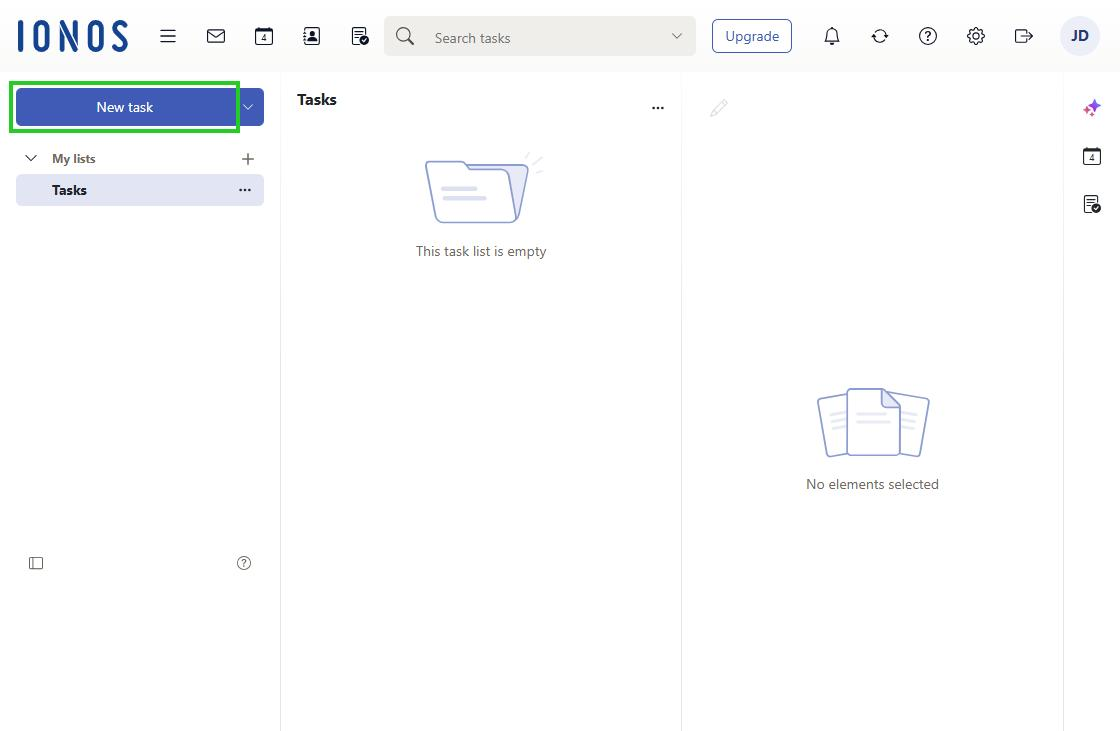
- To create a new task, click New task.
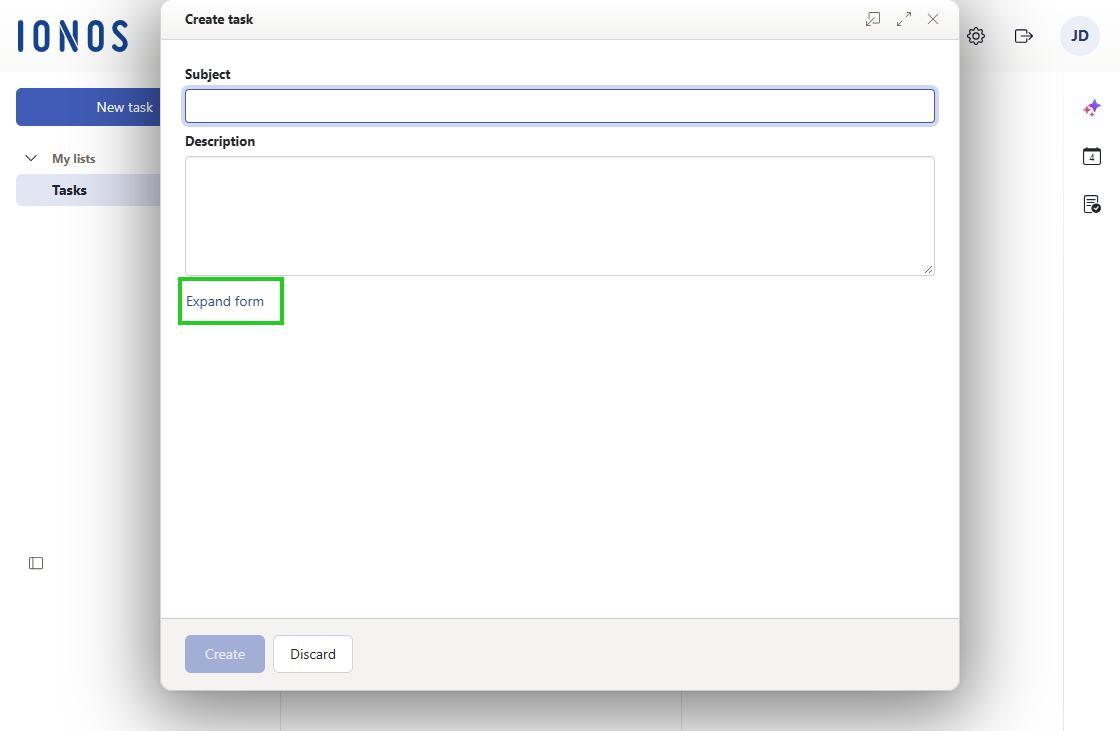
- Enter a subject and a description.
- To set further options, such as the start date, due date, or repetition, click Expand form.
- To save the task, click Create.