Unassigning an IP address
Valid for Cloud Servers, Dedicated Servers, and Bare Metal Servers that are managed in the Cloud Panel.
This article explains how to unassign an IP address that is assigned to the API in the Cloud Panel. To do this, complete the following:
- Log in to your IONOS account.
Click Menu > Servers & Cloud in the title bar.
Optional: Select the desired Servers & Cloud contract.
The Cloud Panel opens.
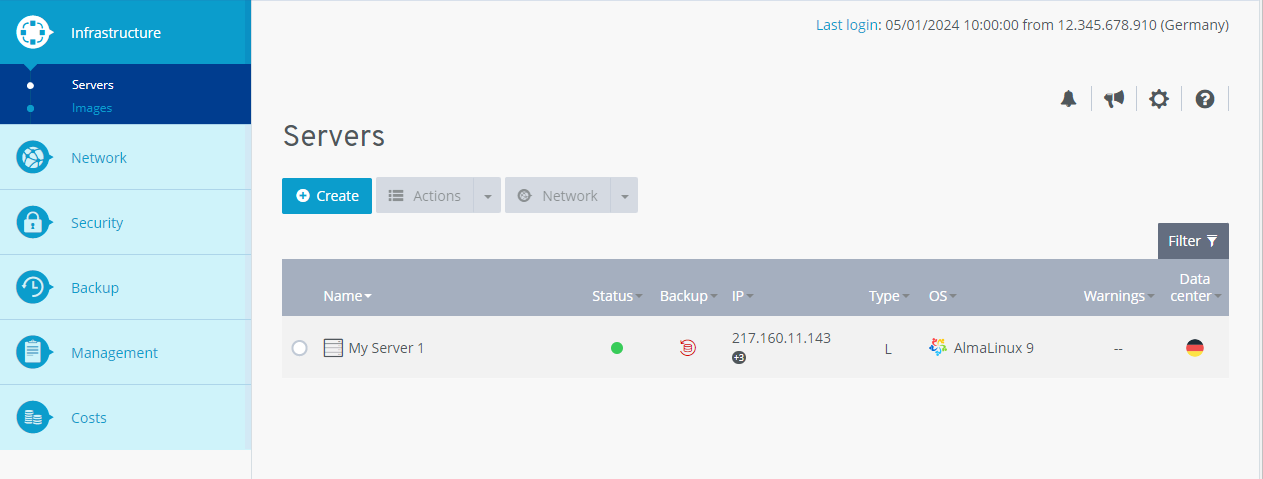
Click on Management > Users in the navigation bar on the left. The Users area opens.
Activate the desired user.
In the Allow API access for: area, click on the blue minus symbol next to the relevant IP address (Remove IP address tooltip).
The assignment of the IP address is cancelled.