Assigning a user account to a role
Valid for Cloud Servers, migrated Cloud Servers, VPS+, Dedicated Servers, and Bare Metal Servers managed in the Cloud Panel.
This article explains how to assign a user account to a role in the Cloud Panel. To assign a user account to a role, complete the following:
- Log in to your IONOS account.
Click Menu > Servers & Cloud in the title bar.
Optional: Select the desired Servers & Cloud contract.The Cloud Panel opens.
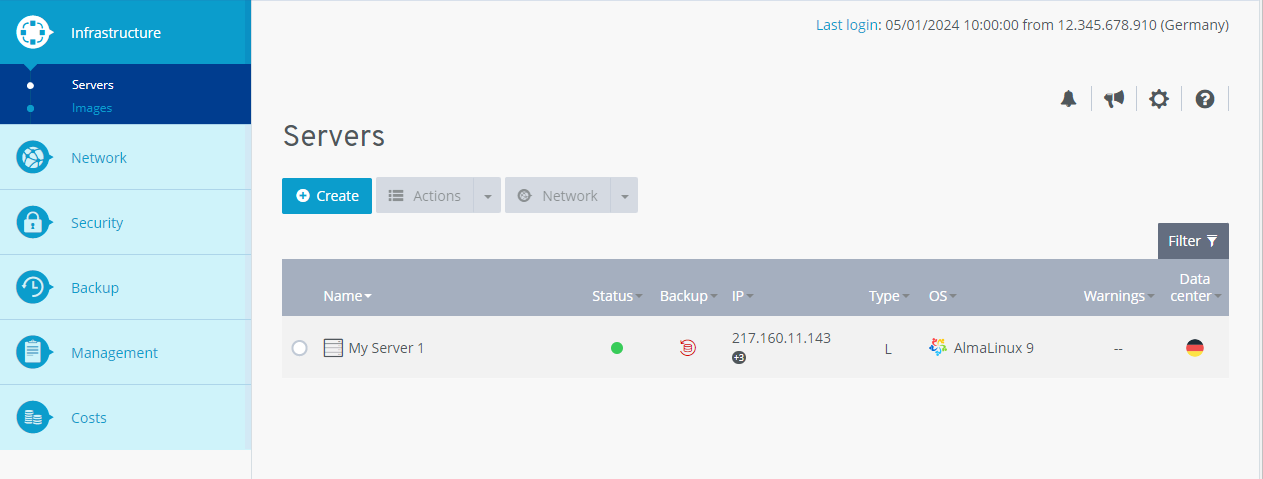
Click on Management > Roles in the navigation bar on the left.
Activate the desired role.
In the Users area, click the pencil icon.
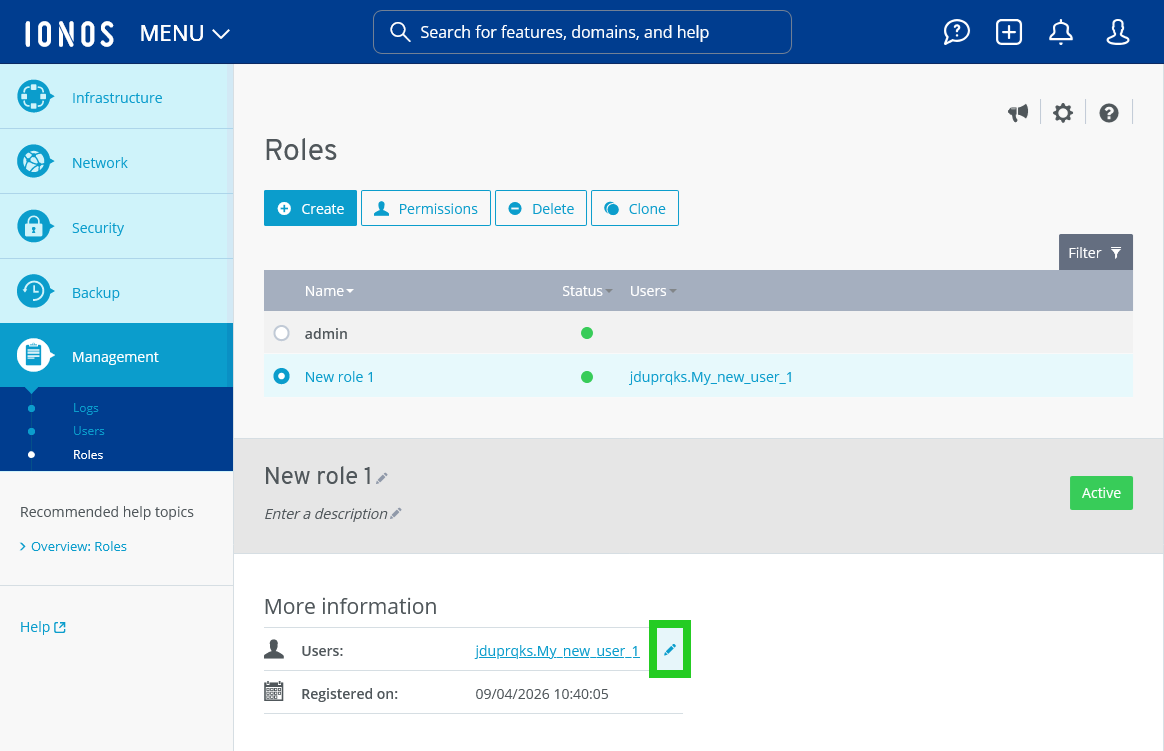
Activate the desired user account.
Click Save Changes.
The user account will be assigned to the role.