Cloning a role
Valid for Cloud Servers, migrated Cloud Servers, VPS+, Dedicated Servers, and Bare Metal Servers managed in the Cloud Panel.
In this article, you will learn how to duplicate a role in the Cloud Panel. When you duplicate a role, all settings are automatically adopted. To do this, complete the following:
- Log in to your IONOS account.
Click Menu > Servers & Cloud in the title bar.
Optional: Select the desired Servers & Cloud contract.The Cloud Panel opens.
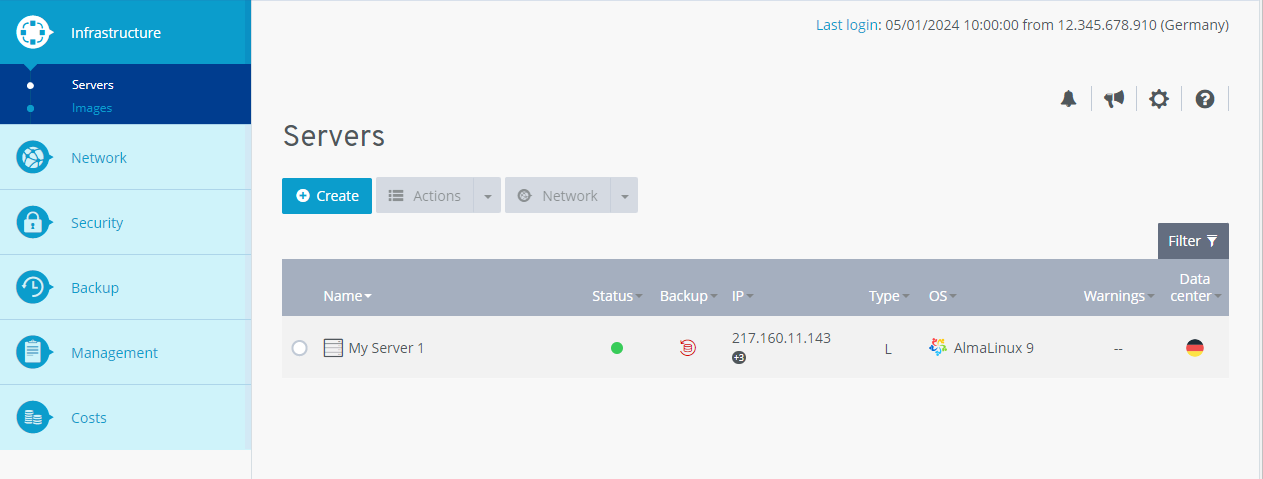
Click Management > Roles in the navigation bar on the left.
Activate the desired role.
Click Clone.
Click Yes.
The role is now cloned.