Object Storage: Deleting an access key
Valid for VPS+ and migrated Cloud Servers.
This article explains how to delete an access key for Object Storage.
- Log in to your IONOS account.
Click on Menu > Servers & Cloud in the title bar.
Optional: If you have multiple server contracts, select the desired contract.
- Click on Infrastructure > Object Storage in the left-side menu.
- Click on the Key management tab.
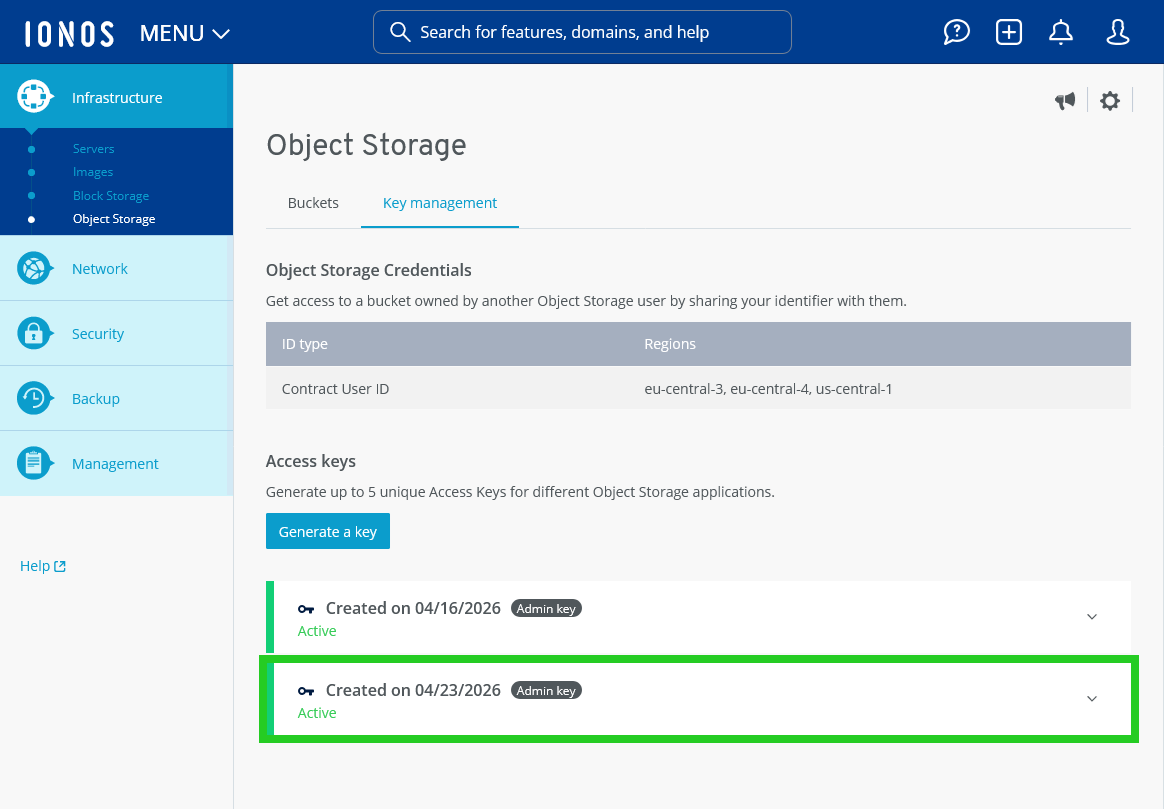
- Click on the generated key.
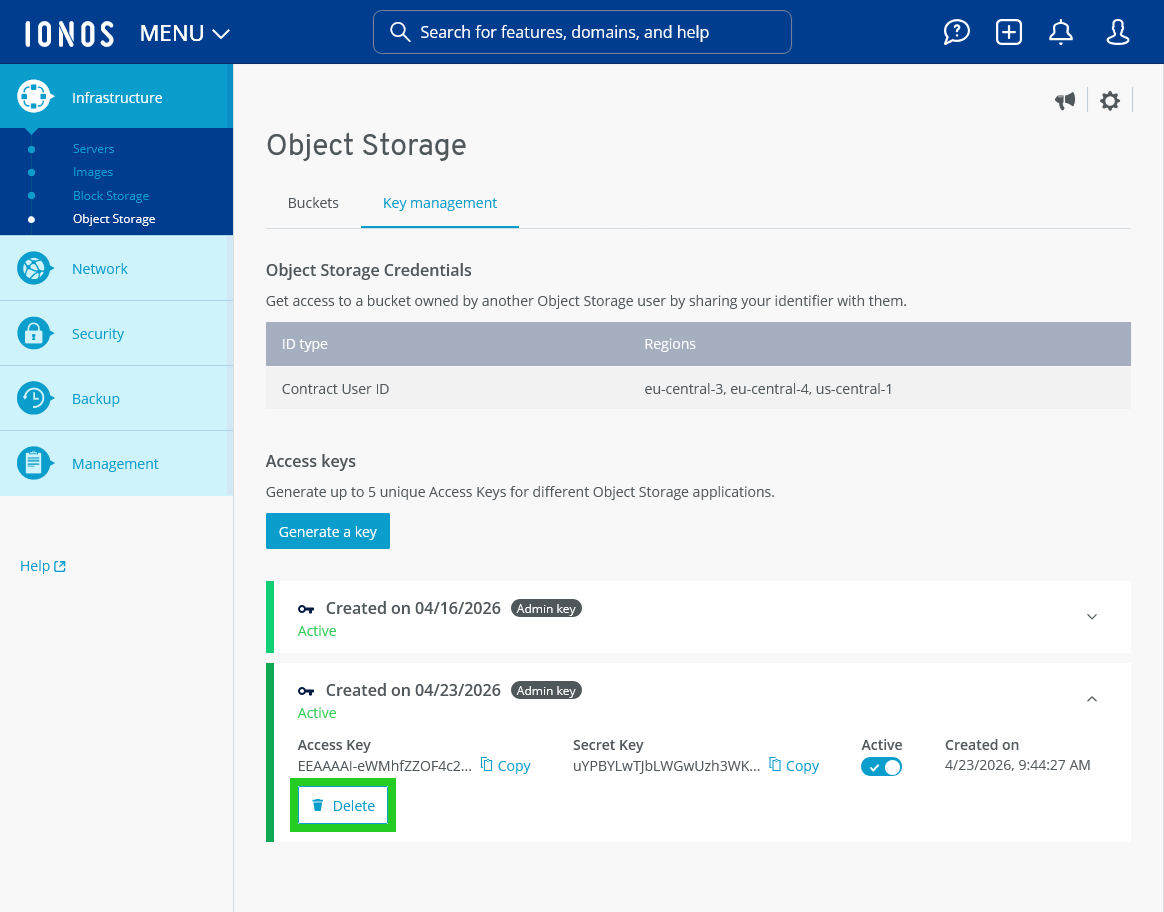
- Click on Delete. The Delete Access Key window opens.
Click on Delete.
The access key is deleted.