Removing permissions from a role (VPS+)
This article will walk you through removing one or more permissions from a role in the Cloud Panel. To do this, complete the following:
Note
The administration role cannot be changed.
- Log in to your IONOS account.
Click on Menu > Servers & Cloud in the title bar.
Optional: If you have multiple server contracts, select the desired contract.
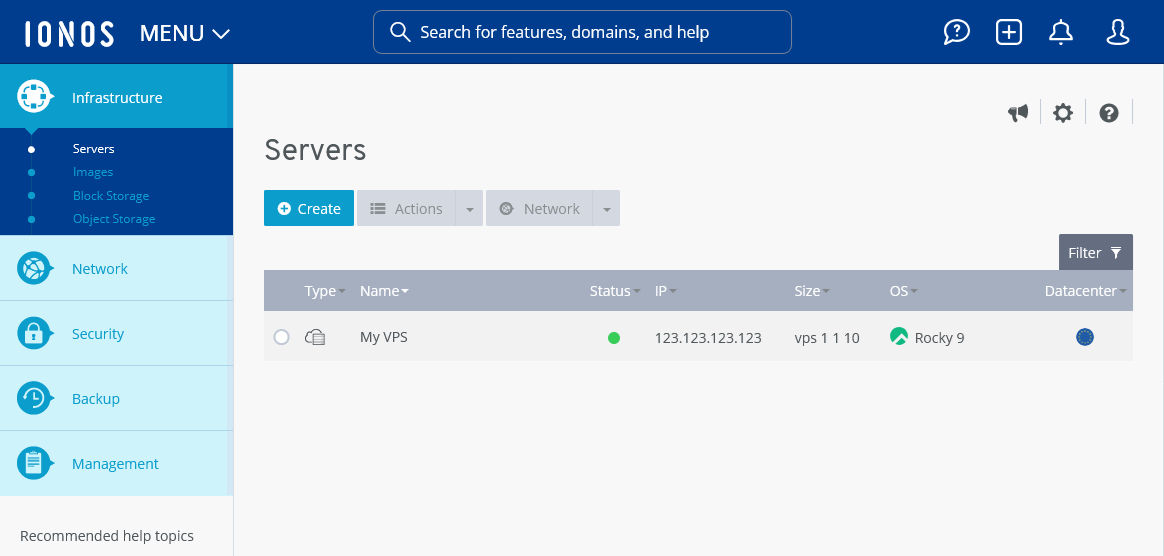
- Click on Management > Roles in the navigation bar on the left of the Cloud Panel. The Roles area opens.
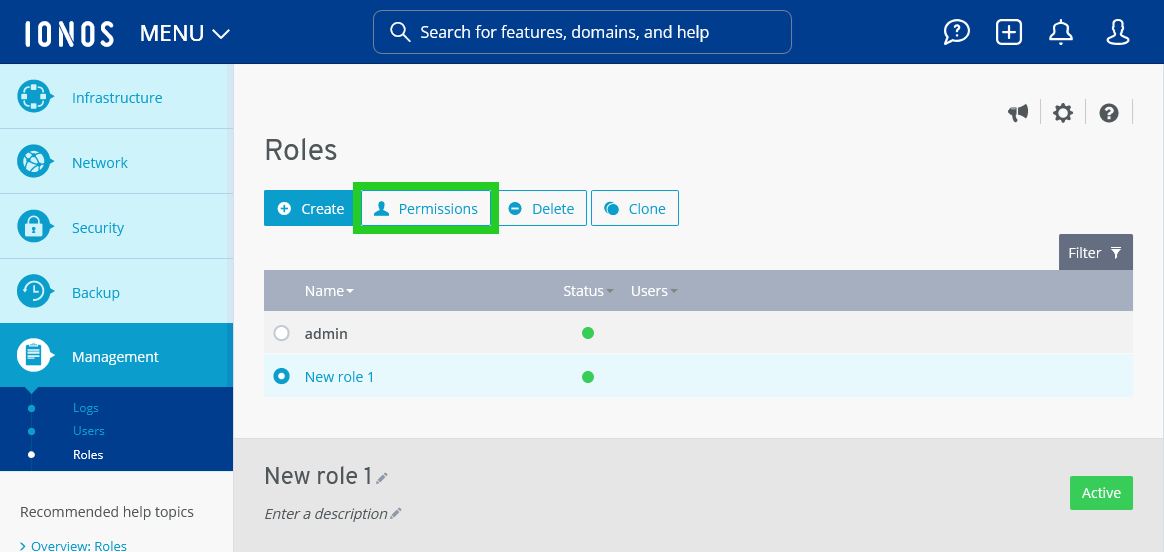
- Click on the desired role.
- Click on Permissions. The Permissions for [NAME_of_ROLE] area opens.
- Optional: Deactivate the desired permission groups in the Permissions for [NAME_OF_ROLE] section.
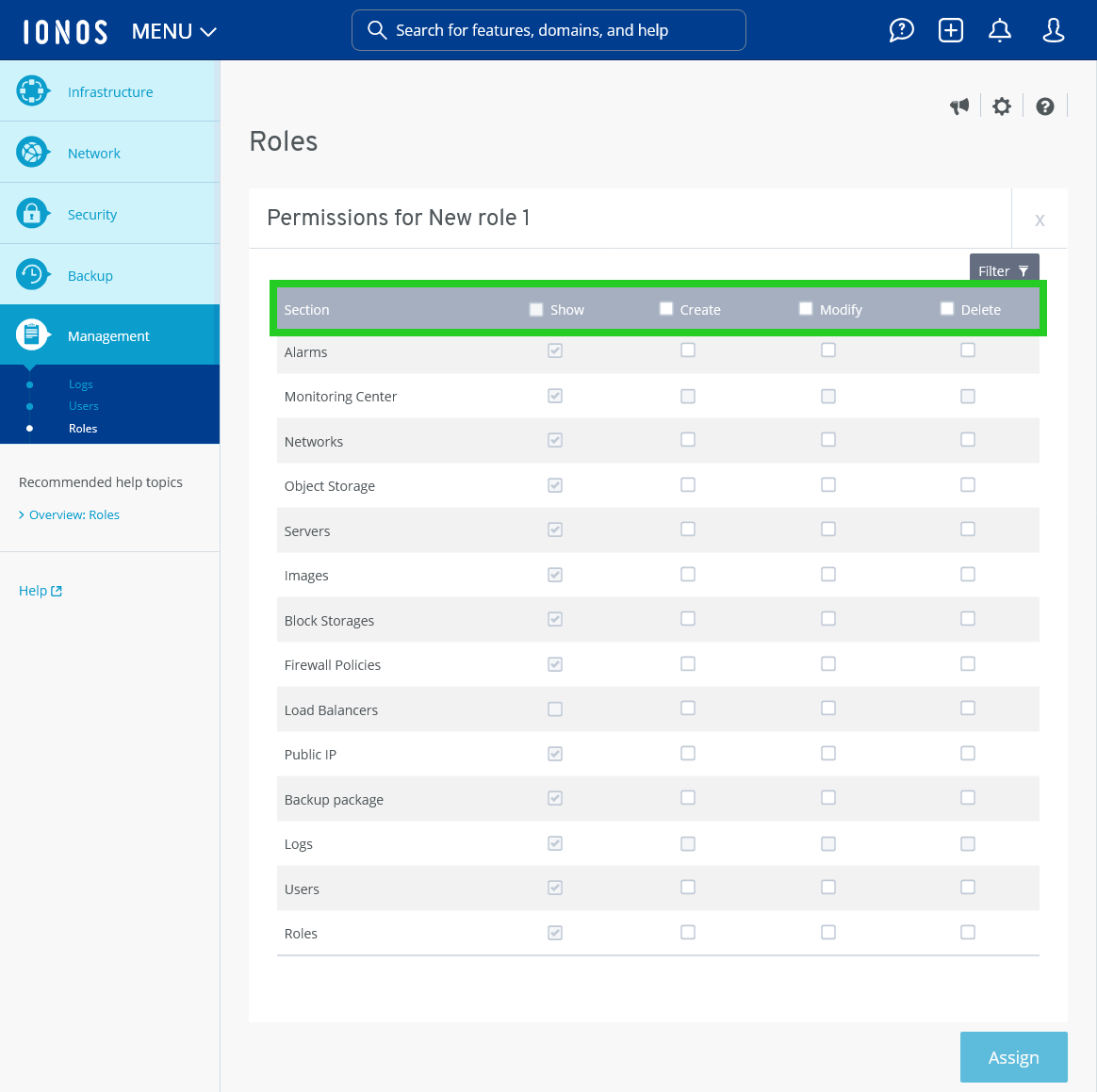
- Optional: To remove individual permissions entries, uncheck the desired permission checkboxes.
- Click on Assign.
The permissions will be removed.