Suspending your VPS+ server
Valid for VPS+.
This article will walk you through suspending your VPS+ server within the Cloud Panel.
- Log in to your IONOS account.
Click on Menu > Servers & Cloud in the title bar.
Optional: If you have multiple server contracts, select the desired contract.
- Select the desired server at Cloud Panel in the Infrastructure > Server area.
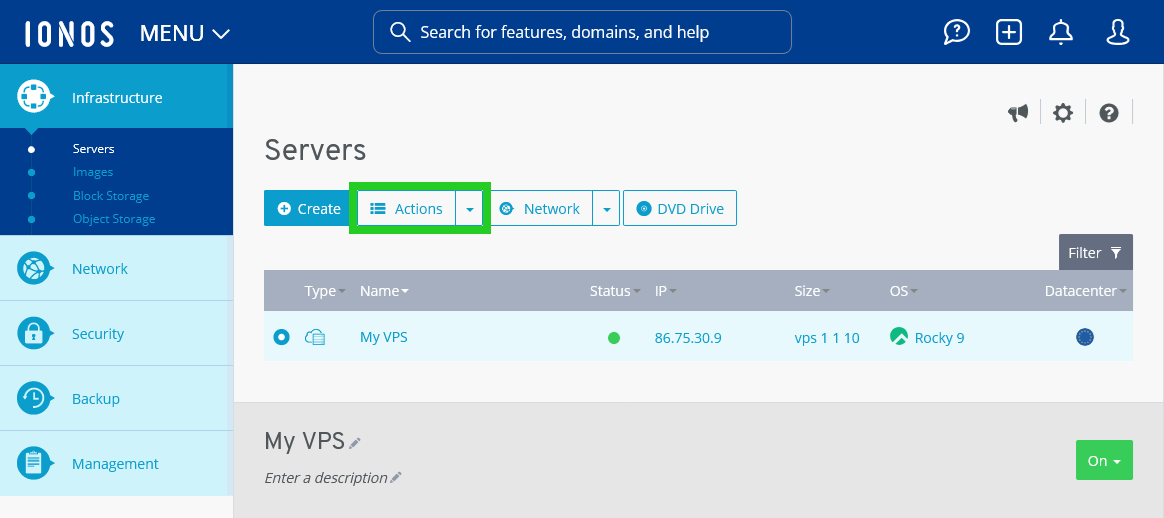
- Click on Actions. The action menu opens.
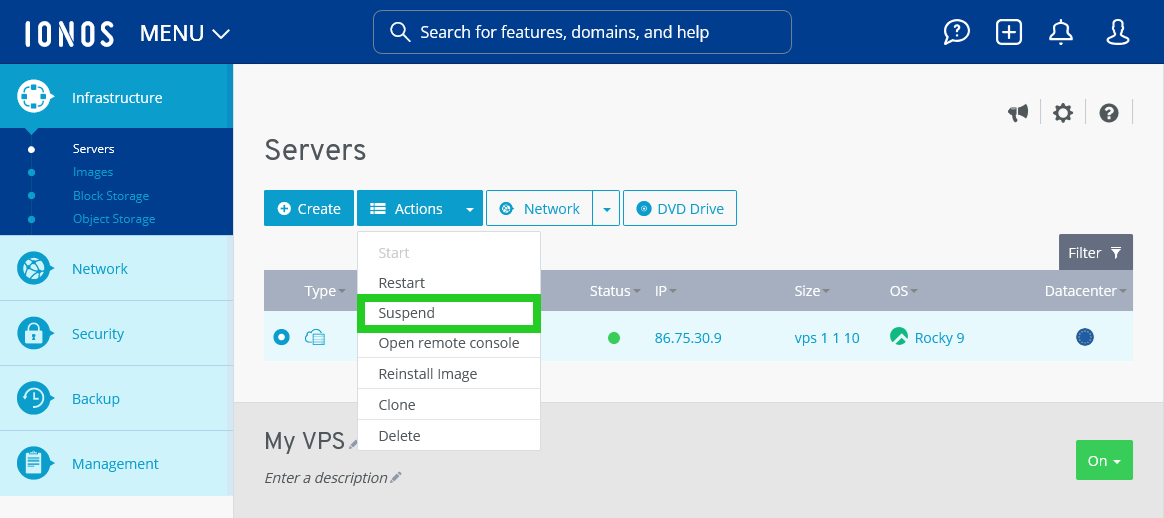
- Click on Suspend in the action menu. The Suspend server window opens.
- Click on Yes.
The server will now be stopped.