Ordering an additional SSL certificate for your contract
Would you like to set up an SSL certificate for a domain but have no SSL certificates left? Then order an additional SSL certificate for your contract. This article explains the steps required. For domains that only redirect to another website, order the Redirect Shield or Redirect Shield+ package.
Log in to your IONOS account.
Click Menu > Domains & SSL in the title bar. The overview of your domains opens.
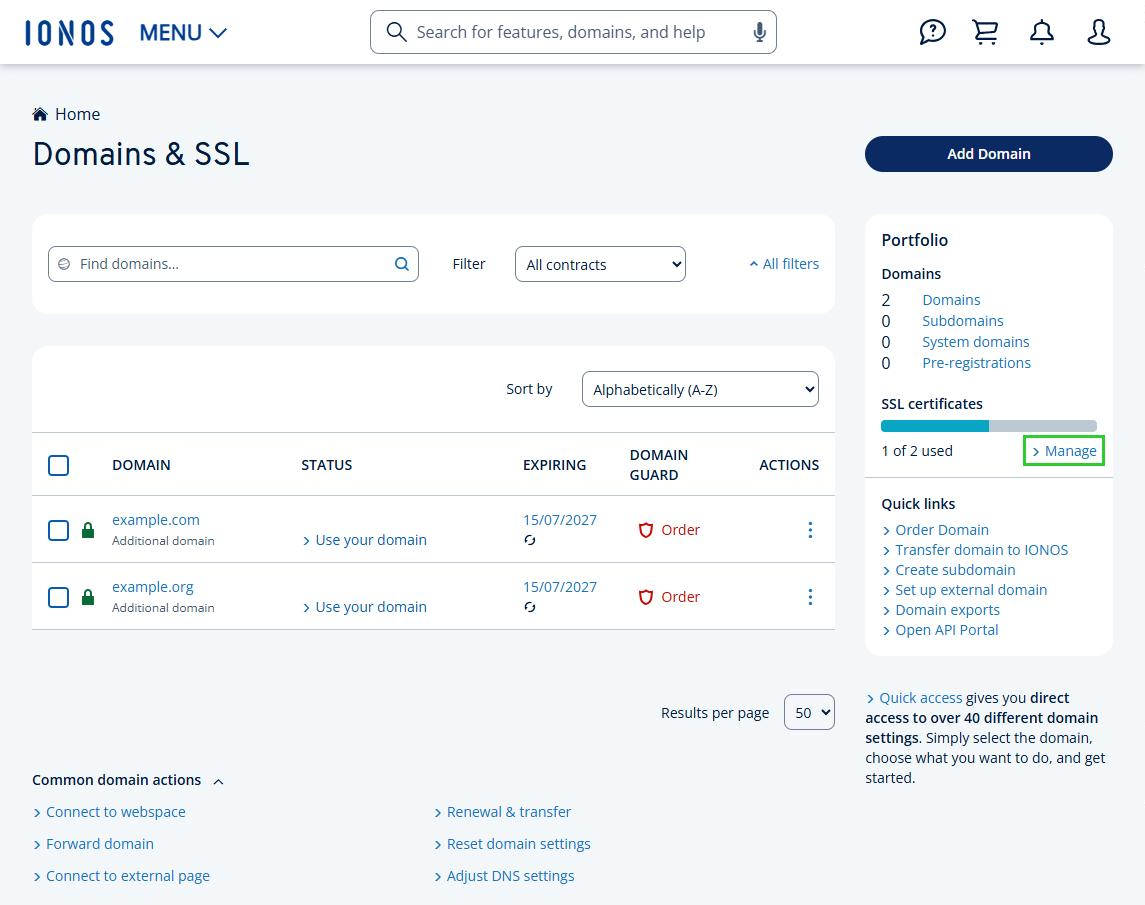
In the Portfolio tile, under SSL certificates, click Manage. The overview of your SSL certificates opens.
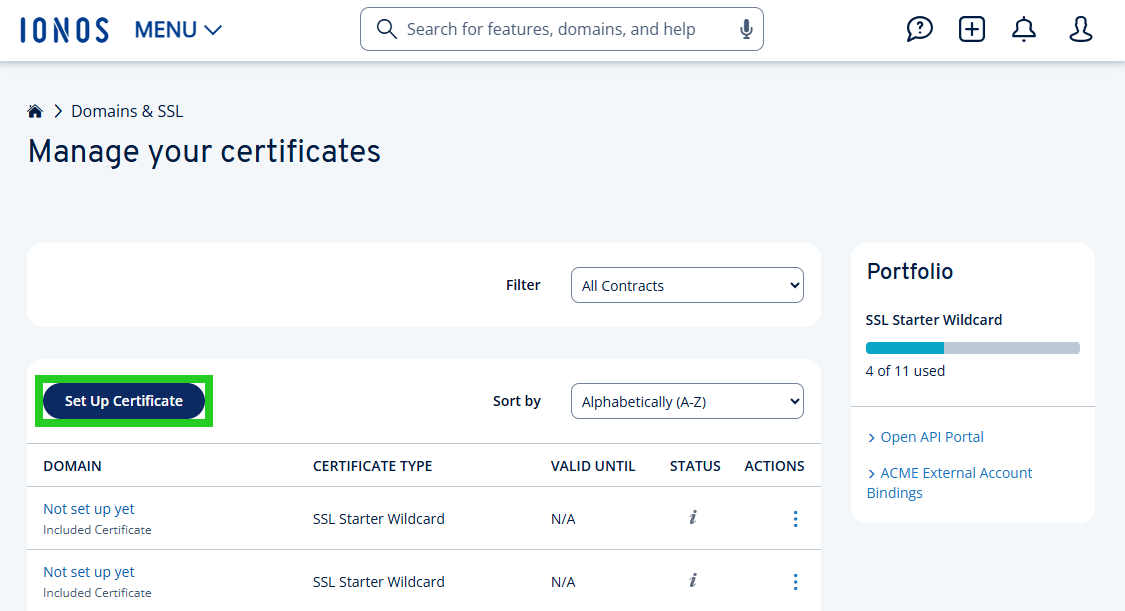
Click Set Up Certificate. The IONOS SSL Certificates for your website page opens.
Next to the SSL certificate you want, click Buy. A window with the SSL offer opens.
Accept the General Terms and Conditions.
Click Order now!
As soon as your order is complete, you can set up the SSL certificate for the domain of your choice.
Viewing more SSL certificates
To view other types of SSL certificates, complete the following steps:
- Log in to your IONOS account.
- Click Menu > Domains & SSL in the title bar. The overview of your domains opens.
- In the Portfolio tile, under SSL certificates, click Manage. The overview of your SSL certificates opens.
- Click Set Up Certificate. The IONOS SSL Certificates for your website page opens.
- At the bottom of the page, click Browse more certificate Packages. A page with further SSL certificate offers opens.
- Next to the SSL certificate you want, click Next and follow the order process.
Ordering the Domain Security Pack
For existing contracts, you can order the Domain Security Pack. It lets you issue an unlimited number of SSL certificates for all your domains hosted by IONOS, including their subdomains, at a fixed price. To order it, click Domain Security Pack at the bottom of the IONOS SSL Certificates for your website page.
Ordering Redirect Shield
For domains that only redirect to another website, select a package in the Activate Redirect Shield section of the IONOS SSL Certificates for your website page. To do this, click Redirect Shield or Redirect Shield+. IONOS creates the package as a separate contract. You can use the included certificates for domains from different contracts.
Setting up the certificate
Once your order is complete, set up the SSL certificate for the domain you want. With Redirect Shield and Redirect Shield+, you assign the included certificates to your domains individually. For step-by-step instructions, see the article Ordering and setting up Redirect Shield and Redirect Shield+.
Additional information
For more information on this topic, see: