Creating subfolders in IONOS Webmail
Valid for: Mail Basic and Mail Business
This article explains how to create subfolders in IONOS Webmail.
Subfolders help you keep track of your email inbox, even if you receive a large number of emails. To create a subfolder in Webmail, complete the following steps:
- Log in to Webmail.
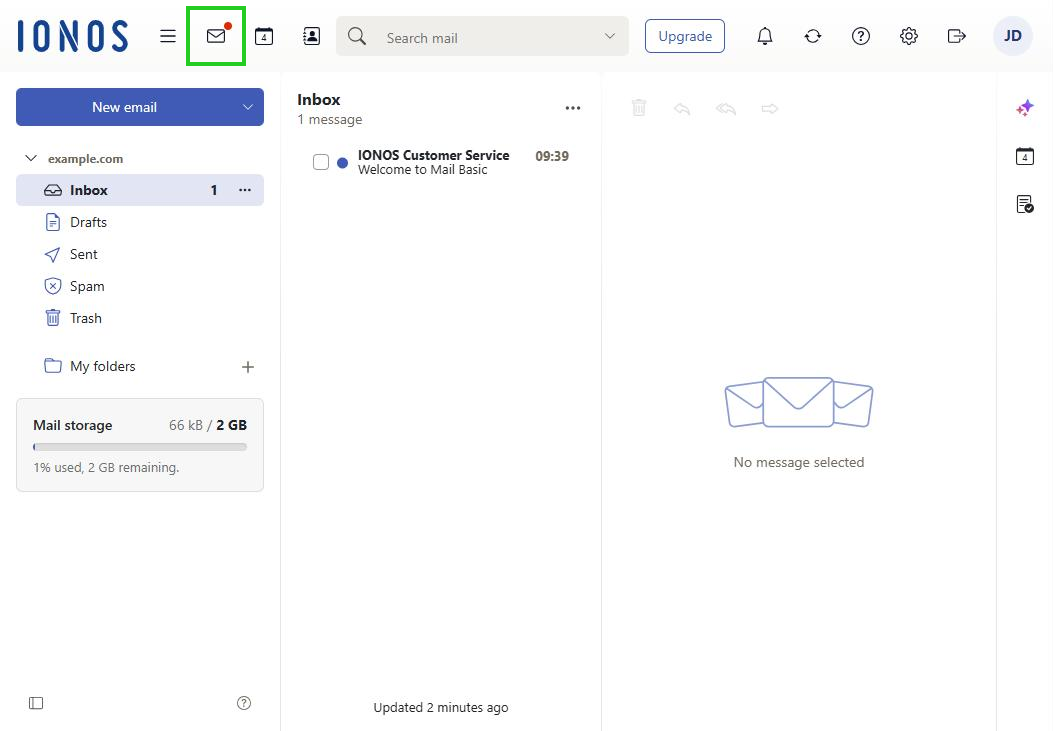
- In the main navigation at the top left, click the envelope icon (tooltip E-mail).
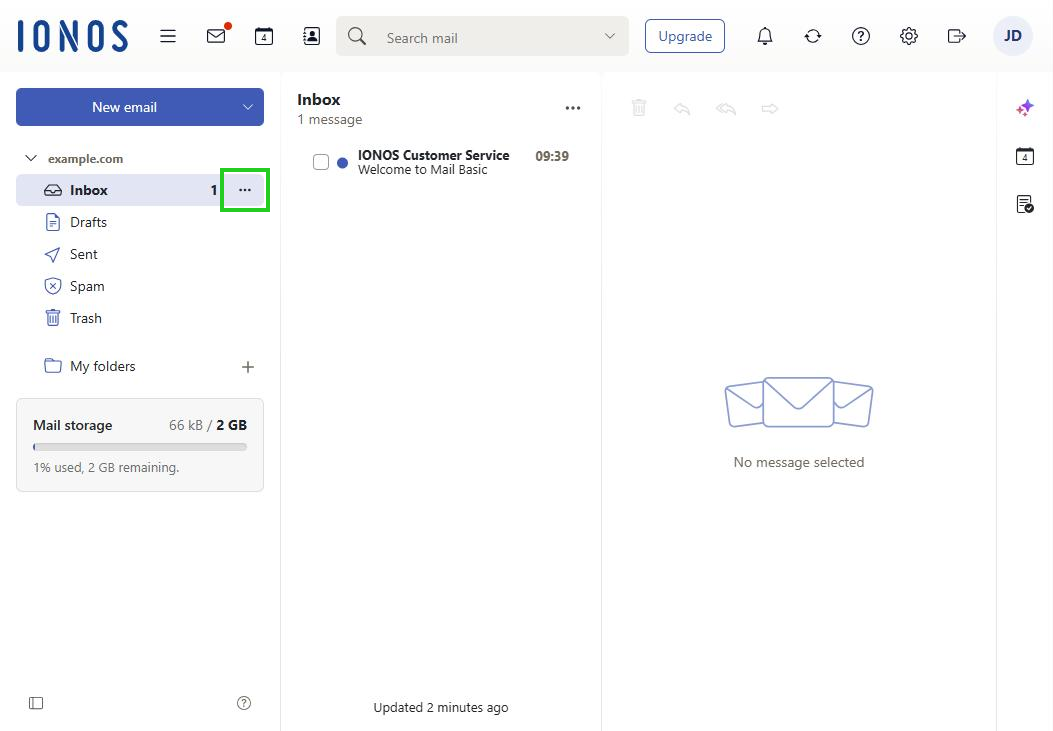
- In the navigation bar on the left, click the three-dot icon next to the inbox (tooltip Actions for Inbox).
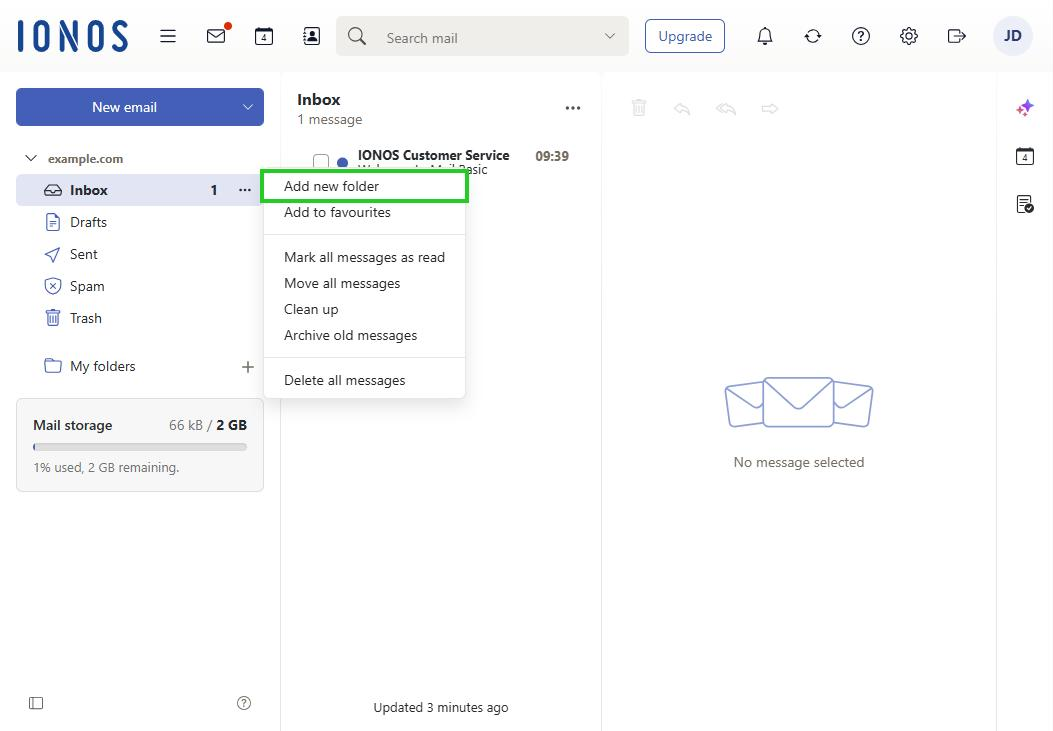
- Click Add new folder.
- Enter a name for the subfolder in the Folder name field and click Add.
The subfolder is created.