Writing and sending emails in IONOS Webmail
Valid for: Mail Basic and Mail Business
With Webmail, you can write and send emails without additional programs on any computer that has a web browser installed.
Notes
To write emails even faster and more easily, you can extend Webmail with Webmail AI. This innovative tool uses artificial intelligence (AI) to automatically create texts, translations, and summaries for your emails. You can find out how it works in the following article: Webmail: Creating automatic responses to an email.
Please note that Webmail AI is a paid extension and is not included in the standard version of Webmail. For instructions on ordering and activating Webmail AI, see the following article: Adding Webmail AI.
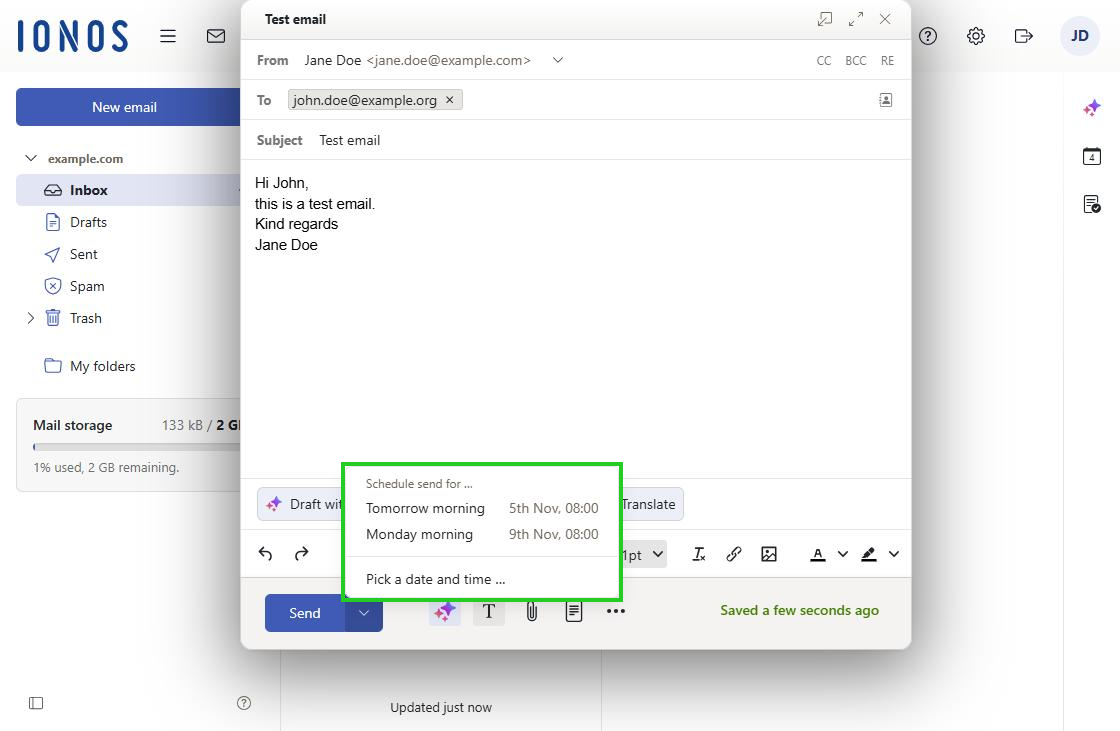
You can send your emails at a later time. You can set the sending time as you wish.
- Log in to IONOS Webmail.
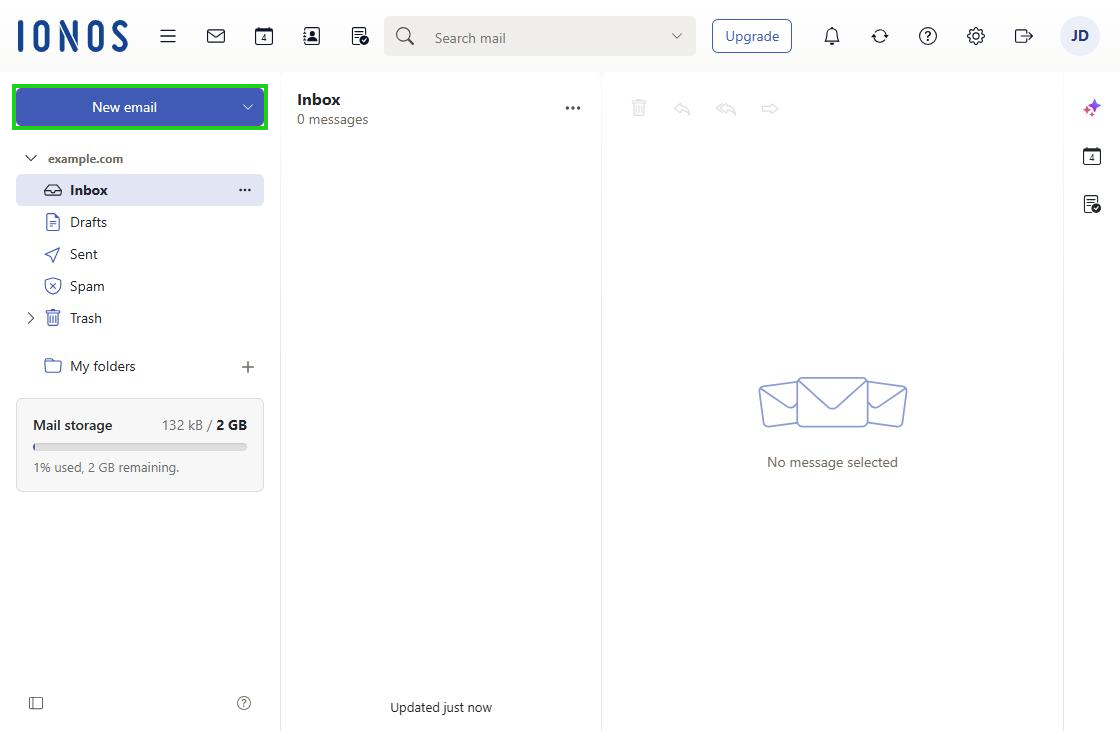
- In the navigation bar on the left, click New email. If this button is not displayed, click the envelope icon (tooltip E-mail) at the top left of the main navigation.
- In the From field, select the sender.
- In the To field, enter the recipient. To add more recipients, click CC (copy) or BCC (blind copy).
- In the Subject field, enter a subject.
- Enter the message text.
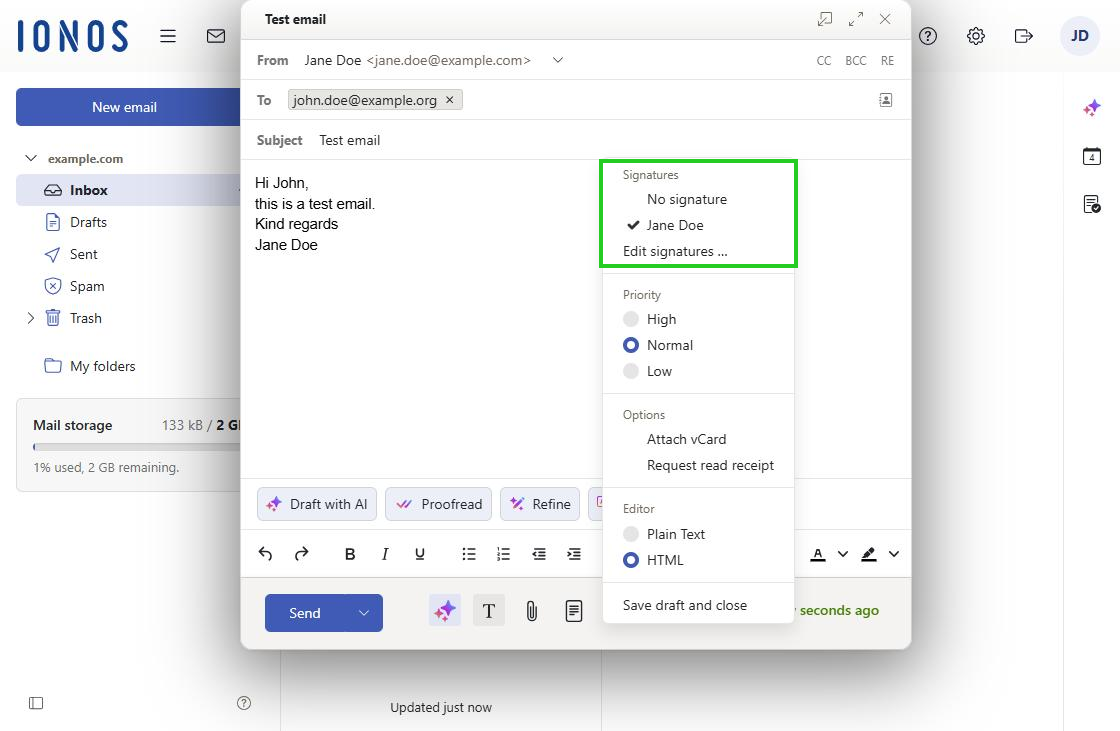
- To insert a signature, click the three-dot icon (tooltip Email compose actions) in the toolbar at the bottom and select the signature you want under Signatures.
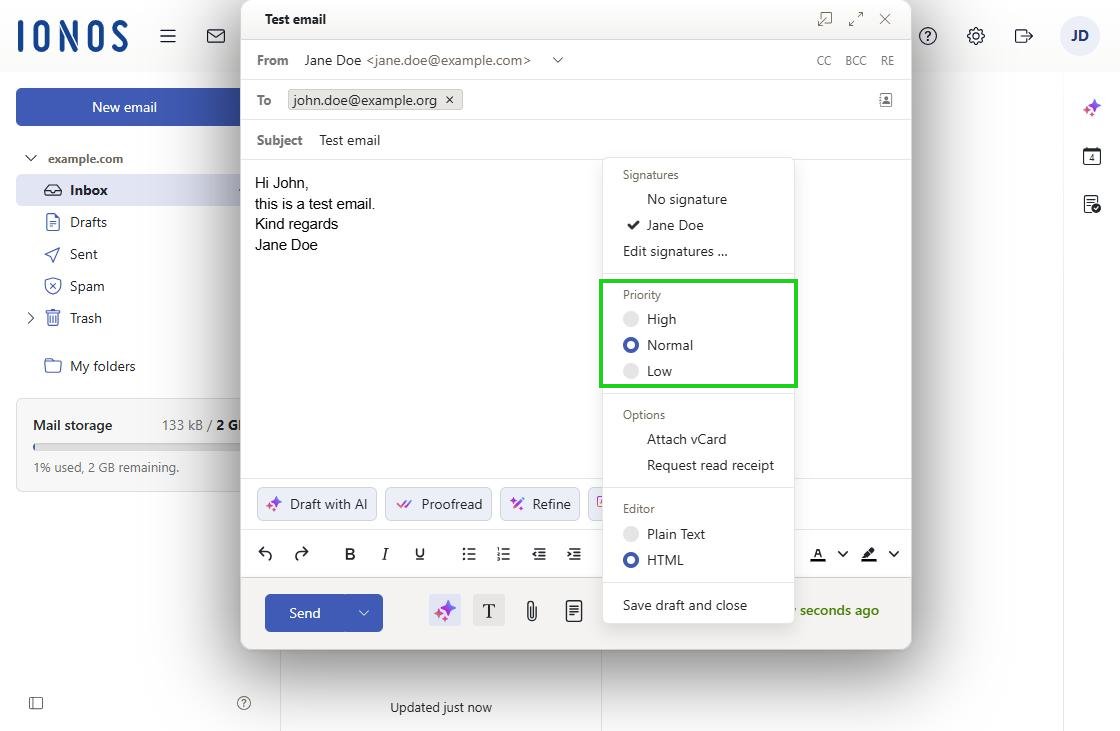
- Optional: To change the priority of the email, select the priority you want under Priority.
- Optional: To attach your contact details as a vCard, click Attach vCard under Options.
- Optional: To request a read receipt, click Request read receipt under Options.
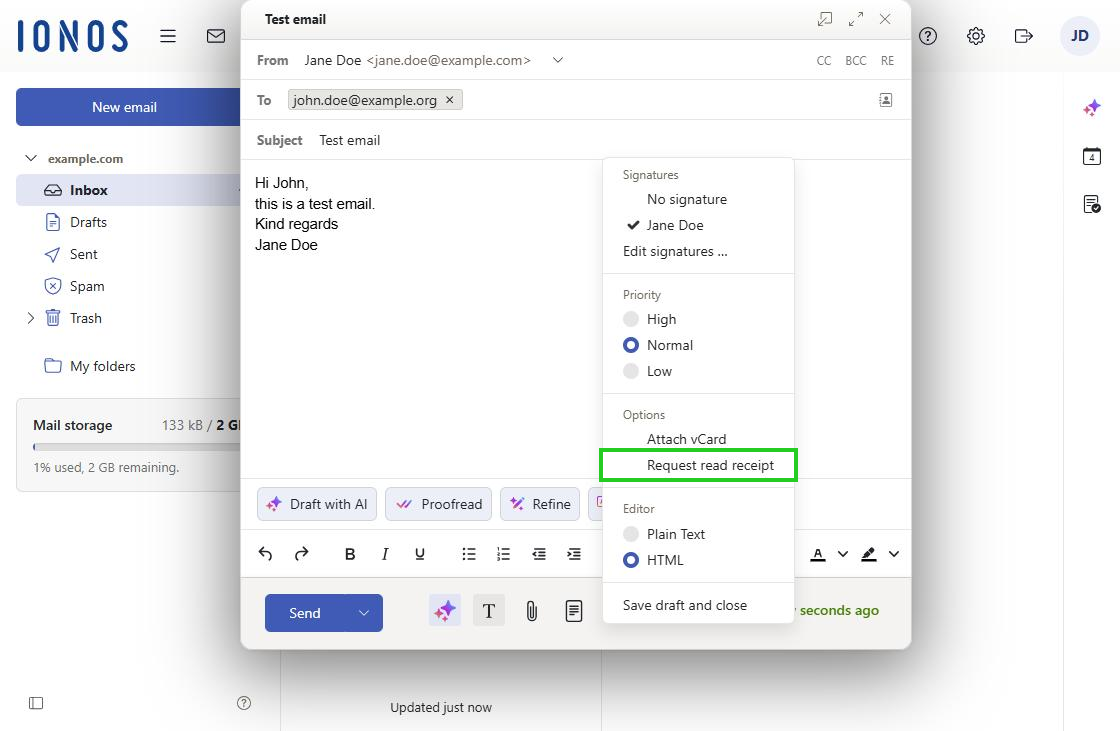
- Optional: To change the email format, select the format you want under Editor.
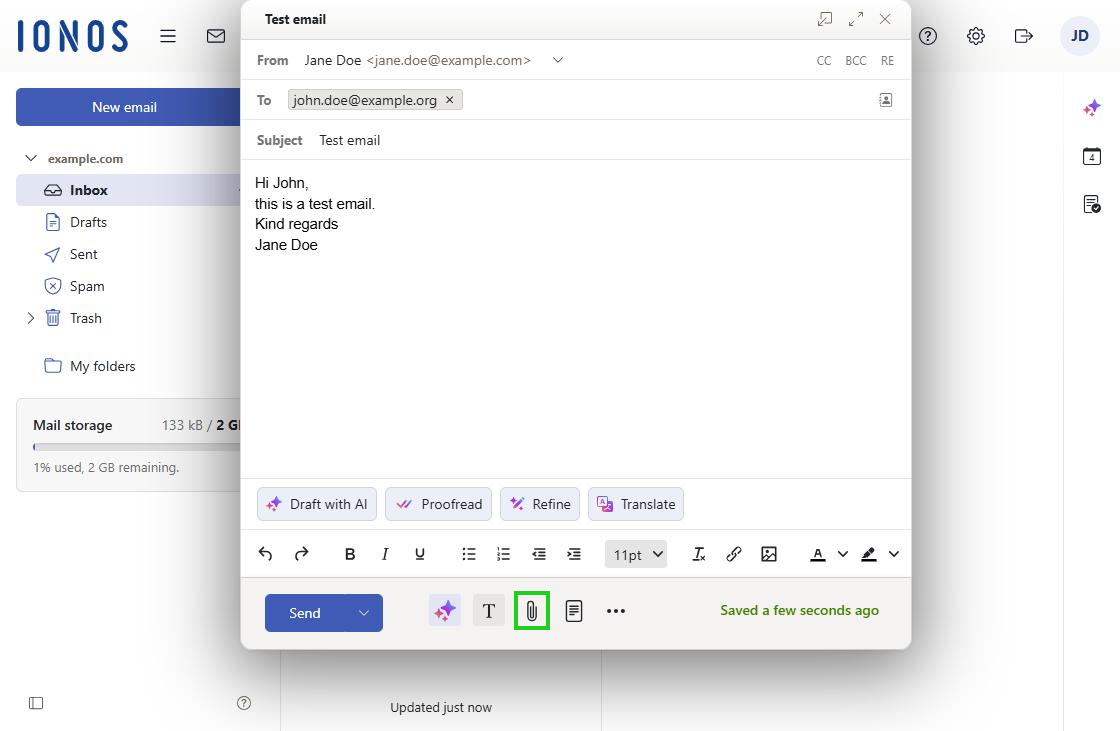
- To add an attachment, click the paperclip icon (tooltip Attachments).
- Optional: To save the email as a draft, click the three-dot icon and select Save draft and close.
To send the email, click Send.
To send the email at a later time, click the down arrow (tooltip Schedule email) next to Send and select the time you want.