

What are the best Hootsuite alternatives for social media management?

Hootsuite provides robust social media management, from linking multiple accounts and scheduling posts to producing analytics reports. But its relatively high cost and occasional complexity mean that exploring other, more budget‑friendly or user‑friendly Hootsuite alternatives can often be a sensible choice.
- Fast drag and drop editing
- AI-powered text generation
- Seamless syncing with IONOS eCommerce
What makes Hootsuite a good choice?
Hootsuite is a web-based social media management platform that lets you centrally manage multiple social media accounts, schedule posts, and review analytics. The tool was founded in 2008 and is one of the first professional solutions of its kind. Hootsuite is owned by the Canadian company Hootsuite Inc. and is used worldwide by companies, agencies, and freelancers to efficiently manage their social media activities.
The platform’s biggest advantages are:
✓ Many platforms in one tool: Support for numerous social networks such as Facebook, Instagram, LinkedIn, TikTok, X, and YouTube.
✓ Centralised management: Multiple accounts can be managed via a dashboard.
✓ Post scheduling: Posts can be easily created, scheduled, and published simultaneously.
✓ Analytics features: Reports on reach, engagement, and growth at a glance.
✓ Teamwork: Role assignments, approvals, and collaboration within a team are possible.
What are the drawbacks of Hootsuite?
Despite its strengths, Hootsuite has some drawbacks that lead many users to look for alternatives.
✗ Interface somewhat outdated: Some users find the interface dated and confusing.
✗ Complicated to use: Longer onboarding, not beginner-friendly.
✗ Limited comment management: Which content can be hidden depends heavily on the specific platform.
✗ No free plan: There’s only a free 30-day trial.
✗ Strong focus on enterprise customers: Product development, support, and pricing are clearly geared toward larger companies.
The best Hootsuite alternatives
Below, we present several notable social media management tools that, depending on the package, are either free Hootsuite alternatives or paid alternatives.
| Tool | Target audience | Strengths | Pricing model |
|---|---|---|---|
| Buffer | Individuals and small teams | Very easy to use, AI assistant, queue system, basic analytics | Free version, paid packages from $5 (around £4) per channel |
| Sprout Social | Companies and agencies | Centralised inbox, social listening, CRM profiles, comprehensive reports | Paid packages from $199 (around £145) per user |
| SocialPilot | Small and mid-sized businesses, agencies | Good value for money, AI features, bulk uploads, team features | Paid packages from £20.40 per month |
| Agorapulse | Teams and companies | Strong inbox, social listening, ROI analysis, user-friendly interface | Paid packages from 79€ (around £70) per month |
| Later | Visual content creators, Instagram-focused teams | Visual planner, link-in-bio tool, scheduling previews, hashtag suggestions | Free plan (limited), paid from $18.75 (around £14) per month |
Information correct as of December 2025

Buffer
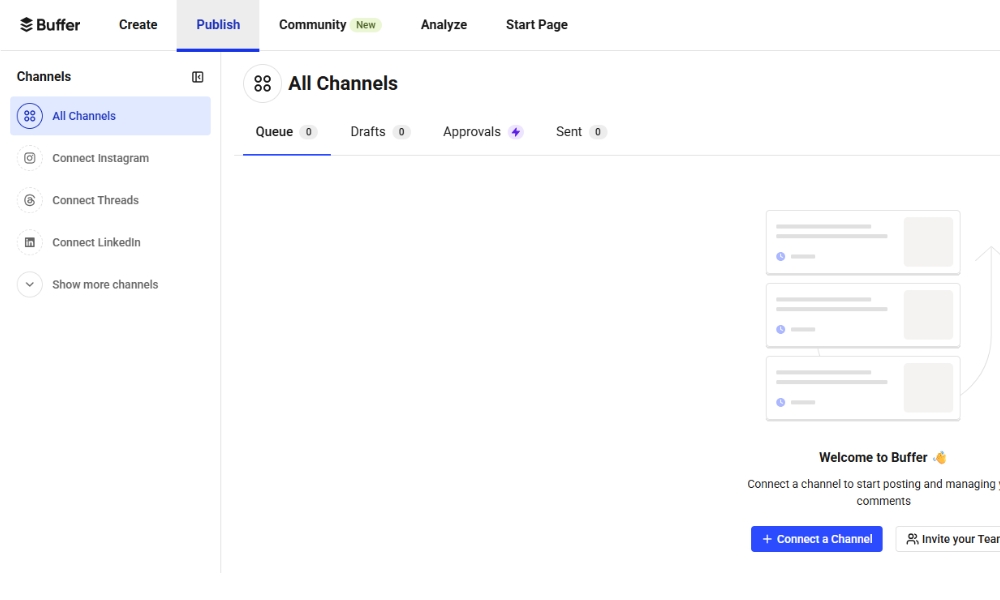
Buffer is designed for social media teams and content creators who value a clear, streamlined approach. The platform focuses on simple post scheduling, an easy-to-navigate content calendar, and practical AI features that help speed up content creation and cross-platform publishing—without the complexity of enterprise-level tools. Buffer is available in three different pricing tiers.
| Package | Free | Essentials | Team |
|---|---|---|---|
| Cost | £0 | £5 (around £4) per month per channel or $60 (around £45) per year per channel | $10 (around £7) per month per channel or $120 (around £90) per year per channel |
| Features | Up to 3 channels and one account, 10 scheduled posts per channel, 100 ideas and basic analytics | Unlimited posts, threads, and ideas, one account, advanced analytics | Unlimited accounts, notes feature, access levels, advanced workflows |
The biggest benefits of Buffer
✓ Easy to use: Buffer is considered very user-friendly and intuitive.
✓ AI assistant and templates: They help you create posts faster and more consistently.
✓ Post scheduling and queue: You can plan content in advance and have it automatically published at ideal times.
✓ Analytics & insights: Buffer provides reports on reach, engagement, and the performance of your posts.
✓ Team and collaboration features: If needed, Buffer can be used by multiple people.
The biggest drawbacks of Buffer
✗ Not an all-in-one solution: No comprehensive social listening, no influencer management, limited community management features.
✗ Basic inbox features: Managing and replying to comments or messages is somewhat limited, especially on Instagram and TikTok.
✗ Analytics depend on the package: Advanced analytics and performance reports are only available in higher-tier packages.
✗ Limited AI features: The AI assistant is helpful, but less powerful than the AI tools in Sprout Social or SocialPilot.
✗ Less suitable for large teams: Larger organisations often require advanced permission management, workflows, and role-based access, which Buffer only supports to a limited extent.
Sprout Social
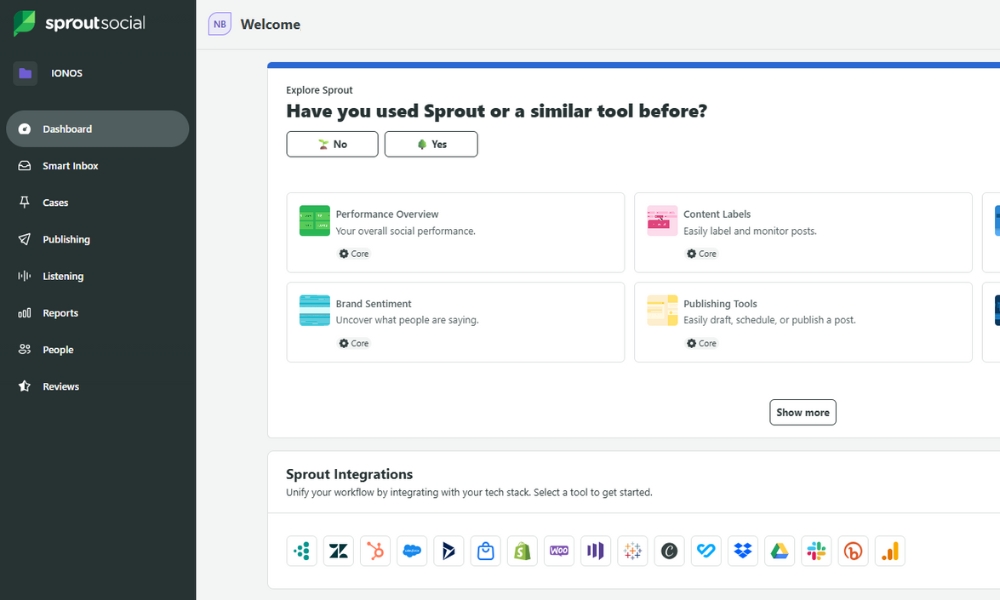
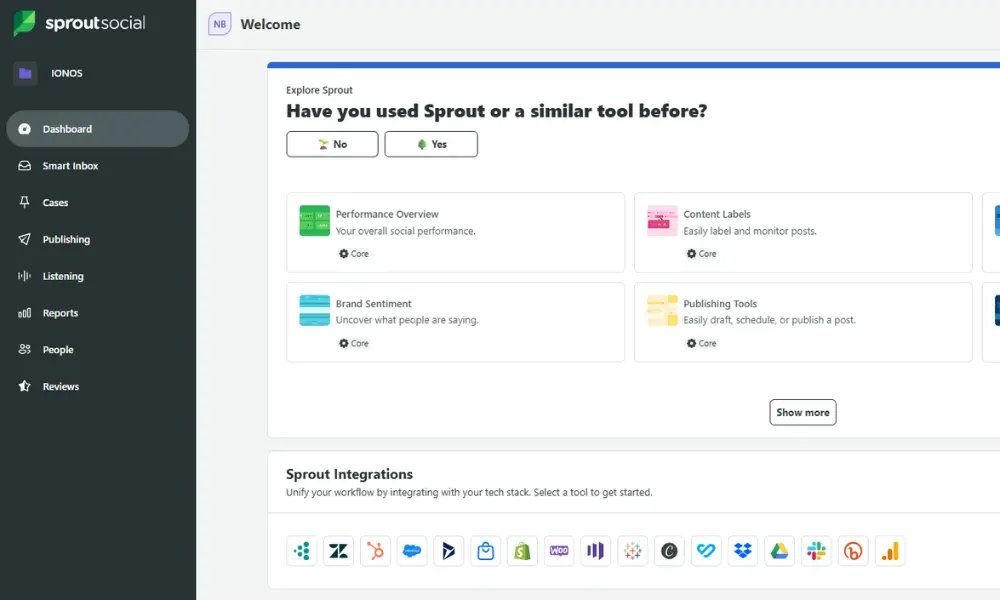
Sprout Social is aimed at businesses and agencies that want to manage social media strategically. The platform combines professional analytics features, social listening, CRM-like contact profiles, and a centralised inbox, making it especially suitable for brands that work in a data-driven way and need to coordinate multiple social media teams.
| Package | Standard | Professional | Advanced | Enterprise |
|---|---|---|---|---|
| Cost | $199 (around £150) per user per month | $299 (around £220) per user per month | $399 (around £300) per user per month | Custom |
| Features | 5 social media profiles, AI-generated alt text, optimised publishing times | Unlimited social media profiles, message tagging, AI assistant, analysis of tags, competitors, and campaigns | Productivity reports, Sprout API and helpdesk integrations, alerts for increased message activity | Onboarding, dedicated service, priority customer support |
The biggest benefits of Sprout Social
✓ Centralised inbox: All messages and comments across channels in one place.
✓ Team features: Role assignment, approvals, and internal workflows for teams.
✓ Social listening: Keep an eye on trends, brand mentions, and sentiment.
✓ CRM-like profiles: User interactions are consolidated across channels.
✓ Professional support: Fast help and structured customer service.
The biggest drawbacks of Sprout Social
✗ Very high costs: Compared to many alternatives, pricing is significantly higher, making the tool mainly viable at the upper end of the price range.
✗ Overbuilt in parts: For individuals or small teams, it’s often ‘too much tool’ for what they need.
✗ Complexity: The extensive features require some time to get up to speed.
✗ Limited seats per package: Additional user profiles drive costs even higher.
✗ No affordable free plan: There isn’t a truly free, long-term option.
SocialPilot
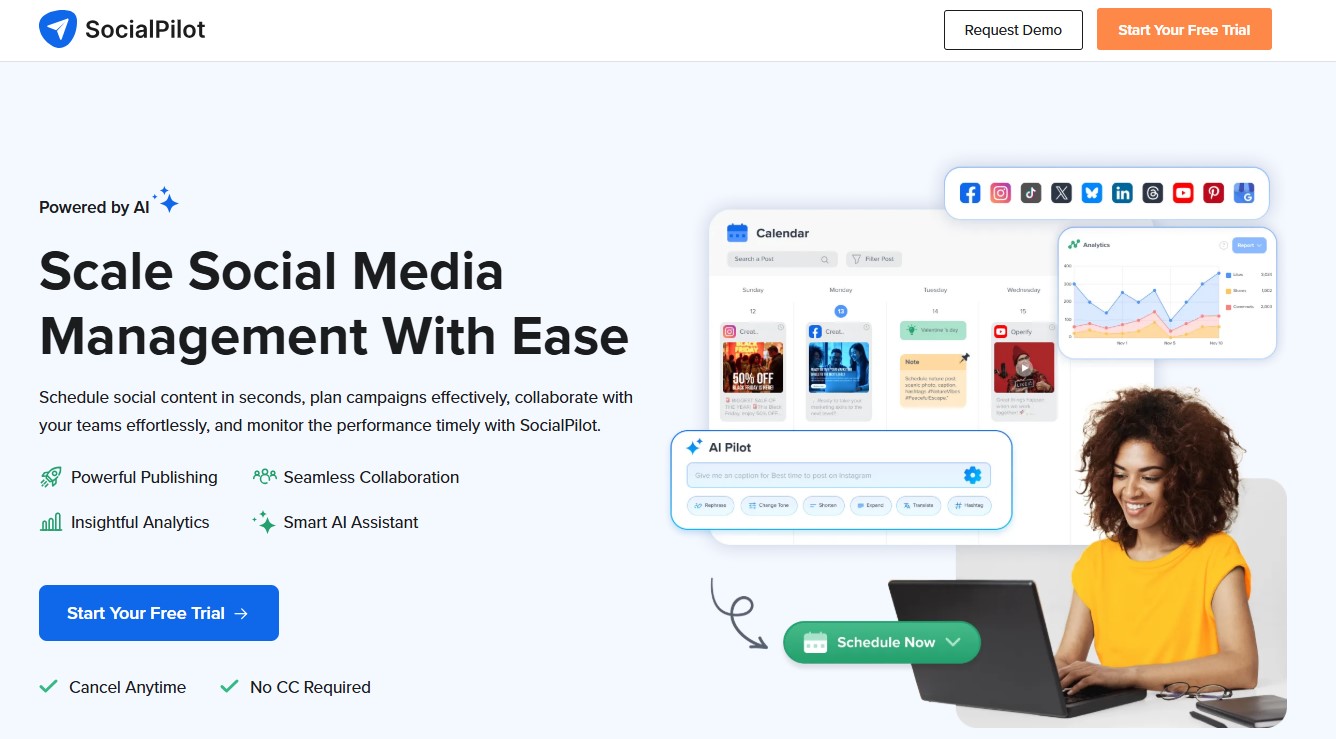
SocialPilot presents itself as a cost-effective alternative to large all-in-one platforms and is particularly suitable for small and mid-sized businesses as well as agencies. Its core strengths include a clear content calendar, efficient bulk scheduling, and reliable analytics, all designed to strike a balanced ratio between functionality and price.
| Package | Essentials | Standard | Premium | Ultimate | Enterprise |
|---|---|---|---|---|---|
| Cost | £20.40 per month | £34.85 per month | £68.85 per month | £137.70 per month | Custom |
| Features | 7 social media accounts, 1 user, 500 AI credits, content library | 15 social media accounts, 3 users, 1,000 AI credits, analytics | 25 social media accounts, 6 users, 5,000 AI credits, bulk uploads, advanced analytics, advanced workflows | 50 social media accounts, unlimited users, unlimited AI credits, advanced security, account manager, onboarding | Custom |
The biggest advantages of SocialPilot
✓ Simple, user-friendly interface: The dashboard is clear and intuitive—ideal for beginners and teams that want to get started without hassle.
✓ Plan posts ahead & publish automatically: With the social media calendar/scheduler, you can set up posts in advance and publish them automatically at scheduled times.
✓ Analytics & reporting: SocialPilot provides evaluations of reach, interactions, and post performance—helpful for measuring success and engagement.
✓ Team and collaboration features: Especially well-suited for small to mid-sized teams—with multiple user accounts, collaboration, and approval workflows.
✓ Good value for money: Compared to other alternatives, SocialPilot is often more affordable while still offering many relevant features.
The biggest disadvantages of SocialPilot
✗ Limited integrations: Fewer connections to third-party tools than major competitors.
✗ Rather basic analytics: Reporting features are useful, but less in-depth than with other Hootsuite alternatives.
✗ Few engagement features: Community management (e.g., replying to comments/messages) is less robust.
✗ No free plan: There’s only a limited-time trial, but no permanently free version for small projects or individuals.
✗ Can feel cluttered at times: The wide range of options and settings can feel confusing or overwhelming.
Agorapulse
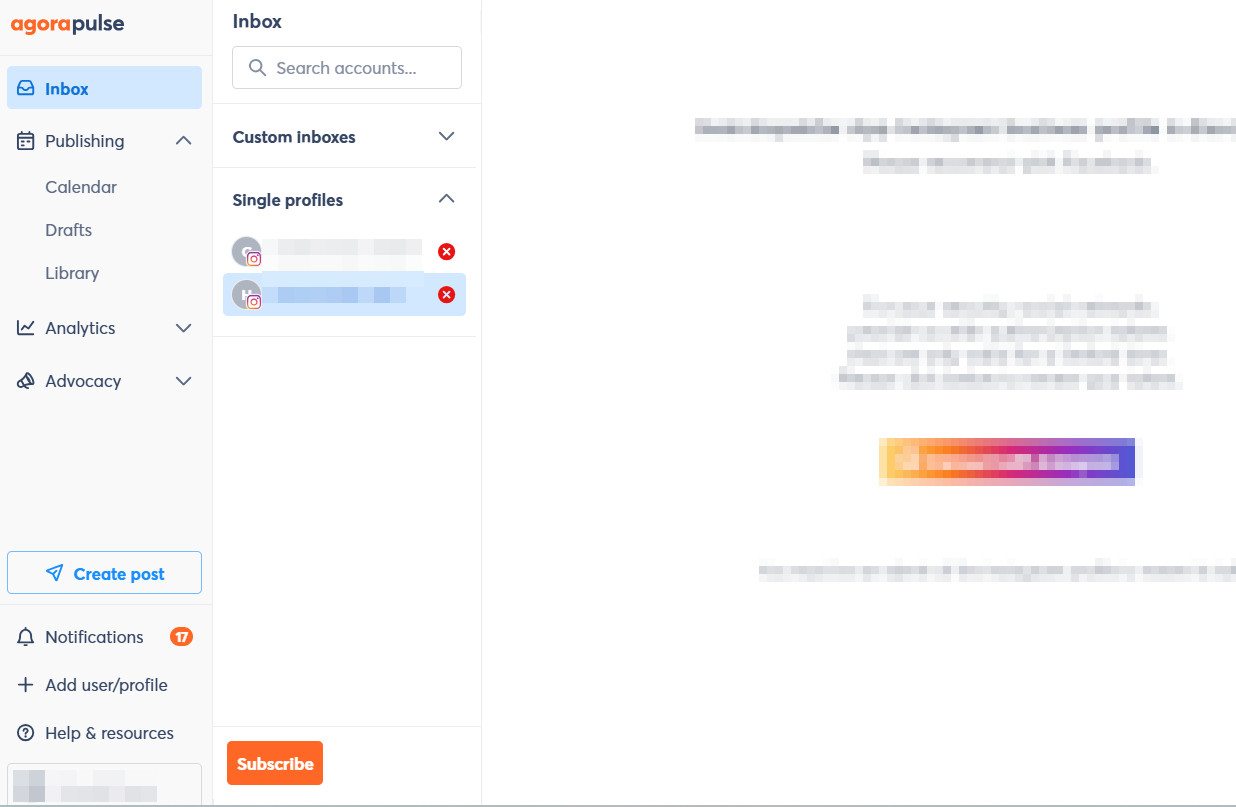
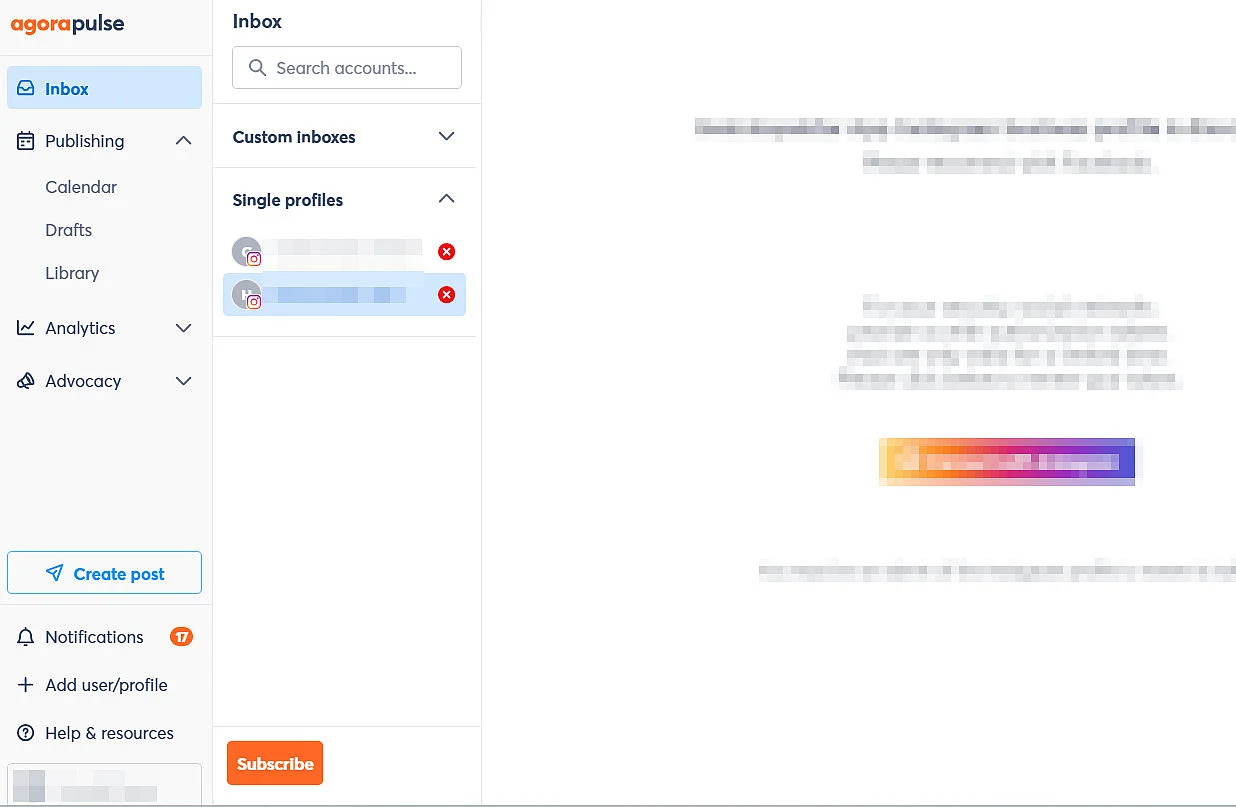
Agorapulse is an all-in-one solution for social media teams that value structured community management. The core is a central inbox for all channels, complemented by extensive reporting options, social listening, and features for evaluating social media ROI—ideal for companies that want to manage service, moderation, and analytics from a single tool.
| Package | Standard | Professional | Advanced | Custom |
|---|---|---|---|---|
| Cost | €79 (around £70) per user per month | €119 (around £105) per user per month | €149 (around £130) per user per month | Custom |
| Features | 10 social media profiles, basic reporting, AI assistant, centralised inbox | 10 social media profiles, basic reporting, advanced options for post creation and post moderation | 10 social media profiles, advanced reporting, customisable workflows, improved engagement management | Unlimited social media profiles, advanced support |
The biggest advantages of Agorapulse
✓ Centralised inbox: All messages, comments, and mentions from all connected social media accounts come together in a single inbox.
✓ Detailed reporting & performance insights: Agorapulse provides in-depth analytics on reach, engagement, and growth—and with its social ROI feature, it even enables you to assess the business impact of social media activities.
✓ Social listening & monitoring: With monitoring and listening features, you can track brand or competitor mentions, hashtag usage, and sentiment across posts.
✓ Team and collaboration features: Agorapulse supports role assignments, approval processes, and shared workflows.
✓ User-friendly & efficient: Many users praise the intuitive operation and the clear, well-organised dashboard.
The biggest disadvantages of Agorapulse
✗ Relatively high costs: It can quickly get expensive for small businesses or solo self-employed users, especially with multiple profiles and users.
✗ No permanent free plan: The platform only offers a trial period and does not provide a free version for long-term use.
✗ Analytics can be somewhat superficial: Reports can only be customised to a limited extent.
✗ Limitations with media & formats: Issues and restrictions with video and image sizes, multi-image posts, as well as Reels and Stories.
✗ Limited automation flexibility: Scheduling and queue features are reliable, but less advanced than those offered by some competing tools.
Later
Later (originally founded as Latergramme) is a Canada-based social media management platform, widely popular among visual content creators, influencers, and Instagram-centric teams worldwide. It specialises in visual planning, scheduling, and analytics with a strong emphasis on Instagram, TikTok, and Pinterest, offering a drag-and-drop visual calendar, link-in-bio tools, and AI-powered caption and hashtag suggestions for streamlined content workflows.
| Package | Free | Starter | Growth | Scale |
|---|---|---|---|---|
| Cost | £0 | $18.75 (around £14) per user per month | $37.50 (around £28) for two users per month | $82.50 (around £60) for four users per month |
| Features | Visual content calendar, basic scheduling, link in bio, analytics overview | 1 social set, AI content tools (5 credits), media library uploads, single sign-on (SSO) | 2 social sets, AI content tools (50 credits), UGC collection, schedule up to 180 posts per profile | 6 social sets, AI content tools (100 credits), unlimited posts, platform analytics, priority support |
The biggest advantages of Later
✓ Visual planning calendar: Drag-and-drop interface for previewing your entire feed, stories, and reels in a customisable grid—perfect for aesthetic Instagram strategies.
✓ Link-in-bio tool: Later Link creates a mobile-optimised landing page to drive traffic from Instagram bios, with link rotation, analytics, and custom domains.
✓ AI-powered content tools: Auto-generate captions, hashtags, and emoji suggestions, plus media library organisation for efficient creation.
✓ Cross-platform scheduling: Supports Instagram, TikTok, Facebook, Pinterest, Twitter, and LinkedIn with optimal posting times and preview features.
✓ Strong analytics: Track engagement, reach, and best times to post across platforms, with exportable reports for performance insights.
The biggest disadvantages of Later
✗ Instagram-heavy focus: Less robust for non-visual platforms like Twitter or LinkedIn, where advanced engagement tools are limited.
✗ Team features require higher packages: Collaboration, approvals, and multiple users locked behind Advanced tiers, not ideal for agencies.
✗ No unified inbox: Lacks a centralised social listening or messaging hub—focused purely on scheduling rather than community management.
✗ Pricing scales quickly: Costs add up for multiple profiles or team access, less competitive for large-scale operations.
✗ Limited customisation in lower packages: Basic branding and advanced reporting only available at higher price points.
Reviewer

Melissa Senn
Melissa Senn has been with IONOS since 2016 and focuses on website, e-commerce, social media, and AI in the Digital Guide. As a digital strategist, she uses her extensive SEO and GEO experience to transform complex technological trends into practical content.