Ergonomic workspace for healthy working

A healthy lifestyle starts at the workplace. Sadly, many employees and employers misjudge just how important an ergonomically-designed workspace can be. Standard desk and chair sizes and a lack of personalised adjustments can lead to problems, often culminating in long-term health issues. Postural deformities can affect work performance but also severely affect a person’s private life. Thus, it makes sense for both companies and their staff to create ergonomic workstations.
But what does an ergonomic workspace actually look like, and how can all parties design an office where staff stay healthy long-term? We’ve collected the most important information on ergonomic workspaces, including a checklist that you can download for free.
Ergonomics at work – why is it important?
We spend a majority of our waking time at work. For many people this means sitting in front of a computer every day. But sitting down for many hours can damage our bodies and risks causing debilitating conditions and illnesses in the long run. These include postural damage because of badly designed workstations, but also cardiovascular and digestive conditions which are exacerbated by a lack of physical activity and bad nutrition. An ergonomic workstation is designed to facilitate long-term healthy working and avoid posture issues and other illnesses.
Ergonomics: the term is derived from the Greek ergon (work, creation) and nomos (law, rule) and defines the principles of human work. The aim of the ergonomic workspace is to maintain optimal physical working conditions to secure the health of an employee in the long run.
The right desks and office chairs form an integral part of an ergonomic workstation. But light conditions, technical devices, and the working space itself can have a significant effect on the health of personnel. In addition, defined breaks, a healthy diet, and enough physical activity should be maintained. The ergonomic working environment prevents health problems, and promotes productivity and satisfaction in the work place.
Download our free whitepaper on the “working from home”. The PDF provides key information and important answers on working from home.
Free whitepaper
What are the most common office health issues?
Perching, a lack of physical activity, and an uncomfortable work space can cause health issues after a while. The following list of conditions can be caused when working in an office environment:
- Postural damage and musculoskeletal disorders
- Depression and burnout
- Respiratory diseases
- Digestive issues
- Headaches
- Cardiovascular diseases
By designing a personalised ergonomic workstation for each employee, companies can minimise the risk of the conditions listed above.
What does an ergonomic workspace look like?
To minimise postural damage and long-term illness, it’s important to arrange your office chair, desk, and monitor in a way that allows you to sit upright and have a straight view of your computer monitor. A recommended sequence to arrange a workstation is: first chair – then desk – then work equipment.
You should ensure that the ergonomic workstation is personalised to your physical needs. This is the only way to avoid postural damage long-term. By using height-adjustable desks you can swap between sitting and standing, and add some more variety and movement to your day-to-day.
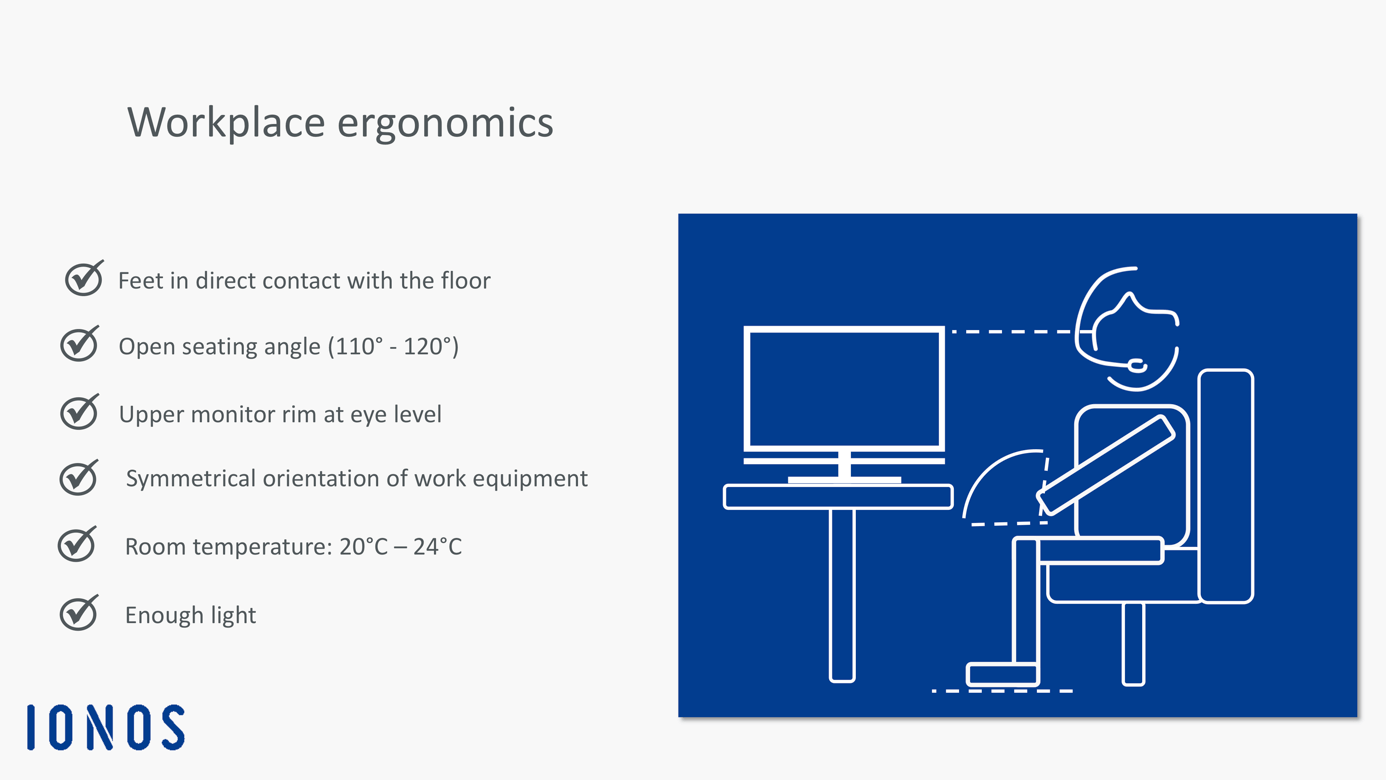
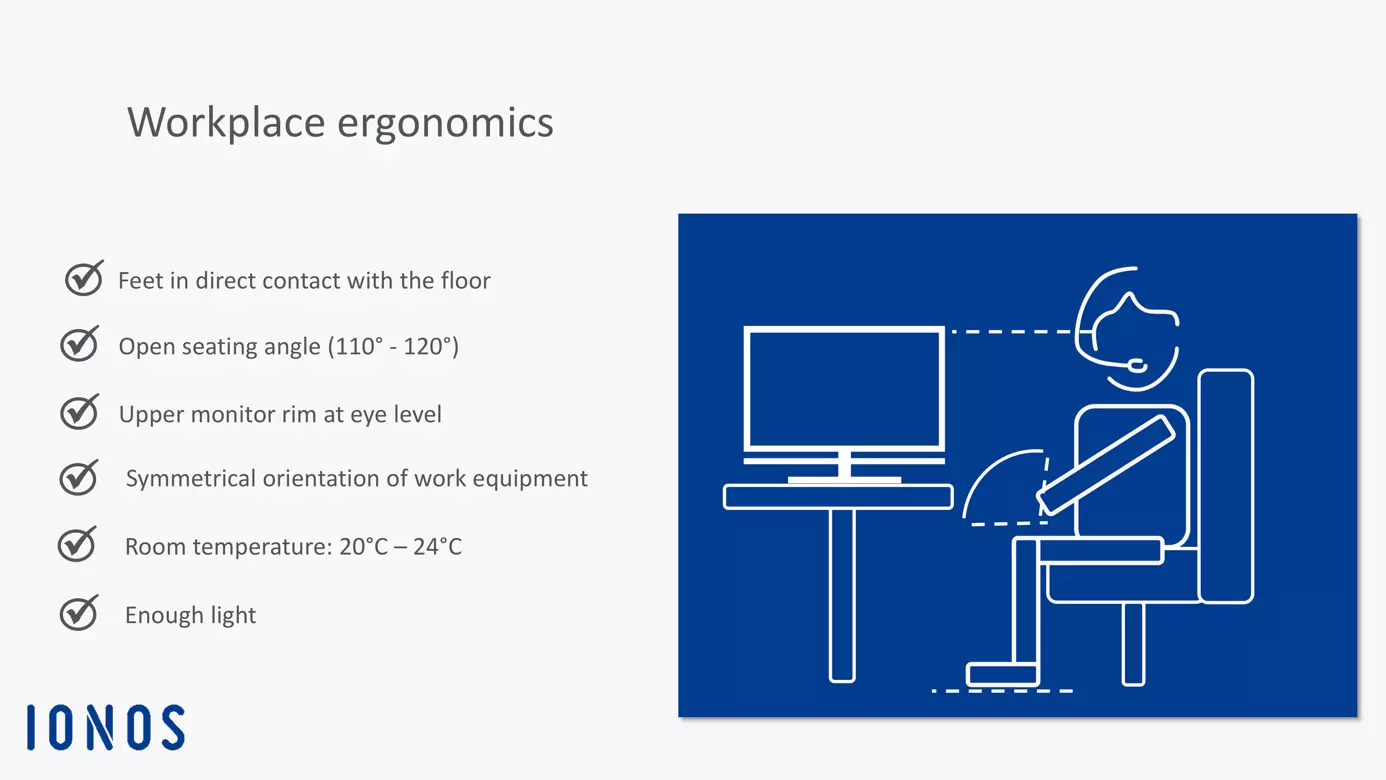
Here’s how to sit correctly: Maintain a 110-120-degree angle between your upper body and your upper thighs. This is referred to as an “open seating angle.” Place your heels directly beneath your knees. Both feet should be planted firmly on the ground. Maintain a distance of three fingers between knee and the leading edge of your chair. Armrests should be adjusted to take on a normal, relaxed seating position.
Your desk should be arranged to be at level with your chair’s armrests. Organise your work equipment in a parallel or symmetric manner to avoid unnecessary strain to one side of your body. The top edge of your computer monitor should be at level with your eyes so that you can maintain an upright seating position. The correct distance to a monitor is just as important in order to relax the eyes. At a minimum, a 24-inch monitor should be placed at a distance of 100 cm.
When using a keyboard, avoid bending your hands. Armrests can be a useful addition to prevent any injury to hands. An ergonomically designed keyboard is another solution to improve the posture of your arms and minimise neck or wrist pain. When using a mouse, hand posture is just as important: ideally, mouse and desk edge should be perpendicular.
Besides the correct posture, regular exercise and breaks are an important part of a well-designed ergonomic workstation. For each hour, it is advised to take a five-minute break to relax your eyes from the screen. Use your breaks to move and relax your body.
Lighting and acoustics can also have a significant effect on your health and are an important aspect that should not be forgotten when planning your ergonomic workspace. Too little light can tire the eyes. Day light is preferable to electric lights, which is why it is generally recommended to arrange a workspace in parallel to the window.
Make sure that your workspace is quiet. A high noise level could hinder concentration and increase your level of stress. Noisy devices such as printers and copiers should be placed into separate rooms. When arranging multiple desks in a large working area, an adequate distance between desks should be maintained to warrant plenty of elbowroom for each employee and avoid disruption because of co-workers chatting to one another. The right choice of furniture can help to minimise noise: carpets or soft vinyl floors isolate noise more effectively than harder floors; steel and glass can even reflect acoustic noise more so than wooden furniture.
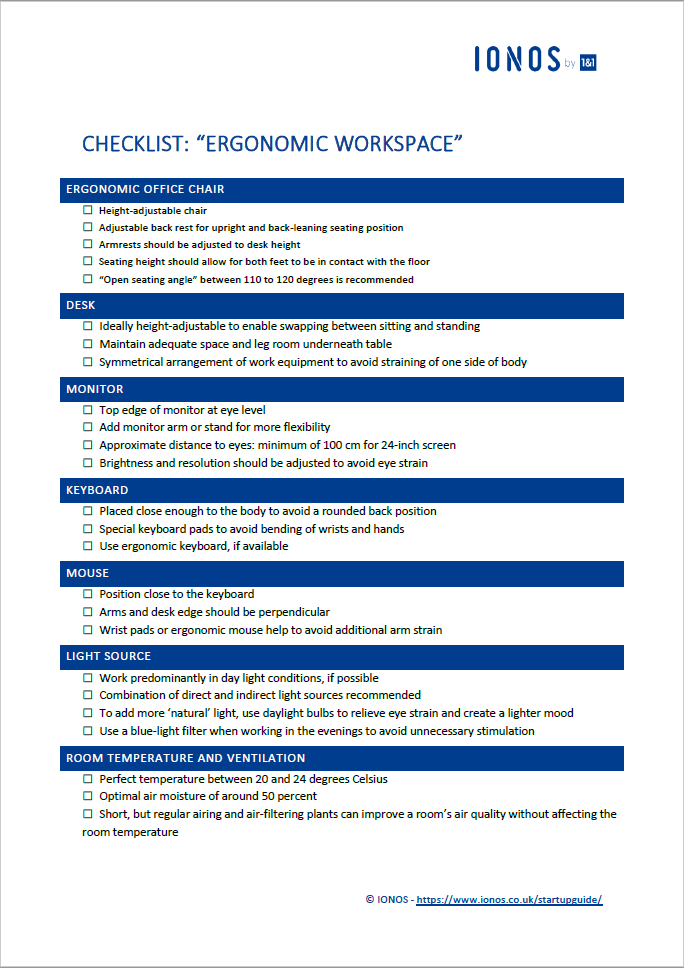
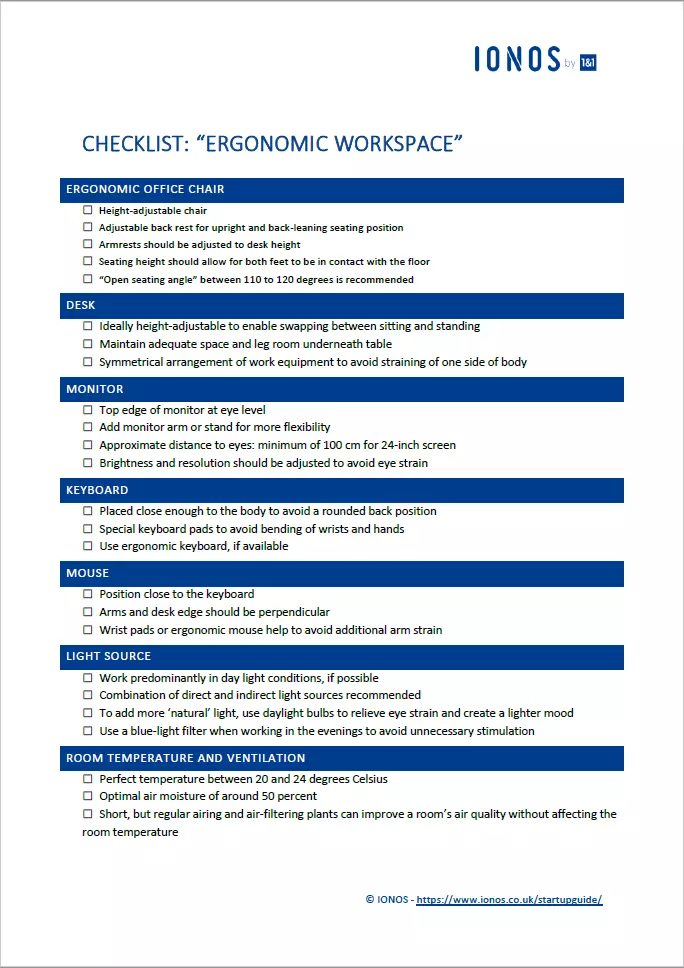
Our checklist “Ergonomic workspace” provides plenty of tips in a more compact format for quick downloading and sharing.
Please note the legal disclaimer relating to this article.