Presenting effectively: How to make your presentation a complete success

During school, they were a welcome opportunity for some to improve their own grades, whilst for others they were an annoying compulsory task: we’re talking about presentations, of course! First you have to gather relevant information on your chosen topic, create a suitable presentation and then give the presentation in front of the class. This school practice prepares students for working life, since presentations and lectures play an important role in the world of work. However, this kind of learning is not always appealing to everyone, and it is not unusual to see bored or restless faces in the crowd when giving a presentation. It often has nothing to do with a general dislike of presentations, it’s just that the lecture lacks structure and the speaker may not have the most convincing presentation skills.
So, if you want to inspire your audience or at least arouse their interest in the topic, it is worthwhile to fine-tune your own presentation skills. For this reason, we give you tips on how to make your lecture convincing in terms of content and structure, and pass along a few tricks on how to present yourself successfully to the audience.
Before the presentation: How to create the optimal presentation
One thing is obvious: The success of a presentation depends largely on how you present the content. Your rhetorical talent and your ability to entertain and engage audiences are factors that will play a role, regardless of the topic you choose. However, thorough preparation is essential if you want to make the most of the time available to you, as well as play to your personal strengths.
Adjust your target group
Before you begin creating your presentation, you should consider the audience. For example, it makes a difference whether you are giving your presentation in front of 20 or 200 people. In the first case, you can easily respond to the audience and involve individual listeners with your dialogue. With a larger audience, this will quickly take up an excessive amount of time, so you should limit your interactions with a larger audience to short votes, small puzzles or other participatory activities.
 To display this video, third-party cookies are required. You can access and change your cookie settings here.
 Irrespective of the size of the audience, it is also important to know what prior knowledge they have. In principle, it is advisable to make the presentation as simple and understandable as possible. However, if you require a certain basic knowledge to understand the topic, you should make this known beforehand or incorporate an explanation of the background at the beginning of your presentation. On the other hand, a professional audience will likely be bored if you explain basic terms of the industry to them. Be sure to do your research on the type of audience you will have before you create your presentation.
Also, consider the expectations the audience might have for your lecture: If the event has admission fees, you should expect a more demanding audience than if it were a free, compulsory event.
Planning and choosing aids
Anyone giving a presentation today can make use of a large range of technical and visual aids. Frequently used aids include:
- Laptops, presentation slides and projectors
- Overhead projectors
- Whiteboards
- Flipcharts
- Bulletin boards
All these tools may be a helpful support for your presentation and make content easier to understand. The prerequisite is that you integrate these tools effectively into your presentation. The appropriate equipment needs to be available on-site. Make sure you check with the organiszer or the contact people in your company in good time to see whether the planned tools are available and functioning. If you use your own equipment, on the other hand, you should test it at the venue before the day of the presentation, so that there are no annoying surprises when you are giving the presentation.
Tools should always live up to their name and only serve as supporting (and discreetly used) elements of the presentation. Using slides (printed or digital), which has become the standard, should only serve to visualisze content and not replace the presentation itself. The principle is that your presentation should function well without any additional aids. If, for example, the technology fails, you should be able to convey your content without slides, so that you don’t need to cancel the lecture or finish it early.
Creating a presentation
As soon as the general conditions have been clarified, you can begin with your presentation’s content. Obtain the necessary material and consider which questions you would like to answer during your presentation and which focal points you would like to set. These preliminary considerations will help you to structure the presentation in a meaningful way and give a successful lecture later on.
The introduction is of particular importance for lectures of all kinds: Ideally, you want to gain the audience’s interest quickly – in the worst case, you might lose the audience within the first 5 minutes. There are endless possibilities when it comes to creating an exciting and engaging introduction. You can gain the audience’s attention by…
- Putting forward a provocative thesis
- Telling an anecdote or joke to steer you towards the topic
- Playing a video clip
- Talking about current events
- Putting a question to the audience
Once you have decided which content and themes you want to feature in your presentation, you can begin creating the presentation. Make sure that your aids complement your presentation and not vice versa. Also try to keep both the number of slides and the number of text elements as low as possible – otherwise there is a risk that your audience will just pay attention to the slides shown and barely follow the lecture you are giving.
 To display this video, third-party cookies are required. You can access and change your cookie settings here.
 Use PowerPoint to create professional presentations – get your Microsoft 365 package from IONOS now!
Practise the presentation in advance
The last step in preparing your presentation is to practice it in detail. For this purpose, go through the lecture step by step and think about key words, phrases or formulations that you can use to refer to or explain certain contents. If you can bring these terms to mind later without having to think about them, you will feel confident and prepared. Usually, it makes sense to take notes or create index cards, which can serve as a memory aid on the day of the presentation, in case you become lost during your speech. If you have the opportunity, you should also practice your presentation on other people in advance. In this way, you will receive valuable feedback on the content and comprehensibility of your presentation, as well as on your presentation skills.
Give your presentation completely at least once to make sure you are adhering to your time schedule.
There are often questions from the audience following a lecture. You should also prepare yourself for these in advance by considering answers to the questions you expect.
Presenting well: Language, rhetoric, gestures and facial expressions
When giving a presentation, you are the focus of attention: all eyes and ears are on you. On the one hand, this gives you a great opportunity to present your knowledge on the prepared topic, but on the other hand, it also puts you under a great deal of pressure. Your facial expressions and gestures are registered by the audience, as well as your choice of words and voice modulation. If you can excel in these areas, you will radiate confidence, calmness and competence – if not, you may come across as inhibited, overwhelmed and insecure.
Finding the right language
When you give a lecture, you need to make the most of your available time, choosing the timing of your actions and video clips carefully. The rest of the time should be filled with your lecture, which is why you need to make sure you have an appropriate language style. You should adapt your choice of words to the target group – communicating differently with a rather young audience than with an older one. In addition, your audience’s prior knowledge is also important. You should avoid specialist vocabulary as much as possible, in case there are audience members who might have limited knowledge on the topic.
If you want to benefit from the social media enthusiasts in your audience, then integrate some brief key words and phrases into your presentation that can be easily shared on Twitter. If your listeners engage with your presentation on the platform, it will increase your reach.
Using rhetorical stylistic devices
Those who want to present successfully should also know some rhetorical stylistic devices and be able to use them effectively. If you enrich your presentation with a few rhetorical tools, it will be much more lively and interesting for the audience, without having to make any adjustments to the content. In this way, you can increase the entertainment value of your presentation and gain the attention of your audience easily. The most frequently used rhetorical figures in speeches are the following:
Alliteration
If you string together terms that have the same initial sound, you are using alliteration. This kind of word combination is very memorable and can capture your audience’s attention. If you summarisze the core contents of your presentation with alliterative terms, the audience will be able to remember them easily.
Example: Easy, Exciting, Equal
Anaphora
An anaphora is the deliberate repetition of words at the beginning of a sentence or part of a sentence. This stylistic device not only helps you to structure your presentation, but also ensures that the corresponding content will be easily remembered by the audience.
Example: IaaS offers you a tailor-made package, IaaS is scalable at any time – IaaS is the model of the future.
Metaphor
In a metaphor, you use a term that actually comes from a different contextual meaning in a new context. For example: A foot is a body part, but in the phrase “at the foot of the mountain”, the word is brought into a new context. Metaphors make your lecture more imaginative.
Example: The curtain of night fell upon us.
However, be careful not to overuse this device, and make sure to use easily understandable metaphors. Otherwise, your audience may not be able to follow you or your presentation may become unintentionally funny.
Climax
A climax also increases the entertainment value of your presentation. With this stylistic device, you express a step-by-step increase, for example by first stating a less significant fact, following by increasingly important facts.
Example: With the new marketing strategy, you will first conquer the regional, then the national and, in the near future, also the global market.
Rhetorical questions
Rhetorical questions are questions to which no answer is expected. They do not serve to gain information, but are intended to activate the listener by provoking approval or rejection of an idea.
Example: Would you jump out of a plane in mid-air without a parachute?
To avoid repeating words all the time, you should think about suitable synonyms – related words – before giving your presentation. This will make your presentation more varied and exciting.
Using the power of your voice
To learn how to present, you have to get a feeling for your own voice and its effects. Speaking loudly and clearly is only half the battle, since aspects like speech speed and modulation (low to high) also play a role in whether you engage your audience. In order to avoid a monotonous performance, you should generally pay attention to sufficient variance in your pitch and speaking speed. Include emphasis and pauses in appropriate places.
Inexperienced speakers often get nervous when giving a presentation. As a result, they unconsciously increase their speech speed. As a rule of thumb: if you feel like the speaking speed is slightly too slow during your first run of the presentation, it is probably just right for the listeners.
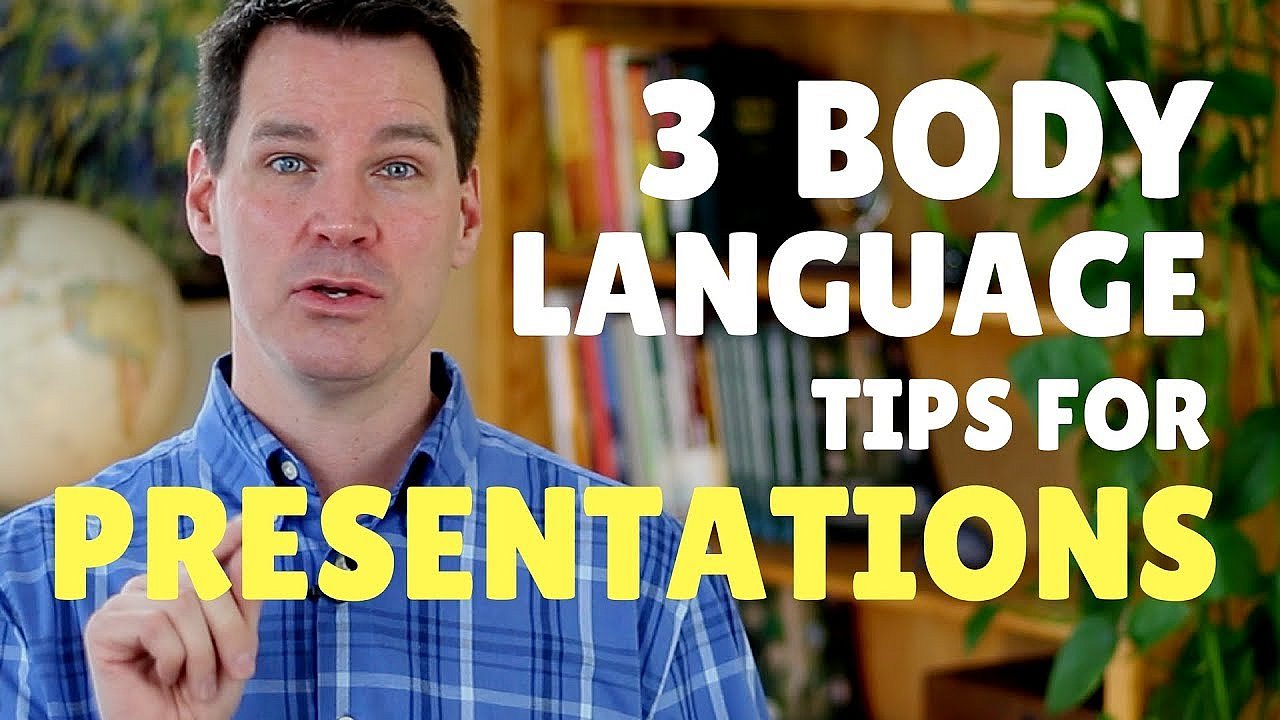
Pay attention to body language
When you give a lecture, you are usually visible to the entire audience. The presentation’s success therefore depends on your body language. Always make sure that you adopt an upright posture and that you face the audience. In addition, you should keep your presentation as free as possible. Try not to read everything directly from your note cards. Make sure to check it before finishing your point, however, just in case you missed out on an important fact.
Gestures and facial expressions also play an important role in the presentation. For example, it is important that your enthusiasm and interest in the topic being presented is also being reflected in your face – if you can’t muster enthusiasm for the topic yourself, how is it meant to engage the audience? Also, make sure not to move too frantically, since this may come across as a sign of insecurity to your viewers. However, don’t go to the other extreme of folding your arms rigidly against your body. It will seem like you are building a barrier between yourself and the audience.
 To display this video, third-party cookies are required. You can access and change your cookie settings here.
 Learning to present: a question of exercise
Presentation skills are not something you are just born with, despite how naturally comfortable some professionals may seem in front of a room of people. Even the most talented speakers usually have a lot of practice behind them – in front of the mirror at home, as well as in front of a live audience. The first lectures are often the most difficult, since some still have to overcome their stage fright. However, the more often you face the challenge of speaking in front of an audience, the easier it will be for you to internalisze the tips and tricks given here.
Preparation for a presentation, starting with searching for and gathering material and target group information going right up to creating the presentation, becomes easier with increasing experience and routine. This gives you more time and energy to practice the actual presentation and to perfect your presentation technique.
Please note the legal disclaimer relating to this article.