The top 5 WordPress event plugins

A convincing WordPress plugin for events boasts features to schedule and run events for organisers and guests alike. Many plugins are available for free in their basic versions.
- Free website protection with SSL Wildcard included
- Free private registration for greater privacy
- Free Domain Connect for easy DNS setup
What to use WordPress event plugins for?
WordPress has plenty of tools for general scheduling. You may already be familiar with WordPress calendars to schedule and process important appointments. Various WordPress appointment booking solutions are available to this end and these tend to be sufficient for many users and businesses. However, if you’re looking to schedule, organise, publish and advertise multiple events using WordPress, things can get a little more complicated. In this case, you’ll want a dedicated WordPress event plugin to manage everything from one place. The right solution depends on your budget and needs.
The right option for your online presence. Enjoy excellent security, 100% SSD storage and unlimited traffic with Hosting for WordPress from IONOS. Choose the plan that suits your needs.
What a WordPress plugin for events needs to offer
There’s a huge variety of event plugins. To find a suitable WordPress plugin for your events, consider what you’ll be using the tool for and which tasks it should help with. The following features are worth considering in a WordPress event solution, among others:
- Responsive design: This applies to most WordPress plugins, but a responsive design is essential for event planning. You want to be able to access your planner at all times using any device, and the same applies to your (potential) guests. Bookings, overviews, planning and additional information should be accessible round the clock and on the go using a smartphone.
- User-friendliness: WordPress event plugins that are overly complicated tend to waste time and your audiences may even lose interest. A good plugin maintains clarity and facilitates an intuitive booking process.
- Integration options: A WordPress event plugin works well when used in conjunction with other tools. While this isn’t always necessary, it has several advantages. This applies as much to WordPress operators as well as event attendees. The interaction with eCommerce solutions, calendar functions or other tools opens up options and smooths event scheduling.
- Useful added features: In most cases, you won’t need all the features of a premium solution. But there are some features which are recommendable. These include map integrations, which simplifies navigation to the location of your event. Shopping and photo integrations or automated email notifications without having to resort to additional WordPress newsletter plugins are of added value.
- Relevant costs: There are plenty of free and commercial WordPress event plugins available. Sometimes investing a little more can be worth it for premium features. Other times a free solution is entirely sufficient. When running events on a tight budget, you shouldn’t be spending all your money on a WordPress event plugin. Subscription models only make sense if you regularly plan and execute events.
Overview of the best WordPress event plugins
| WordPress event plugin | Free basic version | Cost |
| Modern Events Calendar | Yes | From around £70 per year |
| Events Manager | Yes | From around £68 per year |
| All-in-One Events Calendar | Yes | From around £12 per month |
| EventOn | No | From around £22 one-off |
| The Events Calendar | Yes | From around £85 per year |
Modern Events Calendar
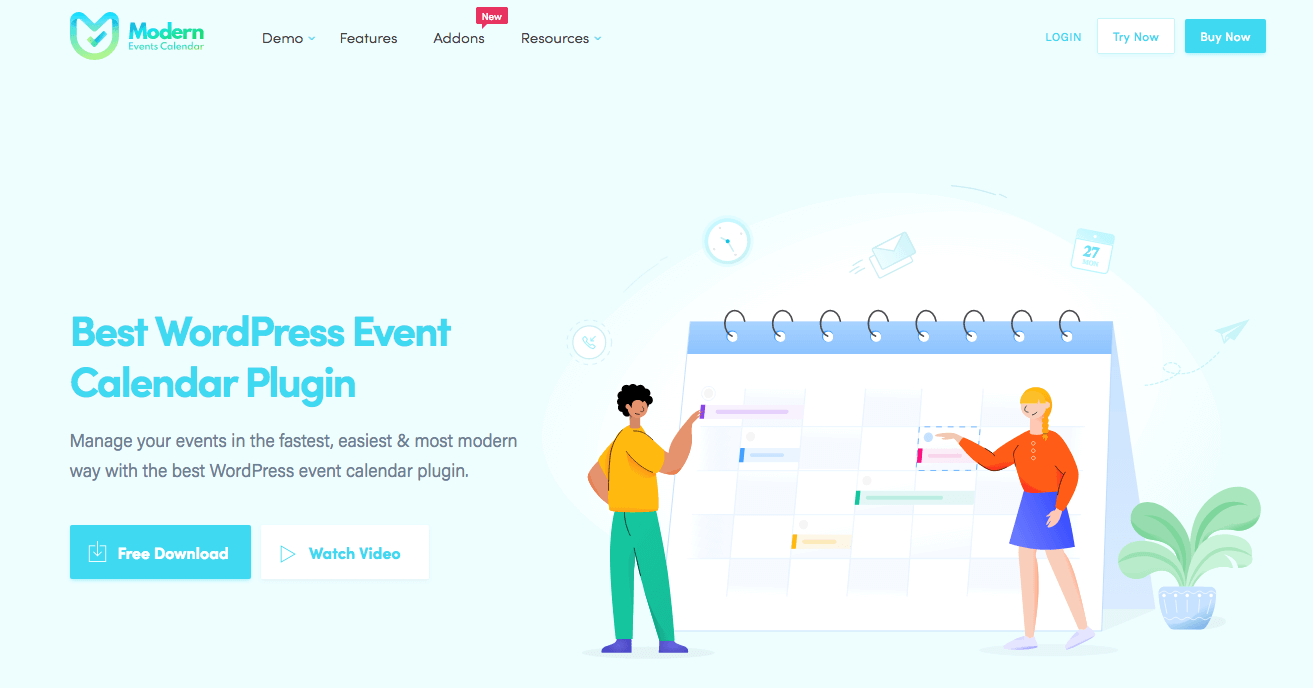
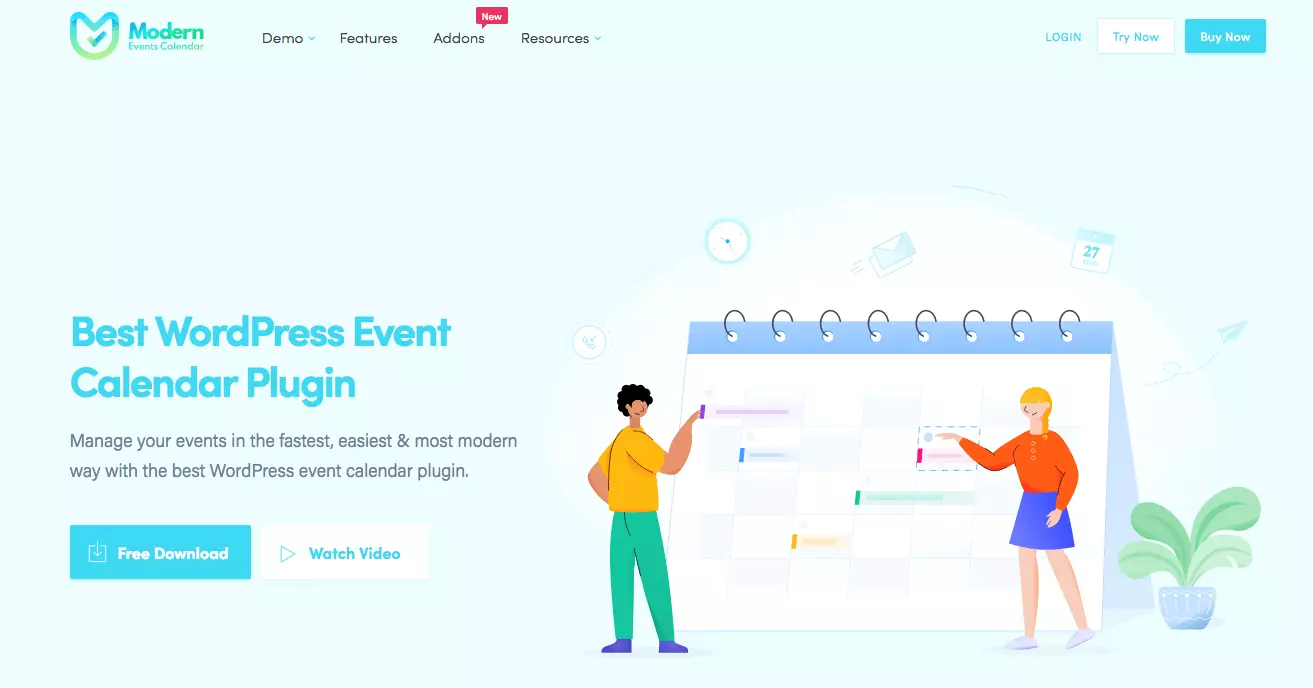
The free version of the Modern Events Calendar offers plenty of functions to plan, organise and promote your events. The tool lives up to its name with a modern design and ease of use for event organizers but also their guests. You can choose from different layouts and add them seamlessly to your website. PayPal, WooCommerce and Google Calendar can also be added. A booking system is included. The premium version includes maps and other scheduling options.
| Pros | Cons |
| ✓ User-friendly | ✗ Some add-ons are comparatively expensive |
| ✓ Modern design | |
| ✓ Very flexible | |
| ✓ Free basic version |
Who should use Modern Events Calendar?
Modern Events Calendar is aimed at all users. In the free version, the WordPress event plugin is an interesting solution for one-off or sporadic use. If you regularly schedule larger events, you’ll be pleased with the additional features in the premium packages.
- Stress-free, no matter your skill level with easy AI tools
- Full customisation with themes and plugins
- Hassle-free updates and less admin
Events Manager
Events Manager is another strong WordPress plugin for events available as a free basic or premium package. The tool is easy to integrate and impresses through intuitive use. Booking management, repeat event scheduling, and location features are all part of the package. Users can create and share their events on social media. The free option provides additional payment options and customizable booking pages.
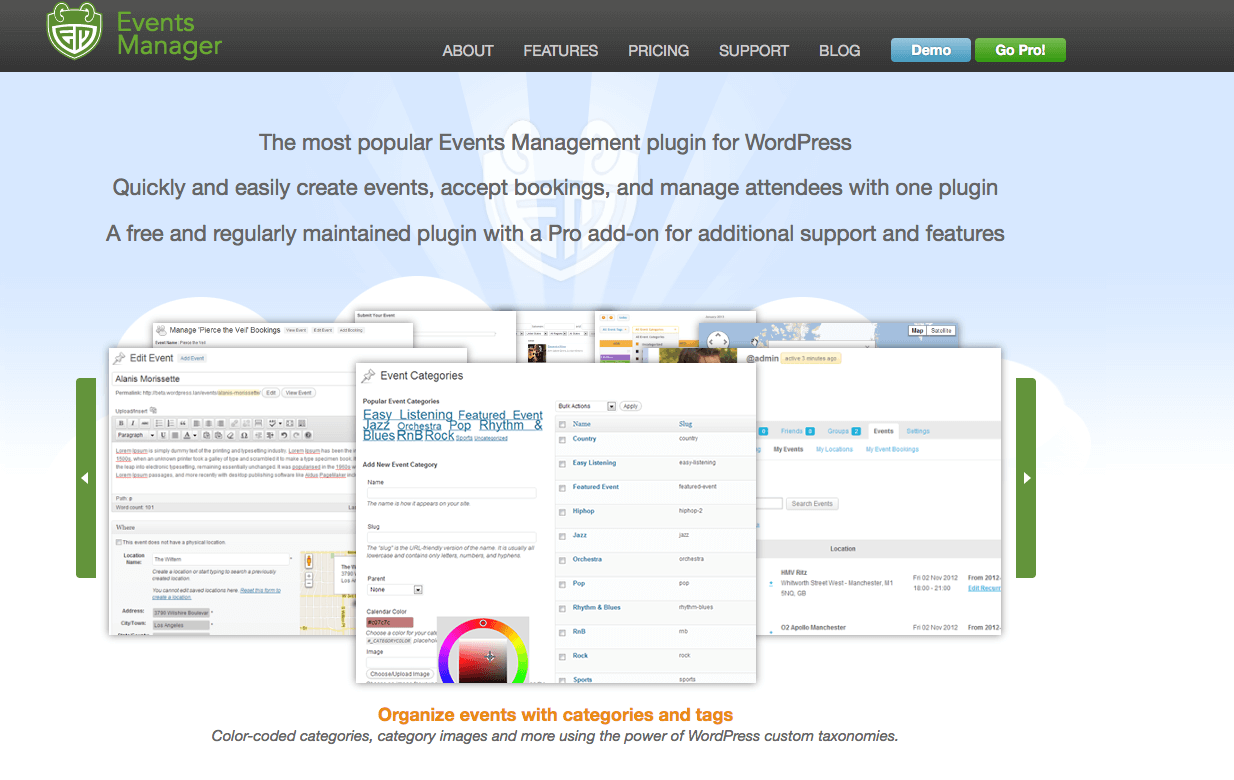
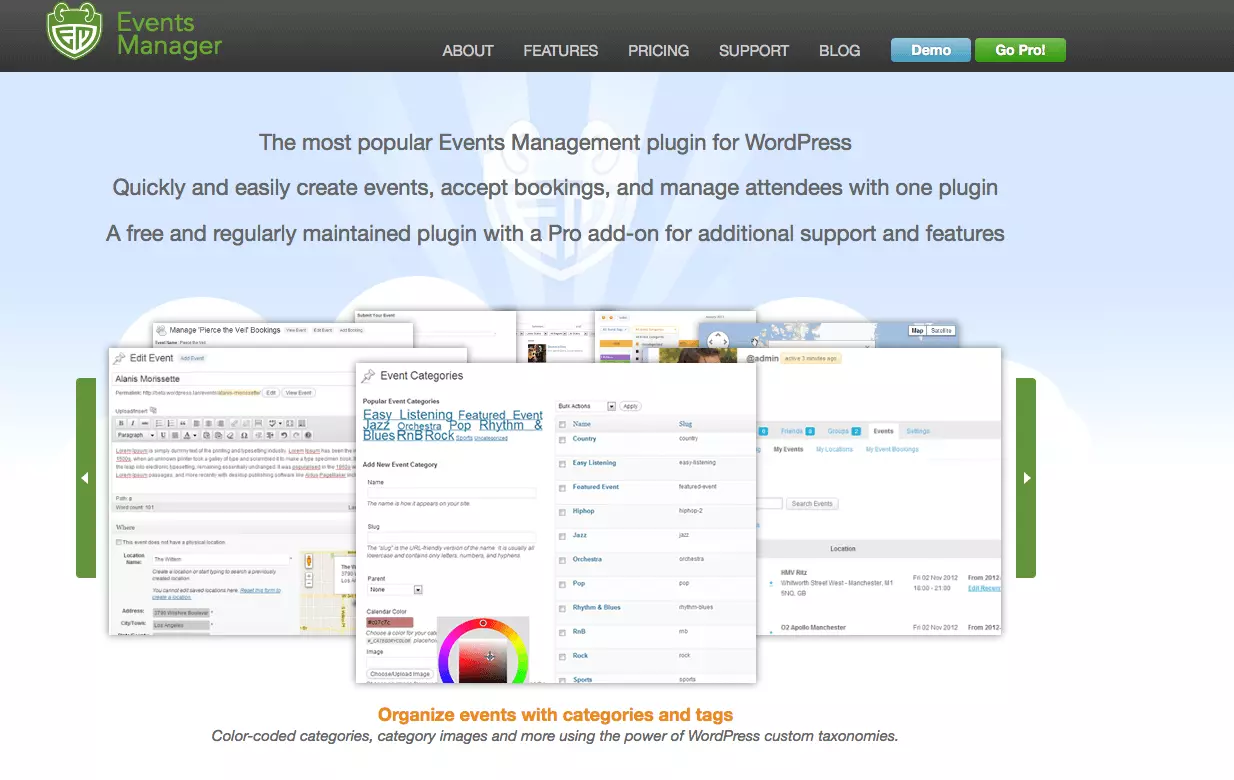
| Pros | Cons |
| ✓ User-friendly | ✗ Layout not suitable for all websites |
| ✓ Intuitive use | |
| ✓ Free basic version | |
| ✓ Additional useful features |
Who should use Events Manager?
Events Manager is great for associations and organisations with multiple members or staff creating and managing events. The choice between free and premium packages makes this WordPress event plugin suitable for many use scenarios.
A domain just the way you want it. Register your desired domain with IONOS and benefit from Wildcard SSL, domain lock, and 2GB email storage. Includes 24/7 customer service.
All-in-One Event Calendar
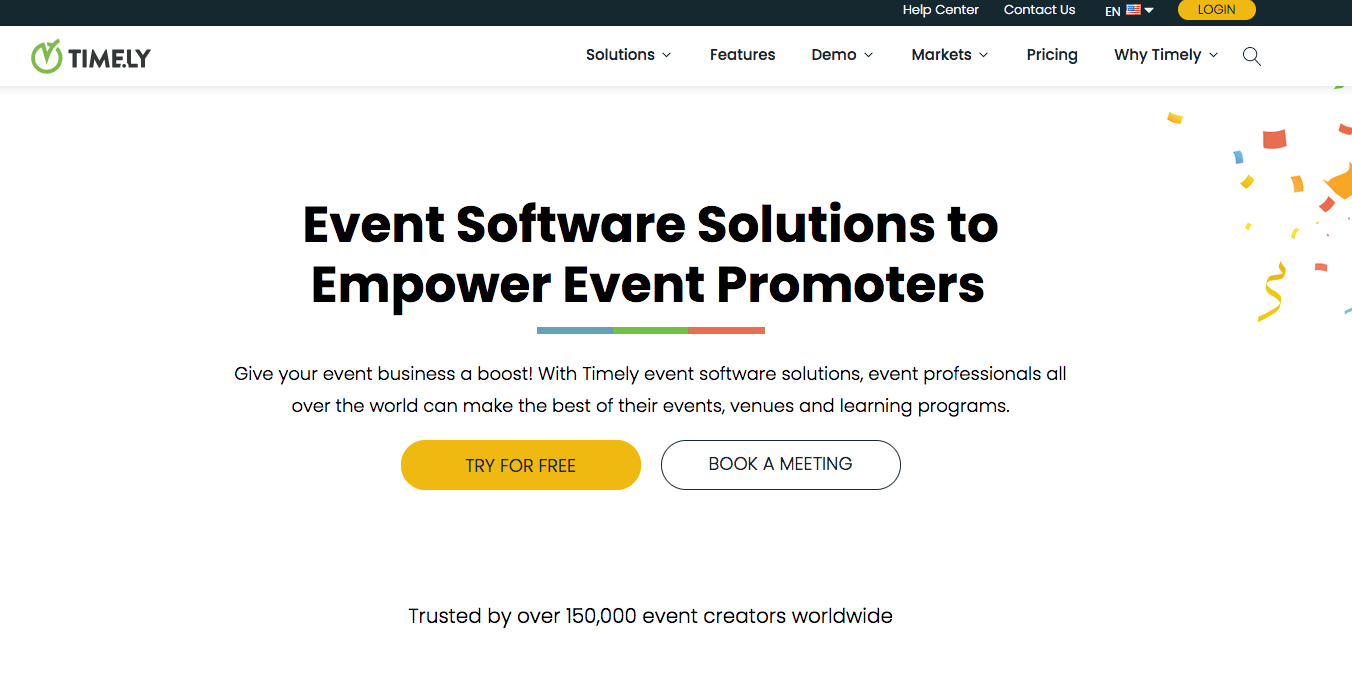
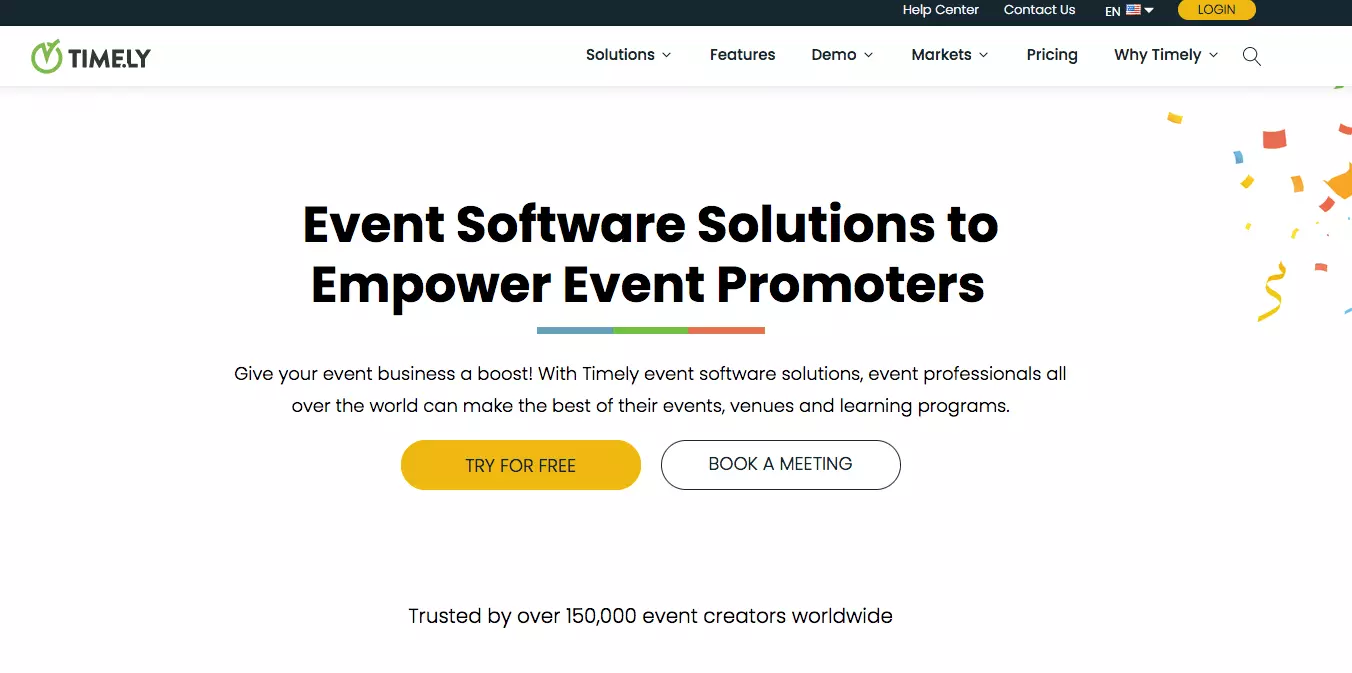
All-in-One Event Calendar emphasises the eponymous calendar. But this WordPress event plugin is far more than a simple calendar tool. The free version supports other plugins and stores recurring events. Its user-friendly dashboard bundles all the most important information in a single place. While the basic version boasts plenty useful features, the paid version can be used via the cloud. However, depending on the features you’ve added, it can get a bit pricey.
| Pros | Cons |
| ✓ User-friendly | ✗ Comparatively expensive premium version |
| ✓ Supports recurring events | |
| ✓ Well laid-out | |
| ✓ Free basic version |
Who should use All-in-One Event Calendar?
For users managing multiple recurring events, this WordPress event plugin is worth considering. The All-in-One Event Calendar is equally suitable for managing larger events with many guests.

EventOn
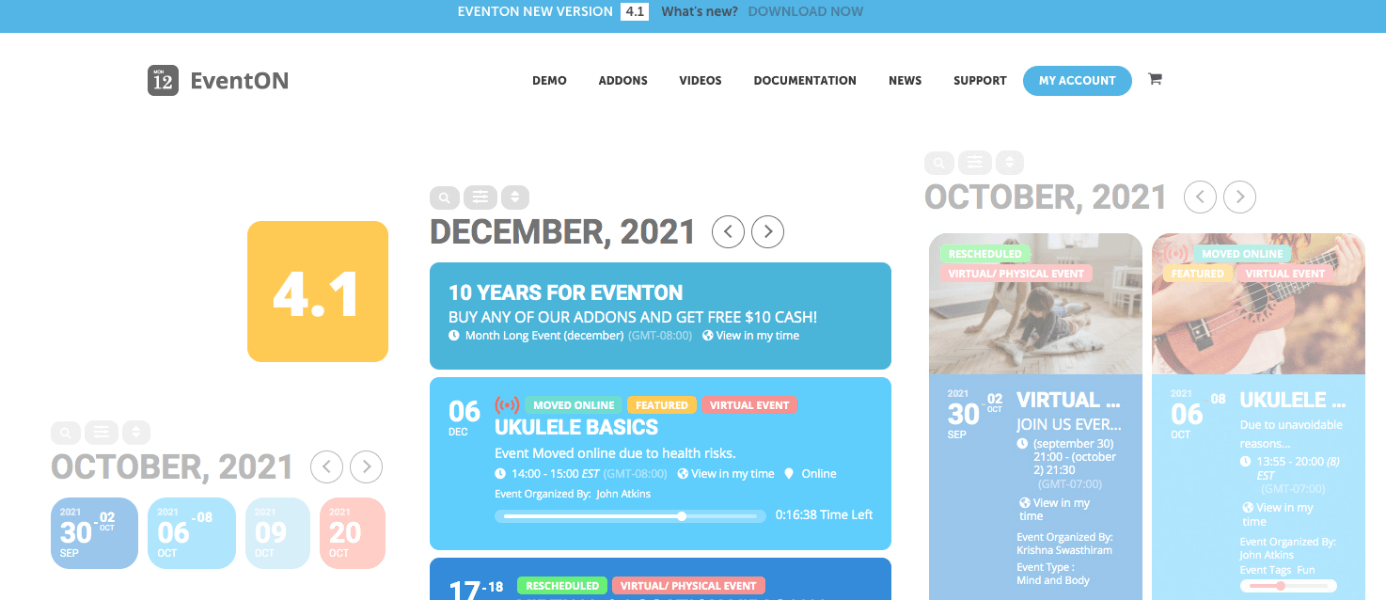
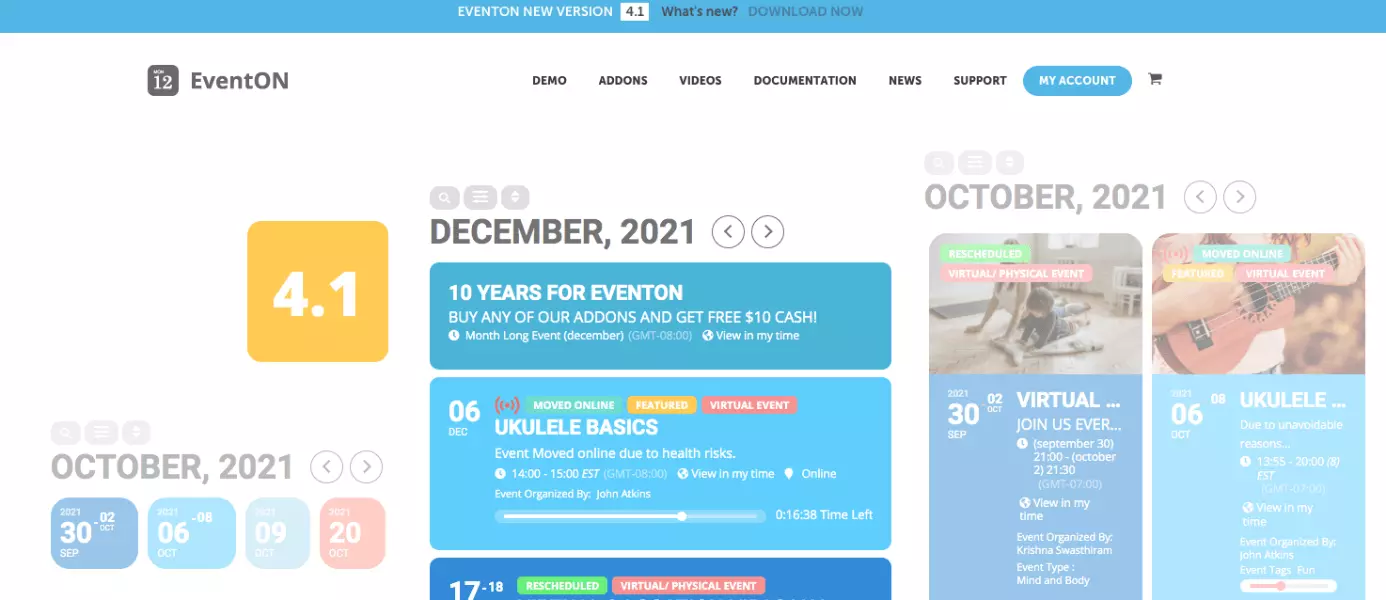
Though EventOn isn’t free, the plugin boasts some great features. That’s particularly true when it comes to visuals. The design of EventOn stands out from the competition. In addition, the WordPress plugin for events is intuitive to use, interacts seamlessly with other programs and custom data fields. Add-ons are available for more options such as subscriptions, email notifications, and monetisation options. However, prices vary depending on the feature.
| Pros | Cons |
| ✓ Superior layout | ✗ No free version available |
| ✓ Intuitive user | |
| ✓ User-defined data fields | |
| ✓ Various add-ons |
Who should use EventOn?
Given its pricing, EventOn isn’t a single-use solution. However, if your company or association regularly plans and executes events, you’ll find a visually superior and very user-friendly WordPress event plugin in EventOn.
The IONOS Digital Guide is your source for all WordPress-related topics. Learn more about the best WordPress backup plugins, WordPress mobile plugins and WordPress Facebook plugins. Explore how to create a WordPress imprint and take a look at the top WordPress gallery plugins.
The Events Calendar
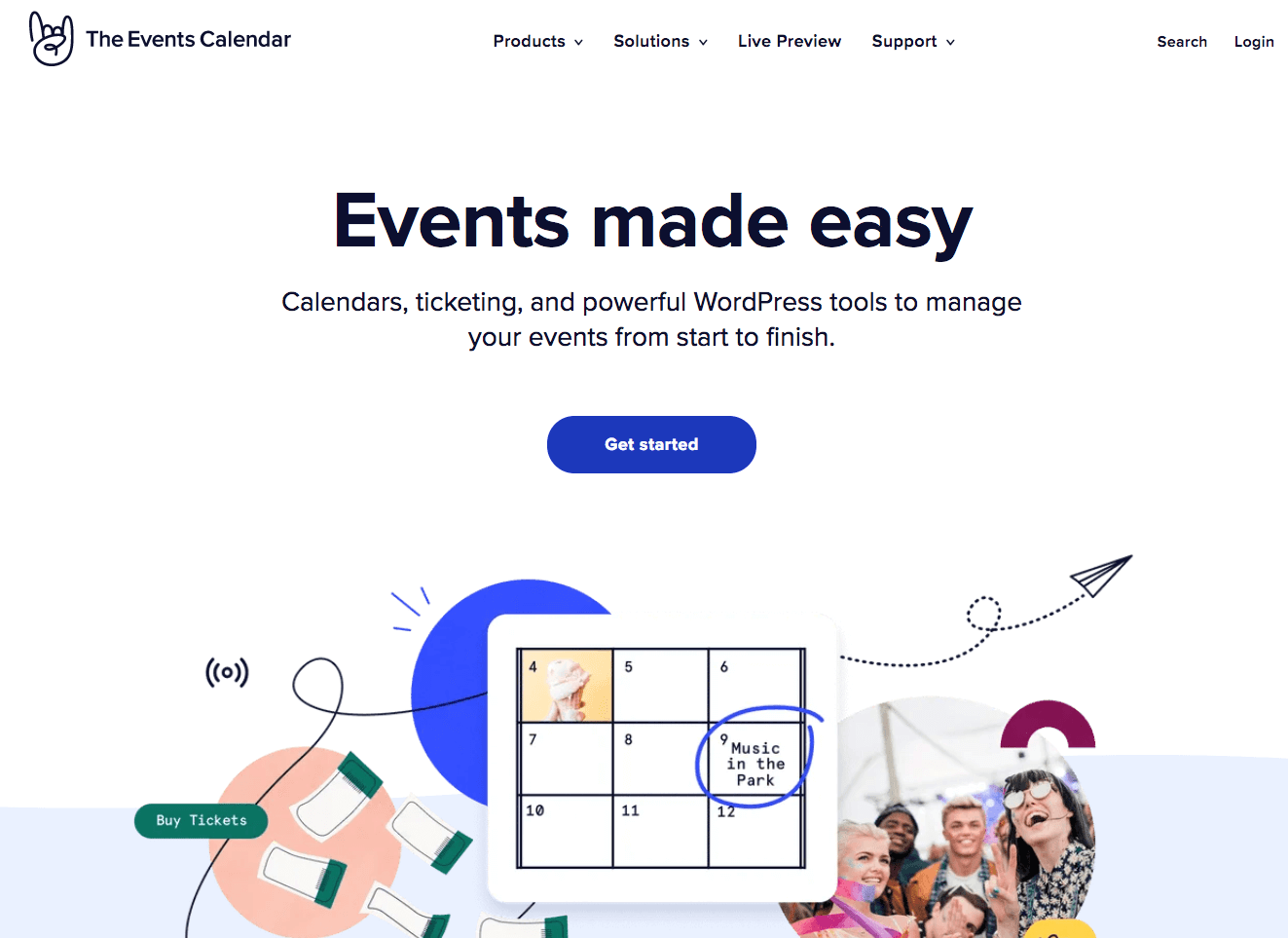
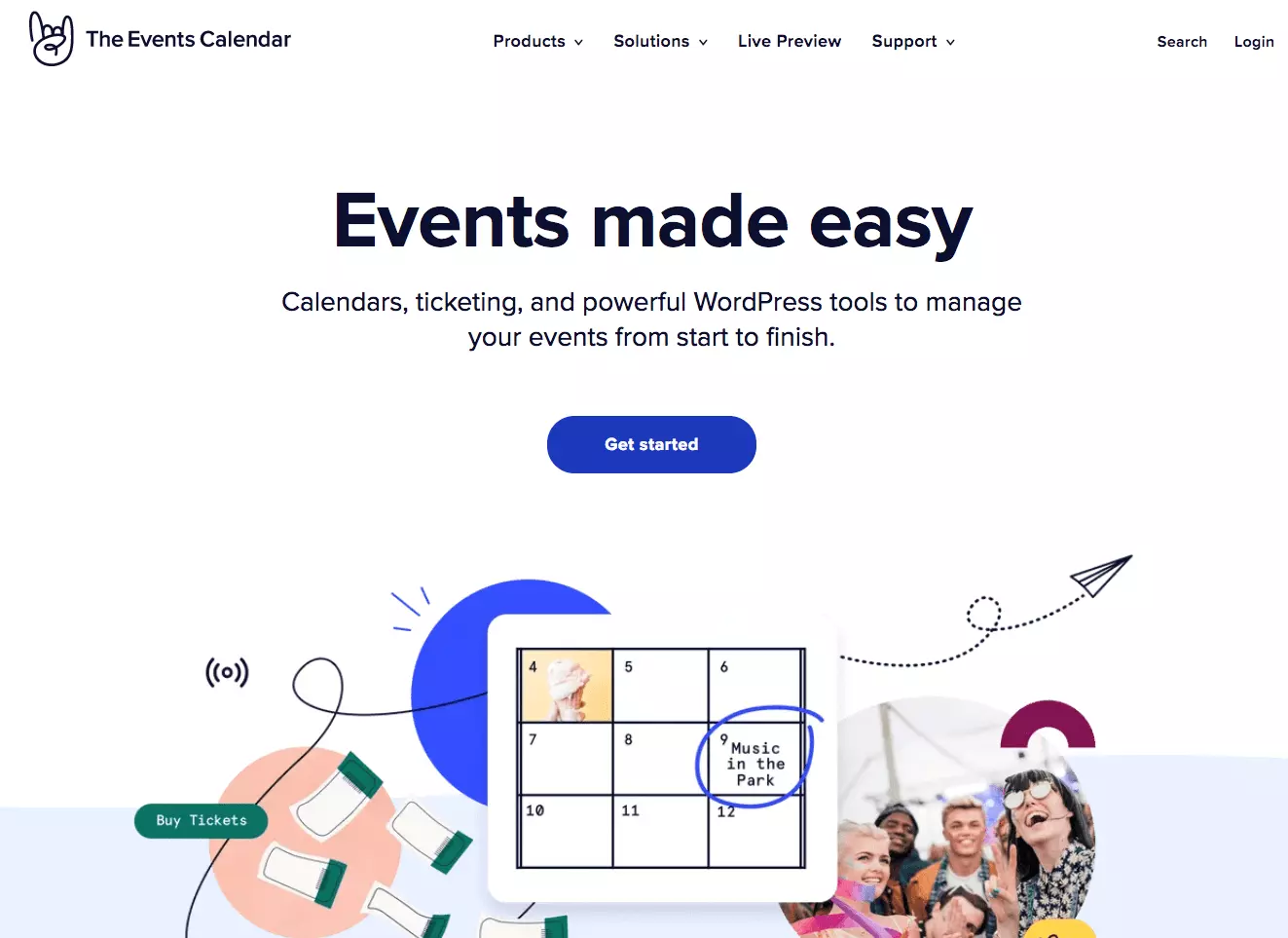
The Events Calendar can be used without much prior knowledge of WordPress terms. It’s all install and go! The basic version is available for free and lets you create and promote events on WordPress quickly and fuss-free. Modern and appealing layouts are available to choose from and event details can be saved for later use. The premium version includes more payment options, recurring events and shortcodes.
| Pros | Cons |
| ✓ Easy to use | ✗ Expensive premium version |
| ✓ Appealing layout options | |
| ✓ Free payments possible | |
| ✓ Free basic package |
Who should use The Events Calendar?
In the basic version, The Events Calendar is aimed at clubs, bands or organisations looking to add events without spending much time editing them. A premium option is available for more demanding needs. It includes additional features for commercial use.
There are numerous WordPress event plugins for every taste and purpose. Your choice will depend on the features you need and your budget. Functional and visually appealing solutions are available for free or small investment. More cost-intensive add-ons, on the other hand, are only worthwhile for regular commercial use.