

7 Best free Joomla Templates

The renowned content management system Joomla is an active open source community. If you have been working closely with free CMS in the past, you have surely already benefited from various Joomla extensions. Aside from plugins and other add-ons extending Joomla’s functional range, there are also many Joomla templates with the aid of which your website will boast a new design.
Joomla’s users love it for its straightforwardness. The CSM is very easily operable, and the same goes for Joomla templates. Just like the main client, many templates are also absolutely free of charge. Although there is a market for commercial design templates, generally speaking, you would never need to avail of any of them. Now and then, premium templates tend to generate a greater reach and offer more creative freedom. Nevertheless, thanks to the active Joomla community, you do not need to spend anything to be able to use top quality designs. A variety of interesting templates are always made available to all by the community.
Having said that, some portals offer clients fee-based templates based on original themes while ensuring constant access to customer support. Of course, free support is not offered by Joomla templates. However, it must be said that developers and the community are generally very helpful and even present various tips and solutions on the internet.
You don’t have your own Joomla-based website? This is not a problem, as IONOS offers Joomla hosting services for prosperous CMS solutions with one-click installation. An SSL certificate is also directly implemented during the process.
However, we must ask ourselves what Joomla templates’ intended scope of use actually entails. After all, the CMS in question facilitates the implementation of changes to website layouts in many different ways even when the websites are in their raw, original state. Joomla templates therefore make your work a lot easier. A good design template can be easily adapted and offers many functions, which would otherwise have to be developed by means of labourious preparations.
But how can we differentiate between good and poorly-executed templates? When it comes to various Joomla templates, we cannot argue about individual tastes, especially regarding the specific design of each work. There are nevertheless some criteria, which you should take into consideration when choosing the right one for your website:
- Design: Does the design match your expectations?
- Functional scope: Are all the important functionalities included within the template of your choice? (for example: responsive design)
- User rating and popularity: Are users generally satisfied with the Joomla template?
- Updates: Is the template still subject to occasional re-developments?
These guidelines should help you with the selection of the right template. We have tailored our advice to your needs. It is then important to assess whether the chosen design corresponds to your preconceived vision. Next, it is worth analysing its special features, some of which are necessary for your project. For instance, if you would like your website to be suited for mobile devices or if you have a specific SEO-friendly design in mind, the functional scope becomes an increasingly decisive element.
Positive ratings and a high popularity level of a Joomla template do not only prove its solid quality, but also point to its corresponding support options. A template used by many webmasters consequently means that it is accompanied by a large community, which will be there to answer any questions or needs that you may have in relation to the selected template (all templates presented below measure up to this criterion).
The last point to consider when choosing a template is related to the differing update frequencies. Even if a Joomla template looks good on paper and has an impressively broad spectrum of functions, it can quickly lose its appeal if respective development teams do not provide any template updates in the long-run. Joomla, itself, is subject to constant developments. It is therefore important for the selected template to be covered by regular updates (many of the featured templates have been subject to constant refining over the years).
Seven Joomla templates worth a closer inspection
Below, we present some of the most important free templates, which lend themselves to a more professional look.
Helix
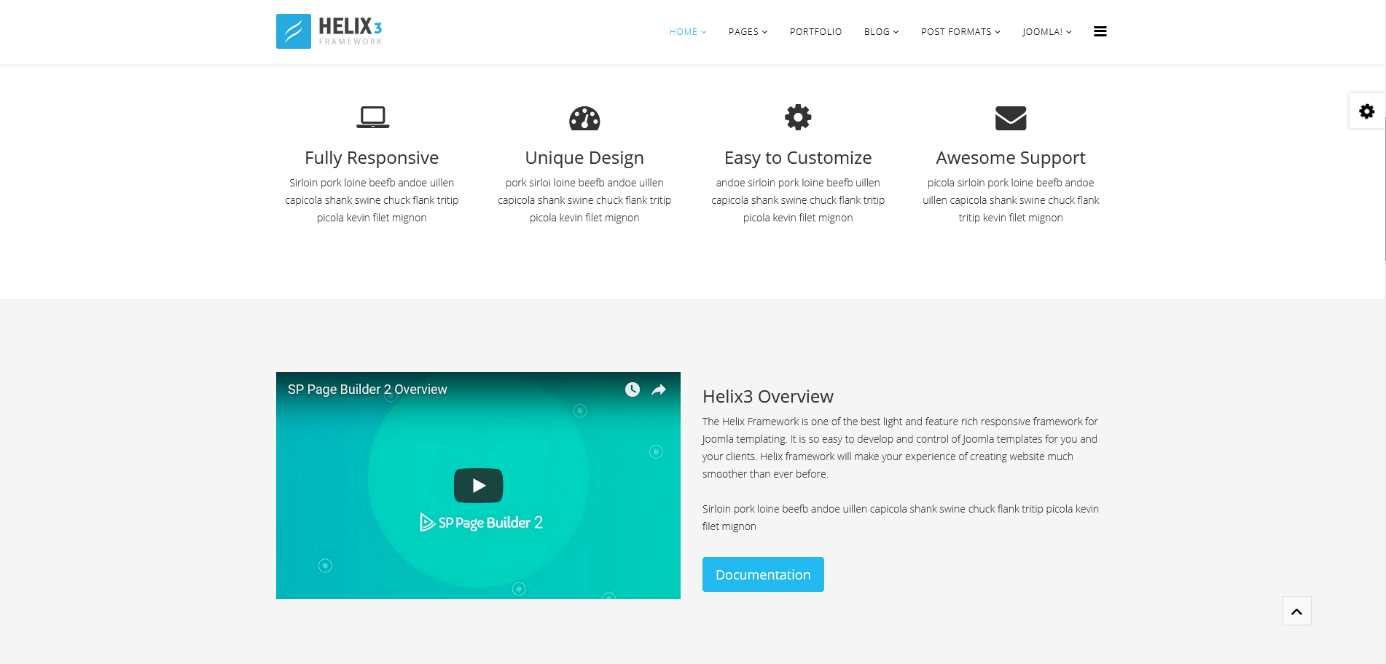
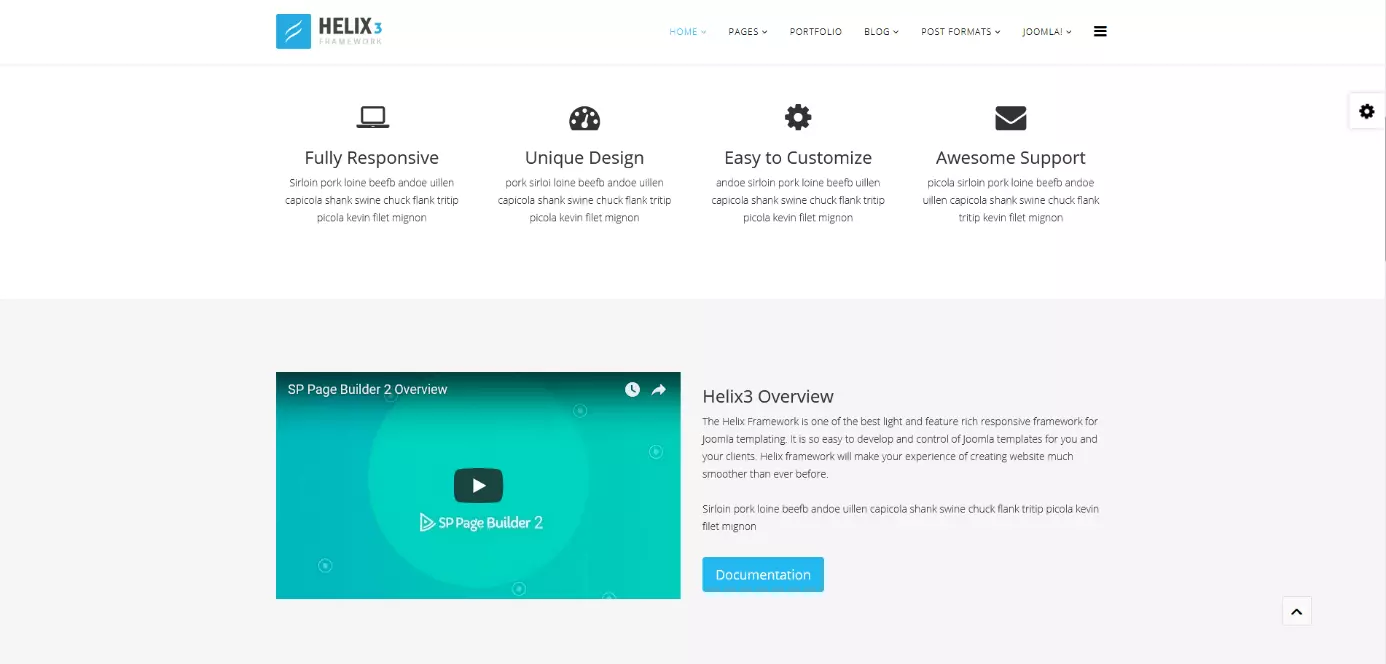
Helix is one of the most popular templates among Joomla members. There is, however, a good reason for this, as Helix3 delivers more than just your regular website design. With this Joomla template, you can be sure of receiving the whole framework at your disposal.
With the aid of many adjustment possibilities, you can precisely determine how the website will present itself and how the user experience should be designed. Helix itself is very user-friendly. It offers an easily comprehensible page-building tool with which you can drag and drop the items that you wish to add on your page. Helix also avails of Bootstrap, Font Awesome, and many other font options.
Important features include:
- Responsive design
- Page-building tools
- Bootstrap
- Font options
- Font “Awesome”
Purity
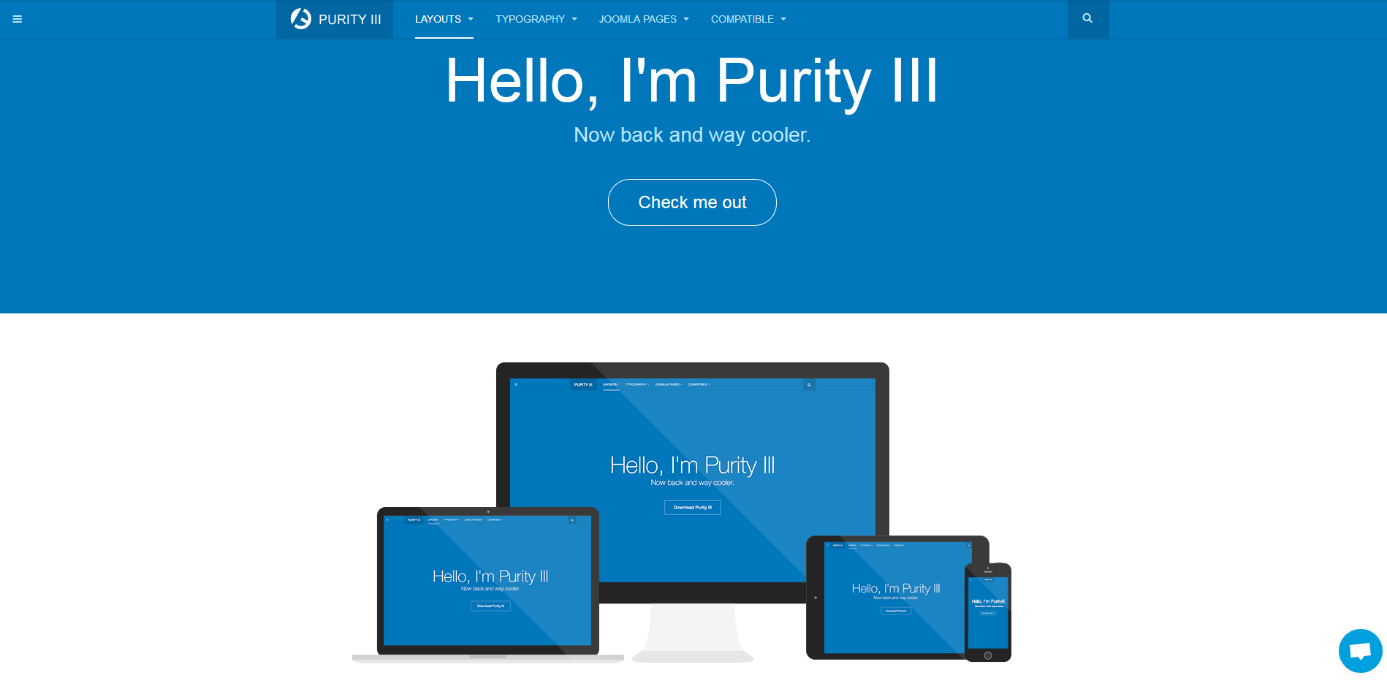
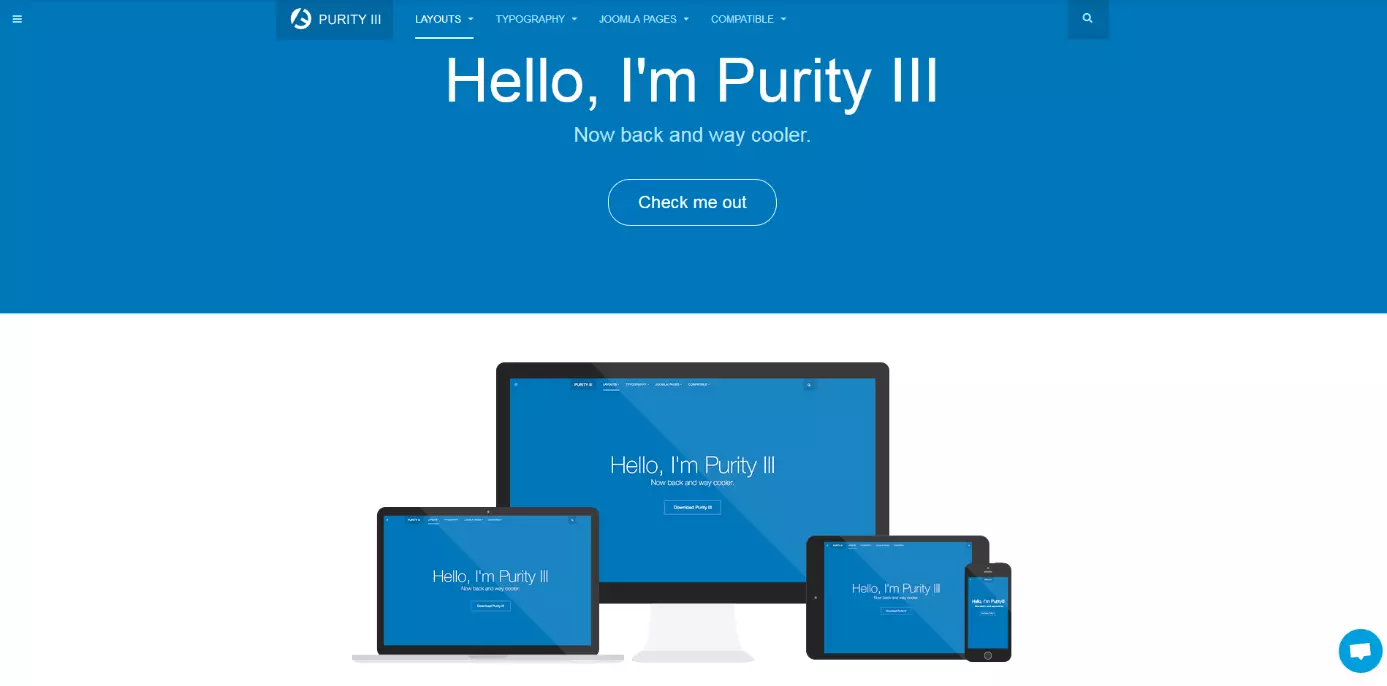
Purity is just as popular as Helix and also facilitates the webpage design by providing page-building options for its users. This is made even easier by means of prefabricated layout styles. Should your page present itself as an online journal, blog, or even a portfolio, Purity has an answer to all styles regardless of the layout design in mind. This Joomla template is, of course, based on responsive design, supports Bootstrap, and constantly works with the most important Joomla extensions such as JomSocial or Mijoshop. An additional advantage is that a large selection of language options exist for this template.
Important features include:
- Responsive design
- Bootstrap & T3 framework
- 8 template designs
- Page-building tools
- Works well with other extensions
Zenith
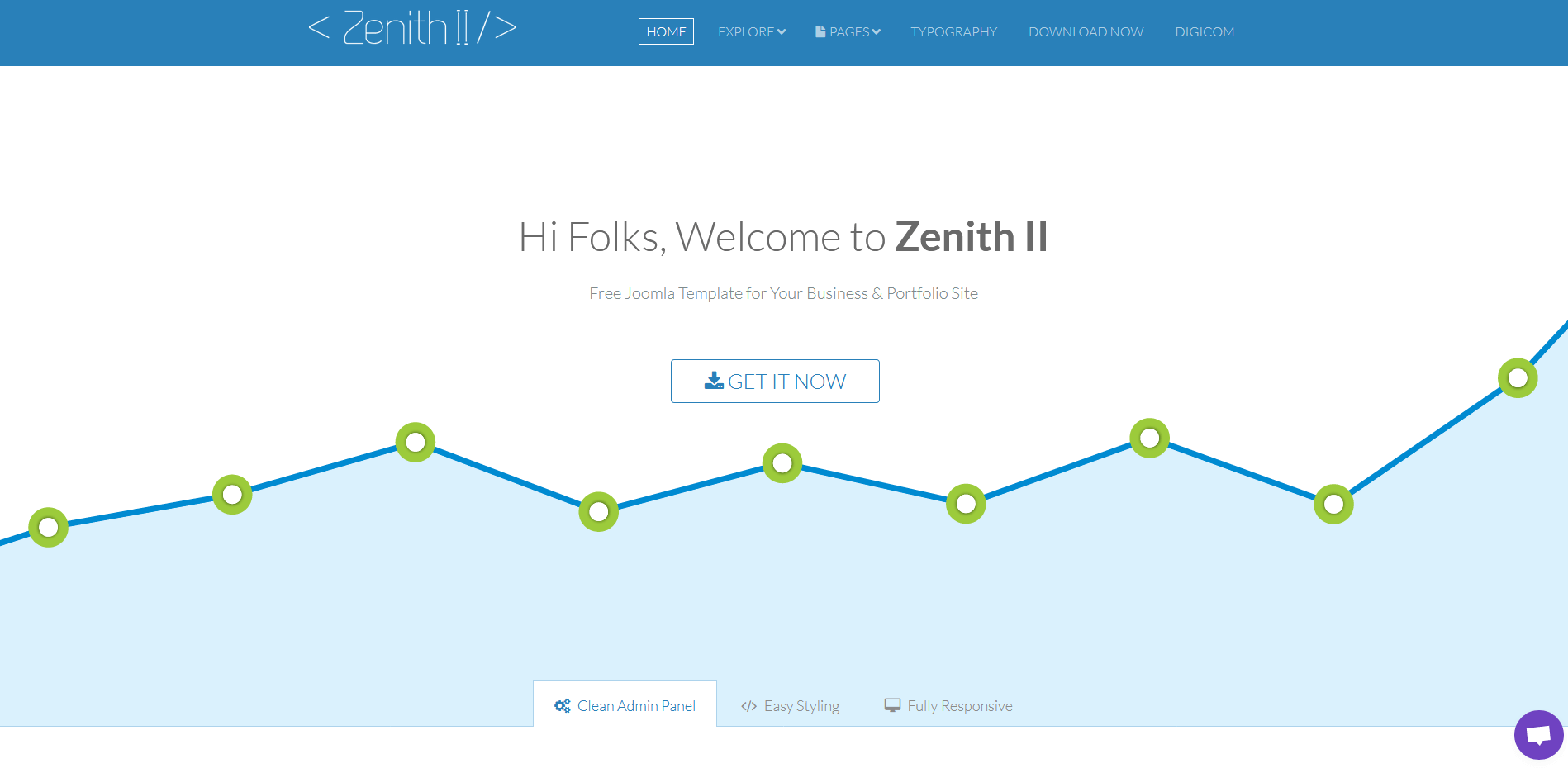
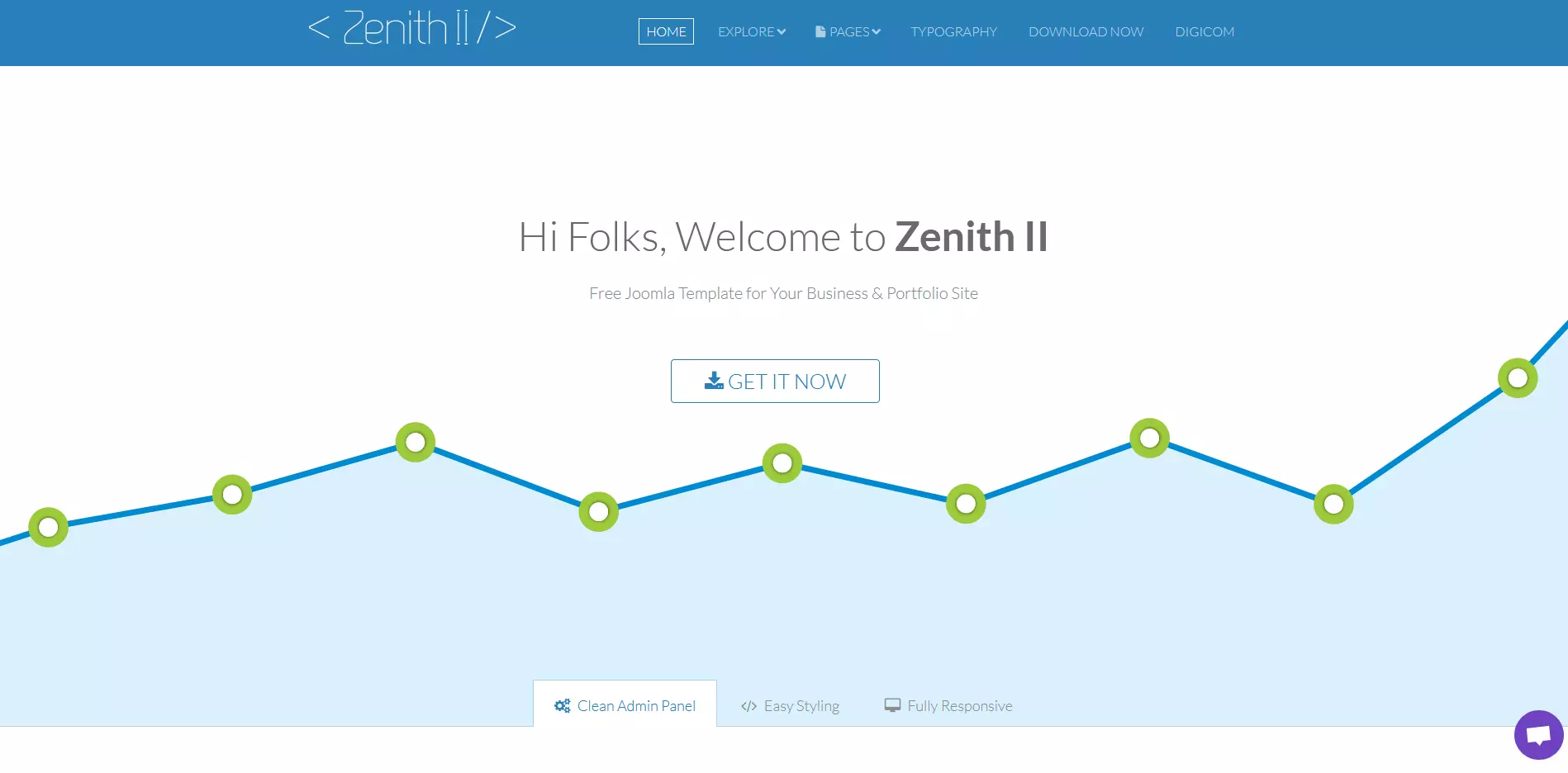
Zenith II is yet another Joomla template with a responsive design. Its second version has especially impressed with its new page builder Quix, which works via drag-and-drop and offers over 50 prefabricated website elements – making this Joomla template especially interesting for beginners in website design. This, however, does not mean that more advanced users cannot get their money’s worth, as there are many options with the aid of which small details can also be implemented.
Important features include:
- Responsive design
- Page-building tools
- Prefabricated elements
- Settings for experts also available
- Bootstrap & T3 framework
Crafty
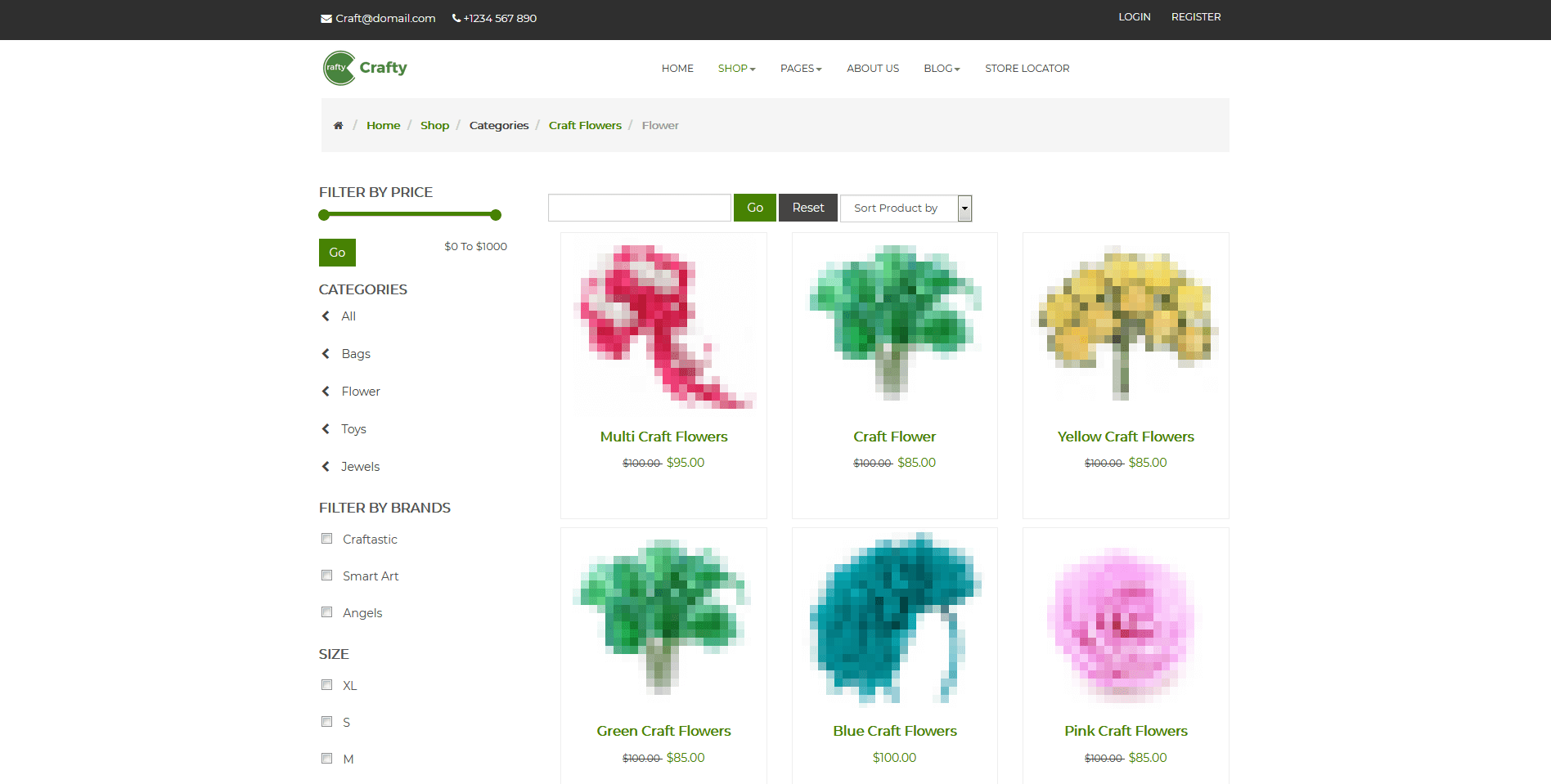
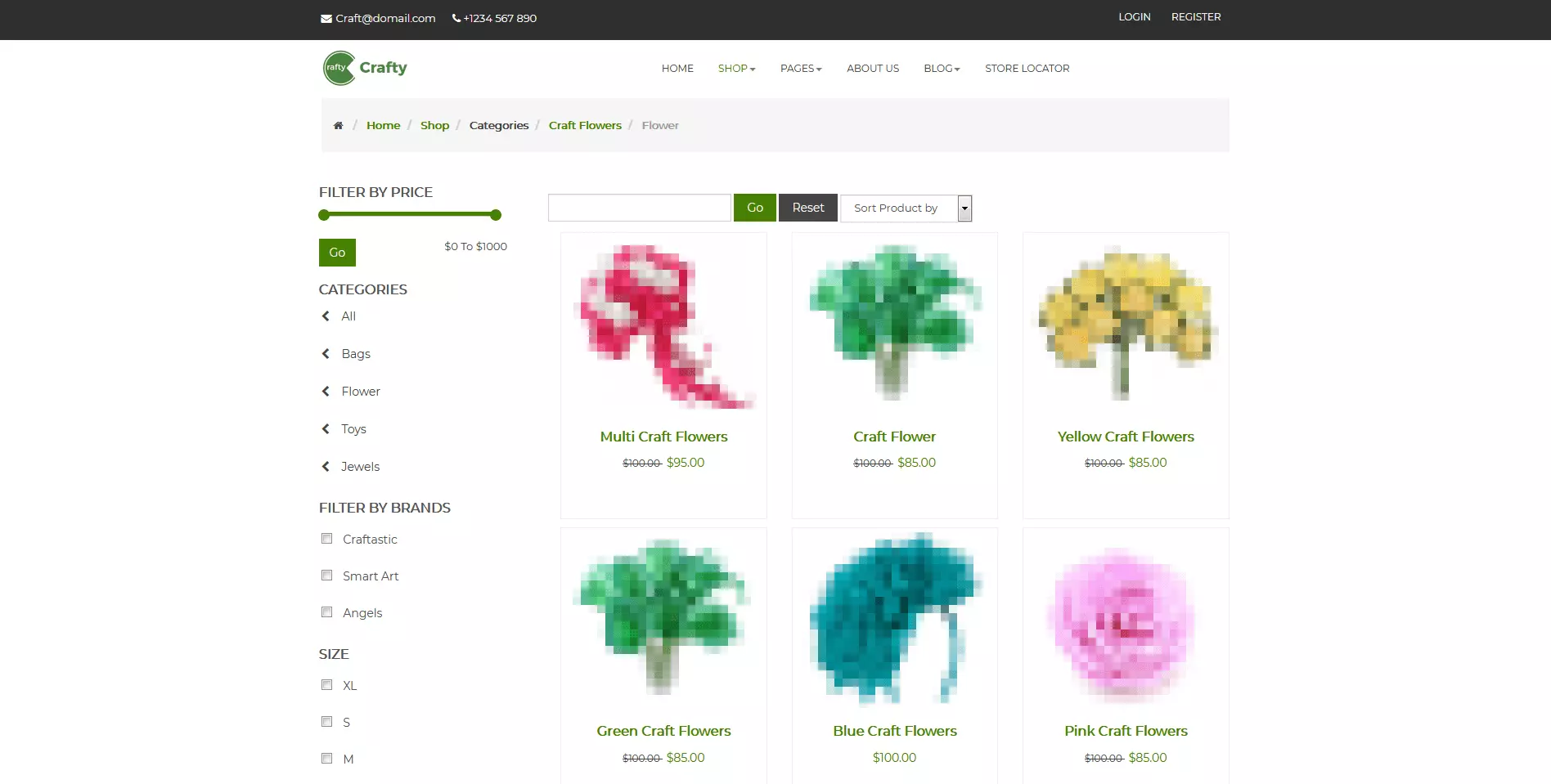
Crafty is a Joomla template, which suits online shop designs for creatively-minded people. It is particularly suitable for craftspeople of all sorts, including those making handmade art. J2Store – an extension working in the background of the template – guarantees a smooth shopping experience for customers. When designing your page, you can only avail of two layout forms. These are, however, very clearly arranged and up-to-date with modern trends. The layout contains 20 different positions, in which you can arrange the components of your website and customise prefabricated layouts. If you also want to appeal to an international audience, Crafty offers different language versions. In addition, this Joomla template supports fonts read from right to left (RTL support and lang - right to-left language support). In order to attract as many users as possible to your products, the template also helps to get the most of out your SEO-oriented endeavours.
Important features include:
- Designed to suit e-commerce
- Based on the J2Store extension
- Mobile-friendly
- Bootstrap & T3 framework
- Two modern layouts
- RTL support
Morph
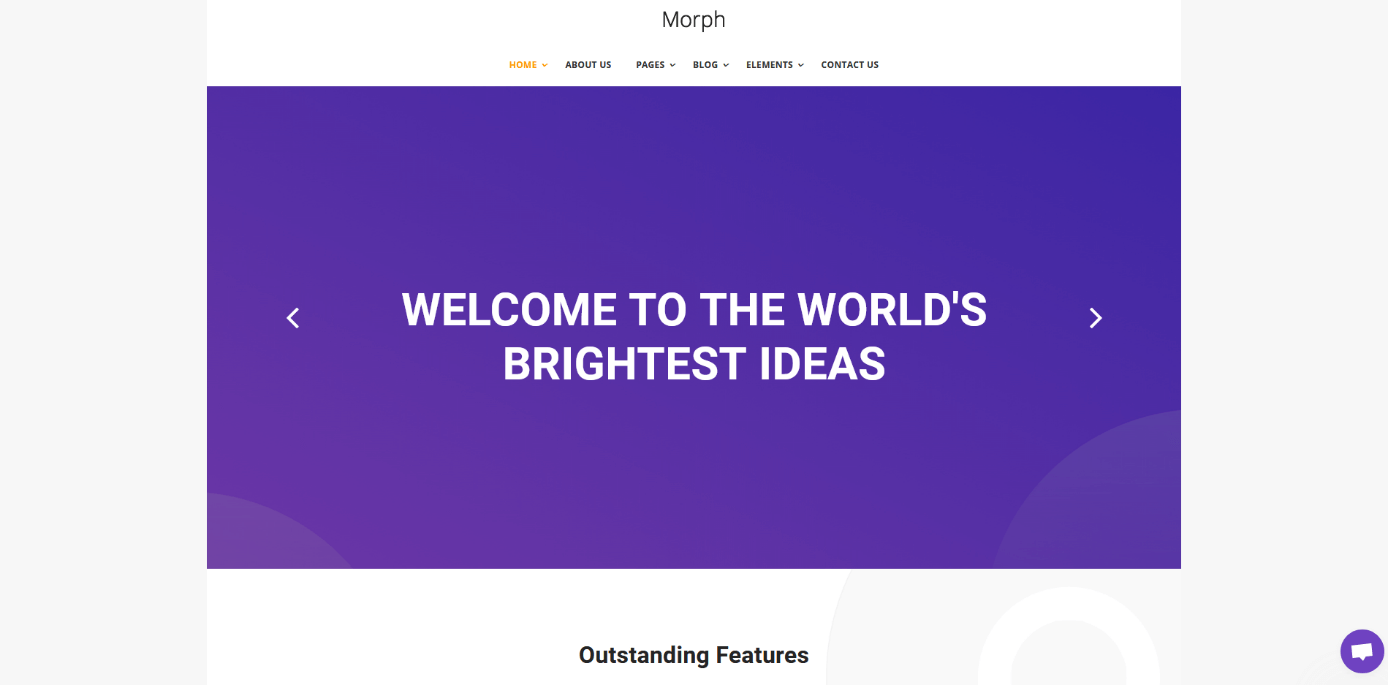
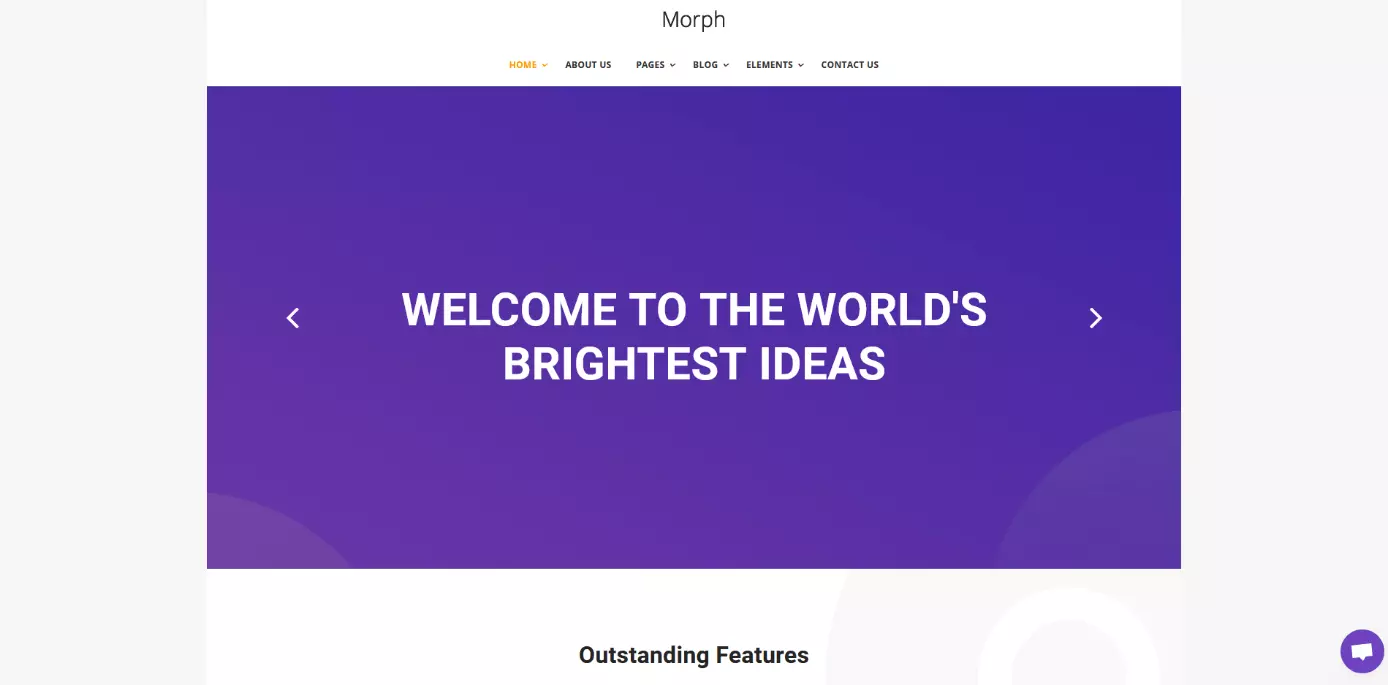
Morph is also based on the page-building tool Quix. You will therefore find that working with this rather extensive Joomla template is relatively easy. Morph lets you create websites with responsive design, Parallax effects, or similar animations without the need to devote much effort. Since you can use Morph for many different purposes, its developers made sure that it is also compatible with the most important Joomla extensions. With EasySocial, you build a community, EasyArticle helps you with the editorial work, and Morph itself enables collaboration with J2Store to build websites in the style of a typical e-commerce site. External applications such as Google Maps, Soundcloud, or Flickr can also be easily integrated into your web presence. This can all be done even if you do not possess extensive knowledge of HTML or CSS. However, those wishing to delve deeper into the world of coding can also avail of the extensive stylesheet language LESS.
Important features include:
- Responsive design
- Bootstrap
- LESS
- Possible integration of various animations
- Works well with other extensions
- Page-building tools
Section
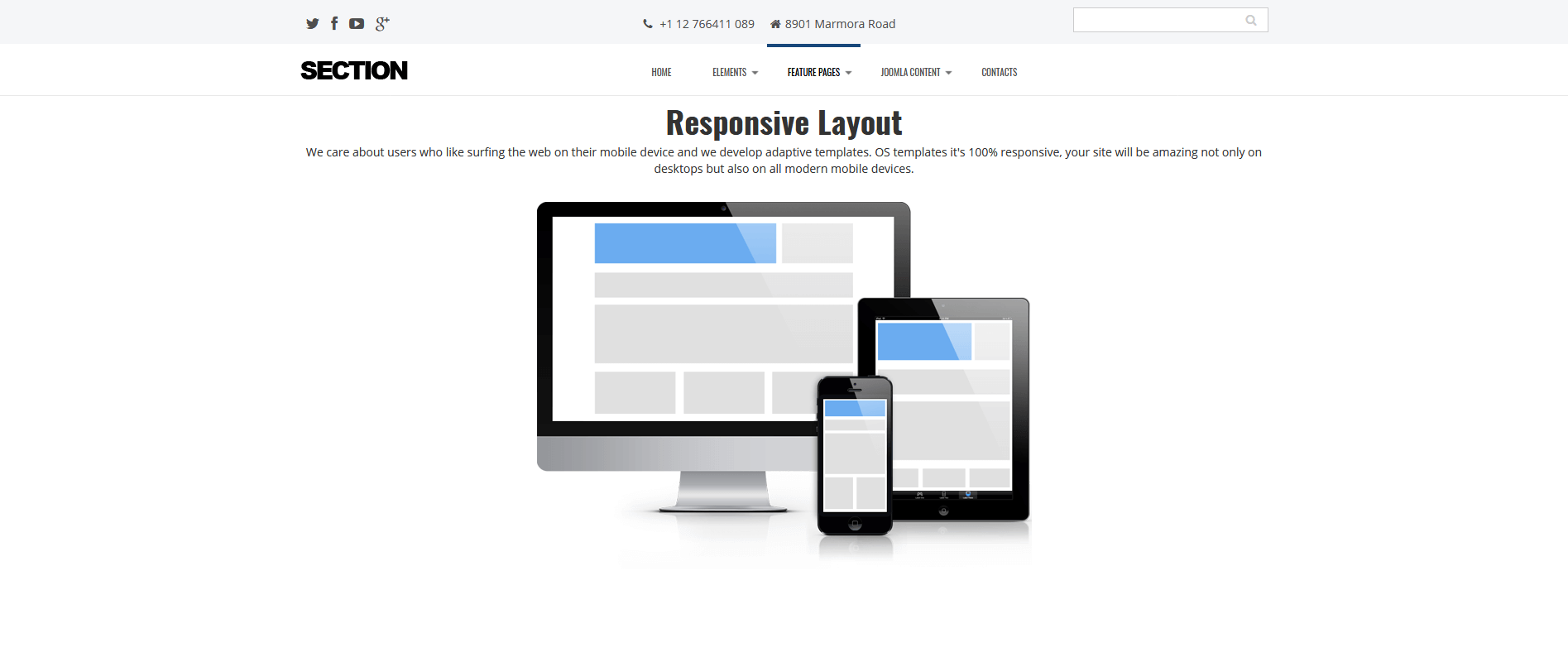
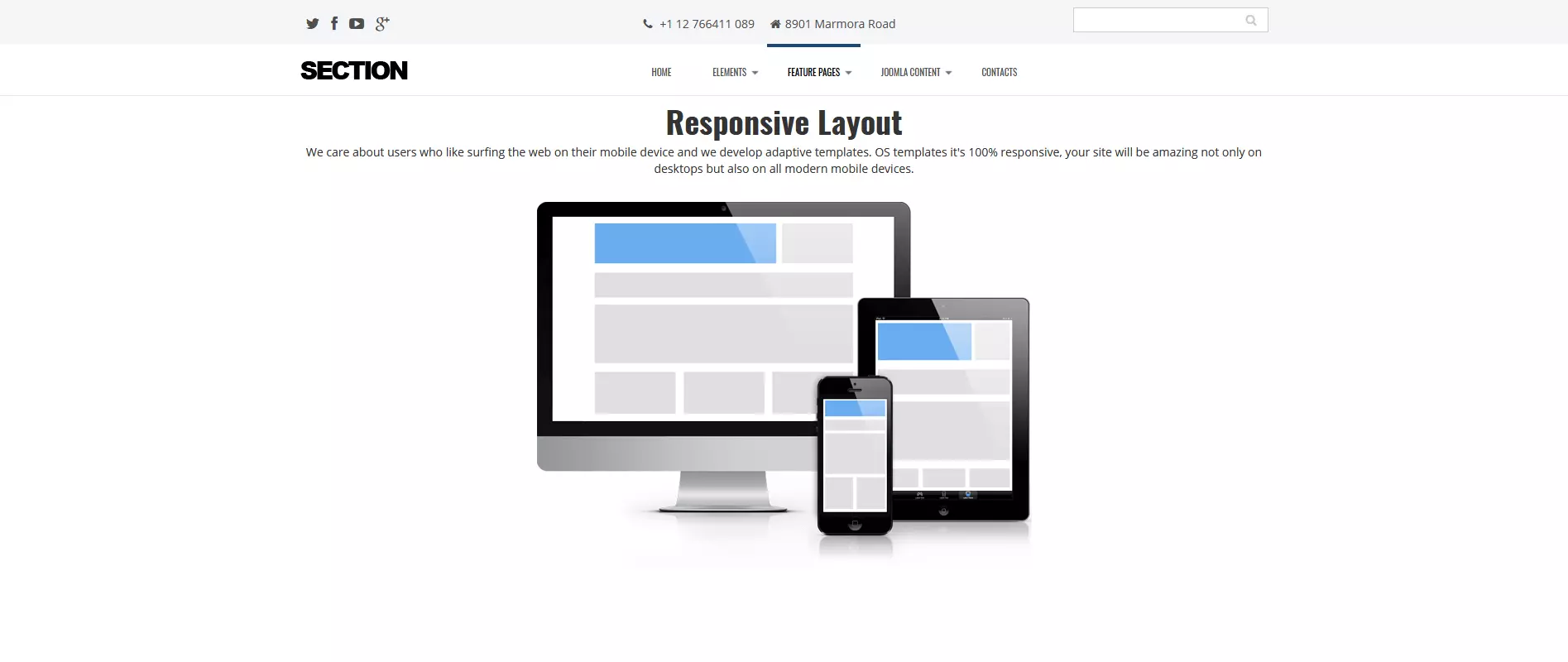
Section is yet another free Joomla template delivering design options, which offers a wide scope of applications. The template is especially suited for a corporate web presence. With the automatic implementation of responsive design solutions and cross-browser support, you can be sure that every visitor gets the best experience possible from their visit to your website. You start the design with a blank canvas and distribute the necessary website elements in a step-by-step process. Various portfolio- and blog-like websites, as well as an online contact form, are at your disposal right from the start. If you need more functions, you can also activate fee-based solutions such as image galleries.
Important features include:
- Responsive design
- Bootstrap
- Prefabricated website types
- Possible upgrade to premium, fee-based templates
Afterburner
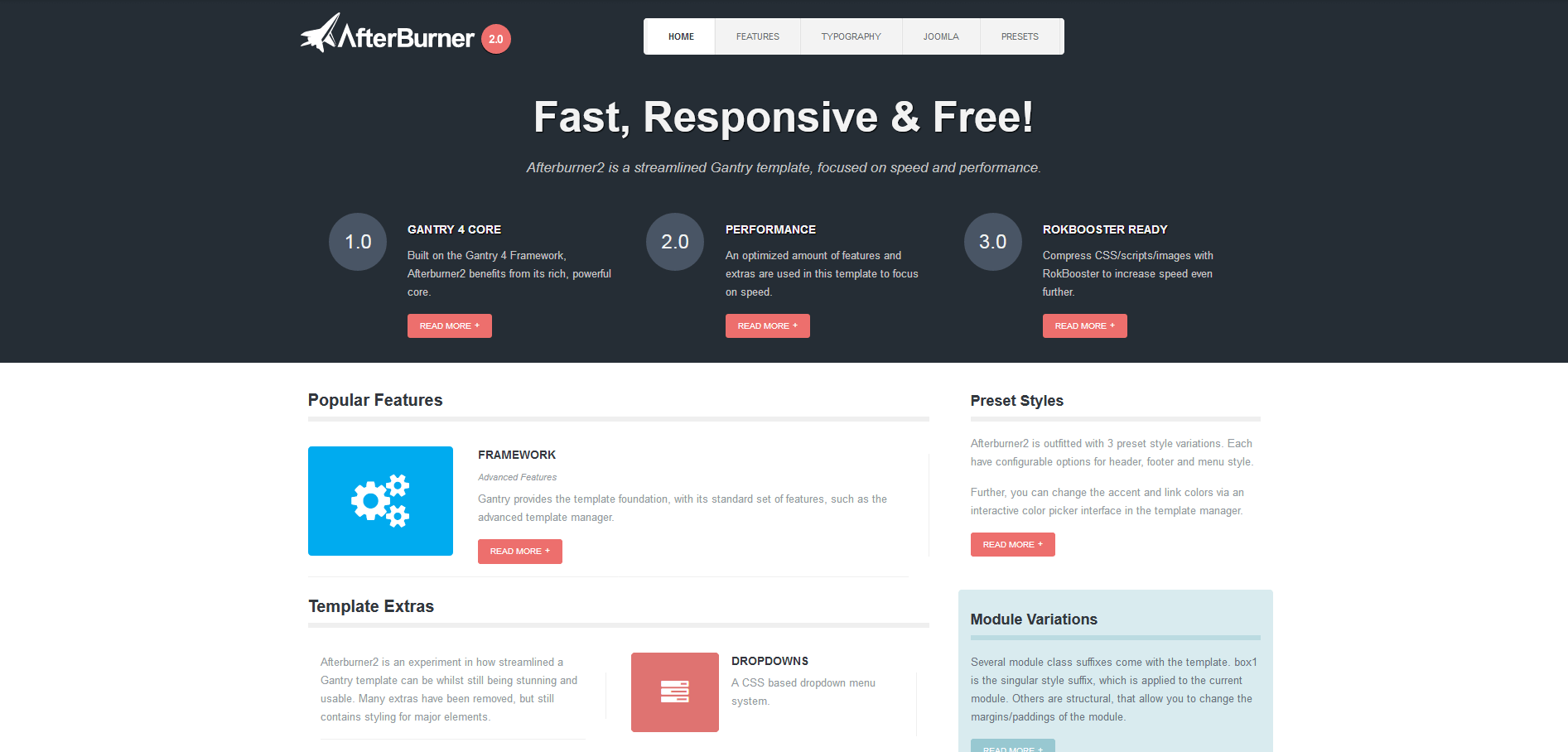
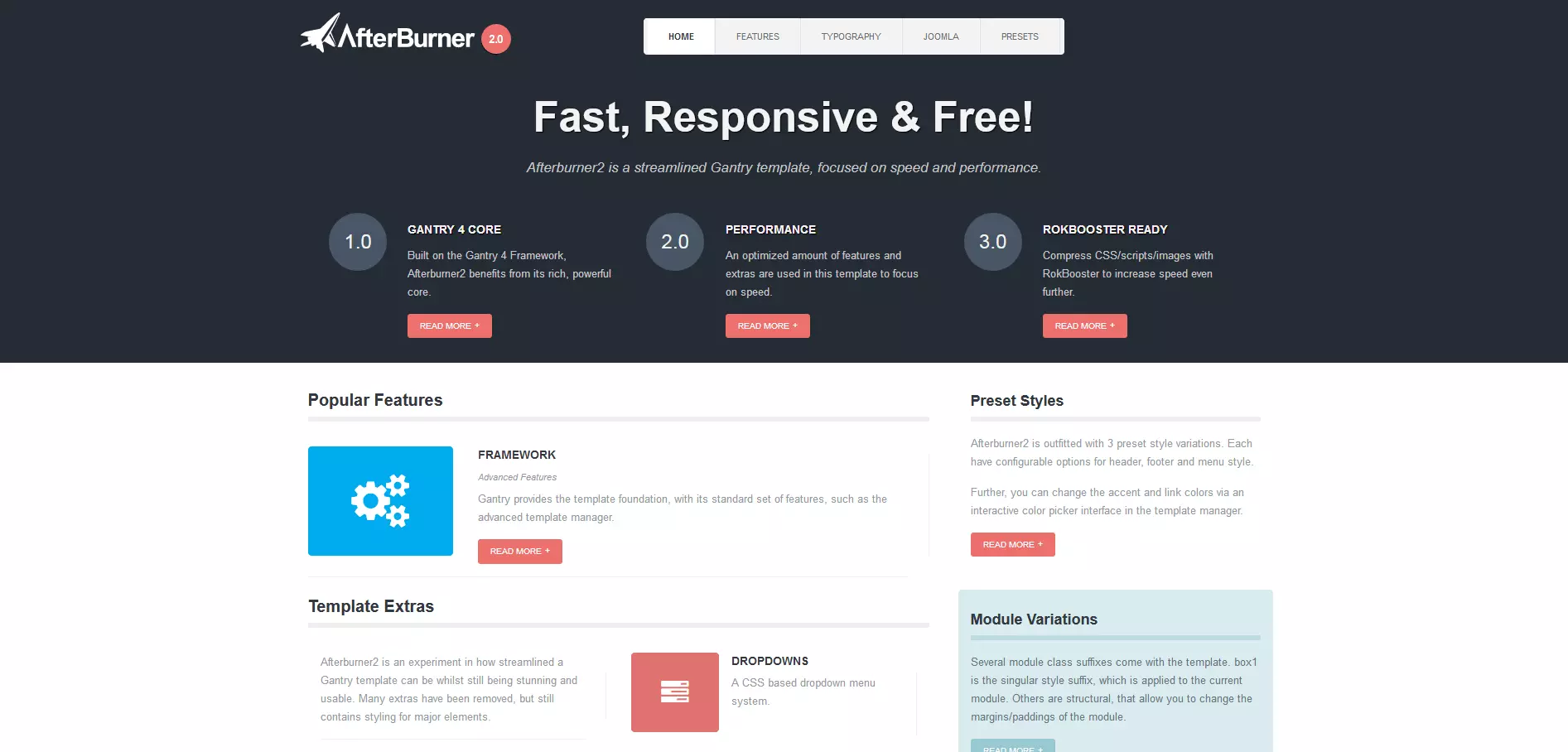
Do you need a website which is exceptionally fast? The Joomla template Afterburner2 can help you achieve this. It is built on the Gantry Framework developed by RocketTheme, which prides itself in creating exceptionally fast template solutions. At the same time, developers have made sure that their focus on speed does not put the template’s design and functional scope at a disadvantage, which is why responsive design is also a default option when using Afterburner. With regard to the appearance of the website, you can not only place respective website elements on up to 34 different positions, but also have a direct influence on the website’s typography and use three default sets that will make the decision on website design for you. Afterburner also offers support on languages read from right to left.
Important features include:
- Responsive design
- Gantry Framework
- LESS
- Exceptional speed
- RTL support
Reviewer

Julia Hertler
With over 18 years of experience in content marketing, Julia Hertler has deep expertise in digital communications. For the past 10 years, she has specialised in the areas of domains and hosting at the IONOS Digital Guide, making complex technical topics easy to understand.