

INNER JOIN: definition and application

Multiple database tables in the relational database model can be queried using SQL-JOINs. With the exception of the CROSS-JOIN, all JOIN types are a combination of Cartesian product and selection.
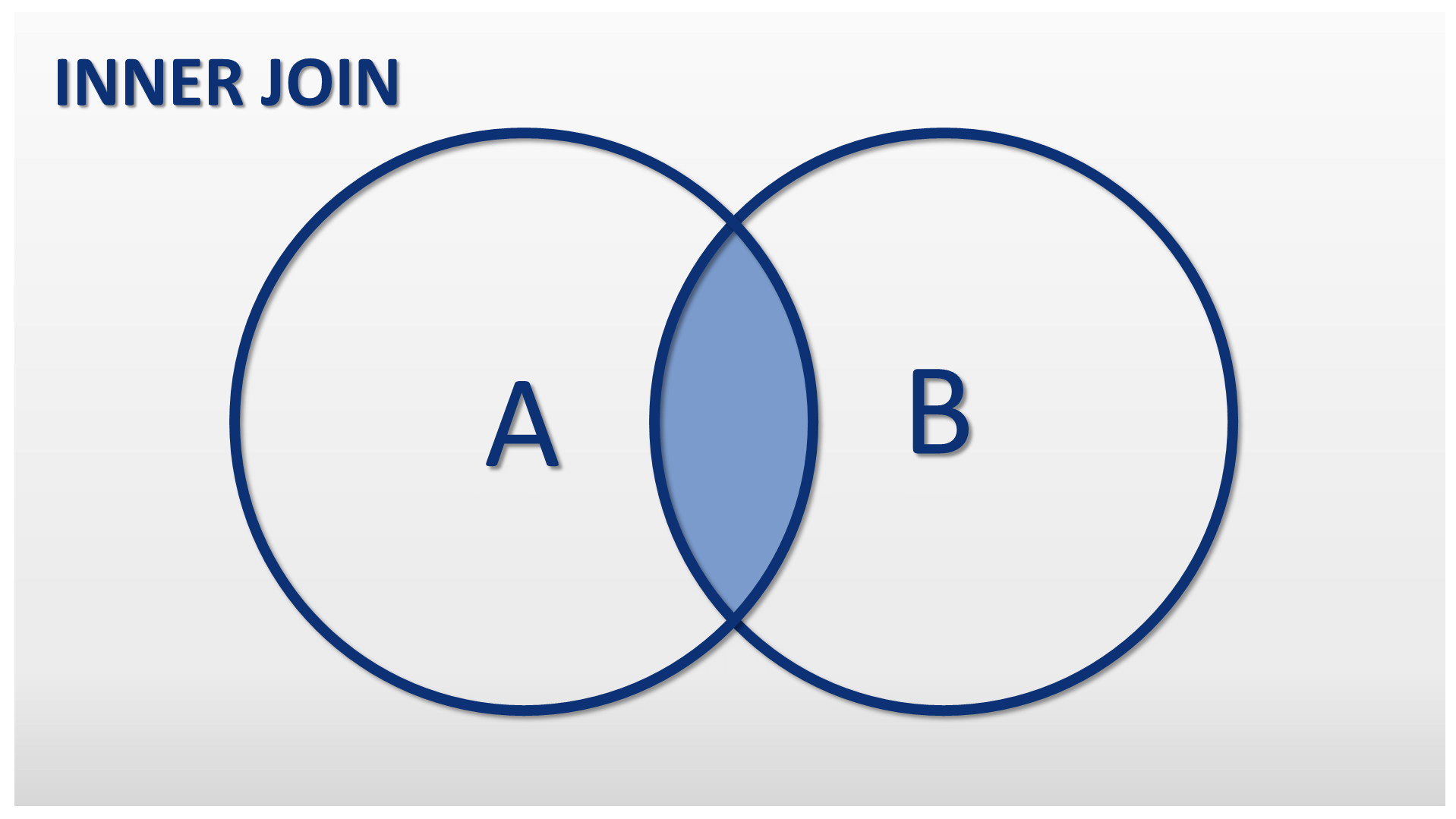
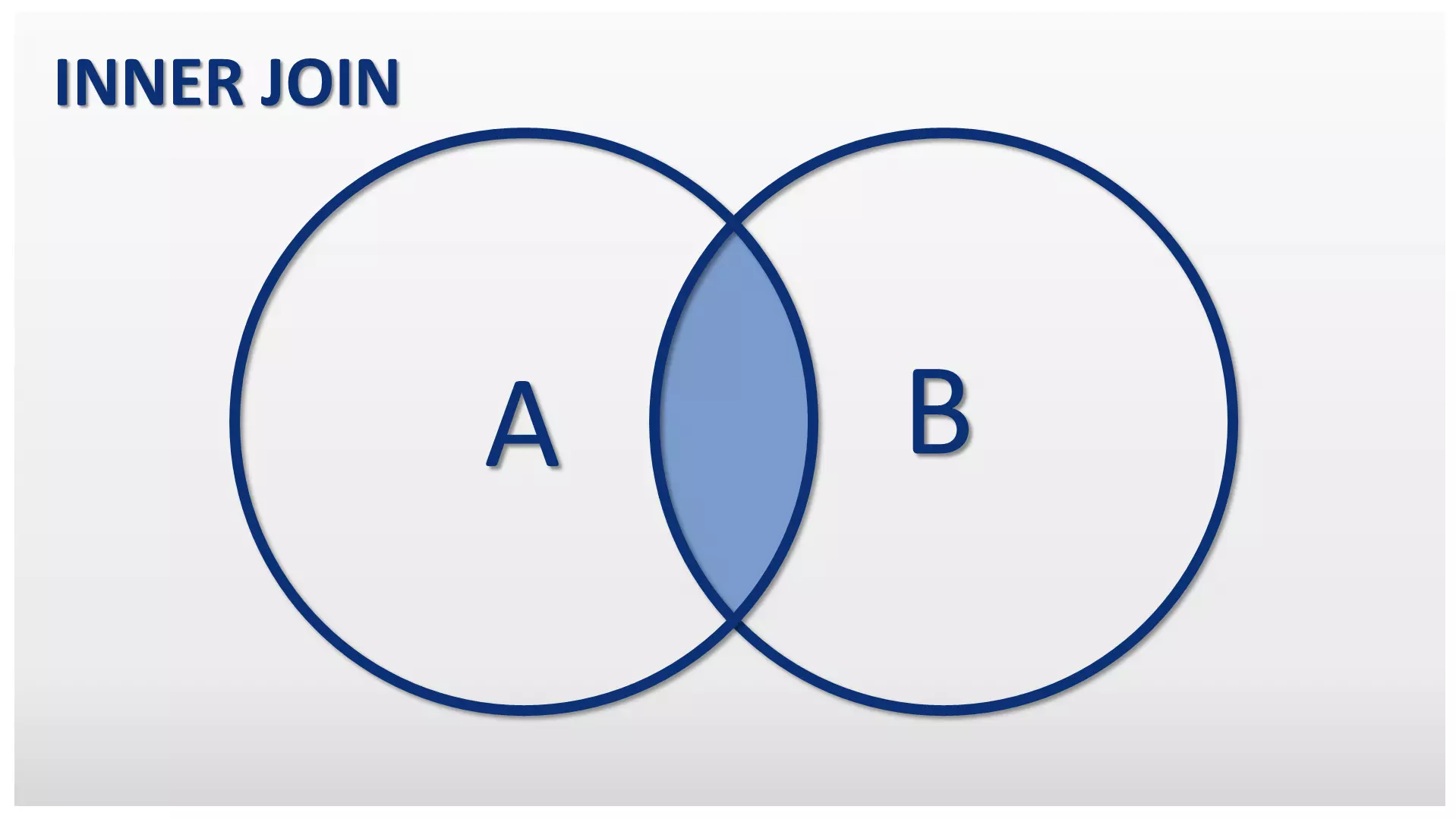
The database management system (DBMS) initially forms the cross product of two database tables. It then filters the result according to a selection condition defined by the user using an SQL statement. The INNER JOIN differs from all other JOIN types by its minimal result set. Only the data records of a cross product that fulfills the selection conditions are output as the result of an INNER JOIN. The result is a result table (view) without zero values.
Ask, create and research with the European alternative to ChatGPT. Robust security and unlimited chats give you peace of mind.
INNER JOINs in practice
We are illustrating the INNER JOIN using an example here, and are assuming two tables. The table “employees” contains the employees of a company including the employee ID (e_id) and the corresponding department (d_id).
Table: employees
| e_id | Surname | First name | d_id |
|---|---|---|---|
| 1 | Schmidt | Jack | 3 |
| 2 | Muller | Blain | 1 |
| 3 | McClain | Walker | 1 |
| 4 | Cohn | Greg | 2 |
| 5 | Connolly | Kevin | NULL |
The table shows two special features: the employees Muller and McClain work in the same department. The employee Connolly has not yet been assigned to a department.
The table “departments” lists all of the company’s departments including ID and location.
Table: departments
| d_id | Designation | Location |
|---|---|---|
| 1 | Sales | Denver |
| 2 | IT | Syracuse |
| 3 | Personal | Portland |
| 4 | Research | Louisville |
Both tables are linked by a foreign key relationship. The department ID, which is the primary key in the “departments” table, has been integrated into the “employees” table as a foreign key.
The link allows us to use an INNER JOIN over both tables. This is necessary, for example, to determine which employee works at which location.
When querying relational databases, a match of primary and foreign keys is usually defined as a selection condition. The condition is considered fulfilled if the selected foreign key of one table matches the primary key of the other table (=). This means that only those data records that contain common values are output.
An INNER JOIN like this is noted in relational algebra as follows:
employee⋈d_id=d_iddepartments
However, relational database systems do not accept commands in relational algebra syntax, but in the form of SQL statements.
SELECT * FROM employee INNER JOIN departments ON employee.d_id = departments.d_id;The SELECT command instructs the DBMS to query data from the database. Alternatively, SQL offers the option of entering (INSERT INTO), changing (UPDATE) or deleting (DELETE FROM) data. The SELECT command is followed by a specification of what data needs to be retrieved. Since we want to retrieve the complete data set, we are choosing an appropriate placeholder: the asterisk (*).
The SELECT command always requires the keyword FROM and the specification from which table or table group (JOIN) the data is to be retrieved. In our case, the data source is an INNER JOIN via the “departments” and “employees” tables. We also specify a condition for the link with the keyword ON. We just want to link the data records and output them as a result table for which the “d_id” of the “employees” table corresponds to the “d_id” of the “departments” table.
Since the INNER JOIN is the most important SQL-JOIN, you can omit the keyword “INNER” if required.
An INNER JOIN through the two output tables with the condition “employee.d_id=departments.d_id” returns the following result table:
Table: SQL INNER JOIN between “employee” and “departments”
| e_id | Surname | First name | employee.d_id | department.d_id | Designation | Location |
|---|---|---|---|---|---|---|
| 1 | Schmidt | Jack | 3 | 3 | Personal | Portland |
| 2 | Muller | Blain | 1 | 1 | Sales | Denver |
| 3 | McClain | Walker | 1 | 1 | Sales | Denver |
| 4 | Cohn | Greg | 2 | 2 | IT | Syracuse |
If you compare the result table with the two output tables, you notice that one data record is missing from each table: the data records whose value in column “d_id” has no correspondence in the other table.
(5, Connolly, Kevin, NULL)and
(4, Research, Louisville)The employee Connolly has not yet been assigned a department. The research department has not yet been assigned any staff. Both data records are hidden in an INNER JOIN, which serves to compare employees with their respective departments. If we want to detect these irregularities and make them visible in the query, we should choose an OUTER JOIN instead of an INNER JOIN.
Subspecies of an INNER JOIN
INNER JOINS can be categorised as THETA JOINs, EQUI JOINs, NON EQUI JOINs, and NATURAL JOINs.
THETA JOINs, EQUI JOINs, and NON EQUI JOINs
The INNER JOIN in SQL terminology corresponds to the THETA JOIN of relational algebra. The THETA JOIN differs from EQUI JOINs and NON EQUI JOINs in that it provides users with an unlimited set of comparison operators. EQUI JOINs, on the other hand, restrict the selection condition for queries to the equality of column values. For NON EQUI JOINs, all relational operators except the equals sign are allowed.
| JOIN type | Allowed comparison operators |
|---|---|
| THETA JOIN | = (equal to) < (lesser than) > (greater than)≤ (smaller than or equal to)≥ (larger than or equal to)<> (unequal)!= (unequal) |
| EQUI JOIN | = (equal to) |
| NON EQUI JOIN | < (lesser than) > (greater than)≤ (lesser than or equal to)≥ (greater than or equal to)<> (unequal)!= (unequal) |
NATURAL JOINs
If two tables (like in the previous examples) are connected using columns with the same names, INNER JOINs are usually converted as NATURAL JOINs.
NATURAL JOINs are subspecies of EQUI JOINs. Like the EQUI JOIN, the NATURAL JOIN also requires the equality of two column values as selection condition.
A NATURAL INNER JOIN on the tables “employees” and “departments” could be implemented as follows, for example:
SELECT * FROM employee INNER JOIN departments USING(d_id);The SQL statement instructs the DBMS to link the listed tables. The selection condition is created using the keyword USING, which specifies which columns are to be checked for equality. The prerequisite is that a column “d_id” exists in both tables. Data records from both tables are only included in the result set if the DBMS finds identical values in the columns marked “d_id.”
The result table of the NATURAL JOIN differs from the classic INNER JOIN in that columns with the same names are not listed twice, but are merged into a common column.
Table: NATURAL JOIN between “employee” and “departments”
| e_id | Surname | First name | d_id | Designation | Location |
|---|---|---|---|---|---|
| 1 | Schmidt | Jack | 3 | Personal | Portland |
| 2 | Muller | Blain | 1 | Sales | Denver |
| 3 | McClain | Walker | 1 | Sales | Denver |
| 4 | Cohn | Greg | 2 | IT | Syracuse |
Instead of the “department IDs” of both tables as “employees.d_id” and “departments.d_id,” only one column “d_id” is played.
NATURAL JOINs can be abbreviated without the USING clause. Instead, the NATURAL JOIN operator is used. The short notation of the above operation corresponds to the following SQL statement.
SELECT * FROM employee NATURAL JOIN departments;The NATURAL JOIN operator automatically connects tables using columns with the same names. The selection condition does not have to be defined explicitly.
A NATURAL JOIN is automatically converted to an INNER JOIN. However, if you want to convert an OUTER JOIN as a NATURAL JOIN, additional keywords are required (for example, NATURAL LEFT OUTER JOIN).
Reviewer

Julia Hertler
With over 18 years of experience in content marketing, Julia Hertler has deep expertise in digital communications. For the past 10 years, she has specialised in the areas of domains and hosting at the IONOS Digital Guide, making complex technical topics easy to understand.