

Opera GX – The gaming browser in check

Because new games regularly impress with their new graphics and therefore always need new hardware, gamers are usually already in the know when it comes to the newest technology. But if you also want to keep an eye on everything while surfing and be informed at all times, a gaming browser like the new Opera GX is a worthwhile option.
- KVM based dev servers for developers
- Scalable to enterprise cloud level
- Pay-as-you-go, per-minute billing
Opera GX – a browser for gamers
Perhaps it may seem a bit unusual at first glance to develop a dedicated browser just for gamers. Unlike most video games, you don’t need a full-featured high-end PC to surf the web. But first things first: Opera GX is a special version of the well-known Opera browser. As such, the GX, which has been developed as a gaming browser, also has all the important standard features of the Opera family. This includes, for example, a built-in adblocker, integrated messaging services like WhatsApp, Twitter, or Instagram as well as its own VPN function. The latter is useful for gaining access to virtual private networks.
A unique selling point of Opera GX is to make the installation of additional programs obsolete by integrating them into the browser interface. Thus, you as a user have the option to install extensions for Twitch or Discord, for example, and in this way always be in touch with your gaming contacts or never miss a live video from your favourite streamer. Speaking of video: Thanks to convenient and intuitive pop out feature, you can detach videos from the actual tab environment and freely place them on the screen. This way, you have everything in view and can simultaneously continue surfing the web in your Opera GX.
Tuning – the customisable browser
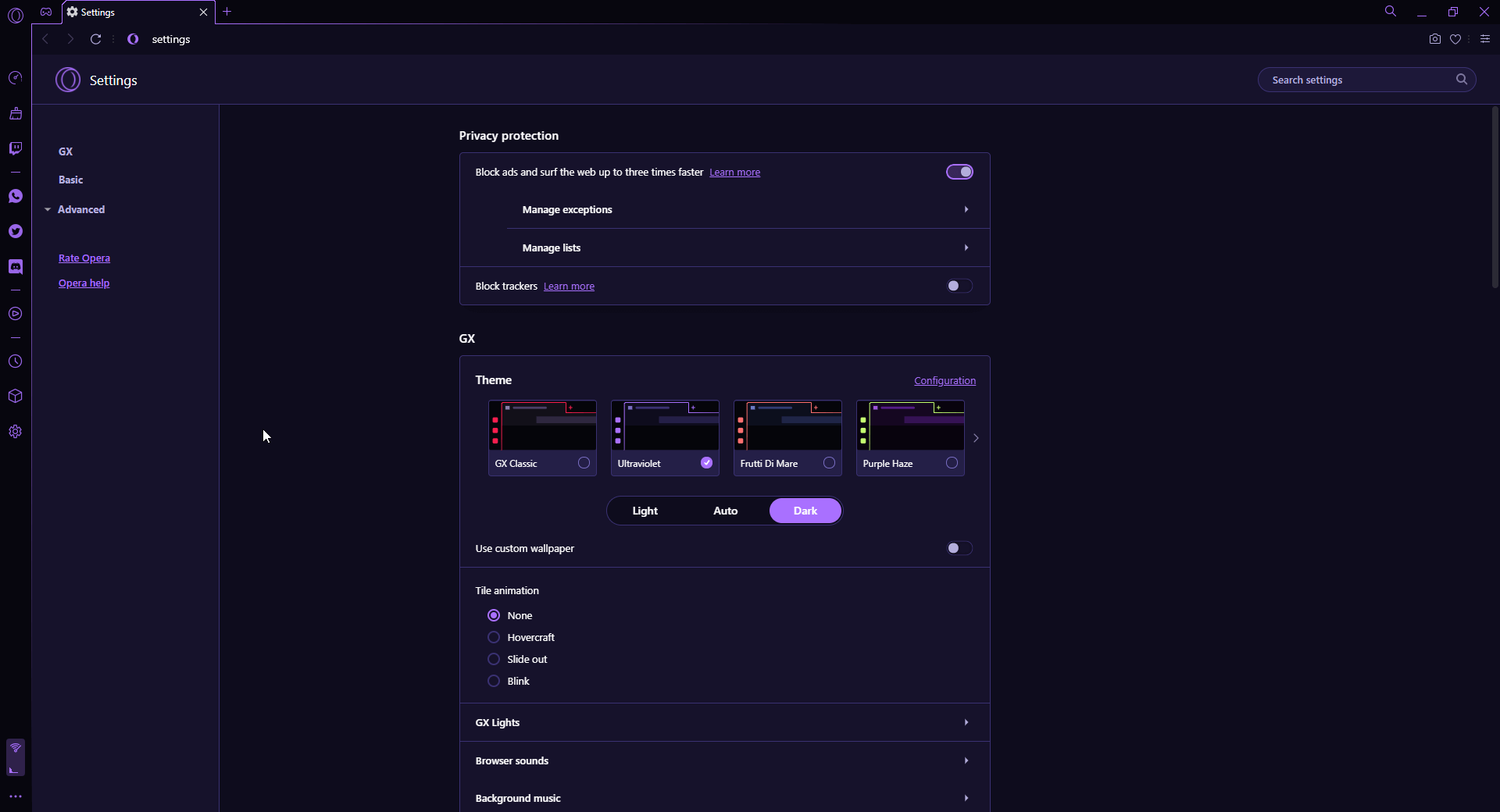
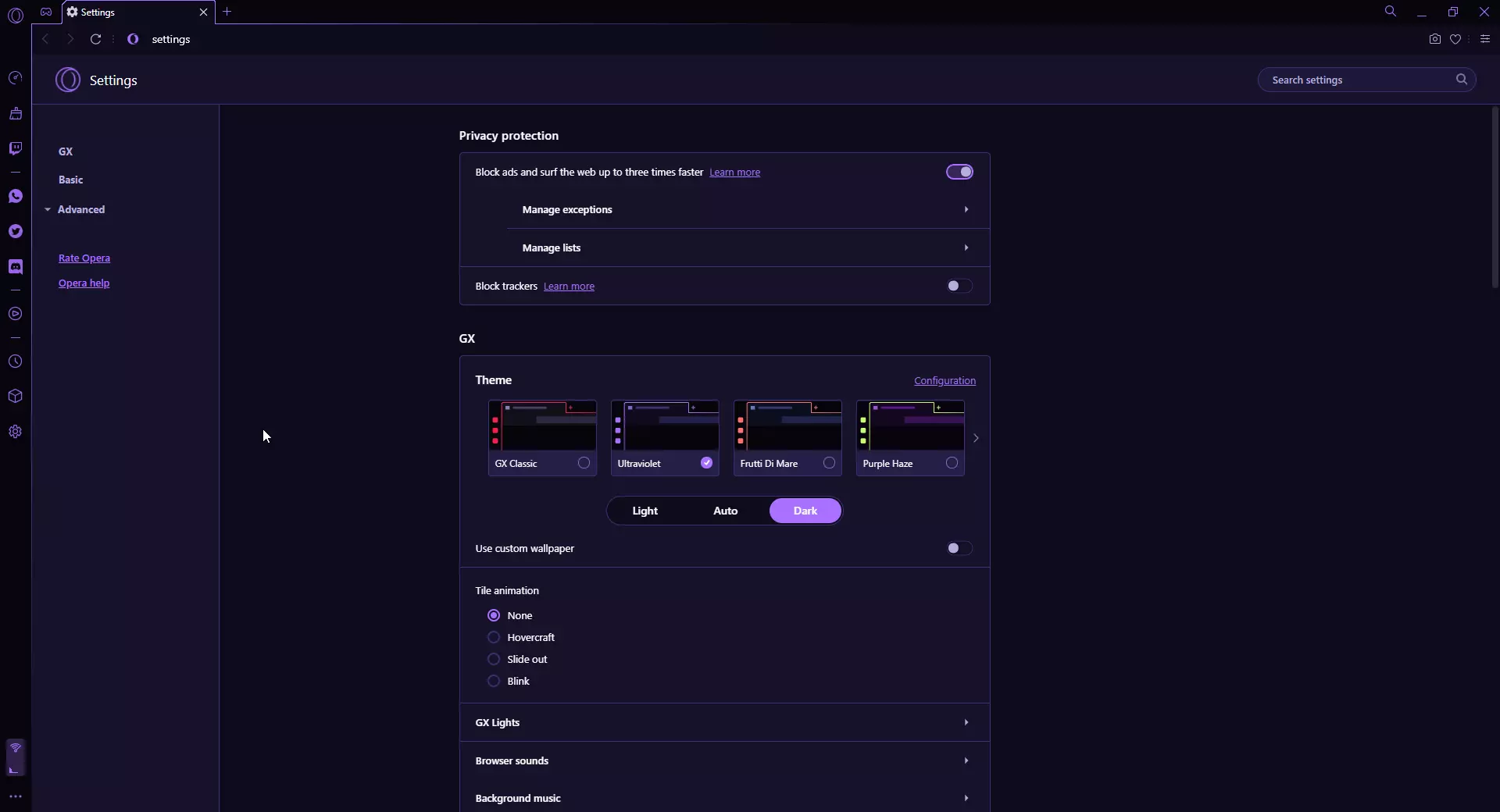
What case modding, i.e. the optical preparation of the PC case, is for the passionate gamer, the gaming browser Opera GX is the gaming-typical and intuitive design of the interface. Depending on taste, there are different templates to choose from, which have even been awarded the coveted Red Dot award for exceptional design in the past.
Individuality is the second big factor of the Opera GX: Not only can the optical adjustment dials be set precisely to the taste of the respective user. It is also possible to individualise the numerous accompanying sound effects while browsing. If you don’t want to be distracted with an acoustic notification every time you receive a new message, start a video, activate the Teamspeak server, or reminders to continue watching the Twitch streaming tutorial, you can also deactivate this function completely.
Stylish elegance
The colour scheme of the Opera GX gaming browser can be fully customised to match the look of your own gaming setup or personal taste. Pre-made designs can be individualised thanks to numerous setting options. A special feature is that the LEDS of the corresponding gaming hardware (mouse, keyboard) can light up in the colours of the browser design, which leads to a coherent overall picture. As usual, there is a light and dark mode. The latter can also be set permanently if desired.
Besides the already presented features for auditory feedback via a wide sound palette of available sounds, the Opera GX has even more features for the ears. The browser’s audio features known as GX Soundtrack also include various pieces of adaptive background music. Choose from various ‘GX Composer Award’ winning pieces to always be in game mode acoustically while surfing. Of course, music and sound effects stop as soon as you access multimedia content via the browser.
Security as a top priority
When it comes to security, the gaming browser from Opera follows the standards of the competition – and with the integrated VPN function, it brings an important option for secure surfing and remote access to foreign network environments, which is not a matter of course. If you want to get an overview for yourself, which program provides you with the most secure Internet experience, have a look at our secure browsers comparison.
GX Control – Captain on the bridge
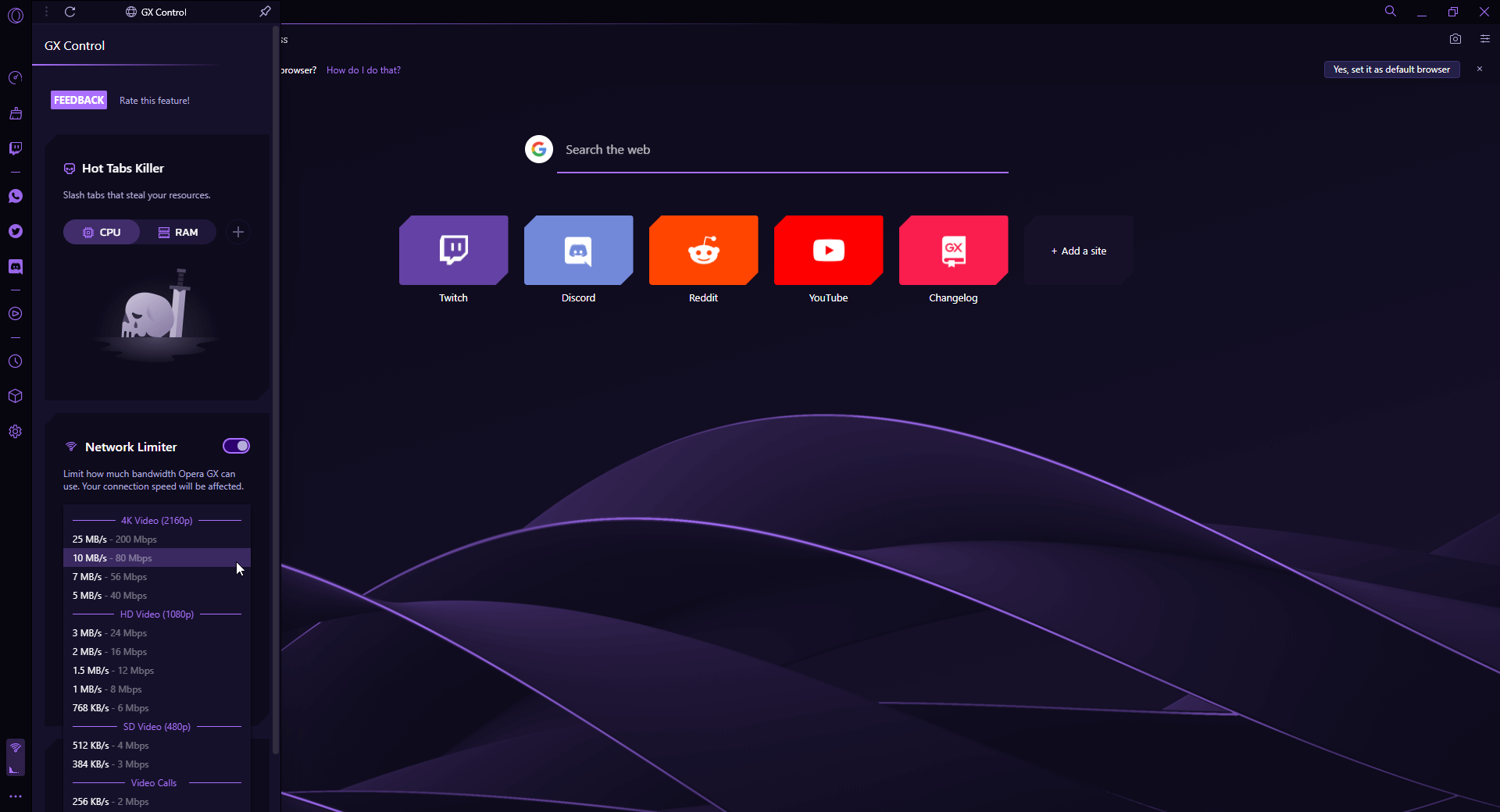
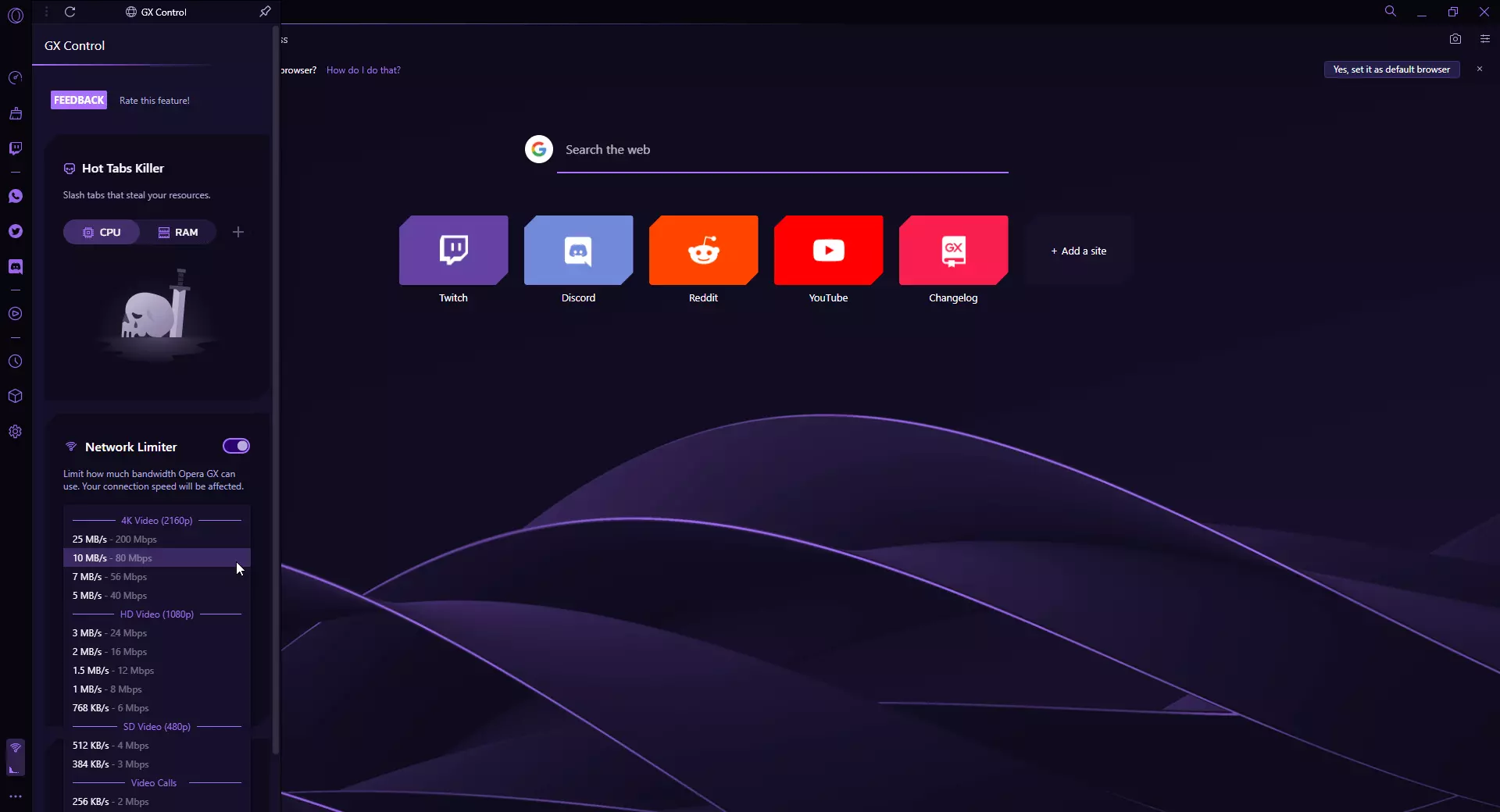
If you use Opera’s gaming browser, you will have the feeling of being captain – like on the ‘Enterprise’ or the ‘Voyager’. Specifically, this means that via GX Control you can not only see from the interface to what extent the CPU and RAM are utilised during the current usage. You also have the option to throttle the load and thus reserve capacity for applications that require more resources. So if you suddenly get a message in Opera GX via the Discord interface that your friends on the FS19 Server are raking in the harvest, you can start the game without any problems.
This also applies to the network bandwidth. The gaming browser allows you to allocate an individual share of the available bandwidth of your Internet connection to certain applications. For example, you can set your download to use only so much of the available capacity that you can still defuse a few bombs on your CS:GO Server or hunt a few creepers on your Minecraft Server.
Everything in view
One of the most important functions of the gaming browser seems almost incidental: A dedicated news section all about gaming keeps you as a user permanently up to date on your favourite topic. An up-to-date release calendar with the release dates of upcoming blockbusters, tips for free games, helpful videos, or recommendations such as the game of the month are just some of the content that you always have in view with Opera GX.
The additional information is elegantly integrated into the browser’s design so that the overview isn’t lost with the manifold content. The mentioned plugins for Discord and the streaming service Twitch are unobtrusively integrated into the browser’s sidebar. Not only do you receive a notification directly when one of the channels you are subscribed to goes online, you also see info about the individual channels as well as their current status via the sidebar.
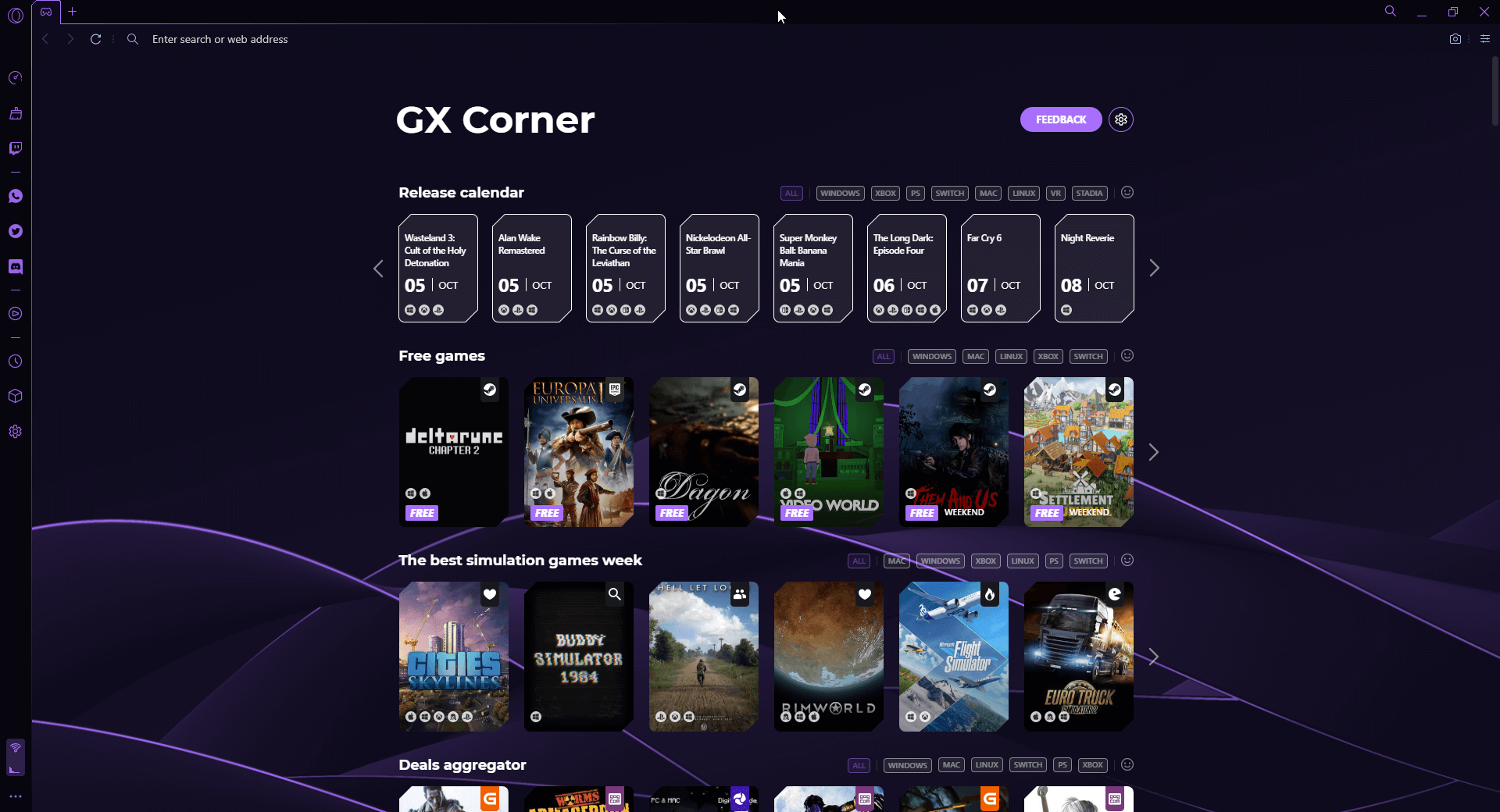
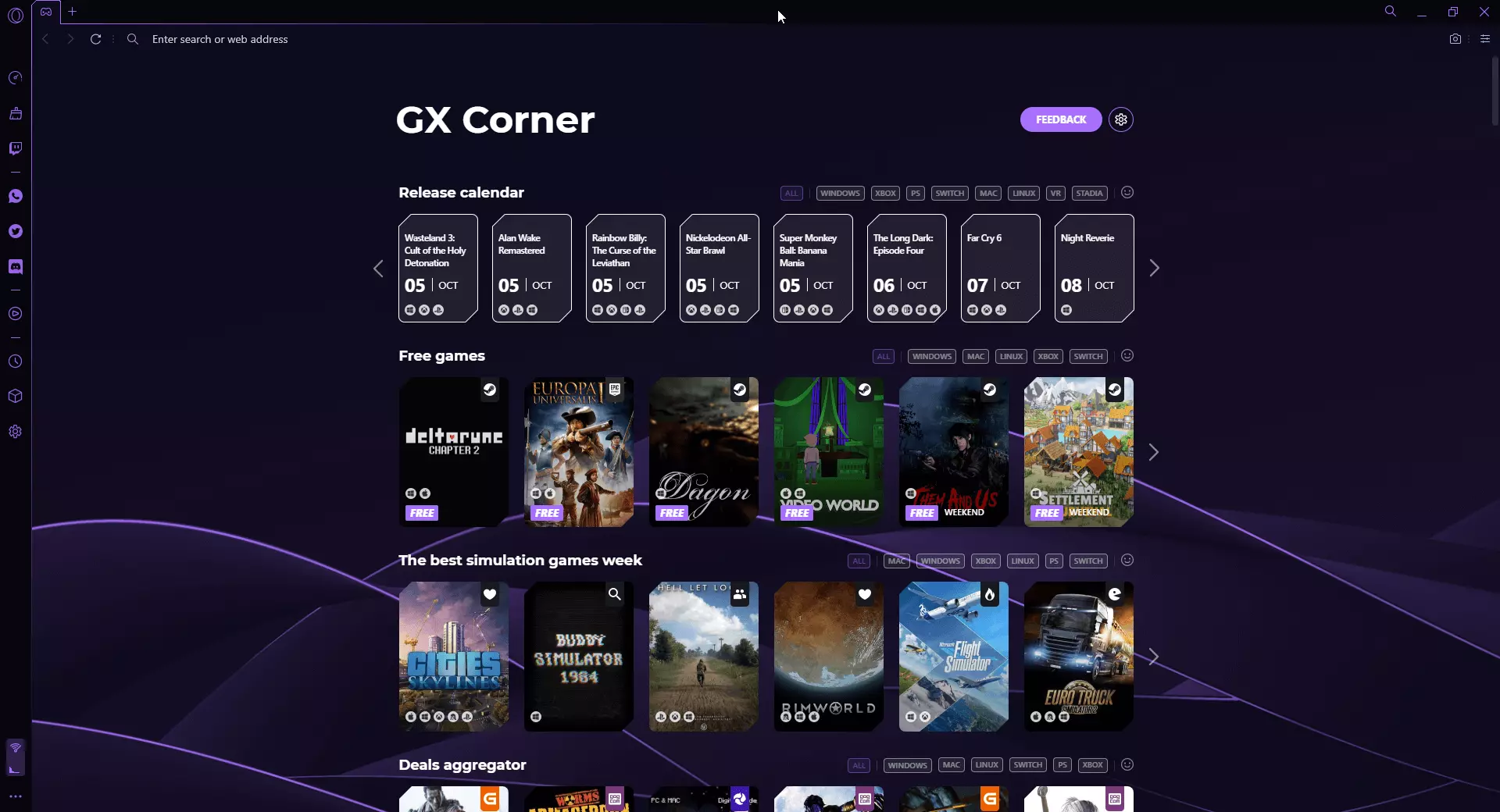
Opera GX: A summary of the most important functions for gamers
- A development of the popular Opera browser optimised for gaming
- VPN function for secure access to private networks
- Implementation of Twitch and Discord
- Pop-out video feature
- Award-winning visual and audio design
- News feed, game recommendations, and more gaming-related information
Installing Opera GX
Installing the Opera GX gaming browser is as easy as installing any other browser. It is free and can be downloaded from the Opera manufacturer site. Thanks to an installation wizard, the setup is done quickly, so you can surf with the new browser within a few minutes. Since Opera GX has an intuitive interface, users of other browsers will find their way around immediately.
Opera’s gaming browser works flawlessly on all modern and almost all older Windows operating systems. The same applies to devices with macOS, Android, and iOS.