

What are the top Zoom alternatives for video conferencing?

The video conferencing software Zoom is very popular. However, there are other providers that offer sophisticated technology for web-based video calls. We present the leading alternatives to Zoom in the field of internet telephony (also known as ‘Voice over IP’ or ‘VoIP’).
Direct comparison of Zoom and its alternatives
| Provider | Maximum number of participants | Conclusion / Features | |
|---|---|---|---|
| Zoom | 1,000 (up to 100 in the free version) | ✓ easy to use ✓ versatile ✓ many free features ✗ many security vulnerabilities in the past ✗ privacy issues sometimes lead to usage bans |
|
| Microsoft Teams | 11,000 (1,000 with interaction) | ✓ many free features ✓ numerous productivity tools ✓ suitable for larger companies ✗ some onboarding required ✗ security weaknesse |
|
| Cisco Webex Meetings | 1,000 (up to 100 in the free version) | ✓ focused on productivity ✓ many free features ✓ various encryption techniques ✓ suitable for larger companies ✗ support could be improved |
|
| GoToMeeting | 250 (only 4 in the free version) | ✓ ideal for smaller video conferences ✓ usable across platforms (Web App) ✗ many additional features are paid ✗ weaker encryption (128-bit) |
|
| Jitsi Meet | Varies depending on technical infrastructure | ✓ ideal for smaller, security-critical meetings ✓ for security-conscious users (GDPR-compliant) ✓ self-hosting possible ✗ few additional features ✗ minor security and performance flaws |
|
| Wire | Up to 150 | ✓ suitable for security-critical applications ✓ end-to-end encryption ✗ registration required ✗ limited support for productivity |
|
| BigBlueButton | 100 (more possible with performance reductions) | ✓ specifically for educational institutions ✓ usable without an application ✗ no mobile app ✗ performance issues with large meetings |
Detailed information on the tools listed in the table can be found below (as of November 2025).
Development, features, and criticism of Zoom
Interest in Zoom Cloud meetings has skyrocketed due to the COVID-19 crisis. According to the company, in April 2020, 300 million people worldwide participated in Zoom video conferences daily (compared to 10 million per day in December 2019). The video conferencing software offers many services for free. One-on-one conferences have no time limit. Additionally, up to 100 people can join a conference if it doesn’t exceed 40 minutes. There is also a user-friendly software and apps that support all mainstream devices and operating systems. Only the organiser of a video conference needs to register, download the software, and can invite other participants via a conference link.


Zoom’s cloud-based infrastructure is considered powerful and stable by users. Video conferences generally run smoothly with HD sound and picture quality. However, there is negative criticism primarily regarding security and privacy. Although security problems have been quickly addressed, the criticism of privacy remains. End-to-end encryption is planned only for paying customers for now.
| Advantages | Disadvantages |
|---|---|
| ✓ all-rounder with many free features | ✗ many security vulnerabilities in the past |
| ✓ easy to use even for technology newcomers | ✗ conflict GDPR vs Cloud Act |
| ✓ security vulnerabilities have been quickly addressed so far | ✗ privacy issues remain criticised, with occasional usage bans in politics and business |
Features, advantages & disadvantages of Zoom alternatives
Microsoft Teams
Microsoft Teams primarily targets use in a business setting, but it is increasingly being used outside of companies as well. According to a Microsoft blog post from March 2020, the user count increased by over 12 million in just one week to a total of 44 million daily users worldwide. Now, Teams has more than 350 million daily users.
The use of the collaboration platform is free in its basic version. Microsoft Teams supports common hardware (mobile devices, desktop PCs) and runs on all well-known operating systems, including Linux. The video conferencing functionality is part of a more comprehensive productivity environment available after installing software. Some orientation time is needed to become familiar with it.


All essential video conferencing features are available with this Zoom alternative, such as desktop sharing, instant messaging, and a file transfer during video conferences. Like Zoom, backgrounds can be customised during a meeting, for instance with a blur effect. Phone dial-in is possible during a meeting. Up to 49 video feeds can be displayed simultaneously on a desktop screen, and up to nine on mobile. In the paid version of this Zoom alternative, whiteboards can be used for interactive collaboration, and video chats and conferences can be recorded.
For exchanging file attachments, up to ten gigabytes of cloud storage per account are available. For permanent use of the service, a cloud-based Microsoft account is recommended for dedicated teams as well as guests. Guests who do not yet have a Microsoft account go through a one-time registration process. However, guests can also join group or individual chats via an invitation link without a Teams account.
One of the special features of the Zoom alternative is its comprehensive integration into the Microsoft 365 cloud. Work processes benefit from this integration, and productivity can be significantly increased. Files can be synchronised and collaboratively edited in the cloud, and an interface to the online tool SharePoint simplifies saving, sharing, and managing digital information within the company. A more extensive user management system with various roles completes the range of features.
In practice, users report that with a poor internet connection, participation in a video chat can abruptly end. Microsoft sets priorities to ensure that online and cloud services within the Microsoft 365 environment remain operational. Peak loads can therefore adversely affect users focusing on video conferencing features.
Another downside: Microsoft Teams also faces criticism regarding data protection. Despite Privacy Shield certification and a clear commitment to high privacy standards, the US company must comply with the provisions of the Cloud Act.
| Advantages | Disadvantages |
|---|---|
| ✓ many features available in the free version | ✗ requires some familiarisation |
| ✓ high priority on productivity | ✗ weaknesses in security |
| ✓ suitable for larger companies | ✗ conflict between GDPR vs Cloud Act |
| ✓ role management (rights administration) |


Cisco Webex Meetings
The video conferencing software Webex Meetings has been part of the system provider Cisco’s group since 2007; Cisco is based in the United States. Webex Meetings is part of the cloud-based collaboration platform Cisco Webex, which positions itself as a complete package specifically for business customers. The alternative to Zoom supports all platforms and operating systems. Apps are available for iOS and Android.
Complex software installations are not mandatory to use the service. Invited guests receive an email with a link and can participate via browser. The Meetings Web App supports all common browsers.
The alternative to Zoom impresses even in its free version with numerous video conferencing features, like desktop sharing and video recording. Up to 100 people can participate in meetings up to 40 minutes long. Video conferences can also be controlled with voice commands through Siri or Google Assistant. A dedicated virtual room (Webex Personal Room) for longer projects with regular meetings is included in the free package.
As part of the collaboration platform Cisco Webex, the Zoom alternative uses various productivity tools and features. File sharing supports the exchange of information and documents, and digital whiteboards are available in the service’s free version for interactive teamwork. Additionally, there is calendar integration (e.g., Google or Outlook calendars). Through interfaces, Webex Meetings can also be integrated and launched from Microsoft Teams and the instant messaging service Slack.


In terms of security, the picture is mixed. Cisco Webex applications and the Webex Cloud communicate via encrypted channels using the TLS 1.2 protocol and, for example, the Advanced Encryption Standard in the 256-bit version (AES 256) for video recordings. The security of chats can be optionally enhanced through end-to-end encryption, which, however, limits the software’s functionality. Through a Privacy Shield certification, the Zoom alternative guarantees a certain level of data protection. Nevertheless, this US provider also operates within the tension field of the Cloud Act and GDPR.
Users praise the service in comments for its good overall quality and ease of use. However, they particularly wish for more support for free version users and complain about issues with sound quality.
| Advantages | Disadvantages |
|---|---|
| ✓ high priority on productivity | ✗ conflict between GDPR and Cloud Act |
| ✓ many features already in the free version | ✗ support needs improvement (according to user comments) |
| ✓ use of various encryption techniques | |
| ✓ also suitable for larger companies |
GoToMeeting
Another Zoom alternative is GoToMeeting. This software is backed by the American company GoTo (formerly LogMeIn). For video conferences with GoToMeeting, all common devices and operating systems can be used.
Meetings in the free version are conducted via the web app, which supports all common browsers. However, the provider recommends Google Chrome, especially for meeting organisers.
The Zoom alternative offers less in its free version compared to competitors. Meetings can last up to 40 minutes with a maximum of four participants. Desktop sharing and the typical split-screen function, which divides the screen and arranges participants on the display, are part of the free package. Text-based communication is handled by an integrated chat function; however, files cannot be transferred.
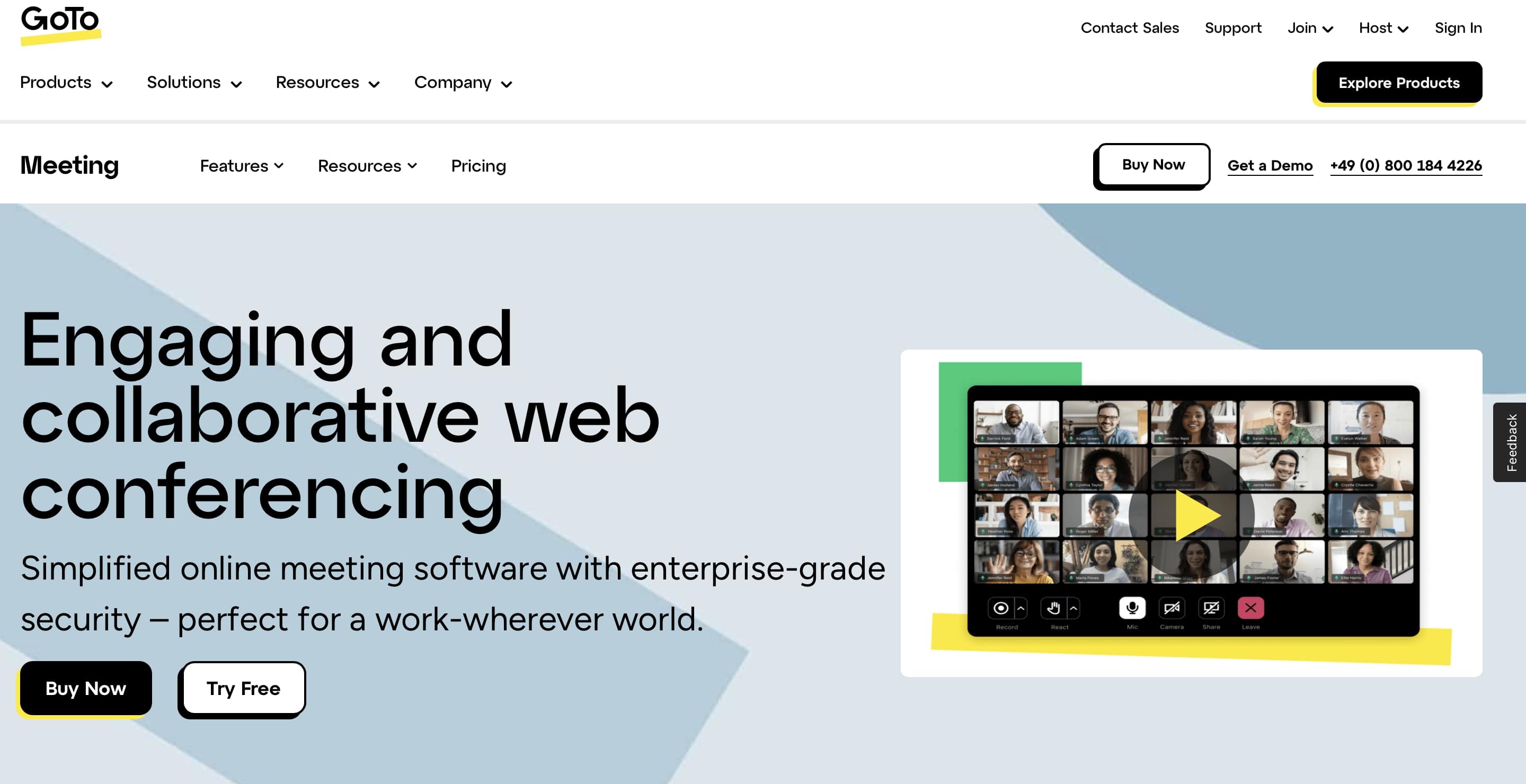
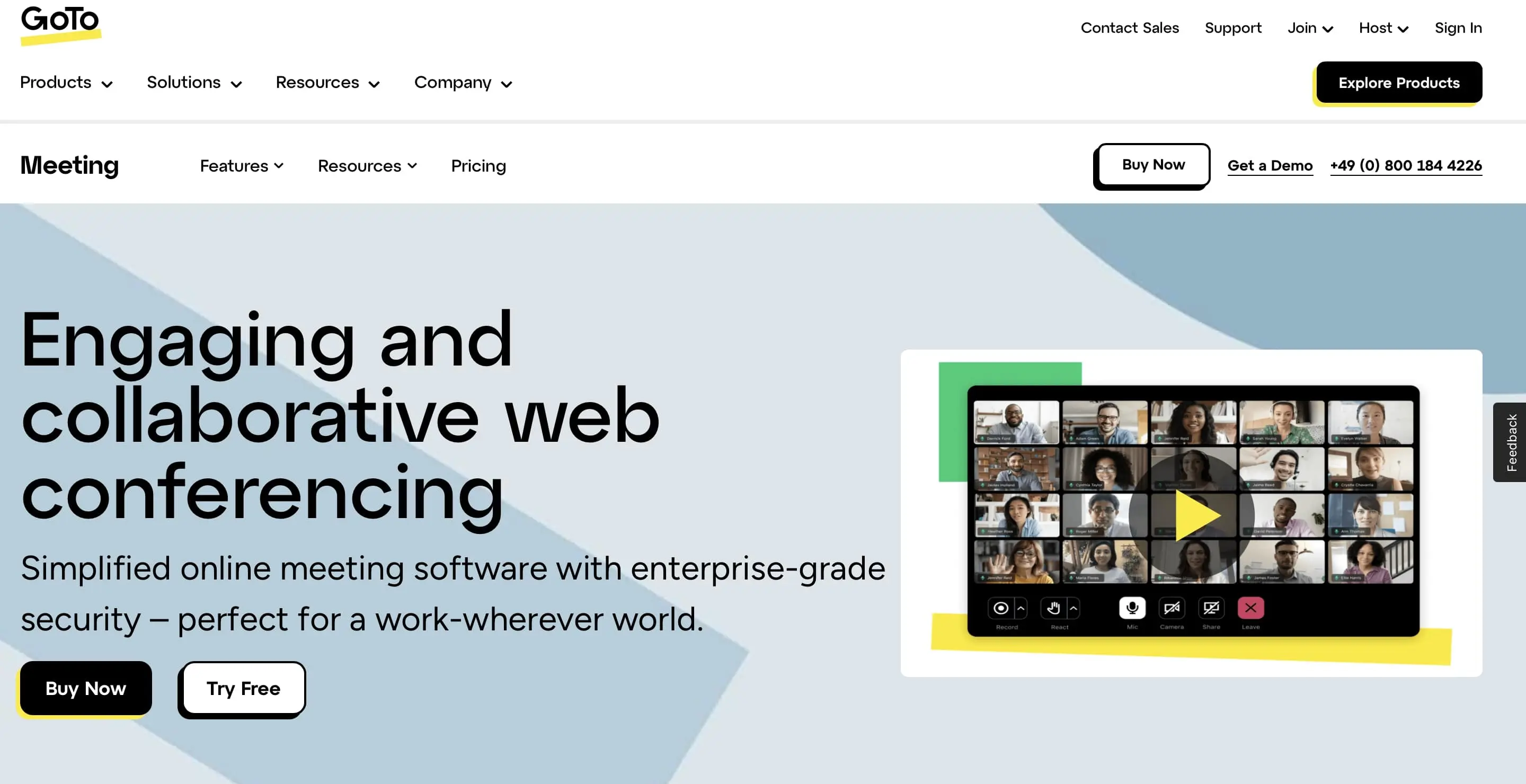
The paid editions expand the limited functionality and primarily aim at increased productivity. The time limit for meetings is lifted, and the number of participants is increased to a maximum of 250. Calendar integrations (e.g., through an Office 365 plug-in) facilitate planning and execution within teams, and unlimited cloud recordings make sessions available for later review. Additional business features include a personal meeting room, a lock function for meetings, and an admin centre for invitations and administrative tasks.
Users praise the Zoom alternative in comments primarily for its uncomplicated initial setup, simple user interface, and reliable technical infrastructure. However, they criticise the audio quality and support. Regarding data protection, the U.S. company LogMeIn cannot bypass the Cloud Act, despite the Privacy Shield certification. Nevertheless, the provider demonstrates a commitment to security by using 128-bit AES encryption for online meetings. Other providers, however, use the superior 256-bit encryption.
| Advantages | Disadvantages |
|---|---|
| ✓ video conferences are particularly easy to conduct via web app | ✗ features and productivity are neglected in the free version |
| ✓ well-suited for smaller free meetings on all platforms | ✗ only 128-bit encryption (instead of 256-bit) |
| ✓ particularly appealing to individuals and SMEs (especially in the free version) | ✗ conflict between GDPR and Cloud Act |
Jitsi Meet
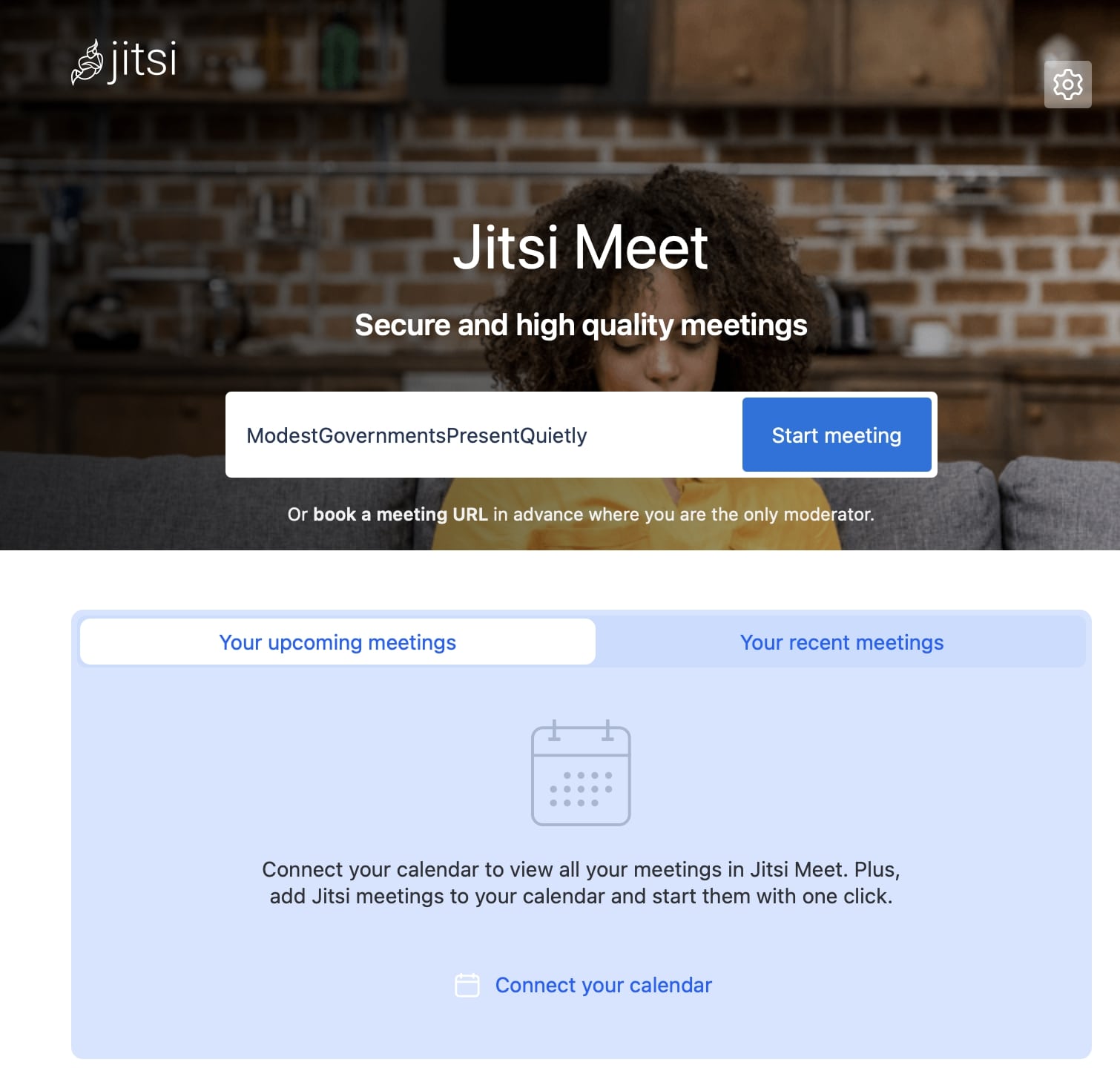
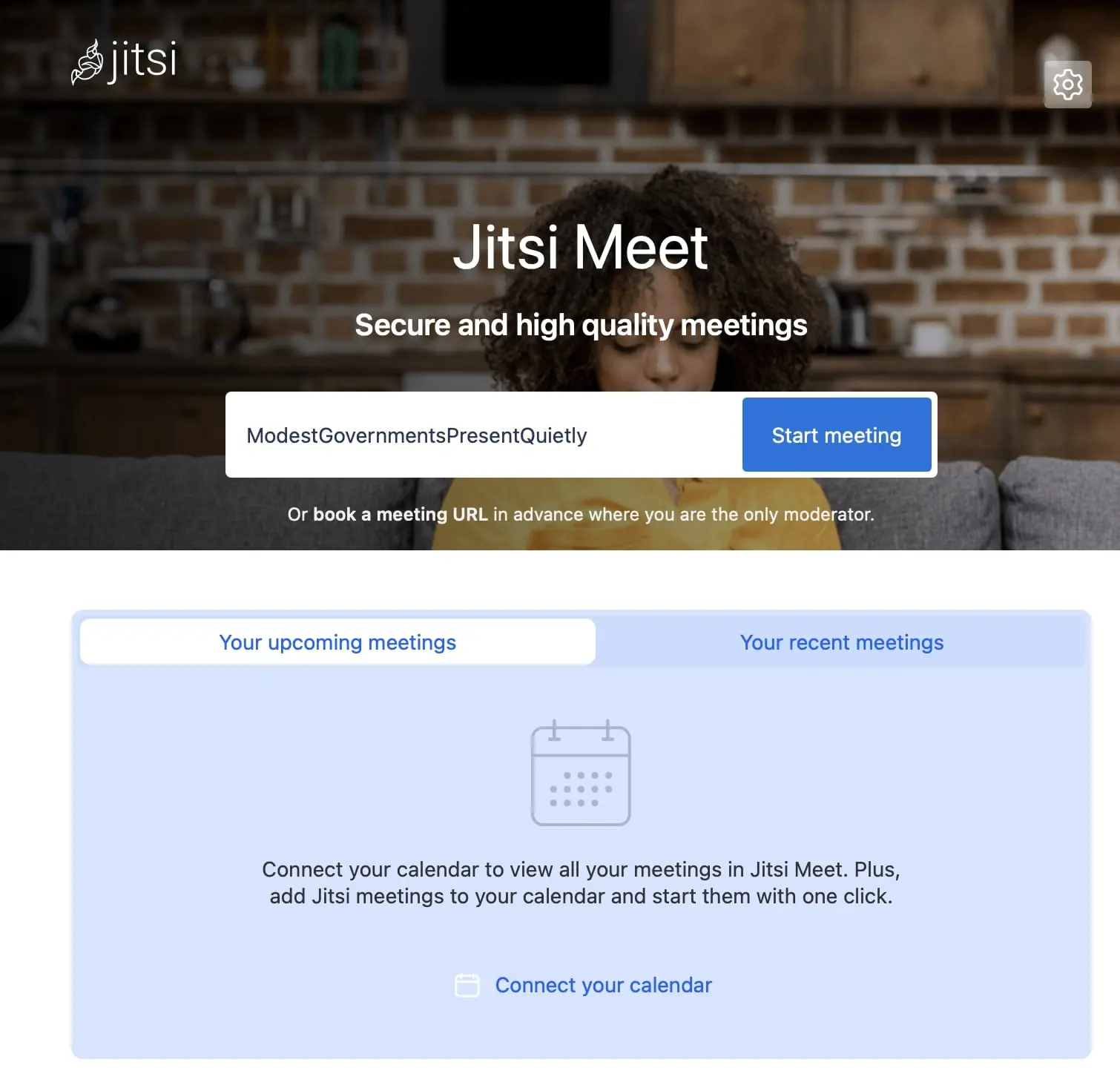
The open-source software Jitsi Meet is part of the more extensive open-source project Jitsi. The service is an alternative to Zoom because it puts a strong emphasis on data protection and is considered GDPR-compliant. No registration is required, and user data is not stored. Chat messages are generally provided with end-to-end encryption, as are video calls between two people. Chat rooms can be secured with passwords. The data traffic for the Zoom alternative is handled via European servers.
In the case of technical issues, as well as audio and video calls with multiple people, Jitsi Meet only employs transport encryption. This means that temporarily, unencrypted data may reside on the server. With strict end-to-end encryption, it is significantly more challenging for hackers to access sensitive data.
Windows, macOS, and Linux are supported. The program works best and most reliably with the Google Chrome browser—this is a minor drawback from a privacy perspective, as Chrome users must accept Google’s privacy policies. Mobile device owners can also use the apps for iOS and Android. However, the apps contain trackers that analyse user data for various purposes. Those who are particularly security-conscious can access the alternative to Zoom on the go via the browser or download a tracker-free Android version from the F-Droid Store.
Jitsi Meet is ideal for simple chats between two people. Smaller groups also benefit from secure online communication. A conference invitation only requires an email with a specially generated URL. During a meeting, the Zoom alternative is limited to basic functions like text-based chatting, screen sharing (sharing the desktop or individual program windows), and muting participants by the moderator.
The video transmission is usually relatively stable, but users repeatedly criticise the mediocre quality and stability of video connections. For important upcoming conversations, it’s recommended to conduct a preliminary test to ensure the connection is sufficiently stable.
The quality is influenced by the different providers of Jitsi Meet. As so-called hosts, they provide the service with infrastructure and decide what capacities they make available to Jitsi Meet on their server. The hosts also influence the range of features and the maximum number of conference participants.
| Advantages | Disadvantages |
|---|---|
| ✓ GDPR-compliant product | ✗ reduced functionality |
| ✓ ideal for security-critical meetings and security-conscious users | ✗ little support for productivity |
| ✓ own servers possible (self-hosting) | ✗ weaknesses in the technical infrastructure (dispersed servers, some performance issues) |
| ✓ Well-suited for smaller meetings | ✗ minor security vulnerabilities |
Wire
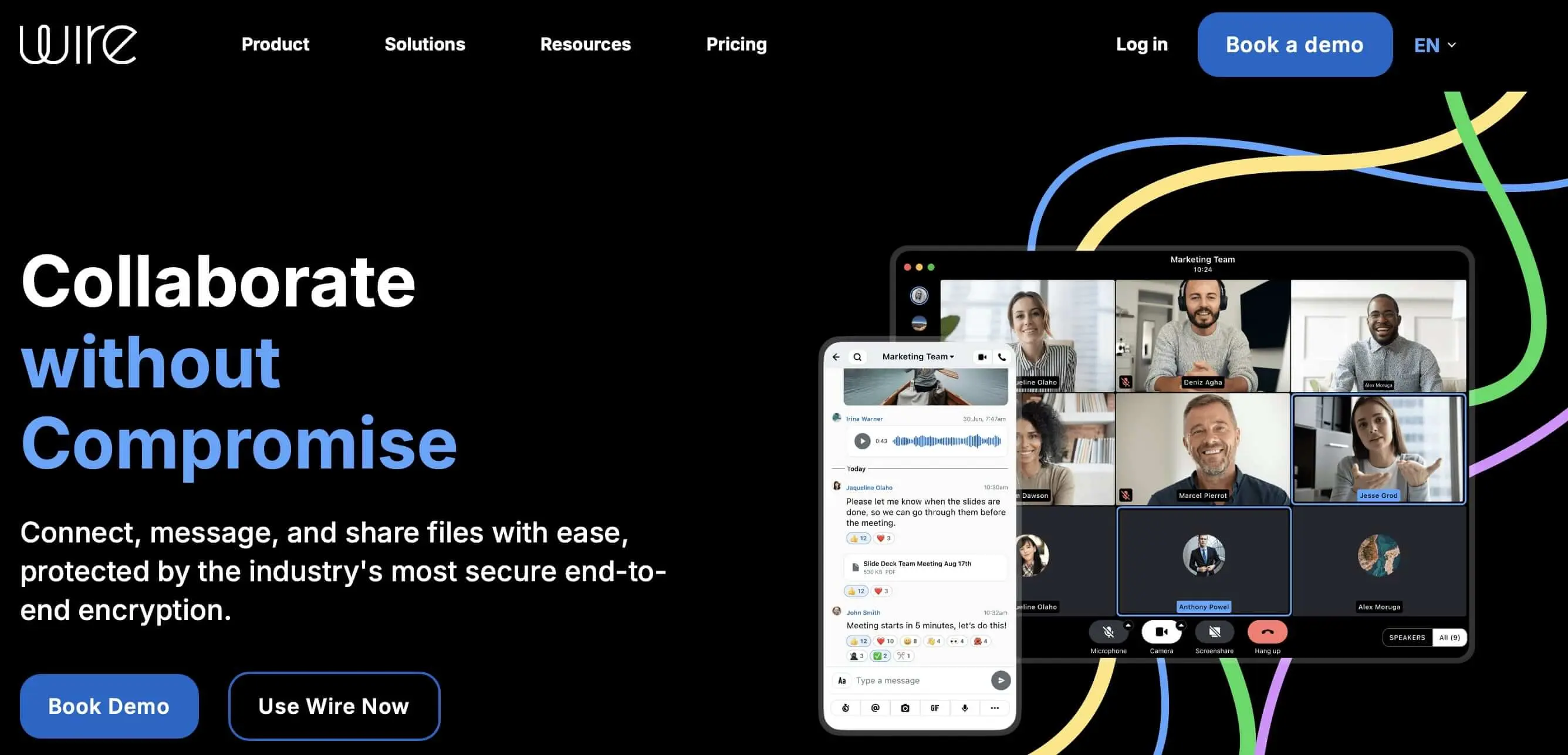
Wire is a secure, open-source communication platform based in Switzerland designed for both private users and businesses. Unlike many other Zoom alternatives, Wire consistently employs end-to-end encryption (E2EE). It is available for text messages, voice calls, video calls, and file transfers, and is based on the Proteus protocol. This ensures all content is protected by default, even in group chats. Using Wire is GDPR-compliant and meets the ISO‑27001 standard.
The alternative to Zoom is available cross-platform. A suitable app is offered for mobile devices. Wire supports features like mentions, threading, team and guest accounts, file sharing, screencasting, group calls with up to 150 participants, synchronisation across all devices, and multi-login. Especially in companies, users appreciate the ability to operate their own servers (on-premise) or book dedicated EU cloud instances—complete with enhanced admin and compliance functions.
In addition to the features of video conferencing software, Wire offers several advantages for confidential, chat-based communication, such as self-destructing messages, two-factor authentication, session management, and role management.

A minor drawback: Even though Wire is open source, some team features are only included in the business package, and the registration process (email, SSO, or phone number) contrasts with completely anonymous tools like Jitsi. Additionally, group calls on older devices or with weak connections may occasionally experience performance issues. However, for security-conscious users or organisations with compliance requirements, Wire remains one of the most mature Zoom alternatives on the market.
| Advantages | Disadvantages |
|---|---|
| ✓ end-to-end encryption for all content | ✗ registration required |
| ✓ GDPR-compliant | ✗ Low support for productivity |
| ✓ own servers possible (self-hosting) | ✗ no fully anonymous access possible |
| ✓ self-destructing messages, multi-login, 2FA |
BigBlueButton
BigBlueButton is an open-source solution for video conferencing, webinars, and online training, developed specifically for the education sector. The Zoom alternative originally comes from Canada and is now used worldwide by schools, universities, and educational institutions. Unlike general video conferencing tools such as Zoom or Microsoft Teams, BigBlueButton focuses on interactive learning formats: the platform offers digital whiteboards, polls, breakout rooms, multi-user annotations, shared notes, and powerful presentation management. Teachers can mute participants, divide them into groups, or specifically activate them.
The application runs entirely in the browser (based on HTML5) and does not require additional software installation. Current versions of Chrome, Firefox, Safari, and Edge are supported. Audio and video quality is stable, especially for small to medium-sized groups. BigBlueButton can be run either on a dedicated server (self-hosting) or via hosting providers with GDPR-compliant infrastructure. Communication is encrypted via transport encryption (TLS/HTTPS). However, continuous end-to-end encryption is not included by default.


The deep integration into learning management systems like Moodle or ILIAS is especially appreciated. Educators can plan, record, and manage their sessions directly within the course. The recordings include not just the video image, but also shared content and chat histories. BigBlueButton is less suited for large conferences—the optimal use is up to 100 participants per room.
| Advantages | Disadvantages |
|---|---|
| ✓ specifically developed for the educational sector | ✗ less suitable for traditional business conferences |
| ✓ integration with many LMS (e.g., Moodle) | ✗ high resource consumption for large meetings |
| ✓ no installation required (runs in the browser) | ✗ no mobile app |