

Google Knowledge Graph: What Is It and What Does It Do?

Back in 2012, the search engine giant Google launched the Knowledge Graph. It’s essentially an extension to search results in the form of a widget displayed as a separate infobox. The infobox contains introductory facts, a definition of the search term or further information.
The Google widget acts as a knowledge database and provides users with all relevant information for a queried topic quickly and clearly. As soon as Google recognises a semantic entity – i.e. a piece of information with direct connections to related topics – relevant information is shown in the widget. With Google’s Knowledge Graph, semantically related content for a search request can include the following information:
- Information about certain locations, people or companies
- Images
- Text extracts
- Data with extra details
- Information about similar search requests
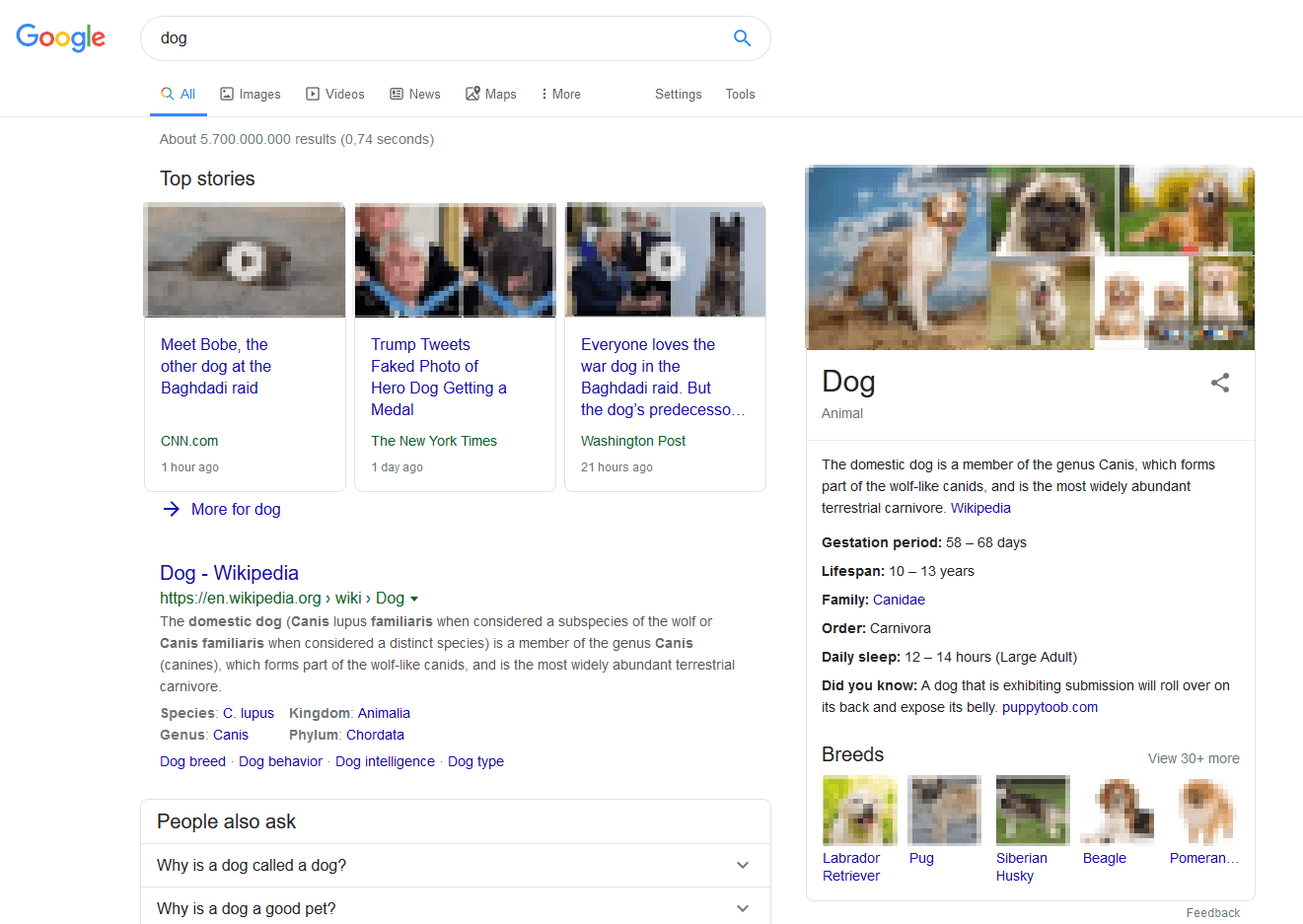
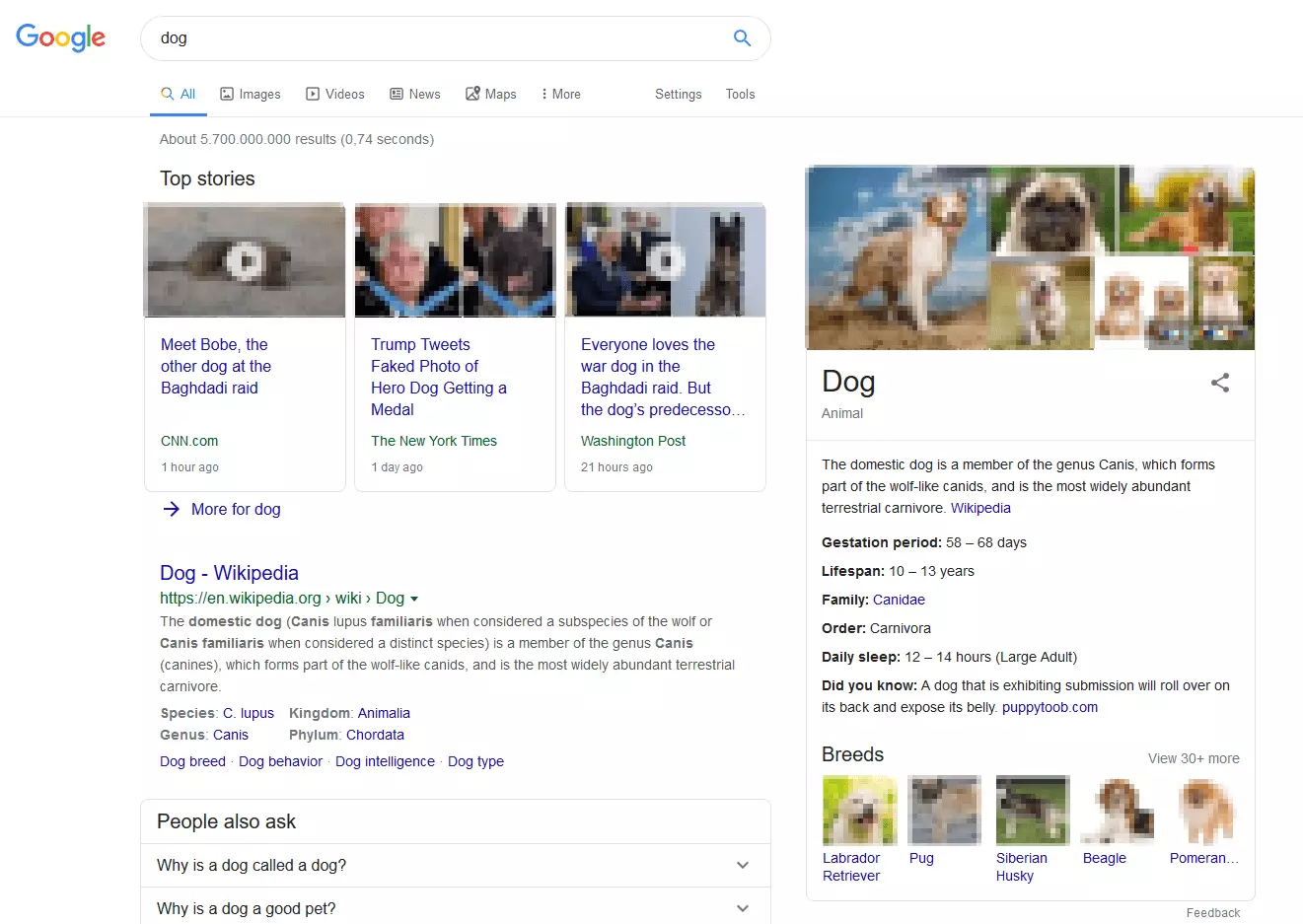
Google’s Knowledge Graph is displayed to desktop users as an infobox in the search results for around eight percent of search queries. This is usually when the search requests are rather general in nature and Google recognises a lot of related semantic links to the respective search term. The infobox is displayed to users in the widget for the Google Knowledge Graph. For Google, a large semantic sphere means lots of possible points of reference. Places or sights, for example, are ideal search results for Google to present further relevant information on the results page. Searching for “France” will produce travel tips, flight and hotel prices, attractions, wiki data, and suggestions for related search queries. Google identifies all this extra information using the Knowledge Graph.
How Was Google’s Knowledge Graph Developed?
The Knowledge Graph has existed since 2012, boosting Google’s position as the largest provider of relevant information for users on the internet. Google’s aim was to make it even easier for users to search for information, and to provide this information in an even clearer manner. In 2013, the functions of the Knowledge Graph were further expanded as part of the Google update “Hummingbird”. This update allows users to receive answers to specific questions using the Hummingbird algorithm. These answers are then displayed for both desktop and mobile searches. All other basic functions remained unchanged.
The Structure of Google’s Knowledge Graph
The Knowledge Graph typically shows one or more of the following three elements depending on the request:
- Answer boxes
- Knowledge panel
- Carousel
Direct questions are answered by these elements below the search window, in an answer box. A practical example can be seen for the question: “How high is the Eiffel Tower?”.
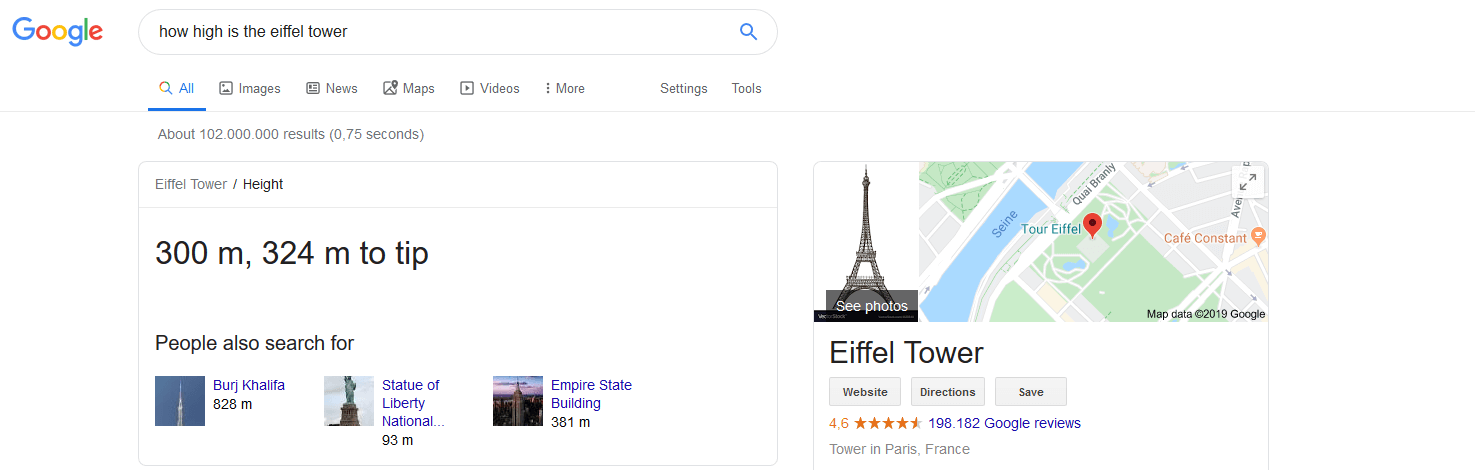
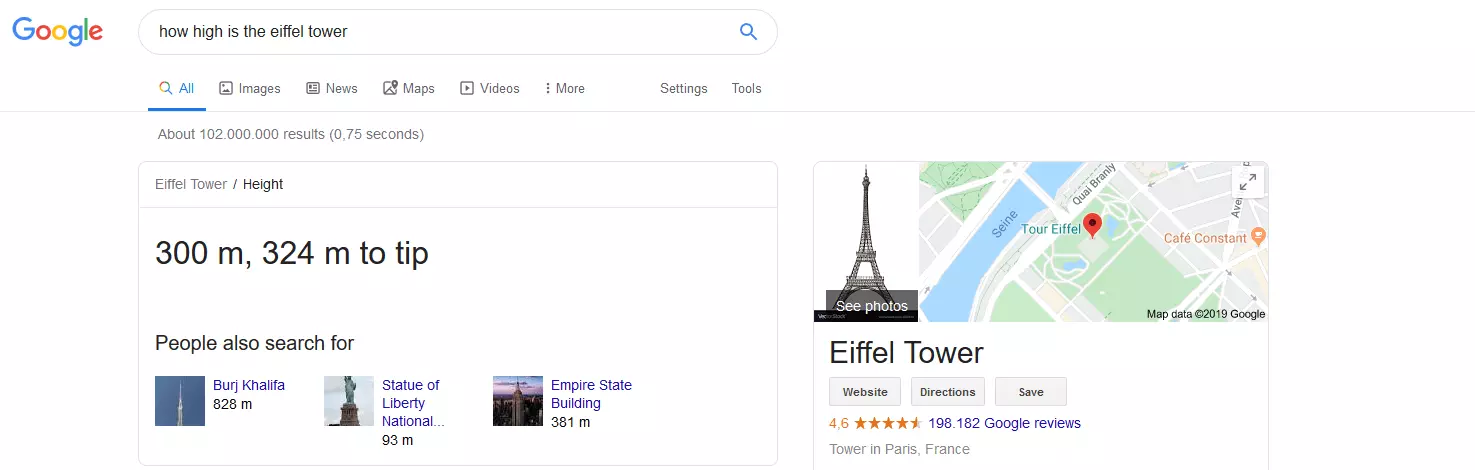
This answer box is displayed above the normal search engine result pages (abbreviated to SERPs). However, Google can only provide the corresponding answers in the answer box if information is known that answers the question posed exactly and is not just somewhat related to the topic. By contrast, information about companies or people is only shown in the knowledge panel located to the right of the search results. This panel is the central element of the Google Knowledge Graph. Here, you can find all information about the search request concisely and neatly.
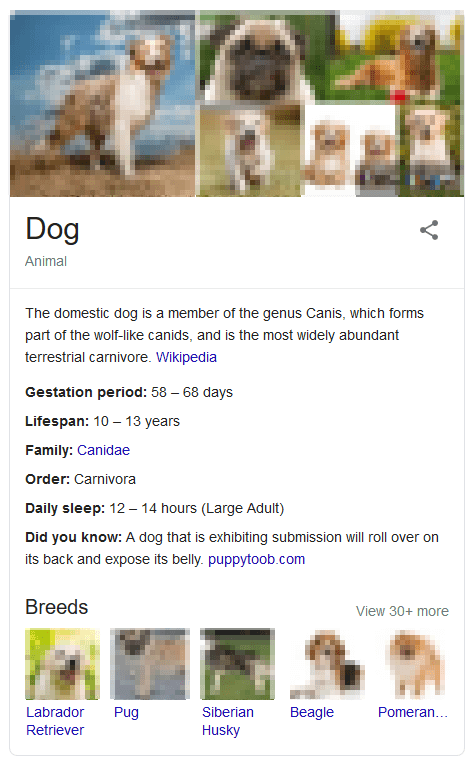
The carousel is part of the Knowledge Graph and it can usually be reached with a click on one of the links beneath the answer box – titled “People also search for”. This is where a series of images are presented on related topics. Google thereby provides even more information in case the user doesn’t find the answer they’re looking for.


How Google’s Knowledge Graph Obtains Information
Google uses credible, publicly accessible data and information from its own data repositories. The data needs to be reliable and dependable in order to be used for the Google Knowledge Graph. For instance, verified information can be taken from Wikipedia or publications from trustworthy governments or organisations. Google also uses information from websites that have proven to be reliable sources. The Knowledge Graph therefore often presents definitions that have been checked by several websites and are in general use.
Google provides the user with insufficient data on where exactly the data comes from. The respective websites hardly benefit from an enhanced reputation. Plus, the users have to trust Google to a certain degree, since the sources are not always immediately verifiable.
The Importance of Google’s Knowledge Graph for Companies
Companies can primarily use the Google Knowledge Graph as a SEO and marketing tool. They can attempt to influence which information appears for their brands and products in the Knowledge Graph, thereby actively attracting users to their websites. Due to the fact that Google uses information from Wikipedia or company websites for the Knowledge Graph, it’s possible to have a considerable effect on the content displayed by Google’s Knowledge Graphs. Both sources are treated equally. It’s therefore possible for companies to use the search engine feature to direct traffic to their websites. But this only works if the information presented by the Knowledge Graph is appealing, objective, and well-structured.
From a company’s perspective, there’s also a considerable disadvantage with this Google feature. If the information in the infobox is already sufficient for the user, they may no longer need to click on the corresponding website, resulting in a drop of incoming traffic. For this reason, the Wikipedia community is quite critical about this development.
Optimising the Google Knowledge Graph as a Company
First of all, it’s important to remember that search engine optimisation does not provide you with direct influence on the content of the Knowledge Graph. But there are a range of other options. The most effective of these including maintaining a Wikipedia entry and managing the content on your own website. By presenting key content about the company in an appealing and structured manner, both in a Wikipedia entry and on the respective website, a large part of the work for optimising the Knowledge Graph display is already taken care of. But it’s definitely not a good idea to hastily overhaul all content and present the company in bright colours. A far better approach is to modestly optimise the objective emphasis of the strengths of the company on both Wikipedia and the company website.
Above all, the data should be presented with a suitable structure – and this is exactly what the Google Knowledge Graph depends on. Here, it’s best to use the markup formatting of Schema.org. In order to help reveal optimisation potential for websites and company pages, the Big Data giant has provided a free analysis tool called Google Lighthouse.