

15 impressive Raspberry Pi Zero projects

The Raspberry Pi Zero is a popular single-board computer that is ideal for all limited space projects. At the end of 2021, the long-awaited successor of the Raspberry Pi Zero was launched – the Raspberry Pi Zero 2 W. Boasting a 64-bit quad-core processor, it offers up to 40% improved performance compared to the Raspberry Pi Zero.
What is Raspberry Pi Zero all about?
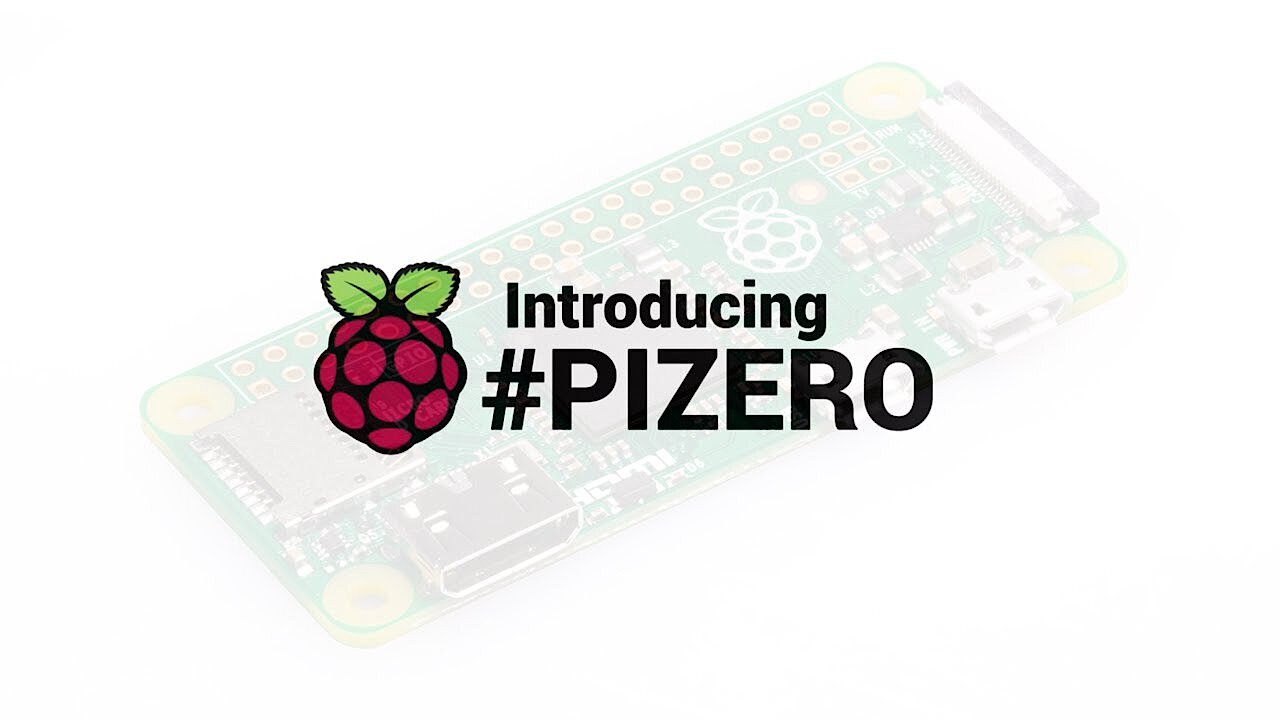
The Raspberry Pi Zero was primarily developed as a minicomputer for projects which use every last bit of space. To this end, the Raspberry Pi Foundation expanded its single-board computer family back in November 2015 with the Raspberry Pi Zero coming in at a weight of just nine grams. The concept of the miniature computer was a success, and various successors followed in the footsteps of the Raspberry Pi Zero. The latest member of the Raspberry Pi Zero family is the Raspberry Pi Zero 2 W, which has been available since October 2021. It is similar to its predecessors in terms of dimensions. At a board width of 30mm, a length of 65mm and a height of just 5mm, the mini computer is suitable for all sorts of interesting Raspberry Pi Zero applications. Another advantage is that due to the identical dimensions to the predecessor models, existing cases can simply be reused.
Although nothing has changed in terms of size, performance is a very different matter. The Raspberry Pi Zero 2 W packs in more power compared to the 2015 model. The previous single-core CPU has been replaced by a more powerful quad-core processor. WLAN and Bluetooth 4.2 ensure that the Raspberry Pi Zero 2 W is suitable for almost any project despite the lacking Ethernet connection. The HDMI connectors of the Raspberry Pi 4 have been replaced with a mini HDMI type connector on the Raspberry Pi Zero 2 W for space reasons.
 To display this video, third-party cookies are required. You can access and change your cookie settings here.
 Raspberry Pi Zero
| Raspberry Pi Zero 2 W | |
| Release | October 28th 2021 |
| Price | around £20 |
| Measurements (Length x Width x Height) | 65 x 30 x 5 mm |
| Weight | 12 g |
| Processor | 1 Gigahertz quad-core processor |
| Architecture | ARM Cortex-A53 (64 Bit) |
| Processor | 512MB RAM |
| WLAN | On-board WLAN with 2.4 GHz |
Raspberry Pi Zero: exciting projects and ideas at a glance
As is usual with new releases from the Raspberry Pi Foundation, the demand for the Pi Zero 2 W was huge right from the start with stocks quickly selling out among numerous Raspberry dealers. Since so many people could get their hands on one so quickly, it is no wonder that many new interesting projects were created with the help of the Raspberry Pi Zero. From practical, everyday helpers, to drones, to entertainment devices, it seems like amateur hobbyists have no limit to their creative imagination, as the following examples illustrate:
The musical Tesla coil
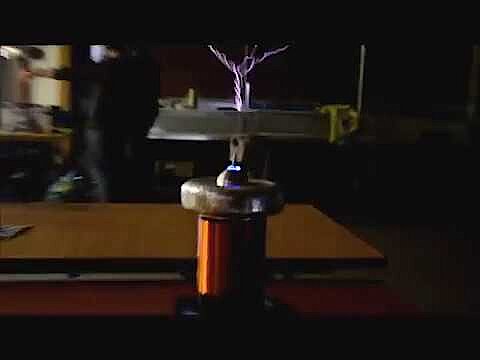
The first example proves the minicomputer’s flexibility quite impressively. Electronics-savvy programmer Derek Woodroffe redesigned the Raspberry Pi Zero as part of his ‘Extreme Electronics’ project, allowing him to control one or more Tesla coils. As if this idea was not crazy enough, the visual marvel is also accompanied musically by an MIDI file being played, which is located on the single board computer. He reveals what software and hardware he used to create this masterpiece on his website: Extreme Electronics.
 To display this video, third-party cookies are required. You can access and change your cookie settings here.
 Pi0drone: the $200 drone from the Basque country
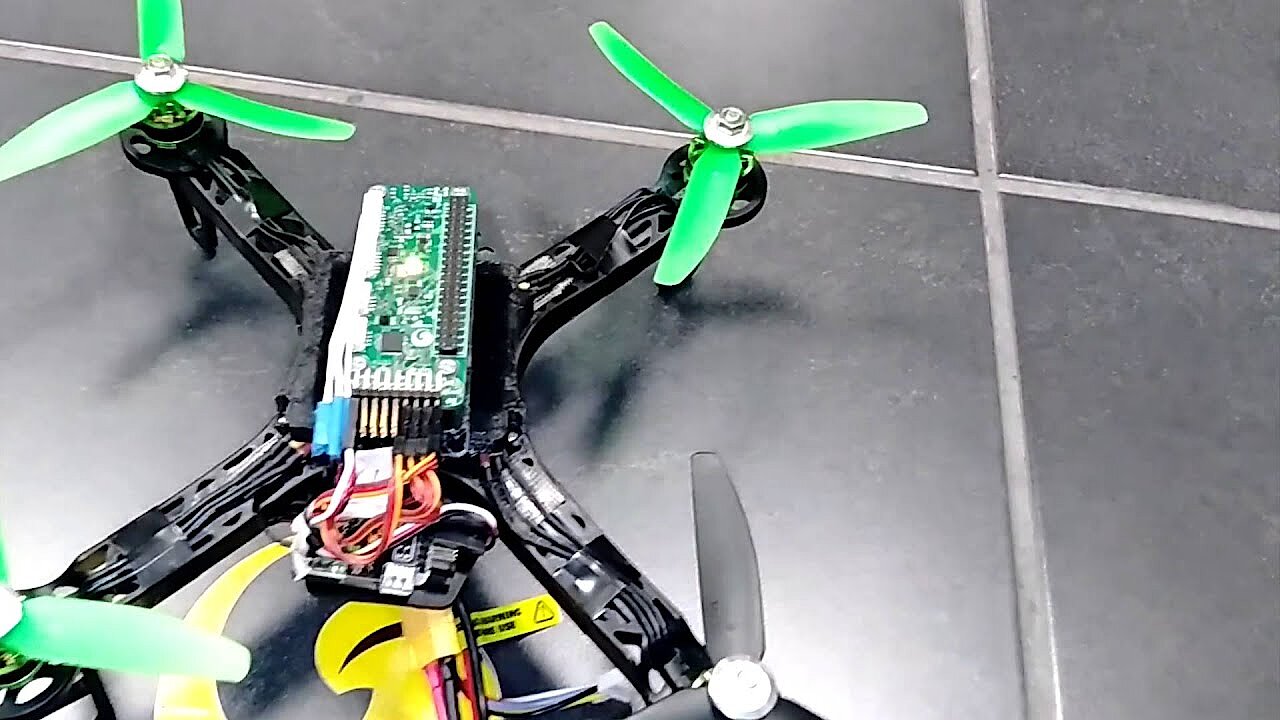
A Spanish development team led by Victor Mayoral – co-founder of robotics startup Erle Robotics- has garnered interest on the online Hackster platform with his Raspberry Pi Pi0drone. It is a drone that can be controlled with a standard remote control, thanks to the Raspberry Pi Zero. The material costs of this home-made aircraft came to about $200, the majority being spent on the required autopilot board PXFmini (approx. $70). The operating system is a Debian-based distribution that Erle Robotics has put together for this purpose.. The Hackster project webpage does not just provide information about the project, but also gives instructions on how to construct one of these drones yourself, including a list of hardware and software required.
 To display this video, third-party cookies are required. You can access and change your cookie settings here.
 PiZero Cluster – 16 Raspberry Pi Zeros as a test environment
The Japanese startup Idein relies on the Raspberry Pi Compute Module to develop its multifunctional hardware Actbulb. Actbulb is designed for a variety of devices or components that use computational and data analysis – like lightbulbs, network cameras, microphones, or VR/AR equipment (virtual and augmented reality). For some time now, however, Idein has not been testing the product on these devices, but rather on a composite of 16 Raspberry Pi Zeroes. The ‘PiZero Cluster’ board has 32 micro USB ports for power and data-input, as well as 16 USB A ports and 16 ethernet interfaces. Incidentally, due to delivery bottlenecks, the Japanese company relied on donations from other Pi owners to complete the cluster.
We've almost finished creating PiZero cluster board. But I wonder when we can buy remaining 15 PiZeros. #PiZero pic.twitter.com/mvHyoonlix
— Koichi Nakamura (@9_ties) 20. Januar 2016
DIY electro-skateboard
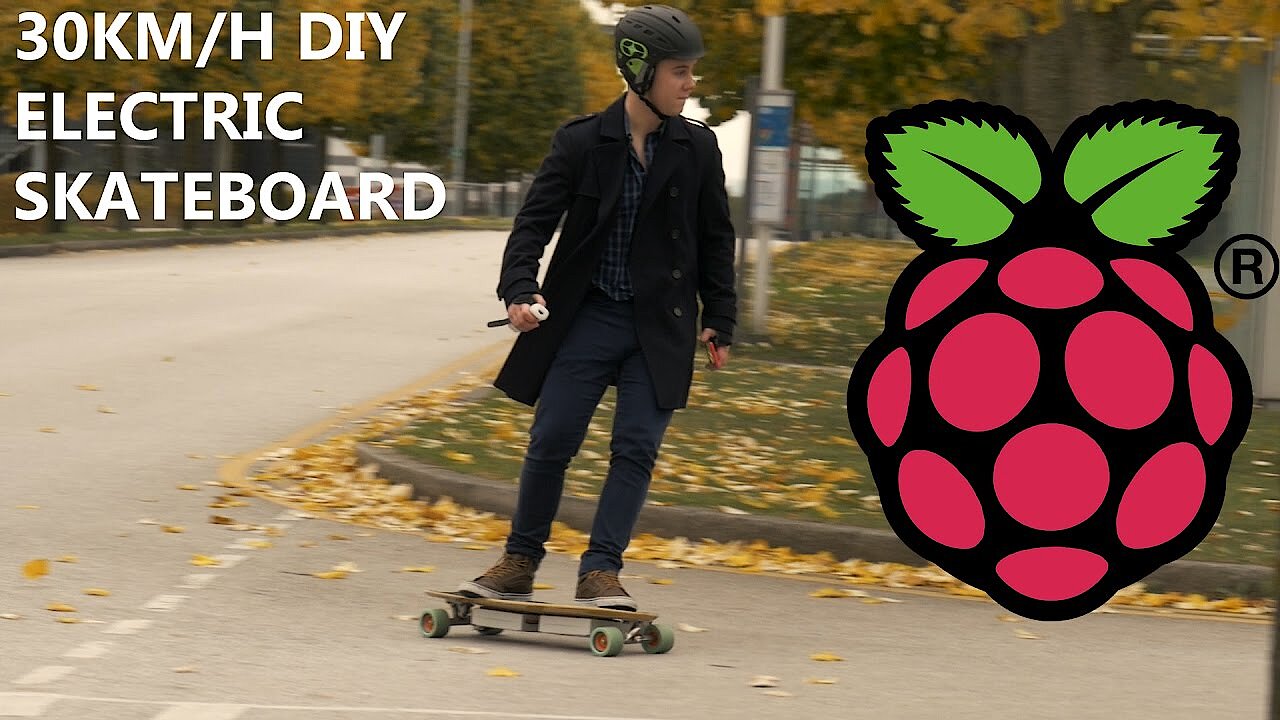
Another exciting project using the Raspberry Pi Zero is the Raspberry Pi Guy electronic skateboard. The young man from England provides numerous tutorials on using the microcomputer on his YouTube channel and made developing the power-driven skateboard his summer holiday project, achieving a remarkable result. Equipped with a single motor (120 amp, 2.2 kilowatts), the vehicle reaches a maximum speed of up to 30 kilometres per hour. To accelerate or slow down the skateboard, you use an ordinary Nintendo Wii controller. For a complete list of the components used, see GitHub the raspberry pi guy.
 To display this video, third-party cookies are required. You can access and change your cookie settings here.
 Automated indoor gardener
A particularly exciting home project with Raspberry Pi Zero is the indoor gardener. The developing team – two former students from Iowa State University – have taken advantage of the minicomputer’s computing power to drastically simplify caring for houseplants. To do this, the two have installed the Raspberry Pi Zero as a central component to regulate a peristaltic pump (12 volts) and an LED plant light (5 volts), which supply the plants with water and artificial sunlight. The ‘automated gardener’ script can be used to configure intensity and timing. At Hackster.io you can find a detailed guide on how to build your own household helper.
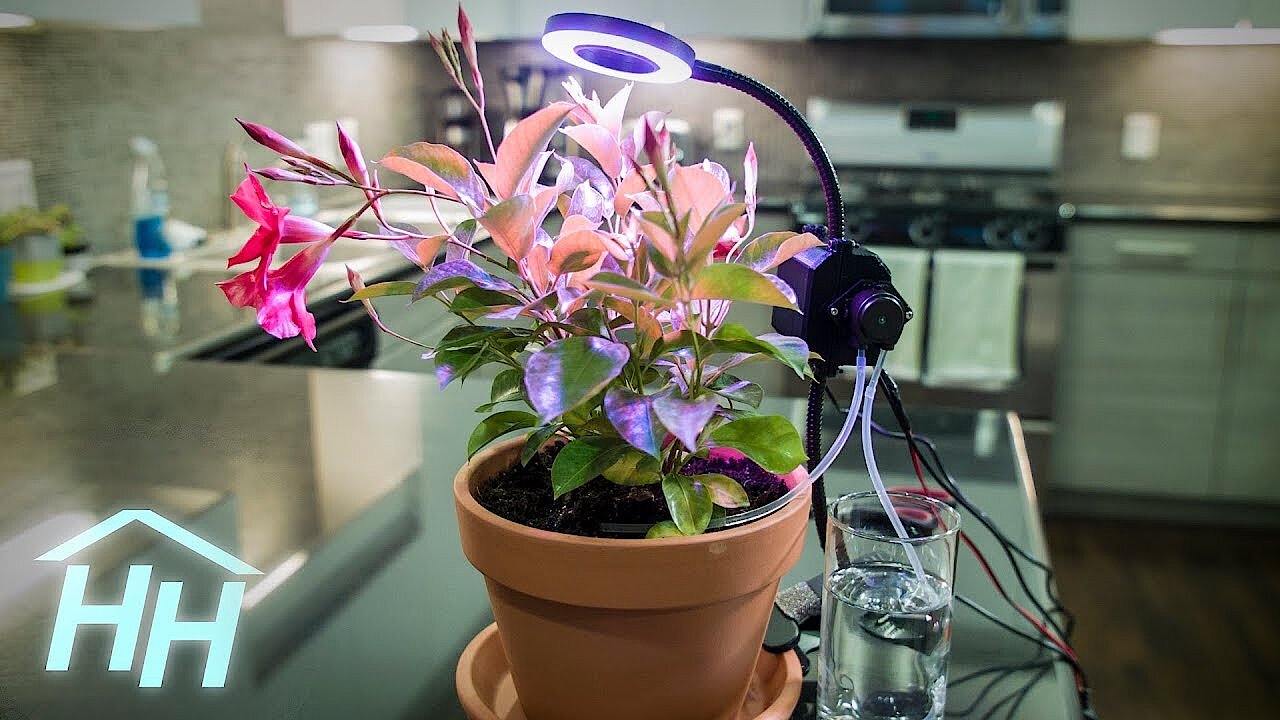 To display this video, third-party cookies are required. You can access and change your cookie settings here.
 Game Boy Zero
In 1989, Nintendo released the Game Boy, one of the most successful portable game consoles of all time – until it was replaced by the colour-coded Game Boy Color (1998). Nearly 120 million copies of the console have been sold. For more than a quarter of a century, Game Boy rewrote gaming history and dominated the market with games like Tetris or Super Mario. Now, a hobbyist who goes by the pseudonym ‘wermy’ has breathed new life into an old classic, with the help of Raspberry Pi Zeroes. His ‘Game Boy Zero’ project not only has a colour display, but also a USB A and micro USB jacks, a mini HDMI slot, and two additional control buttons.
The console runs on the operating system RetroPie, a distribution that contains emulators for different consoles, making it possible to play other classic games (including SNES, NES) that only need to be downloaded as ROM. A converted game plugin module, including SD card, finally ensures that the minicomputer can access the Game Boy’s hardware. Wermy documented his development steps and published them on Imgur on April 6th 2016.
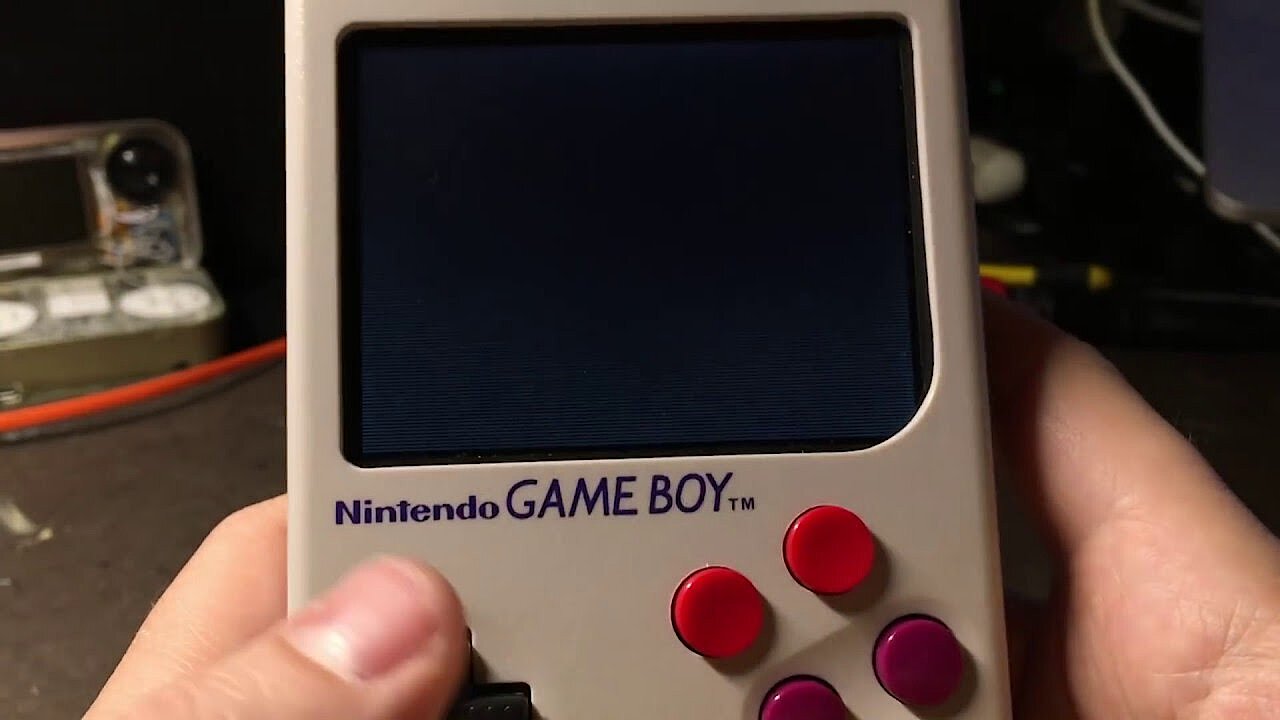 To display this video, third-party cookies are required. You can access and change your cookie settings here.
 Raspberry Pi Zero R2-D2
If you’re a fan of the Star Wars movie series, you’ve probably dreamed about having your own R2-D2. British man Les Pounder fulfilled this dream and recreated the little astromechanical droid that is a mechanical genius in George Lucas’s movies. The crucial main component: A Raspberry Pi Zero. In combination with the Explorer pHAT board and two micrometal geared motors that provide the necessary engine power, Pounder has used the minicomputer to bring an ordinary R2-D2 toy to life. The operating system is the current version of the Debain derivative Raspbian. A more detailed description of the project and the required software code is available on Techradar for free.
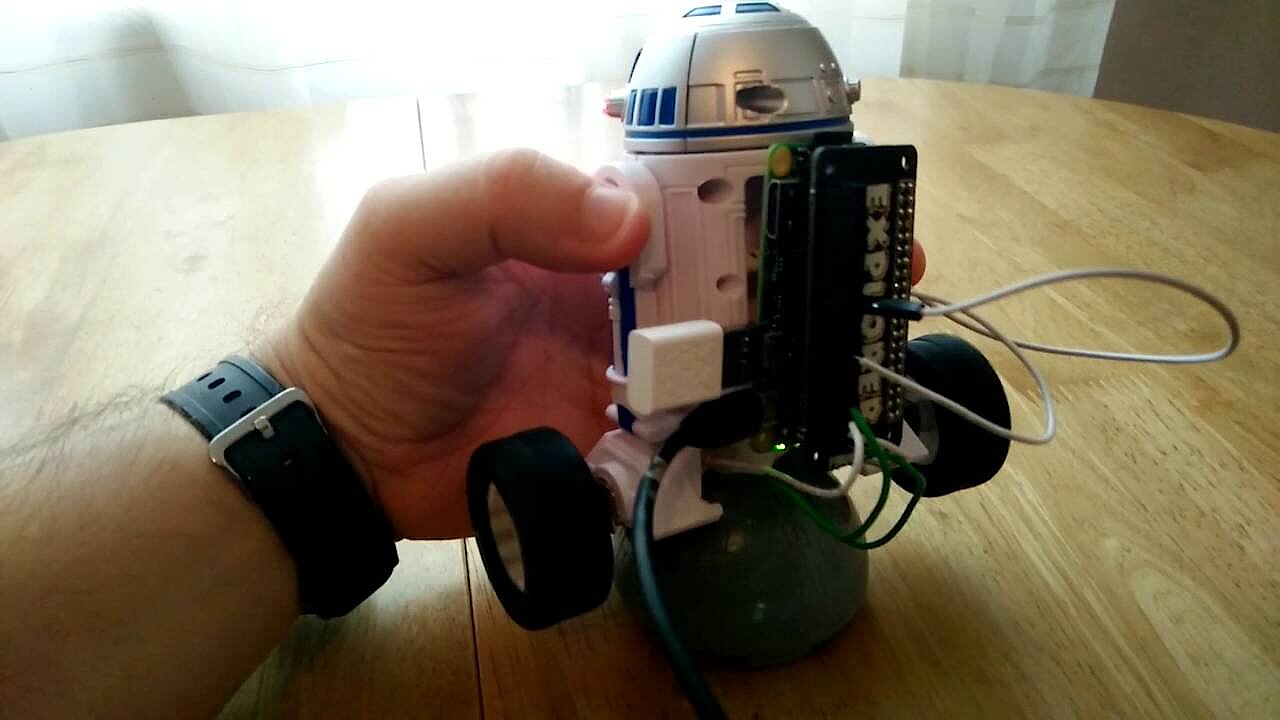 To display this video, third-party cookies are required. You can access and change your cookie settings here.
 Raspberry Pi Zero AirPlay loudspeaker
To stream music from Apple devices like the Mac, iPad, or iPhone to external speakers without using a cable connection, your device must support Apple AirPlay. This technology is no longer just reserved for in-house hardware like the Apple TV, there are now a huge selection of devices that have that support capability. The Belgian Frederick Vandenbosch, however, did not let that stop him from making his own AirPlay-enabled loudspeaker. To do this, he expanded a Raspberry Pi Zero with a pHAT DAC board from Pimoroni and enabled audio playback.
In addition to the Raspbian operating system, he installed the ShairPort software on the single board computer, which acts like an AirPlay emulator. The fine-grained finish is provided by a meranti wood cabinet, a loudspeaker grille made using a 3D printer, and two sidebars. Those interested can view the entire development process on hackster.io.
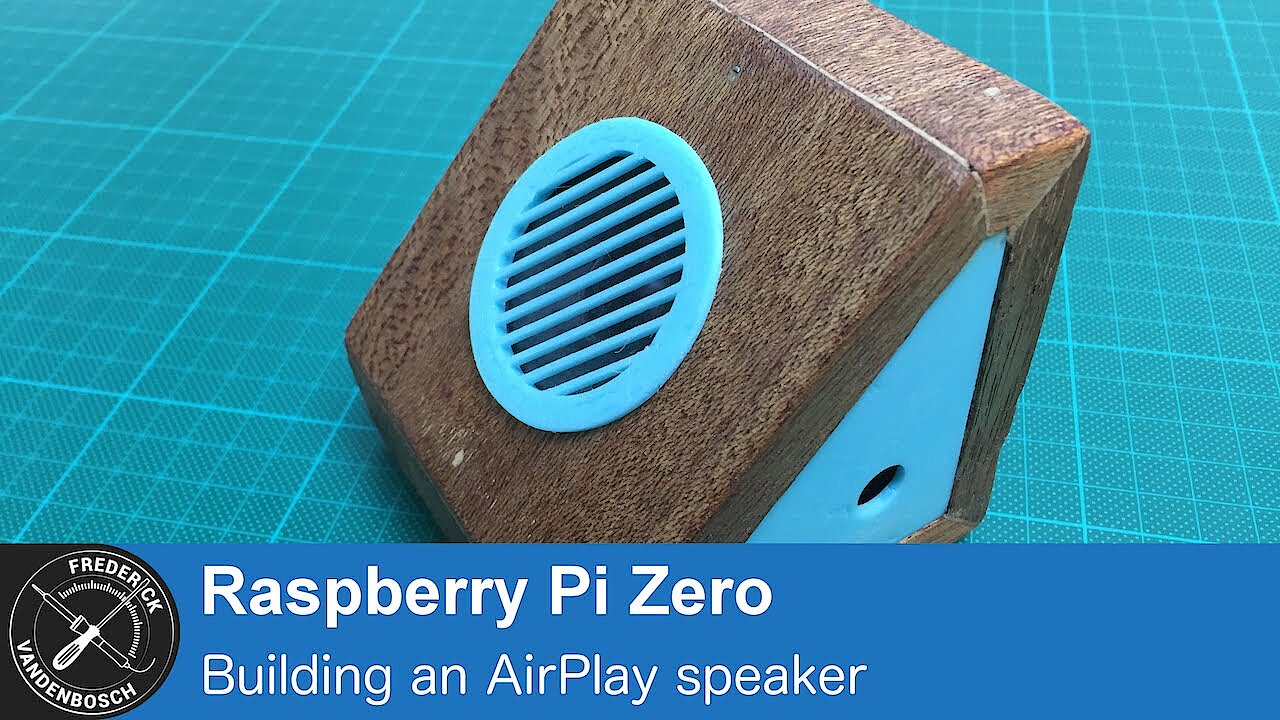 To display this video, third-party cookies are required. You can access and change your cookie settings here.
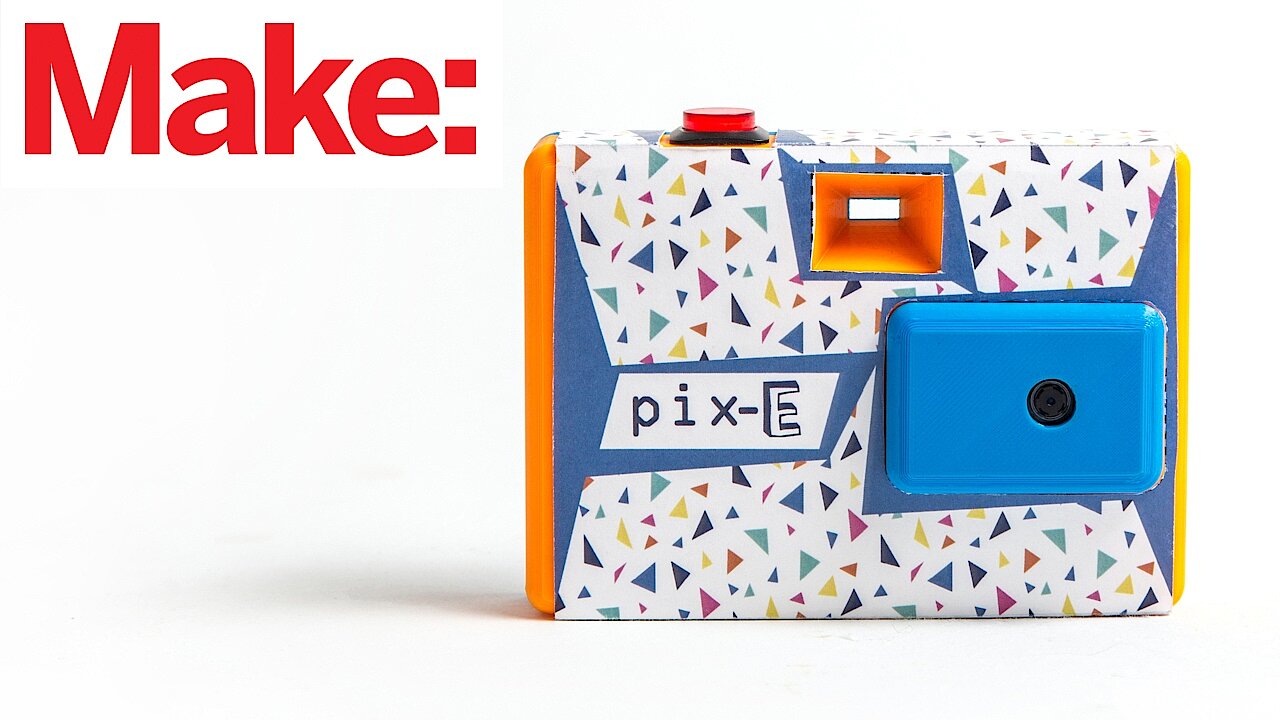
 PIX-E: the camera for moving pictures
The Raspberry Pi Zero was also used in Nick Brewers Projekt for the World Maker Fair 2016 (Festival for inspiration, creativity and innovation). Brewers from the USA developed the PIX-E as a camera that takes several second-long GIFs instead of ordinary photos. He makes use of the Raspberry Pi camera module, as well as the minicomputer itself. All components of the camera body come from a 3D printer.
Various software components are installed on the Raspberry’s SD card to enable GIF photography. These include the image processing program GraphicsMagick, the module user interface PiCamera, and the software GifCam, specially programmed for PIX-E. The user can, for example, use the application to set the duration of the GIFs, decide whether to save them on the SD card or in the cloud, or upload them directly to a social network.
 To display this video, third-party cookies are required. You can access and change your cookie settings here.
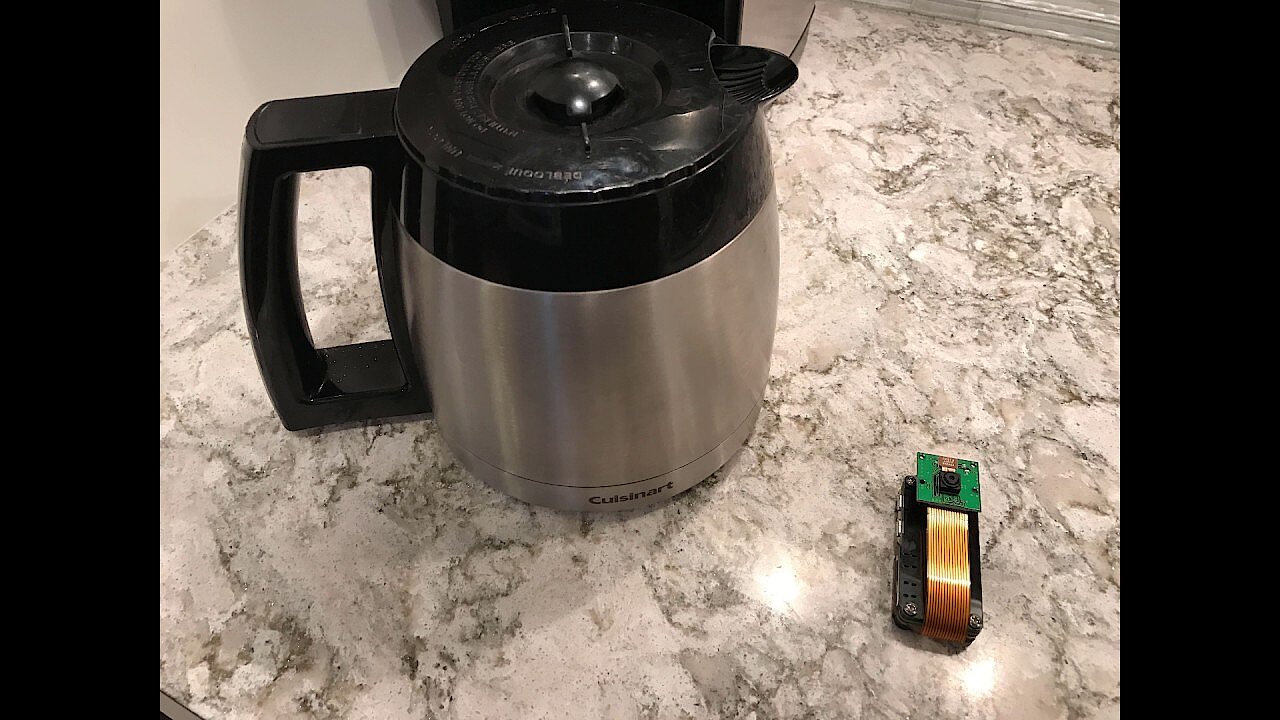
 JavaWatch – the coffee bean assistant
Terren Peterson has developed a homemade Raspberry Pi Zero assistant that does a crucial job: the wizard, named JavaWatch, makes sure you can always have your morning cup of coffee by keeping an eye on current coffee bean stock and automatically ordering supplies from Amazon when the supply is nearing the end. The built-in pi-camera module records the amount of beans at regular intervals and sends the result to the Amazon cloud applications S3 Bucket and Rekognition, which process the resulting image data. The Lambda rule is the deciding factor on whether a new order needs to be placed or not.
Once the camera has been set up, the user just needs to register on javawatcher.com, select the desired coffee bean type, and will then subsequently receive new deliveries in plenty of time without having to do anything. A detailed guide, including all the necessary program codes, of how to implement the project is available on Hackster.
 To display this video, third-party cookies are required. You can access and change your cookie settings here.
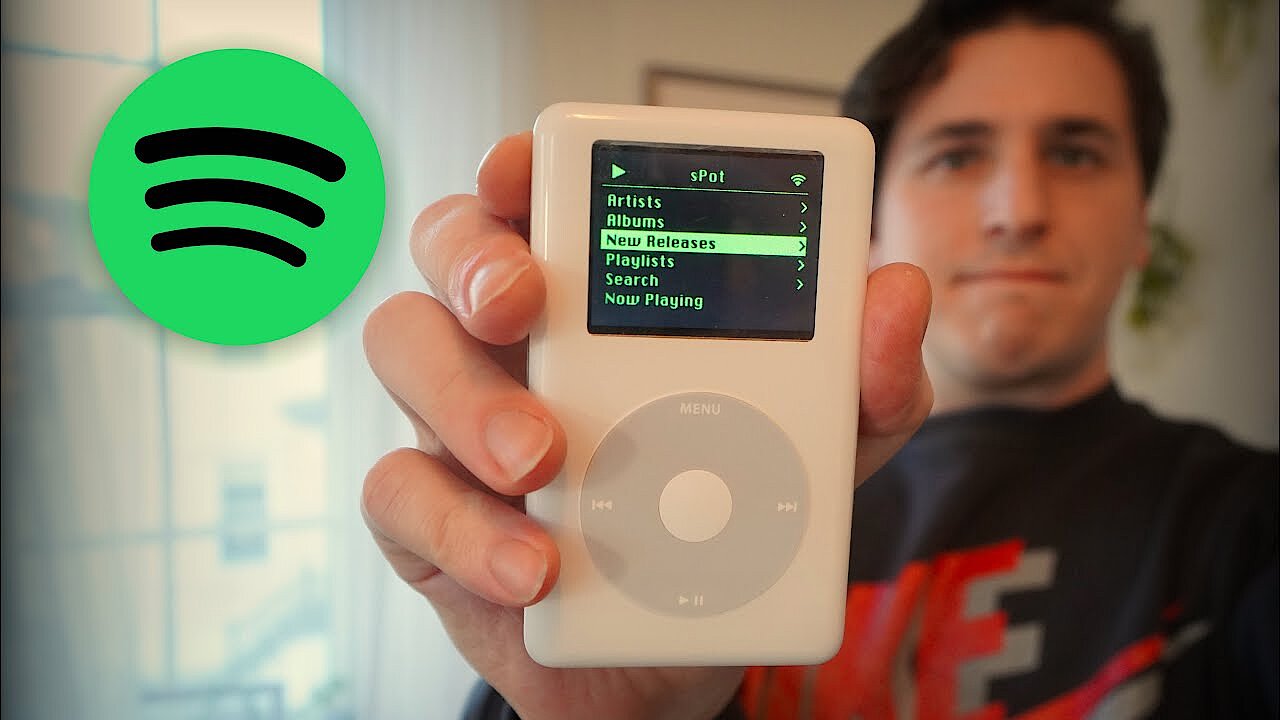
 iPod upcycling - the Spotify-capable sPot
Apple's iPod was a big seller. The classic design remains popular to this day, especially among vintage fans. The only drawback: modern streaming services like Spotify cannot be used. However, where there’s a will, there’s a way for the talented Raspberry Pi hobbyist. For example, Guy Dupont used a Raspberry Pi Zero W to turn his fifteen-year-old iPod into a spotify-enabled sPod that lets you play and even search for songs on Spotify. He kept the iPod-style controls for that retro feeling.
 To display this video, third-party cookies are required. You can access and change your cookie settings here.
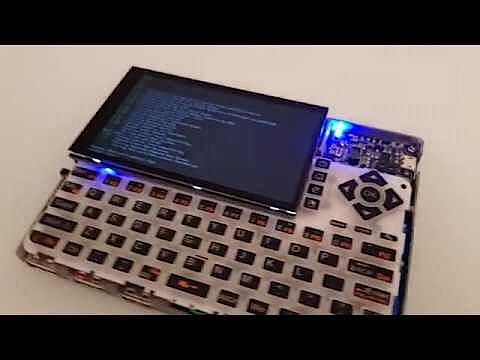
 Computer to-go with case and display
The Raspberry Pi Zero is already a computer only lacking a screen or keyboard to be used like a normal desktop PC or notebook. Hobbyists like Ramin Assadollahi have used a Raspberry Pi Zero to create a handheld computer that runs the Linux operating system. In addition to the Raspberry Pi, he used a Hyperpixel mini display and a Q9 keyboard, among other things, for this. He produced the custom case for his Computer to-go with a 3D printer.
 To display this video, third-party cookies are required. You can access and change your cookie settings here.
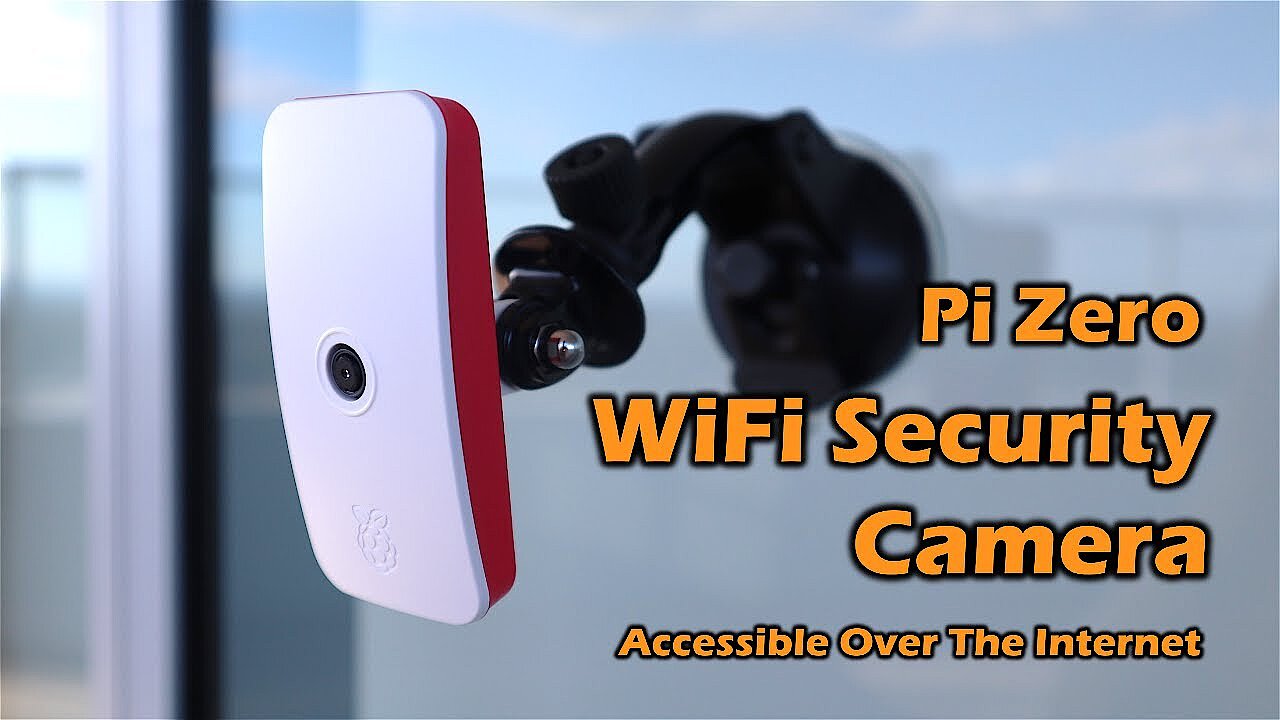
 Security camera with WLAN function
The small dimensions of the Raspberry Pi Zero ensure that it is perfect for projects in narrow spaces. One such example is a security camera, which shouldn’t be discovered by a third-party. With just a few components, it is possible to turn the single-board computer into a camera that can be connected directly to WLAN. The step-by-step tutorial makes it easy to recreate the practical surveillance gadget with a Raspberry Pi Zero for home use.
 To display this video, third-party cookies are required. You can access and change your cookie settings here.
 Word clock
Clocks that display the time in words are popular gadgets. Unfortunately, they are very expensive to buy. But for talented Raspberry Pi hobbyists, this is no problem. With the help of a Raspberry Pi Zero and many LEDs, and a suitable letter template, nothing stands in the way of your own word clock. The time is determined by a Python program running on the single board computer and then displayed via the LEDs.
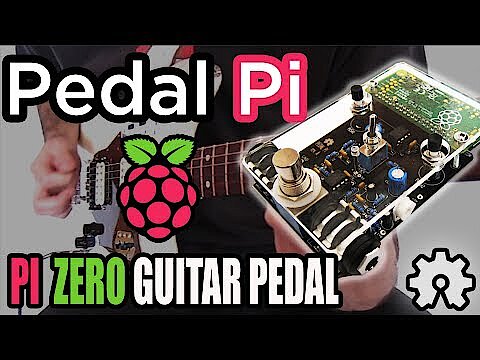
Pedal Pi: guitar pedal
There are a number of Raspberry Pi Zero ideas for musical Raspberry Pi enthusiasts. For example, you can build your own guitar pedal. The guitar pedal is programmable thanks to the integrated Raspberry Pi Zero, so the desired sound effects can be customised and changed. In addition to the complete instructions, you can find a number of pre-programmed sound effects online. This Raspberry Pi Zero project is great even for programming novices.
 To display this video, third-party cookies are required. You can access and change your cookie settings here.