

Servers with SSD storage

As early as the year 1956, the computer giant IBM released the world’s first mechanical hard disk drive (HDD) with rotating magnetic discs. Since then, the basic principles of magnetic storage disks have changed very little. What has changed are the demands now placed upon the mechanical components of this technology. Instead of its original capacity of a modest 5 megabytes, today’s HDDs require storage capacities of multiple terabytes in order to keep up with ever increasing data loads. Over the years, the access time of these mechanical storage plates has failed to keep up with these demands. While the performance aspects of most computing matters, like processing power or system bus speed, have increased many times over in recent decades, standard magnetic storage disks are slowly but surely reaching a performance bottleneck of sorts. This situation is making it increasingly difficult to process more and more data at faster rates, and experts predict that conventional hard drives will soon abdicate their dominant position to alternative storage systems. What’s fueling this change is that the highly promising successor to this model, the flash-based solid-state drive (SSD), is already well in the works. For servers, using SSD storage is no longer considered to be an approach relegated to the fringes of the IT world. This is due in part to the recent arrival of more affordable options on the market, but also because of an increased number of read and write accesses. What’s more, the durability of SSD storage devices has also been adjusted to match the standards of those found on traditional hard drives.
How does SSD storage work?
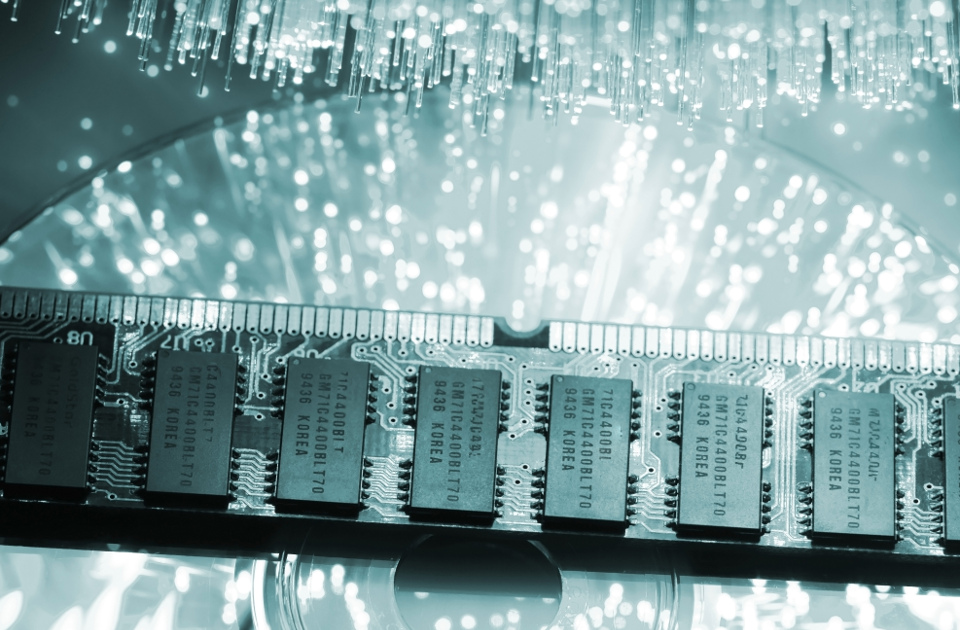
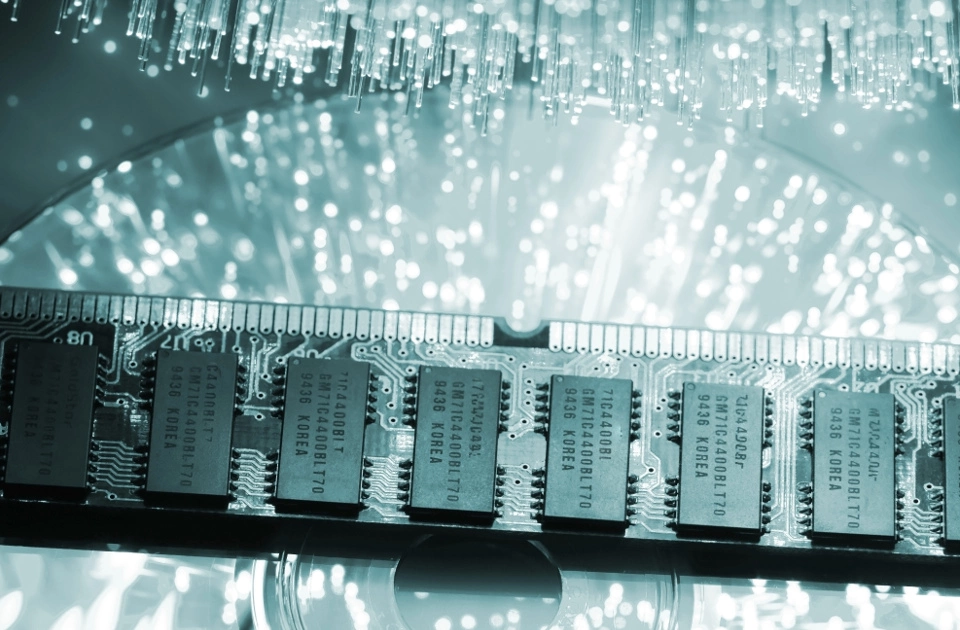
SSDs differ from their hard disk counterparts in that they’re not composed of multiple, moveable individual elements. Instead of rotating disks, SSD storage uses semiconductor microchips that are placed on circuit boards. Using controllers and firmware, data is saved through a continuous electronic process in the flash storage. This kind of storage process is referred to as being ‘non-volatile’ and is also used in conventional USB sticks, MP3 players, and mobile phone memory cards. The term also refers to the fact that devices with SSD storage don’t need to be constantly attached to a power supply in order to sustain their storage functions. Things look a bit different when it comes to ‘volatile’ working memory (RAM): information stored in RAM cannot be retrieved as soon as the computer is separated from its power source. Known to have demanded astronomical sums in the past, SSD storage for large amounts of data was once only used in the rarest of cases. But recent trends show that the prices of SSDs and HDDs are headed for parity. As a result, web hosting services offering servers with SSD storage are becoming less of a rarity than they once were.
Advantages of SSD storage
Simply put, a solid-state drive is an overgrown USB stick. The storage process takes places electronically. When compared with magnetic disk drives, using semiconductor chips has the advantage that they are free of highly sensitive equipment, making them less prone to breakdowns. This means that SSD storage devices are much less sensitive to external physical influences. Essentially, the advantages of SSDs can be broken down into five different areas:
-
High shock resistance: when magnetic disk drives are operating, falls or other physical disturbances can cause enormous damage during an ongoing writing process, with data losses or total breakdowns sometimes resulting from such mishaps. SSDs, on the other hand, are based on a type of chip technology that allows data to be exchanged through electronic impulses. This type of storage technology is both mechanically robust and resistant to shaking and sudden movements. According to manufacturers, SSDs are shock resistant up to 1,500 g/0.5 ms. By comparison, the threshold of HDDs is only around 350 g/2 ms. Due to its shock resistance, SSD storage is the preferred storage device for mobile devices such as laptops.
-
Noiseless operation: even when modern HDDs operate very quietly, operating noises are still largely audible with mechanical hard drives; these often stem from the hard drive’s electric motor. Typical noises include a buzzing sound, when the disk drive is first warming up, as well as a quiet clicking noise. The latter sound is brought about during access, or when the disk head moves back into its idle position. SSD storage, however, operates in a completely silent manner due the lack of mechanical components involved.
-
Limited weight: its compact dimensions also make SSD storage ideal for mobile use. SSDs are significantly smaller than their mechanical counterparts and only weigh about half as much as HDD models of comparable storage capacity.
-
Lower energy usage: SSDs are also more efficient when it comes to energy use. Its non-mechanical design uses less power than a HDD and wastes relatively little heat. This translates into a considerably longer battery life when built into laptops. Servers also benefit from this technology. Not having to use any moveable parts means SSD servers use less power than their traditional counterparts. Additionally, due to the fact that these servers generate substantially less heat and lack moving components, a much less extensive cooling/ventilation system is needed. This is why data centres with SSD servers are generally much more cost-effective and energy efficient.
-
Shorter access times: SSD’s biggest advantage is its speed. As is the case with other flash storage devices, SSDs have much shorter access times when reading data. For the user, this means that operating systems boot quicker and that loading times for applications are also greatly reduced. This makes SSD storage devices a great option for servers as well as private home users.
Using SSD servers
SSDs are great solutions for both mobile devices as well as home computers. They’re also becoming popular for use as web server components. And there’s both performance as well as energy efficiency reasons as to why these modern flash storage devices are beginning to replace traditional HDDs for use in data centres. The performance difference between SSDs and traditional HDDs becomes especially clear with regard to web hosting-related topics. This is why an increasing number of providers are choosing to either outfit their data centres with SSD servers or upgrade their server’s mechanical devices with SSD components. In this process, data that normally isn’t accessed very often remains stored on conventional hard disks. More current data requiring a highly efficient storage management system is saved on the server’s SSD. It’s recommended to switch to a server with SSD when applications like databases, CRM, or merchandising systems are to be sped up.
Accelerating databases
Servers with SSD storage are able to reduce access time more than tenfold. This advantage is especially important for in-and-output-intensive applications (i.e. when information is simultaneously accessed and registered). This is why databases like MySQL or MariaDB use SSDs. Quicker access to databases is particularly important for websites that are run by complex content management systems, like WordPress or Drupal. The reason for this is because all content elements, themes, and plugins are stored and accessed in databases. While traditional storage devices are increasingly running into problems with these tasks, servers with SSD once again are able to display their strengths by accelerating website structure. This latter point is not only valued by site visitors, though; Google also honors such performance features. Under certain conditions, those operating e-commerce platforms are rewarded for their upgrades with a better ranking and a better conversion rate. Microsoft Exchange Server is a good example of the technical advantages that SSDs offer for servers: the collaborative software is often used by working groups or businesses to send messages, appointments, or contact information. This format also involves storing all information in one or more databases. The more complex the communication structure is, the more important it becomes to ensure a stable transfer of data, to help clients seamlessly synchronise information.
SSD cloud servers
SSDs are also experiencing gains in popularity with cloud computing. New web hosting concepts connect multiple physical SSDs to virtual storage platforms, also known as storage area networks (SAN). Virtual servers hosted this way benefit from the fact that this model features almost complete hardware redundancy. Data filed on virtual server platforms is never located on one single physical hardware component; instead, it’s distributed throughout multiple hard drives. As a result, the data’s integrity and availability is always protected should hardware components experience outages or defects.
Reviewer

Christian Heldmaier
Christian Heldmaier is an experienced online marketing and SEO specialist from Karlsruhe. He has been working as an SEO Manager at IONOS since July 2020.