

What are some good Xen alternatives? 5 options

Depending on use case and performance requirements, it might make sense to consider looking for a Xen alternative. We’ve compiled a list of five alternatives to Xen and included the advantages and disadvantages of each hypervisor.
- Great price-to-performance ratio with no virtualisation costs
- Migration assistance from IONOS Cloud experts included
- No vendor lock-in & open source based
The best Xen alternatives in direct comparison
| Hypervisor type | Architecture | Host OS | Guest OS | |
|---|---|---|---|---|
| Xen | Type 1 | x86, x86_64, ARM | Linux, Windows | Windows, Linux |
| KVM | Type 1/Type 2 hybrid | x86, x86_64, System-z | Linux | Windows, BSD, Linux |
| VirtualBox | Type 2 | x86, x86_64 | Linux, Windows, macOS, Solaris | Windows, Linux, BSD, Solaris |
| Xvisor | Type 1 | x86, x86_64, ARM, RISC-V | Linux | Windows, Linux, BSD, Solaris and many more |
| QEMU | Type 2 | x86, x86_64, ARM, RISC-V | Linux, Windows | Windows, Linux, BSD, Solaris and many more |
| UTM | Type 2 | x86, x86_64, ARM, RISC-V | macOS, iOS | Windows, Linux, BSD, Solaris and many more |
The Xen alternatives in our comparison are all available under a free license, which makes them particularly popular among admins and developers. A key differentiator is the type of hypervisor they use for virtualisation:
- Type 1 hypervisors, also known as bare-metal hypervisors, are executed directly on the host system’s hardware.
- Type 2 hypervisors run as a software layer or application on the respective host system, which is why they are also known as hosted hypervisors.
KVM
KVM (Kernel-based Virtual Machine) is virtualisation software based on Linux and has been incorporated into the Linux kernel from version 2.6.20 onward. Developed by Red Hat, it can function as a type 1 hypervisor through a setup that is similar to Xen. Typically, it operates as a type 2 hypervisor though, which is why it’s commonly regarded as a hybrid hypervisor solution.
With KVM, you can host various guest systems, such as BSD (Berkeley Software Distribution), Solaris, Windows, ReactOS and macOS, making it a versatile alternative to Xen.
Integration into the Linux kernel ensures that KVM consistently receives updates for security and performance. The hypervisor offers robust security features, including combining SELinux and sVirt (secure virtualisation) to protect and isolate your virtual machines.
By deploying KVM on a supported Linux distribution such as RHEL, you can enhance its functionality. For example, you can boost system performance or facilitate resource sharing among guest systems.
| Advantages | Disadvantages |
|---|---|
| ✓ Direct bug fixes and updates from Linux | ✗ Complicated setup process |
| ✓ Outstanding safety package | ✗ Requires systems with hardware support for virtualisation |
In our article ‘Xen vs KVM’, we take a closer look at the similarities and differences between the two virtualisation applications.
VirtualBox
Originally developed by InnoTek Systemberatung GmbH in Baden-Württemberg, Germany, the Xen alternative VirtualBox has been maintained by the U.S. company Oracle since 2008. Unlike Xen, VirtualBox is a type 2 hypervisor that runs on Windows, Linux, macOS and Solaris platforms. In terms of guest systems, the application has hardly any restrictions. In addition to Windows and Linux systems, various Solaris and BSD editions can also be used as hosts. VirtualBox offers lots of flexibility when it comes to operating systems and gives you the option of desktop virtualisation, which is not possible with Xen.
VirtualBox does not, however, allow you to transfer VMs between physical hosts during live operations without experiencing downtime, resulting in less flexibility for virtual machine migration. Since users need to carry out migrations manually, the virtualisation application is less suitable for projects that require very high availability.
A clear advantage of the Oracle software is its ease of use for beginners. The graphical user interface makes managing virtual machines easy, even for beginners who may have little experience with command-line inputs like those required in Xen.
| Advantages | Disadvantages |
|---|---|
| ✓ Well suited for desktop virtualisation | ✗ No direct access to hardware resources |
| ✓ High level of user-friendliness | ✗ No live migration of VMs possible |
Xvisor
Like Xen, Xvisor (short for Xtensible Versatile hypervISOR) is also an open-source type 1 hypervisor that is known for its high flexibility and portability. Xvisor demonstrates its impressive versatility with the large number of architectures it supports. In addition to x86 and x86_64, supported CPU architectures include ARM and RISC-V.
The Xvisor source code can be ported to any 32- and 64-bit platforms as long as a Paged Memory Management Unit (PMMU) and a port of the GNU C compiler (GCC) are available. Although the Xen alternative primarily relies on full virtualisation, allowing numerous unmodified guest OSs, it binds the host system to a Linux distribution.
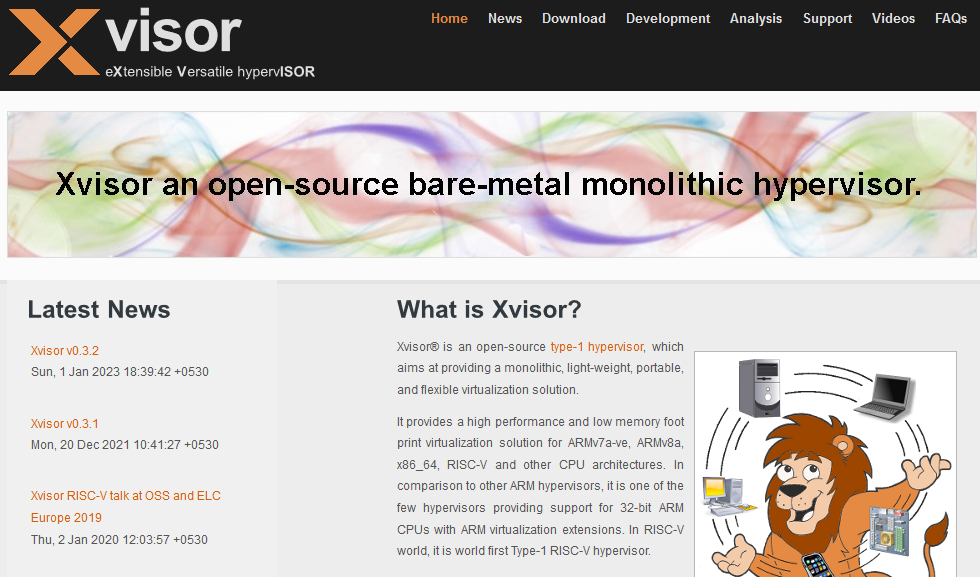
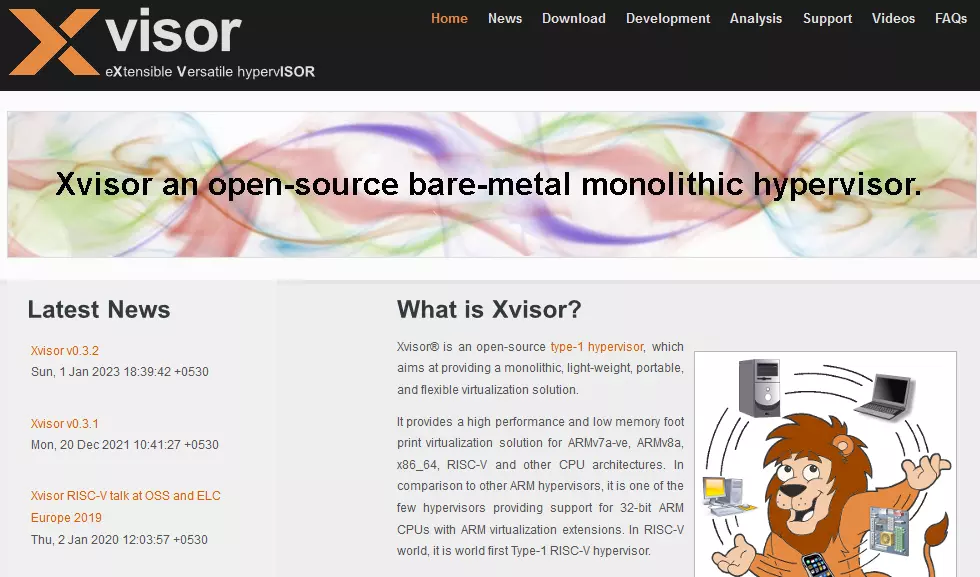
Xvisor virtualisation is efficient and saves space, partly because the software does not incorporate any security enhancements. Similar to Xen, you can enable paravirtualisation if the architecture you are using supports it.
| Advantages | Disadvantages |
|---|---|
| ✓ Supports a variety of architectures | ✗ No security enhancements |
| ✓ Space-efficient virtualisation |
QEMU
QEMU, short for Quick EMUlator, is a Xen alternative that can be used as an emulator or a type 2 hypervisor. As a hypervisor, QEMU achieves close to native performance by executing guest code directly on the host CPU. However, for this purpose, the virtualisation software has to use either the Xen hypervisor or the Linux KVM kernel module.
Compared to Xen, QEMU offers a much larger ecosystem and supports significantly more architectures and operating systems. For this reason, the program is suitable for a wide range of applications including development, testing and operation of legacy software.
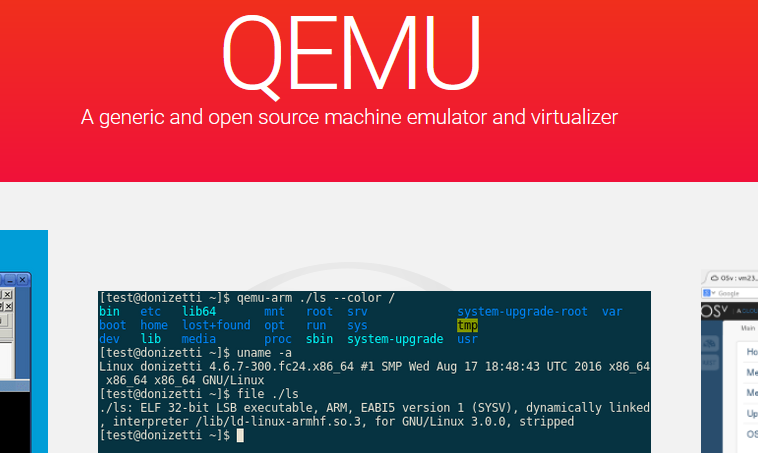
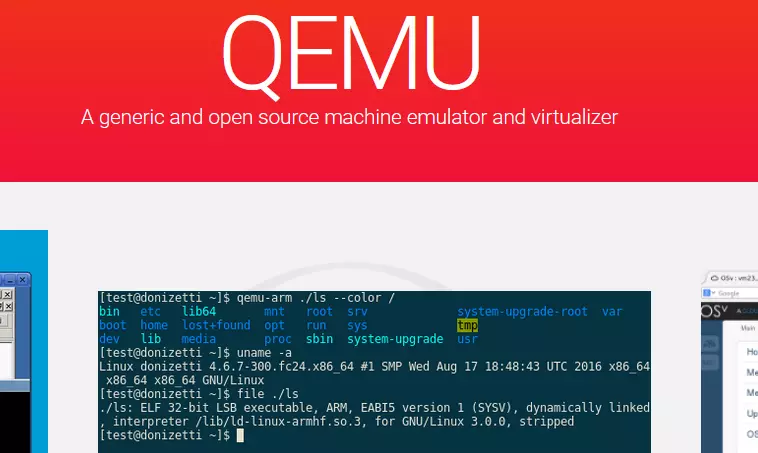
As a type 2 hypervisor, QEMU does not have direct access to hardware resources, resulting in slightly lower performance compared to Xen. In return, however, the tool is more user-friendly thanks to its graphical user interface. In addition to a large and active community that provides regular updates, the virtualisation solution has also been integrated into many other virtualisation solutions and cloud platforms.
| Advantages | Disadvantages |
|---|---|
| ✓ Supports a variety of architectures | ✗ Dependent on the Xen or KVM hypervisor |
| ✓ Suitable for various projects | ✗ Missing VM insulation |
UTM
UTM is a virtualisation solution that can be used to emulate various operating systems on your Mac device, iPhone or iPad (iOS 11 or higher). Among other things, the software uses Apple’s hypervisor virtualisation framework to run ARM64 operating systems on devices with Apple Silicon processors, achieving almost native performance.
On older Macs with Intel processors, you can virtualise guest systems with x86 and x86_64 architecture if necessary. The hypervisor also supports various other architectures such as ARM32, MIPS, PPC and RISC-V.
This Xen alternative is an excellent choice if you want to run Windows systems on your Mac or iOS mobile device.
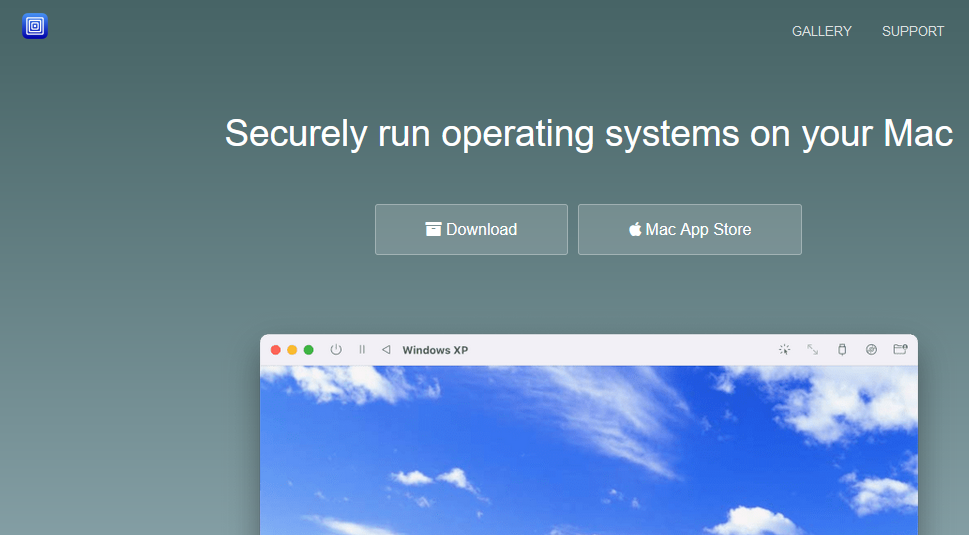
UTM is built on the solution we looked at in the last section, QEMU. While QEMU is very flexible and powerful, like Xen, it may pose some challenges for beginners. Due to the abundance of command-line options and flags in these two options, they are difficult to set up and configure when compared with UTM.
UTM was developed with the aim of offering users the flexibility of QEMU and at the same time, being as user-friendly as possible.
| Advantages | Disadvantages |
|---|---|
| ✓ Supports a variety of architectures | ✗ Weaker performance with most guest systems |
| ✓ High level of user-friendliness |
Migrating to IONOS Cloud is an excellent hypervisor alternative. By moving your IT infrastructure to IONOS’ secure and high-performance infrastructure, you can provide your company with a reliable foundation that is open source and doesn’t have vendor lock-in!
Reviewer

Christian Heldmaier
Christian Heldmaier is an experienced online marketing and SEO specialist from Karlsruhe. He has been working as an SEO Manager at IONOS since July 2020.