

Alternatives to TeamViewer

TeamViewer is a popular professional choice for remote management for external service providers and for getting team members in different locations together for online meetings. Market leader, TeamViewer, also has its limitations: especially in terms of security and image quality many users are less than 100% satisfied and are therefore on the lookout for alternatives to TeamViewer. We tested similar programmes and will now introduce you to the 11 best TeamViewer alternatives.
Try out your VPS for 30 days. If you're not satisfied, we'll fully reimburse you.
Teamviewer alternatives an overview
You’re spoiled for choice when it comes to looking for an alternative to TeamViewer since the market offers so many similar programmes. Whatever the focus of your application, there is always a suitable alternative: whether remote management software or tools for holding online meetings with different participants. The AnyDesk solution gives you the fastest possible connection and also boasts impressive image quality. If you want to save money, Ammy Admin is another professional choice and suitable for businesses. For private users who have little experience using remote control access tools, free programmes such as SimpleDesktop are a good way to get started.
| Free version | Remote access | Chat feature | Conference feature | Special features | |
| Ammyy Admin | yes | yes | yes | no | Secure file transfer |
| AnyDesk | yes | yes | no | no | Fast transfer rate |
| Chrome Remote Desktop | yes | yes | no | no | Browser extension |
| Join.me | yes | no | yes | yes | Simple and versatile administration possibilities |
| LogMeIn Pro | no | yes | yes | no | 1 TB Cloud storage included |
| Mikogo | no | yes | yes | yes | High server security standard |
| Splashtop | yes | yes | yes | no | Excellent audio and video quality |
| ThinVNC | yes | yes | no | no | Runs on any HTML5- compatible browser |
| UltraVNC | yes | yes | yes | no | Open source |
| VNC Connect | yes | yes | yes | no | Additional password protection for sessions possible |
| WebEx Meetings | yes | yes | yes | yes | Fail-safe Cloud infrastructure |
Ammyy Admin
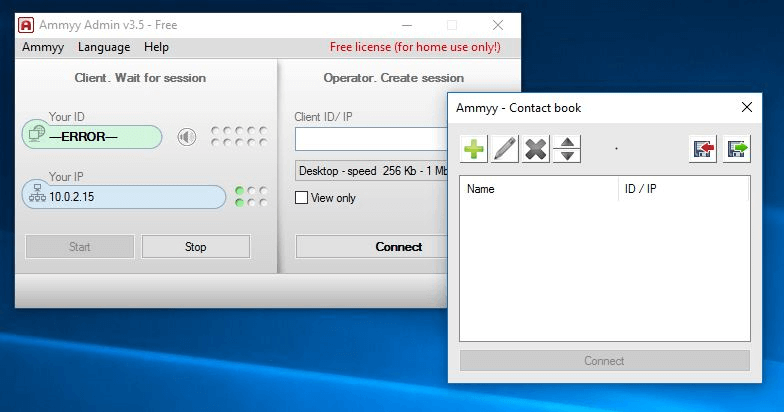
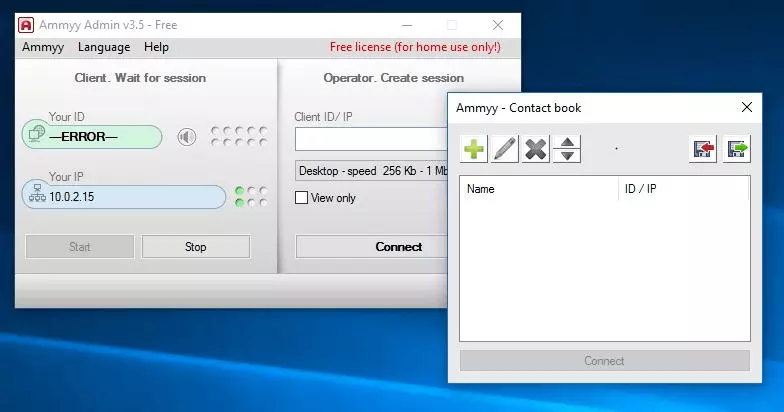
As the first alternative to TeamViewer, we introduce Ammyy Admin as a tool for remote desktop connection and remote management. The multi-functional remote control software is well suited to large companies. You can easily manage networks and servers via remote access. Ammyy Admin wins points for its simple operation and the fact that no software installation is required since users only have to download a small executable file. The security features are easy to understand and the programme doesn’t use complicated firewall or router configurations. A unique ID is created for each user that can then be used to access the external computer meaning that the computer is protected from unwanted entry. You can also change the settings to make it even more secure. Ammyy Admin enables direct data transfer. It’s beneficial to have constant access to the file system, particularly with large amounts of data. The free programme is also suitable for distance learning and presentations since you can share materials and communicate with each other via chat.
| Advantages | Disadvantages |
|---|---|
| Suitable for companies | Fast internet connection required |
| High security for data transmission | |
| Intuitive use and control |
Mikogo
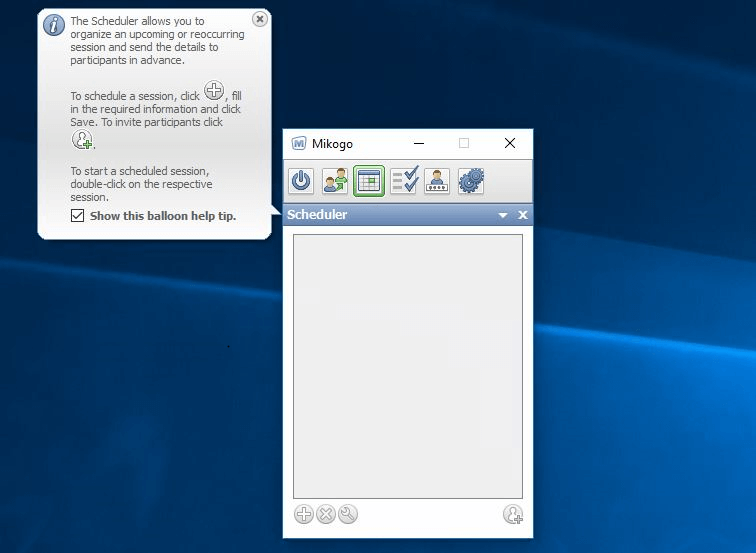
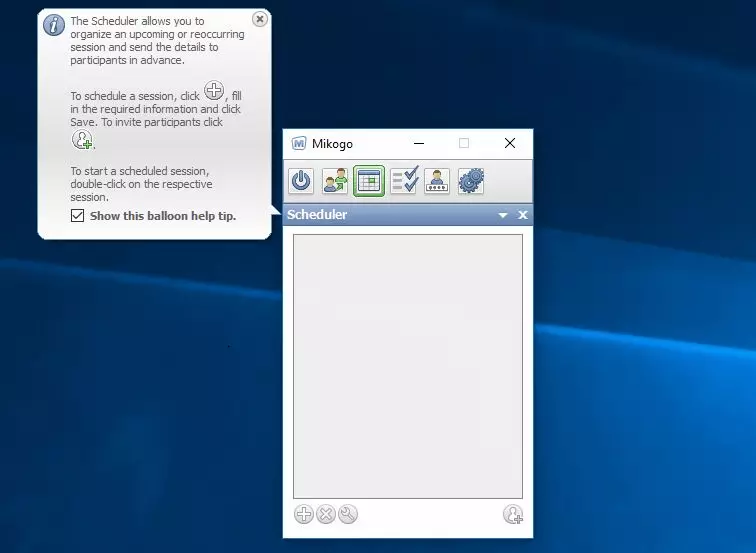
If you use TeamViewer for online meetings you will find Mikogo a good, but not free alternative to TeamViewer. No download or installation is necessary to use this programme since it’s directly accessible in the browser, via Windows, macOS, and Linux, as well as on iPhones, iPads, and Android devices. The browser-based HTML viewer allows up to 25 users to have access to a computer at the same time. Roles can easily be switched and as long as access has been granted you can remotely control other computers. The integrated data transfer function enables data transfer between the participant and whoever is presenting the meeting. In addition, Mikogo has all the standard features and functions of an online meeting software: a chat feature, the ability to record sessions, and an interactive whiteboard. For single users (maximum one participant per session), a demo version is available free of charge. After a 14 day trial, you will then have to pay for the professional version if you want to continue using the software.
| Advantages | Disadvantages |
|---|---|
| No installation required | Maximum number of participants is 25 |
| Compatible with all devices with modern browsers |
ThinVNC
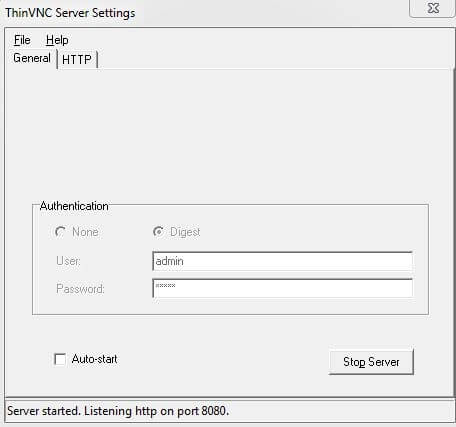
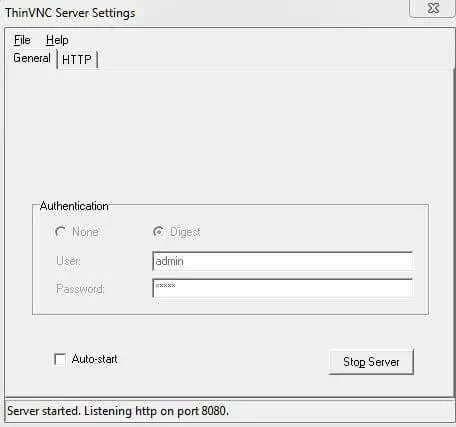
The software ThinVNC offers screen sharing, remote desktop features, as well as file sharing. With ThinVNC you get a beginner-friendly remote programme with simple installation as well as a fast and uncomplicated setup. It can be used without having to install client software since remote control of Windows desktops is possible from any web browser with HTML5 support. ThinVNC also uses AJAX and JSON and therefore manages without additional software or browser plugins. Transferring data is also quite simple. Practically, you can also access a local computer from mobile devices such as tablets and smartphones. For private users, ThinVNC is a good alternative to TeamViewer. If you want to reach the PC not only from your own network, but from anywhere in the world via the browser, you need to know a bit about router settings and dynamic DNS providers. Until recently, the tool was free to download, but now only the ThinVNC code remains a free open source solution, however the product is no longer regularly maintained so it has practically been discontinued. Thinfinity Remote Desktop Workstation only offers fee-based tariffs.
| Advantages | Disadvantages |
|---|---|
| Smooth transmission | Fewer additional features |
| No installation necessary | Security standards not as high |
| Discontinued, almost |
AnyDesk
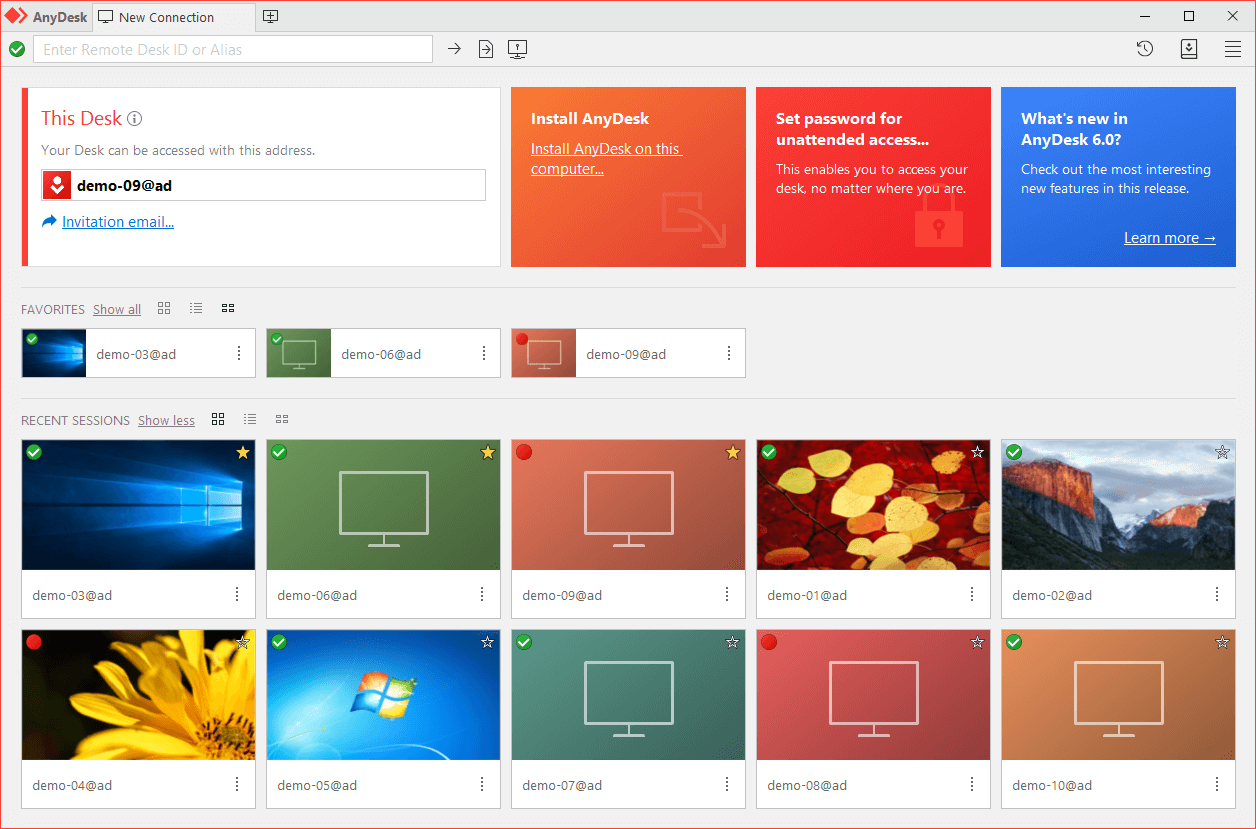
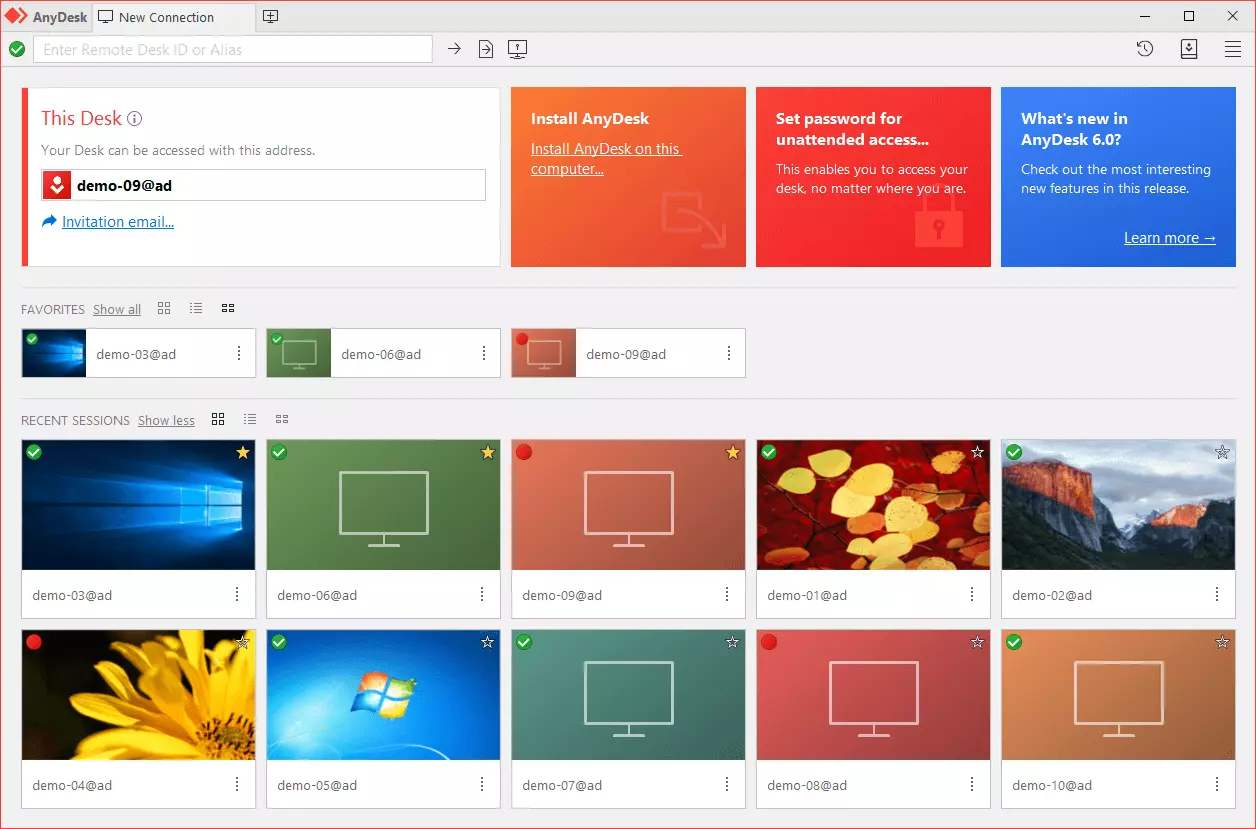
Some members of the AnyDesk development team also co-developed TeamViewer. The aim was to develop an improved transfer method. The remote connection via AnyDesk should be faster and sharper than TeamViewer, as well as being less likely to lag. The specially developed process is called DeskRT and aims to reduce data volume during transmission. According to the manufacturer, it’s possible to double the frame-rate, meaning that the data delay should only be a quarter of what its 'big brother', TeamViewer experiences. The manufacturer claims that AnyDesk is the 'fastest TeamViewer alternative in the world' – in our overview it also scores well when it comes to image quality. In practice, this means that even complex programmes such as graphics and image processing tools can be operated remotely without having to put up with reduced quality images. Despite the sophisticated technical background the programme is actually quite user friendly. The free version is only available to private users; professional users and companies have to pay.
| Advantages | Disadvantages |
|---|---|
| Significantly better transfer than TeamViewer | Free version is only for private users |
| Fastest TeamViewer alternative | |
| User-friendly |
UltraVNC
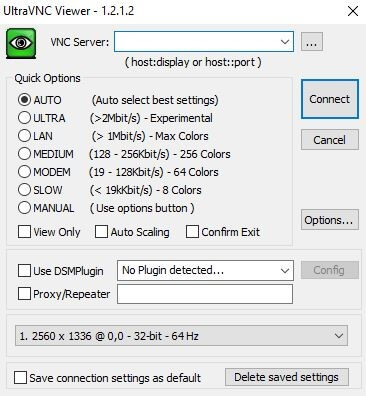
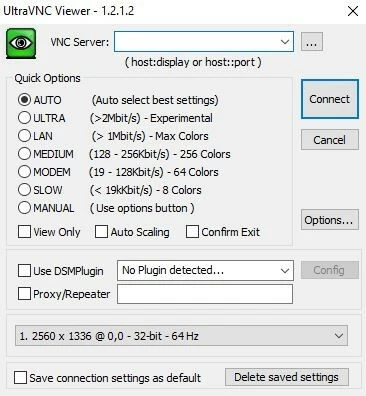
The open source software, UltraVNC is an excellent alternative to TeamViewer for Windows users. It was developed and distributed under the free GPLv2 licence. The software bundle from viewer (client) and server (remote PC) helps you to set up and manage remote connections. It uses the Virtual Network Computing (VNC) principle based on the RFB (Remote Framebuffer) protocol. Remote connections that have been built using these two components allow, among other things, files to be transmitted in an uncomplicated way, as well as allowing text-based messages and various authentication methods (eight-digit DES password, MS login I and II) to be exchanged. Both the client as well as the server components of the free remote software offer extensive configuration possibilities. These give experts a huge amount of leeway. However, in return, they make it harder for less experienced users to get to grips with UltraVNC, which is also partially due to the old-fashioned menu interface. Since the signals from the server application can be received and displayed by a high number of viewers, the TeamViewer alternative is also suitable for workshops and presentations. Via the toolbar or the server module it is possible to set the programme up so that only individual desktop windows are transferred, meaning that participants are directed to the essential information.
| Advantages | Disadvantages |
|---|---|
| Completely free and open source | Only for Windows systems |
| Extensive options | Outdated, unclear user interface |
Chrome Remote Desktop
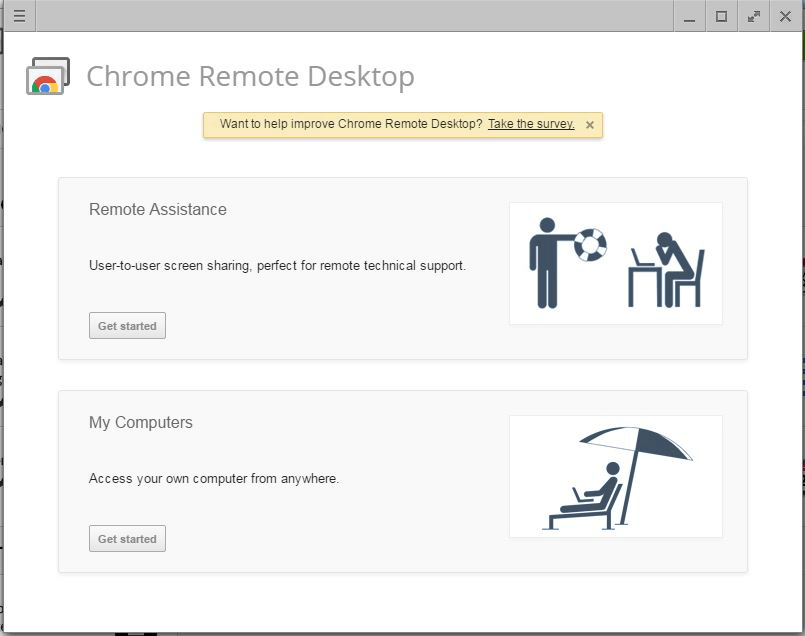
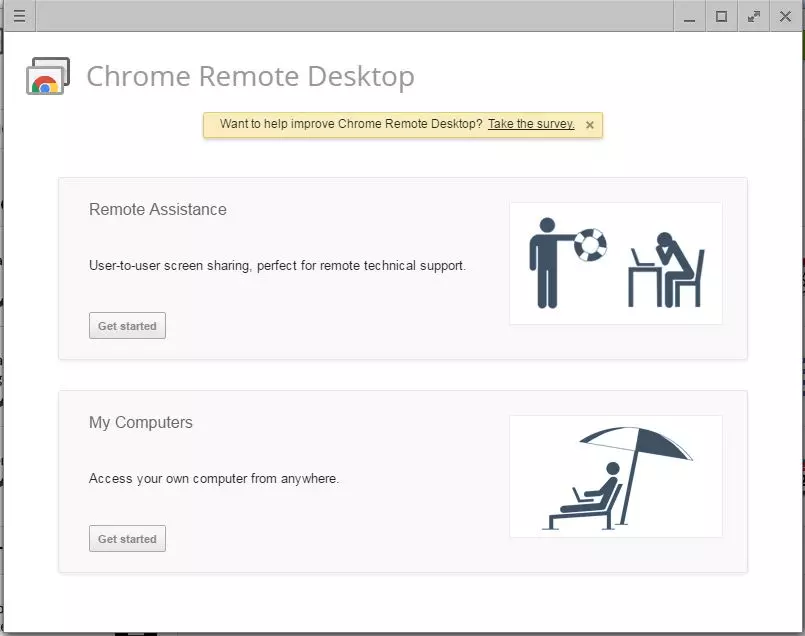
If you want to find an alternative to the TeamViewer remote function you do not have to resort to complex programmes. A quick and easy-to-use Google Chrome extension will help. If the web browser is installed on the computers involved and you have a Google account, you can use Chrome Remote Desktop to access remote computers over the internet and remotely control them. And you can use the service on all platforms on the browser that the search engine giant runs on. In addition, as with TeamViewer, there are special apps for Android and iOS devices. In order for a computer to be remotely managed you first need to allow access.
As soon as access is allowed, the Chrome Remote Desktop Host software is automatically downloaded as part of the sharing process. Only after you have installed it, is the system ready for remote control. Use the host programme to generate a specific code, which will be needed for later access. The Chrome extension doesn’t offer any further features such as screen sharing, chats, or video conferencing.
| Advantages | Disadvantages |
|---|---|
| Simple installation | Only works with a Google account |
| Cross platform | No web conferencing feature |
- Familiar Google tools all in one place
- Using Gmail with your domain from IONOS
- Configure business Gmail for your domain
WebEx Meetings
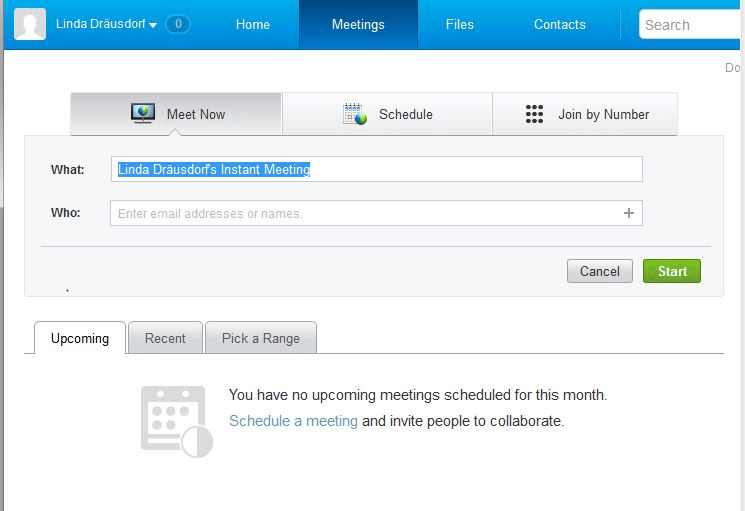
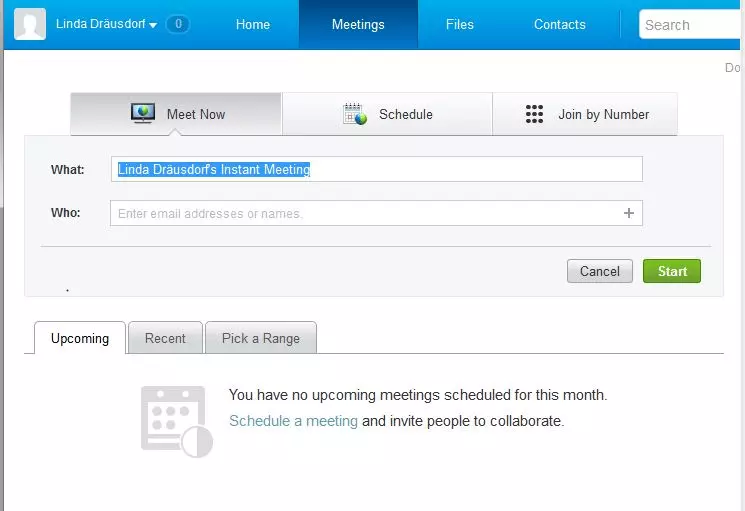
In 2007, the telecommunications company, Cisco, took over the company, WebEx Communications, which then continued as a subsidiary and has since developed and distributed various software solutions for collaborations in companies. With WebEx meetings, the company also offers an excellent alternative to TeamViewer, which focuses on web conferencing. Like all WebEx products, the meeting application is available via the Cisco WebEx Cloud, distributed across data centres (including back-up and caching concepts) worldwide in order to provide maximum bandwidth and availability for each user. With WebEx Meetings Free, you have the possibility of holding free online meetings with up to two other participants. If you require additional capacities and features, we recommend purchasing a premium package. With this, you can organise web conferences with up to 100 participants, access various screen sharing options (full screen, individual applications, etc.) and create specific user profiles e.g. to designate moderators. The premium package also allows you to access systems remotely, protect meetings using a password, and set up online meetings in Microsoft Outlook.
| Advantages | Disadvantages |
|---|---|
| Clear, beginner-friendly user interface | Free version only allows up to three conference participants |
| Powerful Cloud infrastructure | No application for desktop PCs (can only be used via web application) |
LogMeIn Pro
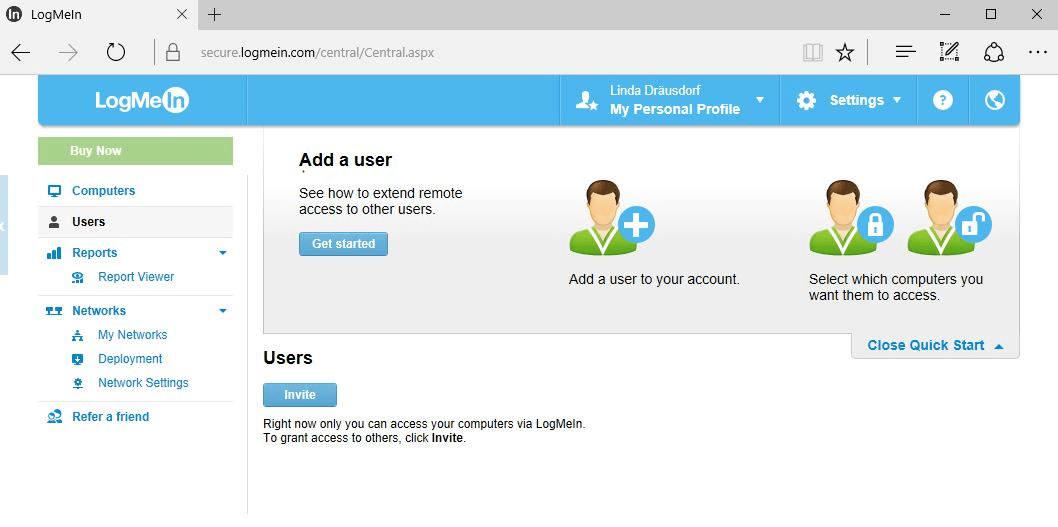
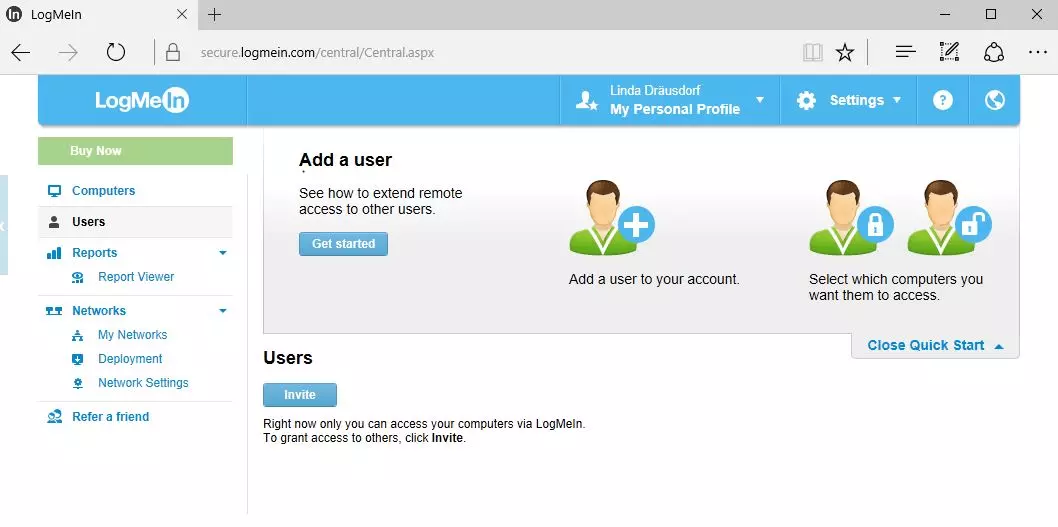
The basic concept of the cost-effective remote access tool, LogMeIn Pro, is to optimise the sharing of resources and make them available from anywhere without neglecting the aspect of safety. To do this, you will get up to 1TB of Cloud space to store all relevant files, applications, and projects in one central location. On the other hand, LogMeIn provides various applications for Windows, MacOS, the mobile systems; iOS and Android, as well as a cross-platform browser application that allows you to establish remote connections in local networks and over the internet. All sessions with LogMeIn Pro are secured via SSL/TLS. In addition, the identity of the server is verified using PKI (Public Key Infrastructure) and the identity of the host is verified using a matching secret key. Depending on the package (annual licences), you can access up to ten computers, optionally display multiple monitors and access local printers remotely. An unlimited number of users can be allowed access to the files stored in the LogMeIn Cloud. However, this alternative to TeamViewer does not provide a feature for team meetings.
| Advantages | Disadvantages |
|---|---|
| 1 TB Cloud space included | No free version available |
| Can be used across platforms | No web conferencing feature |
Join.me
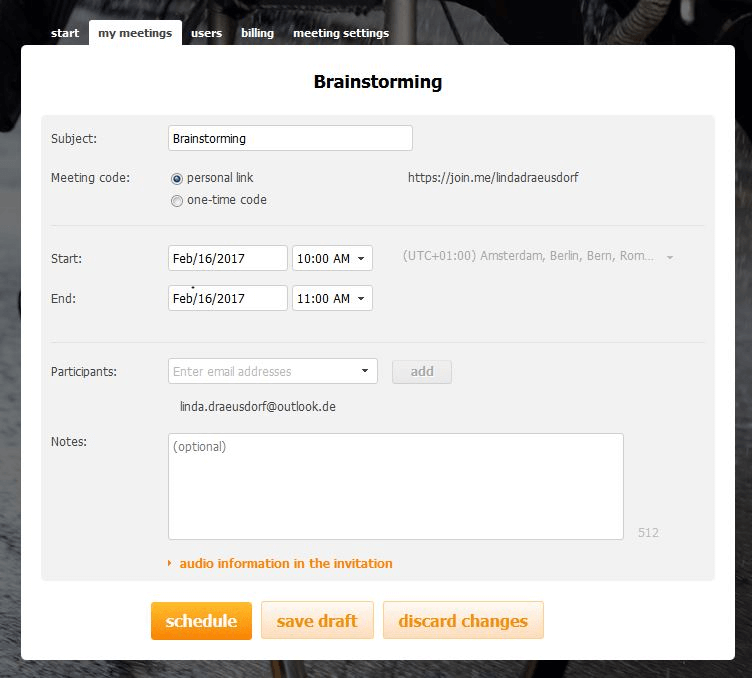
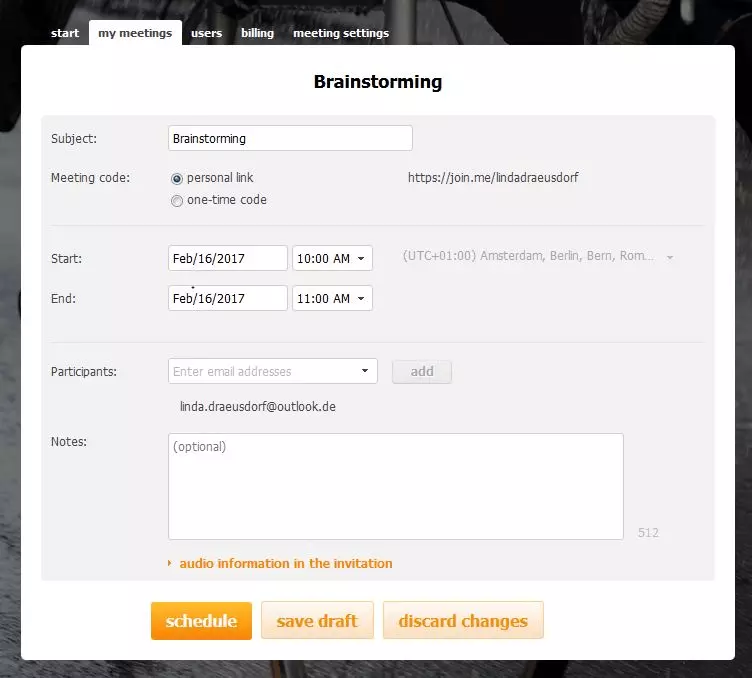
The company LogMeIn has another TeamViewer alternative, the web tool Join.me to add to the mix. This alternative makes organising and implementing online meetings child’s play. For this purpose, the service offers access to an admin area where you can easily schedule and hold meetings. All past meetings are automatically archived so that you can keep tabs on what invited users are up to. In the free version of the web application, it is possible to organise ordinary conferences for up to ten participants and video transmissions for up to five people – the only prerequisites are that you need to download the Join.me app and register. In addition to chat, VoIP, and video features, Join.me also enables data sharing and screen sharing. In addition to the free version of the communication software there are also two fee-based subscription modules that are ad-free. They contain productivity-increasing features (PRO) and additional administration capabilities (BUSINESS). The former allows up to 50 users to participate in meetings (ten in the video conference), and the latter even allows up to 250 participants in meetings. Additional functions include, among other things, a feature to share views of individual windows, the possibility to create whiteboards and allow other users access to them (iOS only) and plugins for Outlook and Google calendars. In addition, 5GB (PRO) and 5TB (BUSINESS) Cloud storages are available for recording Join.me meetings and being able to play them back at a later point in time.
| Advantages | Disadvantages |
|---|---|
| Simple and versatile (fee-based) administration options | No remote access function |
| Data transmission protected by 256 bit encryption | Free version is heavily restricted |
Splashtop
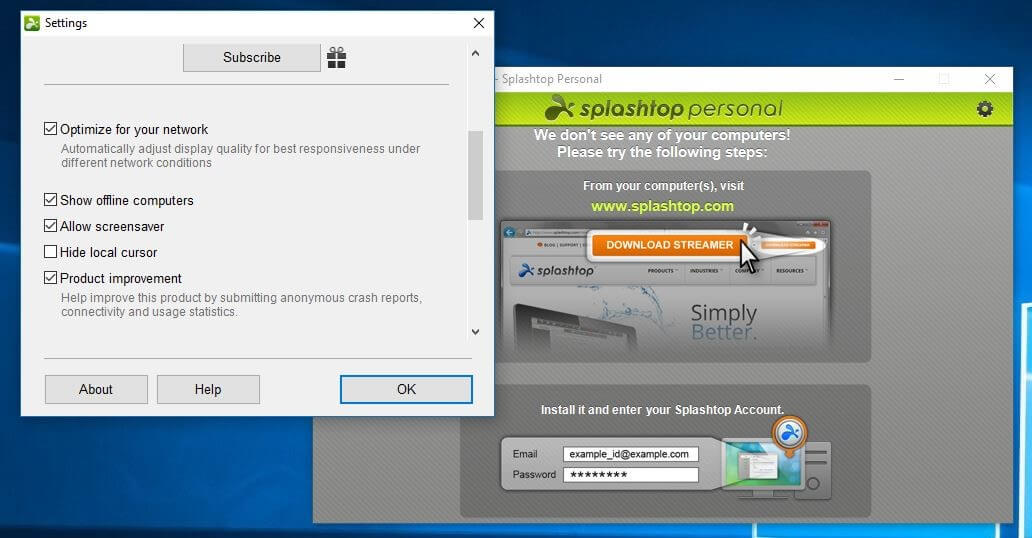
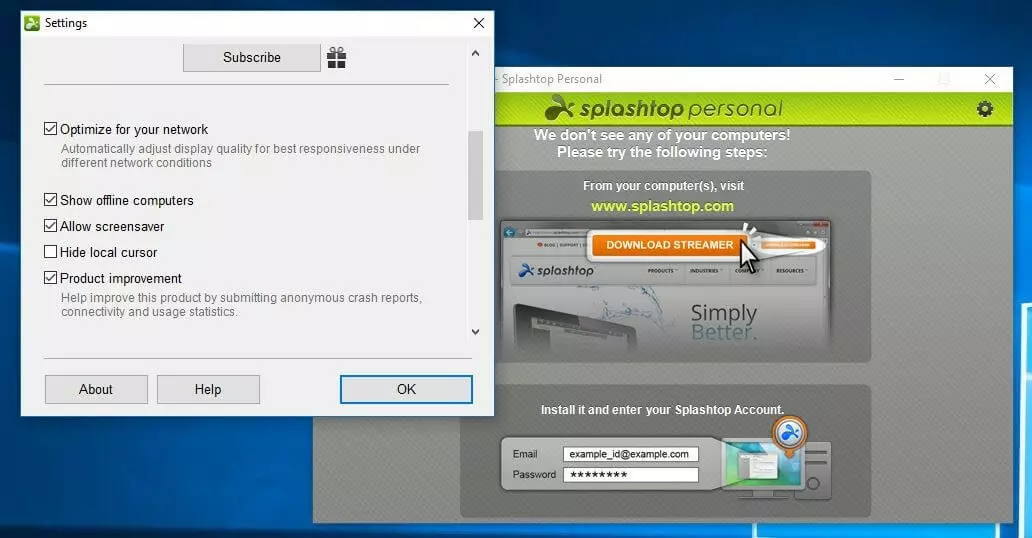
With its remote applications, Splashtop is primarily designed for users to enjoy maximum comfort when accessing their apps, projects, or files – regardless of the device they’re using. The company attaches great important to the mobile sector in particular. Depending on which Splashtop product you choose, there’s a wide variety of features on offer with greatly varying costs. This makes the fundamentally free Splashtop Personal an excellent alternative to TeamViewer if you need a solution for remote access for up to five devices within a local network. However, this version is only for non-commercial use. In addition, remote access via the internet is fee-based, as is the case with some client apps for certain devices. Splashtop Business enables professional remote management of devices in company networks. With this paid remote package you can not only transfer files, but also access local printers and communicate via chat with the user of the remote computer. The built in TLS-encrypted (256 bit) connections are characterised by high stability and performance. With Splashtop Classroom and Mirroring360 there are additional screen sharing solutions that allow you to easily present your content, ideas, or applications to an audience without having to rely on special hardware and cables.
| Advantages | Disadvantages |
|---|---|
| Data transmission protected by 256 bit TLS encryption | Only free for local, non-commercial networks |
| Excellent audio and video quality | Not an all-in-one solution |
VNC Connect
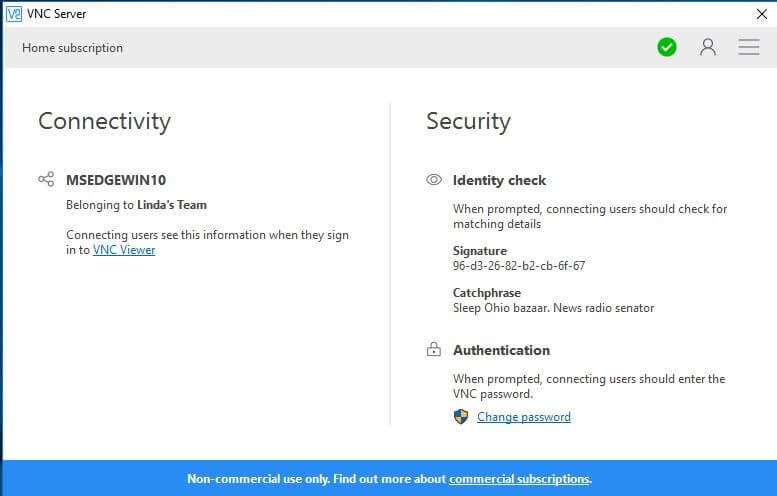
For more than 15 years, the Cambridge-based software company, RealVNC, has provided powerful remote programmes. Among other things, the award-winning company with VNC Connect is one of the best TeamViewer alternatives for personal and commercial use. Consisting of a server app for the computer you wish to control and a viewer application that is installed and started on the work device, this professional tool provides you with all the functions you need to remotely control other systems. They are automatically discovered on the internet without the need for special firewall or router configurations. In order to provide a high level of security, sessions are not only encrypted, but are also password-protected. While the free HOME edition has a limit of five remote computers and cannot be used commercially, the paid annual subscriptions PROFESSIONAL and ENTERPRISE allow remote control of an unlimited number of target devices. This equivalent also extends to important features such as data transfer, remote printing, or chat. The enterprise solution also encrypts sessions with 256 bit AES (HOME and PROFESSIONAL: 128 bit AES), and also enables direct remote connections to be established that do not require internet connections. However, none of these VNC Connect editions offer features for web conferencing.
| Advantages | Disadvantages |
|---|---|
| Password protection for sessions | Free version is heavily limited |
| Internet-free direct connection possible (ENTERPRISE) | No specific function for web conferencing |
- Up to 50 GB Exchange email account
- Outlook Web App and collaboration tools
- Expert support & setup service