

Bookkeeping software for small business

Accounting is a complex but essential part of running a business. Without proper financial oversight, businesses risk serious issues, including compliance problems with HMRC and other regulatory bodies. Errors in recording transactions can lead to financial instability and potential penalties.
Bookkeeping software simplifies accounting, reduces mistakes, and ensures compliance with UK tax regulations and accounting standards (such as UK GAAP and IFRS). The right tools help businesses manage invoicing, expenses, and tax filing efficiently.
An overview of bookkeeping software
Which accounting software is right for you? Our overview table compares all featured programs and their key features side by side. All information is up to date as of March 2025.
| Software | CRM | Inventory Management | Payroll Management | Cloud-Based | Mobile Application |
|---|---|---|---|---|---|
| FreshBooks | ✗ | ✗ | ✗ | ✓ | ✓ |
| QuickBooks Online | ✗ | ✓ | ✓ | ✓ | ✓ |
| Xero | ✗ | ✓ | ✓ | ✓ | ✓ |
| Sage Business Cloud | ✓ | ✗ | ✓ | ✓ | ✓ |
| Zoho Books | ✓ | ✓ | ✓ (via Zoho Payroll) | ✓ | ✓ |
| FreeAgent | ✗ | ✗ | ✗ | ✓ | ✓ |
| Kashoo | ✗ | ✗ | ✗ | ✓ | ✓ |
| WorkingPoint | ✓ | ✓ | ✗ | ✓ | ✗ |
| Expensify | ✗ | ✗ | ✗ | ✓ | ✓ |
| Odoo | ✓ | ✓ | ✓ | ✓ | ✓ |
What to consider when choosing bookkeeping software
There are different types of accounting software. Some are available as downloads and installed locally, while others run as online accounting solutions in the cloud. Cloud-based software allows access from anywhere with just a browser and an internet connection.
To effectively support your business, accounting software should include these essential features:
- Expense & receipt management: The software should allow you to easily upload, scan, and categorise receipts for accurate expense tracking. Integration with tools like Dext or Expensify is a plus.
- Bank integration: To efficiently manage finances, the software should connect with your business bank account and support automatic bank feeds, including Open Banking connections.
- Invoicing & payments: A good accounting tool lets you create professional invoices, send payment reminders, and integrate with payment processors like PayPal, Stripe, or GoCardless.
- VAT compliance: Since VAT (Value Added Tax) applies to most UK businesses, the software should include automated VAT calculations and support for Making Tax Digital (MTD) compliance.
- Inventory management: If you sell physical products, look for software with inventory tracking features. Some platforms, like Xero, QuickBooks, or Sage, include this, while others require third-party add-ons.
- Payroll integration: If you have employees or work with contractors, choose software that supports payroll processing, including HMRC PAYE, National Insurance contributions, and pension auto-enrolment.
- Order & expense tracking: Many businesses use separate tools for order and expense tracking, but some accounting solutions include built-in features to streamline financial reporting.
If your accounting software includes these functions, it will help you efficiently manage your business finances and stay compliant with UK tax regulations.
- Up to 50 GB Exchange email account
- Outlook Web App and collaboration tools
- Expert support & setup service
Here are ten of the best bookkeeping software options on the market
With so many different offers available, it can be quite daunting trying to choose the right bookkeeping software for your company. We’ve narrowed it down to the ten best options to make it a little easier for you to make your decision.
FreshBooks
FreshBooks, founded in 2003 and headquartered in Toronto, Canada, is a well-known accounting software featured in Forbes, Bloomberg, The New York Times, and CNN. Designed for freelancers, self-employed professionals, agencies, and small to medium-sized businesses, FreshBooks offers features such as invoicing, expense tracking, time tracking, project management, payments, estimates, and reporting. Users can try the software free for 30 days before choosing a paid package, with pricing starting at £15/month for the Lite package, £25/month for Plus, and £35/month for Premium.

| Advantages | Disadvantages |
|---|---|
| 30-day free trial available | Additional cost of around £10 per month per extra user |
| Detailed client tracking | Higher pricing compared to some competitors |
| Optimised project management | |
| Sophisticated time tracking | |
| User-friendly interface |
QuickBooks
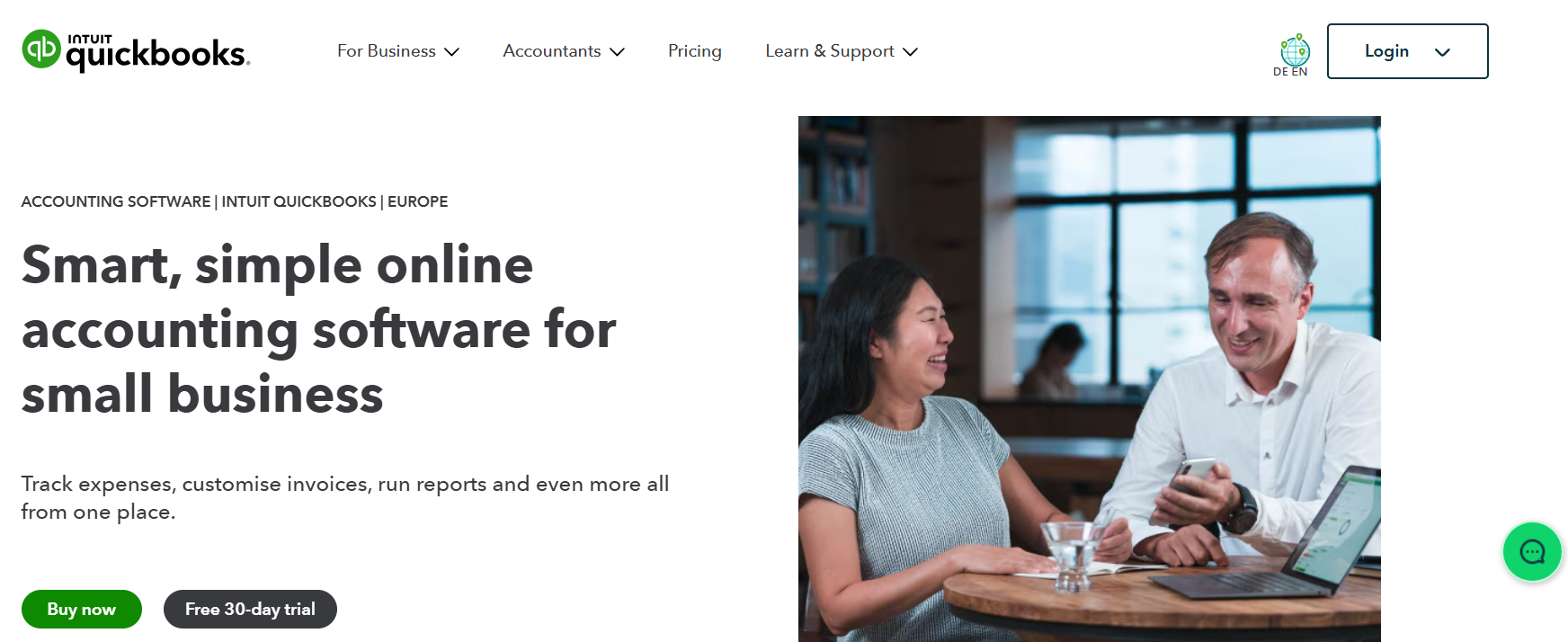
QuickBooks Online, developed by the U.S. company Intuit Inc., is a widely used accounting software with over 7 million customers globally. It offers four pricing packages tailored to different business sizes: Simple Start (£16/month), Essentials (£33/month), Plus (£47/month), and Advanced (£115/month). Intuit frequently runs promotions, such as a 50% discount for the first three months, and also provides a 30-day free trial for new users. QuickBooks Online includes features such as income and expense tracking, receipt capture and organisation, invoicing and payment acceptance, basic reporting, and inventory management (available in Plus and Advanced packages). The platform is cloud-based and accessible via a mobile application. While QuickBooks is known for its user-friendly interface and integration with third-party applications, some users may find its pricing high, especially for advanced features, and may experience occasional service outages. Additionally, some workflows need to be adapted to fit the software’s structure, and the number of users per package is limited.
| Advantages | Disadvantages |
|---|---|
| Easy mobile inventory scanning | Higher pricing, especially for advanced features |
| Ability to customise invoices | Users may need to adapt workflows to fit software capabilities |
| Free 30-day trial | Features may be more suited for larger businesses |
| Minimal accounting knowledge required | Occasional extended outages reported |
| User-friendly interface with familiar applications | Limitations on the number of users per package |
| Integration with third-party applications | Limited direct professional support |
Xero
Xero, a New Zealand-based company, offers cloud-based accounting software designed for freelancers and small to medium-sized businesses. It allows users to transition smoothly from QuickBooks by converting their existing files.
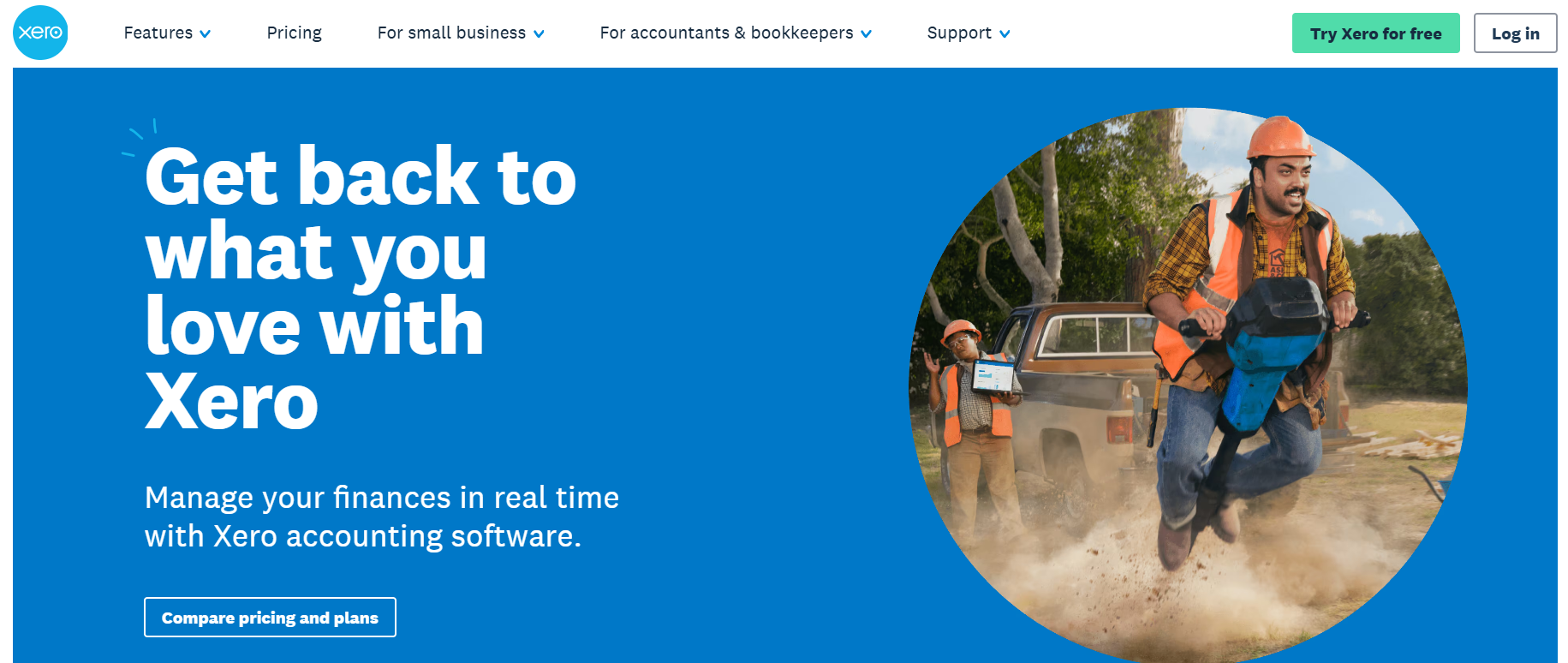
Xero provides four subscription packages: Ignite (£16/month), Grow (£33/month), Comprehensive (£47) and Ultimate (£59/month). Each package includes features such as invoicing, bill entry, bank transaction reconciliation, and payroll management (available from the Grow package onwards). Multi-currency support is included in the Comprehensive and Ultimate packages.
New users can take advantage of a 30-day free trial, and Xero occasionally offers promotional discounts. While Xero is known for its user-friendly interface, secure data backup, and integration with various third-party applications, some users may find the base-level package restrictive, customer support response times slow, and performance lagging with a high volume of transactions.
| Advantages | Disadvantages |
|---|---|
| Multiple subscription tiers to suit various business needs | The base-level (Ignite) package has limitations on transactions |
| Integrated payroll capabilities (from Grow package onwards) | Higher-tier packages can be relatively expensive |
| Free 30-day trial for new users | Customer support response times can be slow |
| User-friendly and accessible interface | Performance may degrade with a high volume of transactions |
| Integration with various third-party cloud applications | Initial setup and account linking can be challenging |
| Secure data backup and protection |
Sage Business Cloud Accounting
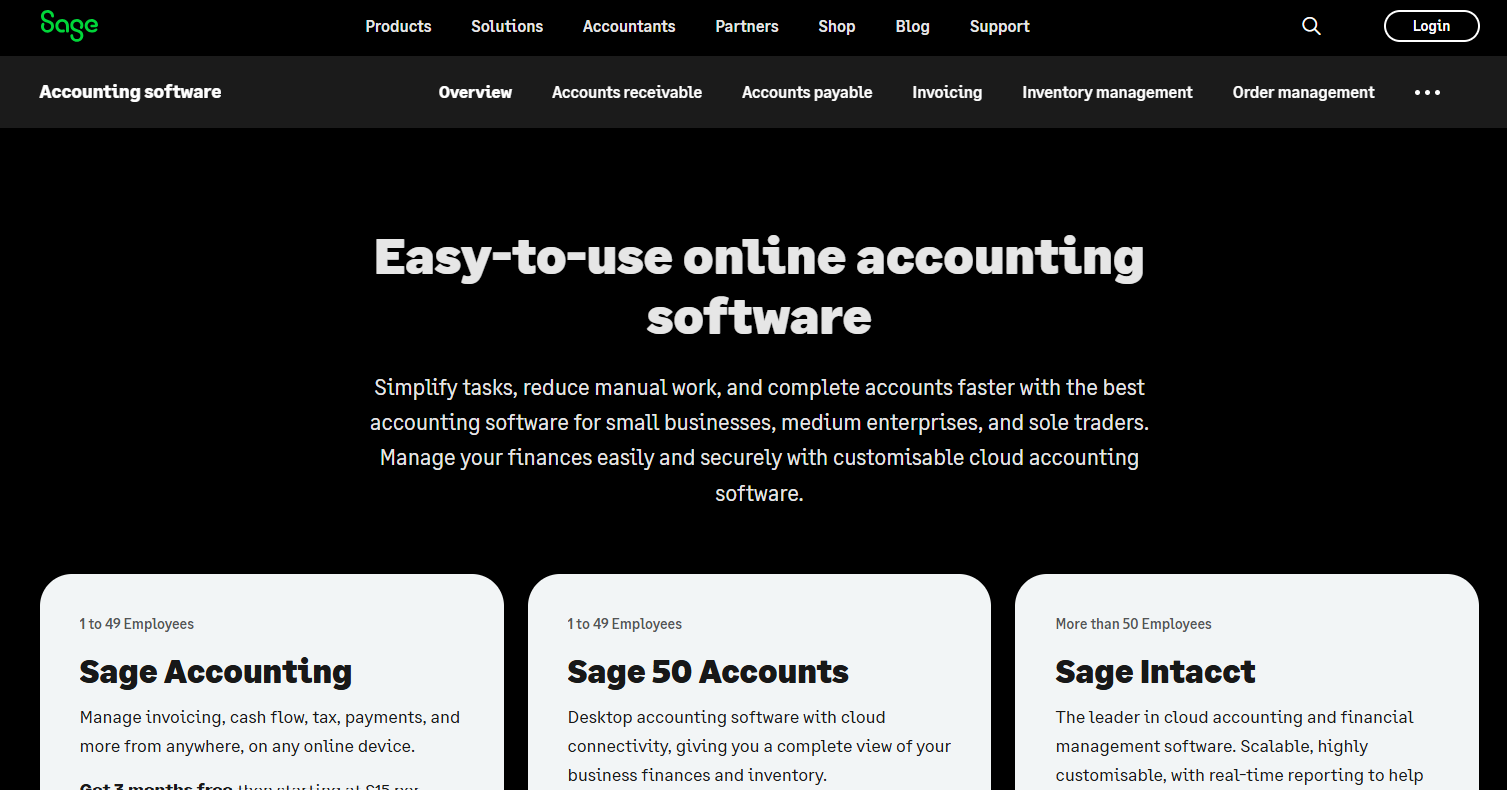
The Sage Group, one of the largest UK-based technology companies, offers accounting software designed for small businesses to streamline financial management. This cloud-based software helps with invoicing, payment processing, and expense tracking, reducing administrative work and automating routine tasks. Users can try Sage Business Cloud Accounting with a 30-day free trial before selecting a subscription package. You can choose from Accounting Start at £15 per month, Accounting Standard at £30 per month or Accounting Plus at £39 per month. While the software is known for its ease of use, strong customer support, and Excel export functionality, some users report occasional server overloads, challenges when importing data, and limited compatibility with Mac, iPad, and iPhone devices.
| Advantages | Disadvantages |
|---|---|
| Easy to add users and manage accounts | Occasional server overloads affecting access |
| Excellent customer support | Additional costs for upgrades |
| Free 30-day trial | Data import challenges |
| User-friendly interface with minimal learning curve | Limited compatibility with Mac, iPad, or iPhone |
| Easy export to Excel |
Zoho Books
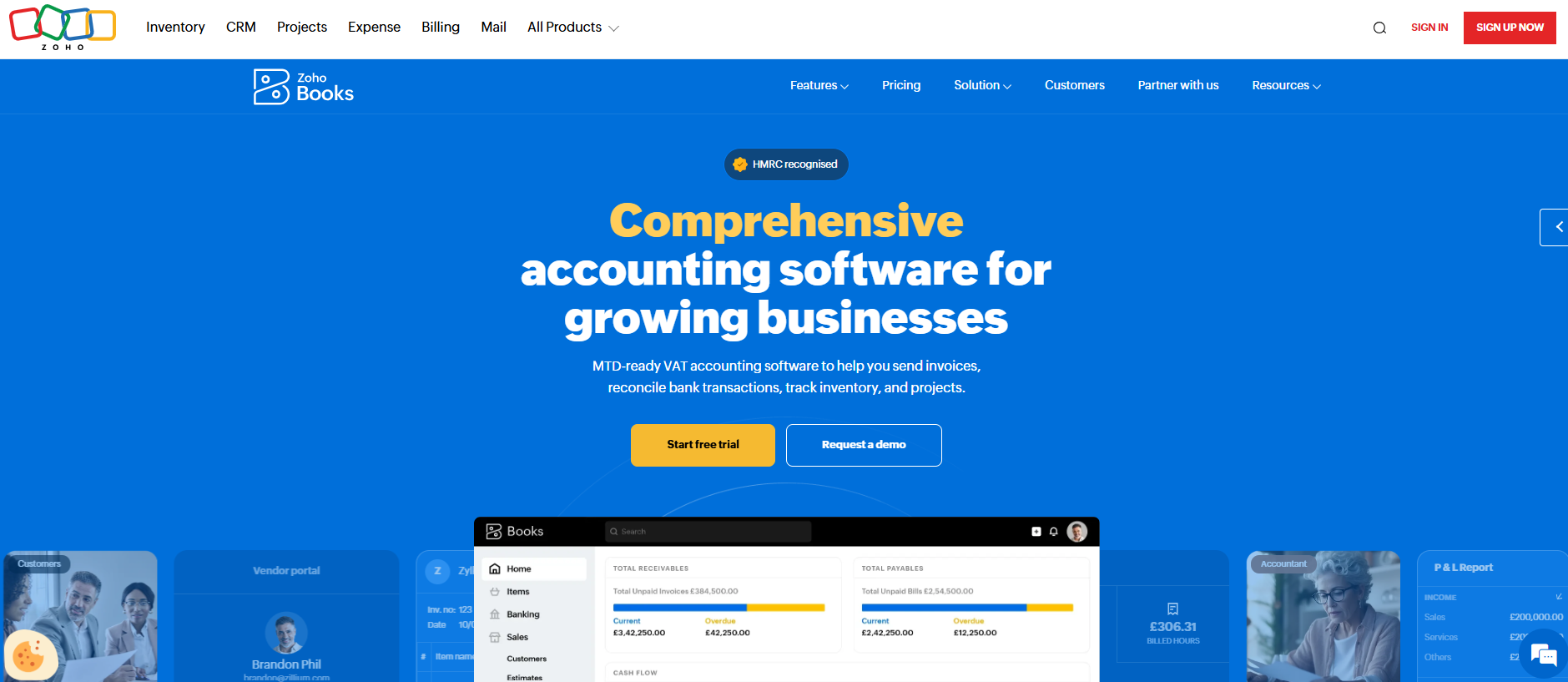
Zoho Books, headquartered in California, offers cloud-based accounting software designed for small to medium-sized businesses. The platform helps businesses manage their cash flow efficiently and provides essential accounting features. After a 14-day free trial, users can choose from three subscription packages: Standard (£12/month), Professional (£24/month), and Premium (£30/month). Those who opt for annual billing receive two months free. Even the Standard package includes key features such as bank reconciliation, custom invoices, project management, timesheets, expense tracking, sales approval, and recurring transactions. While Zoho Books is known for its affordability, ease of use, and multilingual support, some users may find its third-party integrations limited compared to competitors, and it lacks built-in payroll services and budgeting tools.
| Advantages | Disadvantages |
|---|---|
| Responsive customer support | May not scale well for larger enterprises |
| Competitive pricing | Limited third-party integrations compared to competitors |
| Free 14-day trial | Absence of built-in payroll services |
| Intuitive and user-friendly interface | Lacks budgeting tools |
| Expandable with add-on features | |
| Supports multiple languages |
FreeAgent
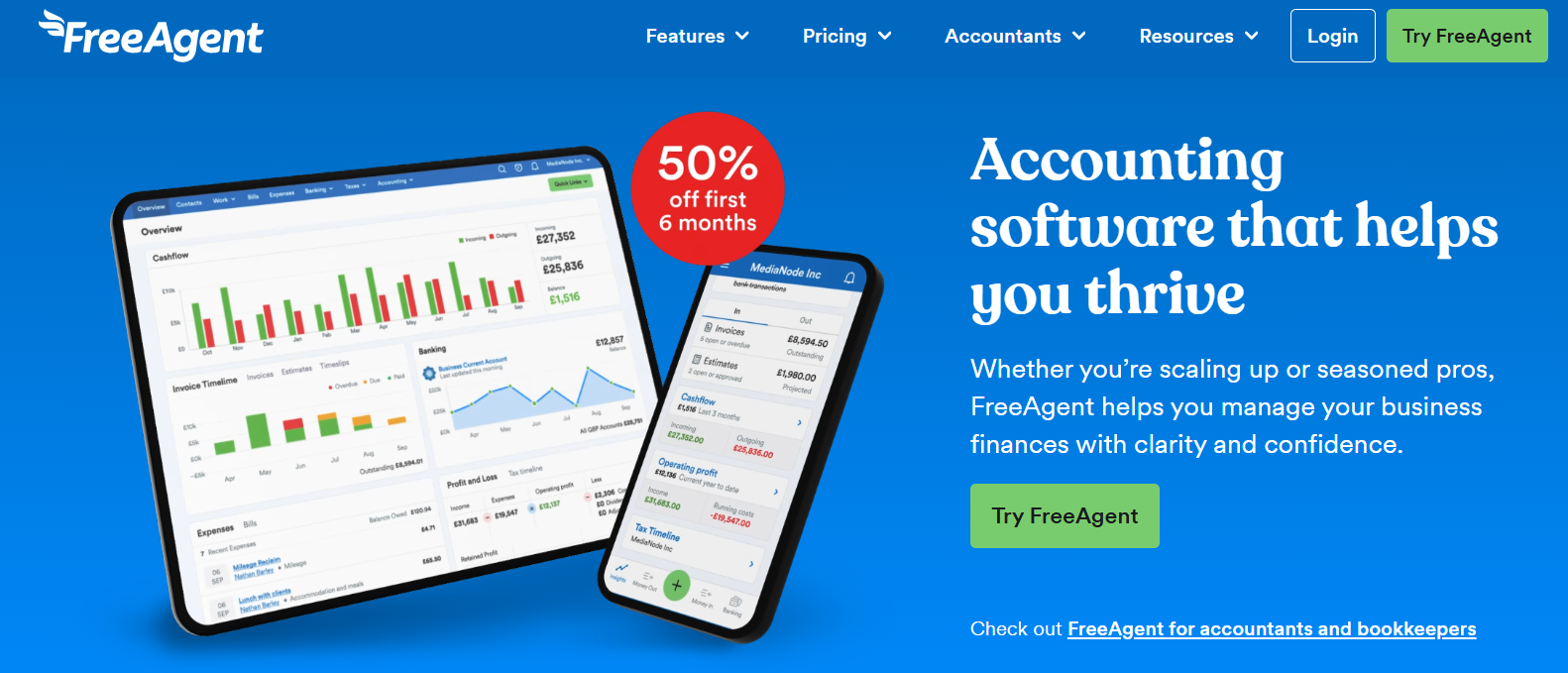
FreeAgent, a UK-based cloud accounting software, is designed specifically for freelancers, small businesses, and contractors. It simplifies financial management by offering automated invoicing, expense tracking, bank reconciliation, and tax preparation tools. FreeAgent is fully compliant with Making Tax Digital (MTD) and supports self-assessment tax filing directly with HMRC.
Users can explore the software with a 30-day free trial before choosing a paid subscription. FreeAgent pricing is straightforward, with a single all-inclusive package priced at £14.50/month + VAT for the first six months (£29/month + VAT thereafter). If you have a business account with NatWest, Royal Bank of Scotland, or Ulster Bank, you may be eligible for free access to FreeAgent.
Even with its simple pricing structure, FreeAgent includes comprehensive accounting features such as multi-currency support, time tracking, invoice customisation, and VAT return filing. However, while FreeAgent is ideal for sole traders and small businesses, it lacks payroll integration and may not be as scalable for larger enterprises.
| Advantages | Disadvantages |
|---|---|
| Fully compliant with Making Tax Digital (MTD) | No built-in payroll services (requires integration) |
| Direct self-assessment tax filing with HMRC | May not be suitable for larger businesses |
| Simple, all-inclusive pricing | Limited third-party integrations compared to competitors |
| Free access for NatWest, RBS, and Ulster Bank customers | Higher pricing after the initial discount period |
| Multi-currency support for global transactions | |
| Unlimited users (no additional cost) |
Kashoo
Kashoo, launched in 2008, is an easy-to-use accounting software designed specifically for small business owners rather than professional accountants. It offers essential features such as invoicing, expense tracking, and double-entry bookkeeping, accessible via a web browser and dedicated iPhone and iPad applications. Users can start with a 14-day free trial, and the subscription costs around £24 per month, with discounts available for annual packges. Kashoo supports banking integration with over 5,000 financial institutions and allows permission-based sharing, enabling collaboration with employees, business partners, and accountants. The software is praised for its affordability, ease of use, and unlimited user access. However, it lacks automatic payment reminders, and its mobile app does not include all features of the web-based version. Additionally, Kashoo is not well-suited for medium to large businesses and has limited third-party integrations.
It’s important to note that Kashoo does not currently support UK-specific features such as VAT tracking or Making Tax Digital (MTD) compliance.
| Advantages | Disadvantages |
|---|---|
| Affordable pricing compared to alternatives | No automatic payment reminders |
| Banking integration with over 5,000 financial institutions | Mobile app lacks some features of the web version |
| Permission-based sharing for collaboration | Not suitable for medium to large businesses |
| Quick-entry feature for efficient data input | May lack specific features for specialised accounting needs |
| Unlimited users without extra fees | Limited integrations and mobile app capabilities |
| 14-day free trial | Does not currently support VAT tracking or Making Tax Digital (MTD) compliance |
WorkingPoint
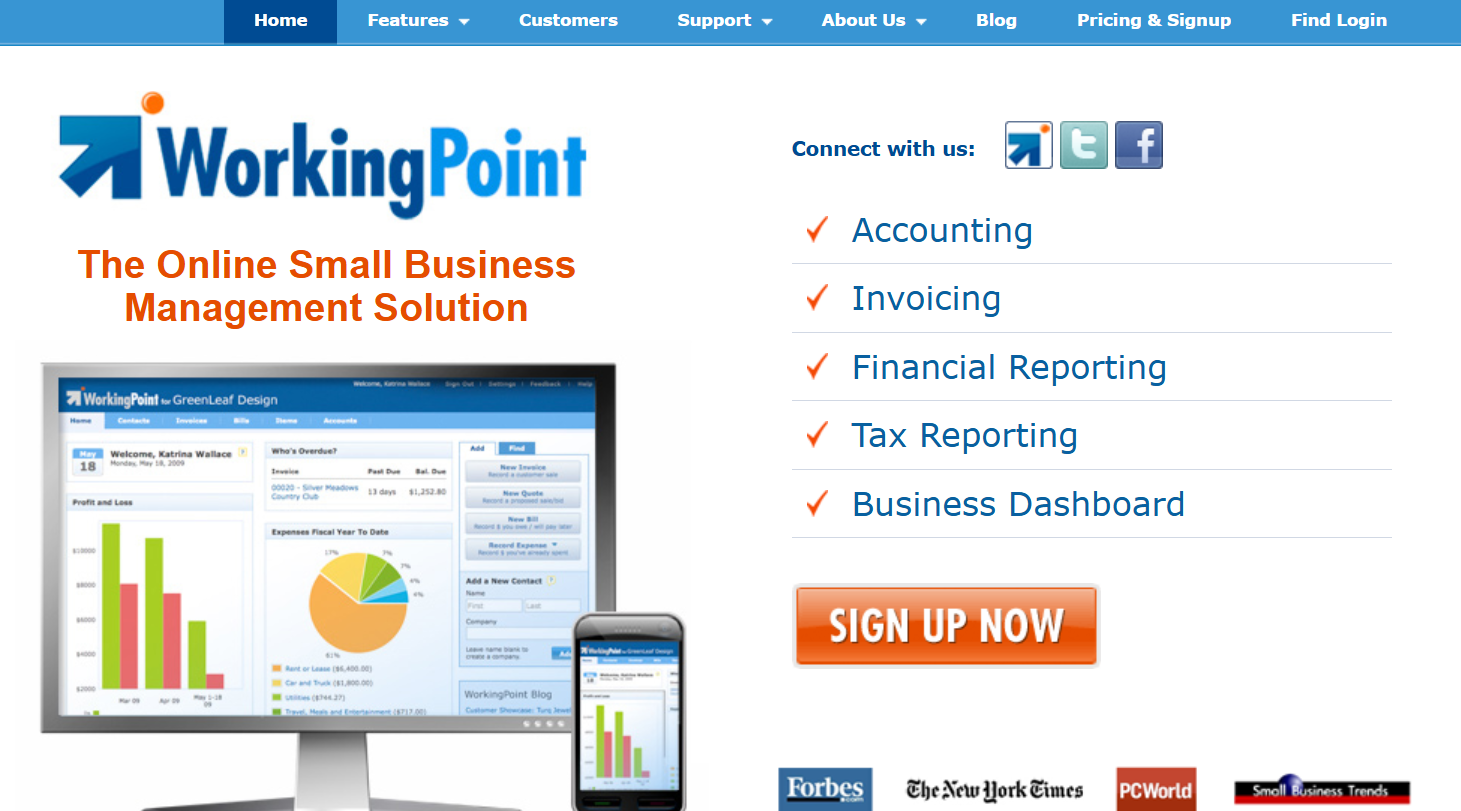
WorkingPoint is an affordable online bookkeeping software designed for small businesses and freelancers, offering two subscription packages: Lightning (around £7/month) and Thunderstorm (around £15/month). Both packages include essential features such as double-entry bookkeeping, standard financial reports, cash management, and bill and expense tracking, while the Thunderstorm package provides additional premium features like customisable accounts and multi-user access. Users can try the software with a 30-day free trial. While WorkingPoint is praised for its user-friendly interface and customisable business dashboard, it lacks a mobile application and built-in payroll services. Some users have reported initial navigation difficulties and occasional slow performance. Additionally, PayPal transactions may not be fully integrated, and the platform is more suitable for individuals or very small businesses rather than larger enterprises.
| Advantages | Disadvantages |
|---|---|
| Affordable pricing compared to alternatives | Initial navigation can be challenging |
| Customisable business dashboard | No mobile application; purely browser-based |
| 30-day free trial | May be too basic for larger businesses |
| Schedule C and estimated quarterly tax payments | PayPal transactions may not be fully integrated |
| Double-entry bookkeeping | Occasional slow performance |
Expensify
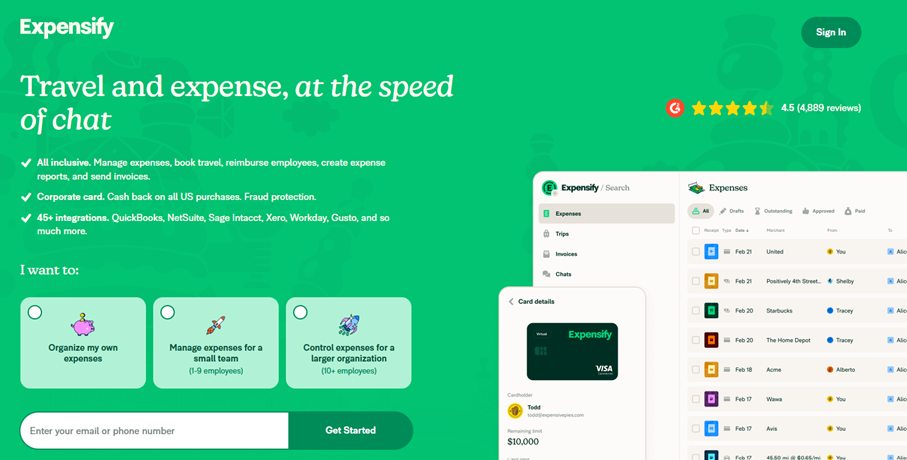
Expensify, headquartered in Portland, Oregon, offers expense management solutions for individuals and businesses of all sizes. Individuals can use a Free package that includes unlimited receipt scanning and expense tracking. For businesses, Expensify provides two paid packages: Collect (£8 per user per month) and Control (£14 per user per month). These packages offer additional features such as expense approval workflows, integration with accounting software, and corporate card reconciliation. Businesses can also benefit from a 50% discount for annual subscriptions and additional savings when using the Expensify Card. All packages include a 7-day free trial. Expensify’s standout feature, SmartScan, allows users to take a photo of a receipt, automatically extracting important details like dates and amounts. The platform integrates with popular accounting software, making it a seamless solution for managing business expenses. However, some users report slow receipt scanning, limited customisation options, and occasional customer support issues.
| Advantages | Disadvantages |
|---|---|
| Easy-to-use and intuitive interface | Mediocre customer support |
| Affordable pricing with annual discounts | Limited customisation options |
| SmartScan feature for automatic receipt processing | Expense splitting function could be improved |
| Effortless expense report submission | Occasional delays in receipt scanning and recognition |
| Seamless integration with other accounting software | Potential slowdowns with high concurrent usage |
| 7-day free trial |
Odoo
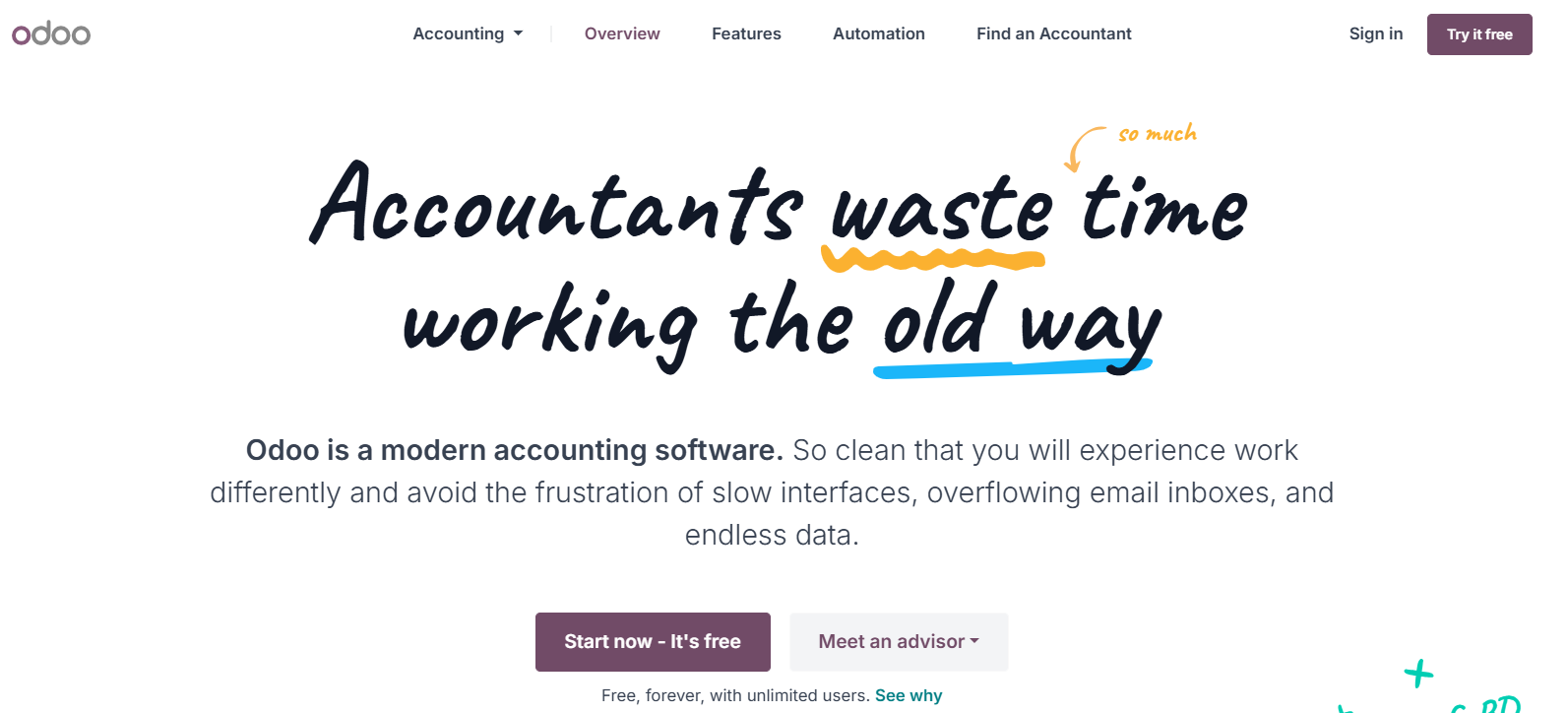
Odoo is a comprehensive, open-source management software suite designed for businesses of all sizes, including freelancers, small enterprises, and large corporations. Founded in 2005, Odoo provides a modular approach, allowing users to select and integrate specific applications based on their business needs. The accounting app is available for free, offering essential features such as bank synchronisation, invoicing, bill and expense management, and AI-powered invoice digitisation. There are also two paid package options, which are the Standard package for around £20 per month and the Custom package for around £30 per month. Users can explore additional functionalities through a 14-day free trial. With over 7,000 apps, Odoo is highly scalable, making it a flexible solution for growing businesses. However, some users report that bug fixes take time, customer support can be inconsistent, and the learning curve can be steep for advanced features. Additionally, while the accounting app is free, costs can increase with the addition of multiple apps and extra users.
| Advantages | Disadvantages |
|---|---|
| Free accounting app | Bug fixes can be time-consuming |
| Over 7,000 apps for scalability | Customer support may be lacking |
| User-friendly interface | Learning curve for advanced features |
| Open-source with active community support | Costs can increase with additional apps |
| AI-powered invoice digitisation |
Our article comparing accounting apps might also be of interest to you.
Please note the legal disclaimer for this article.