

How to use a href in HTML to add links to your website

a href is used to include external and internal links on a website. The authorised values for the HTML attribute href are clearly defined. These include links to other websites and forwarding to email addresses or telephone numbers.
What is href and what is it used for?
a href allows users to create external or internal links in an HTML document. When used correctly, the href attribute integrates seamlessly into a website and appears in the form of a hyperlink. This allows visitors to click and visit another page on your site. The term href stands for ‘hyper reference’ and specifies the desired link destination.
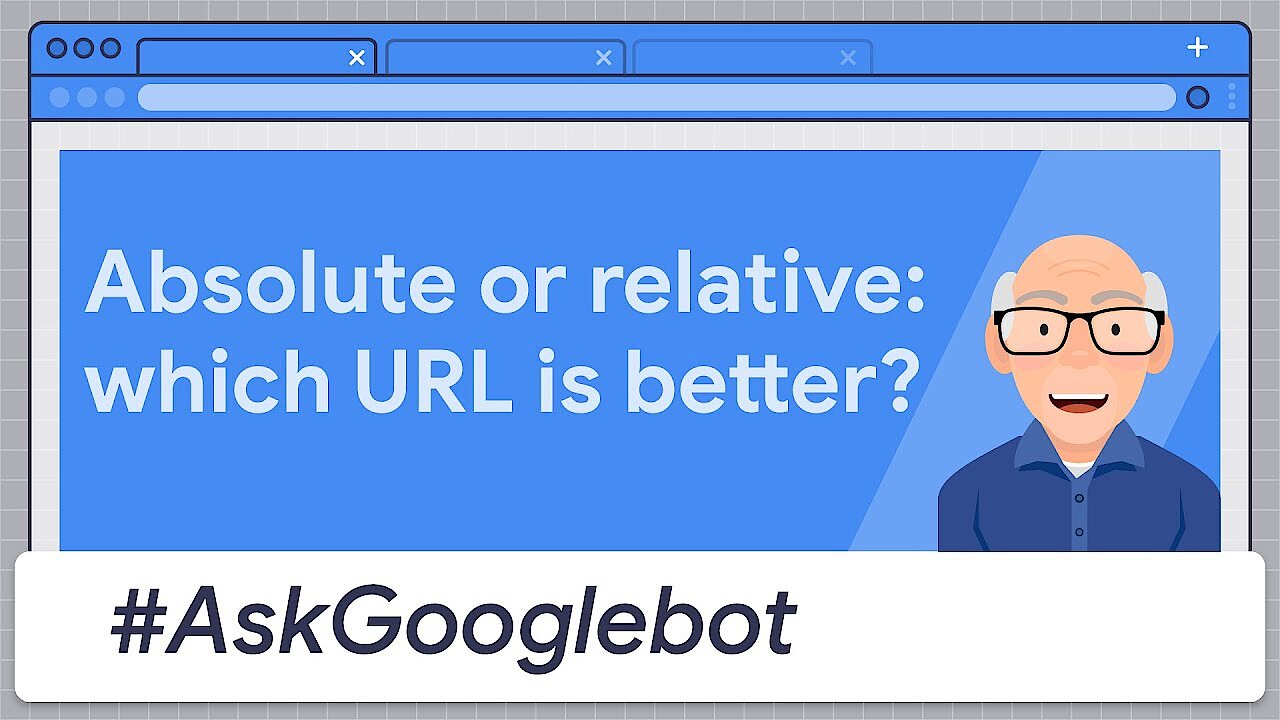
href attributes offer your website numerous advantages. They provide a better structure, facilitate navigation, and provide additional information. Links can also be beneficial for SEO. According to Google, it doesn’t matter whether you use an absolute URL, which includes the domain name, or a relative URL without a preceding domain name.
 To display this video, third-party cookies are required. You can access and change your cookie settings here.
What is the structure of a href?
The syntax for href is always the same in HTML and looks like this:
<a href="URL">anchor text</a>Each section fulfils an important function:
- The
aintroduces the link and indicates an anchor text. This HTML tag defines the start and end point of the hyperlink. - The href attribute is used within the anchor text and sets the respective link’s jump target. In addition to an internal or external website, PDF documents or images can also be linked.
- The URL for the link is placed within the quotation marks.
- This is followed by the visible text, which is clickable.
- The anchor text is complete.
Often links are combined with the title attribute to define the link title, an alternative description of the link target. The link title can contain additional information about the linked website. It becomes visible in the frontend when you hover over the link without clicking on it. Defining link titles is also recommended as an SEO measure. In HTML it looks like this:
<a href="URL" title="Linktitle">anchor text</a>What values can href have?
The values for href in HTML are clearly defined to ensure that linking works properly. The authorised values for href are as follows:
- An absolute URL: When using a href, the absolute URL is the classic example. It redirects directly to an external website and contains the domain name, the path and (if available) the file name.
Example:
<a href="www.examplesite.com/topic/index.html">Absolute link to the example page</a> - A relative URL: In a relative URL, you only specify the path (the file name is optional). For this reason, relative URLs are much shorter than absolute ones.
Example:
<a href="/topic/index.html">Relative link to example page</a> - Link to an element: The direct link to an element is possible if it has a defined ID. This allows you to internally link different sections of your website.
Example:
<a href="#section3">Direct link to an element</a> - Other protocols: href is also suitable for other protocols, such as linking directly to an email address. This works via mailto:. Other protocols may include https://, ftp://, or file:.
- Scripts: Scripts, such as JavaScript, are also authorised values for a href. Example:
href="javascript:alert('Do you have any further questions?');">
Find out how to embed JavaScript in HTML in our Digital Guide.
Five examples for how to use a href
You can use a href for different purposes. Below we’ll show you some of the most common use cases for href in HTML.
Use an image as a link
Use the following code to set an image as a link to a subpage:
<a href="https://www.examplesite.com"><img src=" /exampleimage.jpg" alt="image description"></a>Link to an email address
Use mailto: to link an email address:
<a href="mailto:smith@examplesite.com">smith@examplesite.com</a>The visitor’s email client will open when they click the link and the address (smith@examplesite.com) will automatically be inserted as the recipient. Alternatively, they can also copy and paste the email address into the program or to another location.
Link to a phone number
You can also link a phone number with a href. This is useful if someone accesses your site using a smartphone and wants to contact you directly. The link looks like this:
<a href="tel:+11231234567">0123 1234567</a>It is important to add a plus sign and the international dialling code after the telephone reference tel:. The zero in the area code is not included.
Link to JavaScript
You can also link to JavaScript using href. The corresponding code is:
<a href="javascript:Example ( )">example</a>Open a link in a new tab or window
While links are useful, be careful not to send your visitors to an external site directly from your website. With this in mind, it is useful for the link to open in a new tab or a new window. Users will then remain on your site and can look at any additional information at another time. The code for opening a link in a new tab or window looks like this:
<a href="http://www.example.org" target="_blank">http://www.example.org</a>Create your perfect website in just a few steps! The Website Builder from IONOS offers useful tools that are easy to manage, allowing you to easily create a professional online presence. If you would rather leave it up to our experts, they can take over the design for you and build a website according to your individual requirements. Choose a solution that fits your needs.
Author

Vladimir Simovic
Vladimir Simović has been building web projects with WordPress since 2004. He was one of the first German-speaking WordPress bloggers and has published several specialised books as well as over 60 expert articles, and has managed well over a hundred WordPress projects.
Reviewers

Sven Ignor
Sven Ignor is a TYPO3 web developer with over 15 years of experience and specialises in bespoke solutions based on TYPO3. He is happy to share his knowledge and is committed to TYPO3 and the community

Julia Hertler
With over 18 years of experience in content marketing, Julia Hertler has deep expertise in digital communications. For the past 10 years, she has specialised in the areas of domains and hosting at the IONOS Digital Guide, making complex technical topics easy to understand.