

What are the best code editors for Windows, Mac, Linux, and Android?

Code editors are specialised text processing programs designed to facilitate writing, editing, and managing source code. They offer features such as syntax highlighting, auto-completion, and error detection to make the work of developers more efficient and organised.
Overview table of the featured code editors
| Release | Platform(s) | Price | Special Feature | |
|---|---|---|---|---|
| Acode | 2014 | Android | free | particularly extensive for a mobile editor |
| BBEdit | 1992 | macOS | ++ | HTML syntax checker, built-in FTP client |
| CotEditor | 2014 | macOS | free | perfect integration into the macOS ecosystem |
| GNU Emacs | 1984 | Windows, Linux, macOS, Android | free | first program of the GNU software project |
| Notepad++ | 2003 | Windows | free | standard integrated macro editor |
| Phoenix Code Editor | 2023 | Windows, macOS, Linux, Web App | free | code program with browser function |
| RJ TextEd | 2004 | Windows | free | integrated (S)FTP client |
| Visual Studio Code | 2015 | Windows, macOS, Linux | free | enormous extensibility thanks to the Marketplace |
- Intuitive website builder with AI assistance
- Create captivating images and texts in seconds
- Domain, SSL and email included
What characteristics define a good web code editor?
Classic coding programs function as a middle-ground option between simple text editors and fully featured IDEs (Integrated Development Environments). They go beyond basic editors by providing a broader set of tools and capabilities. IDEs, on the other hand, bundle numerous interconnected features for comprehensive software development. A code editor is typically included within these extensive development environments—but it represents only one component among many.
Even among code editors themselves, there are considerable differences—primarily due to the wide range of markup and programming languages they support. Some editors are particularly well-suited for writing code in C++, Java, or Python, while others are specifically built for modern web development and design workflows. At a minimum, editors in this category should enable—or ideally simplify—the creation and editing of essential source code such as HTML, CSS, and JavaScript. A defining feature of many web-focused editors is the inclusion of a WYSIWYG mode (What You See Is What You Get), which provides a live preview of how the code will ultimately appear in the browser.
Other features of good code editors for Mac and more include:
- Ability to save projects in any character encoding
- Syntax highlighting for various languages (ideally configurable)
- Flexible Find and Replace function that can also process regular expressions
- Collapse and expand function for logically related code sections (code folding)
- Auto-completion of code (words, functions, parameters)
- Macro editor
- Easy management of complete code snippets
An overview of the best code editors for Windows, macOS, Linux, and Android
Code editors are very simple programs that require little memory and system performance. On which device or operating system the programs are used generally depends on the user’s preferences. However, not every code editor runs on all operating systems, which limits the selection if you’re exclusively looking for a Linux code editor, for example. As with other software, you can distinguish between proprietary software, open-source solutions, and freeware, so the decision for or against an online code editor often also considers costs.
To simplify your search for the right code editor for your web project, we introduce the most important options for each operating system and some cross-platform solutions in the following sections.
The best cross-platform web code editors
There are a number of coding programs that can be used across different platforms. In this case, developers offer various installation files for each system, so you just need to select the appropriate file to install the program on Windows, macOS, or Linux. However, it’s possible that editions may differ from system to system, so certain features may only be available for Linux users, for example.
GNU Emacs (Windows, Linux, macOS, Android)
In 1984, Richard Stallman developed a revised, open-source version of the editor Emacs, released eight years earlier, under the name GNU Emacs. The now GNU-GPL licensed code editor thus became the first program of the then-emerging GNU Project, which had a major impact on the development of the open-source scene and the Linux operating system. Today, the software is available not only for GNU/Linux but also for macOS, Windows, and even Android. Through the C-written programming interface, which includes a built-in interpreter for the Lisp programming language, the software can be extended with functions and language supports at will. For downloading and installing these extensions, referred to as ‘modes’ in GNU Emacs, this free code program includes its own package manager.
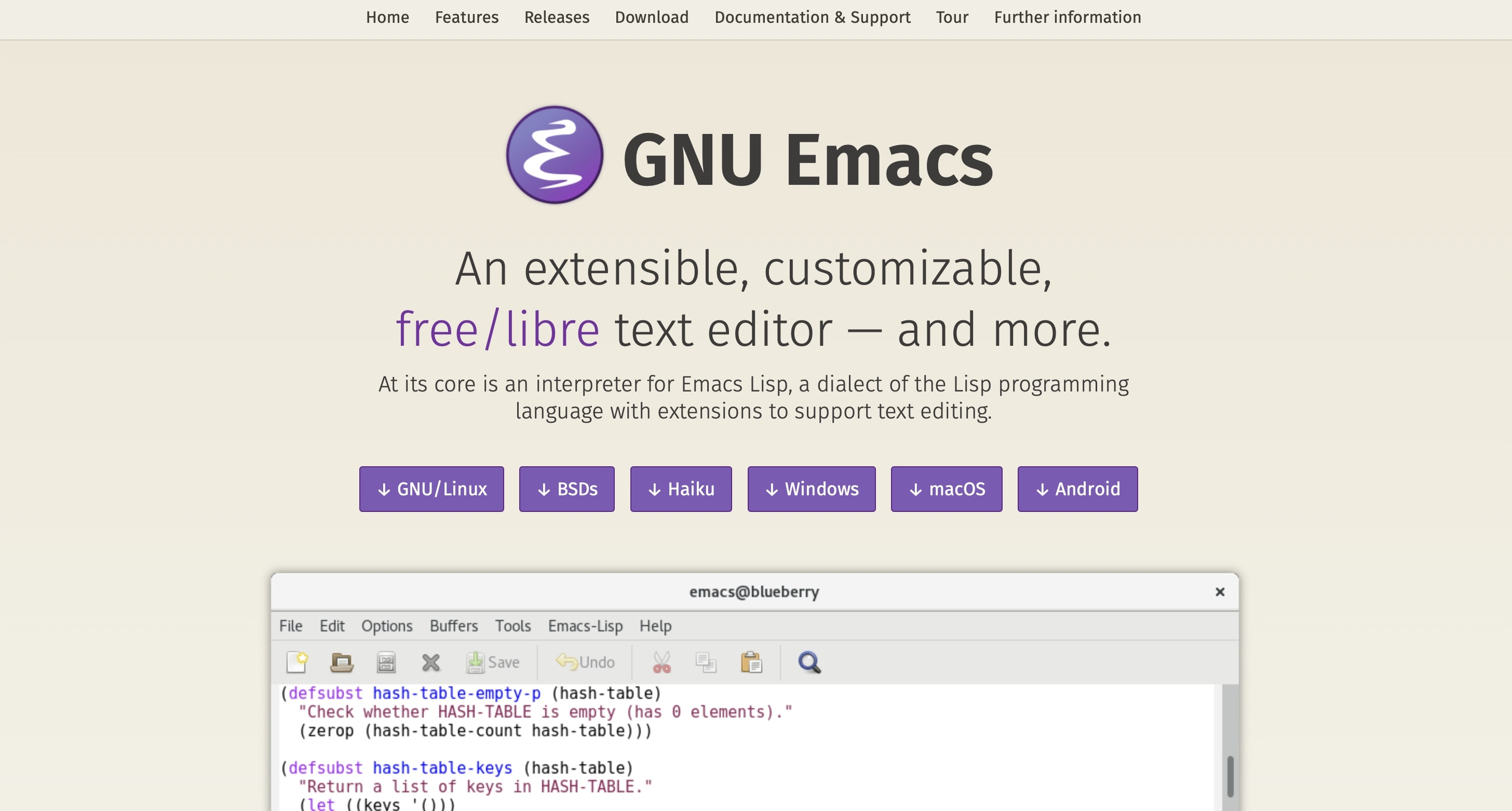
GNU Emacs, due to its strong extensibility, offers access not only to the standard tools of a code editor like auto-completion and syntax highlighting but also, if desired, to features that go far beyond writing and editing text and code. For example, you can add an audio player, a project planner, and even a web server to the program. A unique feature of this veteran editor is its operation via keyboard shortcuts, which can be learned quickly. Additionally, Emacs largely allows for mouse control as well.
| Advantages | Disadvantages |
|---|---|
| ✓ highly extensible | ✗ somewhat unusual control via keyboard shortcuts |
| ✓ Android version available | ✗ outdated user interface |
Phoenix Code Editor (Windows, Linux, macOS, Browser)
The Phoenix Code Editor is the official successor of the discontinued Adobe project Brackets and is being further developed by former members of the Brackets team as an open-source project. Released under the AGPL-3.0 license, the editor is cross-platform, available for Windows, macOS, Linux, and as a browser-based web app. Like its predecessor, Phoenix is entirely based on HTML, CSS, and JavaScript, making it especially appealing to web developers who want to work in a modern, lightweight environment.


Phoenix offers all the essential features of a web code editor, such as syntax highlighting, auto-completion, and automatic bracket closing. A special feature is the integrated live preview, which allows you to view changes to HTML and CSS files in real-time in the browser. You can add numerous extensions to the editor through the integrated extension manager, many of which remain compatible with older Brackets extensions. Thanks to its open architecture and active community, Phoenix regularly receives new features and improvements.
| Advantages | Disadvantages |
|---|---|
| ✓ modern, lightweight alternative to Brackets | ✗ community still developing |
| ✓ runs in the browser | ✗ some compatibility issues with older extensions |
Visual Studio Code (Windows, Linux, macOS)
With Visual Studio Code, or VS Code for short, Microsoft released a cross-platform, open-source code editor in 2015, which has since become one of the most popular developer tools worldwide. The editor, available under the MIT license, is based on the Electron framework and is available for Windows, macOS, and Linux. VS Code supports a wide variety of programming languages and frameworks and can be expanded almost unlimitedly via the integrated marketplace, also allowing for the addition of various programming languages thanks to its modularity.
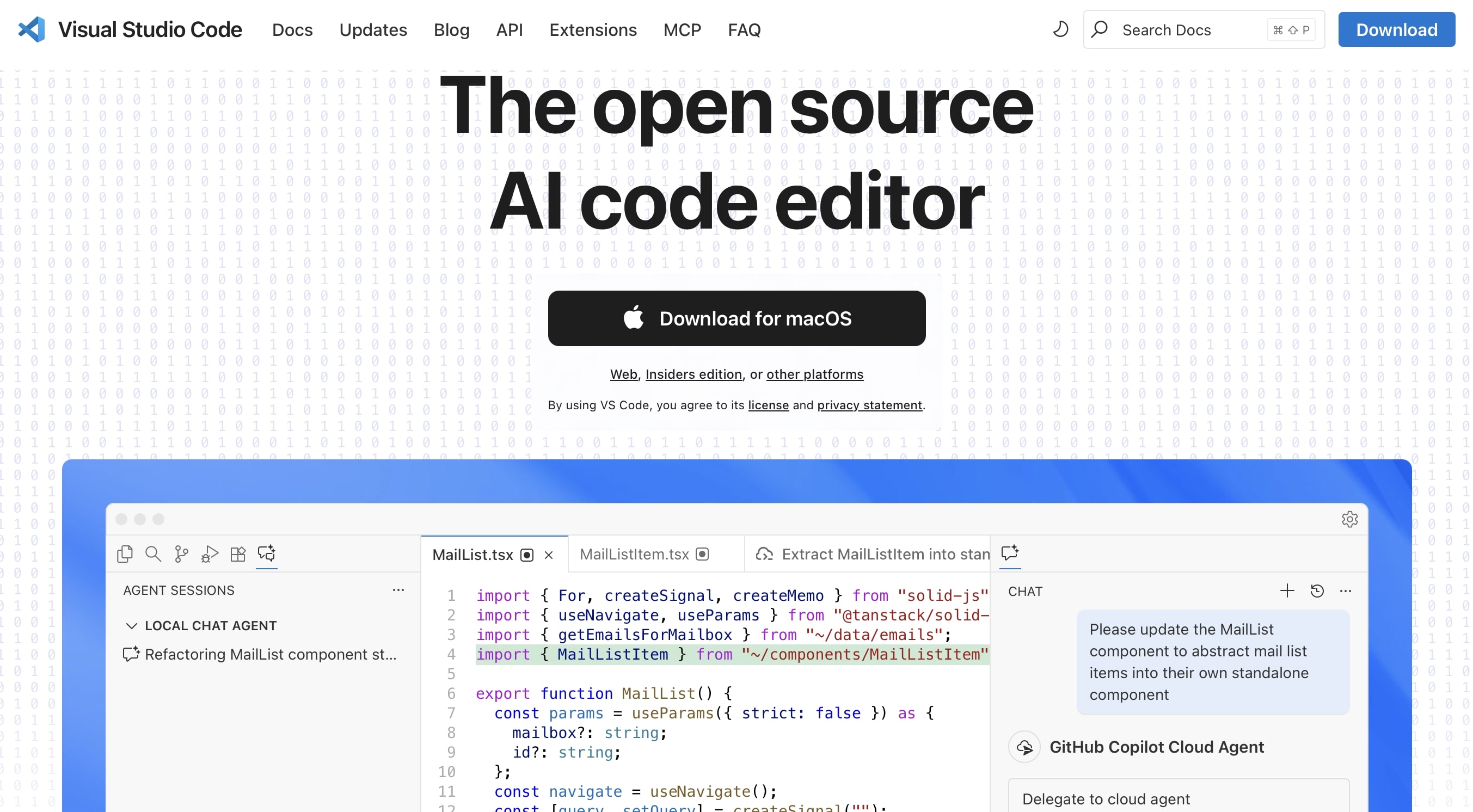
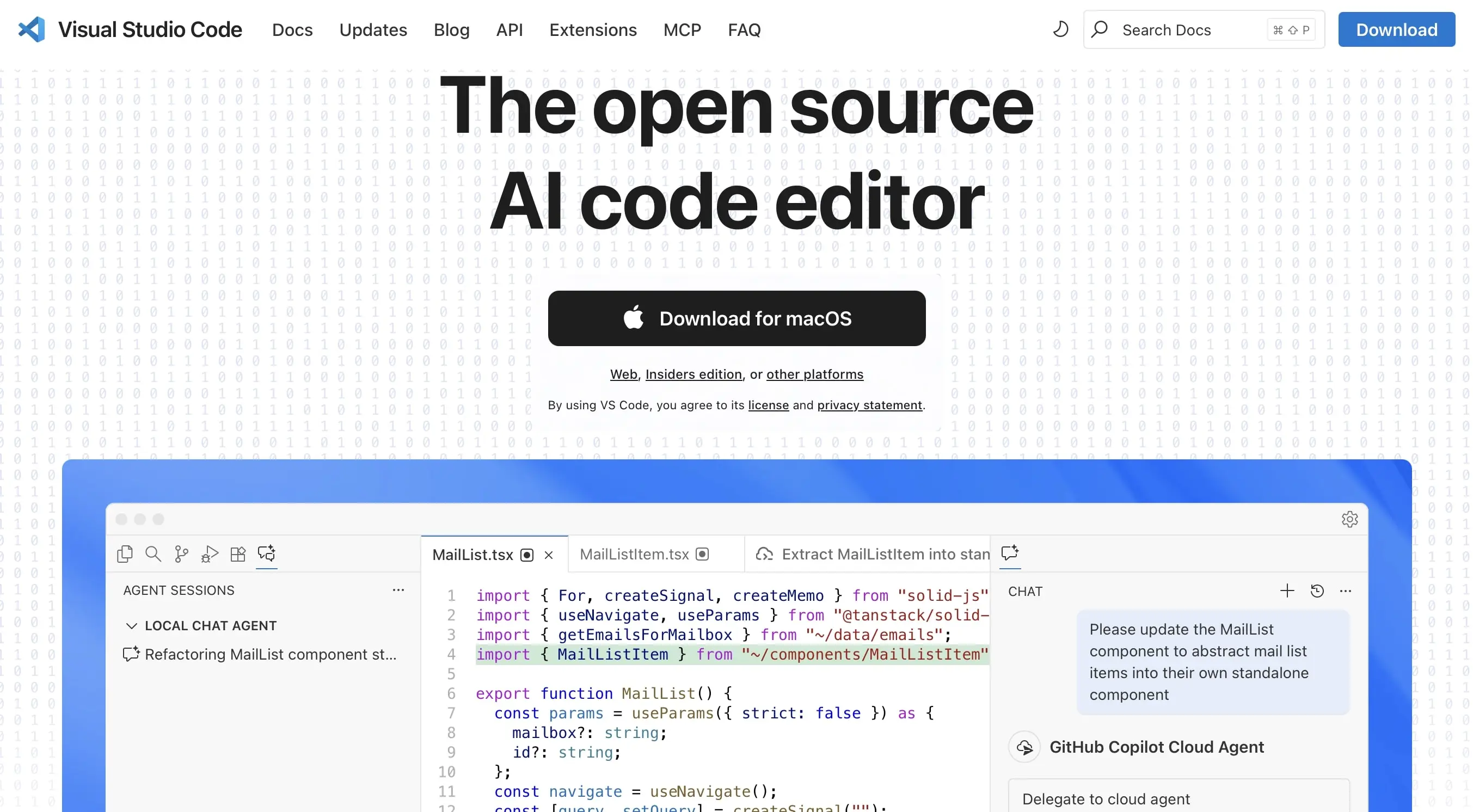
Even in its basic version, Visual Studio Code offers all the core features of a modern editor: syntax highlighting, intelligent code completion (IntelliSense), code folding, integrated Git support, and a built-in terminal console. Through extensions from the marketplace, developers can tailor the code program exactly to their needs, making it ideal for web development as well. For example, extensions for live preview are available. The clear user interface and regular updates make VS Code a flexible and future-proof solution for nearly any development environment.
| Advantages | Disadvantages |
|---|---|
| ✓ wide selection of extensions via the marketplace | ✗ high memory usage due to Electron |
| ✓ integrated Git and debug features | ✗ somewhat complex setup for beginners |
The best code editors for Windows
The topic of web development has always been closely linked with UNIX or Linux. Essential web tools and software like the Apache web server are standard in almost all distributions of this operating system family – additionally, the administrative freedoms offer many users a significant advantage over Windows. Nevertheless, Microsoft systems also enjoy a substantial user base when it comes to programming and managing a new website. This is evident in the fact that there are coding programs that are developed exclusively for Windows.
Notepad++ (Windows)
In 2003, software developer Don Ho programmed Microsoft’s code editor Notepad++, which over the following years became one of the key tools for web development on Windows machines. The double plus in the name of the free code editor for Windows refers to the fact that it is written in the C++ language. (Additionally, Notepad++ uses the text editor component of the Scintilla library.)
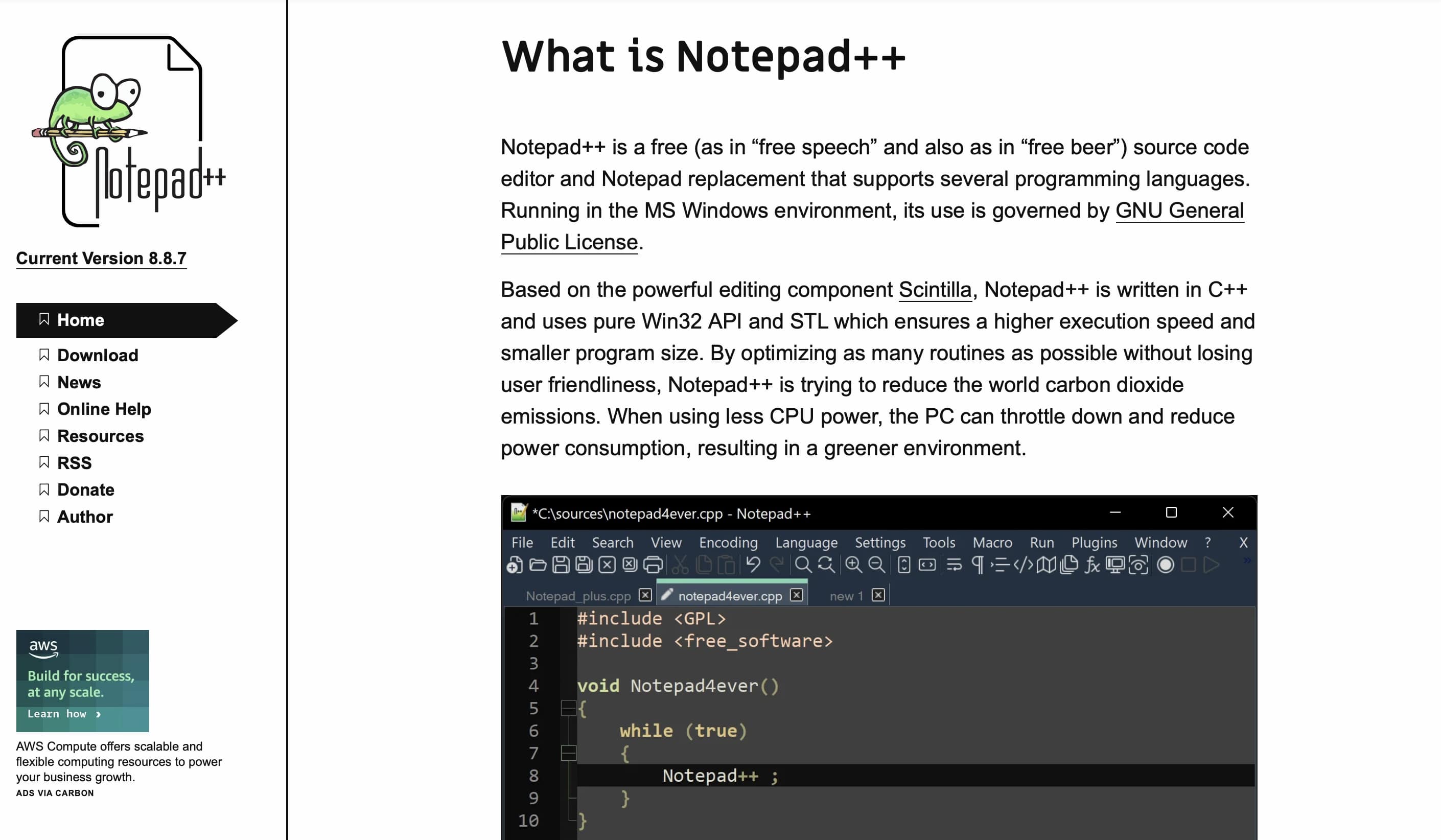
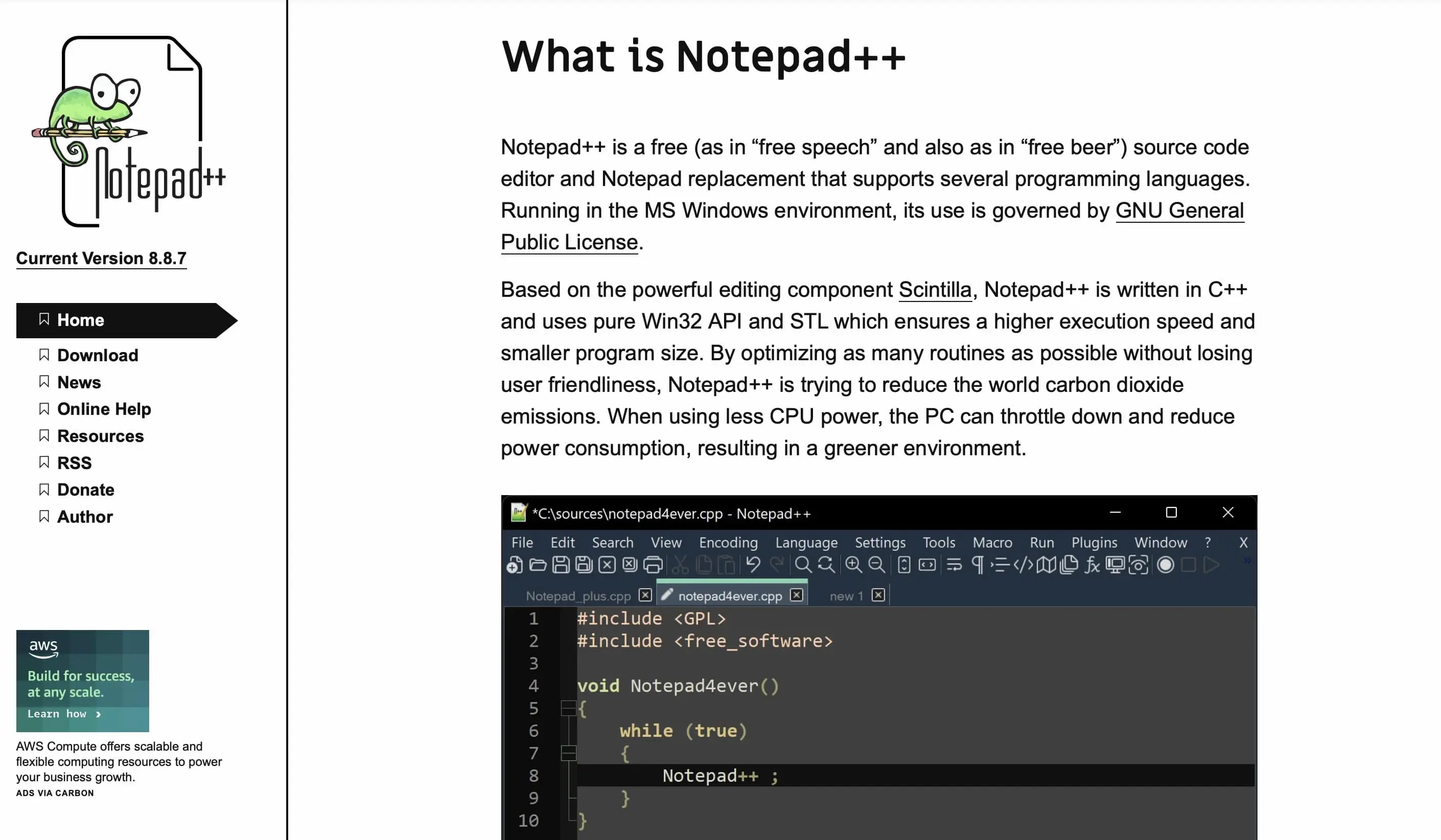
Even in its default settings, Notepad++ offers the essential features of a good HTML code editor: The syntax of various languages can be colour-highlighted, and you can also define your own highlighting characteristics optionally—the same applies to grouping related code sections. Additionally, Notepad++ provides a ‘Find and Replace’ function, as well as a feature for recording and playing back macros and an auto-completion feature (words, functions, parameters). If the corresponding browsers are installed, HTML documents created in Notepad++ can be previewed at any time in Firefox, Chrome, Safari, or Internet Explorer.
| Advantages | Disadvantages |
|---|---|
| ✓ minimalist program code | ✗ issues with very large files |
| ✓ standard integrated macro editor | ✗ no integrated live preview |
RJ TextEd (Windows)
The Windows-exclusive code editor RJ TextEd was developed by Rickard Johansson and is available as a free freeware application. The focus of the code program is on editing source and text files (Unicode-capable), making it particularly strong in web development with languages such as HTML, CSS, JavaScript, or PHP.
RJ TextEd supports a wide range of features: Unicode support including file and path names, tabs for multiple documents, auto-completion, code folding, language selection, file explorer with dual-pane view, (S)FTP client for file uploads, theme and layout customisation, and extensive search/replace functions across multiple files.
In addition to the version for current Windows operating systems, RJ TextEd offers a separate version specifically for older Windows systems like Windows XP and Vista. This variant is designed to ensure that the core functionalities of the editor run smoothly and efficiently on older operating systems. This allows users of outdated PCs to continue enjoying the full range of RJ TextEd’s features without relying on current Windows features.
| Advantages | Disadvantages |
|---|---|
| ✓ strong web functionality | ✗ not as widely used, hence smaller community and extension ecosystem |
| ✓ extensive features: preview, FTP/SFTP, Unicode, themes |
- Loading 3x faster for happier customers
- Rock-solid 99.99% uptime and advanced protection
- Only at IONOS: up to 500 GB included
The best code editors for Mac computers
macOS, the operating system of Apple devices like the iMac or MacBook, is popular among many app and web developers. This is primarily because the system, as a descendant of BSD (Berkeley Software Distribution), natively supports various UNIX development tools. The impressive performance of Apple devices is also a reason why web applications are developed on a Mac. Additionally, iOS apps can only be programmed from a macOS device.
CotEditor (macOS)
The free, open-source CotEditor is a text and code editor specifically developed for macOS, known for its deep integration into the Apple operating system and its clear user interface. Since its initial release in 2014, CotEditor has been maintained by a dedicated community and continuously adapted to new macOS versions.
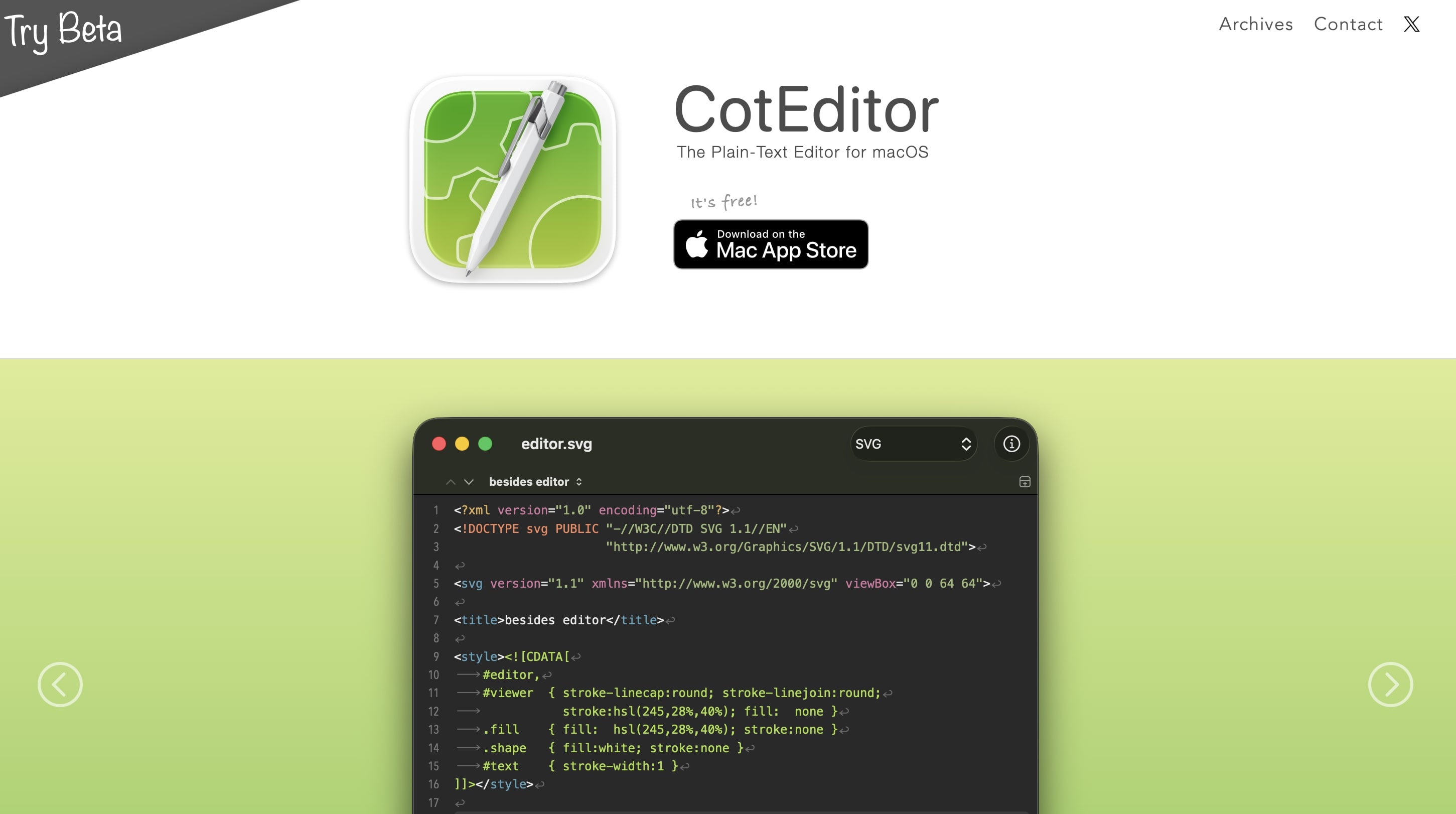
The software is fully programmed in Swift and utilises the native frameworks of macOS, allowing it to integrate seamlessly into the operating system, including dark mode, iCloud support, and the use of built-in spelling and text recognition features. CotEditor is particularly appealing to developers looking for a lightweight yet powerful editor that is perfectly tailored to the macOS environment.
Despite its minimalist design, CotEditor offers all the essential tools for efficient source code work: Syntax highlighting for over 60 programming languages, automatic indentation, and code folding help maintain clarity. The multi-tab view allows for simultaneous editing of multiple documents, while the search-and-replace function also supports regular expressions. Programmers will find the line and character counter, Unicode inspection function, and the ability to create or customise their own syntax definitions and themes particularly useful.
| Advantages | Disadvantages |
|---|---|
| ✓ fully integrated into macOS, fast and resource-efficient | ✗ no integrated Git or FTP function |
| ✓ supports numerous programming languages and regular expressions |
BBEdit (macOS)
Among the code editors for Mac, BBEdit is certainly a veteran. The proprietary editor solution from the American company Bare Bones Software was first introduced in 1992 as a program for the OS X predecessor, Macintosh System Software 6. Since then, the software has been continuously developed, which is why it remains one of the most popular code editors for Mac users even after more than two decades. In addition to the paid licensed edition, Bare Bones Software offers an unlicensed demo version with limited functionality, which you can use for free and upgrade at any time.
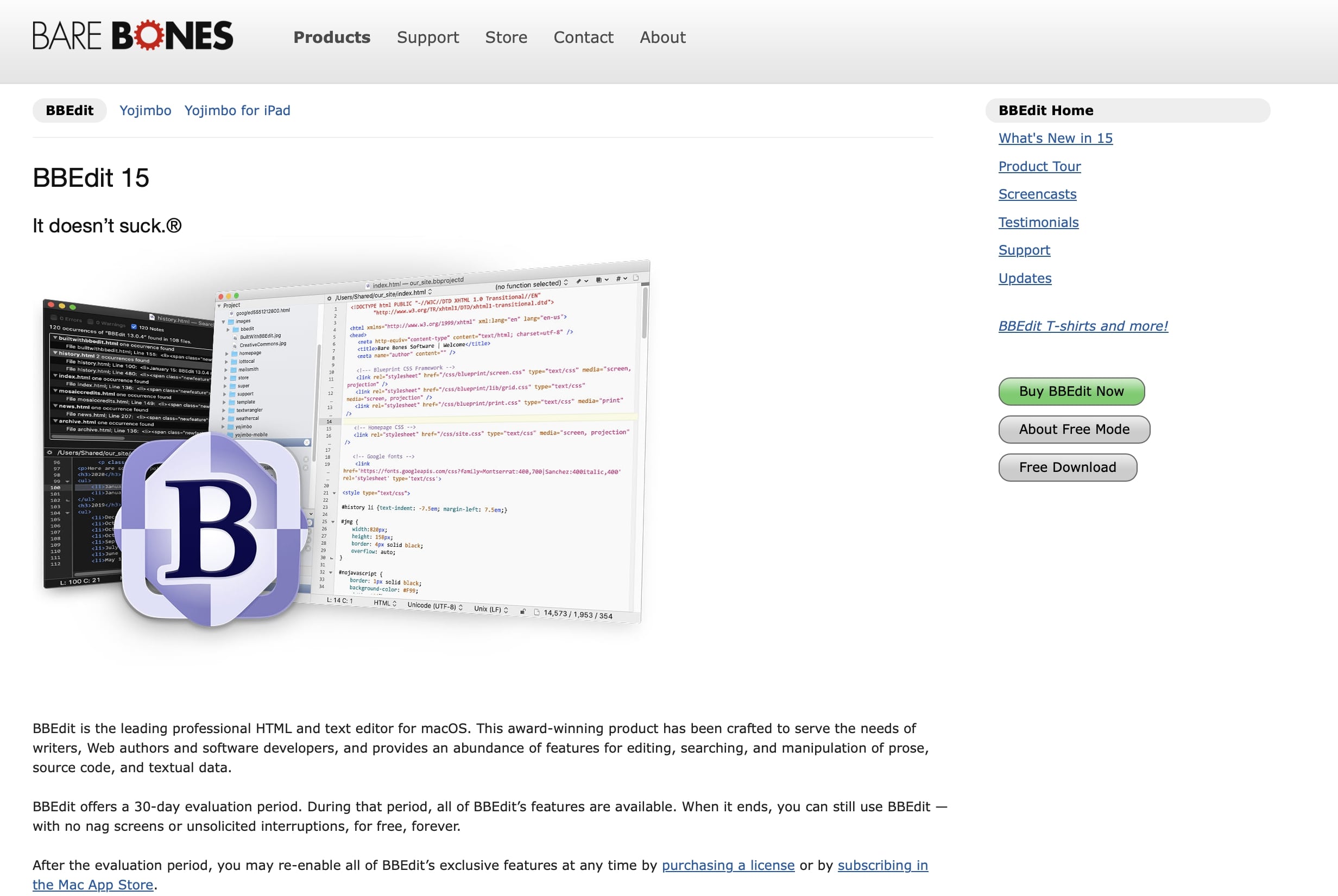
The program delivers a well-rounded combination of essential code editor functions and advanced features that noticeably streamline the workflow for web developers. It provides syntax highlighting for multiple languages, auto-completion, powerful search-and-replace across documents, and code folding. Additionally, it supports file access via (S)FTP, integrates with Git and Subversion, and offers a wide range of HTML and CSS markup tools (including full HTML5 support). For real-time previews, developers can rely on the built-in WebKit Inspector. BBEdit is also strong in error detection: macOS’s native spell-checker highlights spelling mistakes directly within the editor, while the HTML Syntax Checker helps identify and correct issues in the markup of your HTML pages.
| Advantages | Disadvantages |
|---|---|
| ✓ continuous improvements of the software | ✗ not ideal for large-scale, multi-language projects |
| ✓ built-in FTP client | ✗ limited built-in collaboration features |


Acode – the Code Editor for Android
With Acode, Android users have access to a modern, feature-rich code editor and web IDE, which has become one of the most popular solutions for mobile programming in recent years. The app was developed by Foxdebug and is available in both a free and an ad-free premium version. Acode supports you in writing HTML, CSS, JavaScript, PHP, Python, C++, Java, and JSON code, offering exceptionally broad language support for a mobile tool. With features like syntax highlighting, auto-indentation, code folding, and a live preview, Acode is ideal for writing, testing, and managing web projects directly on a smartphone or tablet.
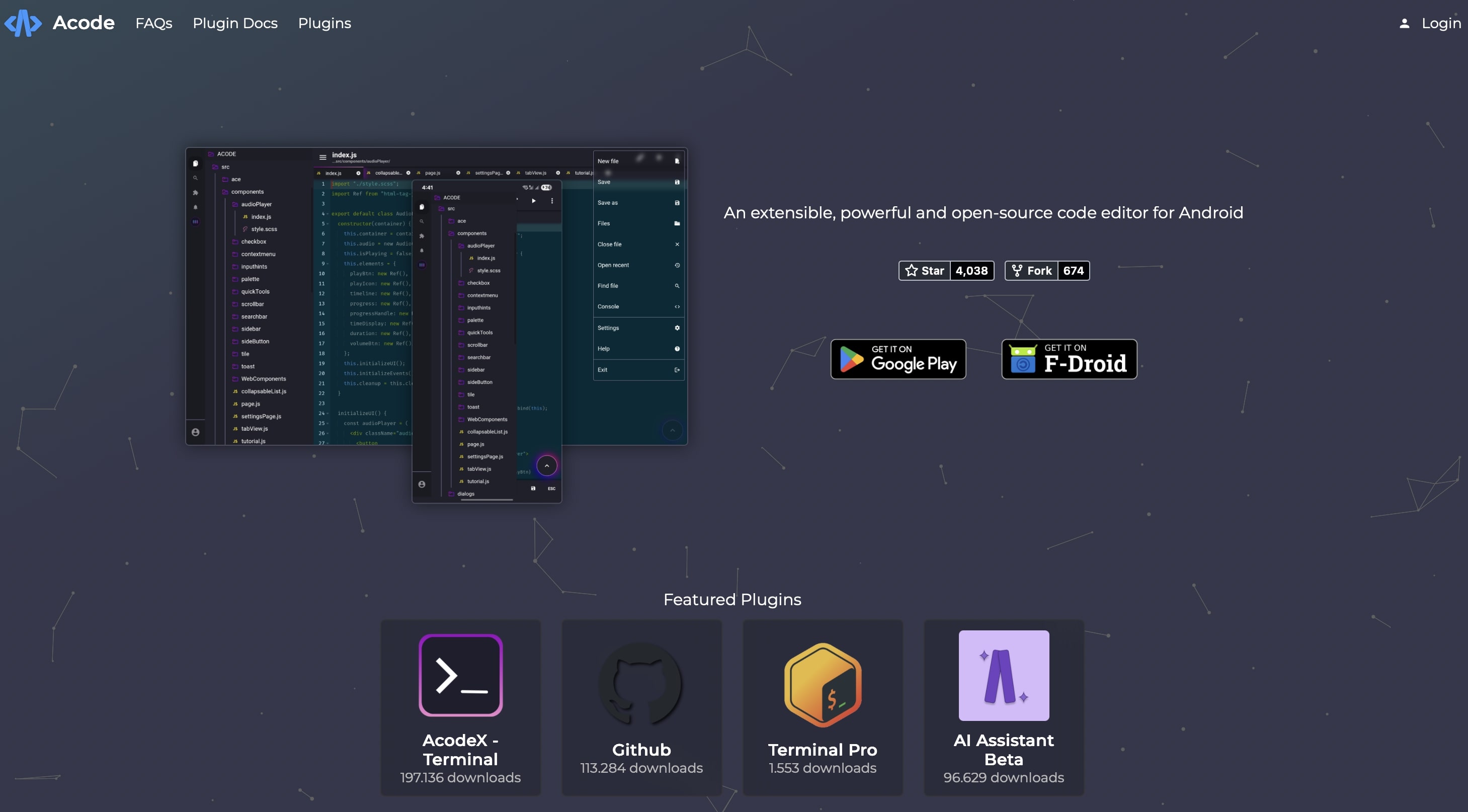
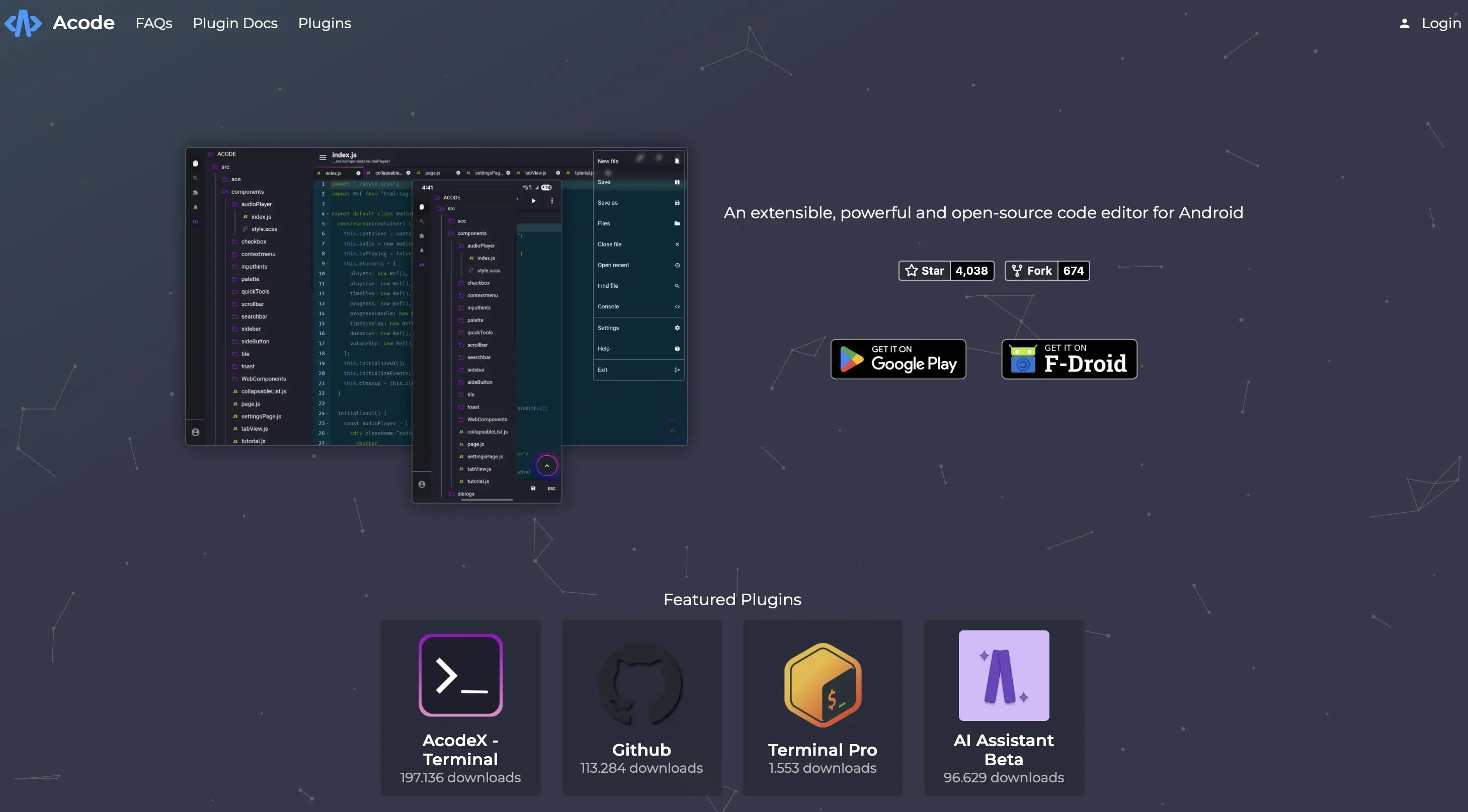
Acode delivers a surprisingly wide range of features usually reserved for desktop editors. Its built-in file manager lets you handle both local projects and remote connections via FTP, SFTP, or WebDAV. The editor also comes with GitHub integration, support for extensions (plugins), and the ability to run code directly inside the app. Tabs, project-saving functions, and a customisable interface make it suitable even for larger projects. Web developers in particular benefit from the built-in preview feature, which allows HTML files to be rendered immediately in the app’s own browser window.
| Advantages | Disadvantages |
|---|---|
| ✓ very extensive features, almost like on a desktop | ✗ complex interface for beginners |
| ✓ supports many languages and remote connections |