
WordPress turns 19: our 19 favourite plugins

WordPress is the most popular content management system worldwide and is used by over 40 percent of all websites. There are plenty of good reasons for its success. The free CMS has a huge community of users and numerous extensions in the form of plugins. To celebrate its 19th birthday, here are our 19 favourite WordPress plugins.
- Free website protection with SSL Wildcard included
- Free private registration for greater privacy
- Free Domain Connect for easy DNS setup
Overview of the IONOS team’s favourite plugins
| Name | Category | Features | WordPress version | Active installation | Languages | Price |
| Two-Factor | Security and data privacy | Various methods of two-factor authentication Built-in test function | 4.3 or higher | 40,000+ | 31 | Free |
| Avatar Privacy | Security and data privacy | GDPR-compliant display of avatars | 7.2 or higher | 1,000+ | 8 | Free |
| Embed Privacy | Security and data privacy | Prevents unwanted loading of external content | 4.7 or higher | 1,000+ | 4 | Free |
| Password Protected | Security and data privacy | Password protection for WordPress sites | 4.6 or higher | 300,000+ | 20 | Free |
| Webmention | Development | Webmentions integration with WordPress | 4.9 or higher | 900+ | 8 | Free |
| WP Migrate | Development | Export and migration of databases | 5.2 or higher | 300,000+ | 13 | Free lite version, Pro version from around £40 |
| Query Monitor | Development | Debugging of databases or PHP error messages | 3.7 or higher | 100,000+ | 20 | Free |
| Open Graph | Development | Support for the Open Graph protocol | 2.3 or higher | 8,000+ | English | Free |
| PWA | Development | Deploy WordPress site as PWA | 5.5 or higher | 40,000+ | 9 | Free |
| Newsletter Glue | Tools | Email newsletter | 5.7 or higher | 200+ | English | From around £80 per year |
| BackWPup | Tools | Backup for WordPress sites and content | 3.9 or higher | 700,000+ | 19 | Free version, Pro version from around £59 |
| Statify | Tools | Overview of page views | 4.7 or higher | 200,000+ | 20 | Free |
| Disable Emojis | Tools | Disables WordPress emoji functionality in older browsers | 4.8 or higher | 70,000+ | 18 | Free |
| Antispam Bee | Tools | Blocks spam comments | 4.5. or higher | 700,000+ | 27 | Free |
| User Switching | Tools | Fast switch between WordPress user accounts | 3.7 or higher | 200,000+ | 46 | Free |
| Preferred Languages | Tools | Customisation of language preferences | 5.3 or higher | 2,000+ | 32 | Free |
| Yoast Duplicate Post | Editing | Copying and editing posts | 5.6 or higher | 4+ million | 51 | Free |
| Public Post Preview | Editing | Sending post previews | 5.0 or higher | 90,000+ | 25 | Free |
| Save SVG | Editing | Allows uploading vector graphics | 4.7 or higher | 600,000+ | 11 | Free |
Updated: May 2022
Haven’t set up your WordPress site and plugins just yet? Create your website in just a few steps and get started today with IONOS Hosting for WordPress.

Two-Factor: two-factor authentication for your WordPress website
The WordPress security plugin Two-Factor lets you implement two-factor authentication on your website. The tool ensures that user identities are verified in two independent ways when logging in which increases the security of your website.
For this purpose, users of the plugin have various authentication options at their disposal, such as authentication via email codes or timed one-use passwords, so-called Time-Based One-Time Passwords or TOTP for short. With over 40,000 installations, the plugin is a popular extension to enhance security and is a so-called 'Featured Project'. The latter are plugins that could be integrated into the WordPress core.
Advantages of Two-Factor:
- Different options for two-factor authentication
- Special methods for testing the plugin
- Simple setup
Avatar Privacy: data security for user avatars
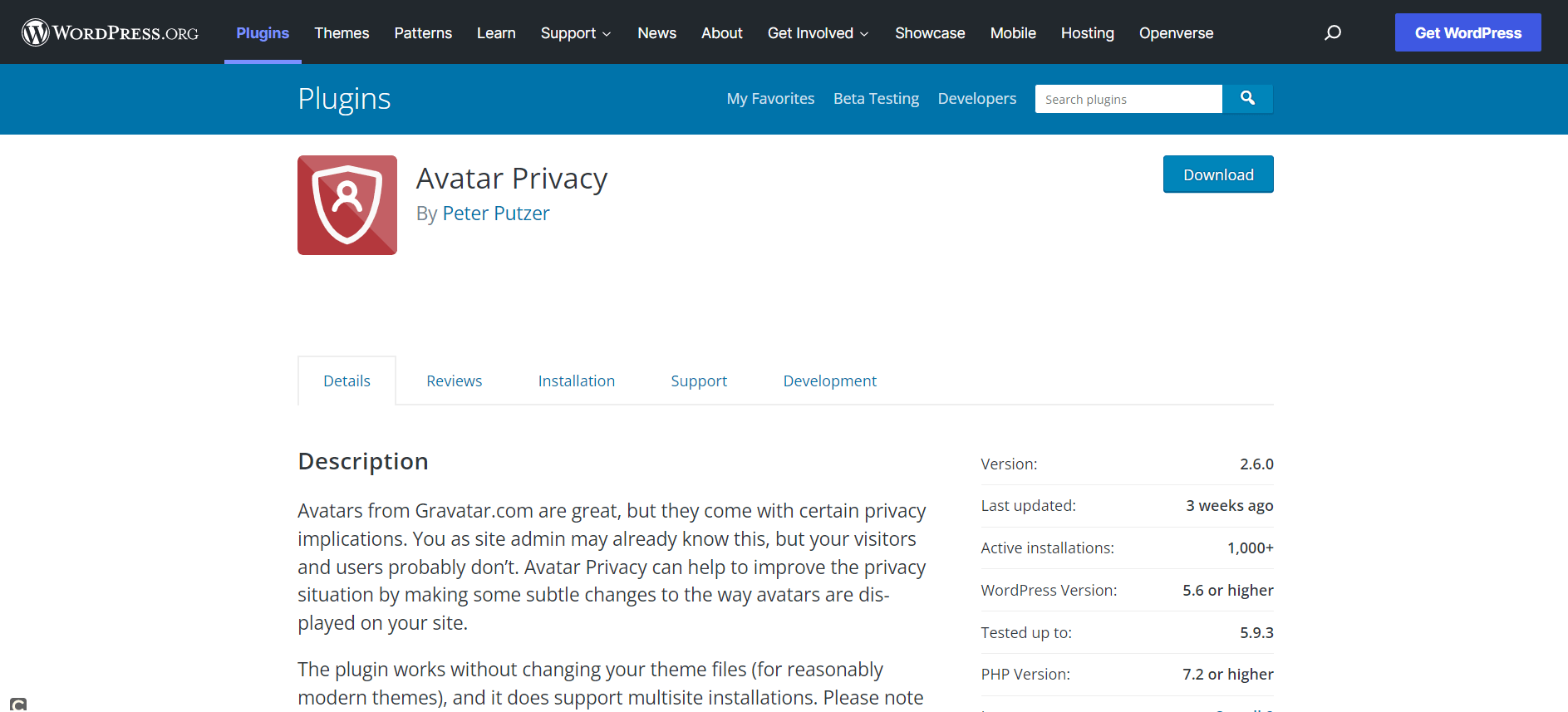
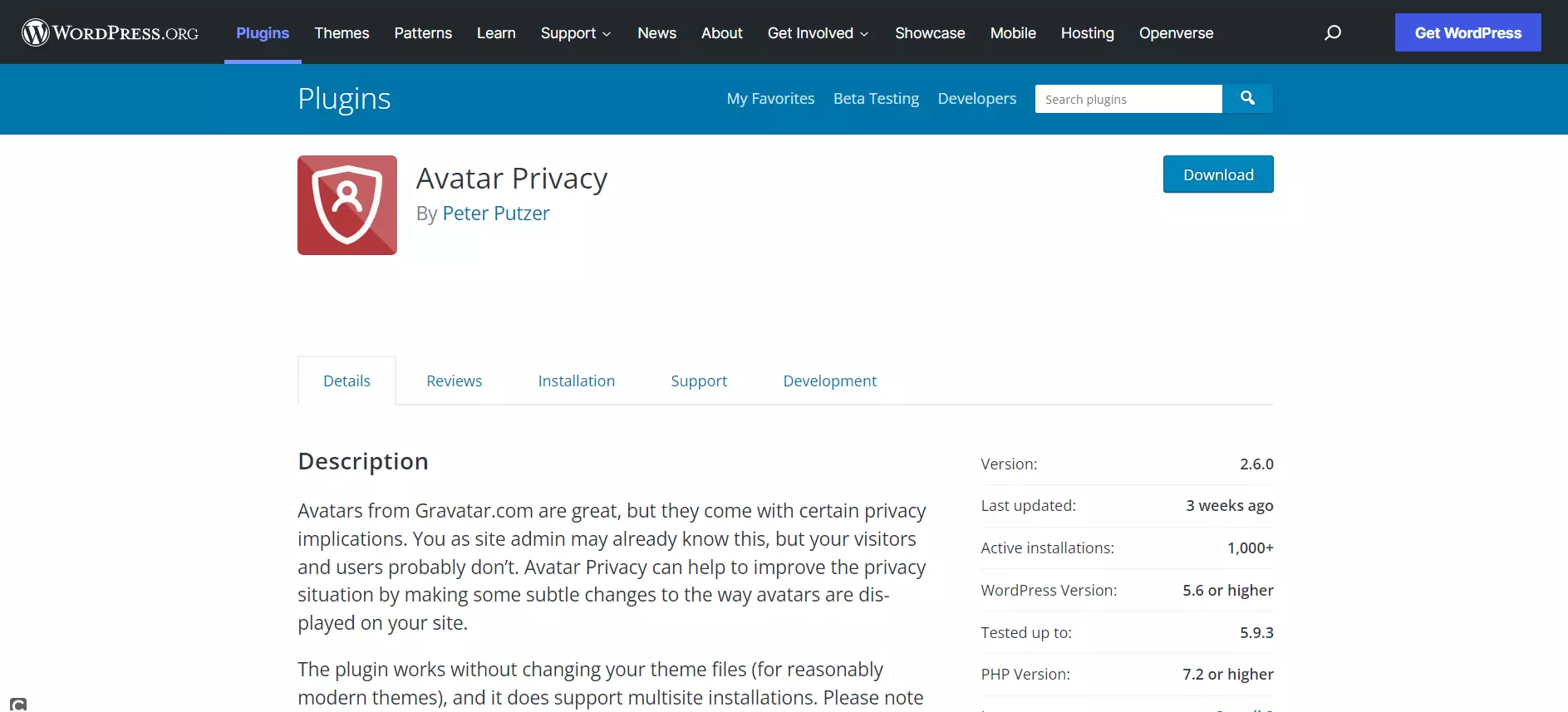
Avatars from Gravatar are popular among WordPress users. Unfortunately, the use and integration of avatars are often problematic in terms of GDPR compliance and data protection. The Avatar Privacy plugin has the solution. The extension ensures that avatars are hosted on your server and user consent is obtained.
Advantages of Avatar Privacy:
- GDPR-compliant
- Changes to the theme are not necessary
- Compatible with Gravatar
Embed Privacy: improved data security of third-party content
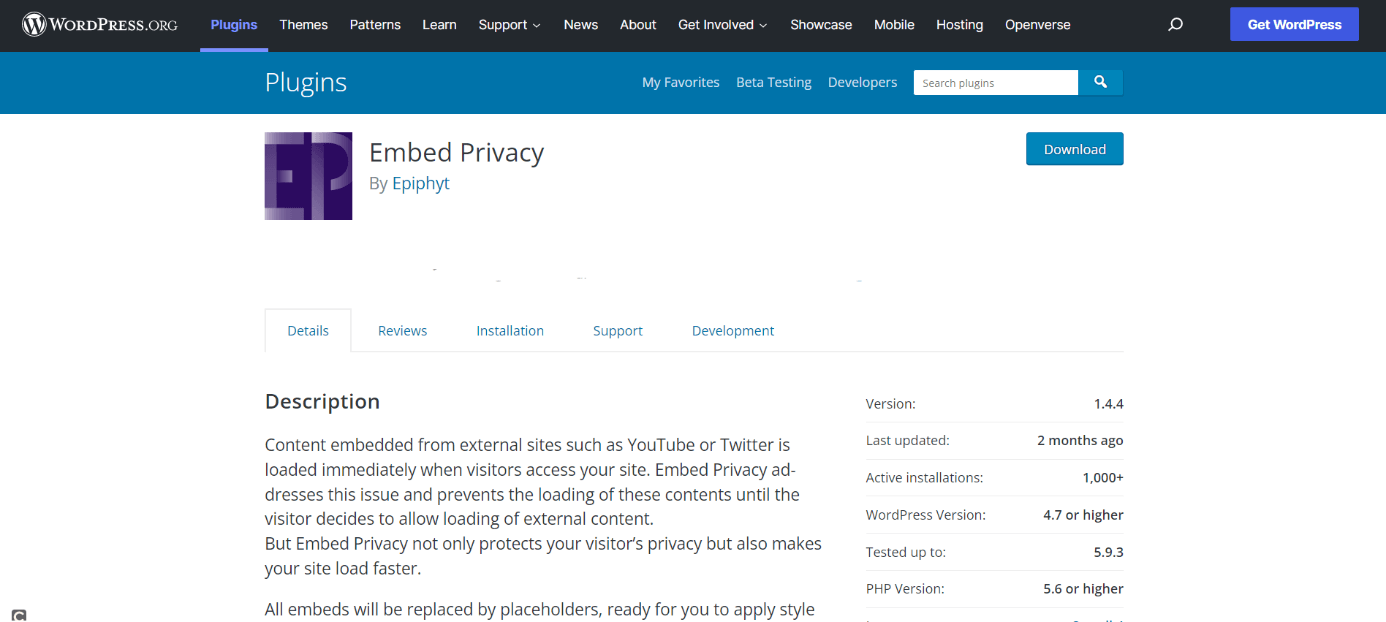
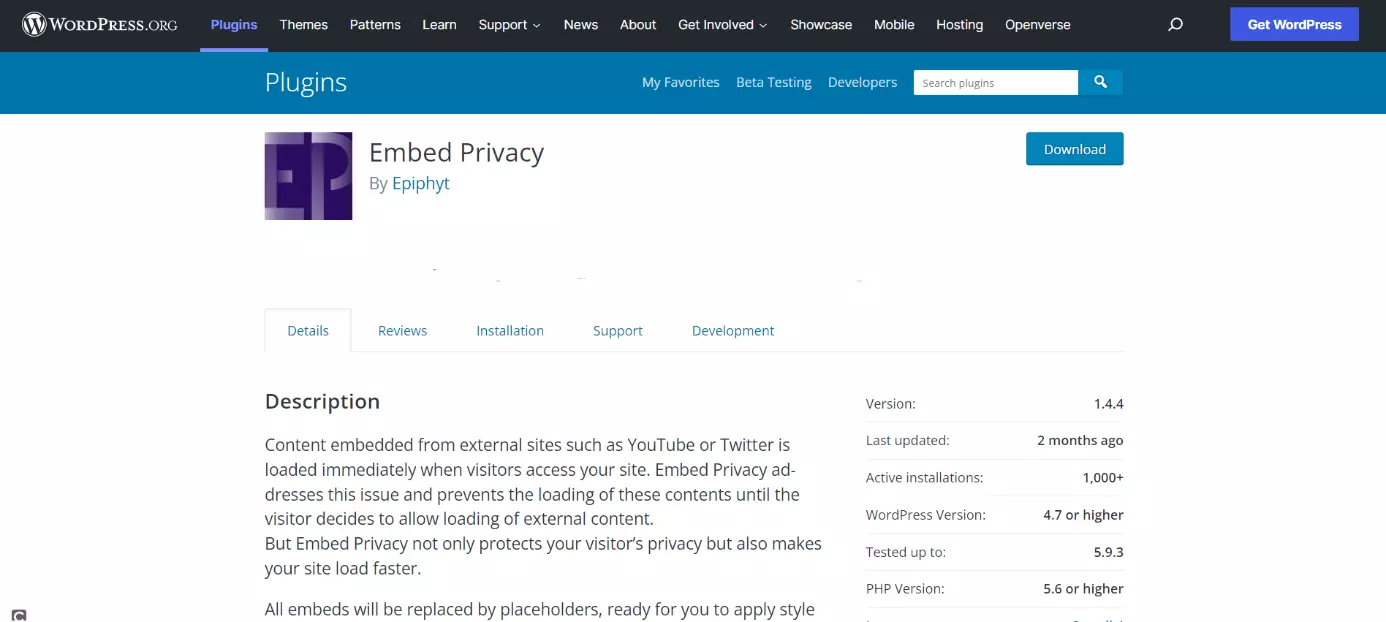
Embed Privacy is worth consideration when embedding external content such as YouTube videos on your WordPress site. It ensures that users explicitly agree to content being loaded. Not only does it protect the privacy of users but also boosts the performance of your WordPress site, because less content is loaded at the same time.
Advantages of Embed Privacy:
- Custom placeholders using CSS
- Shorter loading time
- Supports embeds from default providers on WordPress
Password Protected: password-protected WordPress page
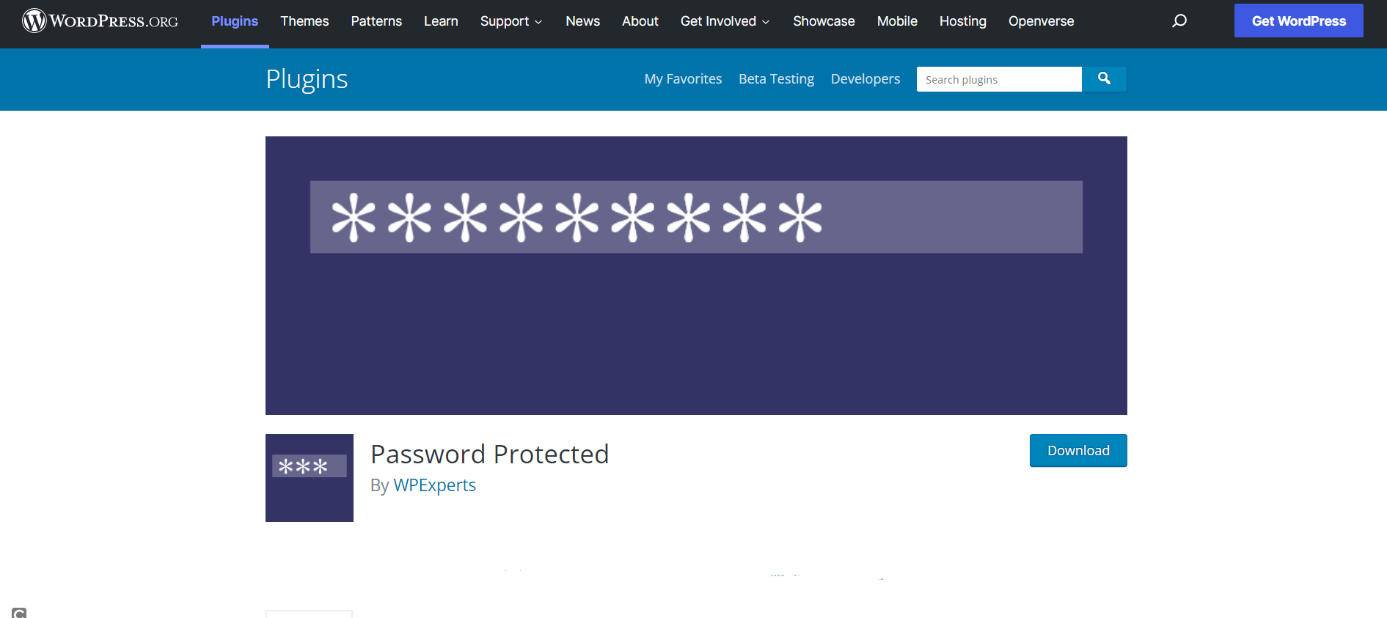
The Password Protected plugin is used to password-protect your WordPress website. This way, only people with the password can access your WordPress site (unless they know the specific URL for files or images). For administrator use, the password prompt can be turned off.
Advantages of Password Protected:
- Simple password protection
- Adjustable
- Simple to use
Webmention: webmentions on WordPress simplified
Webmention refers to a protocol that informs URLs of links to see who links or comments on your posts. To get started, add the plugin of the same name – Webmention – to your WordPress page. It also supports the sending of webmentions and assignment of likes, making it easier for two blogs to communicate.
Advantages of Webmention:
- Ease of use
- Receipt of Webmentions
- Allocation of likes and other inter-blog actions
WP Migrate: relocation helper for WordPress
WordPress needs a database. However, when using WP Migrate Lite you will no longer need a database architect to this end. The free version of the simple-to-use developer plugin can be used to export data and import the resulting SQL code into a DBMS such as phpMyAdmin. Moving websites has never been easier.
Want to export media or themes of your WordPress site alongside data? Use the Pro version of the plugin available from around £40.
Advantages of WP Migrate:
- Simple to use
- Flexible use
- Migrate WordPress page without losing data
Query Monitor: a WordPress plugin by developers for developers
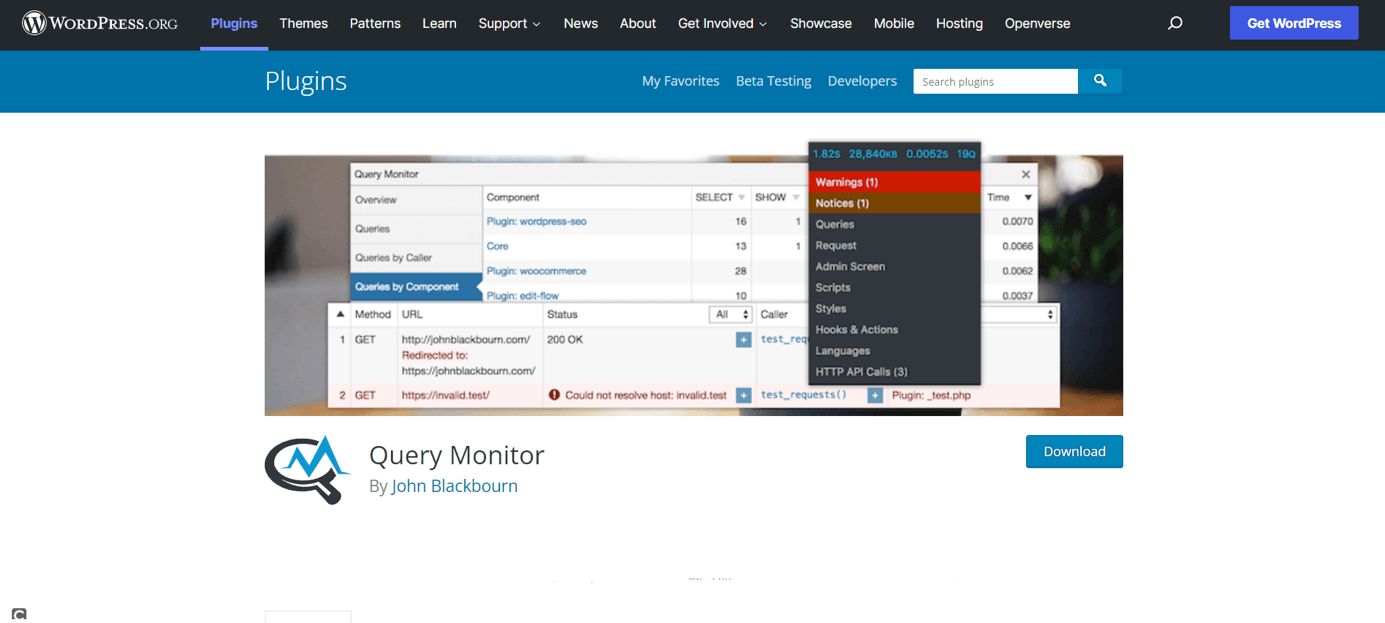
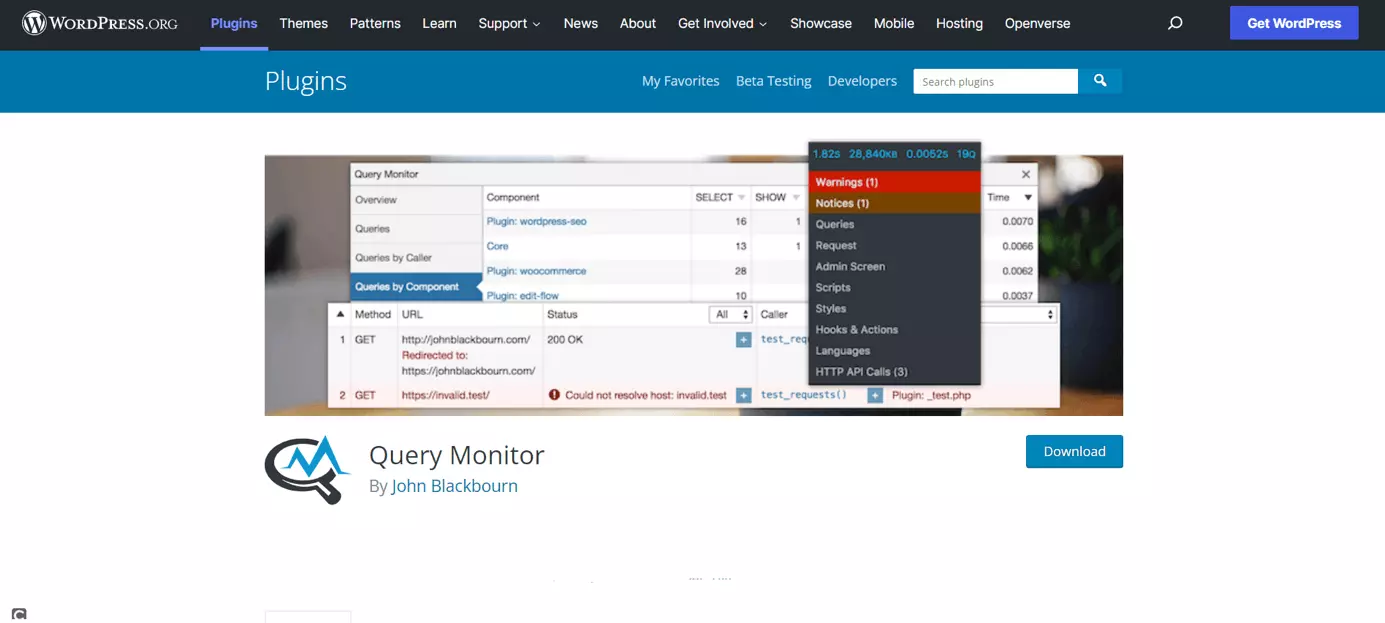
Although creating a WordPress website is easy enough, even for beginners, developers or advanced users may need to add features that are beyond the scope of the CMS. Thanks to developer plugins such as Query Monitor adding developer tools is quick and simple. Query Monitor supports debugging of databases and the evaluation of PHP error messages or REST API requests.
Advantages of Query Monitor:
- Detailed debugging environment
- Versatile use
- Customisable
Open Graph: plugin to support the protocol of the same name
The Open Graph Protocol, short OGP, was developed by Facebook to improve displaying websites in social networks. The Open Graph plugin appealingly displays your WordPress site on social media, instant messaging services, and search engines. Open Graph does not require additional setup and works straight after download.
Advantages of Open Graph:
- Simple to use
- For appealing presentation of your WordPress site
PWA: WordPress website as a Progressive Web App
A Progressive Web App roughly refers to the ability to display websites as web apps. These apps run in a browser and therefore do not require separate download and installation. Web apps significantly improve the user experience on mobile devices. The plugin The plugin PWA is a promising way to provide a WordPress website as a progressive web app through appropriate code modules.
Advantages of PWA:
- Display WordPress page as PWA
- Extensive range of functions
Newsletter Glue: sending email newsletters made easy
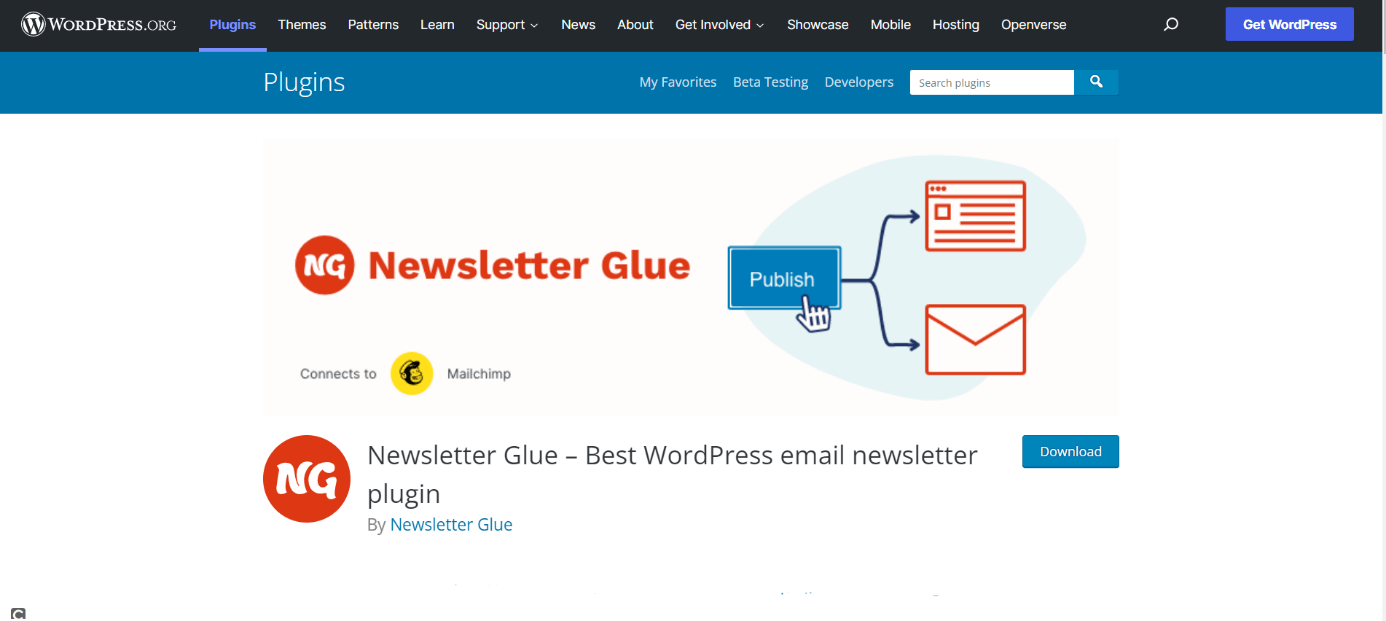
As the name suggests, Newsletter Glue is useful to automate the sending of email newsletters. Newsletter campaigns can be created directly from the plugin editor. The WordPress newsletter plugin makes a newsletter readable online and helps users design SEO-friendly newsletters. From May 2022, however, the free version of the WordPress extension will no longer be extended. Users will need to opt for the paid version to access the full range of functions in the future.
Advantages of Newsletter Glue:
- Simple creation of newsletters
- SEO support
- Intuitive workflow
- Stress-free, no matter your skill level with easy AI tools
- Full customisation with themes and plugins
- Hassle-free updates and less admin
BackWPup: secure backup of WordPress page
BackWPup is useful to back up a WordPress installation externally. Once set up, the plugin can be used for regular automatic backups. To this end, cloud service providers are useful. The free version of the WordPress backup plugin lets users back up databases and files, and supports Dropbox as well as FTP servers. The Pro version (from around £59 per year) of the plugin is needed to back up data to OneDrive, HiDrive, or Google Drive.
Advantages of BackWPup:
- Backup of databases and files
- Video tutorials
- Supports various data formats
Statify: keep track of your page views
The Statify plugin counts page views of your WordPress site. Unlike other analytics tools, it does not collect users’ IP addresses. Instead, Statify stores page visits without collecting personal data, making the plugin GDPR-compliant. Choose from different settings and define the storage period of collected data from the menu.
Advantages of Statify:
- Spam comments can be removed from analytics
- Optional tracking with JavaScript
- GDPR-compliant
Disable Emojis: disable WordPress emojis
As of WordPress version 4.2, loading emojis has been possible in older browsers too. But this can increase loading times of your WordPress page. Emojis loaded from external files may also violate the GDPR if personal data such as IP addresses are collected. Disable Emojis is designed to work around the issue. In browsers that support the display of emojis, nothing much changes, while in older browsers, emoji functionality is simply disabled.
Advantages of Disable Emojis:
- Improved website performance
- Supports GDPR compliance
- Focused on displaying emojis in older browsers
Antispam Bee: an end to spam comments
The Antispam Bee plugin gets rid of those annoying spam comments. Users can adjust the settings to allow comments according to different language or time settings. Antispam Bee is compatible with the GDPR and is ad-free.
Advantages of Antispam Bee:
- 100% GDPR-compliant
- Works without captchas
- Email information in case of suspected spam
User Switching: quick switch between WordPress user accounts
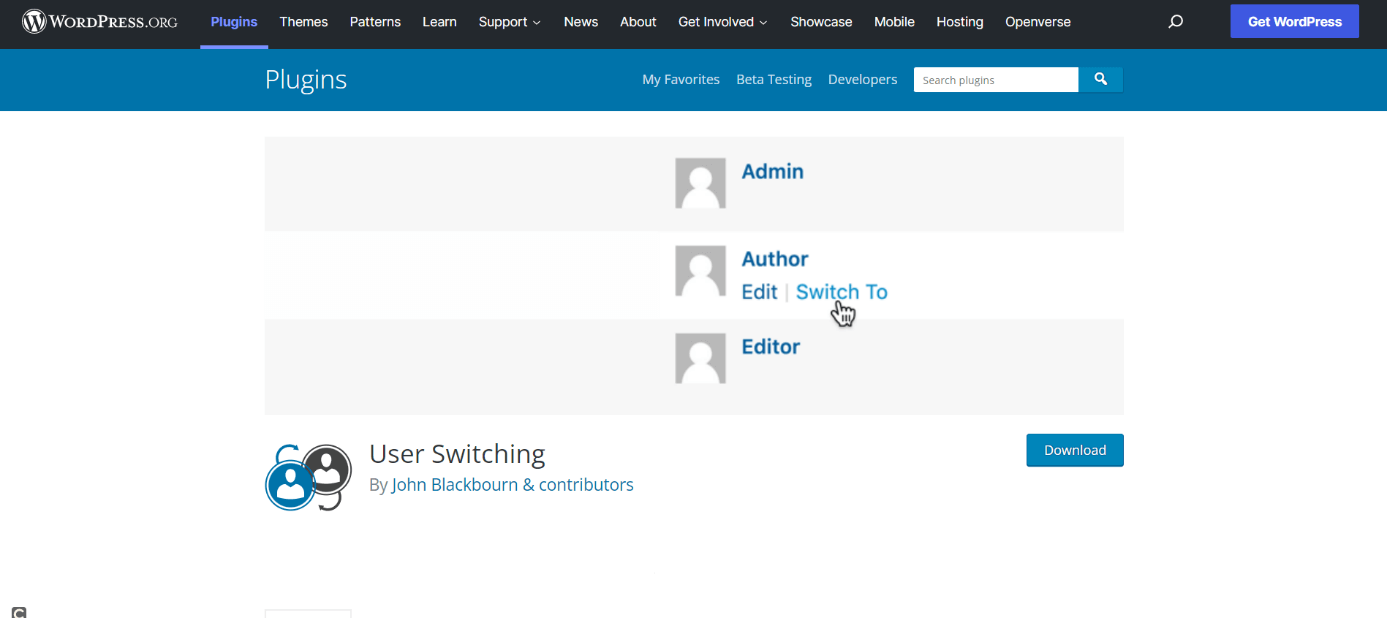
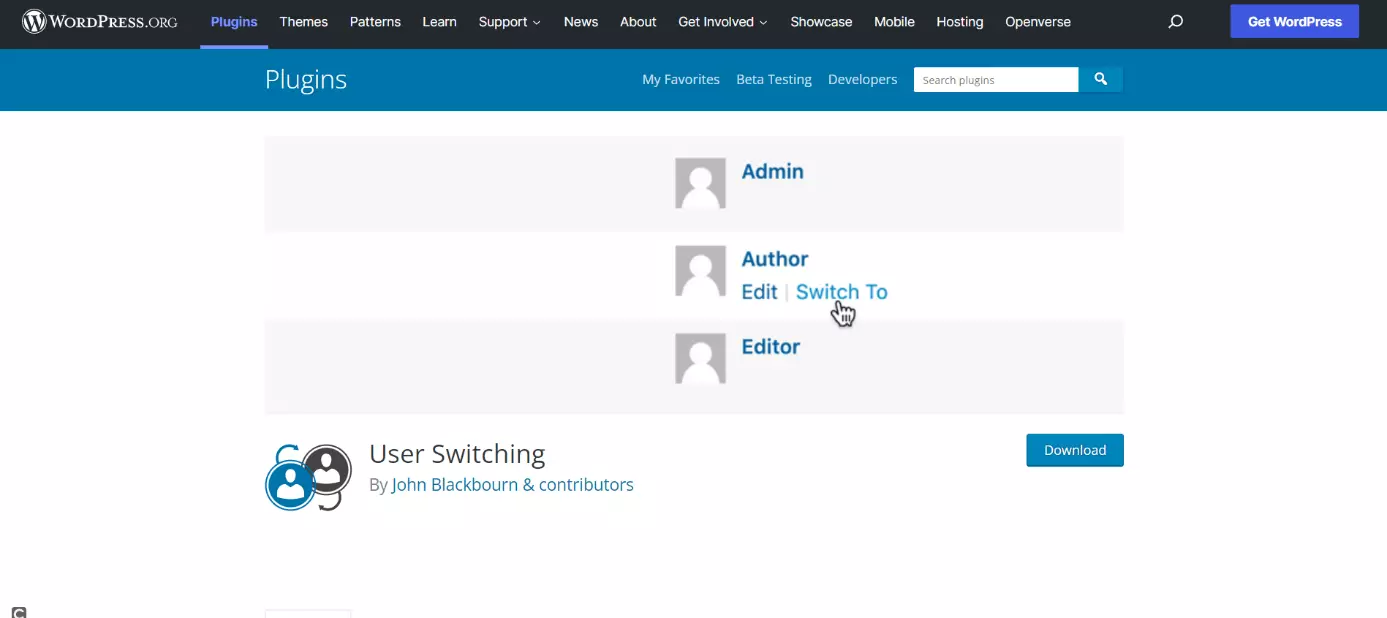
The User Switching plugin is worth a look if you want to switch between several WordPress accounts with different permissions, which is useful for testing, for example. The WordPress extension lets users store different accounts and switch between them in just a few clicks. This saves a lot of time, especially in WordPress test environments.
Advantages of User Switching:
- Time-saving switching between user accounts
- Easy to use
Preferred Languages: individual language preferences
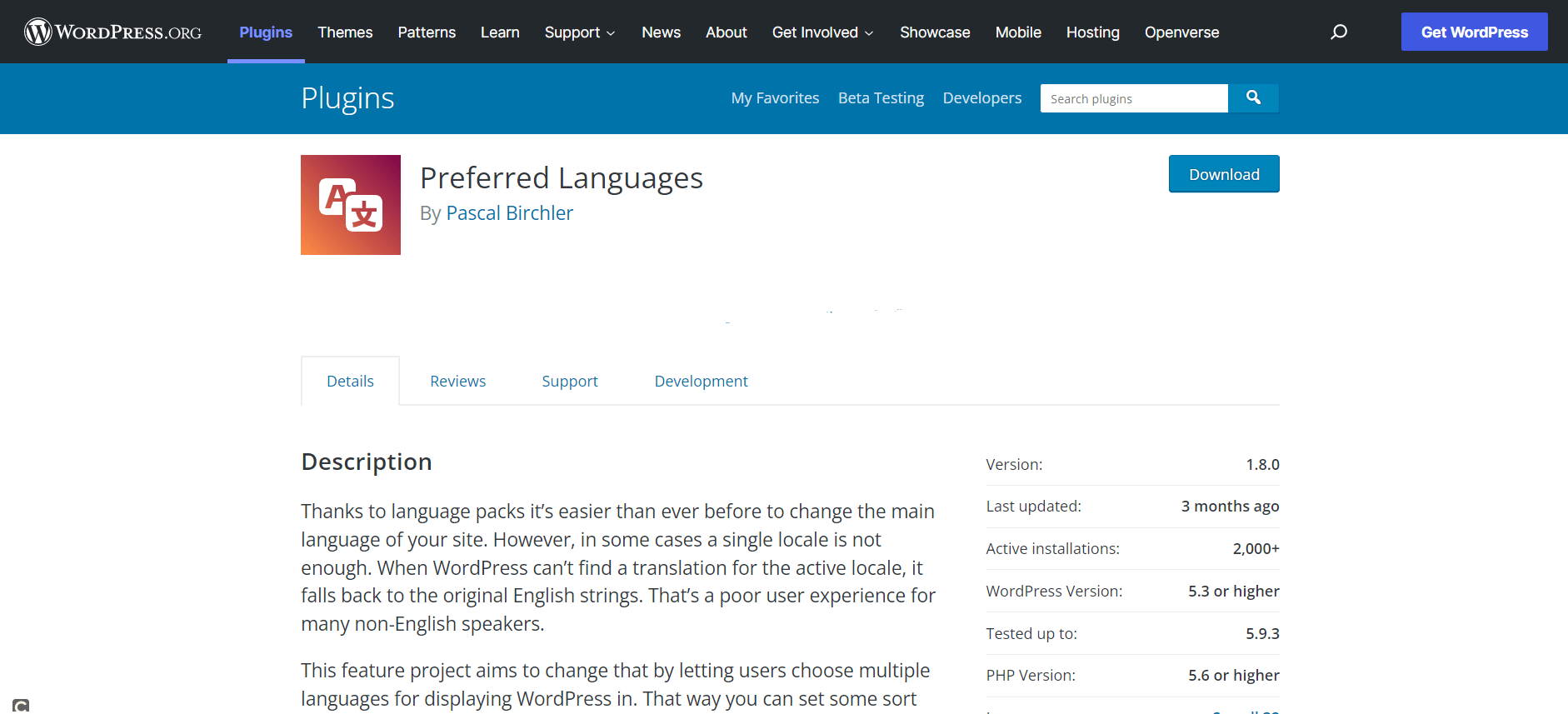
Thanks to various language packs, WordPress websites can be displayed in many languages. However, where a translation to a target language is not available, WordPress automatically selects English as the display language. Preferred Language lets WordPress site users specify multiple language preferences to fall back on when needed.
Advantages of Preferred Languages:
- Easy to use
- Improved user experience
- Barrier-free
Yoast Duplicate Post: copying posts made easy
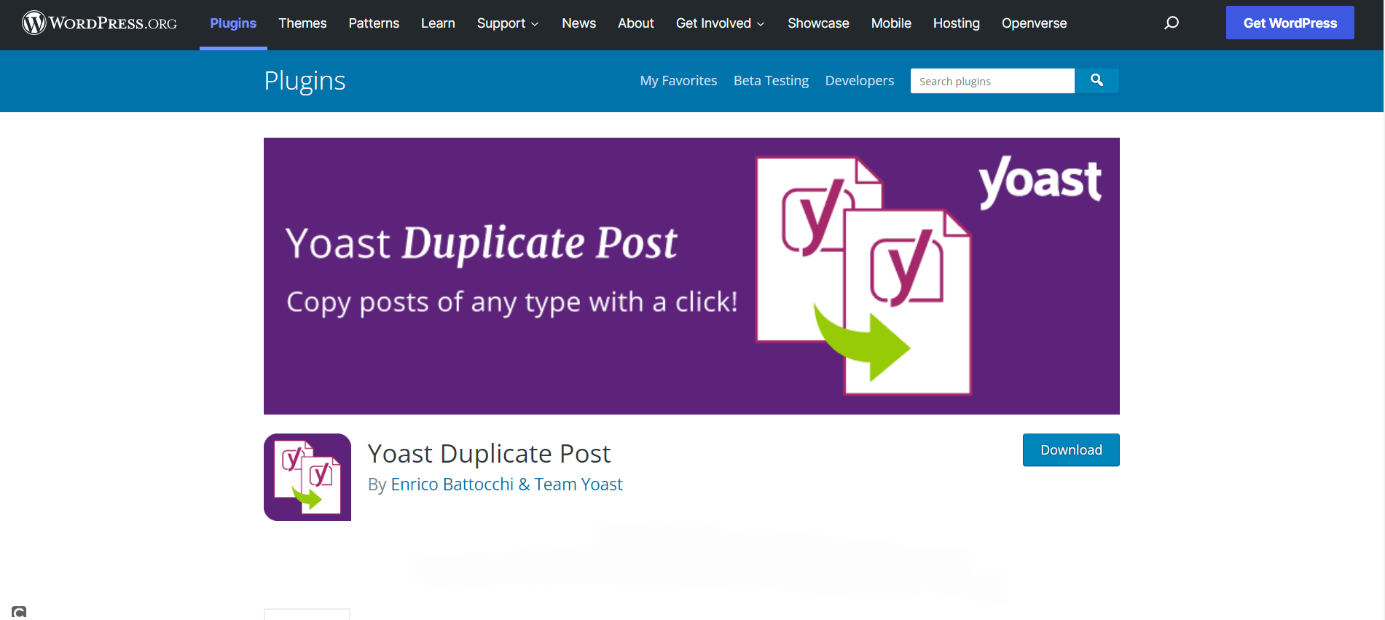
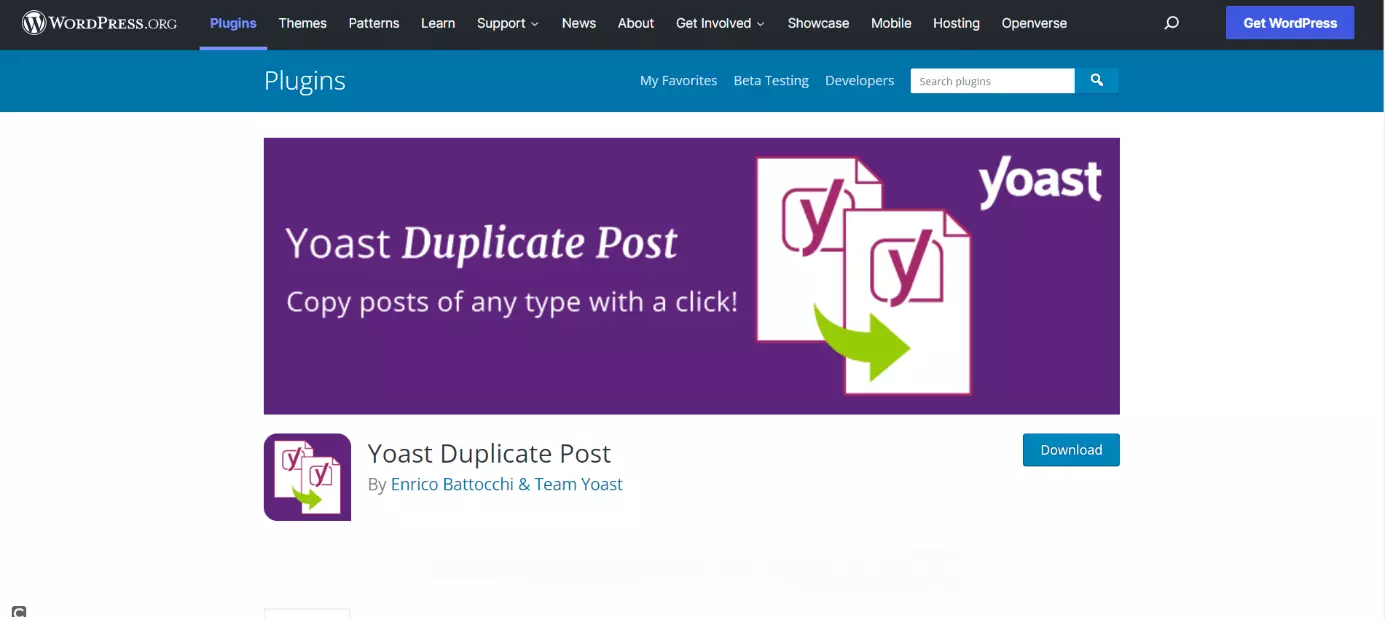
With Yoast Duplicate Post, users of the CMS can easily copy and edit posts of all kinds in just one click. The popular plugin speeds up your workflow.
Advantages of Yoast Duplicate Post:
- Multiple language versions
- Support
- Simple to use
Public Post Preview: simplified collaboration on WordPress posts
To share draft posts with those without access to your WordPress site, the Public Post Review plugin is just what you need. The WordPress plugin creates a temporary URL that allows people to access post drafts before they are published. It is a useful tool for editing and teamwork.
Advantages of Public Post Preview:
- Posts are readable without WordPress access
- URL validity can be timed
Save SVG: secure upload of vector graphics
Save SVG makes it easy to upload SVG files to the WordPress library. SVG are scalable vector graphics mainly used for logos or icon images. Since SVG files are XML files and thus prone to being targeted by XML attacks, there are some security concerns when integrating SVG. A plugin like Save SVG monitors for such security vulnerabilities.
Advantages of Save SVG:
- Easy to use
- Secure SVG upload
Conclusion
Deciding on the right WordPress plugins for your website ultimately depends on your needs. From professional web development to spicing up a personal blog by adding useful features – there are plenty of plugins for almost any scenario.
Our 19 top WordPress plugins aren’t enough for you? No problem. Find out more about different types of WordPress plugins: