

HTTP 408: how to fix the timeout error

When you visit websites on the internet, you access them through your web browser. The basis for this transmission, which is handled by default through TCP, is the stateless protocol HTTP (“Hypertext Transfer Protocol”), which describes the initial exchange of messages between web server and browser. According to the classic client-server principle, the browser issues an HTTP request, after which the server sends back a response which includes a status code.
Whilst you don’t notice most of this communication as a user, the situation is usually different when it comes to HTTP error codes: if a problem occurs during the exchange, the browser often presents corresponding code in the 4xx and 5xx series, which stand for various client or server-side error sources. For example, the HTTP 408 message tells you that the client request timed out. How, exactly, this timeout occurs and how you can solve the problem will be explained in this guide.
What does the http 408 error code mean?
The HTTP error code 408 – like all members of the 4xx error series – is one of the messages that indicate a client-side problem. When you go into the background of this error message in more detail, however, it becomes clear that it does not necessarily have to be a browser malfunction: Error 408 is linked to “Request Timeout” information, which simply means that the request sent from the client to the web server took more time than the web server allows for. As a result, the browser receives the HTTP 408 message instead of the actual response. Of course, this may be due to problems with your internet connection, but it cannot be ruled out that the timeout is the result of an overload or incorrect configuration of the web server.
An overview of possible reasons for “408: Request Timeout” error messages
Although there are over 50 different HTTP status codes, more than half of which are error messages, these messages often only prove to be a rough guideline for the following problem solution. This also applies to error code 408, which basically just says that too much time has passed in a prescribed time interval after establishing at TCP/IP connection without data transferring through the connection. However, there are several possible causes for this delay, and for the subsequent error messages, for example:
- Bandwidth problems and disconnections: HTTP 408 messages often result from problems with your internet connection. For example, the bandwidth may be so low that the HTTP request fails due to the defined time interval. It is also possible that the internet connection to the server was temporarily interrupted after the TCP/IP connection was established, so the request data might not have been completely sent.
- Trying to access incorrect or inaccessible URLs: Not every website URL is available to visitors without encryption. If you inadvertently try to access a page that you have no authorisation for, or you try to access an HTTPS page that doesn’t have an SSL/TLS activated, a 408 timeout could certainly occur. In addition, many URLs have restrictions regarding the permitted HTTP request methods (GET, POST, HEAD, PUT, and so on), so the timeout can also be the result of an incorrectly applied method. In both cases, however, there are also standard messages that indicate the problem (“403: Forbidden“ for unauthorised access attempts and “405: Method Not Allowed” for unavailable HTTP methods).
- Incorrect web server configuration: Regardless of the web server software used, the website runner specifies how many seconds an HTTP request should be rejected in the respective configuration file. There are separate values for the header and the body of the HTTP messages. If the server chooses too short a time interval for processing one or both package components, this may well be the reason for the 408 error on user pages.
- Plugins, extensions, modules, etc.: A problem that can be both a client-side and a server-side problem is the use of faulty or outdated extensions. Therefore, both the browser plugins used by the website visitor and the CMS modules used by the operator could be responsible for the HTTP timeout and cause the HTTP 408 error.
HTTP-408: how to solve the http timeout problem as a browser user
If you are confronted with a “408: Request Timeout” message when visiting a website, you are naturally interested in the quickest possible solution to the problem. However, you cannot always fix the problem on your own. If the error is exclusively on the client side, chances are good that you can correct the 408 error using one of the following approaches.
Solution 1: check URL
Before you go on more intensive troubleshooting, your very first look should be at the URL you entered. The URL you have chosen might no longer be accessible to you. This happens in particular if you try to access the targeted website using old bookmarks. If the website in question has made changes to permissions or permitted request methods in the interim, or has switched to HTTPS, it is very likely that the saved link will no longer lead to the website, but instead the HTTP-408 or comparable error messages. So make sure that the URL you entered is correct and up to date to avoid this error source.
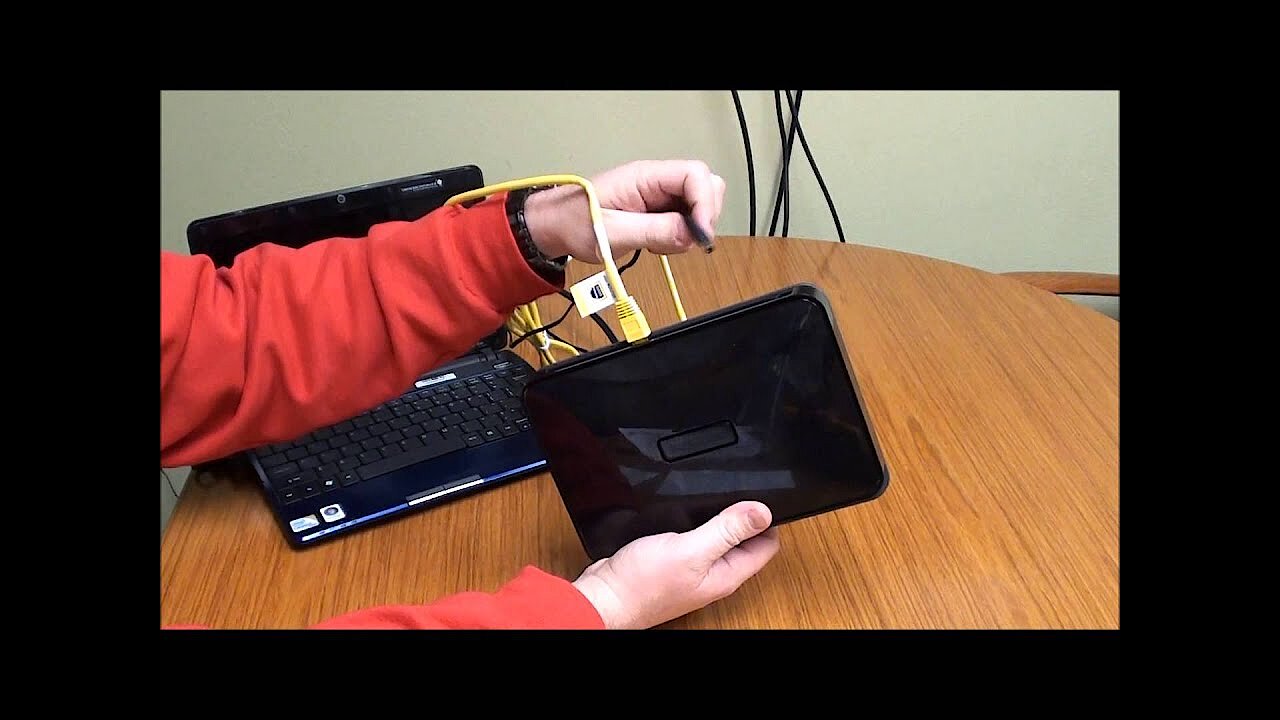
Solution 2: check internet connection and restart router
Problems with an internet connection are always a nerve-racking affair. Sometimes, the connection no longer works at all, so access to the web remains completely closed. While you will inevitably notice these complete failures, in most cases you won’t notice any temporary fluctuations or connection interruptions. So, the cause for slow loading times and error messages during loading – like the 408 error – should be quick to find on the visited website. For this reason, it is recommended that you check your own network connection by visiting other websites or performing a DSL speed test, for example.
If you find that there are technical difficulties with your access, you should reboot your router. If the connection problem persists, you should contact your internet provider.
 To display this video, third-party cookies are required. You can access and change your cookie settings here.
 Solution 3: disable browser extensions
With plugins, addons, or extensions, web browser functions can be extended with just a few clicks. However, the practical extensions do not always work as desired – in the worst case, they make the surfing experience worse and cause error messages like HTTP-408, often because the extensions are outdated and/or no longer compatible with the current browser version, since they are no longer actively developed. To test whether the timeout error is due to one or more included extensions, temporarily deactivate them completely. Once the problem is resolved, you can turn on the plugins one by one to find out which was responsible for the HTTP error message.
Solution 4: try to access the website at a later time
The “408: Request Timeout” error cannot always be corrected using the suggestions listed above – e.g. if it is due to prolonged problems with your network connection. In this case, it is advisable that you wait and try again at a later date. If the HTTP exchange still fails, it is highly likely that the cause of the error lies in the web server. If the responsible website has provided appropriate contact data, you can find out whether they are aware of the problem and when the page will be available as usual again.
 To display this video, third-party cookies are required. You can access and change your cookie settings here.
 How to fix HTTP Error 408 if you run a website
Whilst the HTTP timeout problem is primarily annoying for visitors because the target page cannot be opened, its impact on website operators can be much bigger. If many users are confronted with the error message over a longer time, this not only has a negative effect on traffic, but also on the website’s reputation. In addition, there is also the threat of punishment by search engines if HTTP 408 errors occur more frequently of if a correction takes too long. If you are responsible for a website, you should take immediate action once you discover the issue.
Solution 1: check web server configuration
Incorrect settings are amongst the most common server-side HTTP error code causes (like “408: Request Timeout”). You should check the respective file first, either on Apache (httpd.conf; apache2.conf), NGINX (nginx.conf), or others. In Apache web server settings, for example, the directives “KeepAliveTimeout” and “RequestReadTimeout” deserve special attention. Both specify a time interval for incoming HTTP requests, which may be too low (15 or even 30 seconds is recommended). If your website runs on an NGINX server, the directives are “keepalive_timeout,” “client_body_timeout,” and “client_header_timeout.” Do not forget to save the changes to the respective configuration file before starting the web server to finally resolve the HTTP 408 problem.
Solution 2: inspect server logs and customise problematic pages
As mentioned above, HTTP error 408 only occurs on one page or individual pages on a website because those pages have configuration errors with their action rights and permitted HTTP methods. So if you discover a timeout problem, it is recommended to check which URL(s) are causing the HTTP error. To avoid having to access each page manually, just take a look at your web server’s error log file, where all the HTTP errors are automatically archived. Once you have identified the problematic pages, you can search for specific causes for the timeout and, if necessary, make changes to the access rights and methods.
You can usually also view the web server error logs if you are hosting your website with a web hosting provider. To do this, log onto the respective customer account, which should include a section with server statistics including downloadable server logs. If you cannot find the corresponding menu item on your own, the FAQ area or provider’s service team should be able to help.
Solution 3: deactivate obsolete, faulty modules, templates, and plugins in the CMS
Content management systems are in high demand as a basis for websites. A major advantage of these platforms is their high degree of extensibility through modules, templates, and plugins, which provide additional functions, layouts, and designs. These extensions, like their client-side counterparts, can also be responsible for the 408 request timeout. In the abundance of additional modules and plugins, there are always representatives who promise a huge added value for their own product, but in the end they don’t work the way they should or stop being developed at a certain point. This is especially true for extensions from third-party vendors, where there may be problems with every new CMS version. The simple solution is to disable plugins (and modules if necessary).
Even if all modules and plugins work properly, the extensions can cause errors like the HTTP-408 error: if you use too many extensions in your CMS, this can negatively affect the performance of your website. Make sure you switch off any unnecessary or no longer required additional functions and design components in time to be able to exclude these scenarios.
Solution 4: check and repair code
Of course, the error does not always have to be traced back to an external source, but can just as easily be hidden in your own code. If you are dealing with error code 408 and have not yet found a solution, either during the web server configuration file inspection or during the content management system check, it is advisable to look at the HTML framework, as well as the built-in CSS snippets and scripts (JavaScript, PHP, etc.). Do not hesitate to perform a complete debugging process with the appropriate software if the timeout problem cannot be solved any other way. This allows you to efficiently locate and repair faulty code.
 To display this video, third-party cookies are required. You can access and change your cookie settings here.
 Solution 5: increase server resources
The more HTTP requests reach the web server, the more resources it needs for processing. If the available computing power is not sufficient to handle the incoming traffic, error messages like “408: Request Timeout” are not uncommon. If your budget allows, you should consider increasing processor performance and memory.
If your server’s performance is poor despite having sufficient resources, this may indicate technical problems with your hosting provider. Under these circumstances, you cannot correct an HTTP error 408 by posting additional service components. Your only option is to contact the provider directly to get detailed information for possible troubleshooting.