

HTTPS

We all benefit from the extraordinary variety of websites on the internet. Entertainment, information, inspiration, services, and more are available in seemingly endless supply. Unfortunately, not all websites are benign. Just like in the real world, there are shady businesspeople, criminals, and organised crime. For example, online banking users might be lured to a fake website so that their access information can be stolen. As another example, someone might install a public WLAN hotspot to secretly intercept communication taking place.
Initially, all data traffic on the World Wide Web was handled openly in plain text and could be easily hacked. The HTTP protocol deals with the communication between the client (i.e. the web browser) and the web server without encryption. This makes criminal activities such as spying on metadata and man-in-the-middle attacks easier.
HTTPS was developed to make the web more secure. Here you will learn what HTTPS is and how it works.
- Free website protection with SSL Wildcard included
- Free private registration for greater privacy
- Free Domain Connect for easy DNS setup
What is HTTPS?
HTTPS stands for ‘Hypertext Transfer Protocol Secure’ . The transfer protocol is the language in which the web client – usually the browser – and the web server communicate with each other. HTTPS is the version of the transfer protocol that uses encrypted communication.
The purpose of HTTPS
HTTPS performs two functions:
It encrypts the communication between the web client and web server. This is intended to prevent an unauthorised third party from intercepting the communication, such as by monitoring WLAN network traffic.
The web server is authenticated by sending a certificate to the web client at the start of the communication. This certifies that the domain is trustworthy. This measure helps to combat scams coming from fake websites.
The difference between HTTP and HTTPS
How are HTTP and HTTPS different? The simple answer is that, technically speaking, they are not different at all. The protocol itself (i.e. the syntax) is identical between the two versions.
The difference is that HTTPS uses a particular transport protocol called SSL/TLS. It is not the protocol itself but rather the transfer method that is secured. This can be illustrated through the following analogy:
- Two people are talking to each other over the phone.
- They are using a shared language to communicate with each other, i.e. HTTP.
- The telephone connection for their conversation in HTTP is unsecured. If they were to communicate using HTTPS, it would be more secure preventing anyone from listening in.
The following table summarises the most important differences from the user’s perspective:
| HTTP | HTTPS | |
|---|---|---|
| Transfer | Unencrypted | Encrypted |
| Certificate | No | Yes |
| Port number | 80 | 443 |
| URL address | http:// | https:// |
All current web browsers warn the user if they are trying to access a website using the HTTP protocol.
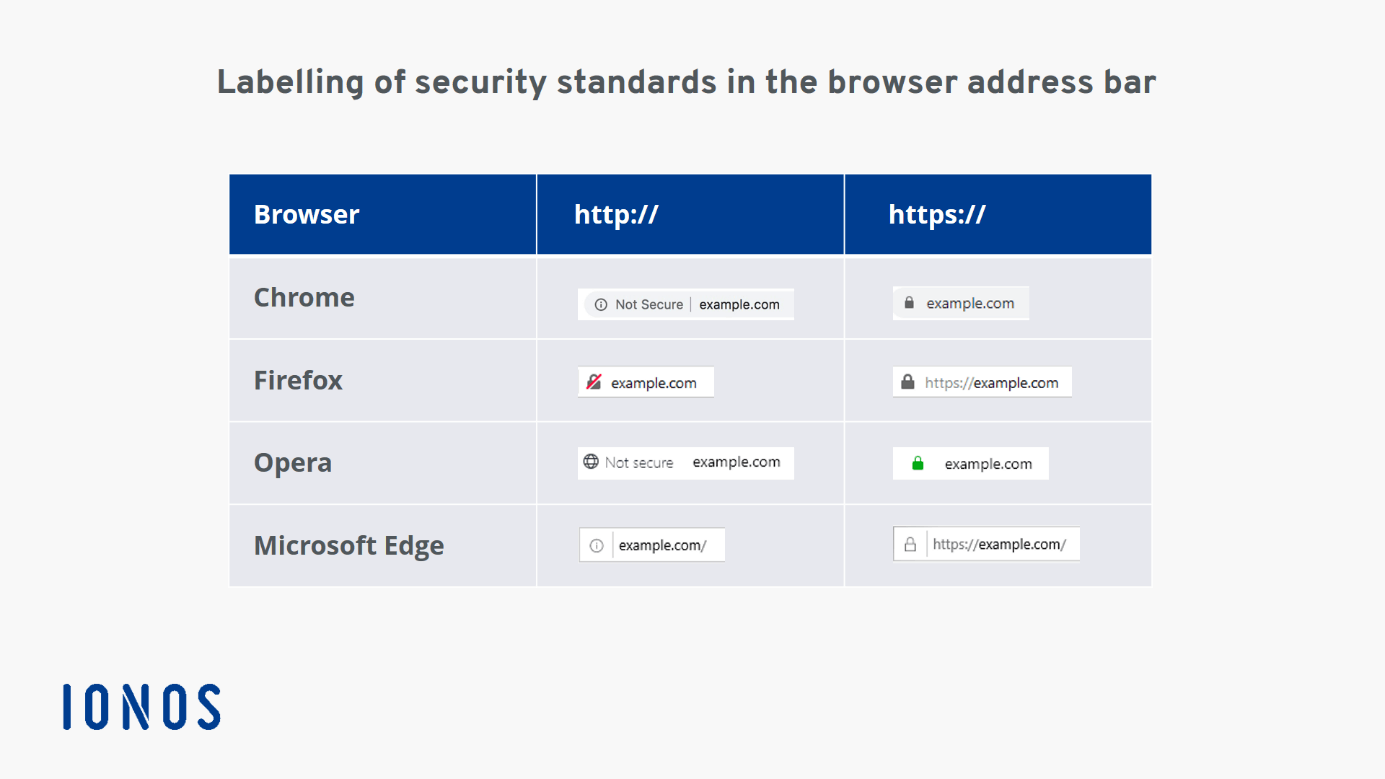
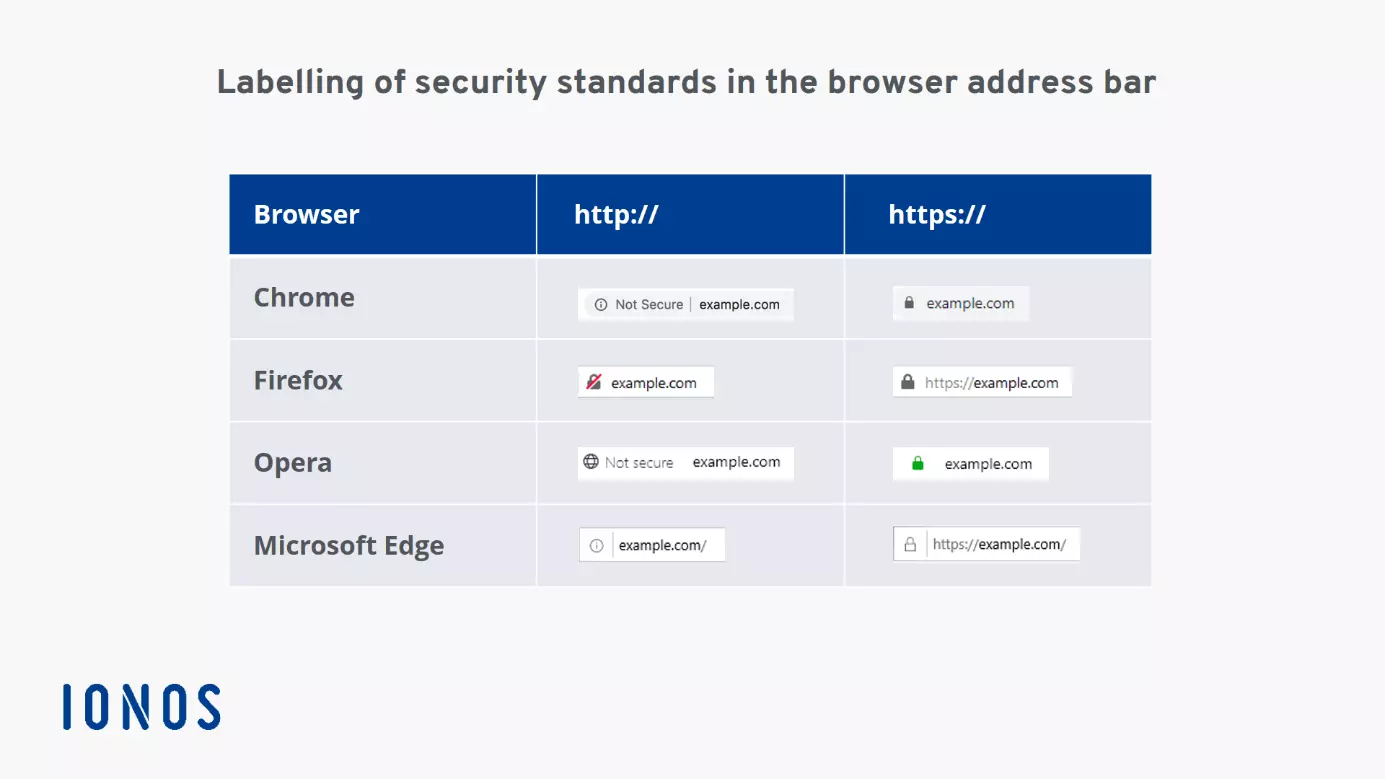
If you click on the icons on the left in the address bar, you will receive additional information:
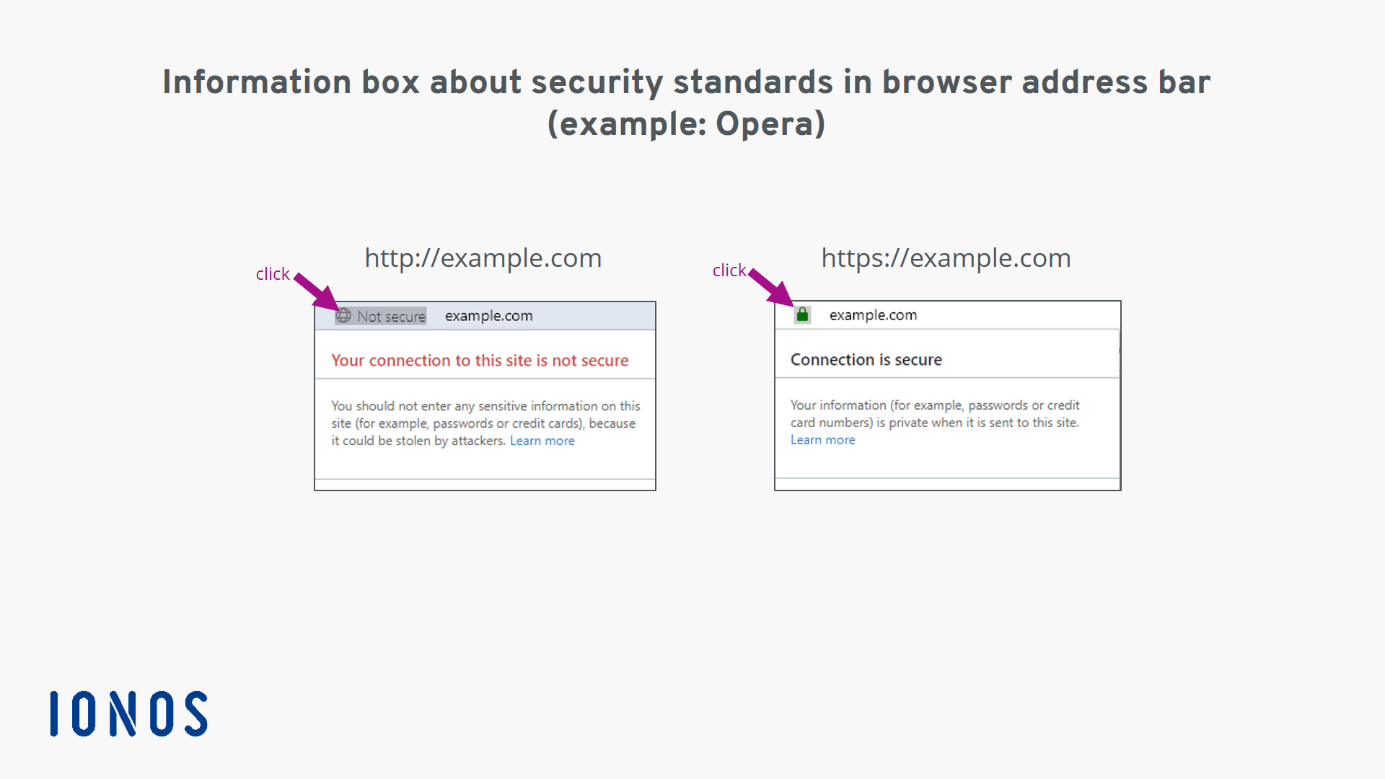
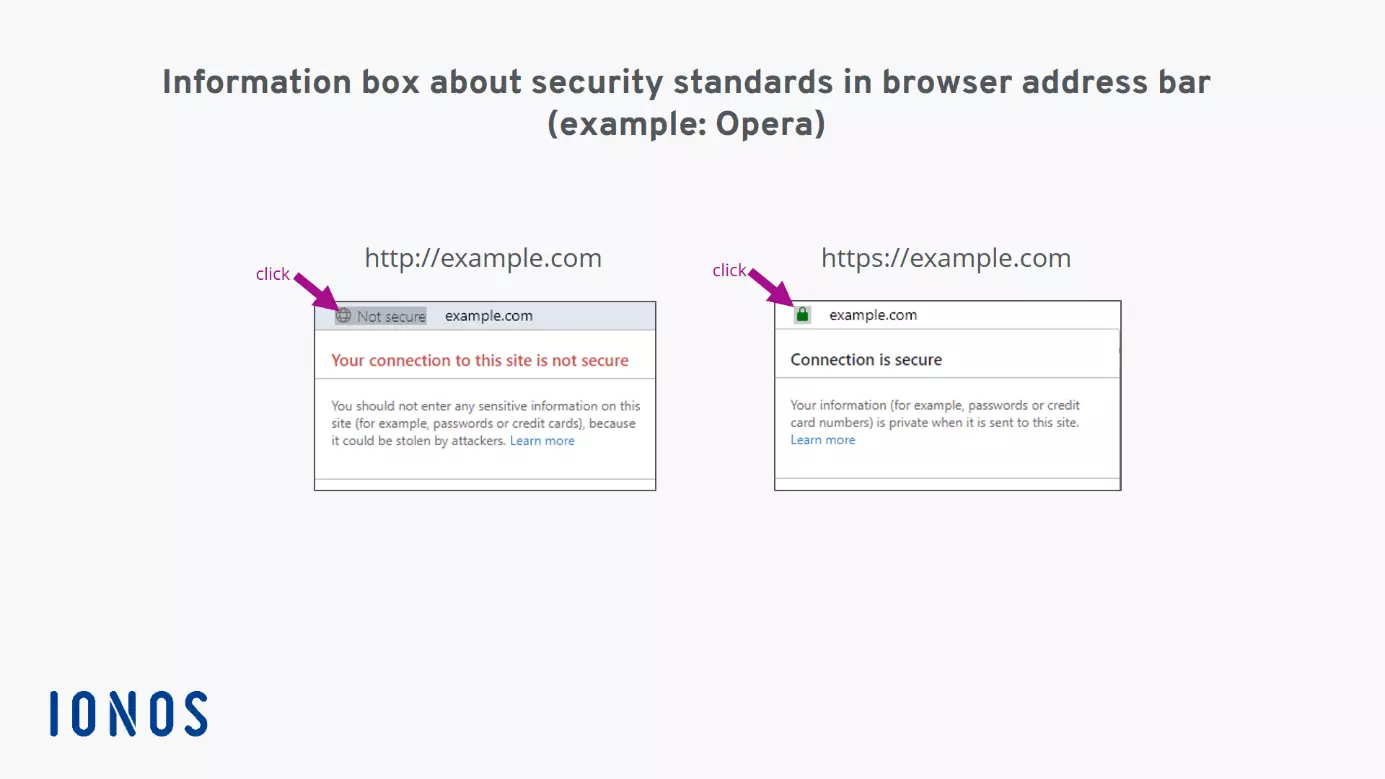
Depending on the browser and security settings used, the software may refuse to open an unsecured website or display a warning instead of the website.
How does HTTPS work?
HTTP itself is not responsible for security. The underlying transport protocol is. So, what is the difference?
The HTTP protocol only controls how the content being exchanged between web clients and web servers must be structured. The transport protocol, on the other hand, controls how data streams are transferred between computers. For example, it ensures that no data packets are lost. The standard transfer protocol is called TCP (the Transmission Control Protocol). This is used by HTTP.
There is an extension to this transport protocol that encrypts data streams. This extension is called TLS (previously SSL). Any communication sent using this transport protocol is encrypted so that only the actual recipient (i.e. the web browser or web server) can read the transferred content.
If the URL given is preceded by https://, the web browser automatically adds the port number 443 to it. This number tells the receiving computer that it should communicate using TLS/SSL.
Why HTTPS encryption is important
The ability of hackers to spy on and manipulate websites is growing. It is, therefore, important to encrypt data streams – especially in publicly accessible networks, such as public Wi-Fi hotspots.
HTTPS is the new standard. Websites without HTTPS are now flagged or even blocked by current web browsers. What’s more, HTTPS probably has a positive effect on a website’s Google ranking, although Google has not yet explicitly confirmed this.
The European General Data Protection Regulation (GDPR) stipulates that websites must be kept up to date with the latest security standard – and that currently means HTTPS.
In our follow-up article, you will learn how to convert your website to HTTPS.