

Pinterest advertising: all you need to know about Pinterest ads

Pinterest is a social network with a focus on the publishing and distribution of images. Users can attach image collections with descriptions to virtual pinboards. A contribution to Pinterest is called a pin. Other users can like, share, and comment on pins. The Pinterest network has been online since 2010 and has become increasingly popular ever since. Now, users can not only publish images and image collections, but they can also attach short videos to the pinboard.
The word “Pinterest” is a combination of the word “to pin” and “interest.”
Pinterest has communities for a number of different topics. You can find interest groups for everything from crafts, interior, cooking, how-to guides, handicrafts, or certain hobbies and interests. This is particularly interesting for advertisers, as they can easily track down their target group and reach out to them within their network. In order to begin Pinterest advertising, you will need a company account. In this article, you will learn which advertising options Pinterest offers and how to use them.
An essential feature of Pinterest is that the image description links to the original source of the image. Each pin can therefore generate traffic to websites. This not only offers added value to the user when browsing for ideas, but it also generates clicks for bloggers and companies who want to use Pinterest for marketing purposes.
What are Pinterest ads?
According to Omnicore Agency, Pinterest has 250 million monthly users. Due to the numerous categories, Pinterest is a suitable advertising platform for a number of different industries. Since many use Pinterest for suggestions, inspiration, or for discovering new products, advertisements can be incorporated relatively naturally without them being perceived as intrusive. Advertisers can refer to a suitable product when offering tips and suggestions; for example, suitable materials for a crafting project, ingredients for a recipe, or a purchase option for an item in a fashion photo.
There are over 175 billion pins on Pinterest and over 3 billion Pinterest boards worldwide.
The Pinterest advertising formats
Pinterest offers five different advertising formats. Choosing the one that is best suited to your purpose largely depends on the type of product you want to advertise.
- Sell on social media in minutes
- Manage everything from one platform
- Works with any product or service
Promoted pins
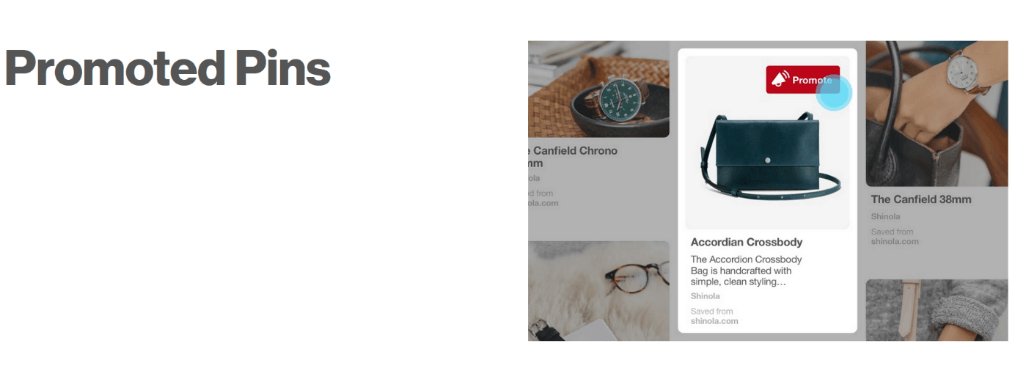
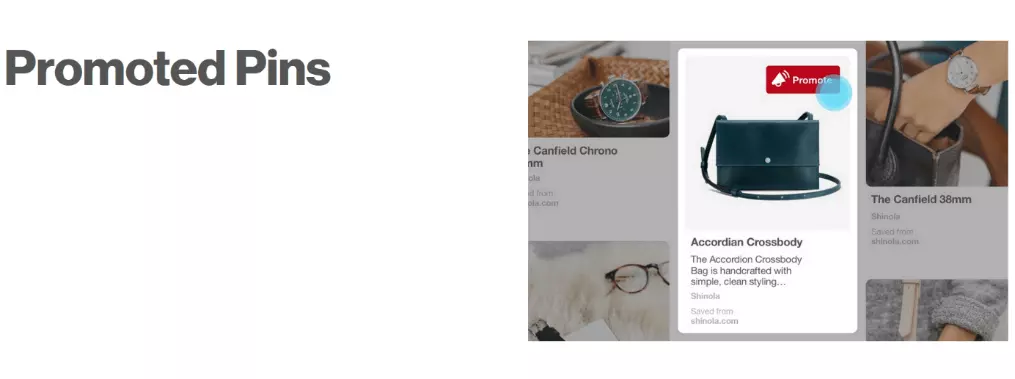
The so-called promoted pins represent the standard ad format on Pinterest. The basis for this is a normal pin, which you have already published. If you turn this into a promoted pin, it will not only be seen on your pinboard by your subscribers, but also by users who do not yet subscribe to your Pinterest account.
You have several possibilities to limit the user groups to which your promoted pin will be displayed. For example, you can narrow down different interest groups such as children, beauty, DIY, outdoor, etc. You can also specify keywords that your target group is likely to search for. Additionally, it is also possible to limit the search to certain age groups.
Promoted video pins
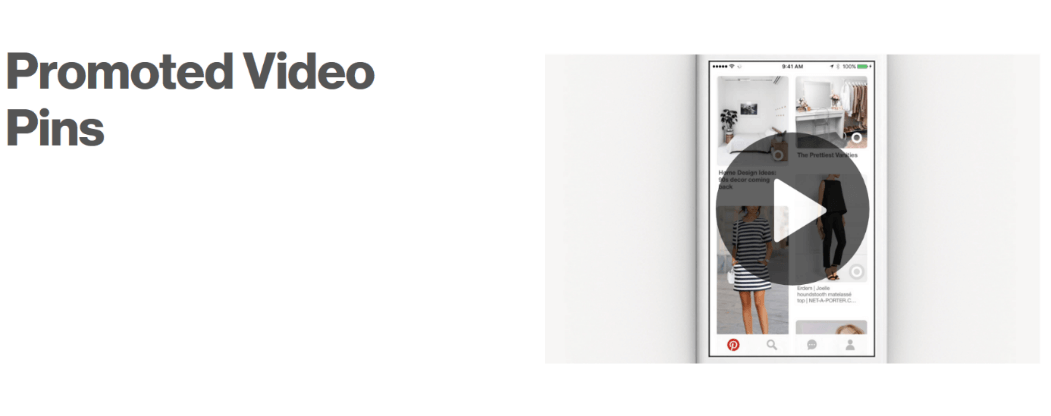
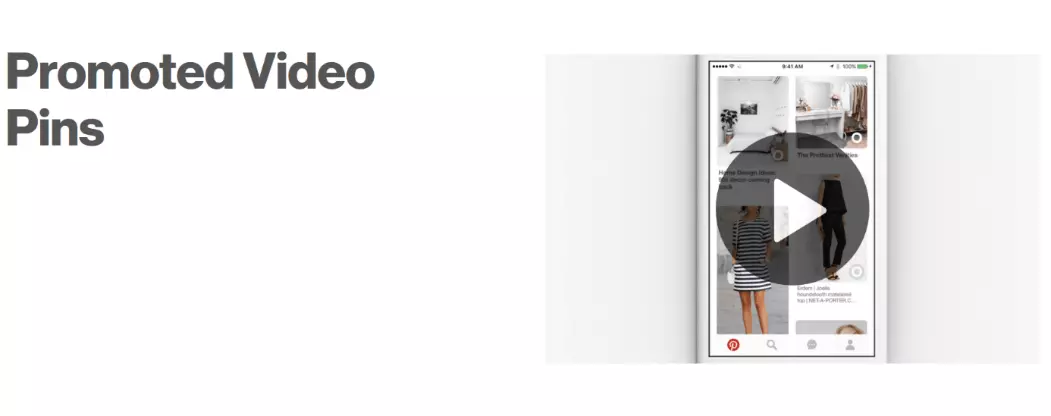
A promoted video pin is a video that serves advertising purposes. Video pins can improve both your reach and your visibility. A well-made video can attract a lot of attention and may then be distributed by the community itself. A video pin can be up to 30 minutes long, however, the recommended duration is anywhere between 15 and 45 seconds. A longer video only makes sense if it consists of high-quality content throughout and still manages to speak to its target group.
The video begins to play automatically as soon as the video becomes visible when scrolling through Pinterest; however, the video sound remains off until the user turns it on themselves. You should bear this in mind when publishing a video – the video should still be understandable without sound. As soon as the user taps the promoted video pin, the display changes to full screen mode. A link to external websites or to a picture gallery can also be integrated into the video display.
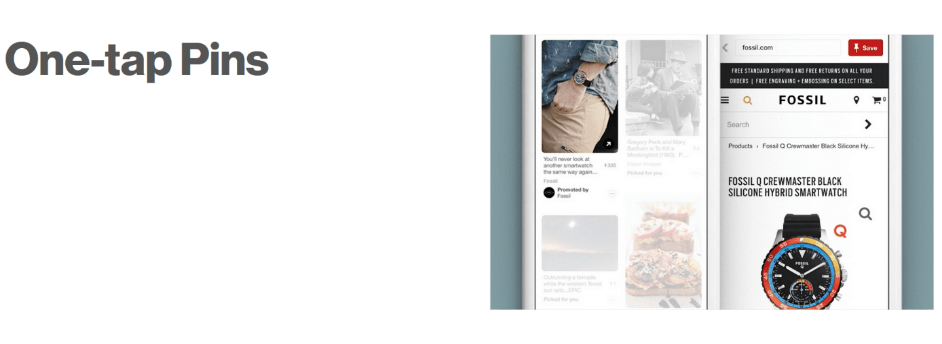
One-tap pins
At first glance, the one-tap pin format is very similar to the promoted pin format. However, its special feature only becomes apparent when the pin is clicked. Rather than seeing the enlarged view of the pin, the user is taken directly to the advertiser’s website.
 Andrey_Popovshutterstock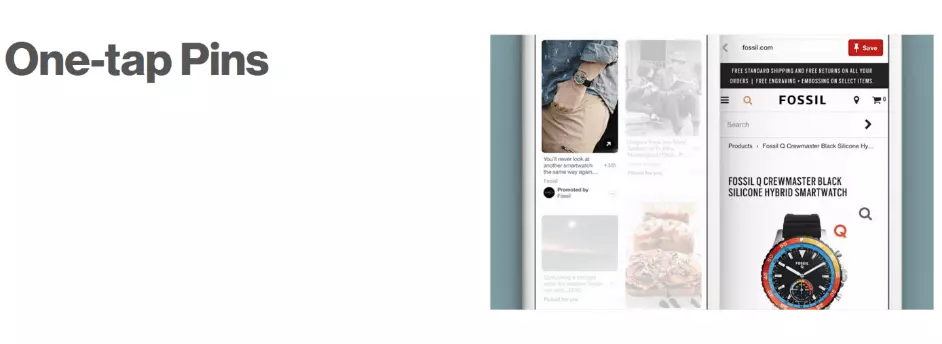
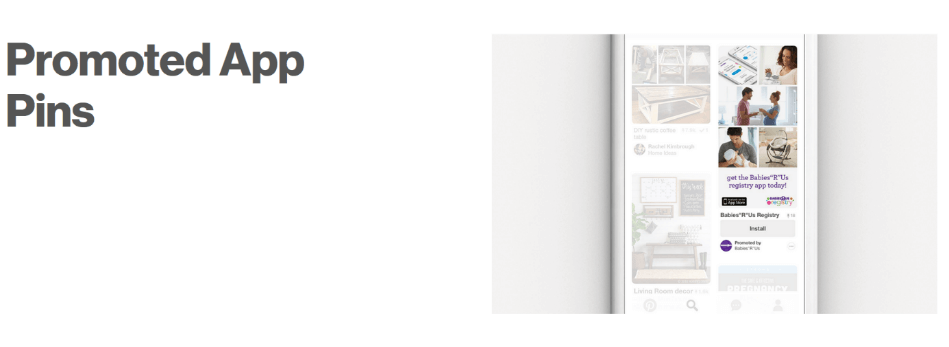
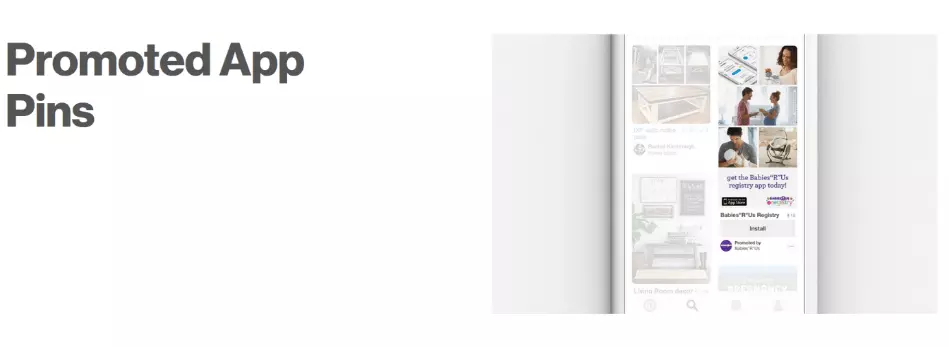
Promoted app pins
This format is especially interesting for those who want to advertise an app. Whether an iOS or Android app, by clicking on an integrated button in the pin, users can download and install the app directly. This way, instead of clicking on the website and searching for the app in question, users have direct access to the application and can use it immediately.
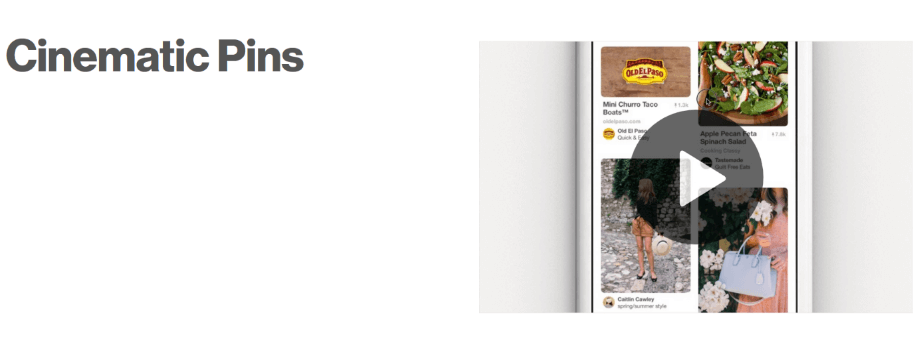
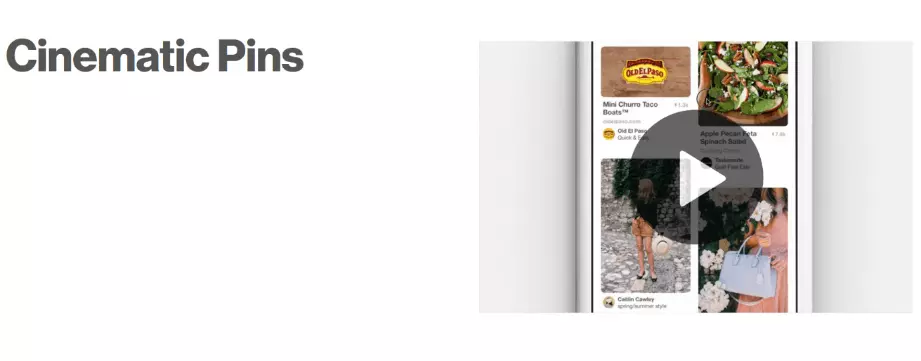
Cinematic pins
This advertising format uses video ads but without auto play. A cinematic pin contains a short clip, which is only played when the user scrolls over the video in their own feed. It is similar in principle to the promoted video pin. This advertising format is mostly used for brands or personal branding.
The way in which the cinematic pin plays out depends on how exactly the user moves through their feed: if the user scrolls backwards up their feed, the video will be played in reverse, while faster scrolling makes the video play faster. It is therefore not a simple auto play function, but rather a motion-based function. This serves the following purpose: content that behaves differently attracts the user’s attention. A video that the user actually wanted to scroll away from, is often more striking. The same applies to the brand or person being advertised: they are often better remembered, even if the user does not watch the entire video.
- Sell on social media in minutes
- Manage everything from one platform
- Works with any product or service
Which type of Pinterest advertising campaign is best for me?
The type of Pinterest campaign you choose depends on your company’s goals. Even though most companies aim to increase sales, they don’t all do it the same way. So, before you choose your campaign, make sure the campaign has a clearly defined purpose: do you want to specifically increase brand awareness? Or do you want to attract traffic to your website? Then choose the right campaign type that best suits your objectives. With Pinterest, you can choose from three different types of ad campaigns:
- Traffic campaign: This campaign takes Pinterest users to a different website in order to generate traffic and to make potential customers aware of the linked site.
- Engagement campaign: This type of campaign aims to increase user interaction. The user should be encouraged to click more often and to view more products.
- Awareness campaign: The awareness campaign is best suited to those that want to increase the awareness of a particular brand.

What do Pinterest ads cost?
How much a Pinterest ad costs and how these costs are estimated, comes down to the type of campaign you have selected:
- Traffic campaign: Cost-per-click (CPC) – costs are incurred every time the link leading to the target website is clicked.
- Engagement campaign: Cost-per-action (CPA) – costs are incurred for each action performed by individual users on a sponsored pin (such as a click on the pin itself or on the like or re-pin symbol of the pin).
- Awareness campaign: Cost-per-mile (CPM) – costs are incurred for every thousandth page view.
The exact amount of the above costs is determined by an auction system. Whether or not your advertisement is actually played out depends on the bids of your competitors. There are no constant fixed prices and the price differs depending on the ad campaign.
The Pinterest auction system
As with offline auctions, all companies place a bid for an advertising space. This means, that each company would indicate the price they would pay for an advertising space and then compete against other companies for that position. Which advertisement wins the bid depends on the following three factors:
- The amount of the bid of the advertiser
- The probability that the ad would lead to the advertiser’s desired result – this takes the selected campaign into account
- The quality of the ad and its relevance to the target group
This means that it is not only the bid size that matters but also the relevance of the ad itself and how it matches the advertising space in question.
Example:
Four advertisers compete for an advertising position on a fitness coach’s social media channel and each place different bids. This fitness coach specializes in explaining to their users which exercises are best done on which home fitness device and how to make their training even more efficient.
- Advertiser, cosmetic brand – £0.13 per click
- Advertiser, sportswear – £0.08 per click
- Advertiser, sport nutrition – £0.11 per click
- Advertiser, sports equipment – £0.07 per click
The highest bid will be rejected because it does not match the content of the fitness coach’s social media channel. The advertiser probably used an unsuitable category when creating the ad.
The second bid will be shortlisted because it relates to the fitness coach’s content. This can be seen in their selection of sportswear pins and also the sportswear brands they offer are recognisable.
The third bid will probably be rejected if there has been no mention of sport nutrition on the fitness coach’s social media channel.
The fourth bid directly relates to the fitness coach’s content as every pin features sports equipment. The probability that a user will click on the pin is very high. This means that the fourth advertiser has a good chance of winning the bid, despite the fact that they are not the highest bidder. However, it is also possible that the second and even the third bidder could win the ad space since their content is relevant and they are offering significantly more money than the fourth advertiser. The highest bidder, on the other hand, would lose the auction as their content is not thematically suitable.
The dos and don’ts of Pinterest ads
Pinterest offers a number of possibilities to edit images or add hashtags to them. Images with some short text can also help push your advertising message. However, with Pinterest, the images are of much greater importance than any text. The images used should therefore be of high quality and must fit to the overall impression of the board.
Make sure your images are of a sufficiently high resolution. Today’s mobile phone cameras already do a good job with the appropriate settings and are usually sufficient. With good lighting, you can produce some excellent pictures.
It is not just the creation of quality images and videos that is important for an effective pin, there are also a few basic ground rules to keep in mind:
Dos
- Select the subject carefully and pay attention to the composition of the image. What can be seen in the photo? An image with an interesting design is more likely to be noticed by users.
- Test, test, test! The best way to learn what works best for a brand is to experiment.
- Tell stories that arouse emotion. The consumer should learn to associate positive feelings with your brand. On the one hand, this can be determined with target group surveys, and on the other hand with neuromarketing.
- Publish advertisement-free content on a regular basis. Regular pinning strengthens both your brand’s presence within the social network and customer loyalty. By publishing advertising-free content regularly, you prove to other users that you are a valuable part of the Pinterest community, which, in turn, creates trust. Make sure that you have a good balance between pins and advertising content.
Don’ts
- Don’t set the maximum price too low when placing a bid. Although setting a low maximum CPC can be quite tempting, if the bid is too low, your ads will not be placed and your advertising campaign can fall flat.
- Don’t use Pinterest for spam-like self-advertising. According to Pinterest, advertisements should be relevant to the users and of high quality. With this in mind, don’t create multiple rows of pins in the shortest possible time that only serve a sales purpose. Excessive and open self-advertising is unacceptable and could result in your account being blocked.
- Don’t always post congruent content. Be careful not to solely post content based on your products, but also use a mix of different content from time to time. Pinterest users want to see a variety of content and not just product texts – otherwise they would simply visit an online shop as opposed to Pinterest.
- Don’t pin randomly. You shouldn’t deduce from the above advice that you should simply create random pins from various subject areas. Make sure your pins are thematically related to your content and your business.
Pinterest ads are currently only available in English-speaking countries.