

Which are the best grammar checkers?

There are plenty of free and premium grammar checkers available to help you check the grammar of your texts. Generally, a grammar check is performed online or offline using the respective software. The most suitable tool is the one that meets your needs for pricing, range of functions, multilingual abilities or WordPress compatibility.
Anyone earning a living through writing should pay particular attention to grammar. Emails to superiors and customers, web texts and written applications should be free from errors. John Mueller, Webmaster Trends Analyst at Google, emphasises how poor spelling and grammar can negatively impact the user experience and a website’s Google ranking.
To be on the safe side, it’s not enough to rely on simple tools like the Outlook spellchecker or Word spellchecking. Even though switching the language in Word can be useful for spotting grammatical issues, online grammar tools provide more powerful features. Online grammar checkers feature natural language processing to check spelling contextually. They’re also useful for optimising multilingual websites for search engines, publishing multilingual content with WordPress, or working in multilingual teams. These tools also come in handy when Word’s spellchecker reaches its limits or doesn’t work or the Outlook spellchecker malfunctions.
- Up to 50 GB Exchange email account
- Outlook Web App and collaboration tools
- Expert support & setup service
Get all the benefits of Microsoft Office for more efficient working. That’s what you get with Microsoft 365 from IONOS.
Comparison of the top 5 grammar tools
The following grammar tools are suitable for spotting errors and correcting grammar as well as sentence structure and even the tone of your writing. (Price information updated: July 2022)
Grammarly
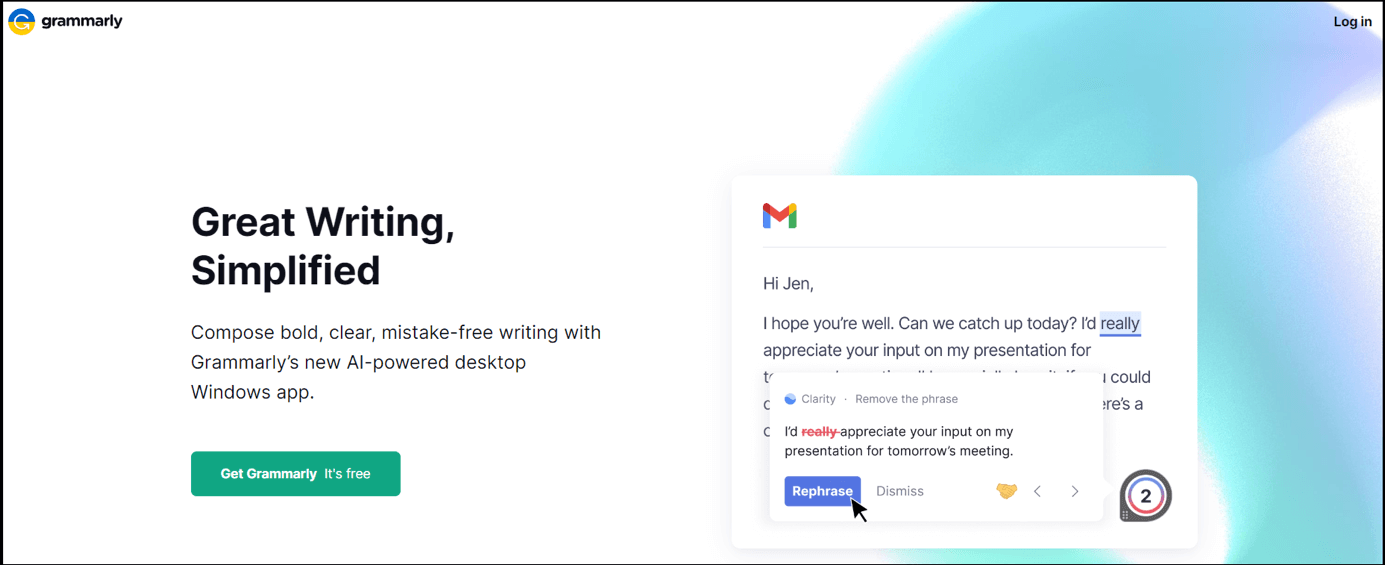
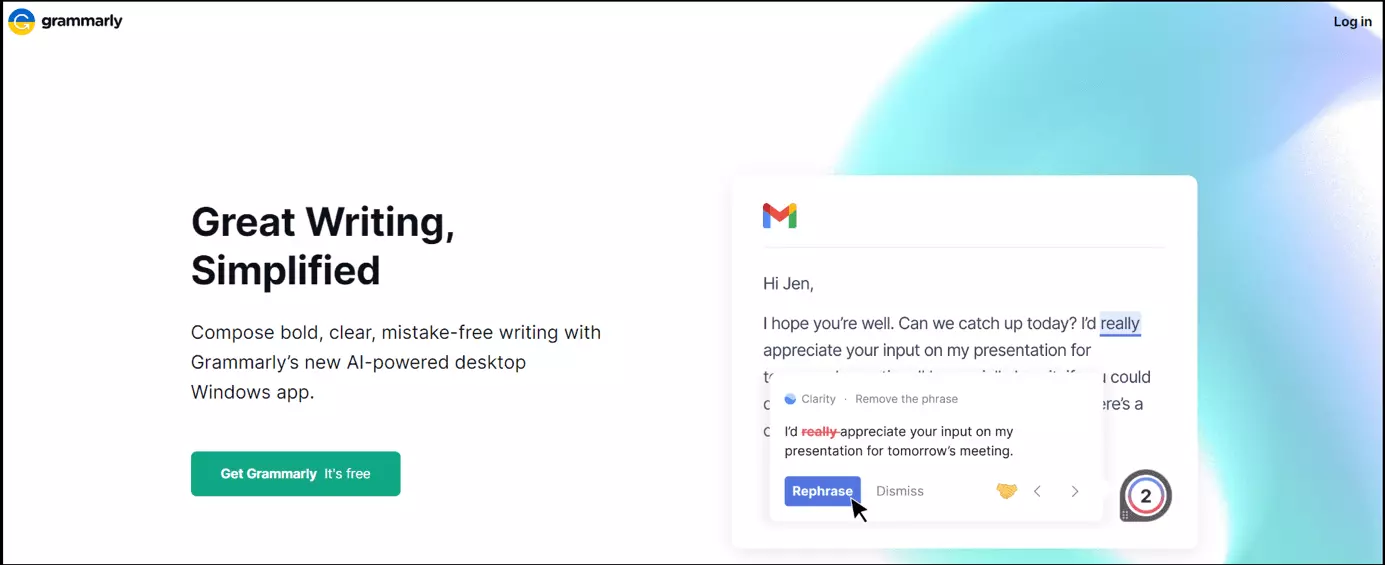
Grammarly doesn’t need an introduction. Launched in 2009, the grammar checker is a well-known cloud assistant for reviewing spelling and punctuation. It’s a suitable tool for freelance writers, bloggers and authors, but can be used by anyone looking to share error-free writing. The free version lets you access basic features. For more advanced features such as sentence syntax, users can purchase a pro subscription. When added as a Google extension, Grammarly auto-checks the spelling of emails or other content.
Features include checking of grammar and punctuation and readability. It also has a writing assistant to monitor writing style. This makes it one of the most comprehensive grammar correctors available. You can simply copy and paste text into the web app or install Grammarly as an extension on your browser or as a Microsoft Office plugin.
Grammarly Premium costs approximately £30 per month. A Business edition is also available. Features include:
- Extended support
- Plagiarism report
- Inappropriate tone and readability reports
- Advanced writing assistants
Overview of most important features:
- Pros: Free, comprehensive grammar and spelling checker available as a browser extension or web app
- Cons: Sentence syntax and tone adjustments only available in the premium versions which are quite expensive
- Cost: Free web app and extension. Premium from £30 per month. Business from £15 per member per month
- Suitable for WordPress: Yes
- Operating systems: Windows, macOS, iOS, Android, Linux
- Language support: American, British, Canadian, and Australian English
- Link: Grammarly.com
Make your business or website stand out online with the Rankingcoach from IONOS and rank top with search engine optimization.
ProWriting Aid
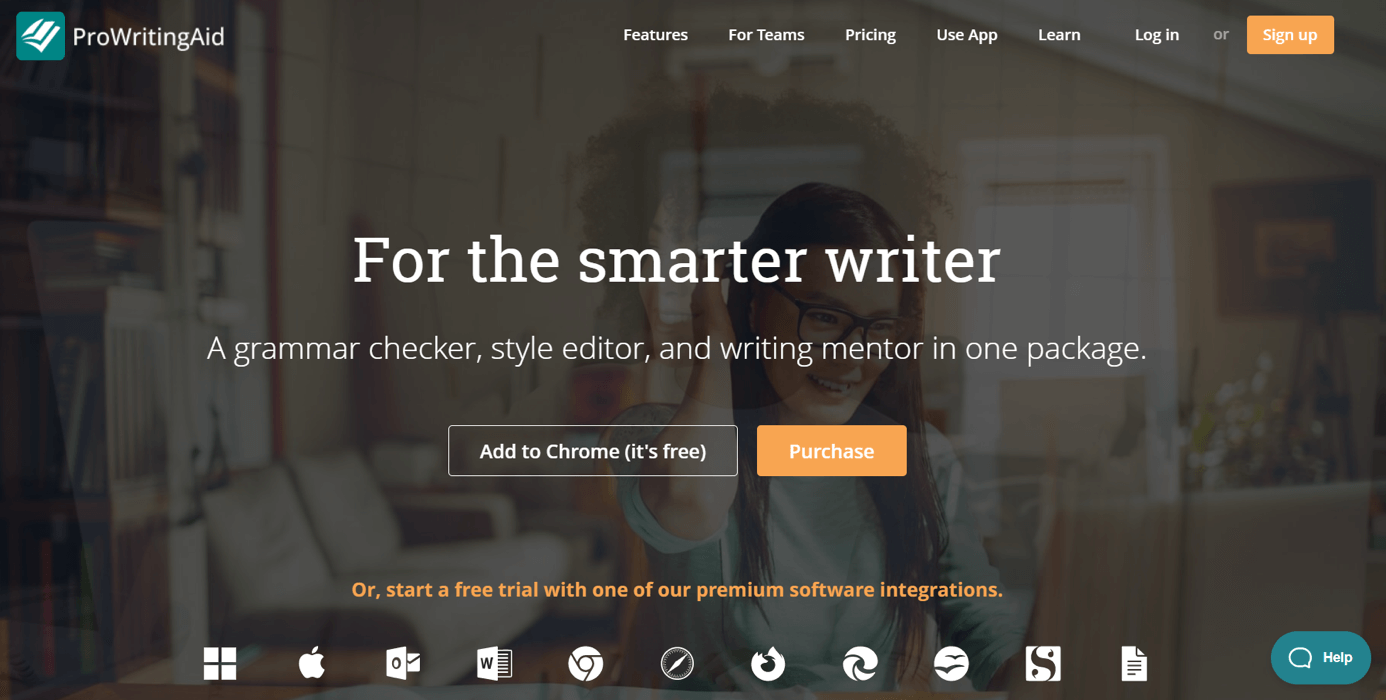
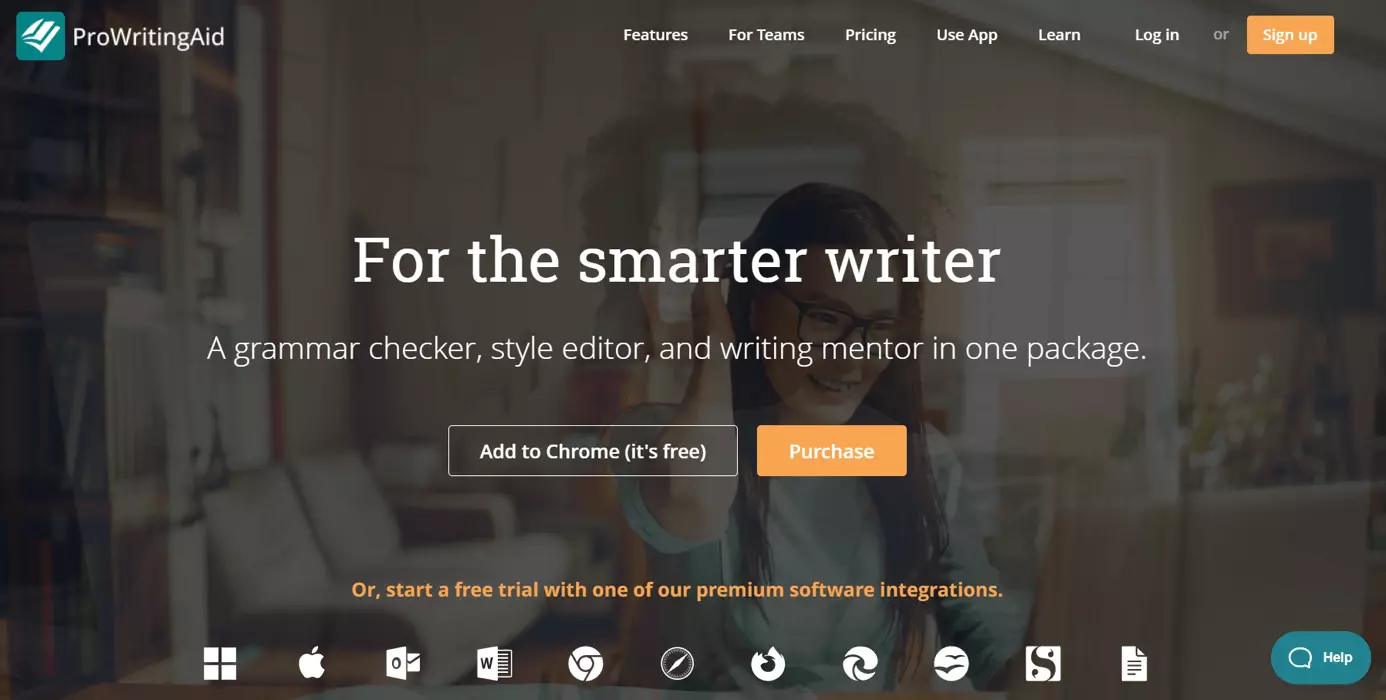
Online grammar corrector ProWritingAid is a good alternative to Grammarly. The grammar checker is directed at bloggers, writers and content authors. It can be used to check for incorrect spelling and grammar, sentence structure, poor word choice, inconsistent tenses and readability. It supports most browsers and can be added as an extension to auto-identify spelling mistakes. The software can be trialled online for free but caps the number of words at 500. The premium edition is available at around £20 per month while premium plus runs at around £24 per month.
Features of the premium editions of ProWritingAid include:
- A dedicated desktop app
- Better browser extension
- Access to full web app
- Various reports including a summary report, a style checker, thesaurus check, grammar and sentence structure checker, plagiarism report and overused word checker
Overview of most important features:
- Pros: Ease of use. Accurate professional editing tool. In-depth feedback on writing and suggestions to improve text. Affordable compared to competitors.
- Cons: Very few features available in the free web version. No Mac integration for Word.
- Cost: Premium plan costs around £20/month and Premium Pro costs £24/month.
- Suitable for WordPress: Yes
- Operating systems: Windows, Microsoft, macOS, iOS, Android
- Language support: UK and US English
- Link: ProWritingAid.com
Use WordPress as quickly, securely and efficiently as possible. With IONOS Hosting for WordPress you get a reliable server, SSD storage, SSH and WP-CLI and automatic backups.
LanguageTool
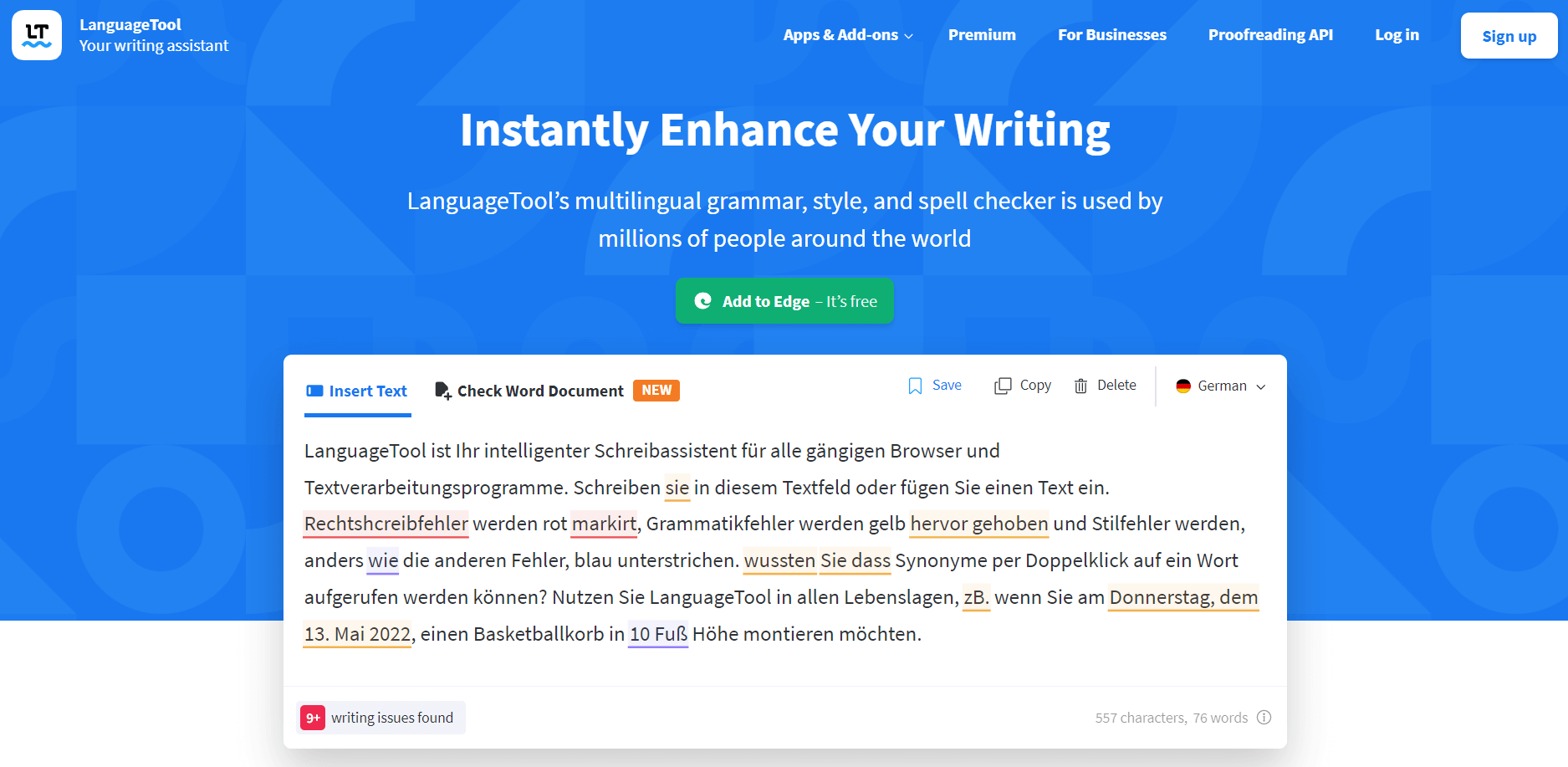
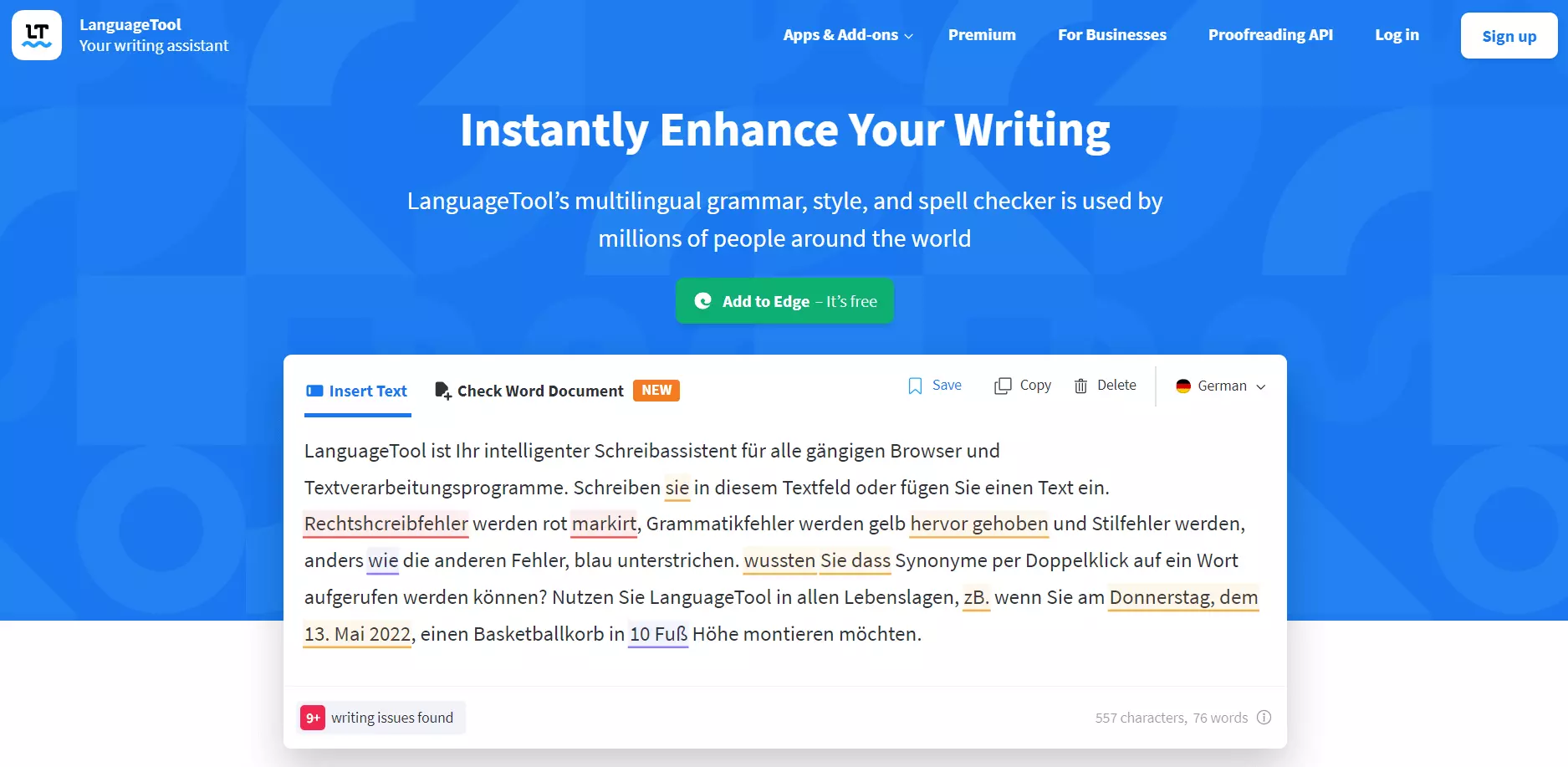
The LanguageTool is a web app. Text is simply copied into the grammar checker which provides a quick grammar and spelling assessment. Basic passive phrases or filler words are also corrected. A free Chrome extension or plugin is available that helps to auto-correct text in applications such as Gmail, Thunderbird or WordPress. Even a free account lets users save their texts, add ratings using a points system, create a dictionary, and correct style and typography in `meticulous mode´.
The premium package offers extended features including:
- Word integration
- Online check for Word documents
- Improvement of style and tone
- Style correction for teams
- Suggestions for vocabulary and synonyms
- Detection of false names or number twists
One of the main advantages of LanguageTool is that it supports over 20 languages.
Overview of most important features:
- Pros: Free spelling and grammar checker online. Chrome extension and plug-in for corrections in web and email applications. Grammar checker for over 20 languages
- Cons: Multilingual check doesn’t detect 100 percent subtleties or errors in dialects
- Cost: Free web app and add-ons/add-ins for Google Docs, Windows, LibreOffice and OpenOffice. Paid premium version for approx. £5 monthly
- Suitable for Wordpress: Yes
- Operating systems: Windows, macOS, iOS
- Language support: 20 languages
- Link: Languagetool.org
If you’re serious about your business, you need a professional business email. With your own email address from IONOS, you can add an ad-free business contact address with your desired domain name and malware protection.
Ginger
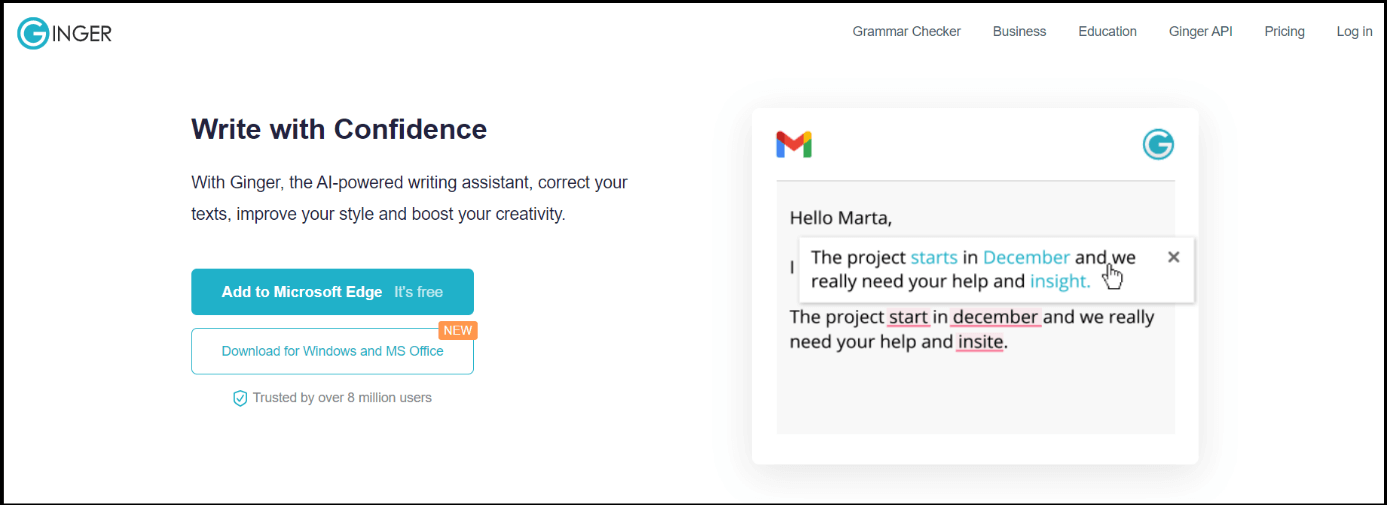
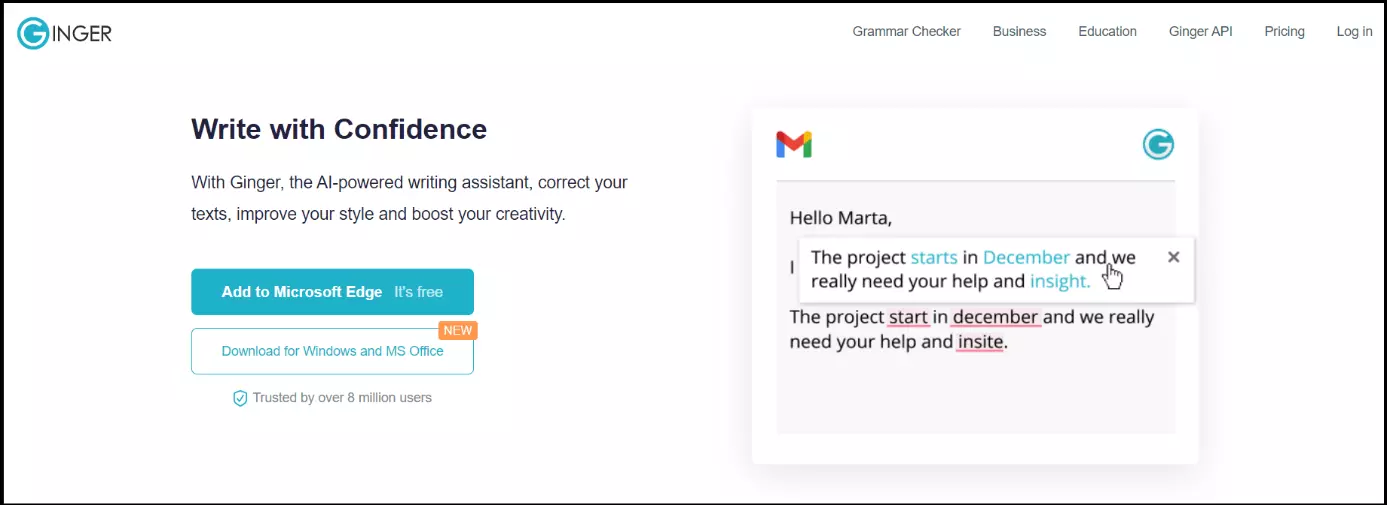
Are you focused on WordPress or creating a WordPress page or multilingual WordPress blog? Ginger is one of the best grammar tools for WordPress. It can be added as a Chrome extension or embedded in WordPress as well as other programs or social media apps. The tool makes it easy to follow email etiquette. One of the drawbacks is that only translation features and suggestions are included free of charge. High-quality corrections require a premium subscription available for around £12/month when you’re paying annually.
In addition to contextual correction features, paid features include an Office add-on, translations into over 40 languages, rephrasing and a read-out-loud function to check readability. Ginger checks text in US or UK English of up to 300 characters and suggests alternative wordings free of charge.
Overview of most important features:
- Pros: Free online spelling checker. Rephrases text of up to 300 characters. Affordable annual subscription plan for advanced spelling and grammar check, including WordTune rephrasing and training mode
- Cons: No corrections in free Chrome extension
- Cost: Free web check up to 300 characters. Paid premium version for £12/month if paid annually or £13/month
- Suitable for WordPress: Yes
- Operating systems: Windows, macOS, Android, iOS
- Language support: Translation function for over 40 languages in Premium
- Link: Gingersoftware.com
The WordPress plugin Jetpack is not exactly a dedicated grammar tool, but an all-in-one solution with numerous features for WordPress security and management. This includes an integrated grammar and spelling function that can be activated from within the settings.
Hemingway
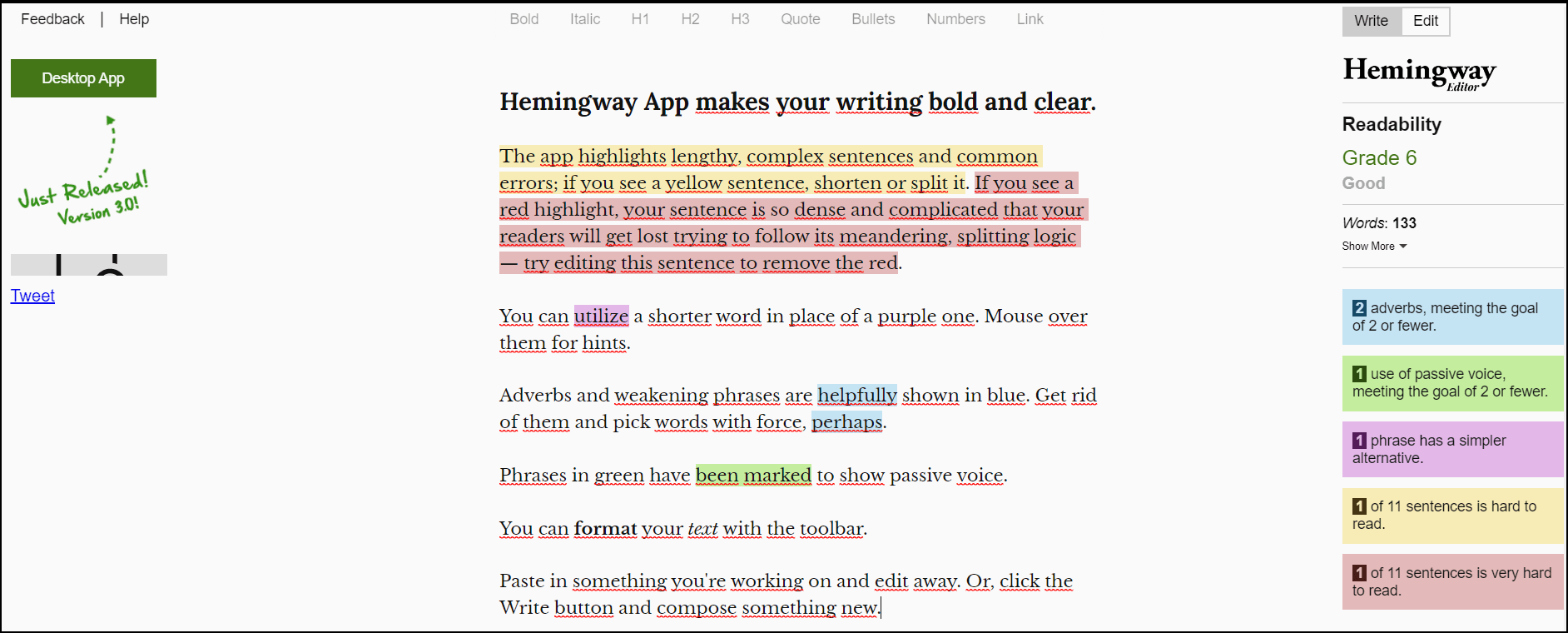
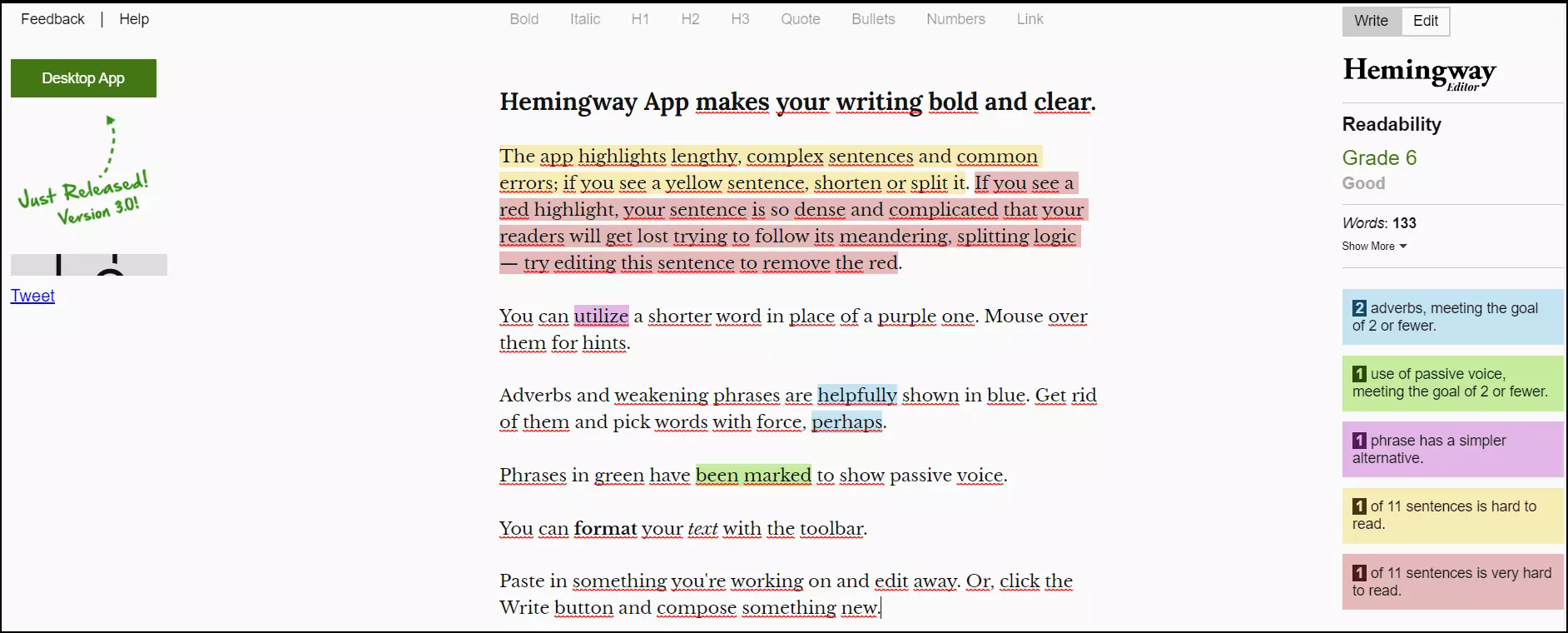
Hemingway App is a tool for editing and polishing your writing. It corrects common errors, but the focus of the tool is the quality of prose. The online version is available for free. Users who prefer to work offline can download the editor for a one-off fee of £19.99. Features in the free and offline editor include correction of confusing sentence structure, adjusting weak adverbs and pointing out excessive passive voice.
There are two modes, writing mode and editing mode. The writing mode is a simple interface with font options along the top. Editing mode is where Hemingway shines and analyses your work according to potential problem areas. It also suggests a readability score and displays a word count. The sidebar highlights what individual colour coding stands for and mousing over your highlighted text displays Hemingway’s suggestions.
Overview of most important features:
- Pros: Free access to all features. Low-cost offline version. Easy to use and focuses on sentence structure and quality of prose which could complement the use of other grammar checkers.
- Cons: Not as comprehensive when it comes to spelling and grammar correction. Can’t export/import text
- Cost: Free web use. To use the app offline, download it for £19.99.
- Suitable for WordPress: Yes
- Operating systems: Windows, macOS, Android, iOS
- Language support: English only
- Link: Hemingwayapp.com
Need more tools for better translation of multilingual texts? You could try translation apps like Google Translate, Google Translate alternatives, functions such as the automated translation of Google tables or even learning apps such as Socratic.
Conclusion: which tool suits you best?
Not every grammar checker is suitable for every purpose. Tools like Ginger and Grammarly provide comprehensive and versatile proofreading features suitable for bloggers and professional copywriters alike. Grammar tools like LanguageTool are more suited to quick-checking multilingual text online. Hemingway App focuses on sentence structure and writing style. When selecting the right tool consider which features are available for free and which incur a subscription charge.
Here are a few tips on which grammar checker fits which requirements:
- For multilingual proofreading and/or translation: LanguageTool, Ginger
- For better reading flow and efficient correction of sentence construction: Hemingway App, Grammarly, ProWritingAid
- For integration with browsers, web applications or text editing programs: LanguageTool, Ginger, ProWritingAid
- For rewording suggestions: ProWritingAid, Grammarly, Ginger
- For WordPress integration (through plug-in or browser extension): Ginger, LanguageTool
- For free grammar check online: Grammarly, LanguageTool, Hemingway App
- For the best premium features: LanguageTool, Ginger, ProWritingAid