

What are the 5 best alternatives to Docker?

Containerisation with Docker is the standard today – but it’s not always the best option for every situation. Tools like Podman or BuildKit offer strong alternatives, providing benefits in areas such as security, CI/CD and performance. In this article, we’ll explore the best professional Docker alternatives, compare their key features, and help you determine which solution is best for your specific use case.
Comparing Docker alternatives at a glance
| Feature | Docker | Podman | BuildKit | Kaniko | LXC/LXD | runC |
|---|---|---|---|---|---|---|
| Virtualisation | OS-Level | OS-Level | – (Build Tool) | – (Build Tool) | OS-Level | OS-Level |
| App Containers | ✓ | ✓ | ~ | ✗ | ✗ | ✓ |
| Full-System Containers | ✗ | ✗ | ✗ | ✗ | ✓ | ✗ |
| Docker-compatible | ✗ | ✓ | ~ | ✗ | ✗ | ~ |
| Rootless possible | ✗ | ✓ | ~ | ✓ | ~ | ✓ |
| Suitable for CI/CD | ✓ | ✓ | ✓ | ✓ | ✗ | ~ |
| Kubernetes-ready | ~ | ✓ | ~ | ✓ | ✗ | ✓ |
| Container Format | Docker-Container | Docker-Container | Dockerfile | Layered FS | LXC | OCI |
| License | Apache 2.0 | Apache 2.0 | Apache 2.0 | Apache 2.0 | LGPLv2.1+ / Apache 2.0 | Apache 2.0 |
| Platforms | Linux, Windows, macOS, AWS, Azure | Linux, Windows | Linux, Windows | Linux, Kubernetes | Linux | Linux |
Want to learn more about Docker? Check out our separate Docker Tutorial.
Why consider Docker alternatives?
While Docker is a powerful tool, it’s not always the best option. Changes to Docker’s licensing, such as the commercialisation of Docker Desktop, have affected many businesses. At the same time, Docker’s reliance on root access and its use of a central daemon can increase the potential attack surface, raising security concerns.
What’s more, Kubernetes, the leading container orchestration tool, has moved away from Docker as its default runtime. Instead, it now uses runtimes like containerd or CRI-O. For many use cases –especially in security-sensitive environments or automated CI/CD processes – specialised tools may offer better solutions.
Podman – Docker without a daemon
Podman is currently the most well-known and direct alternative to Docker. What makes it particularly interesting is that Podman operates without a central daemon, allowing you to start container processes directly and, if needed, without requiring root access. This significantly enhances security, especially in production environments.
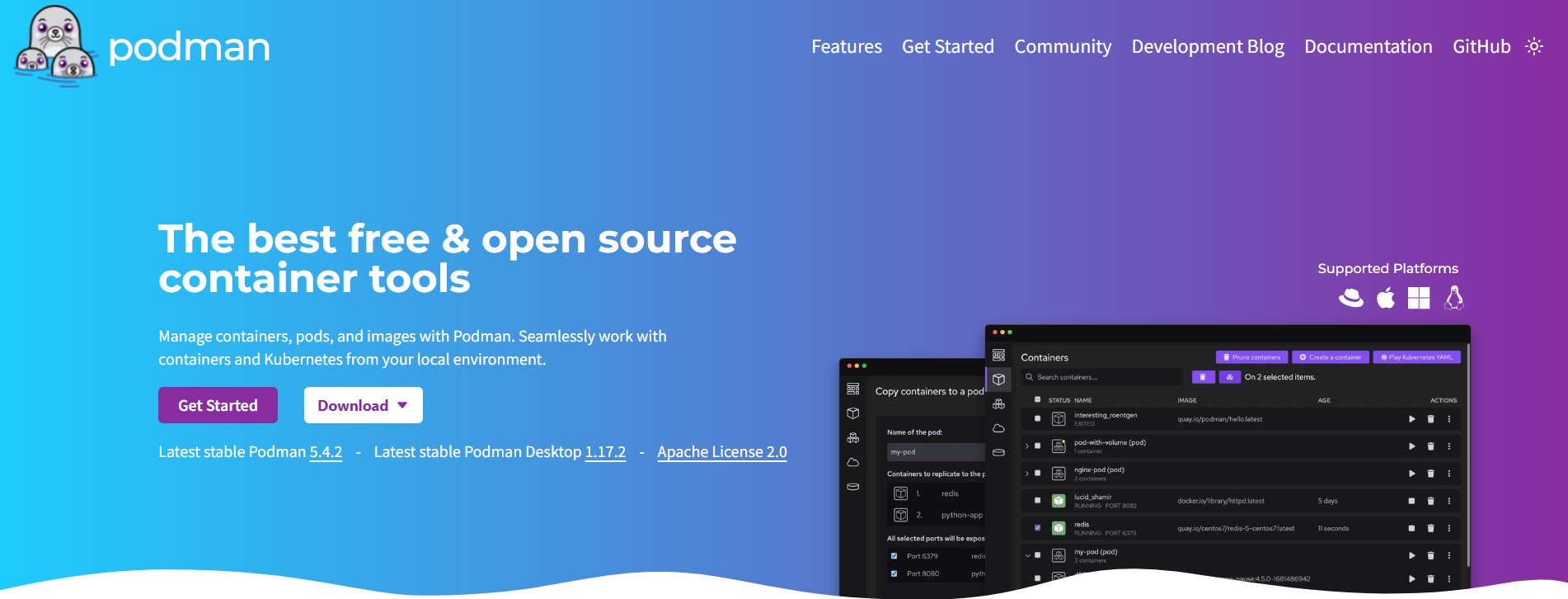
Another advantage is high compatibility: If you’re already familiar with Docker, you’ll have no trouble with Podman, as its command structure is nearly identical. It also integrates seamlessly with systemd and Kubernetes.
However, there is a downside: Graphical User Interfaces (GUIs) or GUI tools for Podman are not as advanced as those for Docker Desktop. Also, for more complex multi-container projects, switching from Docker Compose may require some modifications.
Conclusion: Podman is ideal for developers and administrators looking for a secure, command-line-based and Docker-compatible alternative – especially in production Linux environments.
BuildKit – The modern Docker builder
BuildKit was developed by the Docker team to replace the classic ‘docker build’ command. It stands out due to its superior speed, intelligent caching, and the ability to manage build secrets, which is a huge benefit in complex CI/CD pipelines.
Parallel builds are also supported, making BuildKit particularly efficient. It can be enabled within Docker or used standalone. When combined with Docker or Podman, it dramatically boosts image building performance. The downside, however, is that BuildKit does not replace Docker entirely. It’s focused solely on the build process. Anyone wishing to manage or deploy containers will need an additional tool.
Conclusion: BuildKit is perfect for DevOps teams and developers who prioritise fast, secure builds – especially in automated environments.
Kaniko – Container builds without Docker
Kaniko is a tool from Google specifically designed for building containers in Kubernetes environments – without Docker or root access. It runs entirely within a pod and can build images directly in the cloud, such as in GitHub Actions or Google Cloud Build.
This makes Kaniko ideal for automated CI/CD processes, where no additional runtime environment should be installed. An important advantage when it comes to security is that Kaniko runs without root access, meaning it can be used safely in shared cluster environments. However, Kaniko is not a universal tool. It is not suitable for local development or interactive work in the command line – common features such as shell access or flexible container management are missing.
Conclusion: Kaniko is perfect for teams working in cloud-native environments who want to securely automate containerised build processes – especially in Kubernetes environments.
LXC / LXD – System-level containerisation
LXC (Linux Containers) is a low-level technology for operating system virtualisation under Linux, which has been around for over a decade. It allows you to run and manage complete Linux systems in containers – commonly referred to as system containers.
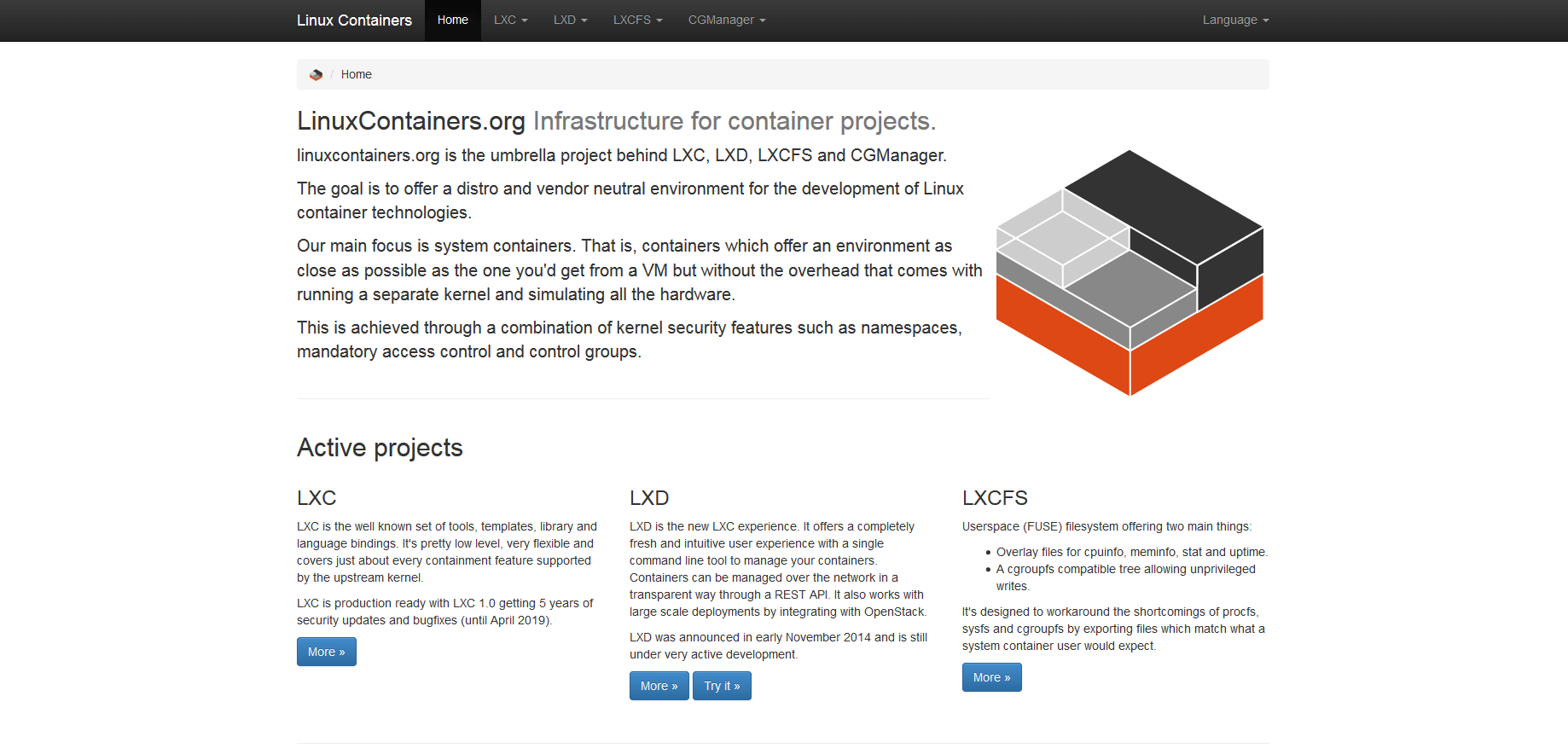
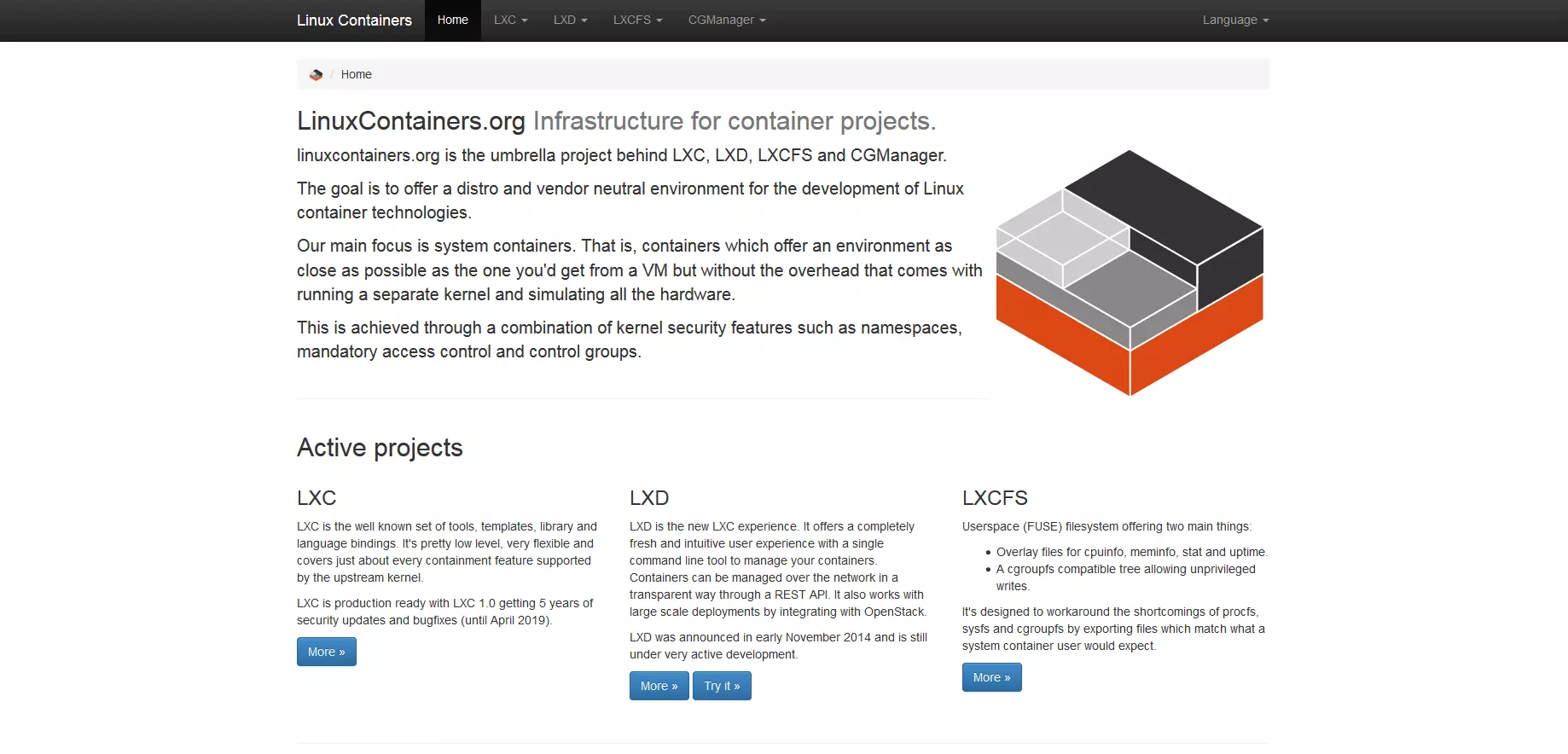
LXD, developed by Canonical in 2015, provides a user-friendly management layer over LXC. It adds features like its own CLI, a REST API, image management and snapshots, making it especially useful in professional infrastructures.
LXC and LXD – Why they came back together
In 2023, Canonical returned LXD to the LXC community, and since then, both projects have been developed together under the Linux Containers Project. The goal of this merger is to ensure more transparent community-driven maintenance and a closer integration of both components. While LXC remains the technical foundation, LXD continues to serve as a user-friendly front end.
The functional division remains:
- LXC serves as the low-level technology
- LXD remains the comfortable management front end
Technical classification
Compared to Docker, LXC and LXD are much closer to traditional virtual machines. They provide full system environments with init systems, user management, package management and more – far beyond the typical applications containers offered by Docker or Podman. However, by not using a hypervisor, they still manage to remain lightweight and performant.
Limitations
The downside is that LXC/LXD is not optimised for microservices, cloud-native deployments, or modern CI/CD processes. The management can be more complex, and integration into container ecosystems like Kubernetes is minimal.
Conclusion: LXC and LXD are excellent for admins, hosting providers or teams that want to isolate full Linux systems – acting as a lightweight VM alternative. The merger under the Linux Containers Project promises a more stable, community-maintained future for both technologies.
runC – The container runtime for advanced users
runC is the reference implementation of the OCI Specification (Open Container Initiative) and is used behind the scenes by many tools – such as Docker, Podman, or containerd. Anyone who wants to manage containers at the lowest level will likely need to use runC.
Its biggest advantage is its lightweight nature, since runC provides only the basics required to start containers, making it highly flexible. It is ideal for custom container solutions or security-focused environments.
However, runC is aimed at advanced users. It lacks a convenient CLI for container management or building and is typically used as part of custom toolchains or for deep system integration.
Conclusion: runC is perfect for specialised applications, research, security or low-level container environments – it is not intended for everyday development.
Kubernetes – Not a Docker alternative, but a layer above
A common misconception is that Kubernetes does not replace Docker. Instead, it relies on container runtimes to run containers. While Docker was once the default runtime, Kubernetes has since adopted standardised runtimes like containerd or CRI-O since version 1.20.
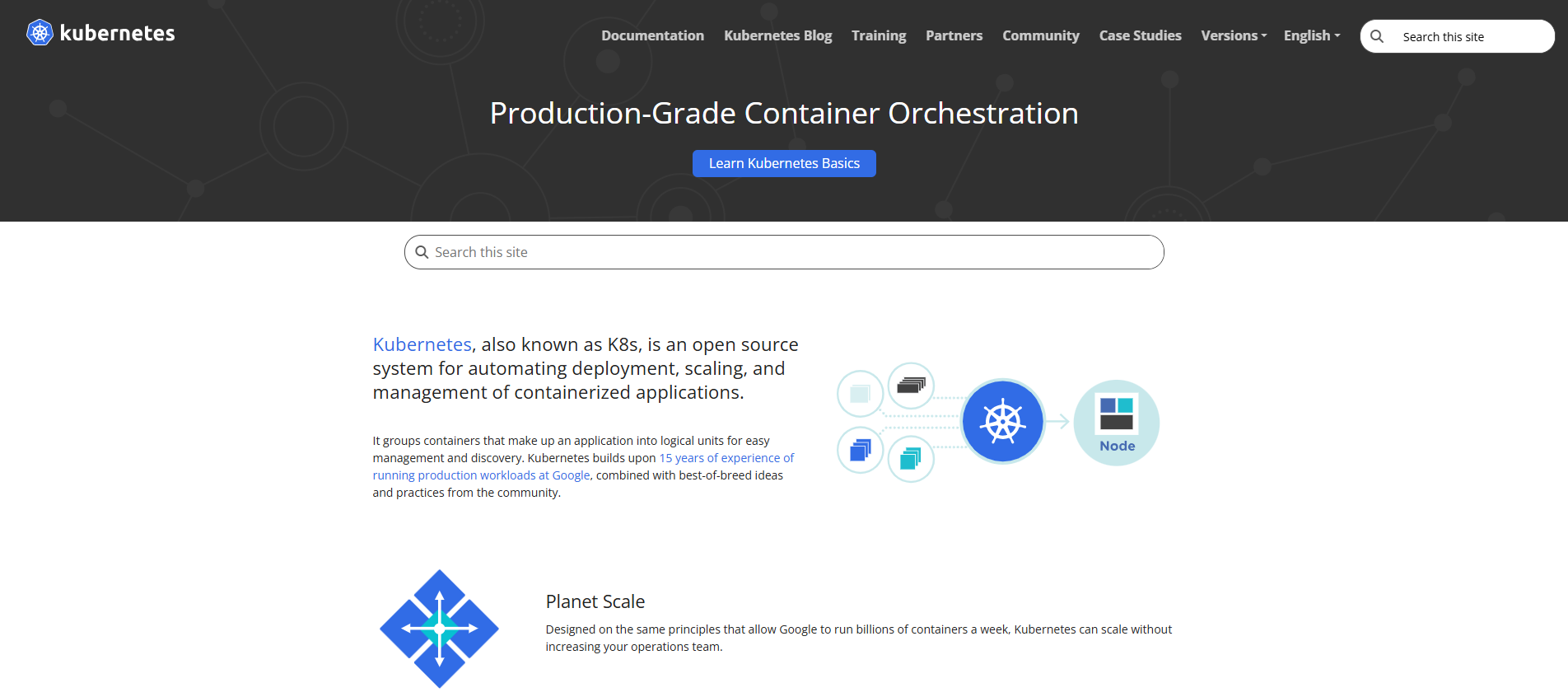
These tools handle container management, but do not have their own build or CLI functionality like Docker. Therefore, Kubernetes itself is not a Docker alternative, but an orchestration tool – a control layer above the containers.
In practice, this means that anyone working with Kubernetes should understand that Docker no longer serves as the technical foundation – although many images still exist in the Docker format.
Which Docker alternative is right for you?
The right Docker alternative largely depends on your specific needs:
- For maximum security, Podman is the best choice.
- For high-performance builds, BuildKit stands out, while Kaniko is preferred in cloud environments.
- For isolating entire systems, LXC/LXD is the better option.
- For full control at the runtime level, runC is a lean solution for professionals.
Ultimately, it’s worth looking beyond Docker – the world of containers is more diverse than ever before.