

Icon Fonts

Mobile data use sets the bar high for those programming websites or digital user interfaces. For mobile apps in particular, success hinges partly on quick and intuitive usability as well as short loading times for internet content. These requirements have caused web design to take on an increasingly sleek and minimalist style; what’s known as ‘flat design’. Following the motto ‘less is more’, this style avoids depicting user controls with images based on actual prototypes (e.g. a pen represents a word processing program or a speaker represents the control settings for the sound).
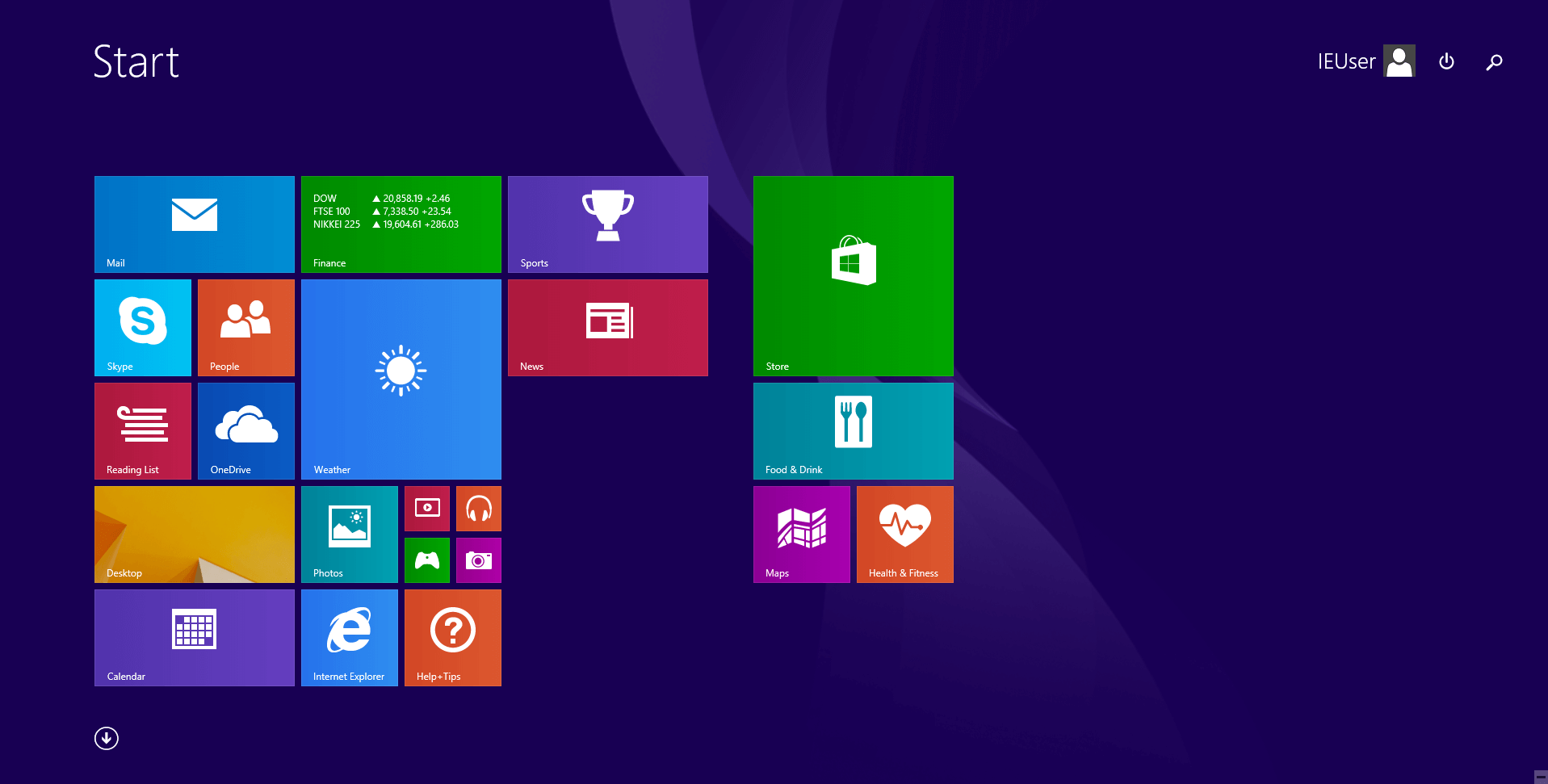
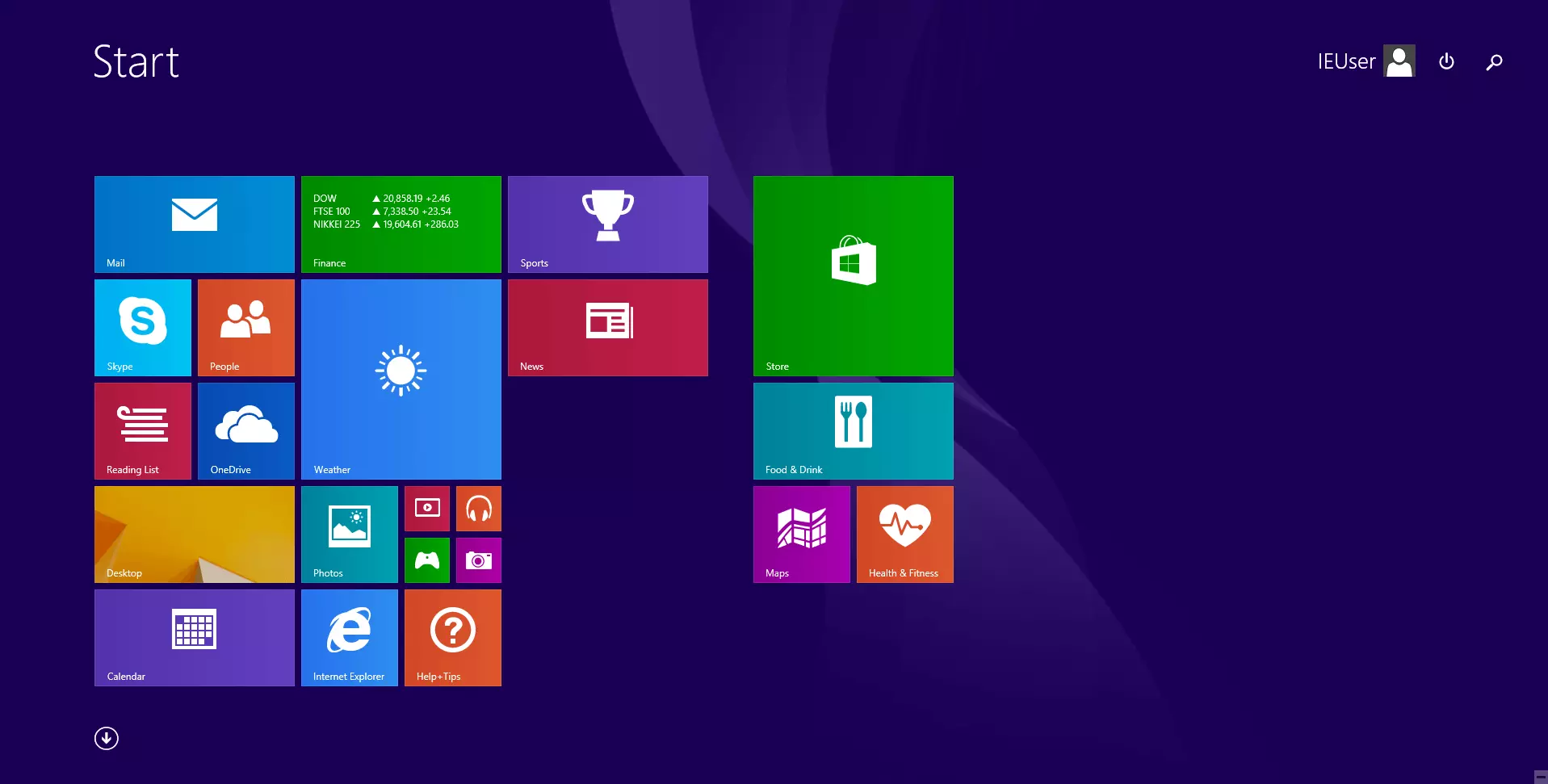
Many designers are instead opting for pictograms. These two-dimensional icons only feature the basic characteristics of the programs or items they represent. Another trait of pictograms is that they are incorporated into the source text and user interfaces in the form of web fonts. With this bold move, flat design is essentially turning its back on skeuomorphism—a design style whereby symbol objects are depicted as realistically as possible in order to ease users’ interactions with controls. A well-known example of such a loyal approach to flat design is the touchscreen-optimised user interface on Windows 8.

What’s an icon font?
The magnifying glass next to the search box, the shopping cart on your favourite online store, or the envelope next to the e-mail address—icons are found on virtually every website. Without using any words, they offer users help while navigating sites and make it clear which functions are carried out by which controls. Increasingly fewer designers are making use of bitmap icons or CSS sprites. Instead, a growing number of web designers are gravitating towards icon fonts. Icon fonts are a type of web font that contain vector-based pictograms instead of letters. In contrast to depictions that are composed of pixels within a bitmap, vector icons can easily be scaled up without loss of resolution quality or changes in file size.
Icon fonts can also be developed through CSS (cascading style sheets) if desired. Due to their ability to be freely scaled without resolution loss, vector-based icons can be used for HD displays; although unlike bit map graphics, this is only possible in monochromatic form (CCS3 also supports different colour gradients). Additionally, an entire icon font always needs to be added, even if only one pictogram is to be used. Some providers offer free icon fonts that can be found online, and font kits are also easy to set up.
Icon font providers
Web developers don’t always have to pay to use vector-based pictograms. An array of open source libraries, some boasting quite expansive selections, can be found online. Here’s a list of some of the most popular providers of freely available symbol sets:
- Entypo: unlike Font Awesome, Entypo doesn’t offer any icon fonts; instead, it’s made a set of vector-based pictograms available in SVG format. This provides a foundation for individual fonts to be individually arranged with web font generators. All Entypo pictograms adhere to the Creative Commons Attribution License (CC BY-SA 4.0), which means they can be used commercially without having to pay a licensing fee.
- Typicons: typicons are a type of icon font composed of more than 300 screen reader-friendly vector-based pictograms. Available for installation from its open source management tool (that can also be installed into browsers), these icons are offered as vector templates and minified CSS. Typicons are also subject to the SIL open font license.
- Open Iconic: icon fonts from Open Iconic offer more than 200 pictograms in SVG as well as different web font and raster formats. This provider is particularly keen on emphasising the reduced data size of its fonts: the open source Iconic font in WOFF (web open font format) only contains 12.4 KB and as a result is a much smaller font than Awesome. All of the pictograms are registered under the MIT license. The fonts are licensed under SIL OFL and can be used for professional projects without need for payment.
Creating your own font kits
Most web developers don’t need all the pictograms included in a given font. A combination of icons from different providers is generally the norm; this is where font kits can be of great help. Web font generators like Fontello, fontastic.me, or the IcoMoon app, allow users to compile sets of various fonts from different sources. The main advantage of an individual font kit is that the icons can only be added as web fonts that are actually shown on the site. This reduces the data size and in turn, the site’s loading time.
Adding icon fonts
Icon fonts are usually defined in the HMTL source code with the help of CSS classes. To carry out this step, the corresponding icon font needs to be incorporated into the head area of the HTML document. Some providers have made a standard CSS file available for this purpose. Bootstrap, the CSS framework, also makes it possible to integrate such elements, provided that it’s also supported by the desired font.
Adjusting icons
Given that icon fonts can be loaded via a customised stylesheet and accessed with predefined CSS classes, there are many possibilities for drafting designs. In contrast to pixel-based graphic files, vector-based pictograms, which are integrated using icon fonts, can be easily adjusted in the CSS code. This enables web developers to adjust the size, colour, or opacity of a website accordingly. This also gives designers the flexibility of adding texture and shadow effects.