

Create your own app – part two: programming or using app makers?

After planning a mobile app, the next step in mobile app development is to begin working on the technical aspects of your design. If you’re planning on developing your native mobile app yourself, rather than employing external programmers, then you have two options: you can create your own app – assuming you have sufficient knowledge and prior experience in software development – or you can make use of an app maker (also known as an app creator, app builder, or app building software). This second edition of our guide to creating your own app will explore the differences between these two approaches, introducing six of the best mobile app builders available today.
- Free website protection with SSL Wildcard included
- Free private registration for greater privacy
- Free Domain Connect for easy DNS setup
App programming vs. app makers
Choosing the right software to develop your own app is a big decision and should be carefully considered. The traditional approach – programming an app via a particular platform – offers the widest range of options when it comes to technical app development. But basic programming skills don’t always suffice; successful app developers often have years of experience in the field. So a word of warning: if you’re a beginner, you should try to acquire as much basic knowledge as possible before you aim to take on the coding of an app on your own using a programming language.
For programming, most coders use an integrated development environment (IDE). An IDE for application programming provides software developers with various useful components (software development kit, editor, debugger, compiler, emulator, etc.). This means that programmers have several useful tools at their fingertips that are powerful aids and are specific to the chosen programming language.
App makers, on the other hand, offer a similar experience to the very popular and globally recognised homepage builders. You don’t need prior programming experience to use app makers, as they work on the WYSIWYG principle (what you see is what you get): within the app builder, you work on a graphic user interface that is usually intuitive and easy to use. But app makers are considerably more restrictive for creativity than IDEs. They only offer a small selection of programming commands, which are accessible via the graphic interface and can be added into the user interface.
Our focus here will be to introduce these app makers. But to demonstrate the differences between the two different approaches, we’ll briefly outline the methods involved in programming iOS and Android apps with an integrated development environment too.
Create a native mobile app by programming
If you want to develop a very detailed, technically challenging, or graphically complex mobile native app, then look no further than an IDE – native app making software isn’t suitable for your needs. The same is true if your app will need to process large amounts of data, or use many native device functions (e.g. position and movement sensors) – these requests are too difficult for an app creation software.
Working with an integrated development environment doesn’t just expand the options for app development, it’s also free of charge: companies like Apple and Google offer first-class IDEs for anyone to use. The reason for this is simple: a large selection of applications make a platform attractive for users. This means it’s in the best interest of iOS and Android to have as many developers as possible producing new apps regularly on their operating systems. This is also a part of the provider’s business model: Apple and Google receive a commission for every fee-based app transaction made on their respective app stores.
When developing a native app, programmers usually use a particular IDE for each separate platform. This is where the workload increases: if you want to release an app for Android as well as for iOS, you’ll need to code each app version separately. There are some integrated development environments like Xamarin which work intuitively to allow you to program almost identical codes for native apps on Android, iOS, and Windows, but these are rare and place other requirements on your programming. Xamarin only functions with the C# programming language, for example. If you want to learn or improve your programming skills, you can find an overview and helpful tips in our article on learning how to code.
Programming basics for Android apps
Android apps run in a Java framework, making knowledge of the Java programming language a necessity. If you have yet to master Java but have a good knowledge of C++, basic Java programming will come fairly easily, as the two languages are pretty similar.
The most used IDE for Android app programming by some distance is Android Studio. This is the official integrated development environment for Android applications, made available for free by Google. Android Studio is a component of the Android SDK (Software Development Kit) and can be used on various operating systems: there’s an Android Studio version for Microsoft Windows (from Windows 7), macOS, and Linux systems with GNOME or KDE Desktop. A prerequisite of app development with the Android Studio IDE is an installed version of the Java Development Kit, which can also be downloaded free of charge. The basis of Android Studio is the popular Java development environment IntelliJ IDEA.
Programming basics for iOS apps
To develop an application for an iOS device, most developers use Xcode – the official integrated development environment provided by Apple, which can also be used to program applications for macOS, iPadOS, tvOS, and watchOS too. Xcode is exclusively available for the mac operating system. Every Mac user can download it free of charge from the Apple App Store using an Apple ID.
The IDE is part of the developer package also known as Xcode. To help you differentiate between the integrated development environment and the other features in the Xcode developer package, one IDE is labelled with the term Xcode IDE and the other as Xcode Tools. Within the Xcode IDE, you can use Cocoa Frameworks as well as the programming languages Swift and Objective-C to write an application. It’s also possible to create an app in the programming languages C, C++, Java, and many more on iOS.
- Sell on social media in minutes
- Manage everything from one platform
- Works with any product or service
Develop a native mobile app using an app creator
If you definitely want to create and design your own app, but you don’t have any prior programming experience or knowledge of coding, then an app maker could be the perfect tool for you. There’s now a wide range of different providers offering their own unique app development software designed to make things easy. But unlike the official IDEs from Google and Apple, most mobile app builders aren’t available free of charge. In fact, almost all app makers offer a business model that charges a monthly fee for the use of the app building kit and an additional fee for hosting the finished article. Some providers include the option in their monthly subscription package that your app will be offered in the official app store of your chosen platform – but this comes at an extra cost (usually a one-off fee). Usually, you can create your app free of charge with the kit and even test it out, only paying once you publish your app online.
So what are you getting for your money with app creators? Generally speaking, applications that basically consist of text and images are easy to create using app builders. This app development software is best suited for small to mid-sized companies and organisations who are designing an app to inform users about their products, services, or particular topics. Many app makers also enable you to design a shopping app, making it possible for you to create your own online shop. Other useful features offered by lots of app builders include RSS feeds and push notifications. These are great options if you’re looking to design a news app or an app to inform users about events. And other device functions, like geo-targeting, or embedding a camera in your app, are also possible with some providers, albeit often with glitches or flaws.
But many features you see in other native apps are unfortunately impossible to implement with app makers. Embedding native device functions like the camera, the microphone, or Bluetooth is – as we mentioned – possible, but it’s very limited. Some features aren’t supported at all – like the acceleration sensor of the smartphone. Meanwhile, video games and similarly challenging graphic designs are almost impossible to create with app builders. There are some specialised providers that enable you to design gaming apps like GameSalad; but you can only use prefabricated 2D graphics and fixed game world elements.
How do app makers work?
In comparison with an integrated development environment, the reduced range of functions available with app creators isn’t particularly surprising when you consider that the app builder simply offers a selection of pre-designed command chains from a particular programming language. That’s all that app makers are – straightforward programming commands from a programming language (or the components of it) made accessible via a graphical user interface in plain English so that anyone can implement them. This set of actions allows a user to build an app.
A good way to get your head around this is to think of a mobile app builder like the section of a travel guide that gives you the most important words and phrases you need for the language of a new country you’re visiting. With this language knowledge, you’ll be able to survive emergencies and get by with the basics. But you’ll struggle to communicate well because you simply don’t have the language skills.
Just like this mini phrase book, app makers contain selected instructions that you can use (to insert an image, for example), even though you don’t have a full understanding of the programming language. These commands can be accessed via the graphical user interface, usually through a drag-and-drop function, and are automatically translated and understood by the program without user intervention. Since an app builder only uses a small part of a full programming language vocabulary, in other words only certain specific commands have been prepared for the user interface and all of them are organised into set phrases. This means that users only have a certain number of possible app functions available – limiting creativity and flexibility.
6 recommended app creators
The app makers we’ve discussed in this article so far can be thought of as app building software – programs you can use to create a native mobile app on Android or iOS platforms. Some of them also enable you to develop a web app or even a website. This software works in your browser and is straightforward to get to grips with.
The price range for app builders is relatively large; every program has a variety of different packages to choose from. The standard package usually costs between £10 and £20 a month, but we’ve included a free app creator in our list too. But a word of warning: many of the features that make an app user friendly, including a great selection of push notifications, can only be added at a price (typically between £10 and £40 a month). Premium packages are often more than £100 a month. Deciding which app maker and which package is the best for you depends largely on the functions that you need for your app.
Every one of our six featured app builders here can feature social media channel embedding (like Facebook or Twitter feeds) and integrated streaming platforms, like YouTube or SoundCloud. You can also test all of the listed app makers before you decide to pay for their usage. When reviewing them below, we’ll be concentrating on the range of features and functions offered by each individual app creator, as this is the best way to know which one is suitable for you.
AppMachine
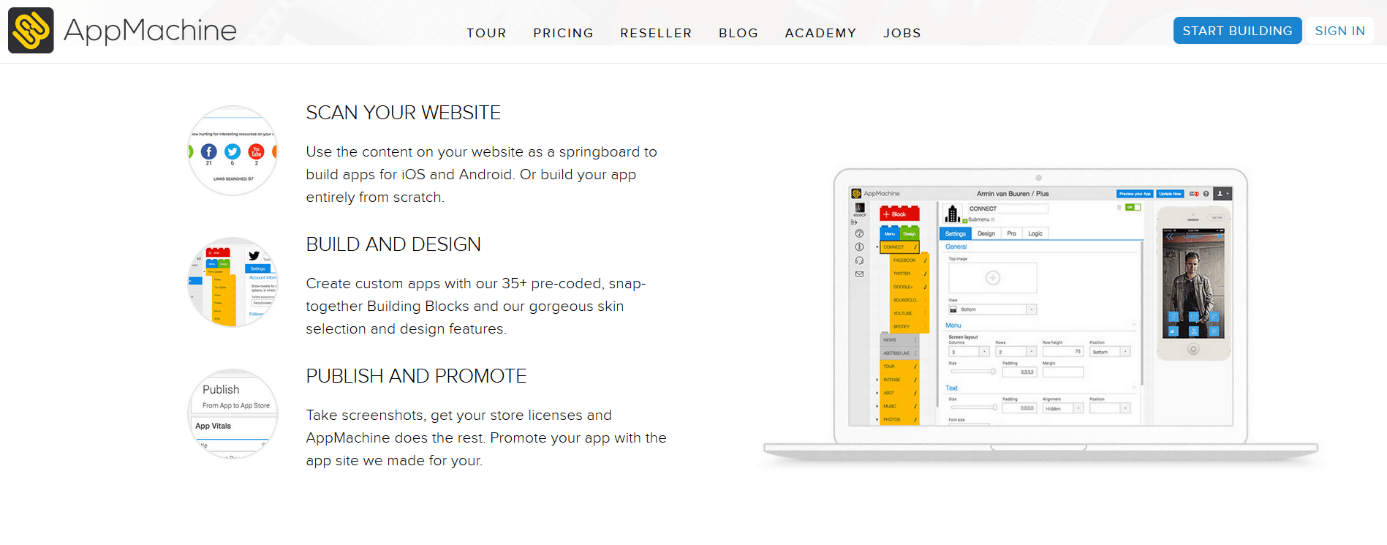
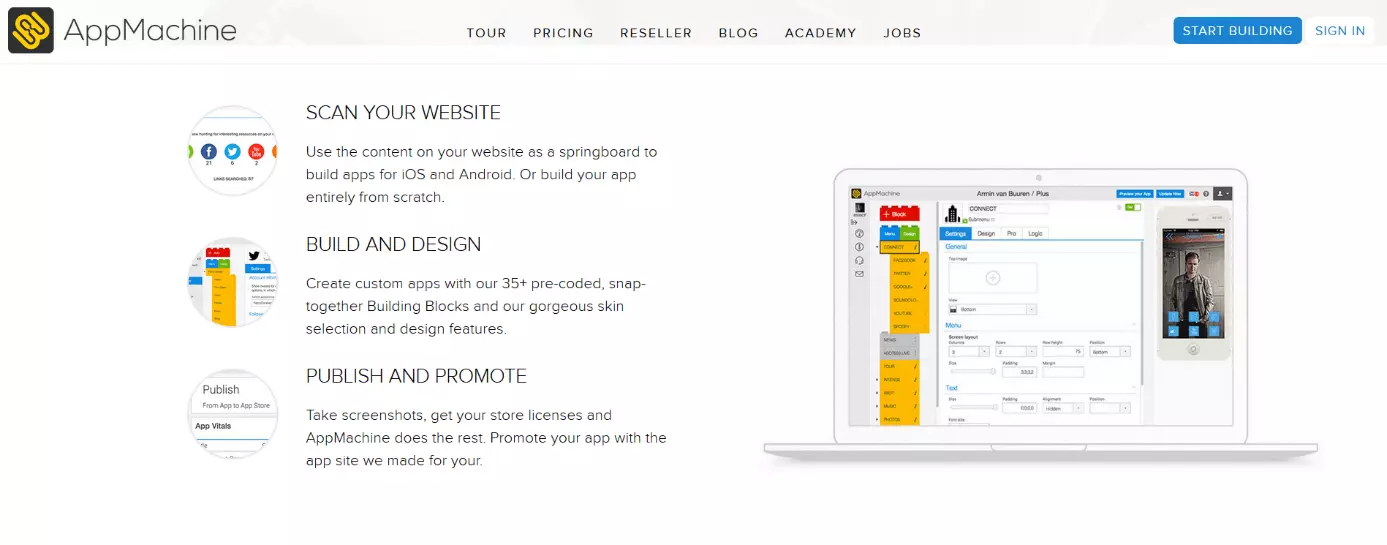
AppMachine is an app maker that supports iOS and Android platforms. This software features an intuitive tool known as a “wizard function” that recognises different content in a website and transfers it to the app. So if you already own and operate a web presence, and you plan on using the same design for your new app, you can use this tool to simply import website features and use them as the basis for your app content.
AppMachine also offers a good range of design options and templates, as well as a comprehensive explanation of the various features in the app. AppMachine also supports developers in publishing and marketing their app. But all these great features come at a price – AppMachine is in the upper tier of the app builder price range.
| Advantages | Disadvantages |
| Plenty of design elements | Expensive |
| Website scan | |
| Launch app in app stores | |
| Custom landing page for apps |
AppYourself
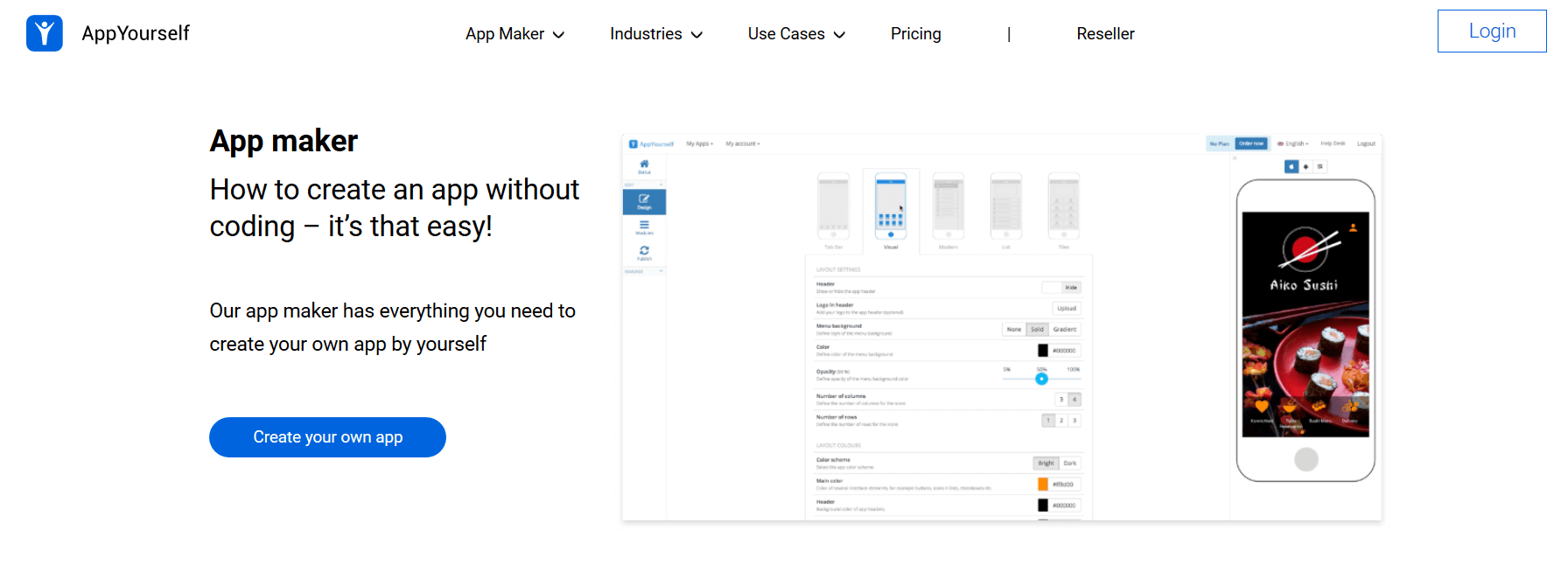
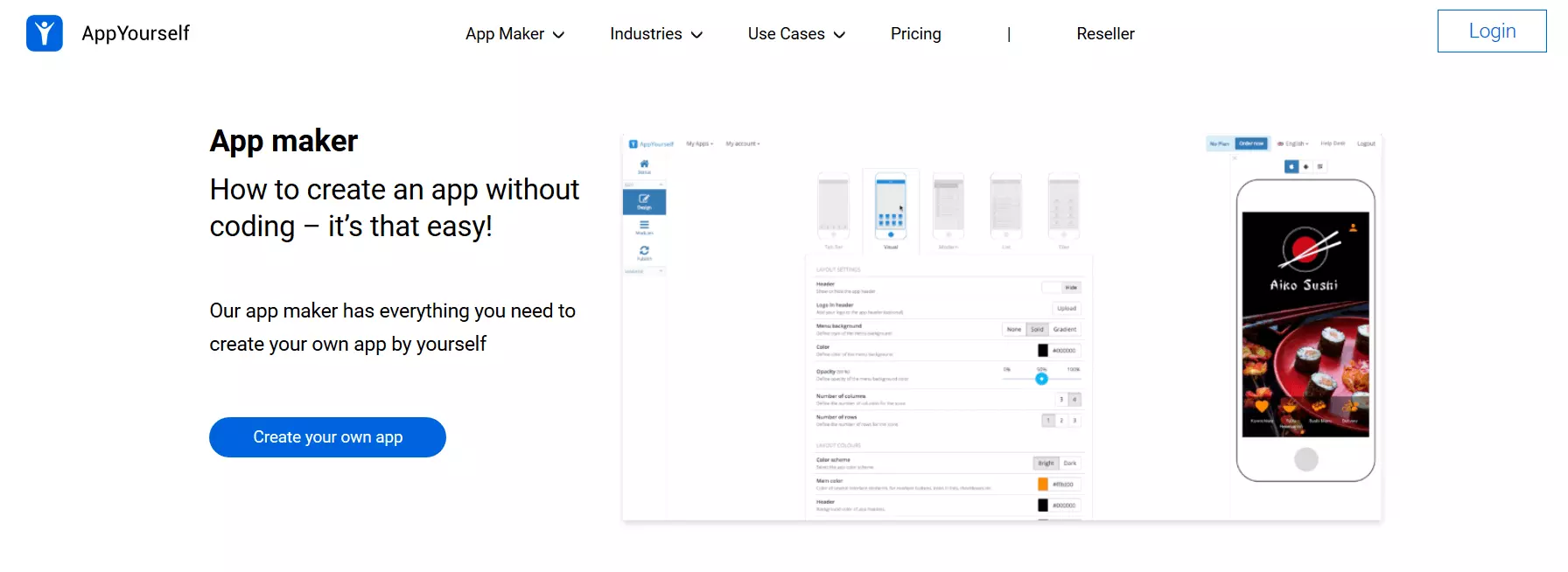
AppYourself is a German app development company. Their main selling point is that when you create a native app with AppYourself, you get a web app and a traditional website with it as well. The content of these three different versions is the same, but the format is automatically adjusted; changes are synchronised automatically. This makes AppYourself a good choice for companies who don’t have a website yet to use as a basis for their planned app. Because of the interface to other platforms (for example TripAdvisor or Yelp), many processes can be simplified for your own business or your customers.
AppYourself offers a straightforward editor for app creation; but the design options are considerably more limited than with other systems.
| Advantages | Disadvantages |
| Additional settings for web app and website | Expensive |
| CMS for content | Fewer templates available |
| Content synchronisation | |
| App store release possible |
Swiftic
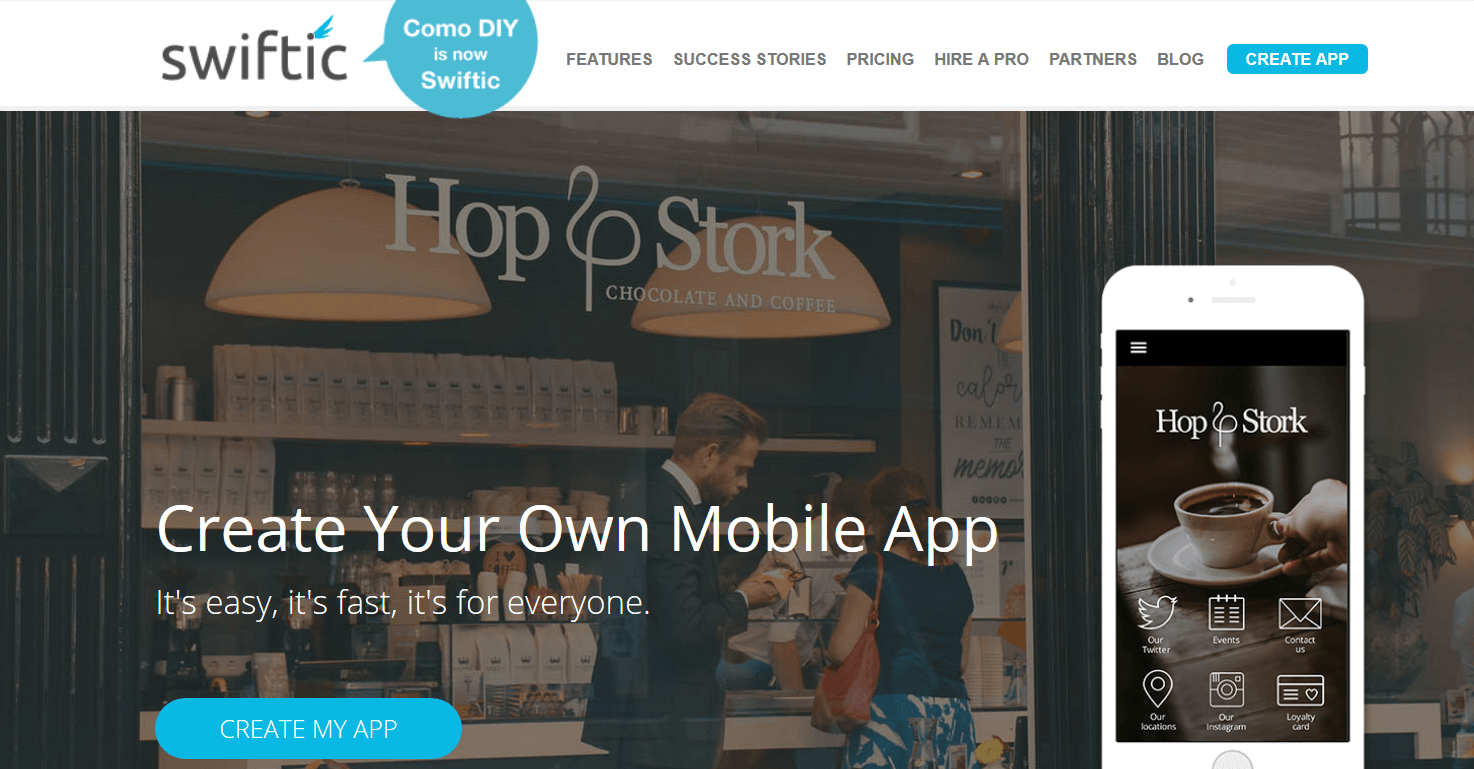
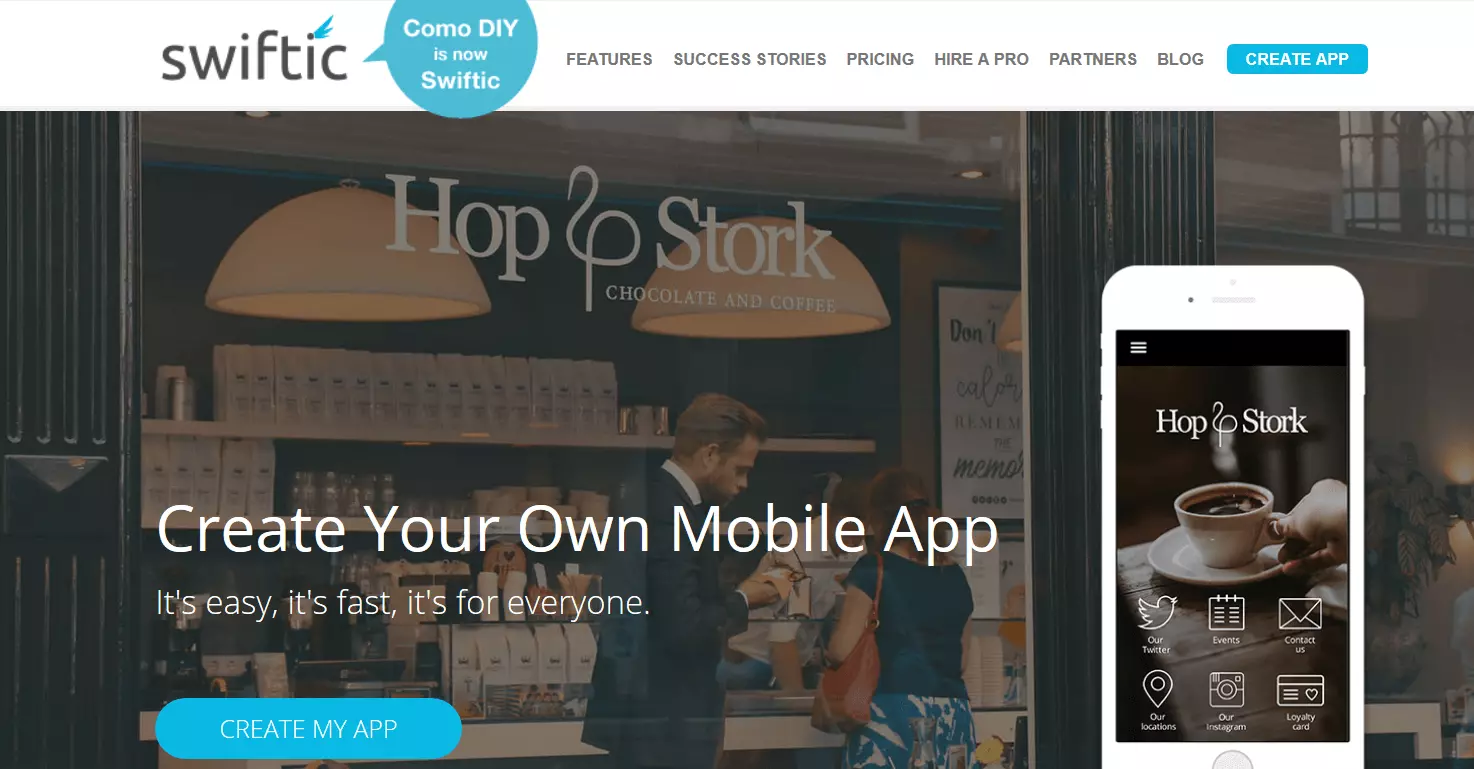
If you’re involved in e-commerce, Swiftic could be the right app creator for you. Although other app makers on this list (including the aforementioned AppMachine and AppYourself, plus Shoutem) also offer many similar features, no other app builder offers as extensive a range of options for implementing your own shopping app. Additionally, Swiftic also supports restaurants. The app maker provides multiple templates to create menus.
One useful component of Swiftic apps are its marketing tools. In this way, offer codes, competition tickets, loyalty offers, and vouchers can easily be integrated. Outside of the app – through email marketing and social media integrations – Swiftic supports its users in boosting their sales numbers.
| Advantages | Disadvantages |
| Support for marketing | Small branch focus |
| Optimised for e-commerce and restaurants | |
| App store roll-out possible |
GoodBarber
This mobile app builder for iOS and Android applications offers a diverse range of design options. There are a lot of tasteful and professional looking design templates, all of which can also be customised individually. GoodBarber scores with its large range of add-ons and a few unusual functions, including geo-fencing, iBeacons, and community management options.
Another clever and useful tool that GoodBarber offers is the option for several developers to work on an app together – collaborations can be organised by role (like administrator or user). If you’re looking to create a shopping app, you can also make use of some of its special services. GoodBarber can be used to create apps for Android, iOS, and the web (as progressive web app).
| Advantages | Disadvantages |
| Marketing support | Apps for iOS included in Premium service |
| CMS for content management | |
| App store release possible |
Mobincube
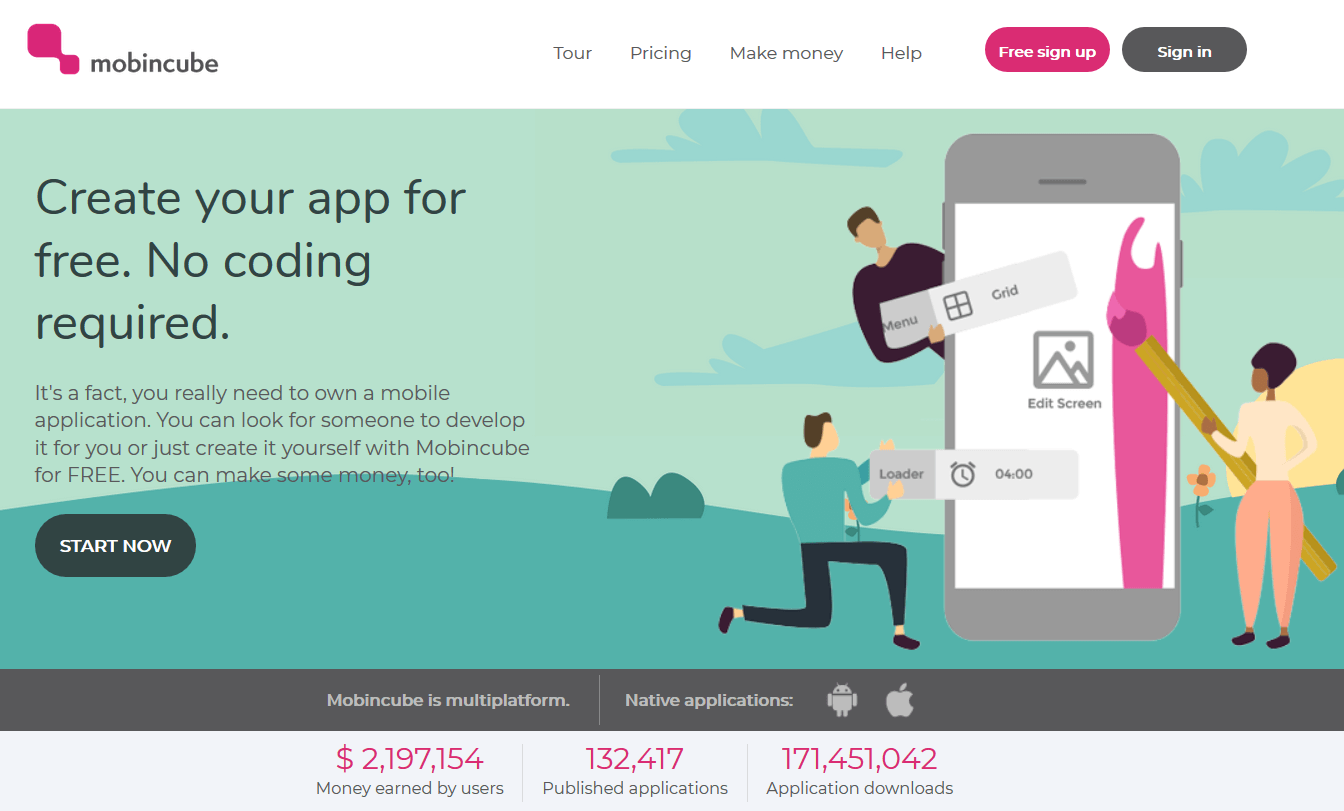
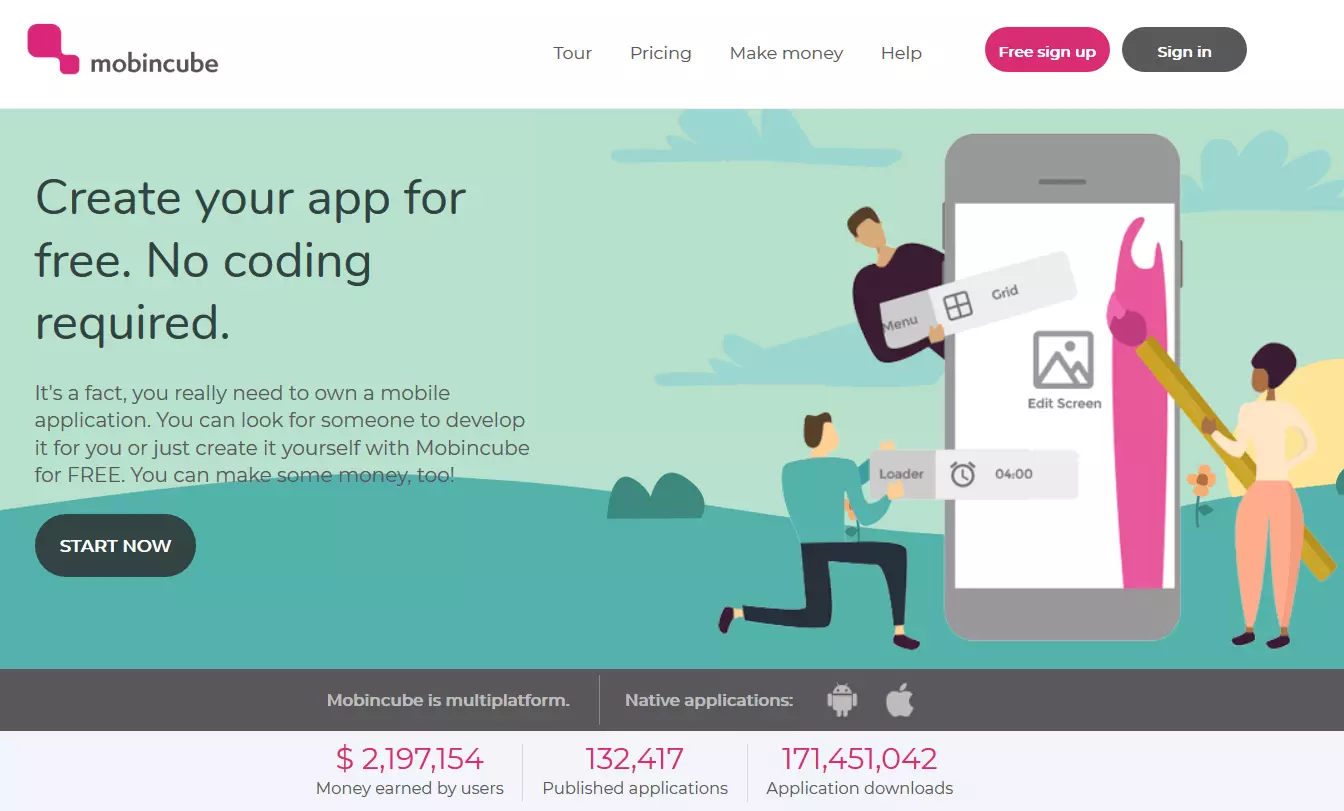
Mobincube is one of few app makers that allows you to make a fully functioning native app free of charge. The free version has an astounding number of functions and templates – but you must accept advertising displays.
If you opt for the paid-for version, you could earn money with this model: Mobincube has its own advertising network which provides the display ads featured in its apps – if a user clicks on an ad displayed in your app, you’ll receive a small commission. In the fee-based Mobincube packages (which are still very affordable), you can deactivate these display ads and enjoy a wider range of functions and templates to customise your app.
| Advantages | Disadvantages |
| Free version available | Adverts shown in free version |
| Generate income through advertising network |
Shoutem
Two noticeable features stand out when it comes to Shoutem: firstly, you can take advantage of social media features specifically developed for the app to implement your own community platform. Secondly, Shoutem has links to numerous display advertising networks, giving you plenty of options for in-app advertising. This app maker is available for Android and iOS, and is considered to be intuitive and easy to use. Shopping systems are easily integrated with Shoutem. Just connect the app to Shopify to sell your products via multiple platforms simultaneously.
More than 200 templates can be individually adjusted to design a great app. Shoutem for Developers allows for even greater complexity. For example, you can access the source code and add further functions in this way.
| Advantages | Disadvantages |
| CMS for content management | iOS apps only available in Premium version |
| Launch in App stores possible | Expensive |
| Possibility to edit source code |
- Professional templates, domain, and email
- SEO tools and over 17,000 stock images
- Easy online bookings
Anyone can create an app with app makers.
The app makers introduced prove that it’s possible for beginners to create a native mobile app without prior experience in app development (or even any other knowledge of programming for that matter), as long as your expectations and intentions for the app don’t exceed the capabilities of your chosen app builder. App makers only offer a fraction of the design possibilities that integrated development environments allow. But app programming with an IDE has to be left to the professionals, as it requires at least intermediate knowledge of the chosen programming language.
Not every app demands the added design and functionality of an IDE: many less demanding apps can be created easily using a construction kit. If you find an app creator that offers enough features to design your app idea, and the monthly subscription charge fits is within your financial budget, you don’t need to stress about hiring an app developer or attempting to learn a programming language. And Mobincube even offers app development software that you can use free of charge.
Depending on your needs, there are pros and cons for using both app builders and IDEs. But regardless of how you go about creating your app, you have to pay close attention to the menu design, the app’s operation, and its user-friendliness. The next article in our series on app development will take you through this stage, by looking at the conception and design of an application.