

Jupyter Notebook

A smooth procedure when working in a team is of primary importance in many sectors. That's why tools for communication and for the organisation and versioning of work stages and project data have become almost indispensable. Various applications exist for data science and simulation, and these strive to live up to demands. The web-based solution Jupyter Notebook creates a seamless bridge between program code and narrative text, enabling users to create and share code, equations, visualisations and more, along with explanatory information, in real time. What is behind the open source application developed and managed by Project Jupyter?
What is a Jupyter Notebook?
Jupyter Notebook is a client server application made by the non-profit organisation Project Jupyter. It was released in 2015. It enables the creation and sharing of Web documents in JSON format, which follow a versioned schema and an ordered list of input/output cells. These cells offer space for code, markdown text, mathematical formulae and equations or media content (rich media), among other things. The web-based client application, which can be started with all usual browsers, can be used to process your notebook if the Jupyter Notebook server is also installed and used on the system. The Jupyter documents created can be exported as HTML, PDF, markdown or Python documents. Alternatively, they can be shared with other users via e-mail, Dropbox, GitHub or Jupyter Notebook’s own viewer.
The project name “Jupyter” is made up of its three core programming languages, Julia, Python and R.
The two central components of Jupyter Notebook are a set of different kernels (interpreters) as well as the dashboard. Kernels are small programs that process language-specific requests and respond with appropriate answers. The standard kernel is IPython, a command line interpreter which makes it possible to work with Python. More than 50 other kernels give support to other languages such as C++, R, Julia, Ruby, JavaScript, CoffeeScript, PHP or Java. On the one hand the dashboard serves as a management interface for individual kernels, and on the other hand as a center for the creation of new Notebook documents or the opening of existing projects. Jupyter Notebook comes under a modified BSD license and is therefore freely available for all users.
How does Jupyter Notebook differ from JupyterHub and JupyterLab?
Jupyter Notebook is not the only open source offer from the Jupyter project: with JupyterHub and JupyterLab the developer team offers two other services that are closely associated with the interactive code environment.
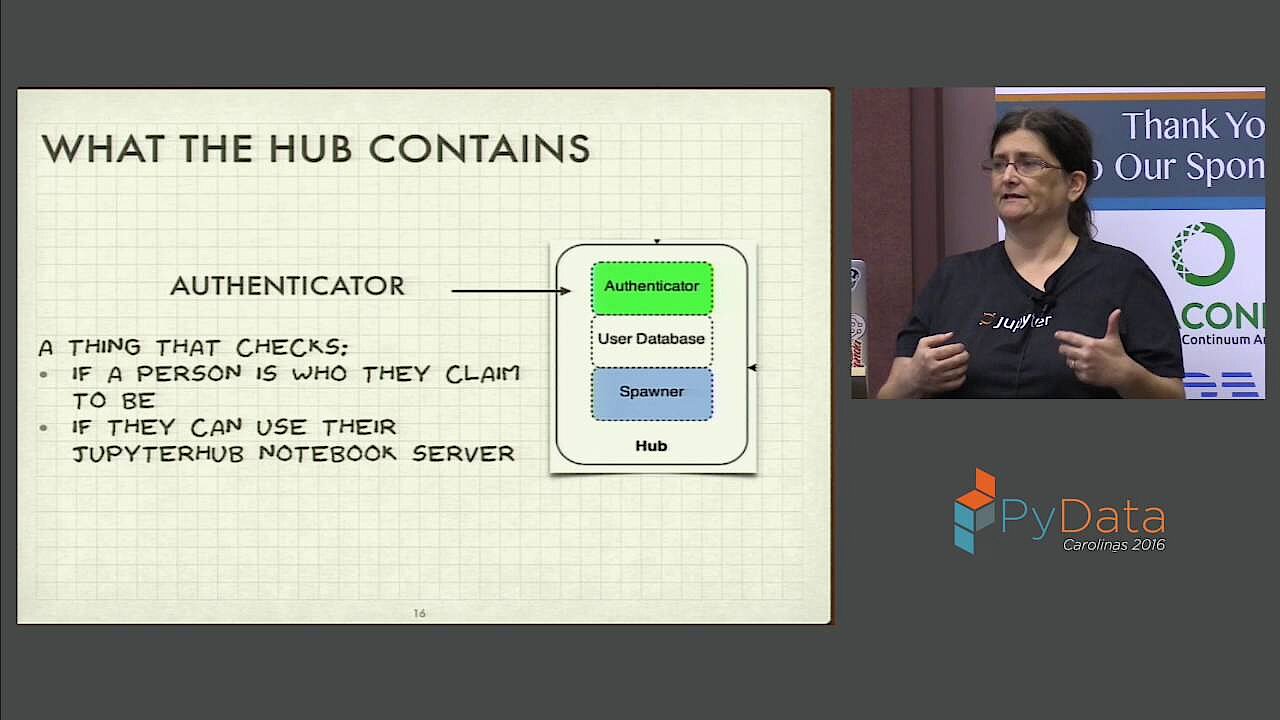
JupyterHub is a multi-user server including proxy, which links several Jupyter-Notebook instances with one another. This can either be hosted in the Cloud or on in-house hardware, and enables the use of a common Notebook environment. The server administrator manages access to the documents in question (an authentication method can be implemented), while individual users can concentrate wholly upon their own tasks. Detailed information about the installation and hosting of JupyterHub is offered by the multi-user solution's official GitHub repository.
 To display this video, third-party cookies are required. You can access and change your cookie settings here.
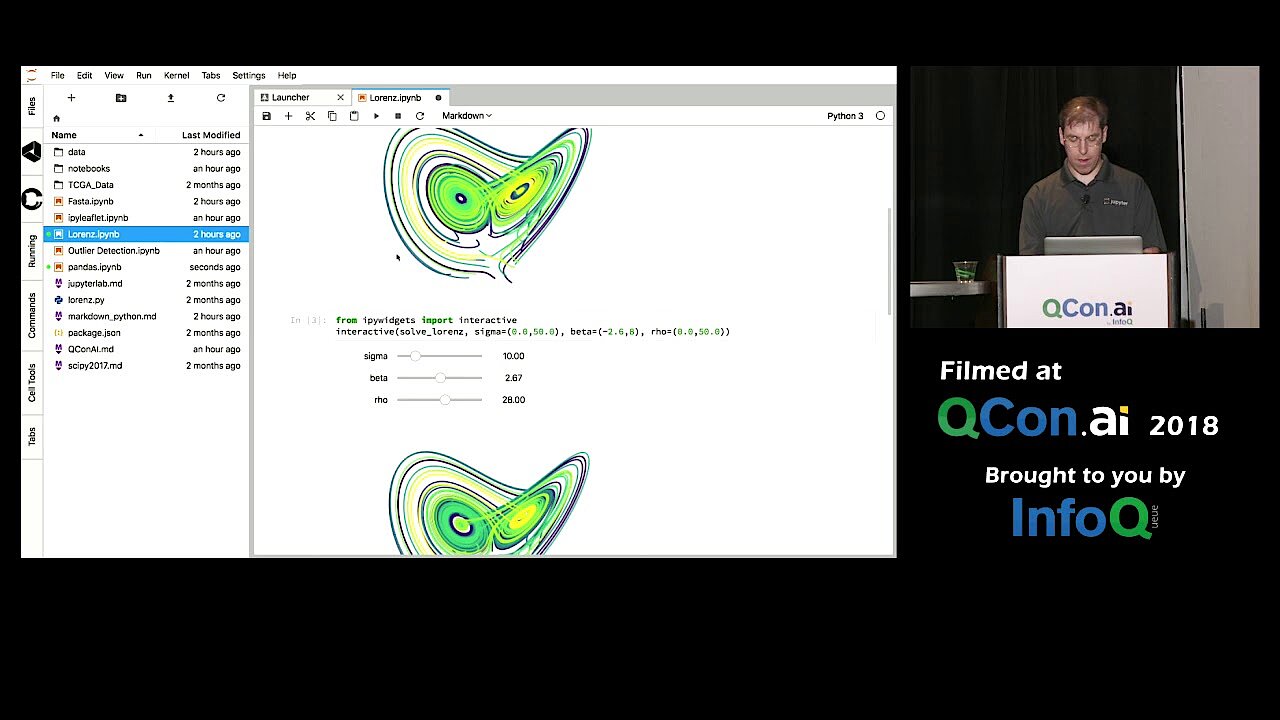
 JupyterLab is the official successor of Jupyter Notebook and should replace the basic program in the long term. Compared to its predecessor, JupyterLab offers more options for adapting and interacting and, furthermore, it is even simpler to extend. Not only can text editors, terminals and other components be opened and displayed in the completely reworked user interface in parallel with the Notebook documents, but links to Google Drive and other Cloud services, additional menu points or shortcut keys can also be implemented, to make working with the code environment even simpler.
 To display this video, third-party cookies are required. You can access and change your cookie settings here.
 Which purposes is Jupyter Notebook suitable for?
Jupyter Notebook provides an environment that is perfectly tailored to the requirements and workflow of data science and simulation. In a single instance, user codes can be written, documented and used, data visualized, calculations carried out and the relevant results appraised. Users benefit from the fact that any code in independent cells can be hosted in the prototype phase in particular, which makes it possible to test specific code blocks individually. Thanks to the numerous additional kernels Jupyter is not limited to Python as a program language, which means a great deal of flexibility with coding and analysis.
The major usage purposes of Jupyter Notebook include:
- Data cleaning: Differentiation between important and unimportant data in big data analysis
- Statistical modeling: Mathematical methods for identifying the estimated distribution probability of a specific feature
- Creation and training of machine learning models: Design, programming and training of models based on machine learning
- Data visualization: Graphic presentation of data clarifies patterns, trends, etc.
How does Jupyter Notebook work?
Anyone wishing to use the options of Jupyter Notebook must first install the client and server application of the practical code environment on their system (or alternatively in the Cloud). The only precondition is that a current version of Python is also installed. For this reason, the Jupyter team recommends downloading the Anaconda distribution, which includes Jupyter Notebook as well as Python in addition to various other software packages for data science calculation, etc. One you have done this, the Notebook server can be started via the command line and then the dashboard can be called up in the browser of choice via the URL 'http://localhost:8888'.


 To display this video, third-party cookies are required. You can access and change your cookie settings here.
 Users place new folders in the Jupyter Notebook directory, open the integrated text editor and the terminal or start a new Jupyter project. Each newly created project includes only a single empty entry field to start with. Other fields can be added, libraries imported or widgets (interactive elements) embedded via the menu bar. The bar also has buttons for exporting and stopping completed codes, to save or export the entire document, and to select the underlying kernel.
On the official Jupyter homepage you can test Jupyter Notebook without installing it.
Summary of the advantages of Jupyter Notebook
Anyone wanting to write scripts and test them in real time, visualize data or carry out complex mathematical calculations has a first-class solution to hand with Jupyter Notebook. Results can be exported with just a few clicks and in various formats, or can be sent directly by e-mail. Users of the multi-user service JupyterHub can even process the “notebooks” jointly to optimally advance the relevant project in the team. As Jupyter is written in Python, Python specialists have the home advantage when using the open-source application – thanks to diverse ready-to-use interpreters for other languages, however, it is also possible to code simply with other variables such as C++, PHP or Java.
Summary of the advantages of Jupyter Notebook:
- Open source (modified BSD license)
- Can be used free of charge
- Browser-based
- Live code
- Various options for exporting and sharing results
- Version management
- Cooperation option (JupyterHub)
- More than 50 programming languages supported