

Trello Alternatives

Trello is a simple yet time highly effective project management tool that simplifies the execution of private and professional projects. Launched in 2011, Trello today boasts over 25 million users. The software stands out with its sleek design and intuitive functions, that generally don’t require any lengthy introductions. Trello uses Kanban to display current tasks, responsibilities, and the progress of projects on a board. Whether personal to-do lists or internal business project plans – Trello generates an overview of all projects and clearly displays their progress.
But almost all software has its advantages and disadvantages. The project management tool Trello is also better suited to some projects than others. The main advantages and disadvantages depend on individual requirements and the projects being dealt with. In this article, we’ll dive into the topic of why a Trello alternative can make sense, and what the options are.
This article was last updated in April 2021.
- Free website protection with SSL Wildcard included
- Free private registration for greater privacy
- Free Domain Connect for easy DNS setup
Trello alternatives in a quick overview
At first glance, the project management tools presented here have many similarities. The Kanban board is a popular and proven representation method that is available in every software presented in our list. But while Trello is limited to this view, alternatives to Trello offer many more practical alternatives for more complex projects and individual requirements. The functions also go well beyond creating tasks in some alternatives, offering features for expenses management, resource management, or customer relationship management.
The following table shows a comparison of the presented Trello alternatives and their advantages and disadvantages.
| Project management tool | View options | Premium pricing | Special features |
|---|---|---|---|
| Airtable | Kanban, grid, calendar, gallery | From £7 | Airtable Blocks |
| Asana | Kanban, Gantt diagram, workload, list view | From £9.49 | Many integrations possible |
| Avaza | Kanban, calendar | From £7 | Integrated bookkeeping |
| ClickUp | Kanban, lists, calendar, Gantt diagram | From £3.50 | Document creation |
| Zenkit | Kanban, calendar, Gantt diagram | From £6.50 | Function to create Wikis |
| Meistertask | Kanban | From £8.25 | Integrated time tracking |
As of April 2021
Why finding an alternative to Trello makes sense
Trello is one of the most used project management tools. One of the key features that have led to its widespread use is its clear structure of tasks on boards, lists, and cards:
- Boards: A board represents a project and can be shared with other team members.
- Lists: On the boards, any number of lists can be created. Common examples include ‘To do’, ‘In progress’, and ‘Accomplished’.
- Cards: Every card is assigned to a list and includes one task. By clicking on it, the card displays further information, comments, or attachments.
The structure of Trello is simple and easy to follow, while also offering extensive functions that simplify the organisation of projects within a team. Its visual and intuitive style simplifies the workload without requiring much familiarisation. Trello is available on the desktop, in the browser and as an app. An automatic sync function makes sure that all users are up to date.
Trello doesn’t only have its pros: While the simple structure is a big advantage for many, it can also quickly become a disadvantage when it comes to more complex tasks and projects. The project management tool is limited to the Kanban board and offers no alternative display of tasks. Projects with bigger teams and extensive communication might find that a Trello alternative is better suited to them. In addition, the free version of Trello caps the size of file attachments at 10 MB. Even in the Pro version, only 250 MB are allowed per attachment.
The Kanban board is only one of many proven project management methods.
Six free Trello alternatives in comparison
The project management tool Trello as well as the alternatives to Trello presented in this article are all available free of charge. They all offer the software’s most important functions and allow you to test their various project management tools before choosing the one that best suits your needs. With their respective fee-based, premium versions, you’ll have access to an even bigger scope of functions. Below, we’ll introduce you to six Trello alternatives so simplify the choice for you.
All data have been researched in April 2021.
Airtable – project management tool with spreadsheets
The developers of Airtable describe their project management tool as a combination of spreadsheet calculator and database. Besides the Trello-inspired Kanban view, this software has got other display options available. While the grid view displays all tasks in a tabular overview, the calendar option lets you plan the time scheduling of tasks. With the Pro version, you’ll even have access to the Gantt diagrams just like in Excel, with which you can set up a detailed time schedule complete with predecessor and successor relationships.
Among Airtable’s standout features are the so-called Airtable Blocks, with which you can design visual elements using various tools. This lets you, for example, visualise new information and update and share it with other team members. This function is not available with the most expensive plan of this Trello alternative.


Airtable is available for desktop, browser, and as an app with the free version and lets you create an unlimited number of tables. The fee-based versions for around £7 or approximately £15 per month and user provide additional functions as well as more storage space. In the free version, attachments are capped at 2 gigabytes. The extra packages expand this capacity to 5 or 20 gigabytes depending on the package.
| Advantages | Disadvantages |
|---|---|
| ✓ Unlimited number of tables | ✗ Longer training period |
| ✓ For desktop, browser and available as an app | ✗ Few interfaces |
| ✓ Extensive options for visualisation | |
| ✓ Free version comes with the most important features |
Asana – the most widely known Trello alternative
Next to Trello, Asana is the most common – and the most popular – project management tools. When comparing the two, the visual similarity of the two software programs is clear. Compared to Trello, Asana has list view as the default, while the Kanban board is offered as an alternative view. If you’re looking for a free solution, then this alternative to Trello can offer file attachments of up to 100 MB without having to buy an additional package.
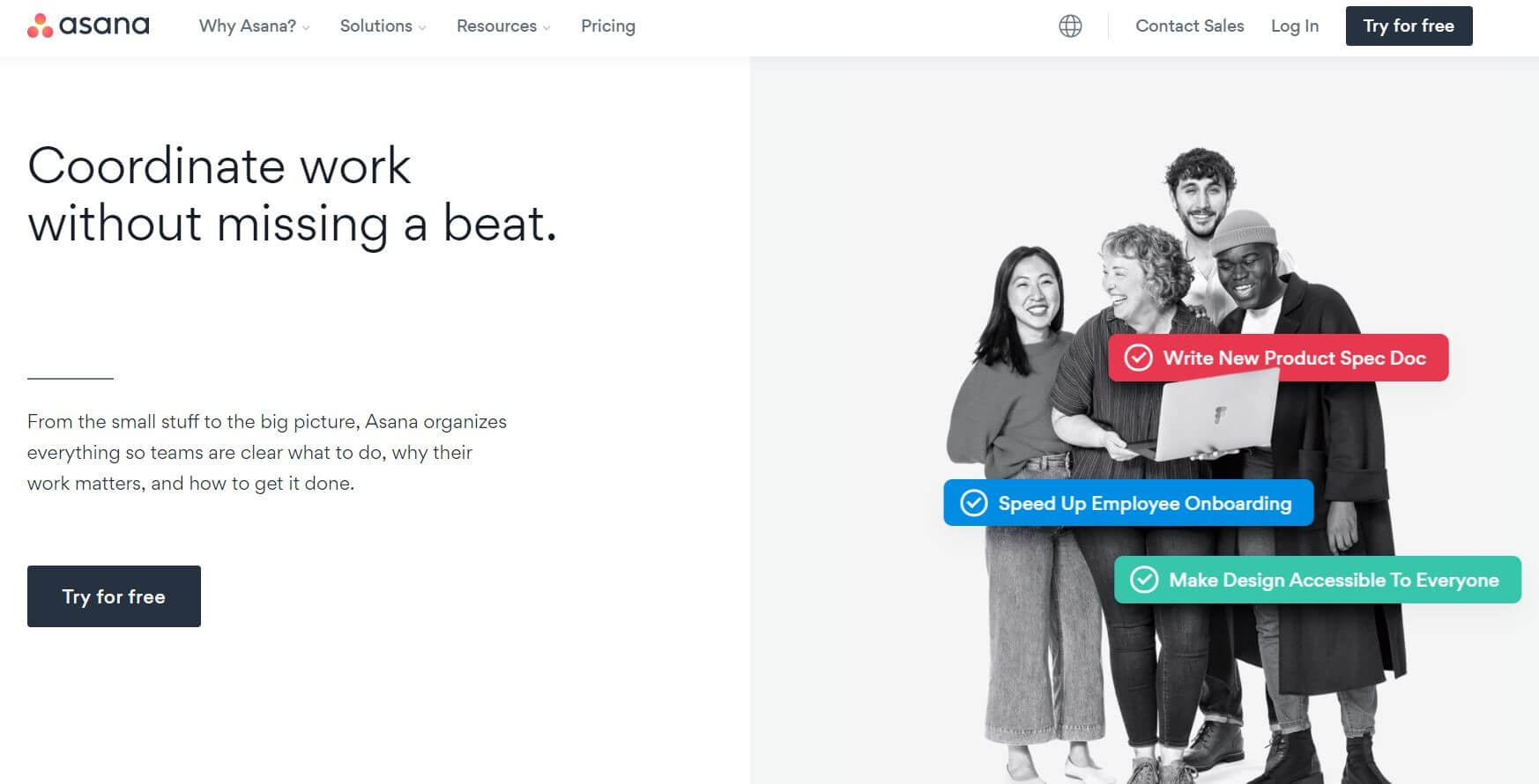
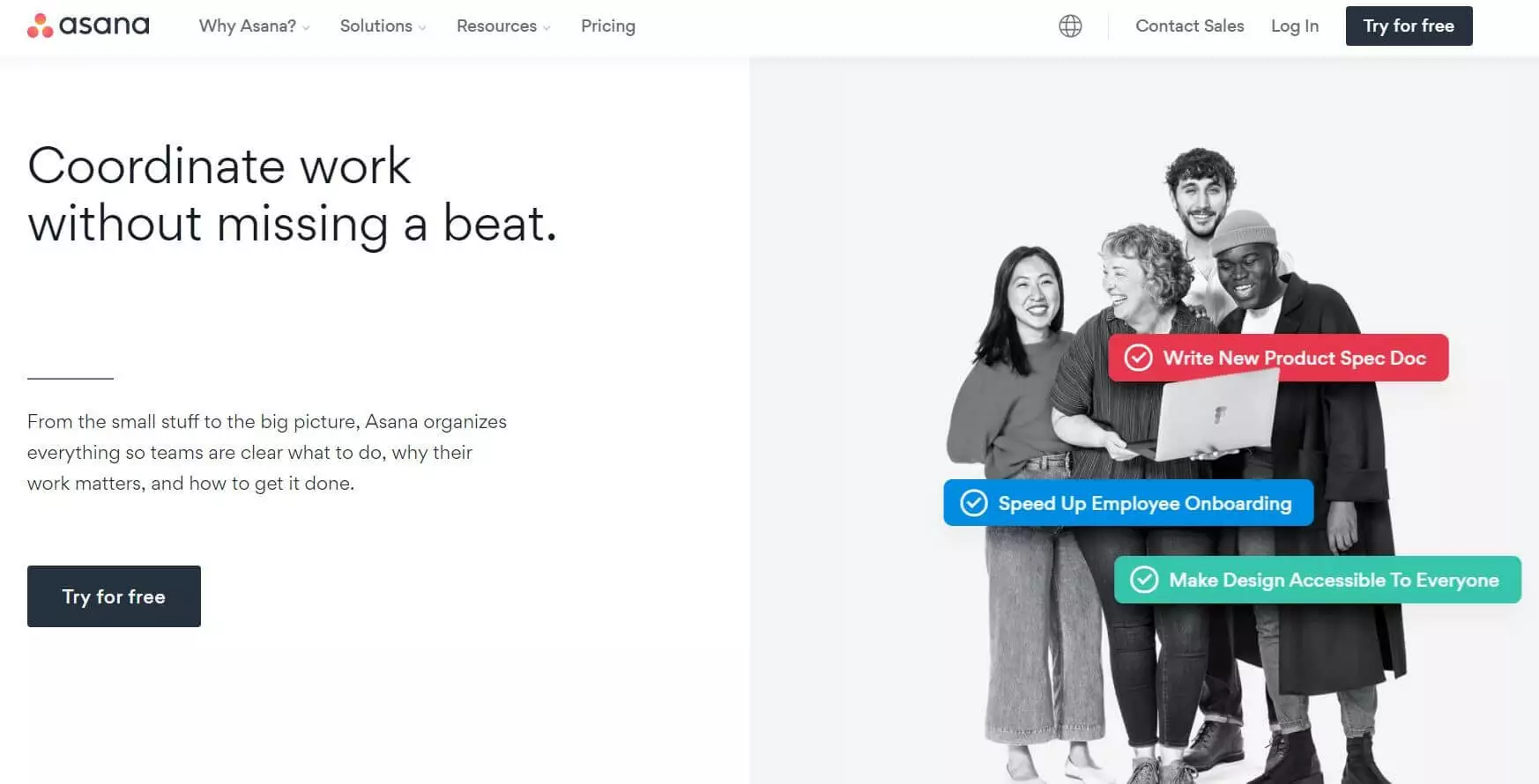
The scope of Asana’s functionalities can be extended by integrating additional tools. In doing so, you can, for example, turn Microsoft Teams conversations into action points, share designs from Adobe Creative Cloud, or activate notifications from Slack when changes are made in Asana. The synchronisation with other tools is especially helpful when collaborating with other users, making teamwork a lot more efficient. Some integrations, like Salesforce or Tableau, as well as setting up more than 15 users, will require you to purchase the fee-based version.
While Asana doesn’t offer optional add-ons, the Trello alternative still offers more functions as standard. These include the display of a project’s status and determining the interdependence of individual tasks. While Trello scores points with its easy overview, Asana is better suited for projects with more than 30 tasks. Due to its design, its integrations, and its functions, Asana is an especially good choice for larger teams and more complex projects.
| Advantages | Disadvantages |
|---|---|
| ✓ Integration of other tools possible | ✗ No add-ons |
| ✓ File attachments of up to 100 MB | ✗ Some integrations for more than 15 users come at an extra fee |
| ✓ Ideal for teams and projects with more than 30 tasks | |
| ✓ App available |
Avaza – complete solution with cost control
The functions of this Trello alternative clearly go beyond the creation of projects and tasks. Avaza additionally lets you track time, plan resources, and manage expenses, as well as create quotes and invoices. With this roster of services, Avaza clearly differentiates itself from other project management tools. With Avaza Expenses, you can, for example, snap and save pictures of receipts. Tasks, invoices, and project costs can also be shared with external clients. This function makes Avaza especially interesting for businesses that fulfil other businesses projects.
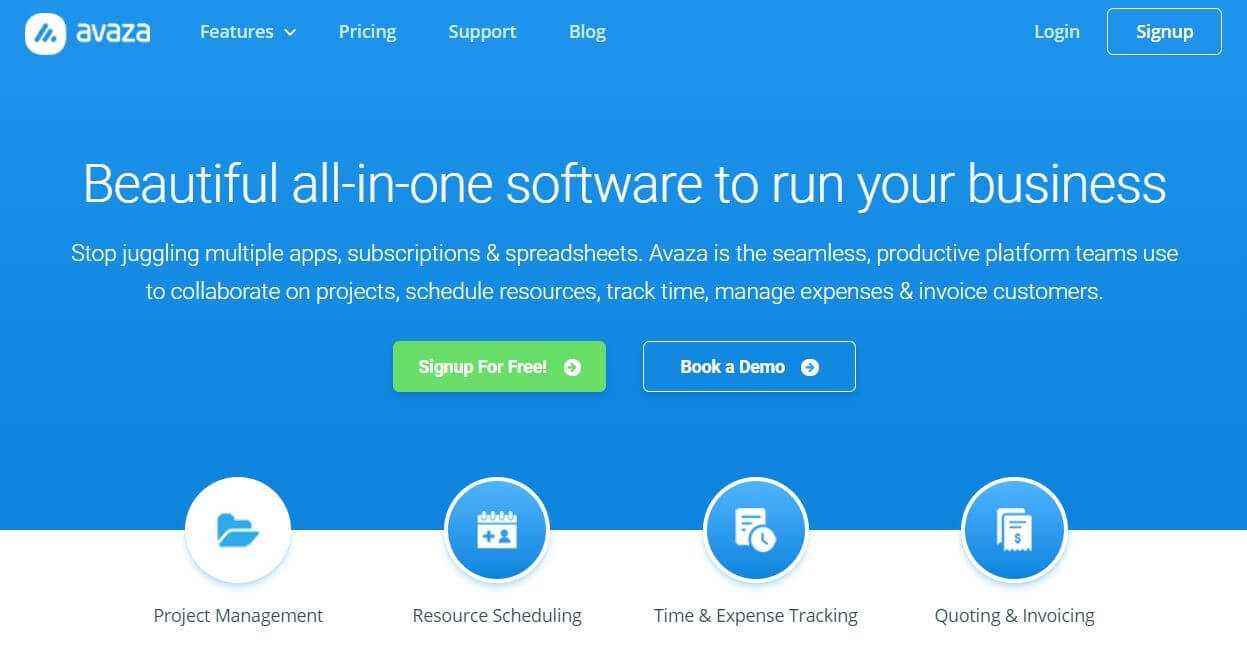
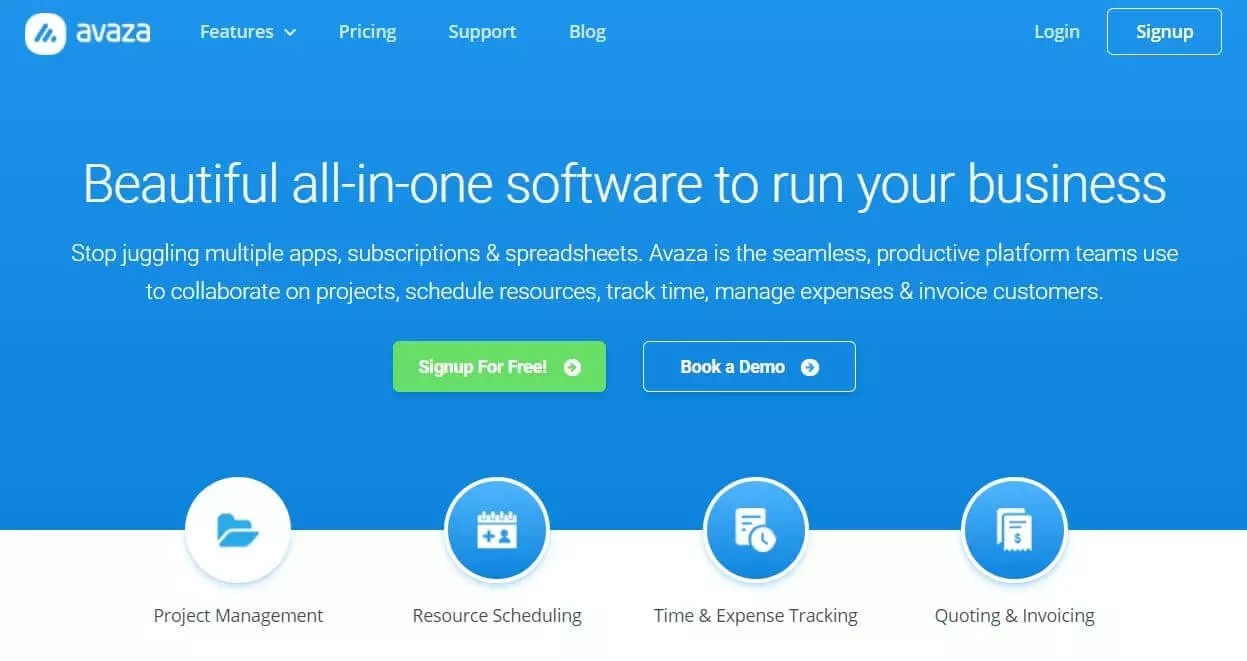
The free version of this Trello alternative has limited functions. While an unlimited number of team members can be added, the tool’s special features are only available for one user. This includes, for example, the time tracking table or access to the expenses and invoices functions. The number of projects is also limited to ten. The fee-based versions are – like most of the other alternatives to Trello presented here – based on per user pricing. In some circumstances, this solution is also a cheaper alternative for bigger teams, if the functions of various programs can be brought together.
| Advantages | Disadvantages |
|---|---|
| ✓ Integrated time tracking, resource scheduling and invoice creation | ✗ Not available in browsers |
| ✓ Information can be shared with external clients | ✗ Free version is only suited to small teams and projects |
ClickUp – free Trello alternative
The Trello alternative ClickUp has got many similarities to Trello in terms of its setup and organisation. But contrary to Trello, this project management tool gives you the option to switch between different views. For example, you can switch from calendar view to Gantt view or try the list view. Other functions go beyond what’s offered with Trello. You have the option to create documents directly in ClickUp and to share them with others. Integrated functions for time tracking, resources management and screen recordings make additional software superfluous, since ClickUp merges them into a single tool.
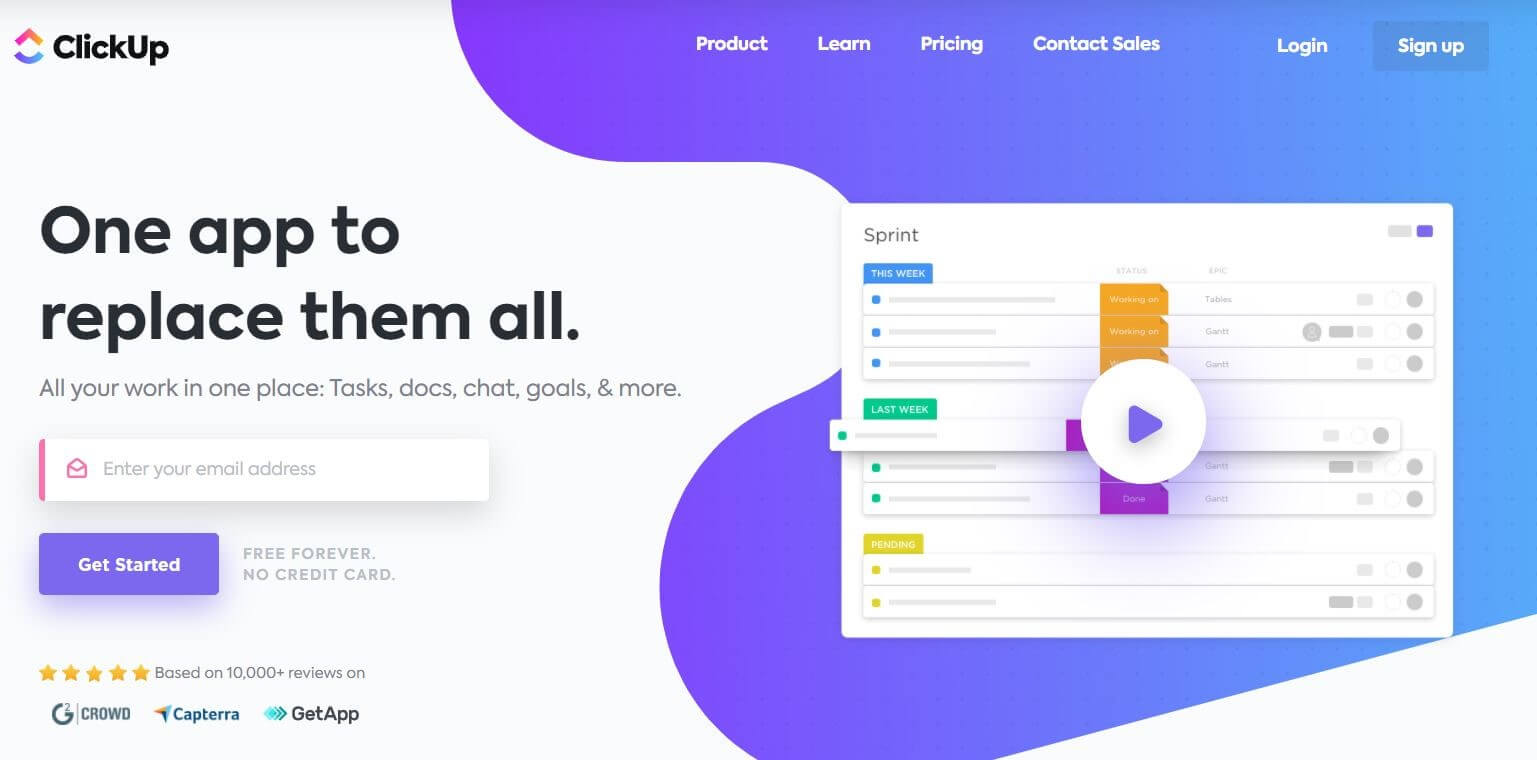
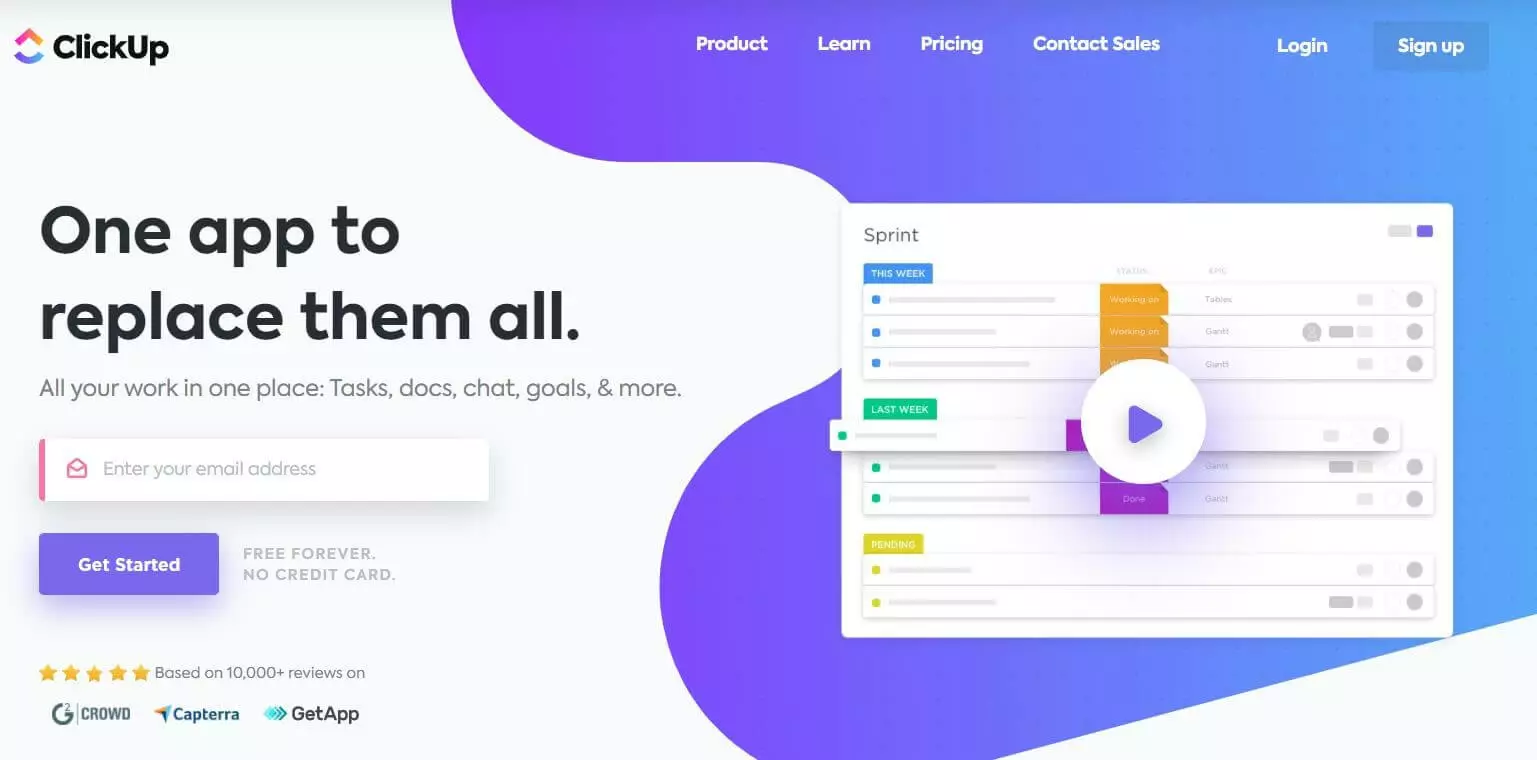
However, not all functions that are needed or helpful for projects and teamwork are accounted for in this alternative to Trello. To still make work with different tools as efficient as possible, ClickUp lets you integrate other tools, like Basecamp, Todoist, Excel, or Trello. When switching between the two project management tools you have the option to easily import existing projects from Trello.
With just 100 MB, the free version quickly reaches its limits. Compared to the other Trello alternatives presented here, the fee-based version is still quite cheap. For just around £3.50 per month and user you get unlimited storage space as well as an unlimited number of integrations, dashboard, and views.
| Advantages | Disadvantages |
|---|---|
| ✓ Expansive functions | ✗ Free version is limited to 100 MB of storage space |
| ✓ Integration of other tools | |
| ✓ Different views | |
| ✓ Cheap |
Zenkit – the European alternative to Trello
Zenkit is based in Germany and, with German servers, ensures more security than other Trello alternatives when it comes to GDPR-compliance. In addition to the Kanban board, the project management tool offers further options for individualising the overall look. Especially for larger teams, the Wiki View is a practical way for storing important information for employees and giving them easy access to onboarding guides, project updates, or brand and design assets.
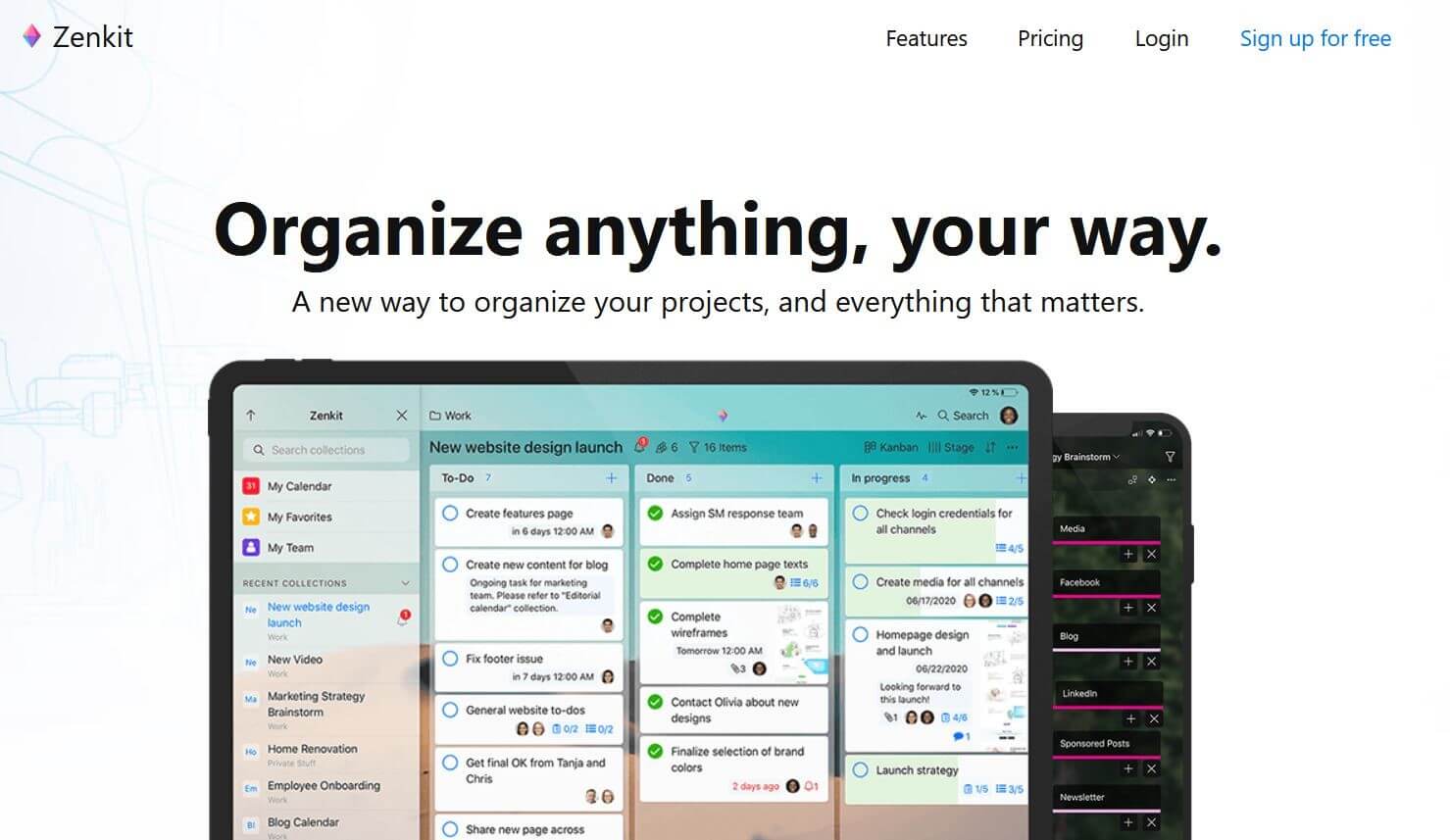
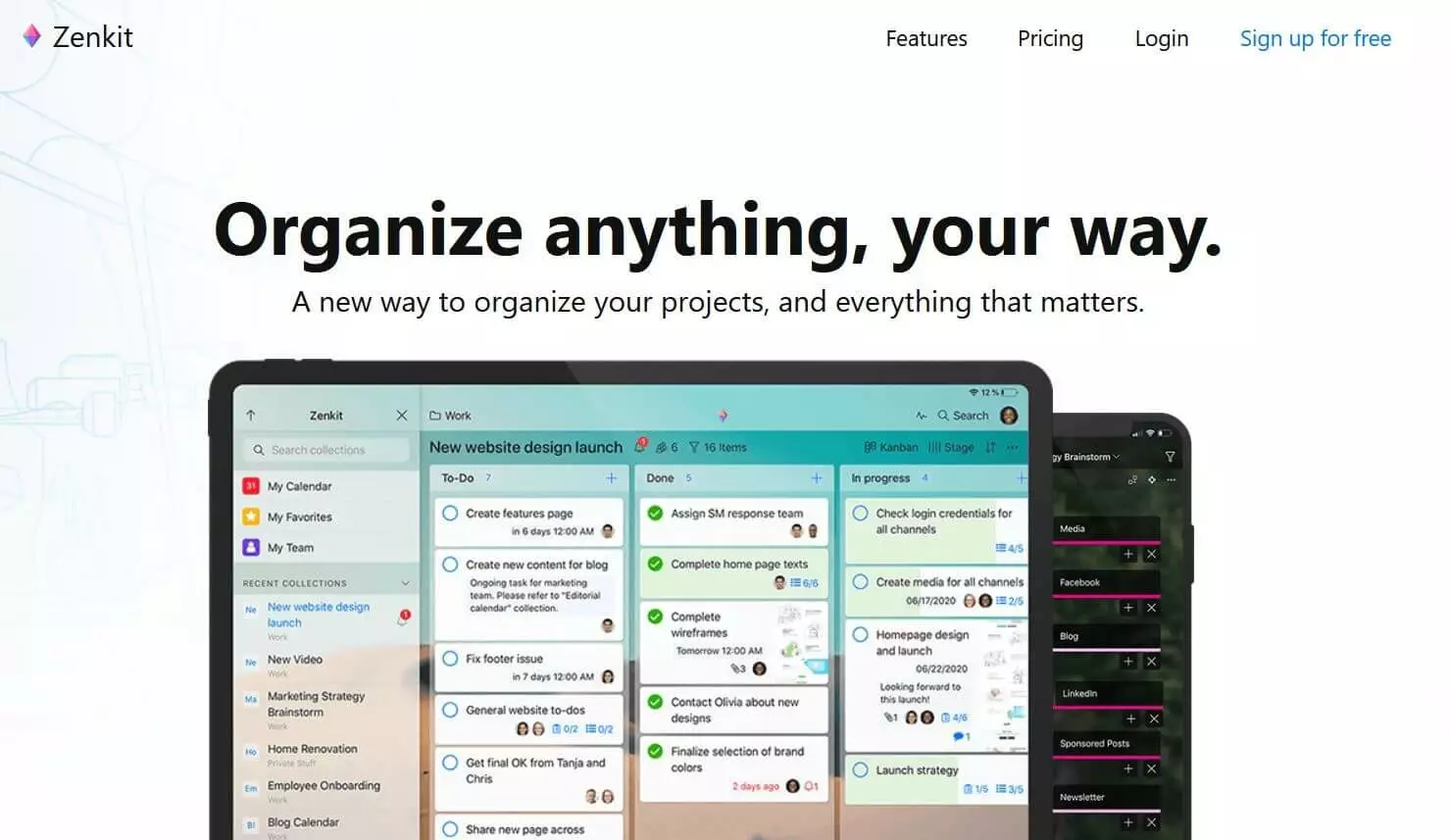
One thing that’s special with Zenkit is its included CRM system, which makes it possible for you to create a customer database. With this, communication flows can be tracked, and key customer figures can be calculated. If you’ve used Asana or Trello so far, Zenkit offers a smooth transition with its important function. The Trello alternative also lets you transfer existing project by importing a CSV file.
In the free version, Zenkit offers 1 GB of storage space for up to three users. To also use Gantt diagrams, user roles, 50,000 Items, personalised designs, and 6 GB of storage space, you need to get ZenKit Plus for around £6.50 per month and user. The Business plan will set you back £18 for additional functions and 50 GB of storage space.
| Advantages | Disadvantages |
|---|---|
| ✓ Different design options | ✗ Free version for max 3 users |
| ✓ CRM system with customer database | |
| ✓ Import functions | |
| ✓ GDPR compliant |
Meistertask – Trello alternative with time tracking
The project management software Meistertask is as intuitive to use as Trello, simply built, and doesn’t require a training period. In addition, this Trello alternative offers an integrated time tracking feature. This can be started and stopped for any project with a single click.
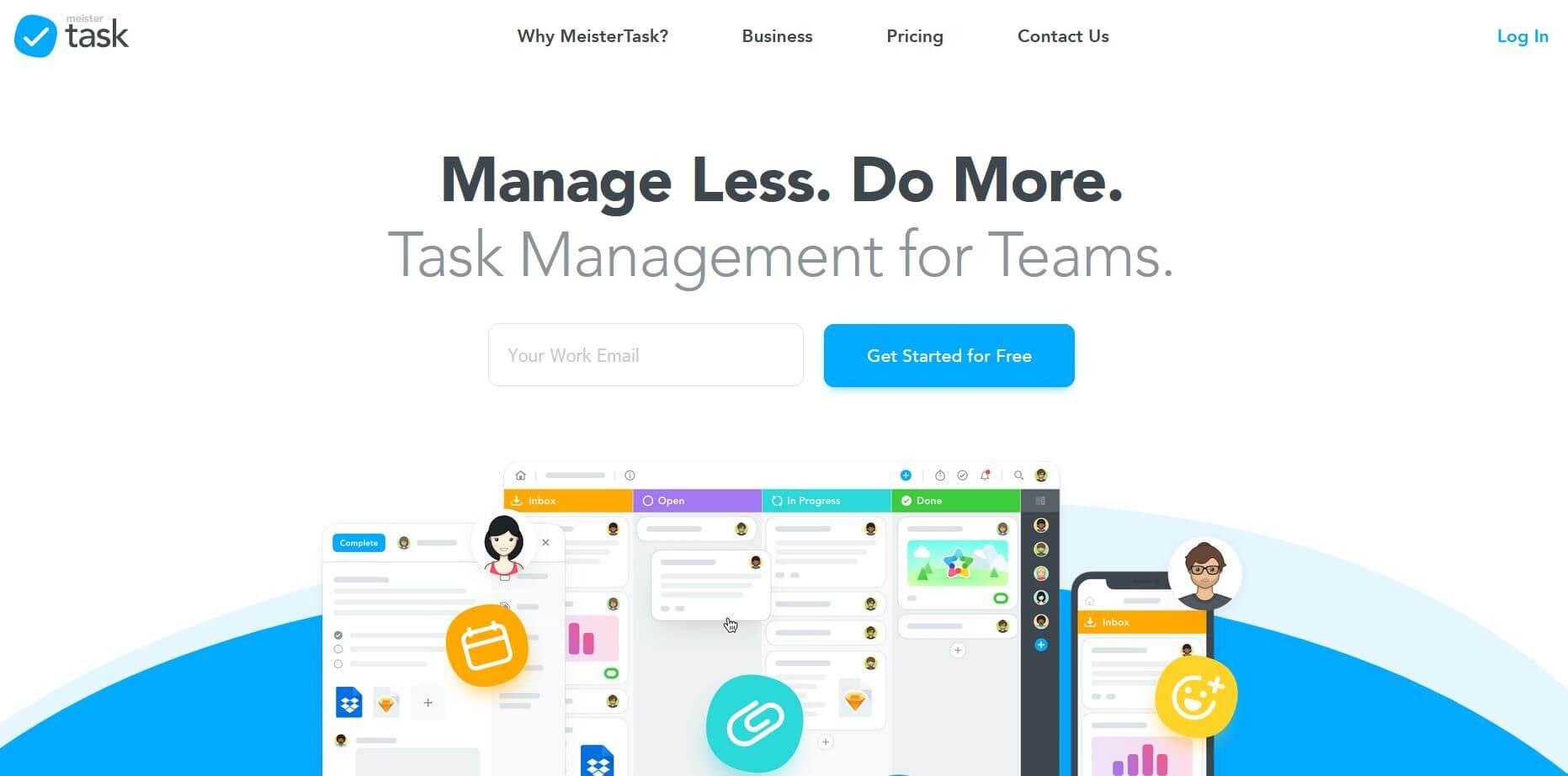
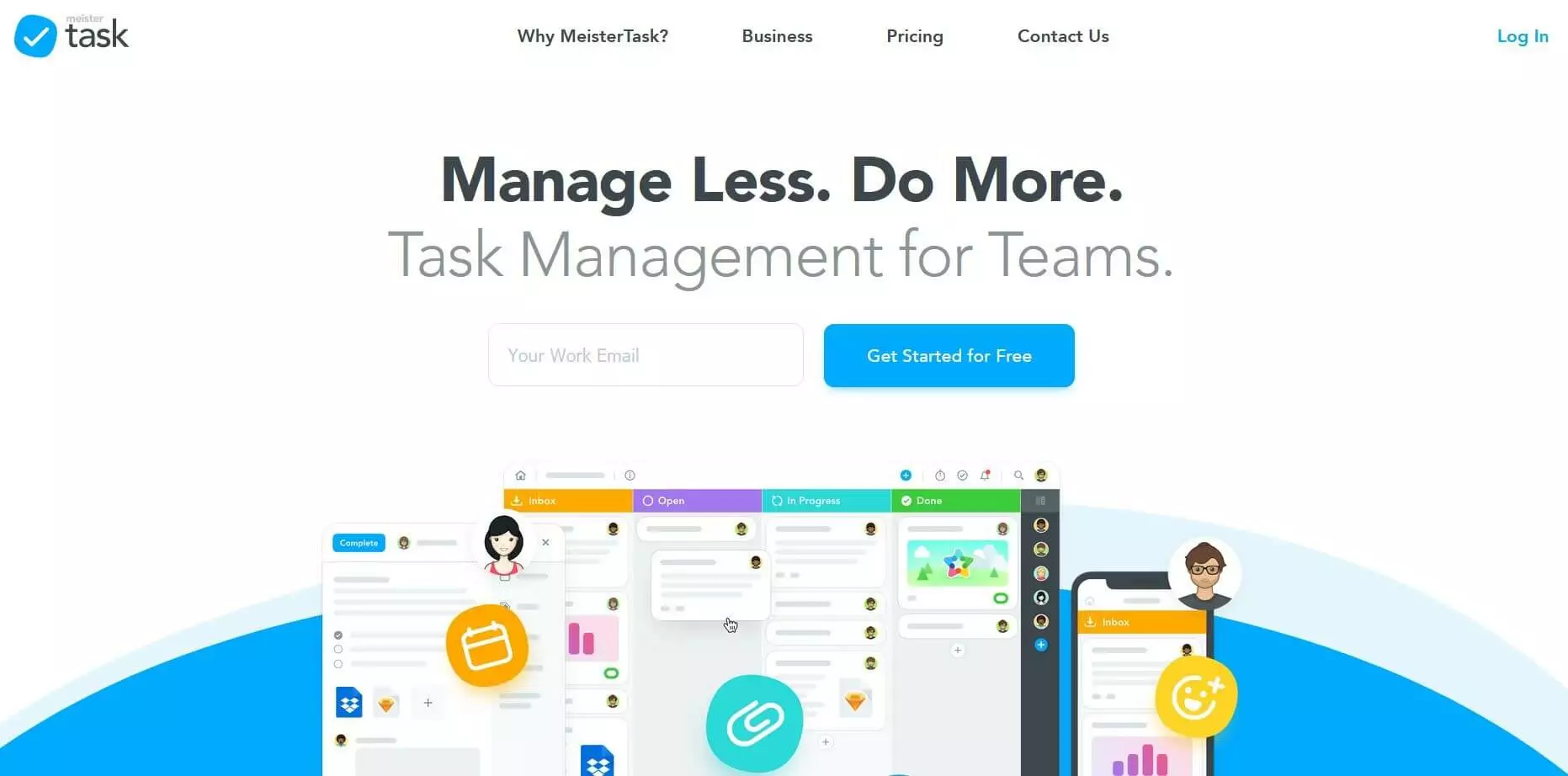
The free version lets you create up to three projects with an unlimited number of users. The Pro version costs £8.25 per month – without a cap on the number of users – and lets you create unlimited projects, several checklists, project groups, and statistics and reports. Compared to similar products out there, this Trello alternative is especially cost effective for bigger teams.
| Advantages | Disadvantages |
|---|---|
| ✓ Intuitive design | ✗ Comparably fewer functions |
| ✓ Integrated time tracking | |
| ✓ Inexpensive upgrades |