

How to update your PHP version and cancel PHP Extended Support

PHP is characterised by its vast popularity and distribution, and also by its consistent development. Developers are provided with major releases and smaller updates on a regular basis. We explain why you should update PHP regularly, what role official support plays, and how updating the PHP version works for IONOS projects.
- Free WordPress with .co.uk
- Free website protection with one Wildcard SSL
- Free Domain Connect for easy DNS setup
How to update PHP
If you want to update the PHP version of your web project, you should first create a backup of your project. This allows you to restore it back to its former state if you have to undo the upgrade due to compatibility problems or other complications. You can then update PHP by downloading the version you want to use from the official PHP website and then unpacking it into the target directory of your choice.
Looking for the perfect hosting solution for your website, PHP and more? Get fast and secure web hosting, including your own domain, SSL/TLS certificate and DDoS protection, directly from IONOS!
Many providers also offer assistance with updating PHP and related services, so you don’t necessarily have to install the PHP version yourself. As an IONOS customer, for example, you can easily initiate the version change in your customer account or cancel PHP Extended Support.
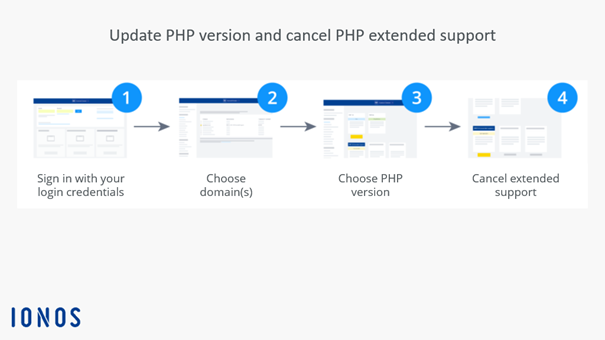
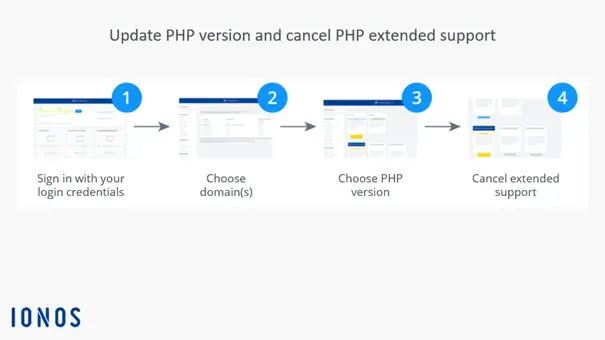
Step-by-step instructions for updating your PHP version with IONOS
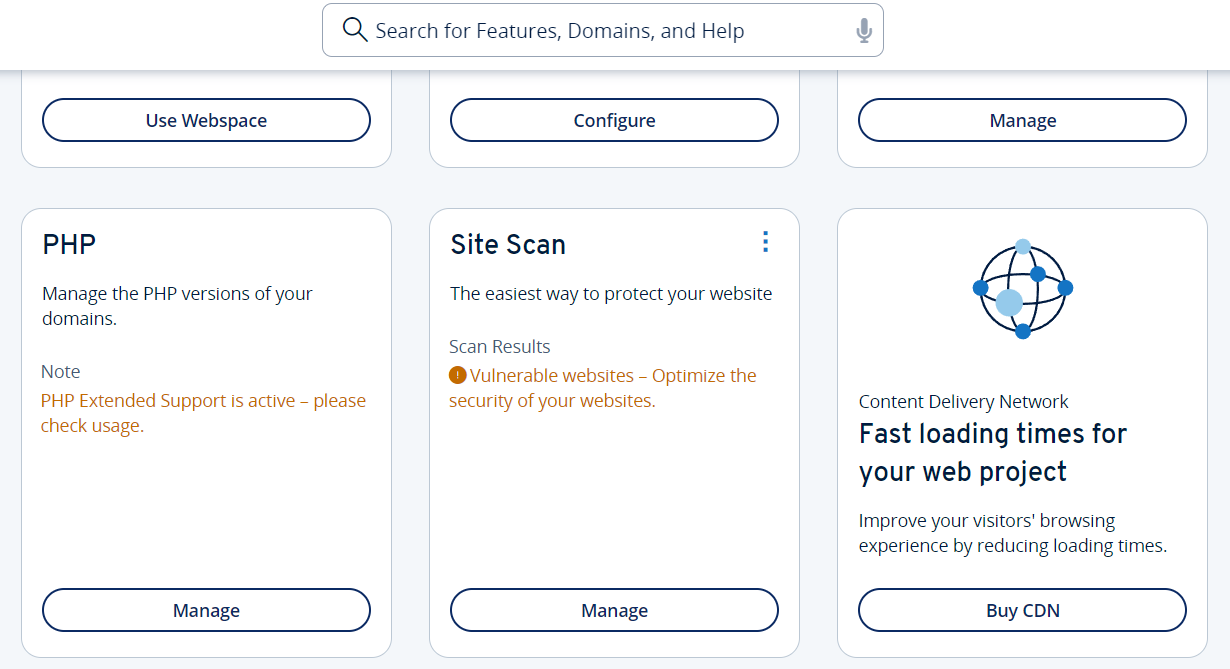
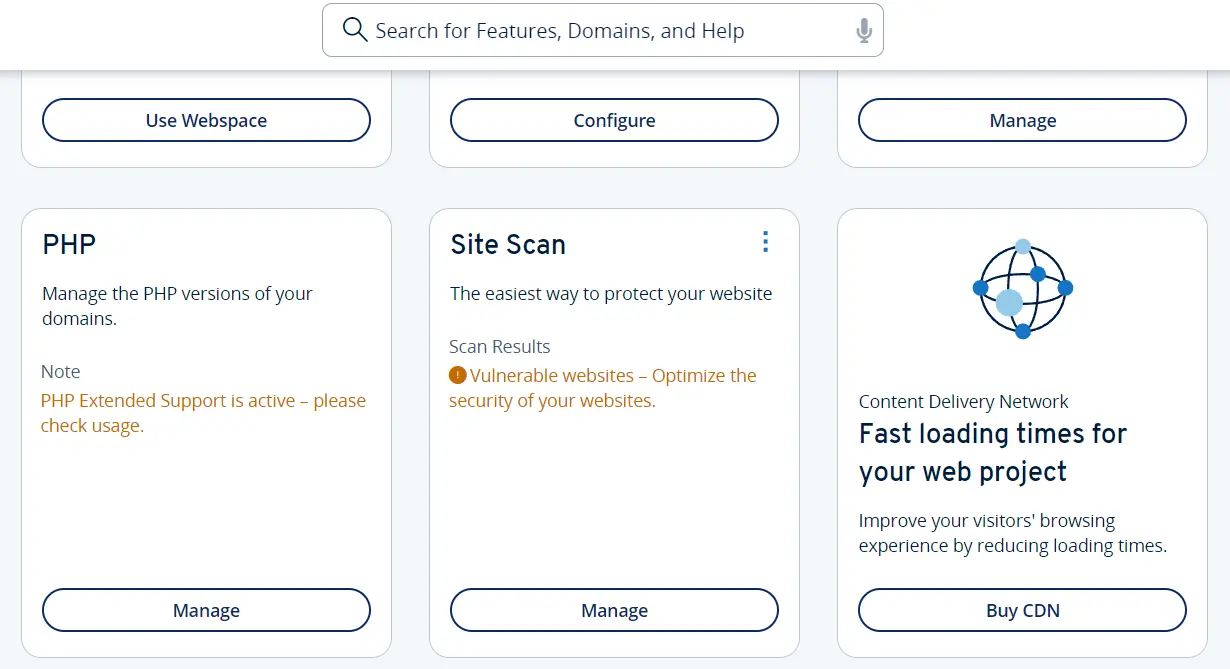
Updating your PHP version in IONOS is as easy as 1-2-3. First, log in to your IONOS customer account with your personal user data as you normally would. Select the category Hosting to open the overview of your web project. Here, you can find the PHP menu area where you can change the PHP version. Click on Open to begin.
- Loading 3x faster for happier customers
- Rock-solid 99.99% uptime and advanced protection
- Only at IONOS: up to 500 GB included
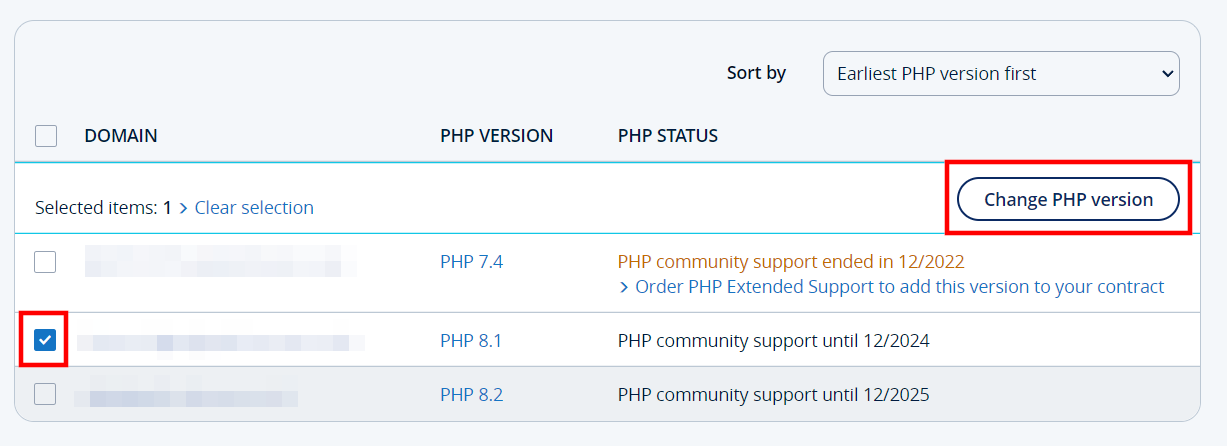
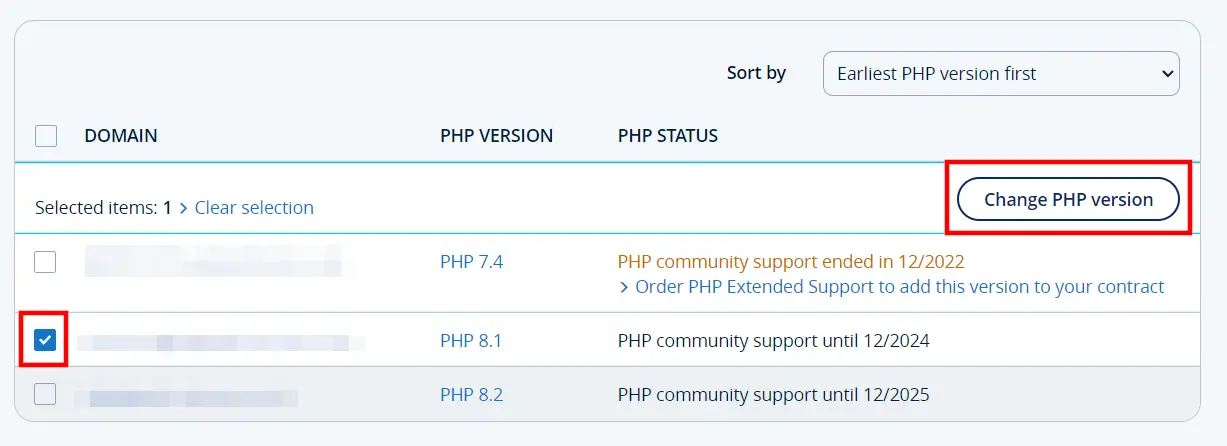
In the next step, select the domain(s) for which you want to update the PHP version by placing a tick in the relevant box(es), and then click Change PHP version:
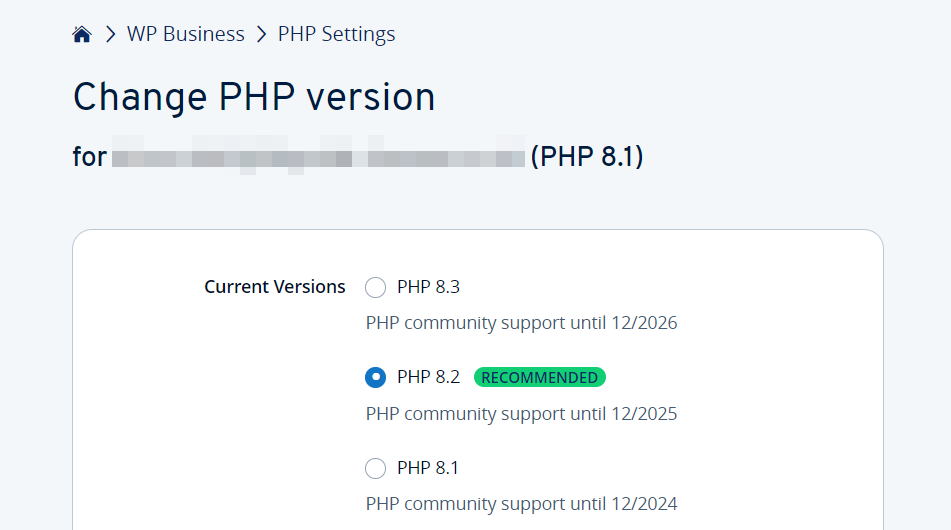
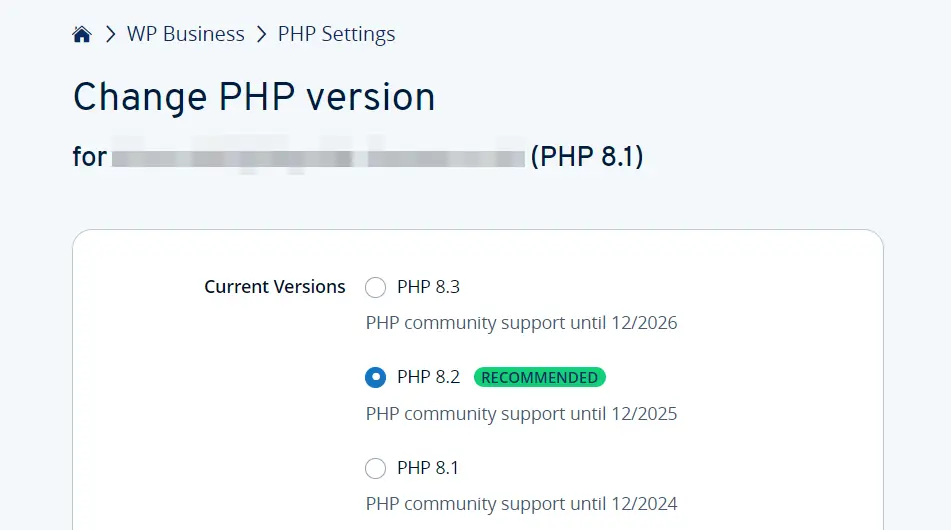
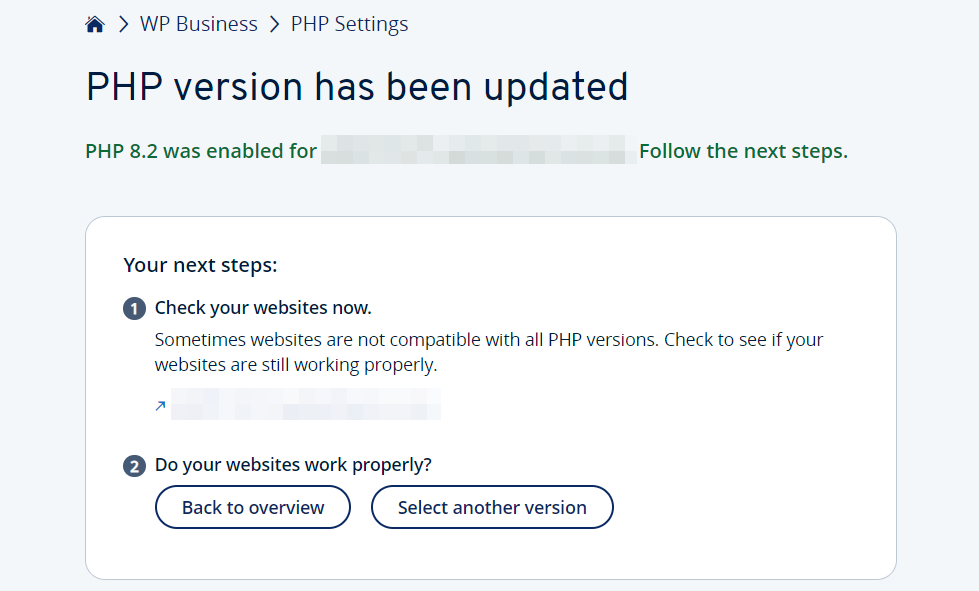
Now, select the desired PHP version and press Save to update the PHP version.
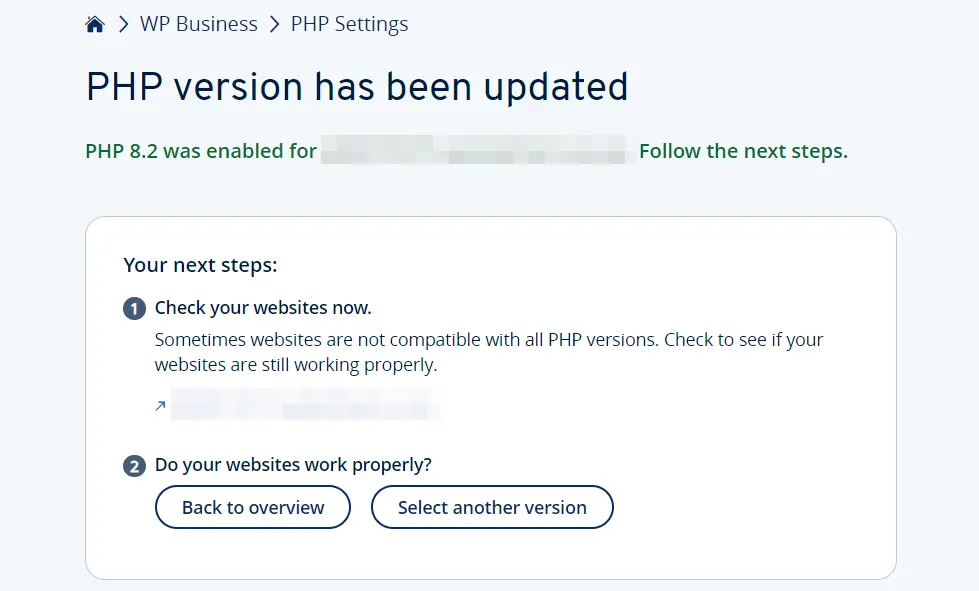
Updating your PHP version may take some time. Once the installation is complete, check your website to make sure everything is functioning correctly. If in doubt, switch back to the previous version. Check out the following guide on typical PHP version change errors if you need help troubleshooting issues related to PHP version updates.
How to cancel PHP Extended Support from IONOS
As part of PHP Extended Support, IONOS experts address and resolve security vulnerabilities in older PHP versions. You can use this service if there are no additional official security updates from the PHP Group for your preferred PHP version. This way, you can continue to use older editions such as PHP 7.2 or 7.3 without exposing your project to security risks.
If you plan to switch to a more current, officially supported PHP version, you may want to cancel Extended Support. To do so, follow the instructions below:
- Log in to your customer account.
- Select Hosting.
- Click on PHP and Open.
- Select the domain you wish to cancel PHP Extended Support for.
- Decide on a current PHP version and press Save.
- In the following dialog, click the link Cancel PHP Extended Support to terminate the support service.
With PHP Extended Support from IONOS, you can test the latest PHP versions or continue using older versions.
Reviewers

Julia Hertler
With over 18 years of experience in content marketing, Julia Hertler has deep expertise in digital communications. For the past 10 years, she has specialised in the areas of domains and hosting at the IONOS Digital Guide, making complex technical topics easy to understand.

Christian Heldmaier
Christian Heldmaier is an experienced online marketing and SEO specialist from Karlsruhe. He has been working as an SEO Manager at IONOS since July 2020.