

Website on Mac: Best software

If you want to build and design a website with your Mac completely by yourself, there are heaps of useful tools on the web. Thanks to special programs, both beginners without programming knowledge and advanced web developers can get their website idea up and running quickly. We introduce you to the best website builder software for Mac.
Overview of editors and web design programs for building your website on a Mac
| Type | Developer | License | |
|---|---|---|---|
| Adobe Dreamweaver | Web design suite | Adobe Systems | Proprietary |
| Mobirise | Editor | Mobirise | Proprietary |
| Sparkle | Editor | Crinon SRL | Proprietary |
| RapidWeaver | Web design suite | Realmac Software Ltd. | Proprietary |
| WordPress | Content management system | WordPress Foundation | GNU GPLv2 |
| IONOS Website Builder | Website builder | IONOS Internet SE | Proprietary |
The icing on the cake for your new website. Create a professional favicon with the free Favicon Generator from IONOS!
The best website builders for Mac for beginners
Using web editors is a great way to gradually build up confidence with basic programming and develop a web presence with static content. With WYSIWYG (What you see is what you get) editors, designers can build websites just as you create texts, tables, and images in Word documents. A corresponding HTML code is simultaneously generated in the background. You can view this at any time in order to gather knowledge about the markup language.
The following two editors can offer a simple introduction to web design and can be used free of charge:
Are you looking for a suitable content management system (CMS)? Let our article help you out.
Sparkle
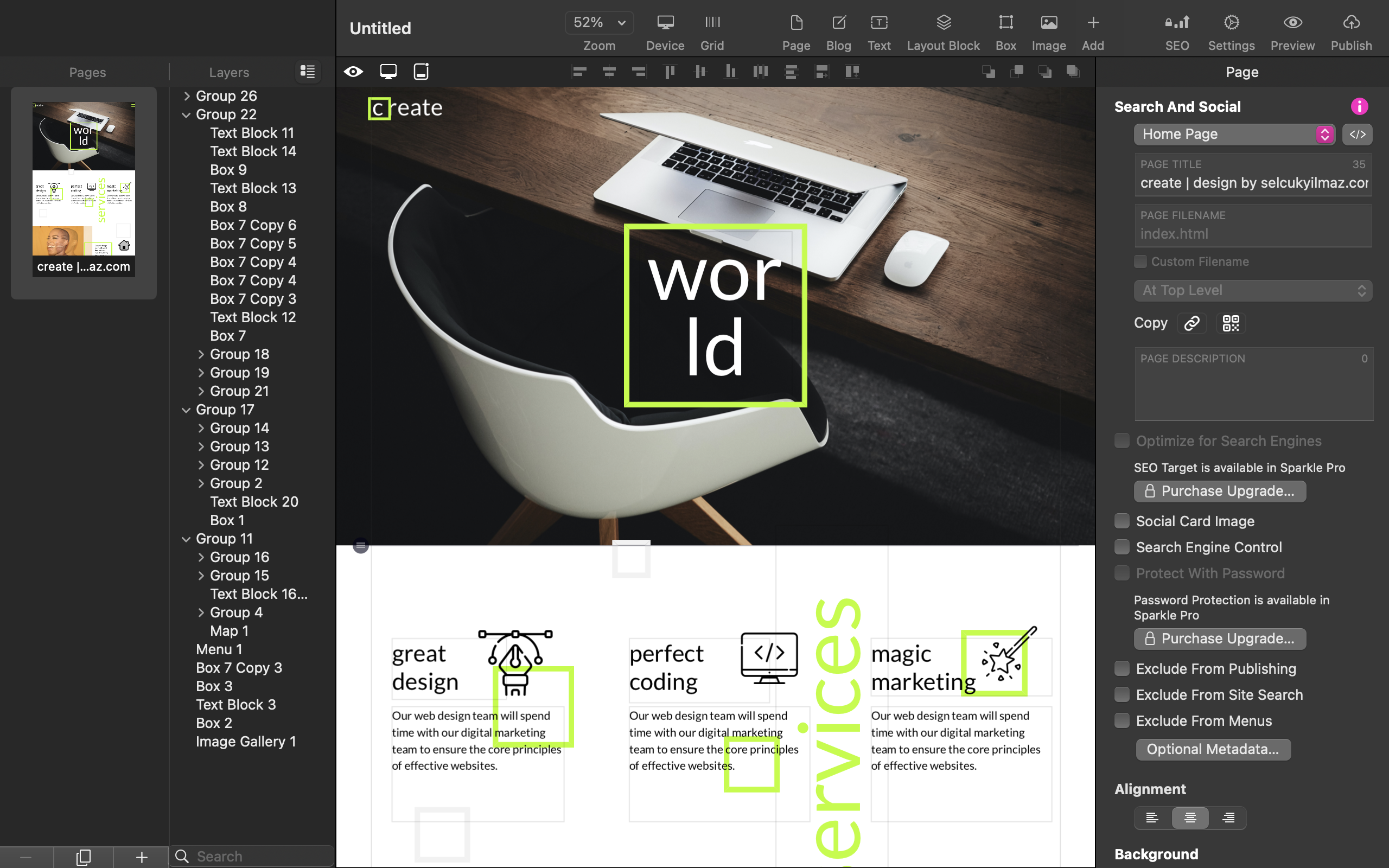
The popular iWeb editor was part of the iLife software package until 2011, but development has since been discontinued. A modern alternative is the WYSIWYG editor Sparkle, which is often referred to as the spiritual successor to iWeb. Sparkle is strongly oriented towards the intuitive iWeb interface and is therefore suitable for both newcomers and iWeb fans. In addition to its ease of use, Sparkle offers a variety of modern tools and integrations, such as an AI-driven website generator and an SEO wizard. Sparkle also has functions for anonymising user data. The app developers are based in the EU.
Sparkle is a great web design program for Mac, but it also has a few limitations. Many of the modern SEO and web design tools are only included in the Pro and Personal versions. On the other hand, the free version of the app is severely limited since users are only allowed to create one website with just three pages. In addition, Sparkle’s range of functions cannot quite keep up with established professional solutions such as Adobe Dreamweaver.
| Advantages of Sparkle | Disadvantages of Sparkle |
|---|---|
| easy and intuitive operation, no programming knowledge required | free version significantly limited |
| modern tools and integrations |
Depending on what kind of website you want to publish, different design strategies are available. Our practical guide shows you how to create a website step by step.
Mobirise
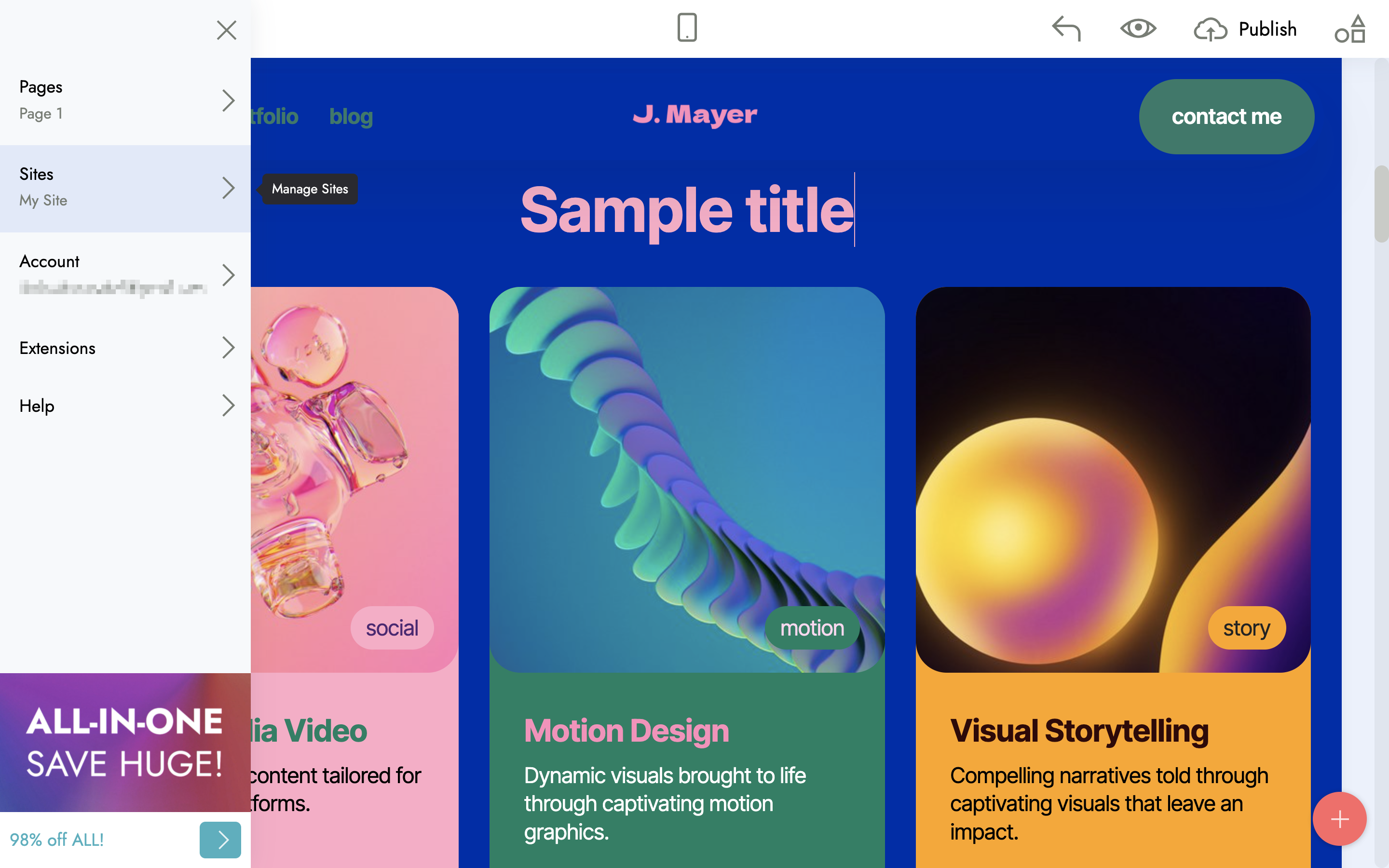
Similar to Sparkle, the WYSIWYG website builder Mobirise is particularly impressive due to its easy operation. However, Mobirise offers an even simpler user interface than Sparkle. Mobirise also offers its users several thousand HTML templates and website blocks that can be inserted using drag-and-drop. If you are not satisfied with the ready-made elements, you can use the Mobirise HTML editor to modify the code as you wish. As with Sparkle, Mobirise also has an AI website generator with which you can quickly generate templates for any purpose.
However, Mobirise also has some limitations that could be crucial for many Mac users. Like most WYSIWYG editors, Mobirise’s simplified operation comes with the downside of providing a more limited range of functions compared to many other programs. Although Mobirise includes several thousand website blocks, extensions and other features, these are not included in the free version of the program (including the HTML editor). If you want to be able to use all blocks, extensions and other features, you need a license, which costs around £115 per year.
| Advantages of Mobirise | Disadvantages of Mobirise |
|---|---|
| easy to use | relatively inflexible |
| numerous extensions available | free version severely limited, expensive license |
The best website builders for Mac for advanced programmers
If you’re already confident in basic programming, and looking for support with designing more complex web projects, then web design software is a good investment for you. In principle, these programs can be considered offline website builders, as they can be used even without an internet connection, as long as they’re installed on your system. You can use the user interface directly from your Mac, without having to rely on your browser. You’re not tied to your current hosting provider’s server either, giving you the freedom to decide which server your web project should be uploaded to.
We’ve found four software solutions that make building a website on your Mac seem like child’s play.
RapidWeaver
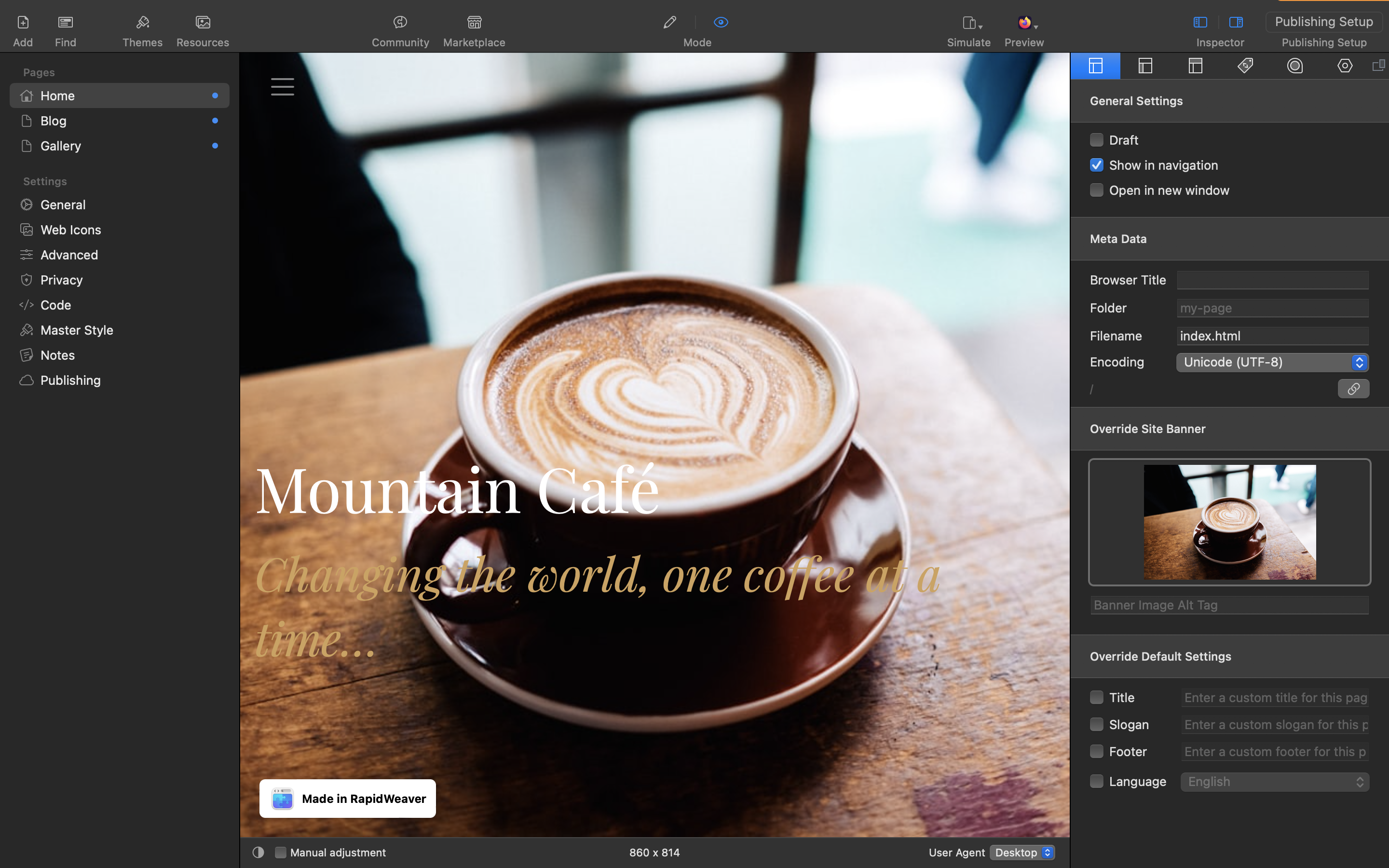
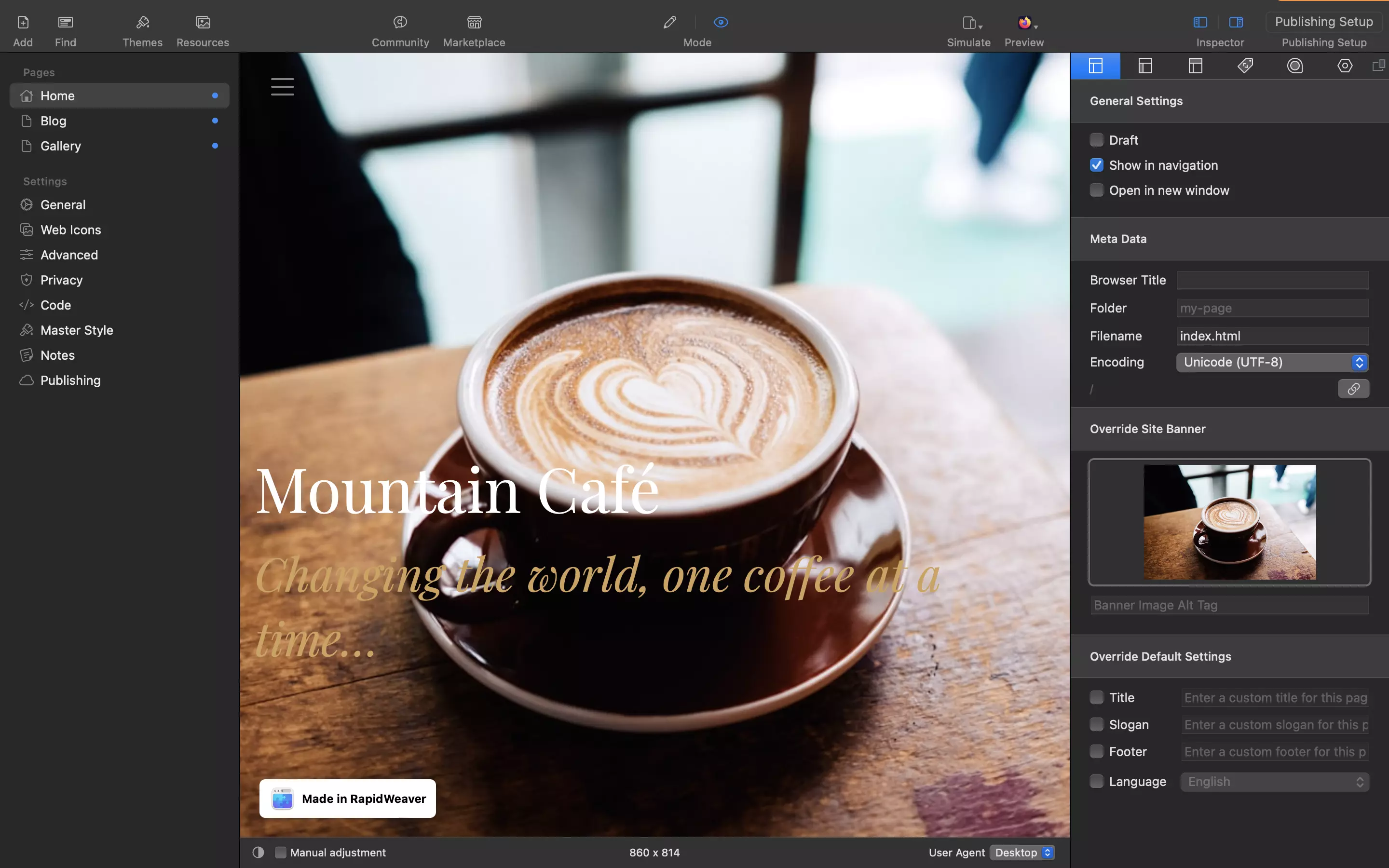
Realmac Software Ltd. first published RapidWeaver, the proprietary software for Macs, back in 2004, making it one of the earliest programs to allow users without significant programming knowledge to create websites. The software is very usable for beginners, but its wide range of functions also makes it a good tool for advanced users. Ever since its launch, RapidWeaver has gone from strength to strength, which is why it’s still one of the most sought-after web design programs today.
Thanks to the user-friendly interface, it’s also easy to carry out search engine optimisation and design mobile sites. There are 50 templates to work from and no limits to the number of sites that you can make.
RapidWeaver contains further useful functions including JavaScript and CSS file optimisation, automatic back-ups, and a ‘health check’ function, which offers recommendations for improvement of site structure. The program also allows users to switch between viewing the code and the preview, enabling you to see how your work appears on a browser. Alternatively, you can conduct a local test in your web browser to view your RapidWeaver project from the perspective of a site visitor.
You can use the FTP function to upload your project onto your web server. There are also hundreds of extensions (mostly fee-based) to further bulk up your range of functions.
| Advantages of RapidWeaver | Disadvantages of RapidWeaver |
|---|---|
| user-friendly interface | no WYSIWYG feature |
| automatic backups and optimisation suggestions | most of the available extensions are fee-based |
Adobe Dreamweaver
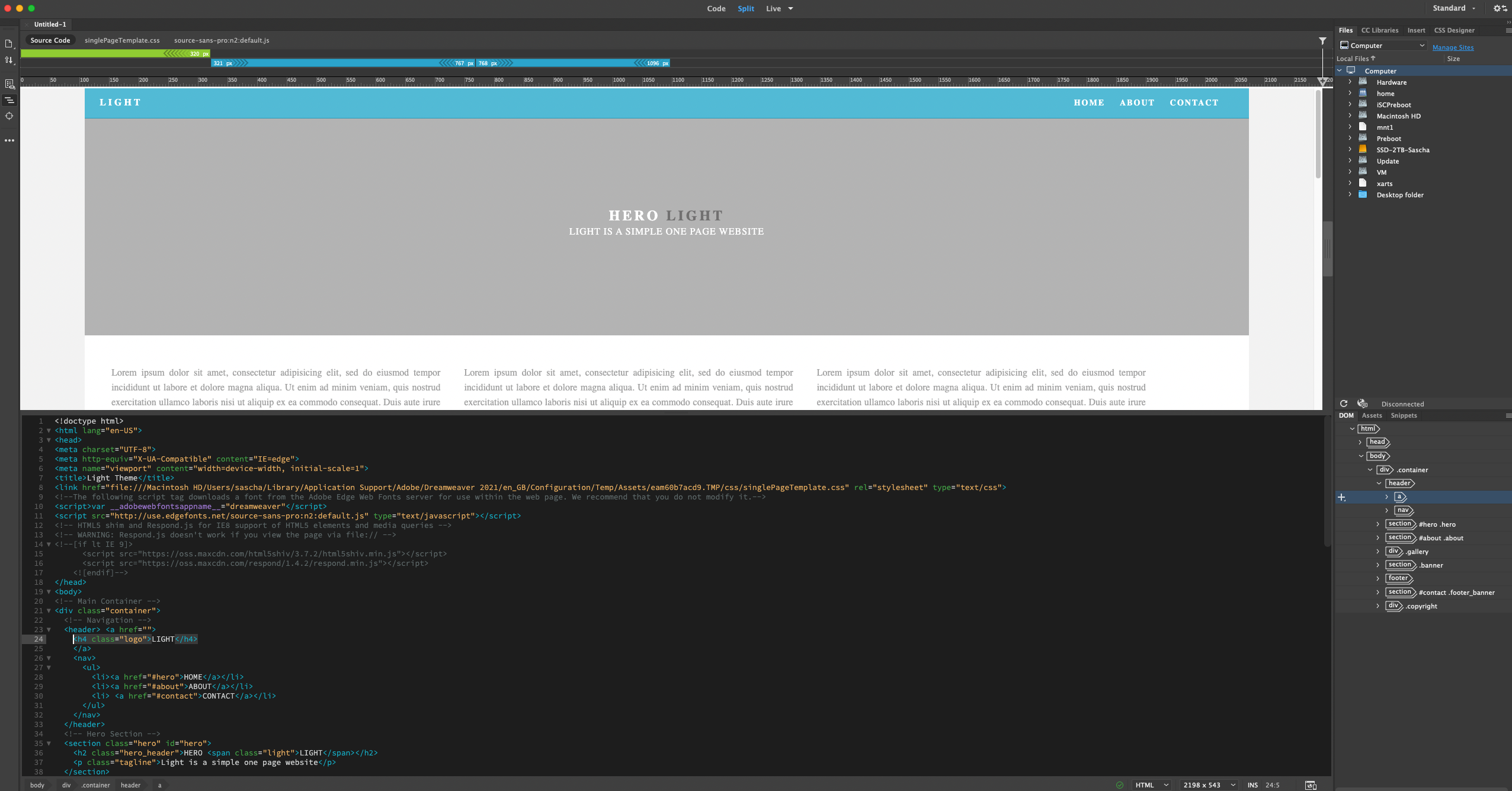
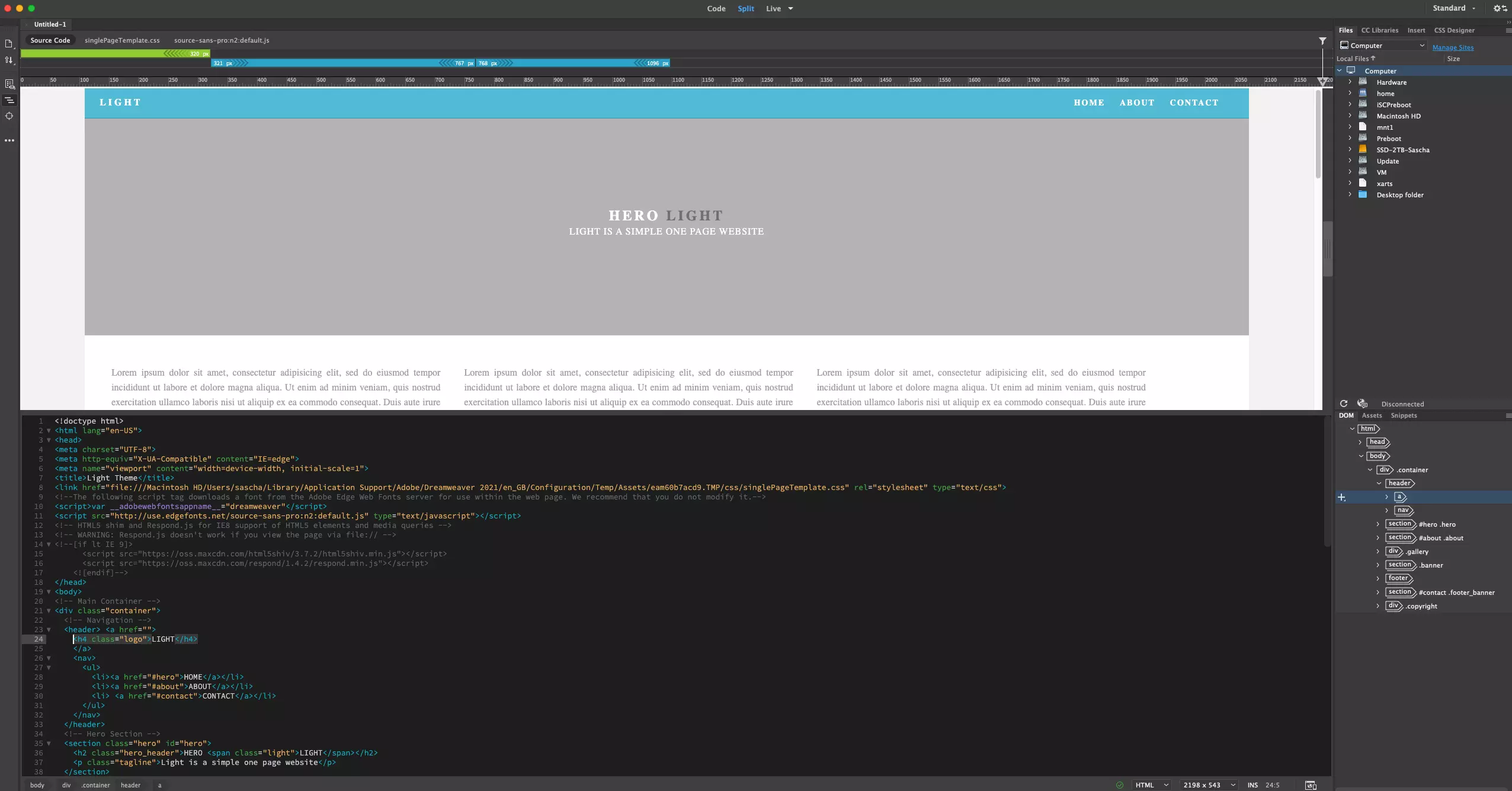
To use Adobe Dreamweaver, you need to sign up for a subscription and pay a monthly fee. You also need an active internet connection in order to complete the installation and the monthly verification. But this is a small price to pay when you take into consideration the wide range of functions Dreamweaver boasts. The software for building websites on macOS features helpful assistance such as colour-coding and auto-completion for lines of HTML code. The program allows you to easily design webpages for various devices and thanks to the device preview, check the interactivity in real time.
Dreamweaver is linked to the fee-based Adobe Stock. You can thus open or implement photos, videos, illustrations and vector graphics directly in a preview. Using this technology, you can embed design files and optimised images quickly and easily from Photoshop directly into your web project. The Adobe web design software also assists users by checking the coding in real time and marking any errors in red while displaying an error message in a text box.
If you’ve already got Adobe Dreamweaver (i.e. as part of the Creative Cloud plan), the web designer would be an excellent choice for future web projects. If you don’t already have an Adobe subscription, you can test the software for 14 days.
| Advantages of Adobe Dreamweaver | Disadvantages of Adobe Dreamweaver |
|---|---|
| syntax highlighting and auto-completion for HTML and CSS | monthly Creative Cloud subscription required |
| connects with other Adobe applications such as Photoshop or Stock | tedious learning process |
IONOS Website Builder
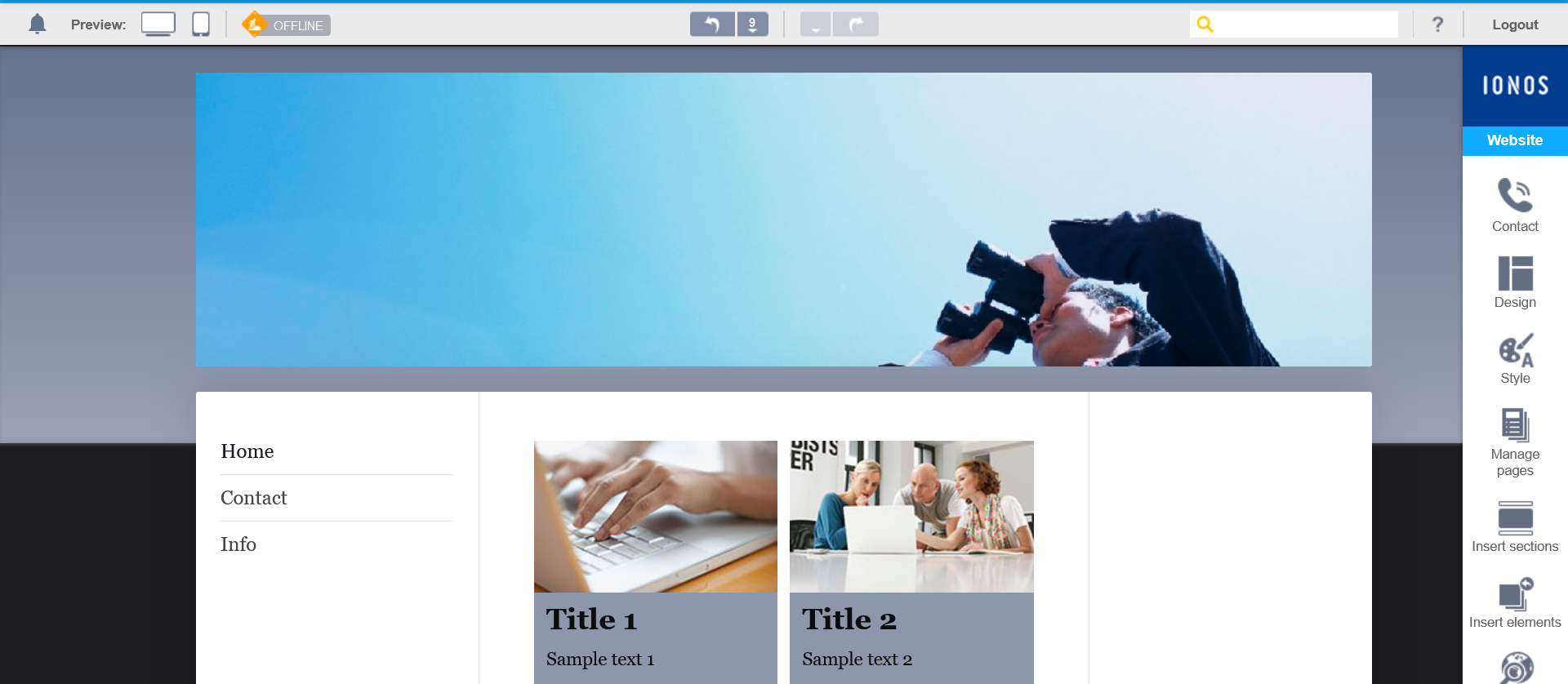
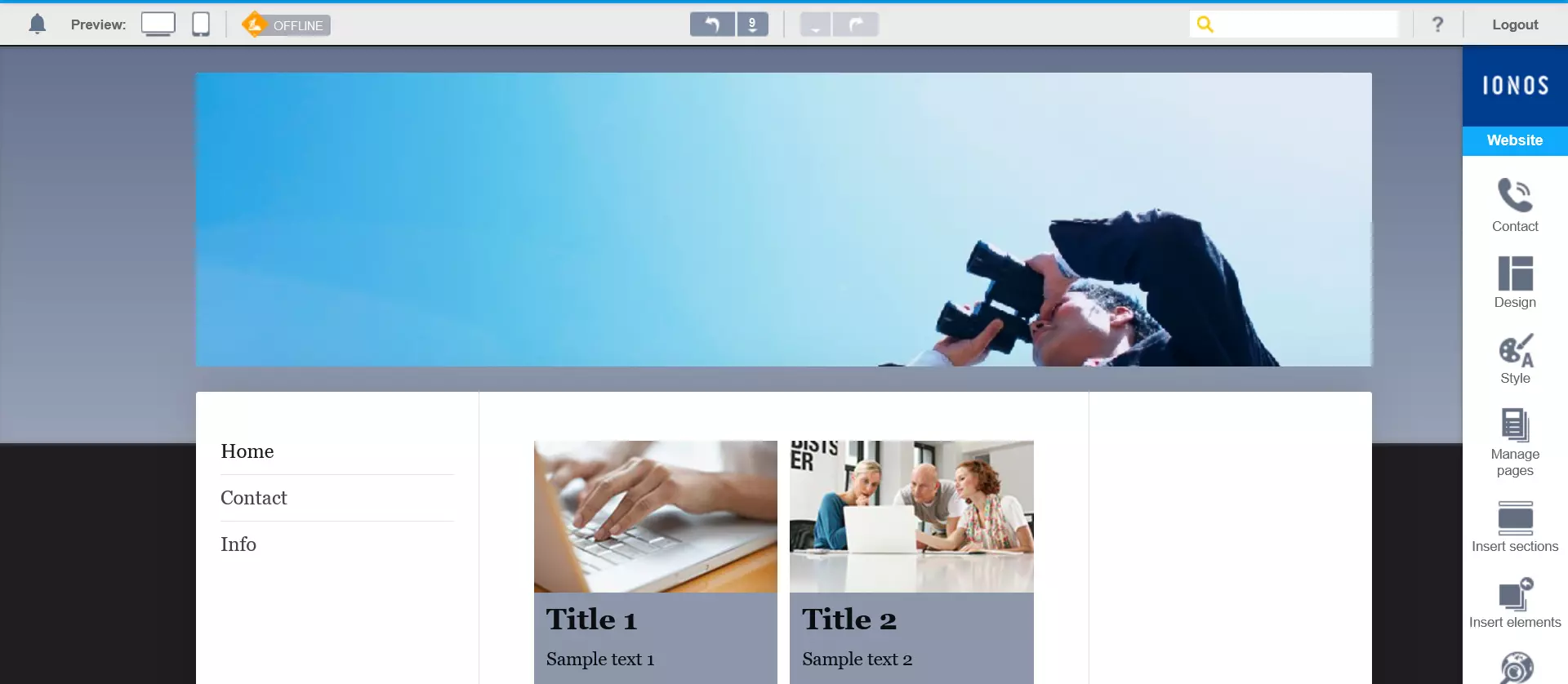
IONOS Website Builder is an easy and intuitive website builder that doesn’t require any prior knowledge or additional software to create and edit a website. In just a few clicks, it is possible to choose from a great variety of professional and customisable mobile-optimised templates. With access to an extensive image library, it allows beautiful websites to be created on Mac, adapted to both private and business users.
Each website template contains a customised selection of hundreds of web apps, including Google Maps and Facebook. There are also text and image suggestions for various industries, which you can simply insert using the drag-and-drop function.
| Advantages of IONOS Website Builder | Disadvantages of IONOS Website Builder |
|---|---|
| over 60 different languages available (can be deactivated at any time) | a multitude of functionalities can easily overwhelm beginners at the start |
| excellent support for questions and problems with your own web project | |
| clear, easy-to-use interface |
WordPress
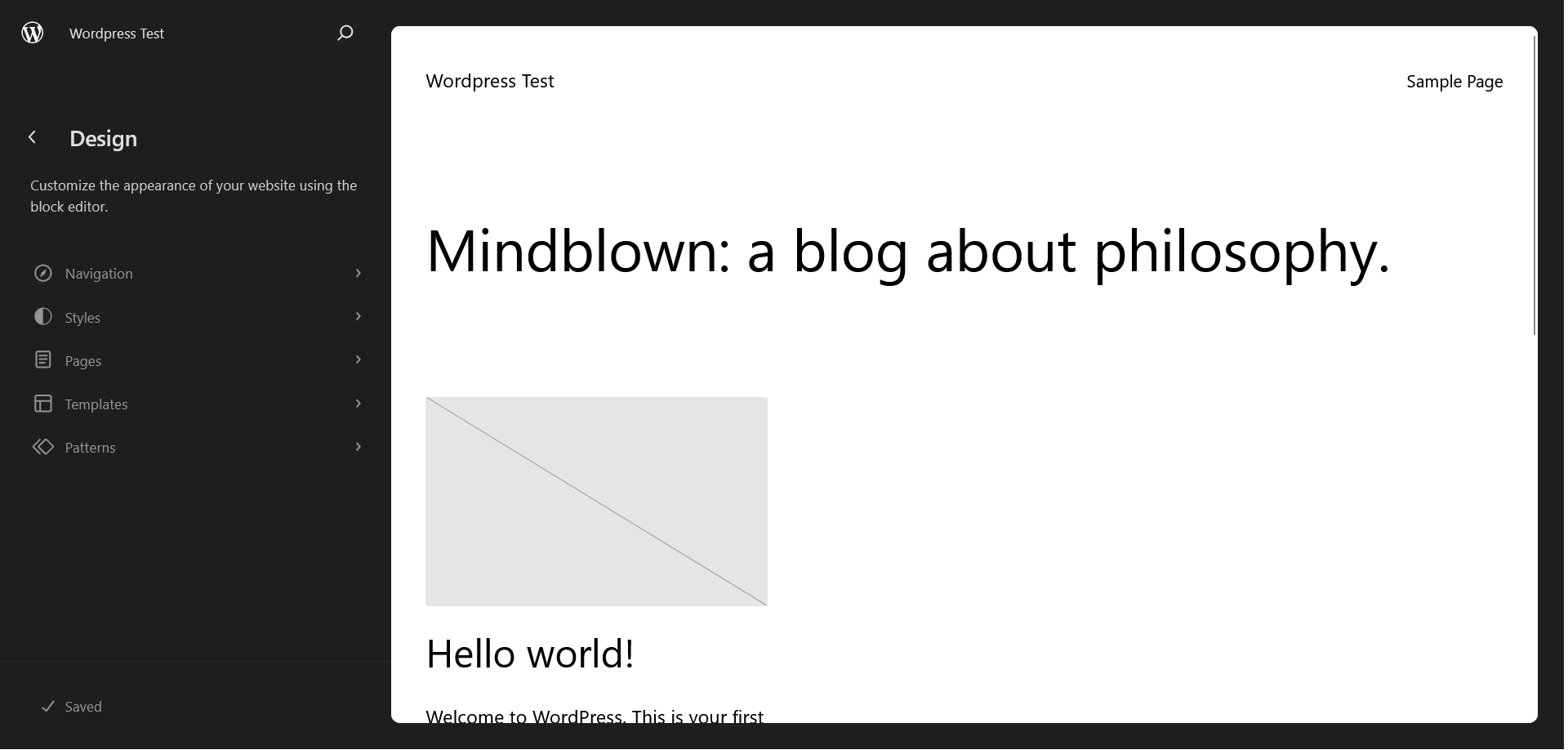
For many, the open-source software WordPress is primarily considered a free blogging software, or content management system. But in addition to its countless design templates and plugins, WordPress offers all the tools you need to build complex websites. In fact, many of the WordPress tools that benefit bloggers are also helpful for web design. These include:
- easy operation
- search engine optimisation
- first-rate support from other users
- the ability to adapt WordPress to suit your own requirements with plugins
You’ll need to access a local server in order to use WordPress to build websites on a Mac. As MySQL and PHP are basic requirements for this process, it’s advisable to download the XAMPP software package, which simulates the functions of a web server on your Mac, thus providing the perfect basis for WordPress. Download the latest version of WordPress from the official WordPress website. It only takes a few minutes!
- Stress-free, no matter your skill level with easy AI tools
- Full customisation with themes and plugins
- Hassle-free updates and less admin
| Advantages of WordPress | Disadvantages of WordPress |
|---|---|
| excellent SEO features | due to its popularity, it’s more often targeted by cyber criminals than other solutions |
| highly expandable | |
| huge community |
There’s no one-size-fits-all solution when building a website on a Mac
The editors and programs featured here make up just a small selection of the resources available for building websites on Mac computers. If you explore the topic of web design further, you’ll find thousands more tools and programs with which you can create outstanding websites. It’s a good idea to test different programs before making your final decision; this way you can find out which software works best for you.
Your ideas for your web project can only come to life if you take the time to learn your chosen program’s various functions. Strictly speaking, you can also choose to forgo extensive programs completely and just use a text editor like TextWrangler, BBEdit, Sublime Text or Vim.
- The easy way to get your website online quickly
- Build your brand with your own domain name and email
- Includes maintenance and updates after your site is live