

How to create a membership site or password protected website

If you plan to build a password-protected website with a membership area, you can use different plugins and platforms created for this purpose. The number of sign-ups you generate will largely depend on the type, design, and scope of the content you offer to members.
What are membership sites?
Member areas are sections of a website that require a password to access. They’re designed to strengthen customer loyalty and provide exclusive content unavailable to regular visitors. Depending on the setup, a password-protected site can be unlocked for free after registration or offered as a paid option. With different membership tiers, access rights may vary from one user to another.
Membership sites are suitable for all website types, as their content is completely up to you as the website owner. They range from exclusive communities to consumable media.


What is good exclusive content for members?
The content you provide on your member website can take many different forms. Below are some of the most common types, which can be offered individually or in combination:
- Interactive offers such as webinars, live streams, and similar formats
- Informative resources like articles, tutorials, and guides
- Community spaces including forums and chat rooms for personal exchange
- Exclusive product offers, for example early access or discounted sales
- Content archives where past materials can be accessed anytime
- News and updates such as product announcements and feature releases
What are the benefits of a members area?
Setting up a membership section on your website is useful if you want to make certain content available only to selected users. These password-protected areas can function as a space for internal communication among employees or teams. They are also an effective way to provide users with special offers and strengthen customer loyalty.
Before launching, it’s important to define the right membership model for your website. Decide whether users should regularly encounter a paywall or move through different membership tiers. You also need to carefully consider access restrictions: how much content and which areas of your website should be exclusively available to members is entirely up to you.
- Get online faster with AI tools
- Fast-track growth with AI marketing
- Save time, maximise results
How to create a website members area
If you want to set up a membership site, you have three options. If you’re just starting out, you can purchase a website builder that allows you to create a website with a member website. The other two options involve plugins or a platform. Especially among WordPress plugins, you have many options available.
The first step involves installation or registration. After that, you are equipped with various design options to customise and define the website members area according to your preferences. For optimal website navigation, you should assign it a designated place to help users navigate more easily, especially if you also offer content for non-members.
3 plugins for creating a website members area
MemberPress
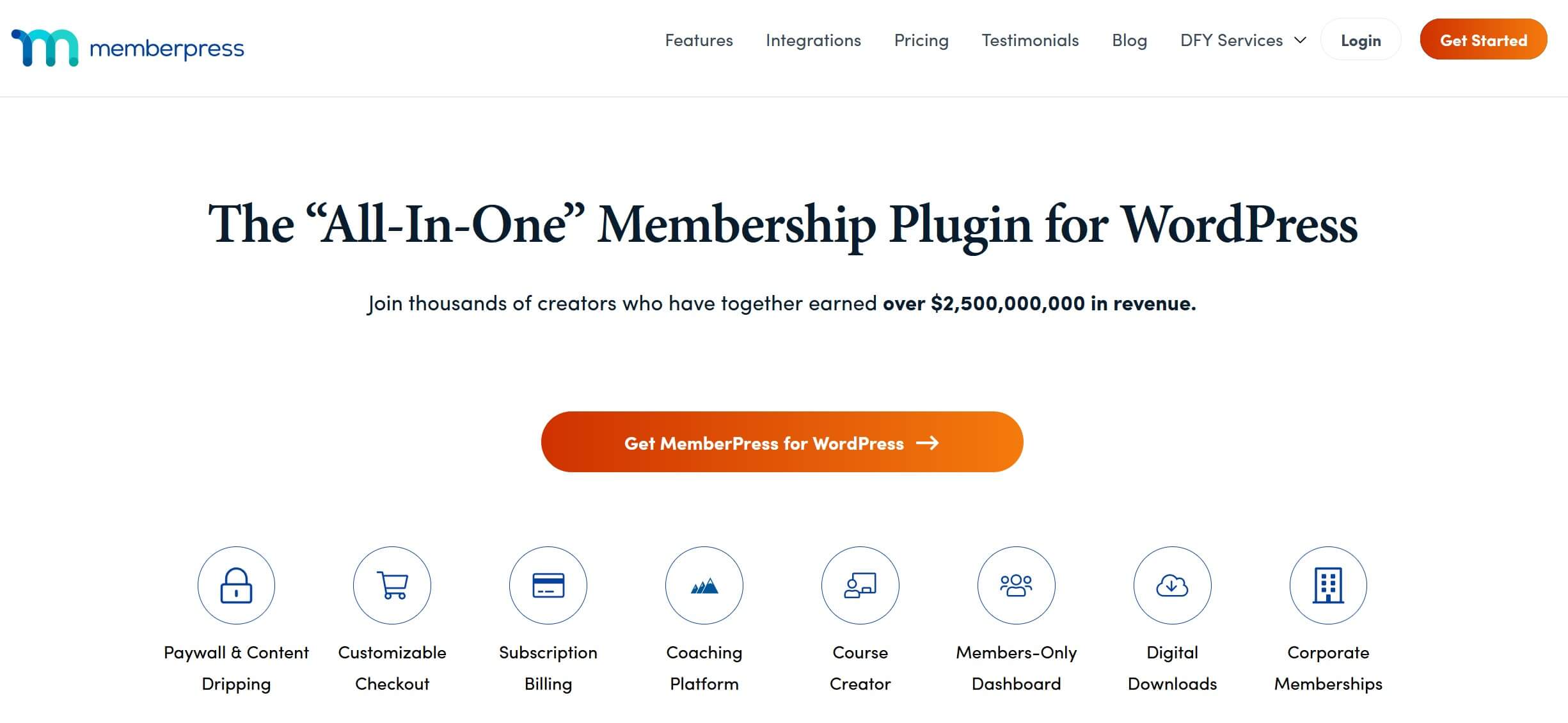
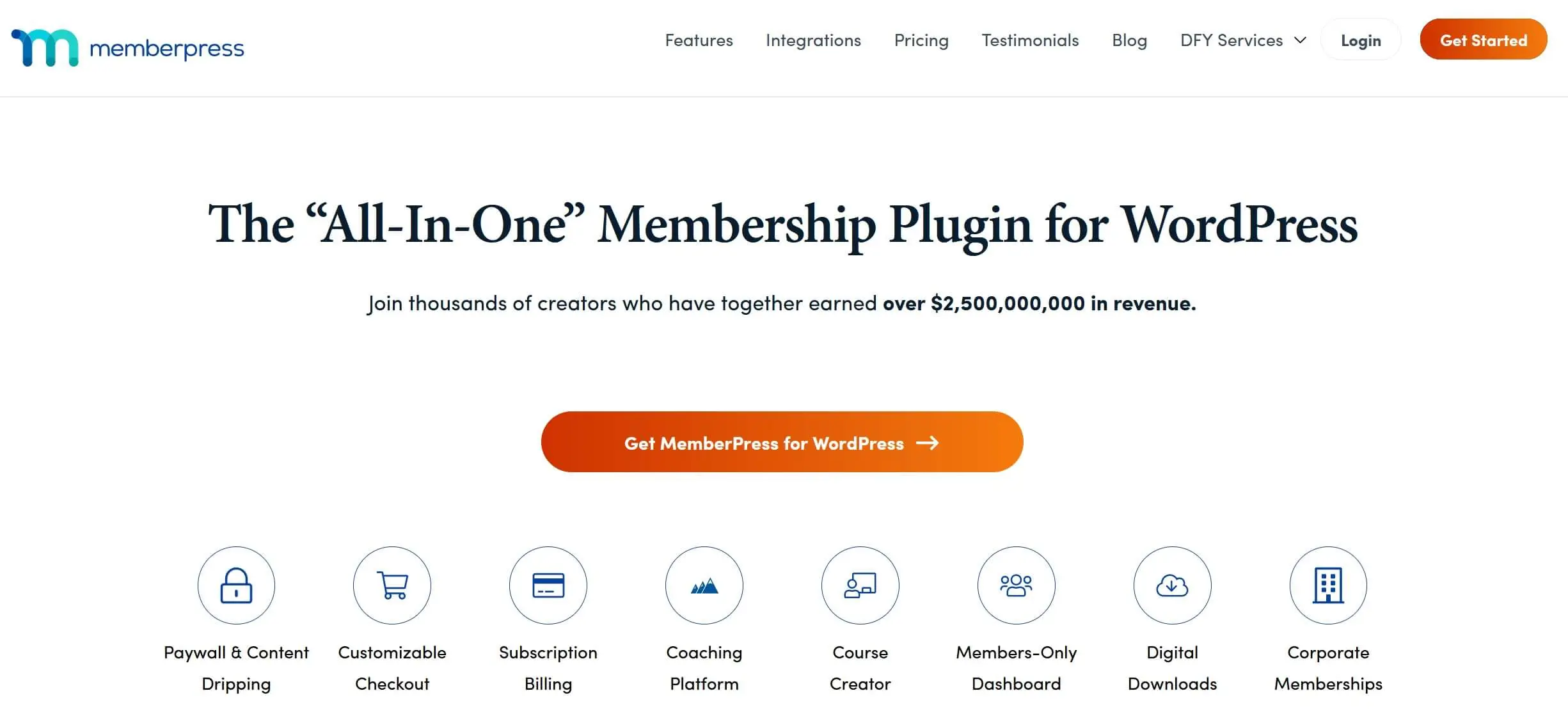
The WordPress plugin MemberPress is one of the most popular tools for creating membership sites, offering both ease of use and a wide range of features. Enhance your website with community forums, online courses, and various other integrations to make membership on your site versatile and appealing.
The WordPress membership area plugin is available in three versions: Basic, Plus, and Pro. The Basic version is ideal for those launching a membership site for the first time. Features include unlimited memberships and an advanced paywall. However, a variety of add-ons is only available after upgrading to the Pro or Plus version.
DigiMember
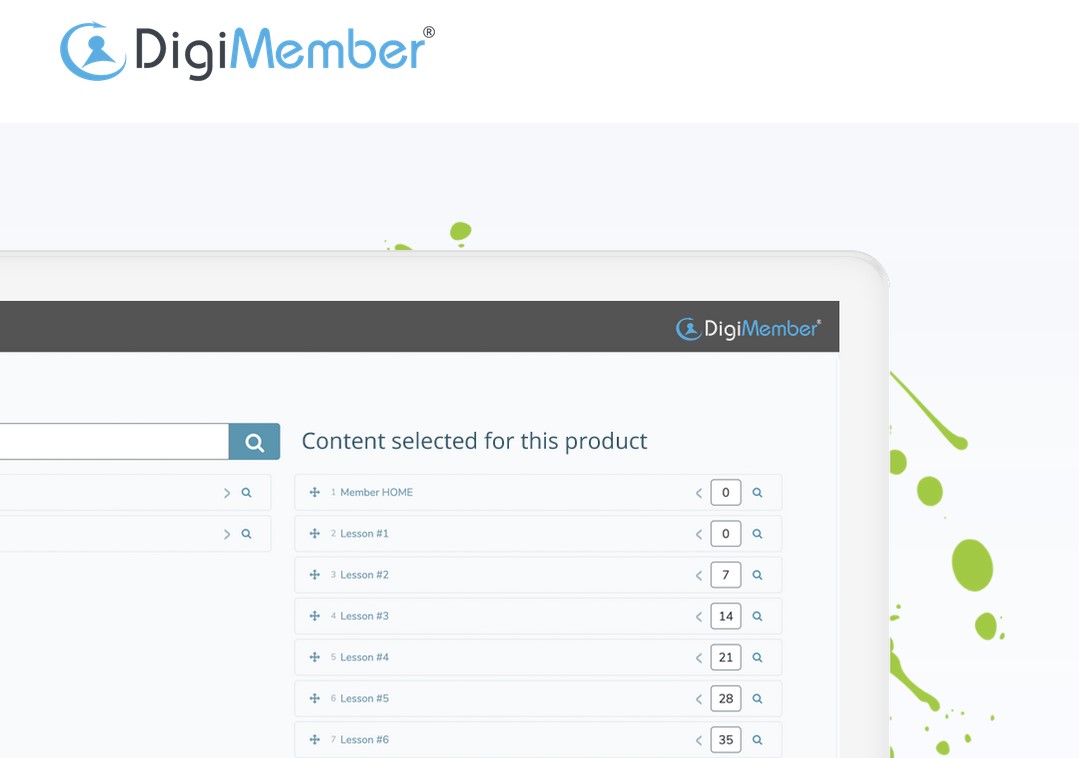
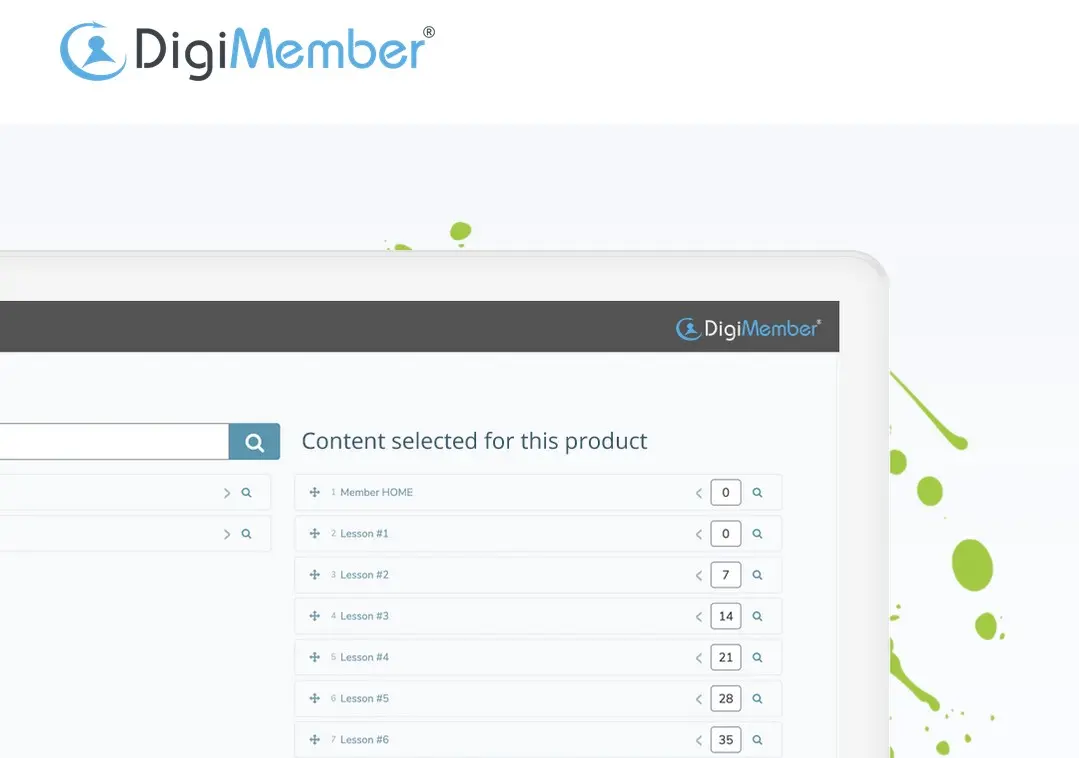
The WordPress plugin DigiMember offers the advantage of transforming not only selected pages of your website into member areas but also individual sections within them. Additionally, you have the flexibility to decide when these password protected website contents—video courses, downloadable products, etc.—are made accessible to the members of your site.
DigiMember offers a free version and a paid Pro version, with the free one being suitable only for small projects due to significant limitations (e.g., a 50-member limit or a preset payment provider). An upgrade is necessary for unlimited members and additional features.
Ultimate Membership Pro
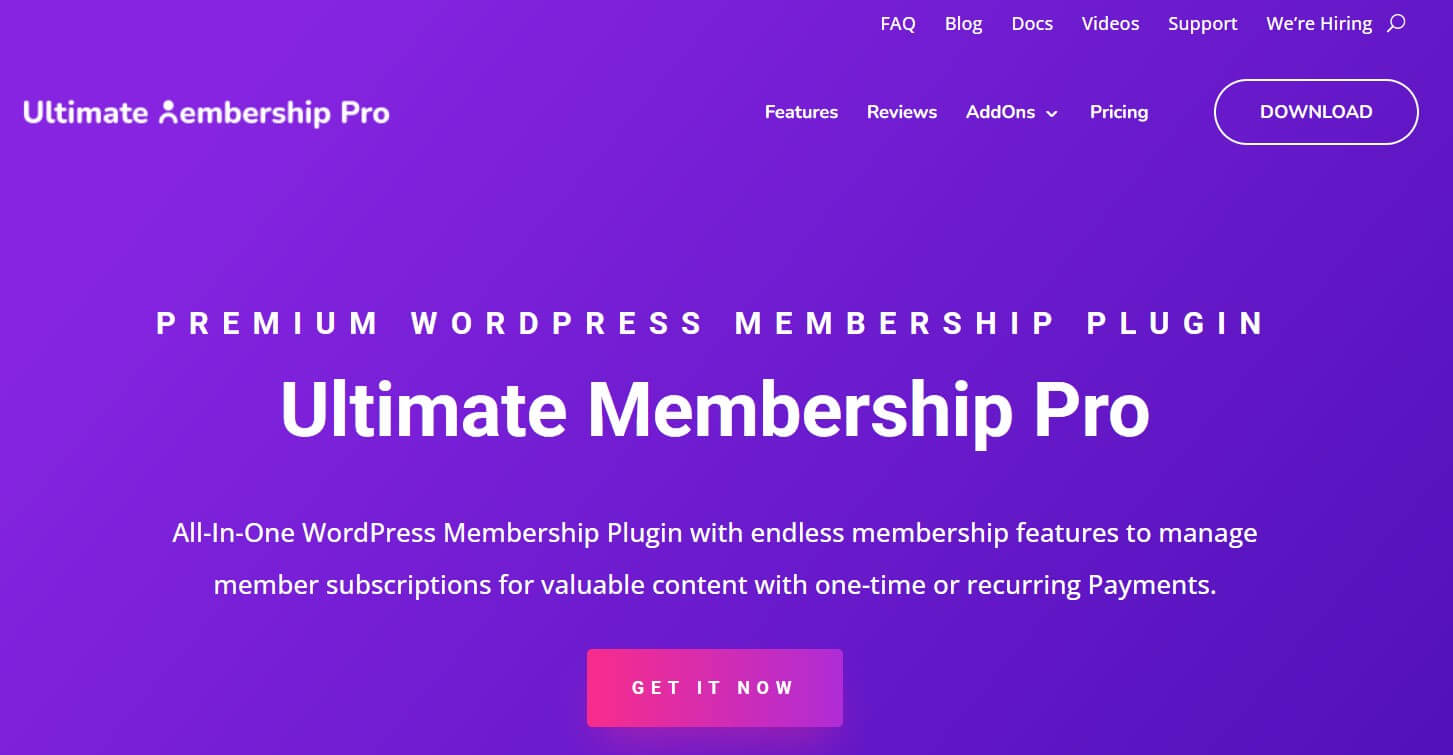
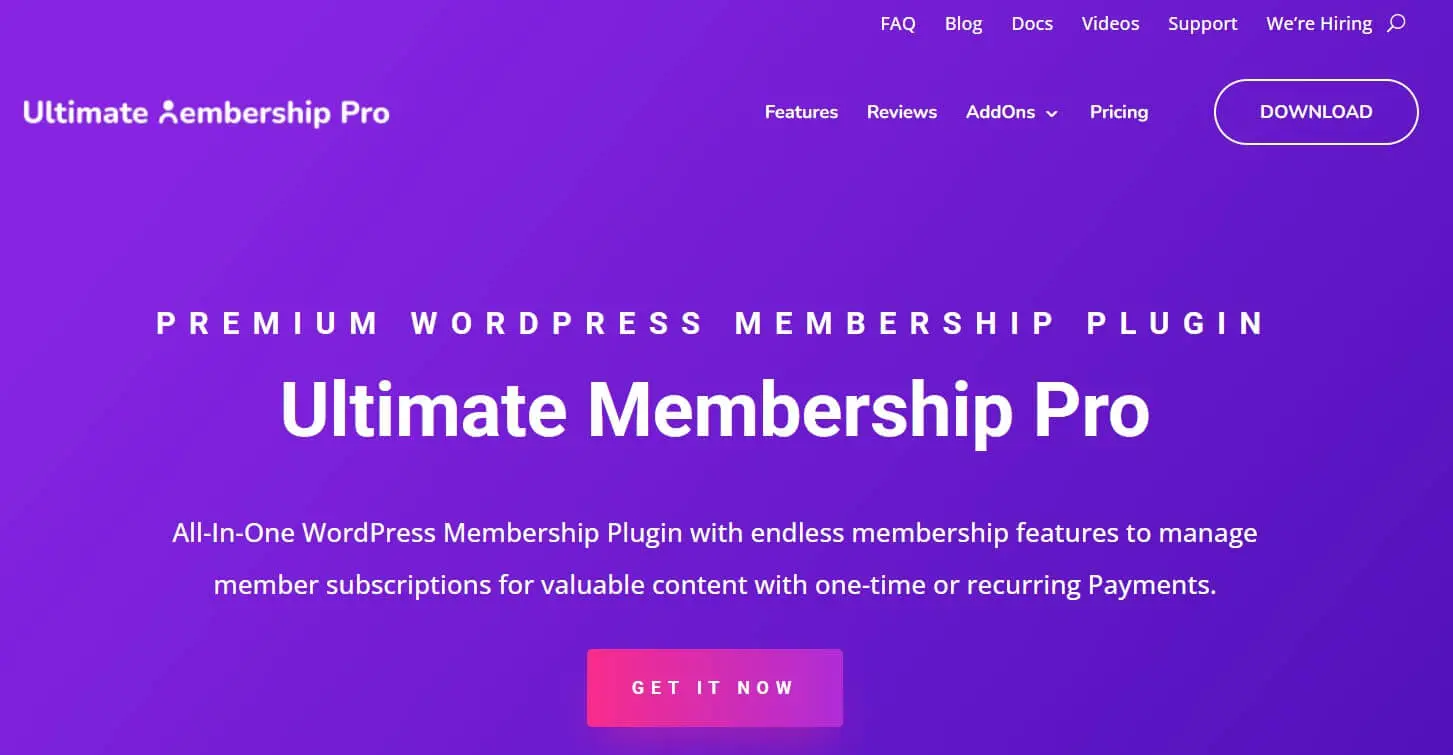
Ultimate Membership Pro is a WordPress plugin that has already equipped over 40,000 websites with membership areas and enjoys very good reviews. Its features include integrations with WooCommerce and PayPal, a subscription management tool, and various security measures.
Ultimate Membership Pro can be purchased in an affordable basic edition with an annual subscription. However, if you want to enjoy popular extensions like ‘Elementor Widget Lock’ or ‘Divi Content Locker’, you should consider the Pro Addons Bundle, which is also available as an annual subscription.
- Stress-free, no matter your skill level with easy AI tools
- Full customisation with themes and plugins
- Hassle-free updates and less admin
3 platforms for creating membership areas
MemberSpace
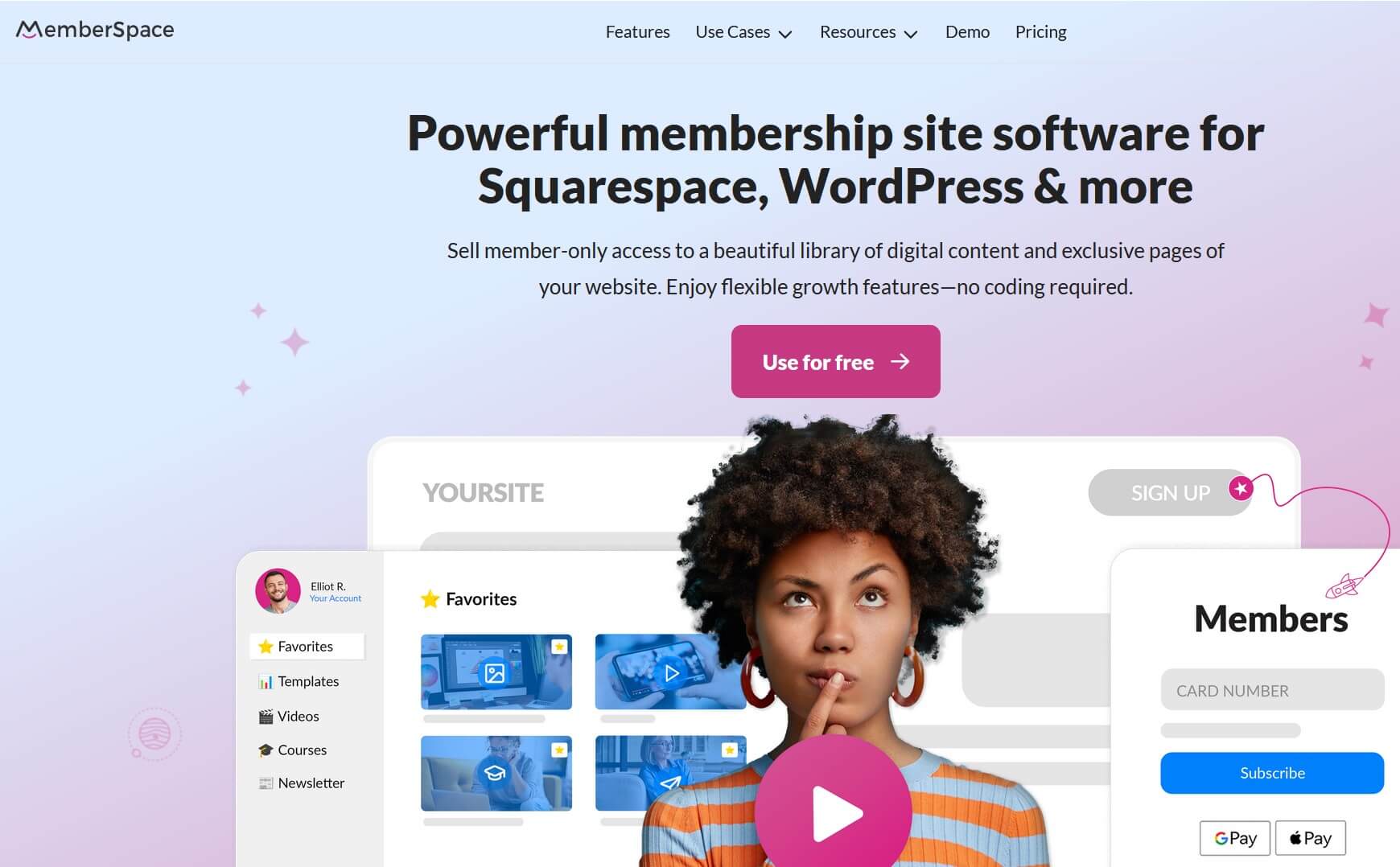
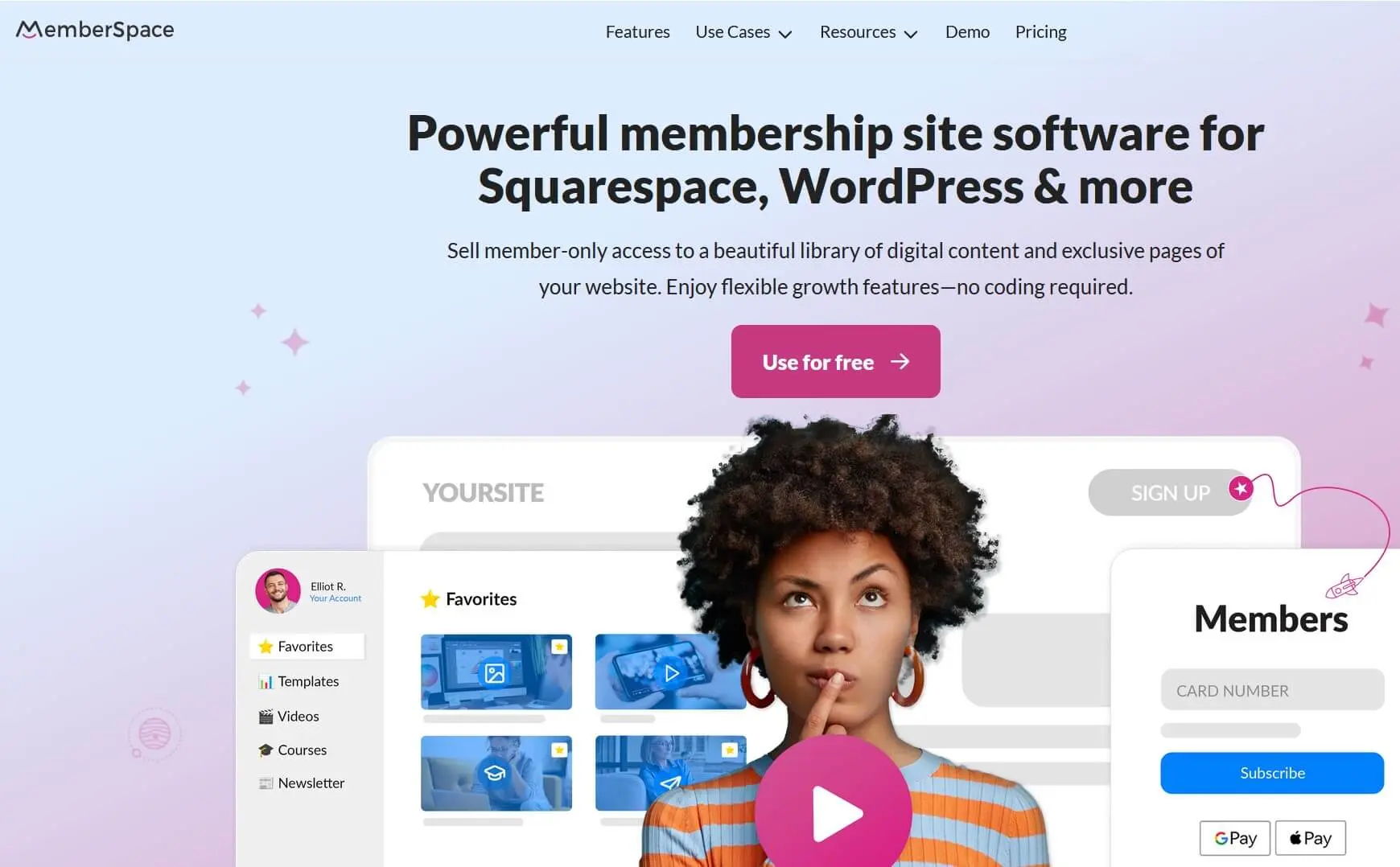
The service MemberSpace was launched in 2015 and enables you to lock selected pages of your website for members. Its special features include forums, podcasts, and affiliate programs. Additionally, an analytics tool allows you to monitor important data like downloads, while bank-level SSL encryption ensures high security.
MemberSpace is available in various versions after an optional 14-day trial period, including a starter package where you only have to pay fees per subscription sold.
Digibiz24
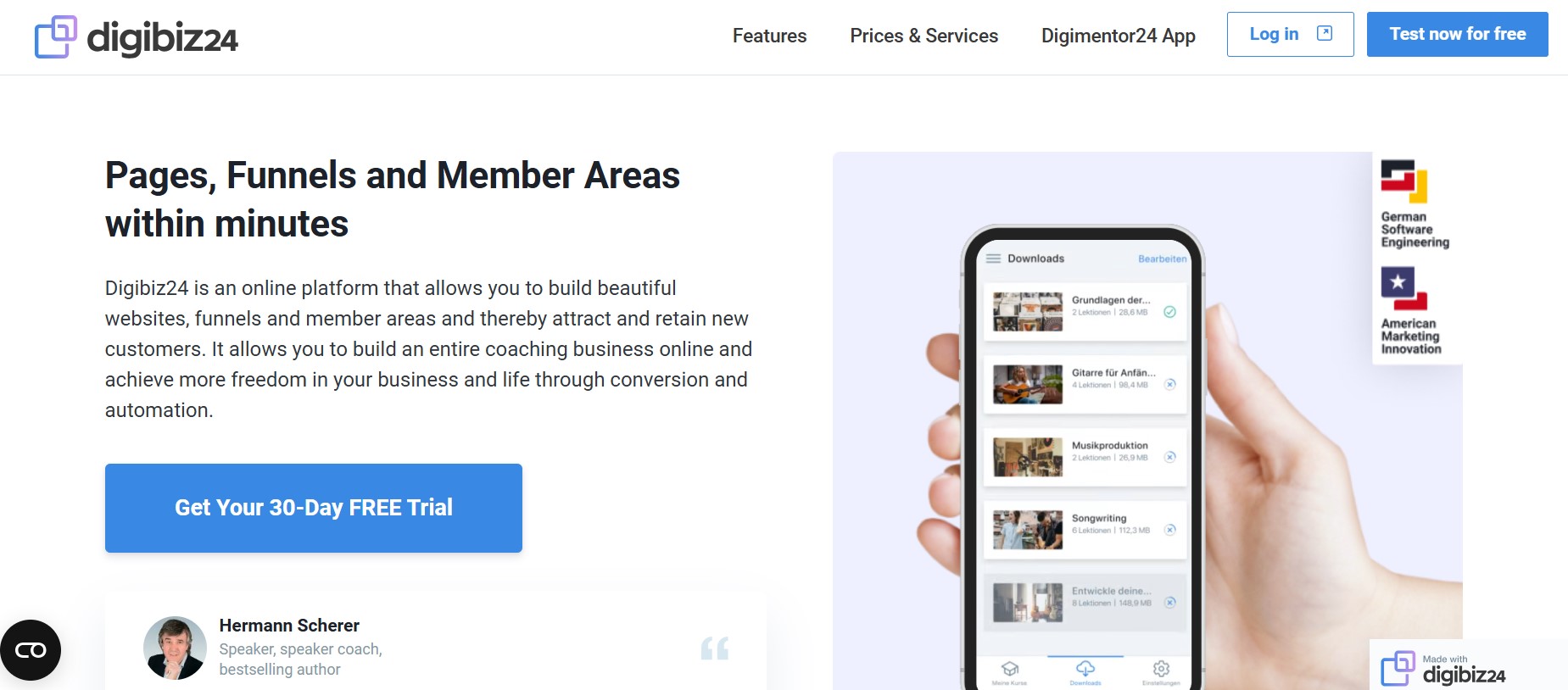
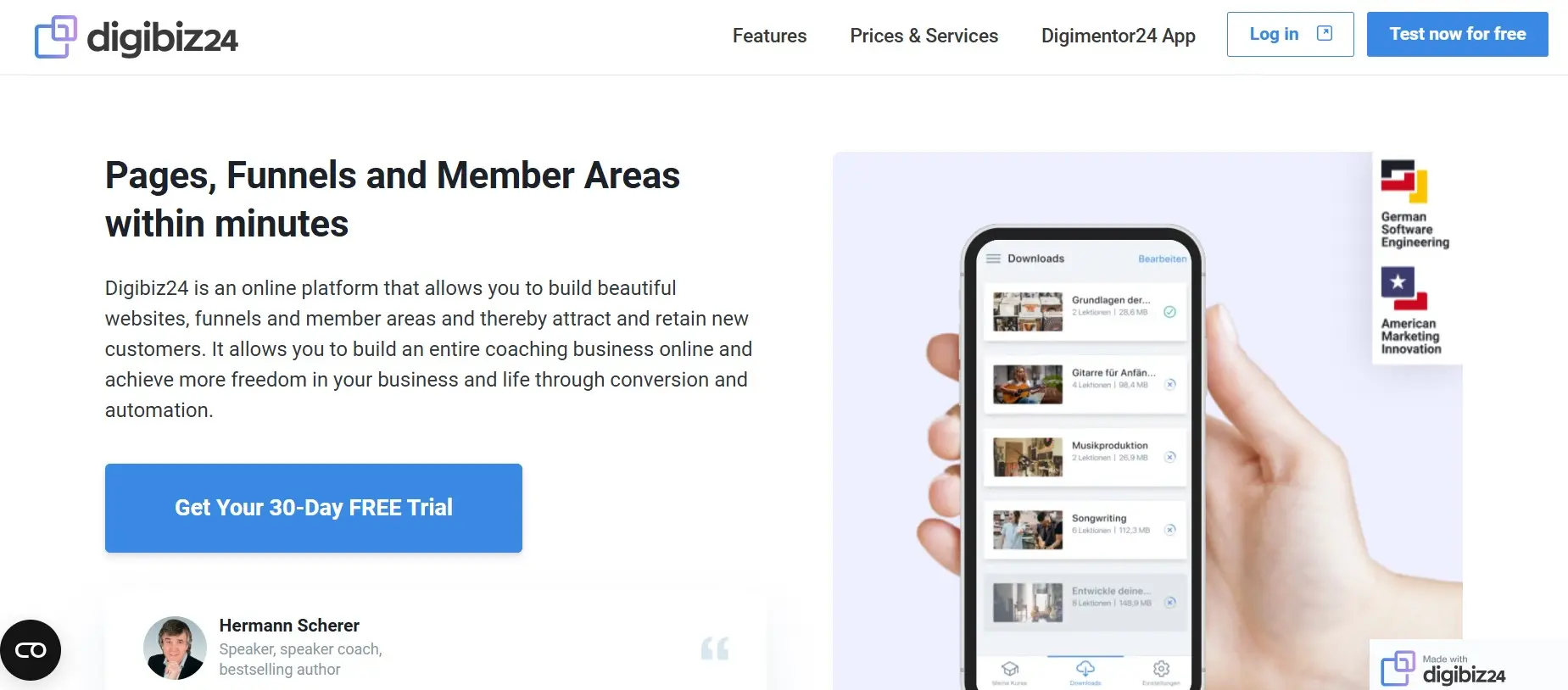
Digibiz24 is an online platform that allows you to create websites, sales funnels, and membership sites. The latter can be focused on educational courses and downloadable products or serve as a community space. A significant advantage is the optional integrations, such as with the email marketing platform ActiveCampaign, which automates various processes in email marketing, sales, and more.
Digibiz24 offers a 30-day trial that you can use for free. After that, you have a choice of three pricing models—Light, Premium, and Platinum—available as monthly and annual packages. The two more expensive packages include the Digimentor24 app, which allows your users to access your membership offers via mobile devices (Android and iOS) even offline.
Kajabi
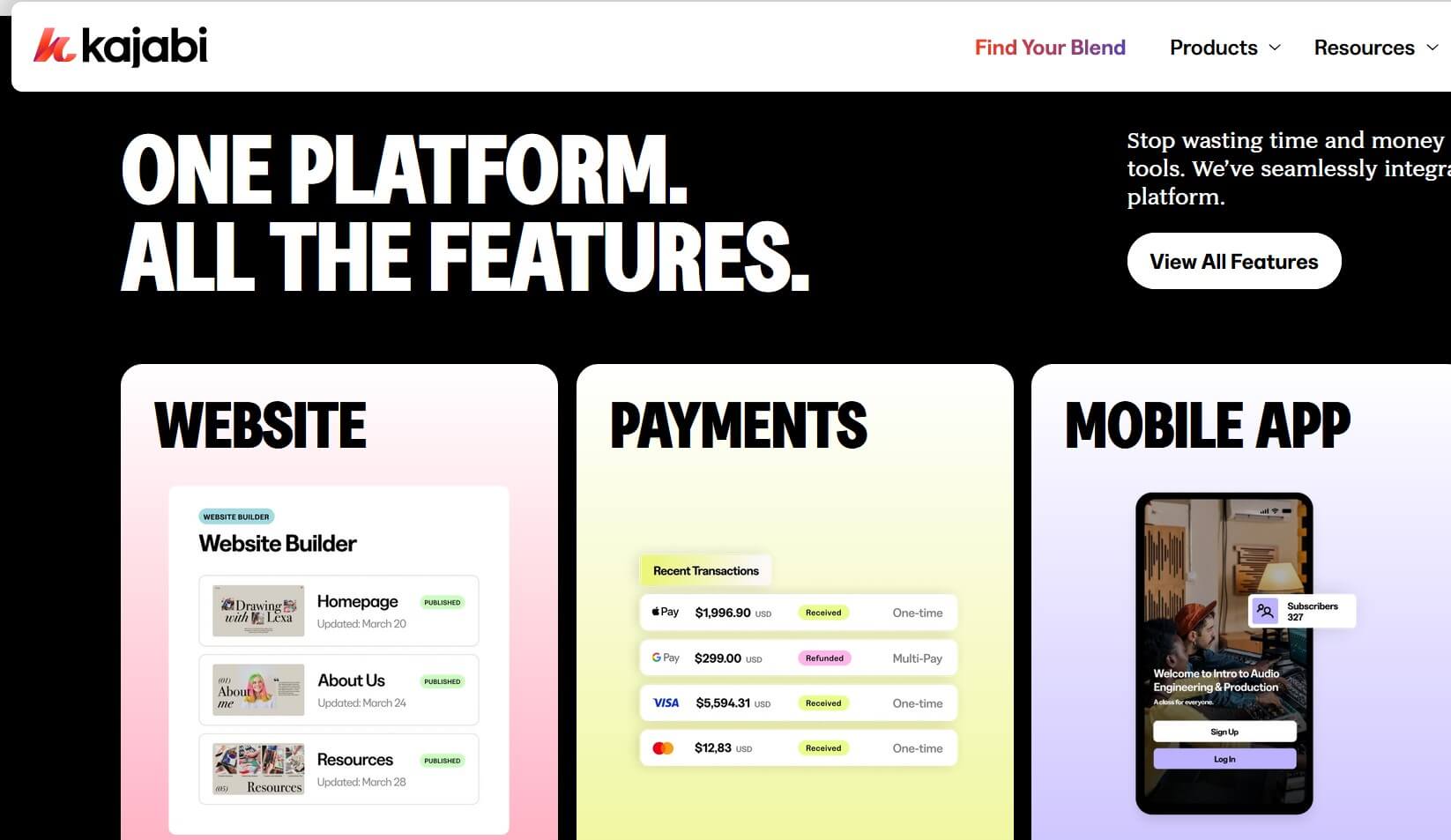
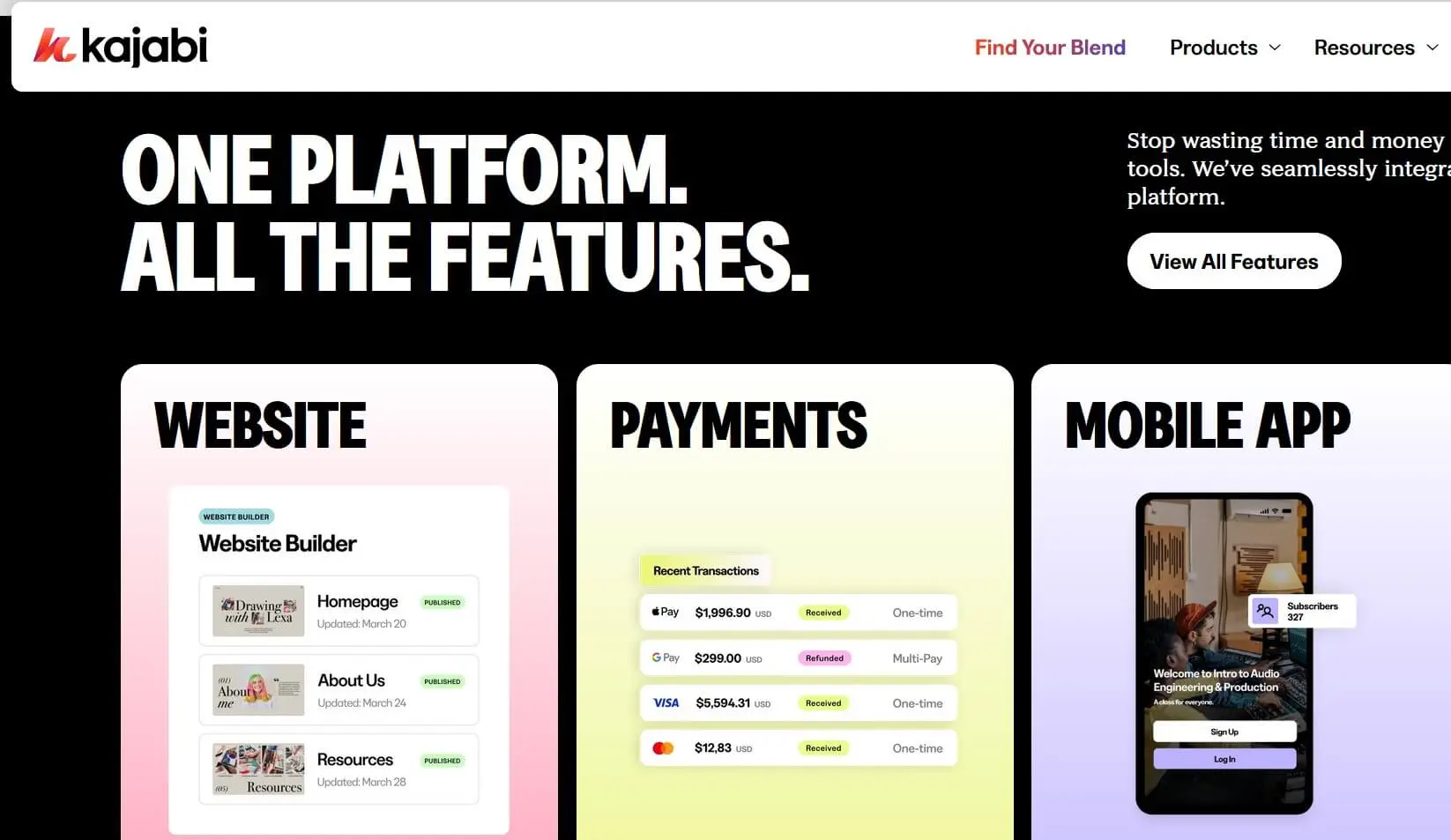
Kajabi is a versatile all-in-one online platform that allows you to quickly create a membership site for various content—online courses, podcasts, communities, and more. Since it already includes numerous features, the platform advertises that you don’t need any additional plugins or integrations after purchase.
If you’d like to try Kajabi, you can start with a free 14-day trial. Afterwards, you can select from several paid pricing packages: Kickstarter, Basic, Growth, and Pro. Each package includes unlimited landing pages and access to Kajabi University — a dedicated help centre offering courses to support users in building and managing their online business.
How do you get conversions?
A conversion in online marketing describes the process in which a user takes an action that turns them into a customer — for example, by purchasing a product. With a membership site, the key challenge is finding effective ways to turn visitors into registered members and, ideally, paying customers.
For optimising the conversion rate, it is crucial how appealing you make a membership on your website and the offers contained within. This endeavor is successful by meeting the users’ needs. In addition to the type of content you provide, the amount can also be a key factor. Many membership sites are a hybrid of diverse content. A combination of a community forum, special (product) offers, and consumable media leaves a positive impression and entices users to sign up for a membership.
You can also take advantage of technical tools to increase your conversion rate. These include advertising measures such as ads and newsletters, as well as the use of SEO.
What are the disadvantages of password protected websites?
One of the main disadvantages of websites that are fully or partially password protected is the higher administrative effort involved. This becomes especially relevant when larger teams are working on the site. In such cases, it’s essential to adjust WordPress access rights accordingly and assign responsibility for member areas to specific individuals. If community forums are integrated, moderators should also ensure that all rules are enforced and users follow the established netiquette.
Another drawback is the password system itself. In practice, you cannot control who actually enters your website’s members area. Passwords can be shared between users or even stolen by cybercriminals. To counter this, it’s important to prioritise strong website security and provide helpful features such as password recovery.