Invoicing software – what exactly is it?

Invoicing software is computer software that assists businesses with their recordkeeping. You simply input client information into the software which then generates accurate, sequenced invoices that can easily be emailed or printed for mailing. Most invoicing software allows you to create invoice templates and save client and product information.
Using invoicing software in place of paper helps keep on top of routine tasks more accurately and ensures that you are paid on time, as well as your financial paperwork being legally compliant when it comes to filing taxes. A comprehensive invoicing software can save endless time and effort, which is particularly important if you are a small business owner trying to juggle many aspects of running a business. It is considered a staple when it comes to running a business.
Who is invoicing software suitable for?
Any business owner can benefit from automating the process through the use of invoicing software. Depending on the size of your business and number of clients, it can save unimaginable time. However, it is of particular help to small business owners and freelancers. If you have just started up your own business, or are a seasoned professional operating a business solo or with a skeleton team, having comprehensive accounting software that includes invoicing software can sometimes save you the work of an entire accounting team.
What to keep in mind when using invoicing software
Despite the many advantages of using invoicing software, there are a few downsides as well. While there are many excellent paid invoice software options on the market, the free versions can sometimes come with restricted features which slow down or even make the process more difficult. Here are some of the potential downsides you may experience:
- Restricted user access: Some free versions may restrict the amount of users who can access and operate invoicing software simultaneously. This can put a massive strain on your employees.
- Billing flexibility: If you are running a simple business, free invoicing software may be a suitable solution for you. However, if you are responsible for a larger operation, with many clients or even multiple branches of a business, the invoicing process may become more cumbersome. A broader invoicing software or complete accounting package can be expensive, so it’s important to assess whether it is worth it for you.
- Data security and retrieval: Your business data and the data of your customers is extremely valuable and its confidentiality should be prioritised at all times. Be sure to check that your chosen invoicing software provider encrypts data and provides a userfriendly data retrieval system.
Bearing these potential disadvantages in mind, it should still be easy for any business owner to find a suitable invoicing software that can meet all of their needs. If you opt for a free invoicing software, make sure that you research the range of functions provided before committing to one.
The best invoicing software options, compared!
Whether you are working on a budget, or simply want to see what the fuss of automated invoicing software is, there are plenty of free options available to try. In this list you’ll also find the best paid solutions.
Wave
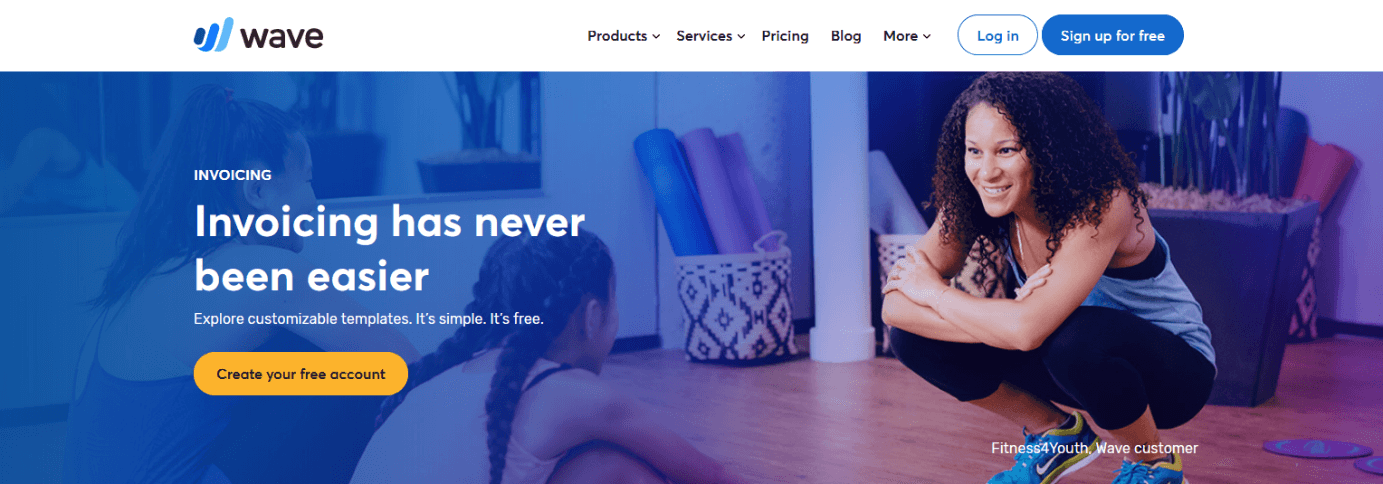
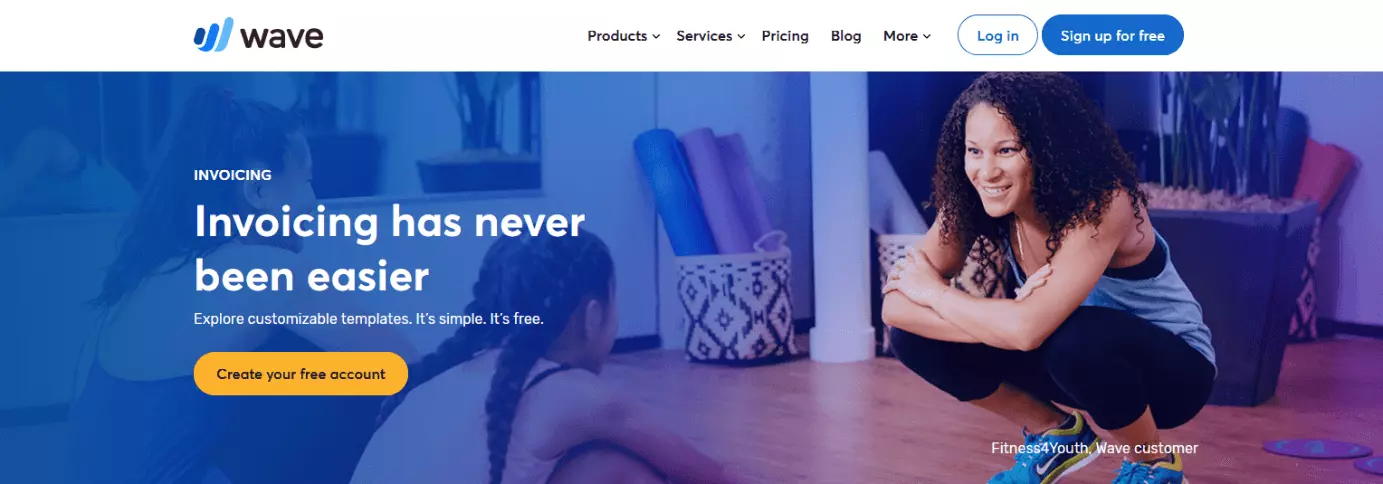
Wave is an accounting software app specifically designed for those with little accounting experience. Their invoicing software is one of their most popular features. Invoices can be created quickly and easily, with a very user-friendly interface. Templates are customisable, so you can select what currency you wish to invoice in, add your logo or edit colourways. You can easily set up recurring billing for regular customers and Wave also have their own free apps for iOS and Android. Instant notifications also help you keep on top of your payments, 24/7. This software option is ideal for small business owners or freelancers, and comes highly acclaimed as the winner of numerous awards.
| Advantages of Wave | Disadvantages of Wave |
| ✓ 100% free to use | ✗ Interface can be difficult to navigate |
| ✓ User-friendly, designed for those with little background in accounting | ✗ Payroll software and online payment processing require a fee |
| ✓ Invoices and templates are completely customisable | ✗ Website and app can be slow at times |
| ✓ Free apps allow invoicing on the go | ✗ While Wave can be used in the UK, it is designed for the US & Canada primarily, so some small edits to templates may be needed |
Freshbooks
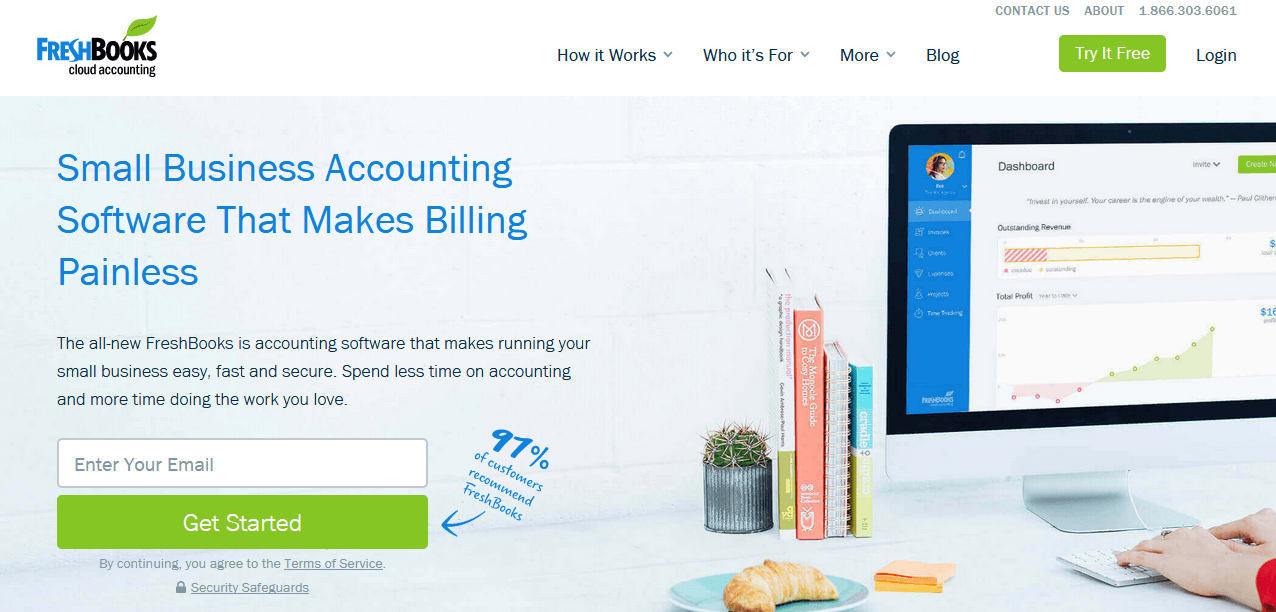
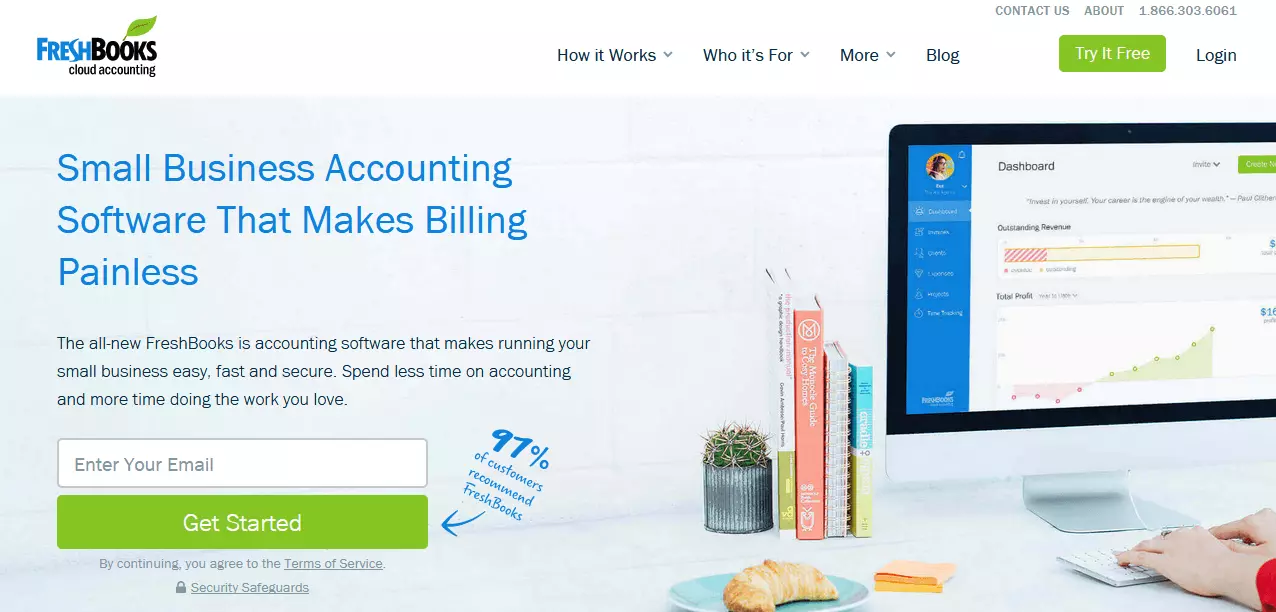
Freshbooks is a complete accounting solution with excellent invoicing software options, suitable for freelancers, small businesses and large agencies. You can create custom invoices with a choice of currencies, while recurring invoices are a cinch to set up. With this invoicing software you can also customise invoice payment terms and calculate tax rates, as well as receive regular updates on the status of your invoices. Freshbooks is accessible by desktop or mobile devices. Plans range from approx. £12 ($15) for the Lite package, approx. £20 ($25) for the Plus package and approx. £38 ($50) for the premium package, with a 30 day free trial to begin. The best thing about this broad accounting package is its impressive user experience, making the software easy to use while still providing an advanced range of functions.
| Advantages of Freshbooks | Disadvantages of Freshbooks |
| ✓ Good range of pricing packages to suit your needs | ✗ No free plan, only the 30 day trial |
| ✓ Flexible invoice management | ✗ No double entry accounting options |
| ✓ Excellent UX, quick familiarisation process | ✗ Limited range of customisation options compare to competitors |
| ✓ Desktop and mobile accessible |
Due
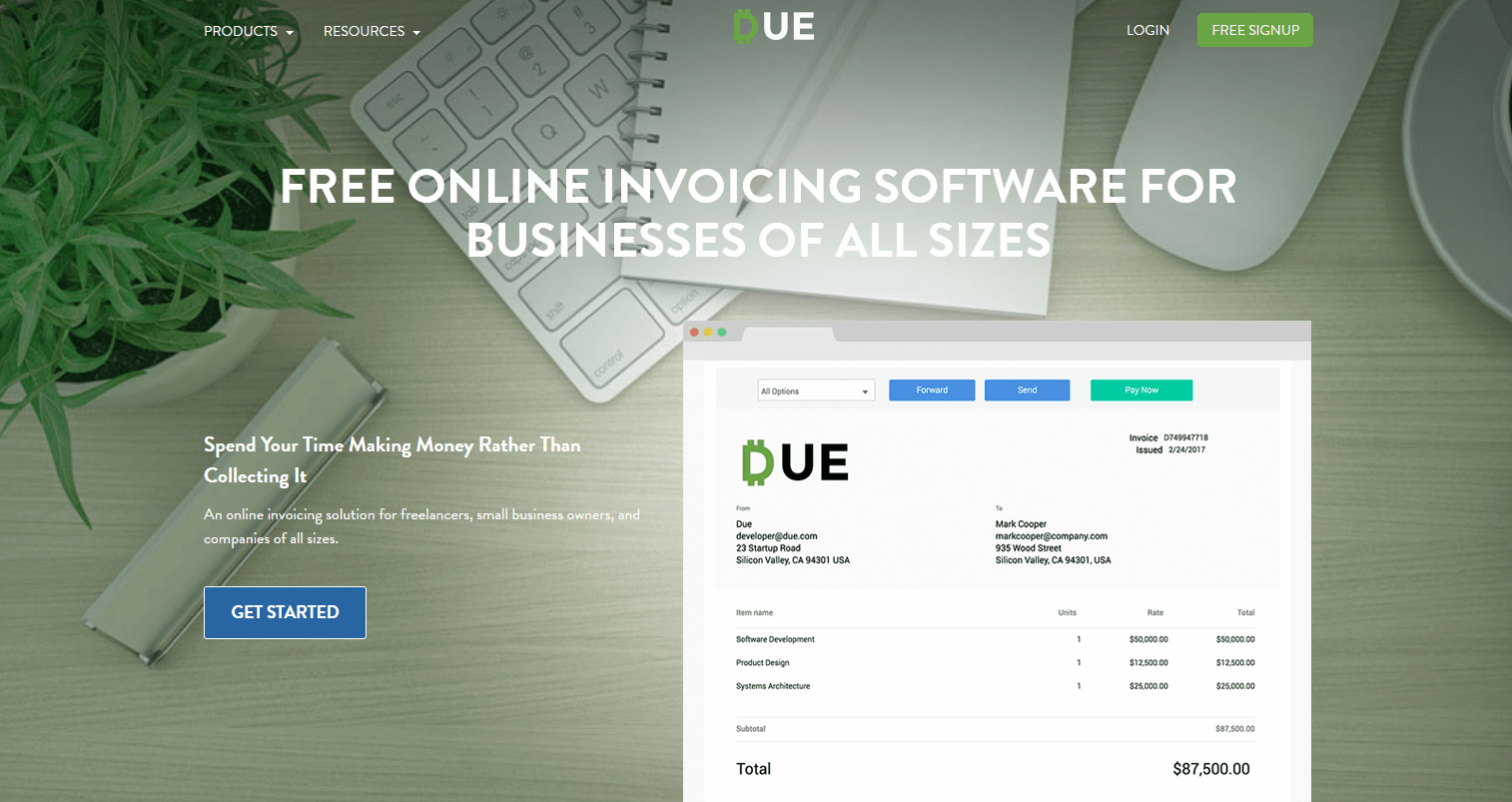
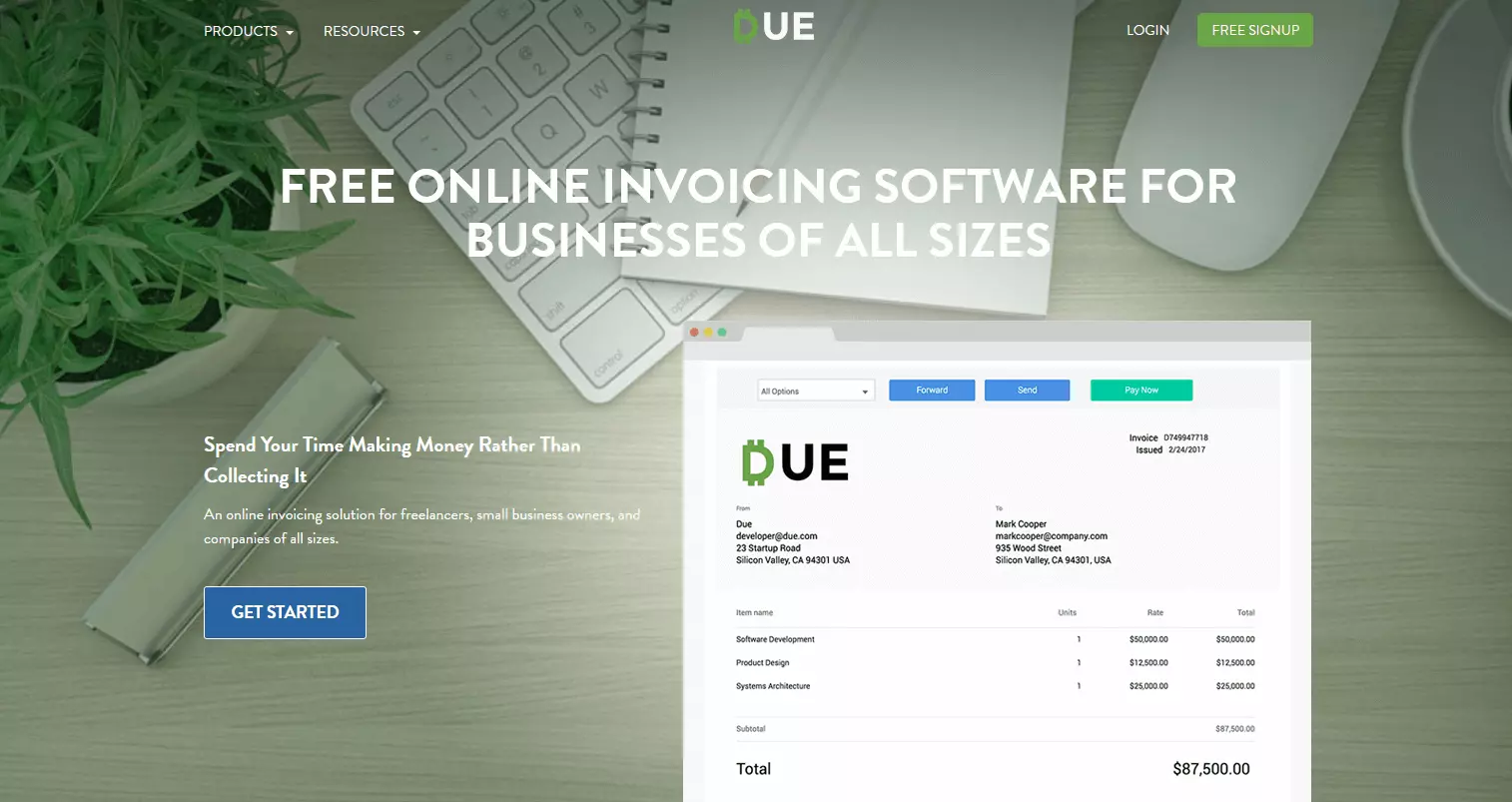
Due provides free invoicing software for businesses of any size. Due has an aesthetically pleasing interface and provides a plethora of helpful features, including customisation – from logos, to invoice messages, to languages and currencies and even payment terms. Due is compatible with any VAT rates and can help with tax and fee applications, as well as custom notes and terms. Invoices can be sent by email or PDF and you can easily duplicate invoices and send to multiple recipients. Due can be accessed from any computer or mobile device and all information is 256-bit SSL encrypted, with information stored in the cloud for easy access. The invoicing software works for unlimited clients so there is no paywall applied should your business grow in size.
| Advantages of Due | Disadvantages of Due |
| ✓ 100% free of charge to use | ✗ 2.7% pay as you go charge on credit card transactions |
| ✓ Attractive interface | ✗ Occasional glitching with beta versions |
| ✓ Invoices and templates are completely customisable | ✗ No customer support phone line |
| ✓ Accessible from mobile and desktop | |
| ✓ Data is encrypted and easily accessible from the cloud |
Brightbook
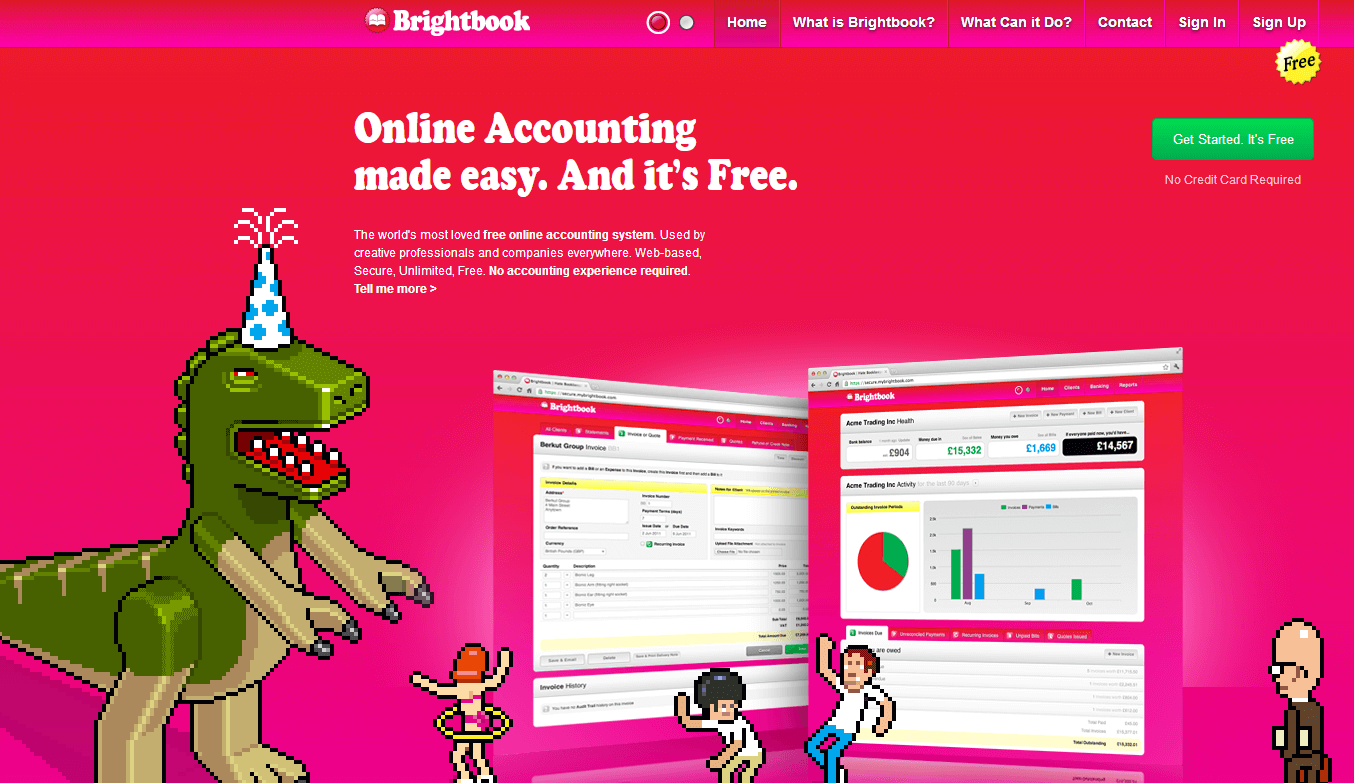
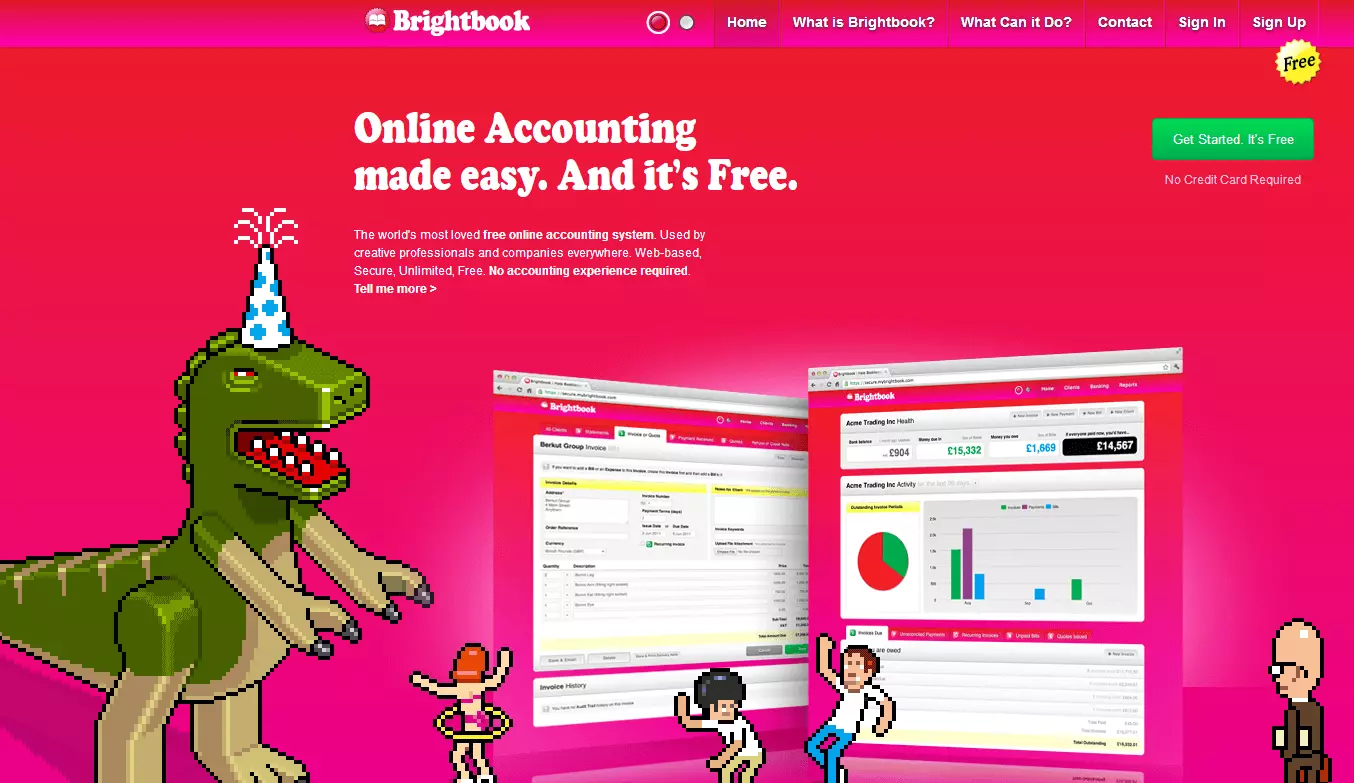
Brightbook presents itself as an accounting solution for small businesses, freelancers and independent contractors, but its invoicing software is where it really stands out. Brightbook allows you to create invoices in any currency with customised logos, as well as customise optional time, tax or discount settings. While they don’t have a clear option to save templates, you can save specific invoices and copy them if you want to recreate one. Client profiles can be created where specific client information is stored so that you can have access at your convenience. They give the option of multiple users, but you can also change the settings to manage your privacy and accessibility as needed. The best part? It’s 100% free of charge.
| Advantages of Brightbook | Disadvantages of Brightbook |
| ✓ 100% free of charge to use | ✗ Only available on desktop |
| ✓ User-friendly, with demos included to help you | ✗ Reduced features |
| ✓ Invoices and templates are somewhat customisable | ✗ Unspecified security and encryption methods |
Sighted
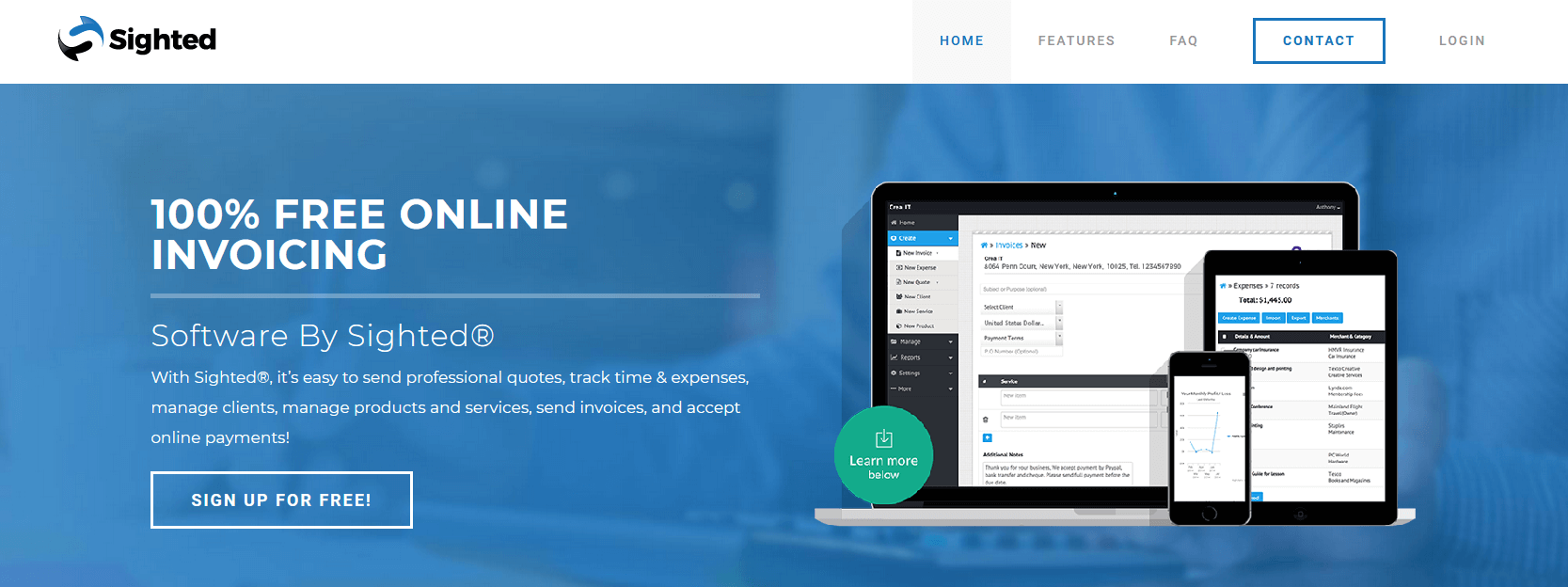
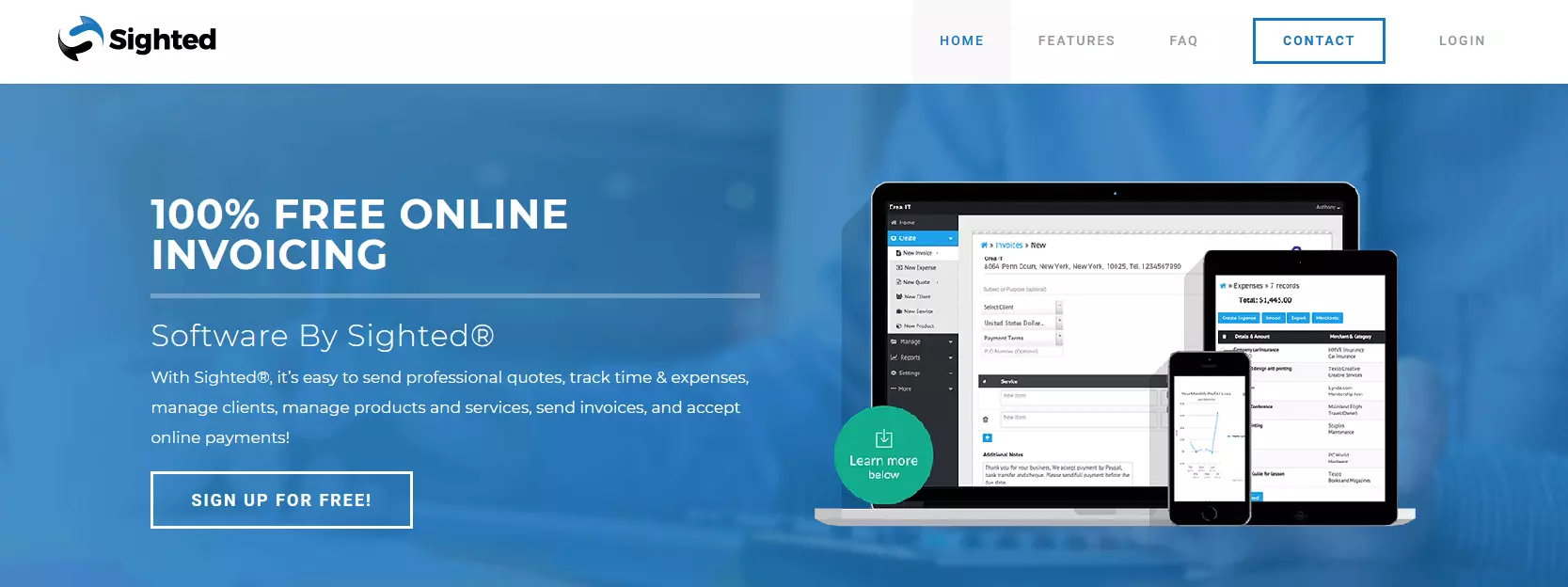
Sighted is the invoicing software that does it all - from creating and sending invoices and accepting payments, to managing clients and products. You can customise your invoice according to currency, products or services rendered, and include fees by the hour, project or amount of products. Sighted has multiple online payment options and syncs with PayPal, as well as allowing credit/debit card payments. Sighted is accessible by both desktop and mobile, and includes top of the range SSL encryption to ensure that your data is secure.
There is a free of charge “Starter” package, although it has reduced features compared to their other paid packages (Premium for approx. £4 ($5) per month, and Super Premium for approx. £19 ($25) per month).
| Advantages of Sighted | Disadvantages of Sighted |
| ✓ Free of charge “Starter package” | ✗ Reduced features for free package |
| ✓ Customisable invoices by logo, currency, product and time | ✗ Single user access |
| ✓ Available for desktop and mobile | |
| ✓ High level SSL encryption |
Intuit Quickbooks
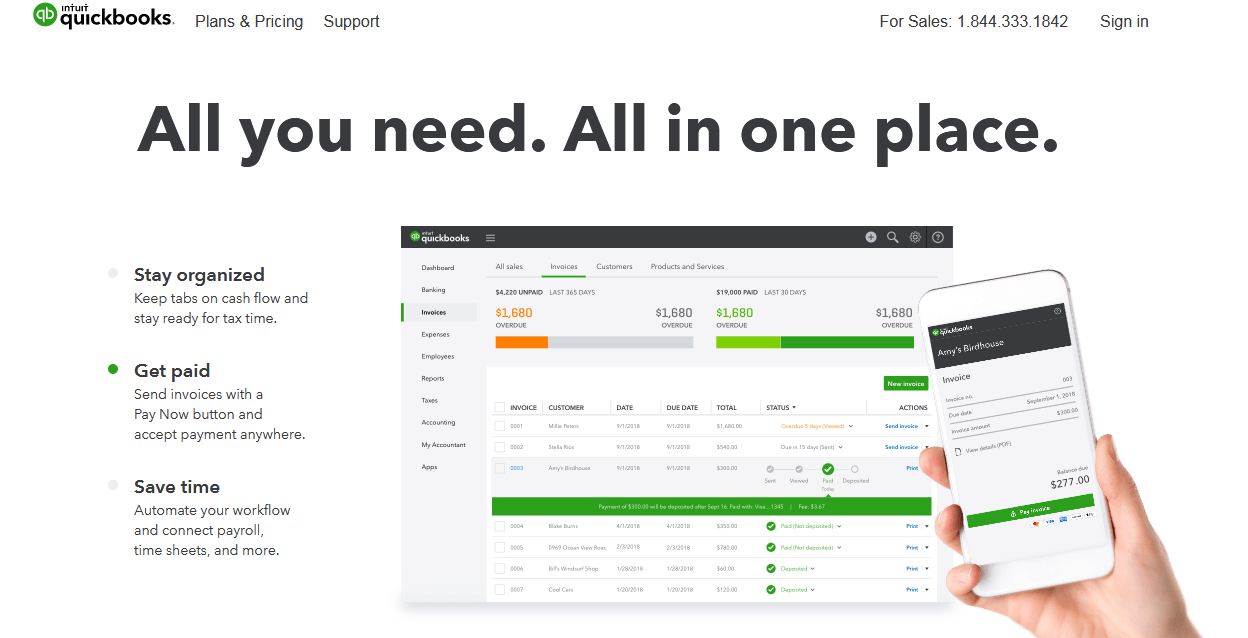
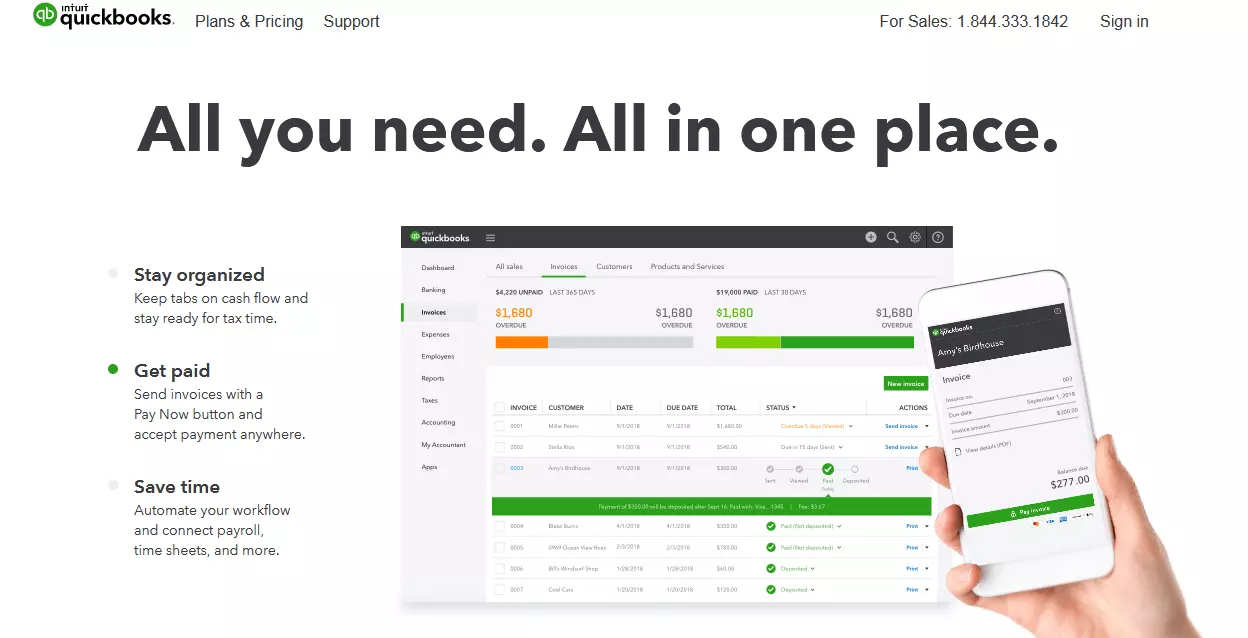
QuickBooks is particularly suitable for self-employed contractors or small business owners, Quickbooks streamlines the invoicing process leaving more time for you to focus on your business. Their customisable invoices include a wide range of online payment options, as well as bank transfer or phone options. Quickbooks can be accessed from desktop or mobile devices, so that you can get paid no matter where you are, no matter what the currency. There are three price plans available for small businesses – the Simple Start at £12 per month, the Essentials for £18per month and Plus for £27 per month. The self-employed can select their own plan for just £8 per month. Quickbooks offer a 30 day trial, and have frequent sales on their website.
| Advantages of Quickbooks | Disadvantages of Quickbooks |
| ✓ Good range of pricing packages to suit your needs | ✗ No free plan, only the 30 day trial |
| ✓ Wide range of customisation options | ✗ Occasional lagging |
| ✓ Excellent UX | ✗ Learning curve |
| ✓ Desktop and mobile accessible |
Invoicera
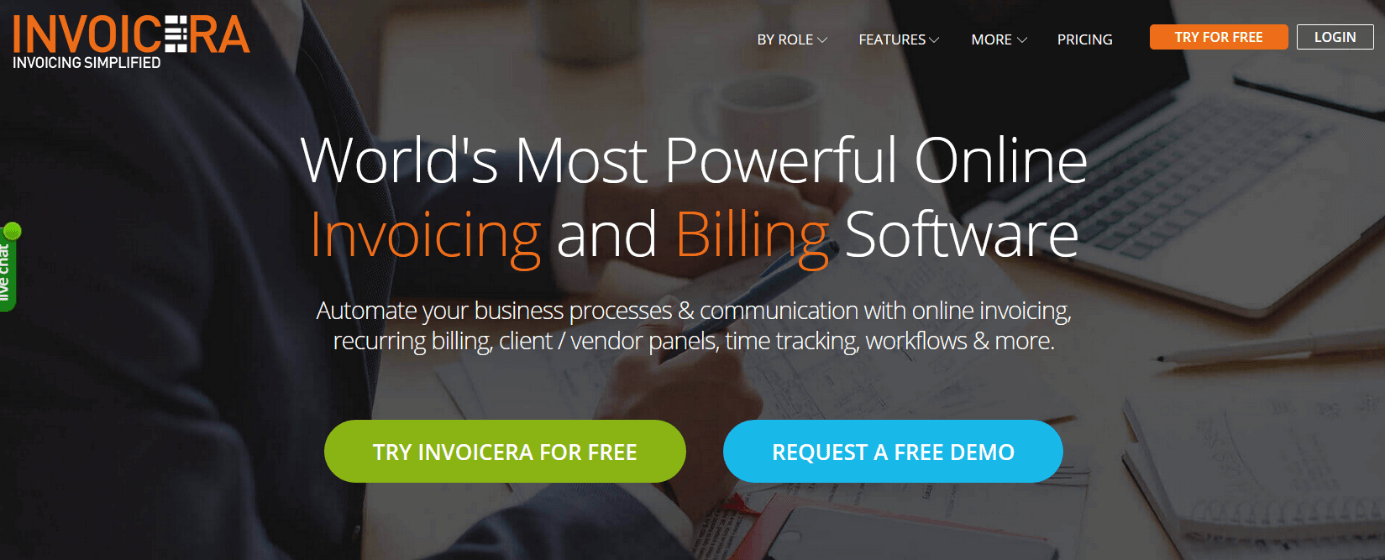
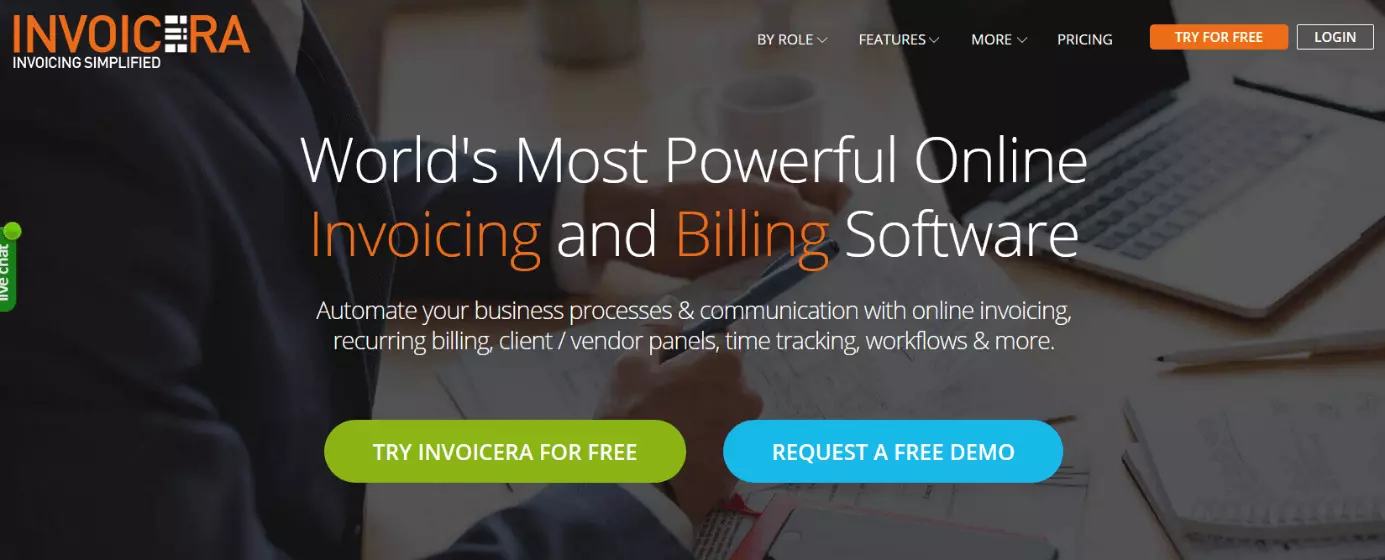
Invoicera is a complete invoicing software package. It allows you to automate the invoicing process, creating custom templates. Their simple dashboard makes it easy to print, email, copy or edit invoices in moments. Online payments are fast and easy with over 30 different online payment options. Invoicera also create a customer information database, and all of their data is securely stored. The high level of automation offered by this invoicing software, with easy to schedule recurring invoices, automatic payment reminders and even automated time management assistants, means that you can streamline your business processes considerably. Their free plan comes with unlimited invoices but for up to just three clients, and no staff or API access available. To enjoy the full range of features Invoicera offers, you will must select either the Pro or Infinite plans for approx. £12 ($15) or approx. £115 ($149) respectively. Both plans are available as a free 30 day trial so you can test them out before committing.
| Advantages of Invoicera | Disadvantages of Invoicera |
| ✓ Free of charge “Starter edition” | ✗ Reduced features for free package |
| ✓ Customisable invoices by currency and language | ✗ Single user access |
| ✓ 30 online payment options for clients | ✗ Additional clients and users cost extra |
| ✓ Award winning customer support |
Akaunting
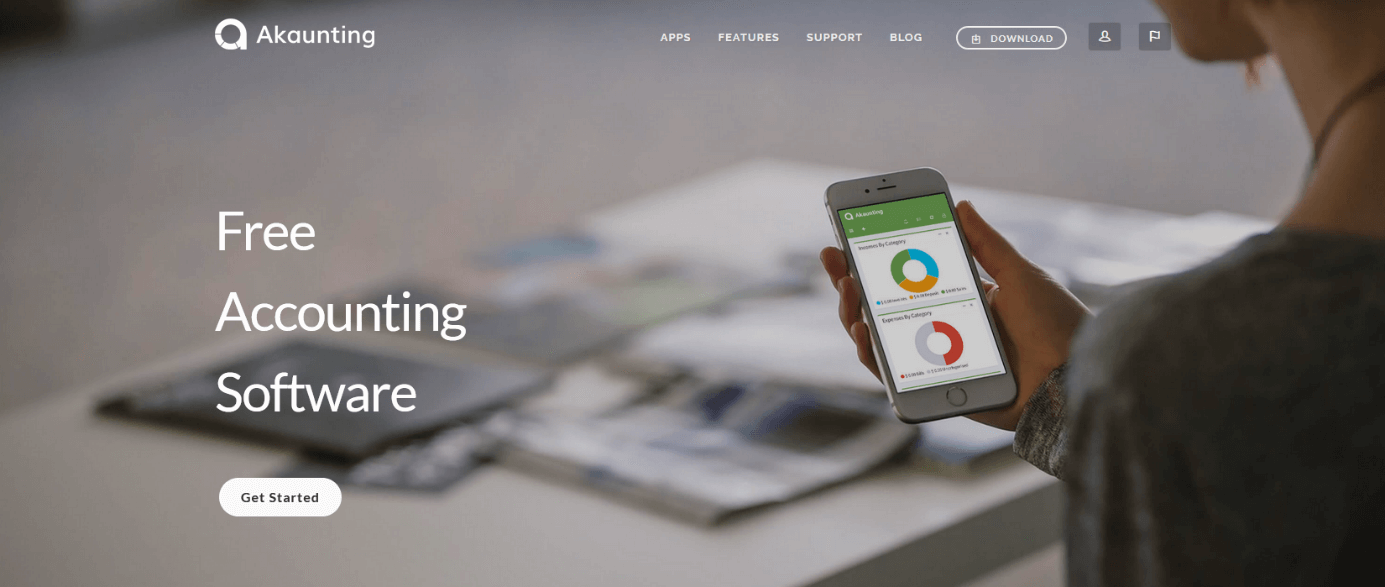
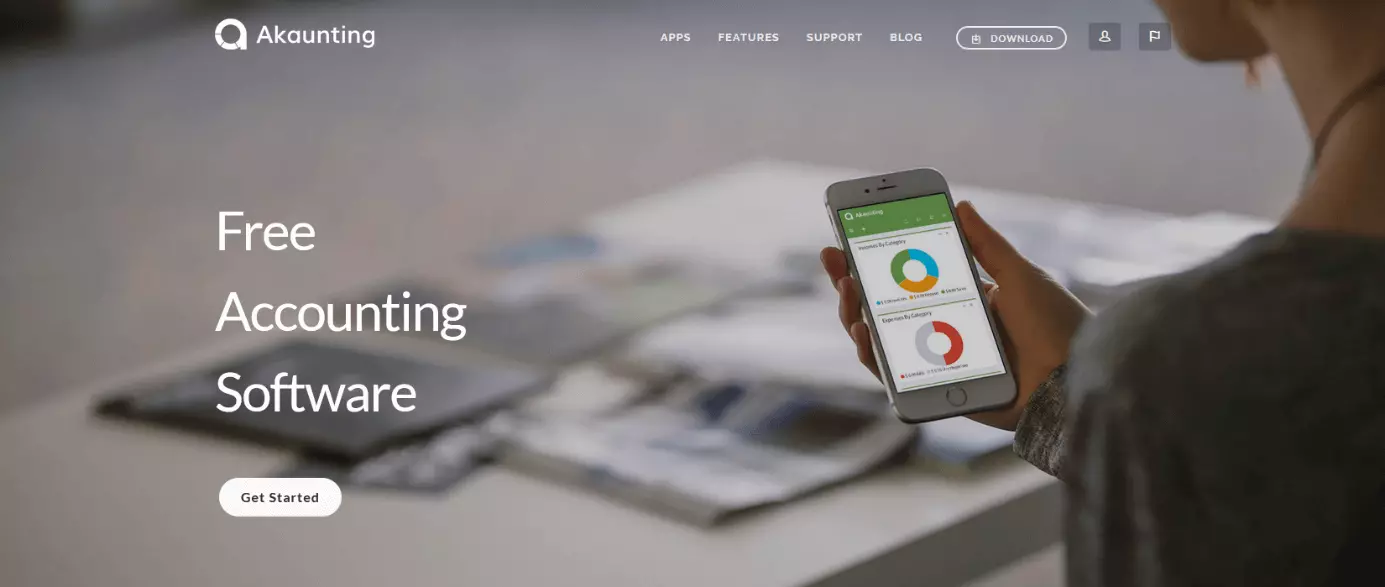
While Akaunting is billed as a full range accounting package, it is worth including in this article on invoicing software because of its unique position among the competition as open source software. Akaunting is open source which means that on top of being 100% free of charge, you have complete control over your data privacy. You download the software onto your computer, so you have complete control over your information - no need to worry about another company’s internal or cloud servers being compromised. Their easy to use interface makes creating professional invoices simple, and their software is accessible through desktop or mobile devices. Payments can be accepted online with no commission or transaction fees. Another helpful feature of the invoicing software being open source and hosted on GitHub is that contributors from all over the world (even you if you feel so inclined) are free to make their own updates and upload them for anyone to use - a lifetime of updates for your accounting software, completely free! Akaunting is a great option for someone looking for a broader accounting solution for their small business, with a real focus on data security.
| Advantages of Akaunting | Disadvantages of Akaunting |
| ✓ Completely free of charge | ✗ Fewer features than other free invoicing softwares |
| ✓ Complete control over data privacy | |
| ✓ Free updates for life | |
| ✓ Desktop and mobile accessible |
Invoice Ninja
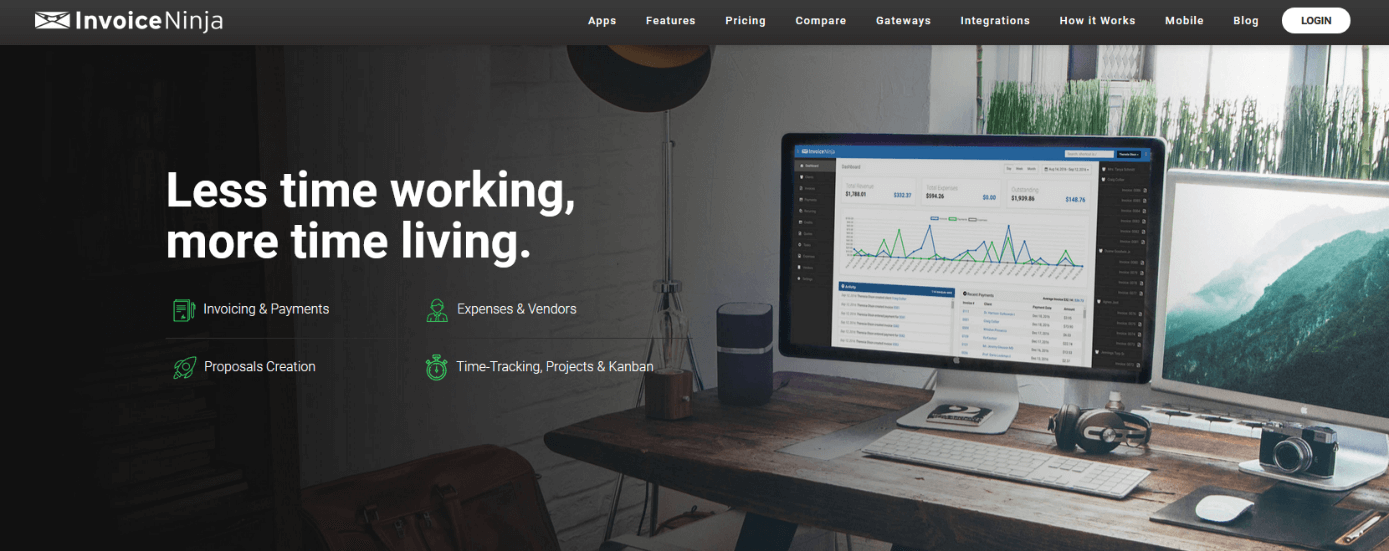
Invoice Ninja is an advanced invoicing software with an impressive range of functions. Create customised PDF invoices from a range of templates with language and currency options, set up automatic late fees or adjust tax settings. Invoice Ninja also allows you to create a full client profile on your portal and view your entire invoice history easily. Deposits, payments, and even partial payments can easily be made with over 40 payment integration options. With their free package, you can create and send unlimited invoices to up to 100 clients, making this option attractive for small businesses or sole contractors starting out. For their full range of services, you’ll need to select one of their paid “Ninja Pro” (approx. £6 ($8) per month) or “Enterprise” (approx. £9 ($12) per month) plans.
| Advantages of Invoice Ninja | Disadvantages of Invoice Ninja |
| ✓ Impressive range of features on their “Forever free” plan | ✗ Broader range of features in the paid plans |
| ✓ Wide range of customisation options | ✗ Invoices are watermarked with Invoice Ninja logo with the free version |
| ✓ Over 40 different online payment options | ✗Somewhat limited range of bank integration options |
| ✓ Desktop and mobile accessible |
Xero
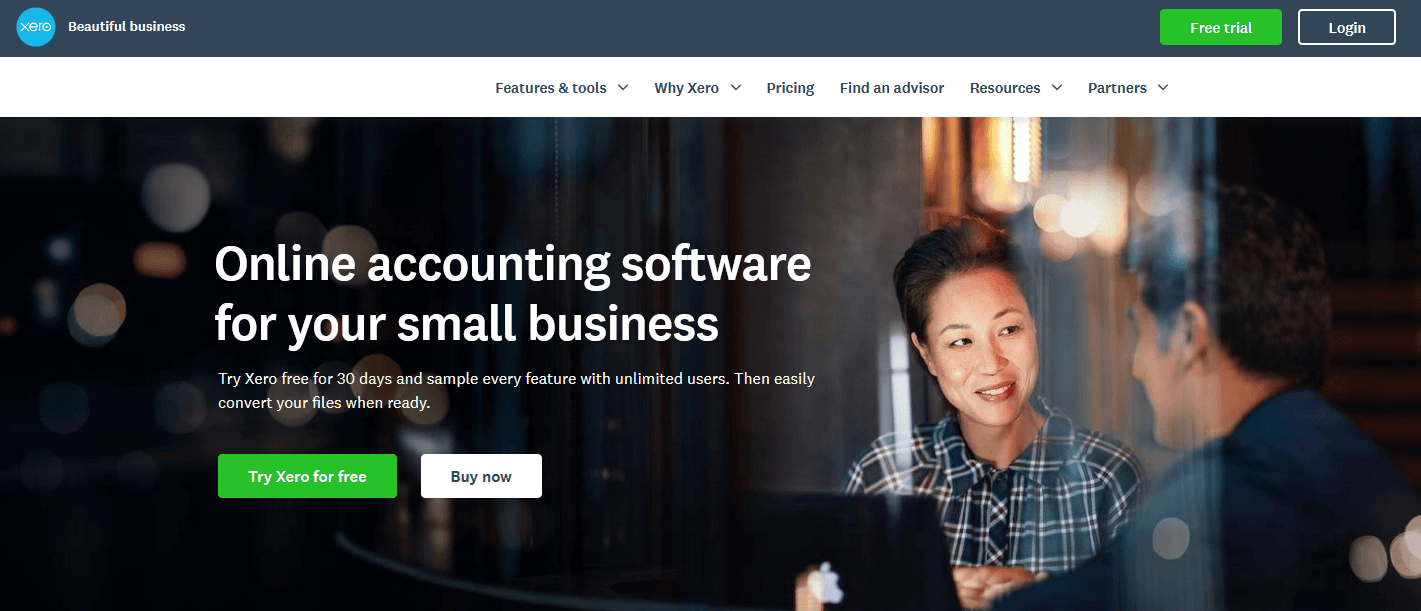
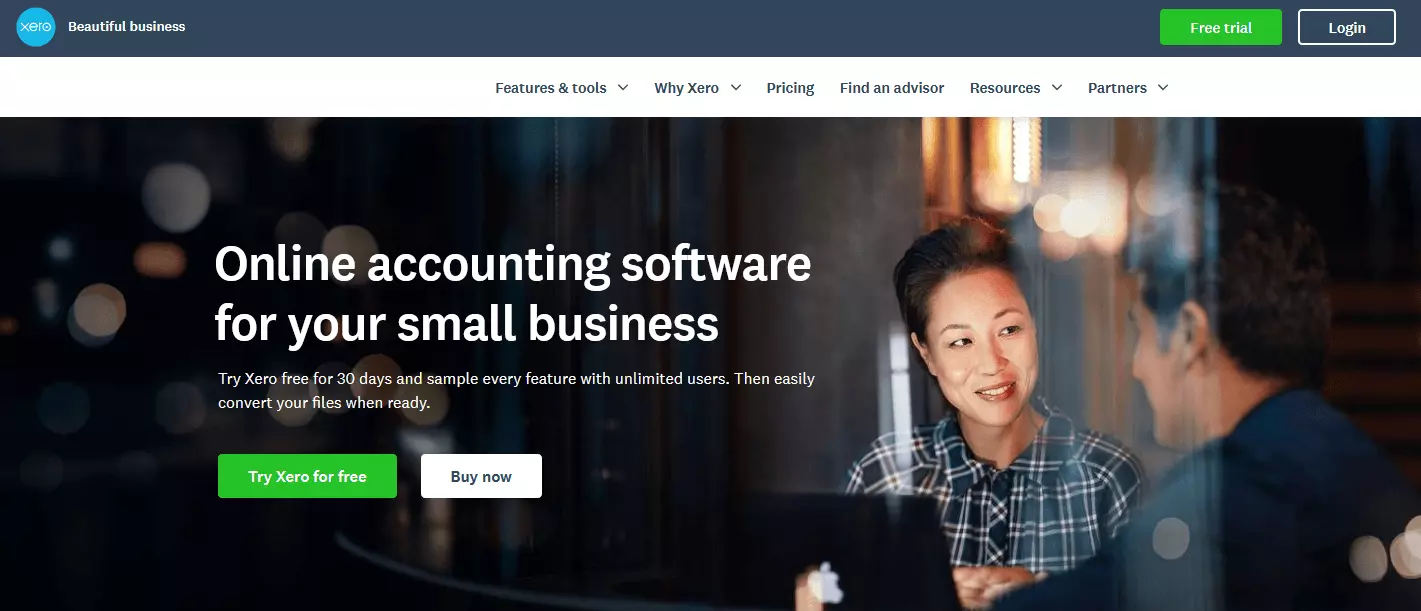
The biggest appeal with Xero is the level of customisation you can bring to your invoices. Xero is again a complete accounting package, but worth mentioning because of their invoicing software. Invoices can be created entirely from scratch or using one of their many customisable templates. Setting automatic reminders is easy, and they have a wide range of online payment options, like debit/credit card, PayPal or Stripe. Setting up repeat invoices is no problem, and you can also send out bulk invoices – all from either your desktop or mobile device. Xero’s price plans are changing on November 1, 2018 – The Starter package currently costs £10 per month (changing to the Early package for £10), the Standard package is £22 (changing to Growing at £22 per month), and finally their Premium 10 package is £27.50 per month (changing to Established at £27.50 per month).
| Advantages of Xero | Disadvantages of Xero |
| ✓ Several price package options | ✗ No free plan, only the 30 day trial |
| ✓ Complete customisation control | ✗ No customer support by phone |
| ✓ Easy to use and intuitive | |
| ✓ Desktop and mobile accessible |
Comparison of the ten best invoicing softwares
| Software | Suitable for | Customisation | Platforms supported | Price | Free trial available | Online Payment options |
| Wave | Entrepreneurs, freelancers, small businesses | High level - Logo, currency, numerous templates to choose from | Desktop, iPhone app, Android app | Free | n/a | Credit cards, bank payments |
| Freshbooks | Freelancers, small-medium sized businesses | High level – Logo, currency, numerous templates to choose from | Web-based, iPhone app, Android app | £12-£38 ($15-$50) | ✓ 30 days | Credit cards, Apple Pay |
| Due | Freelancers, small-medium-large sized businesses | High level – logo, currency, language, numerous templates to choose from | Web-based, iPhone app, |
Free | n/a | Credit cards, PayPal |
| Brightbook | Small businesses, freelancers | Low – logo, only one template to choose from | Desktop only | Free | n/a | Credit card, PayPal |
| Sighted | Small businesses, freelancers | High level – completely tailored invoices, numerous templates to choose from, logo, currency | Web-based, iPhone app, Android app, |
£0-£19 ($0-$25) | n/a | Credit/Debit card, PayPal |
| QuickBooks | Freelancers, small businesses | High level – logo, currency, language, numerous templates to choose from | Web-based, iPhone app, Android app | £12-£27 | ✓ 30 days | Credit card, phone payment, Apple Pay |
| Invoicera | Freelancers, small-medium-large businesses | High level – logo, currency, language, numerous templates to choose from | Web-based, iPhone app, Android app |
Approx. £0-£115 ($0-$149) |
✓ 15 days | 30+ online payment gateways integrated |
| Akaunting | Freelancers, small-medium sized businesses | High level – invoice customisation is possible to the highest level but requires coding experience. Otherwise, there is only one template available. Currency and language are customisable. | Web-based | Free | n/a | Credit/debit card, PayPal, Stripe can be integrated |
| Invoice Ninja | Freelancers, small-medium sized businesses | High level – completely tailored invoices, numerous templates to choose from, logo, currency | Web-based, iPhone app, Android app | Approx. £0-£9 ($0-$12) | n/a | 40+ Payment gateways integrated |
| Xero | Freelancers, small-medium sized businesses | High level - Logo, currency, numerous templates to choose from | Web-based, iPhone app, Android app |
£0-£27.50 | ✓ 30 days | Credit/debt, PayPal, Stripe, Apple Pay |
Please note the legal disclaimer relating to this article.
Reviewers

Anne-Laure Wolber
Anne-Laure has been part of the IONOS Digital Guide since its inception in 2016. As an expert in the startup category, she focuses primarily on the strategic integration of SEO, GEO and conversion rate optimisation. Over the years, she has also gained extensive experience in related performance disciplines such as lead generation and native advertising. As a polyglot, she leverages her multilingual background to develop content strategies with precision and impact for international audiences.

Christian Heldmaier
Christian Heldmaier is an experienced online marketing and SEO specialist from Karlsruhe. He has been working as an SEO Manager at IONOS since July 2020.