

Which are the best blogging tools for bloggers?

Bloggers juggle a wide range of responsibilities, often working solo without the support of a team. That’s why reliable blogging tools that streamline everyday tasks are especially valuable. Here, we highlight tools that offer genuine support and have become essential for many bloggers.
The best content management systems (CMS) for bloggers
Content is at the heart of every blog, and intuitive content management plays a crucial role in its success. With content management systems or website builders, you can easily create structured pages and articles and publish them exactly when you want.
- Stress-free, no matter your skill level with easy AI tools
- Full customisation with themes and plugins
- Hassle-free updates and less admin
WordPress
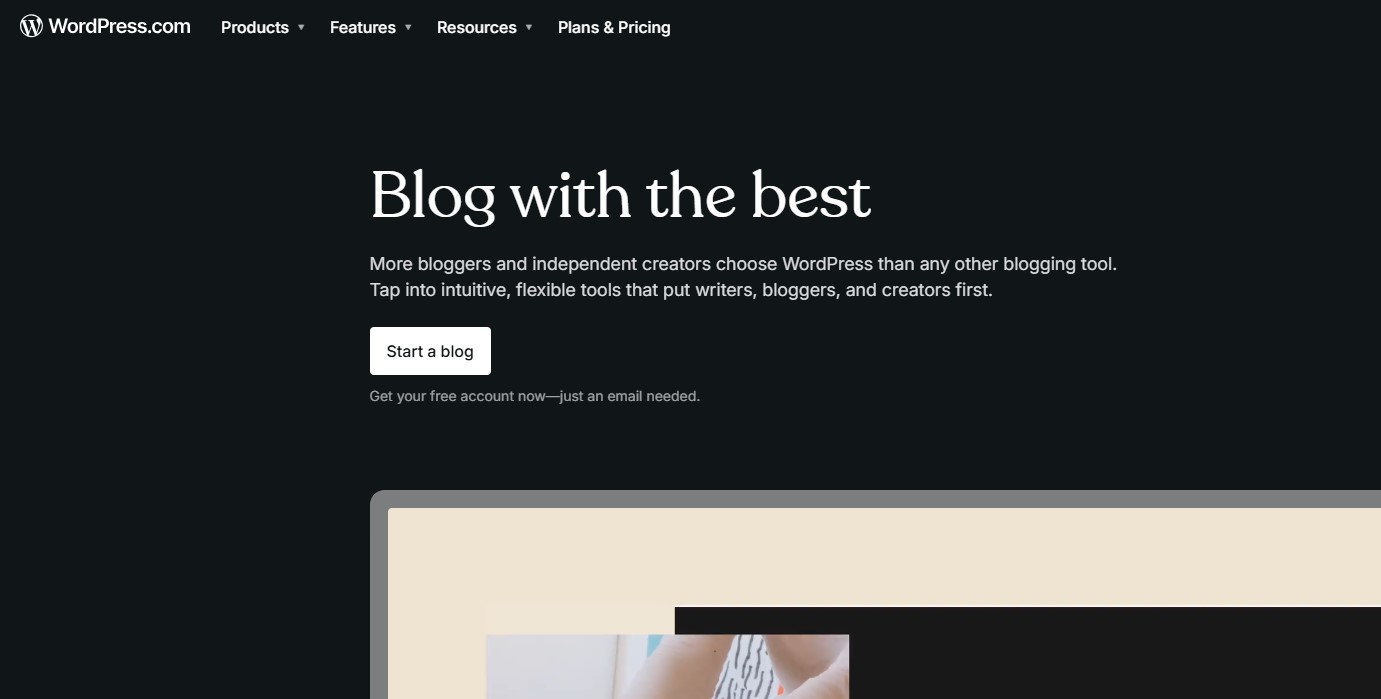
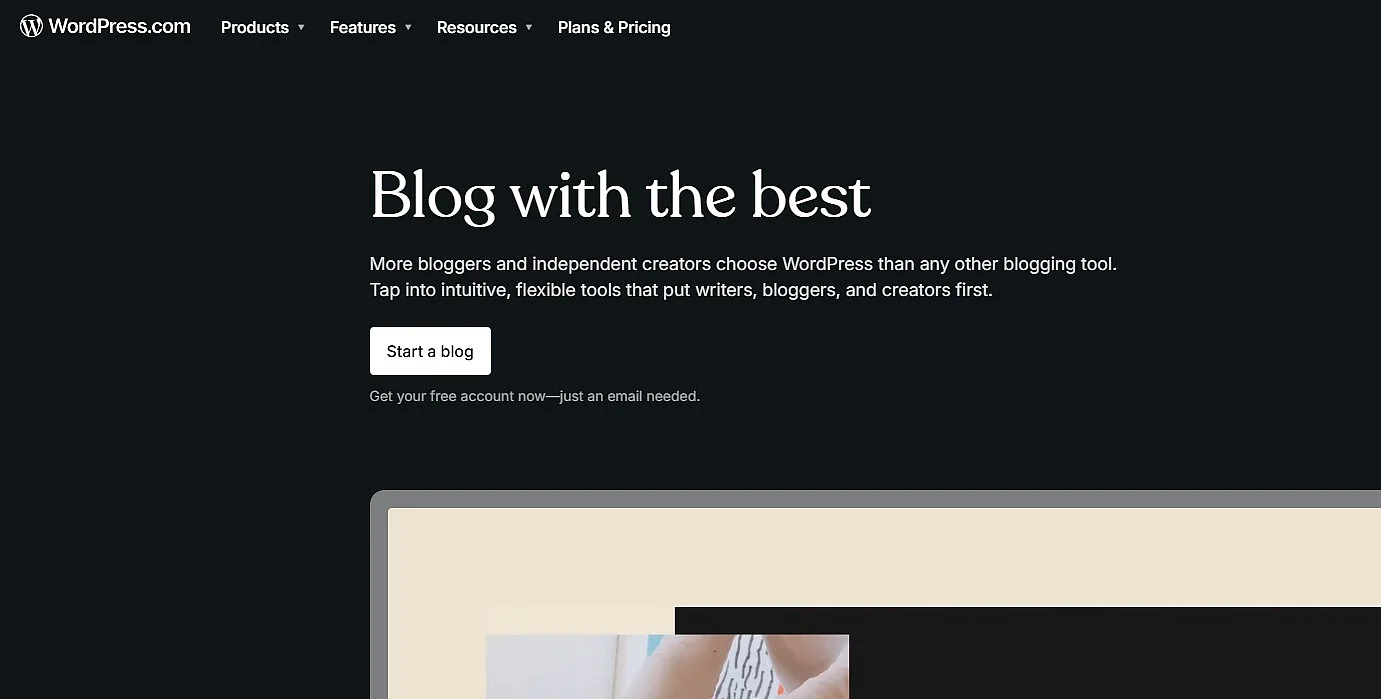
WordPress is the most popular content management system on the market. More than 40 percent of all websites worldwide use the open-source program, which is equally popular with individuals and businesses. WordPress continues to set the standard for flexible, scalable blogging—from personal blogs to professional content projects.
WordPress makes it easy for you to dive right into the world of blogging—even without prior knowledge of programming and web design. Thanks to the wide variety of WordPress templates, you can give your blog a high-quality look at no cost. Since the introduction of the block-based editor (Gutenberg), content can be built in an even more modular way and customised flexibly—a clear advantage for blogs with more complex content formats.
An overview of the most important advantages of WordPress:
- User-friendliness
- Easy-to-use content editor
- A wide selection of themes/templates
- A wide range of free, high-quality WordPress plugins
- Seamless integration of additional tools
- Active community and extensive documentation
- Multiple user accounts with different roles possible
IONOS MyWebsite Now
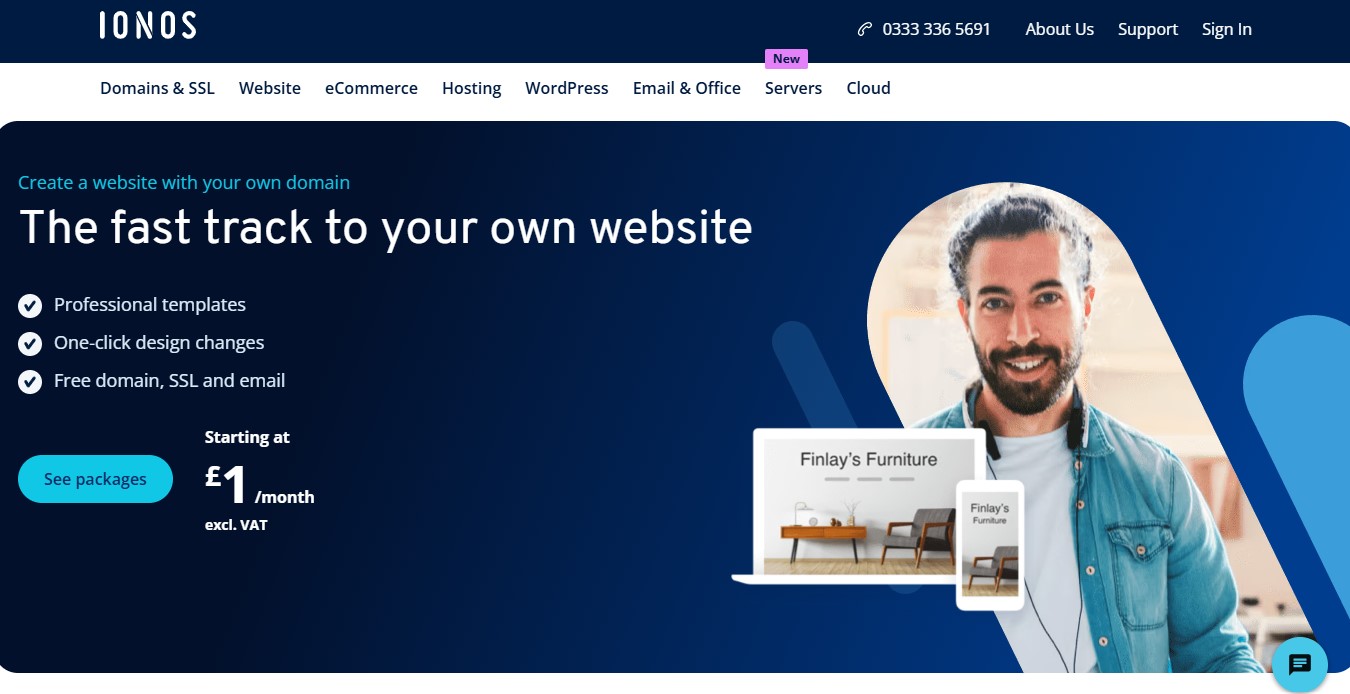
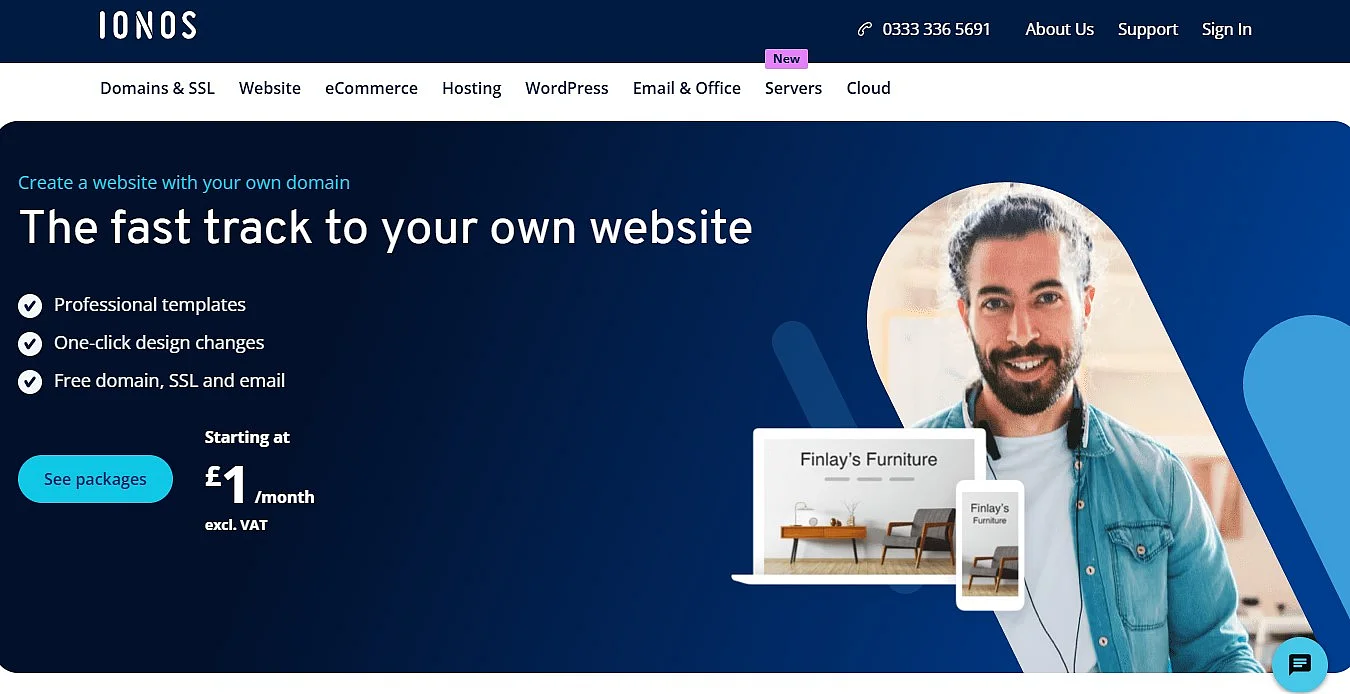
IONOS offers various options for beginners and advanced users to create their own blog quickly and easily. Whether you use the blog for personal purposes or want to create a professional web presence for your company, the website builder from IONOS offers you a simple and reliable solution.
For beginners, the website builder is particularly well suited. Choose your design from numerous individually customisable templates and use the ‘Blog’ web app to set up your personal blog quickly and easily.
IONOS also integrates AI-powered features into its website creation process. These include intelligent design recommendations, automatically generated text suggestions, and guidance on structuring page content. This is particularly helpful for beginners, as it allows websites and blogs to be created more quickly and tailored more precisely—without requiring any technical expertise.
The best SEO blogging tools for bloggers
For long-term success, it’s essential that your content is seen and found on the web. For this reason, you should also optimise your blog specifically for search engines.
Google Keyword Planner
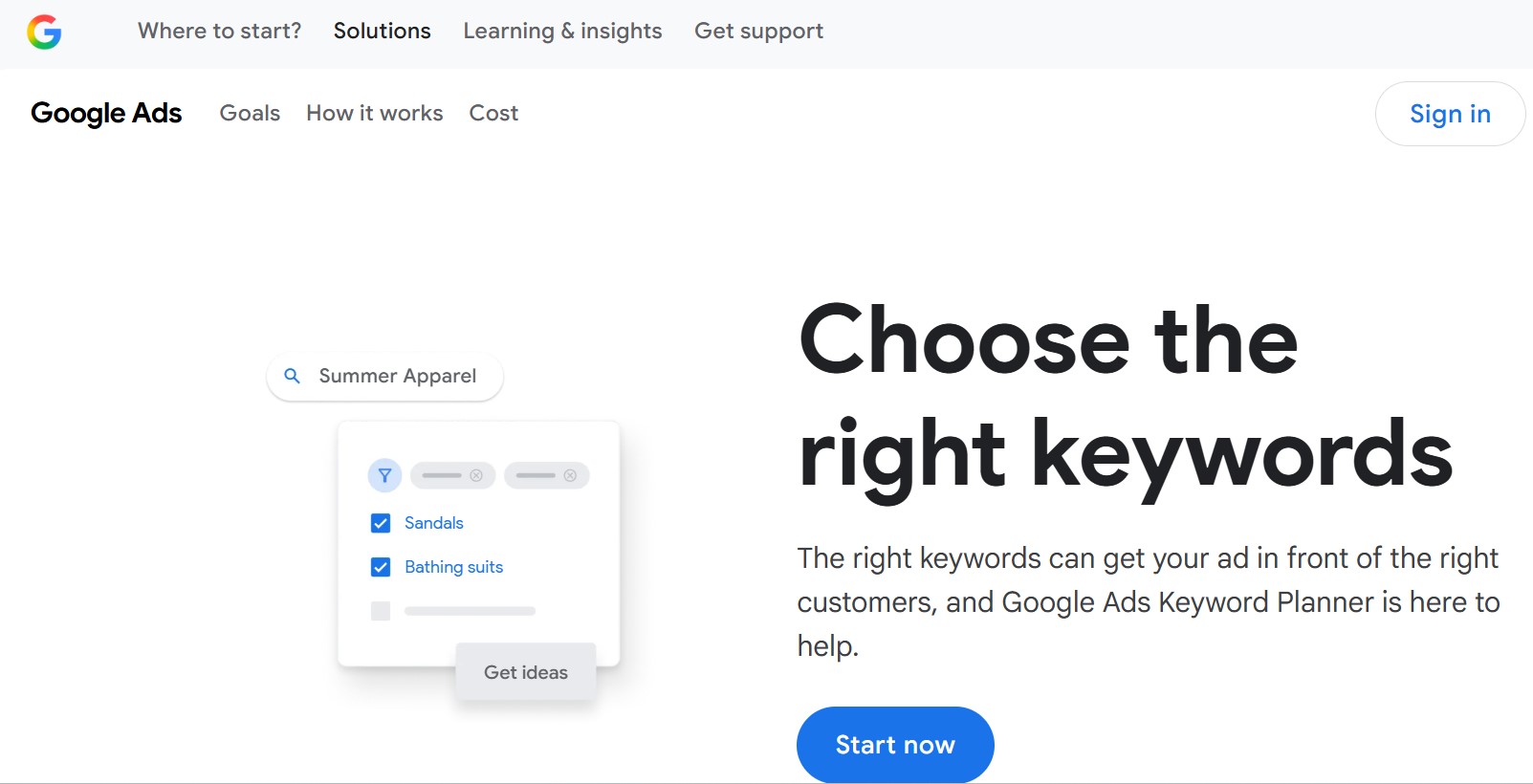
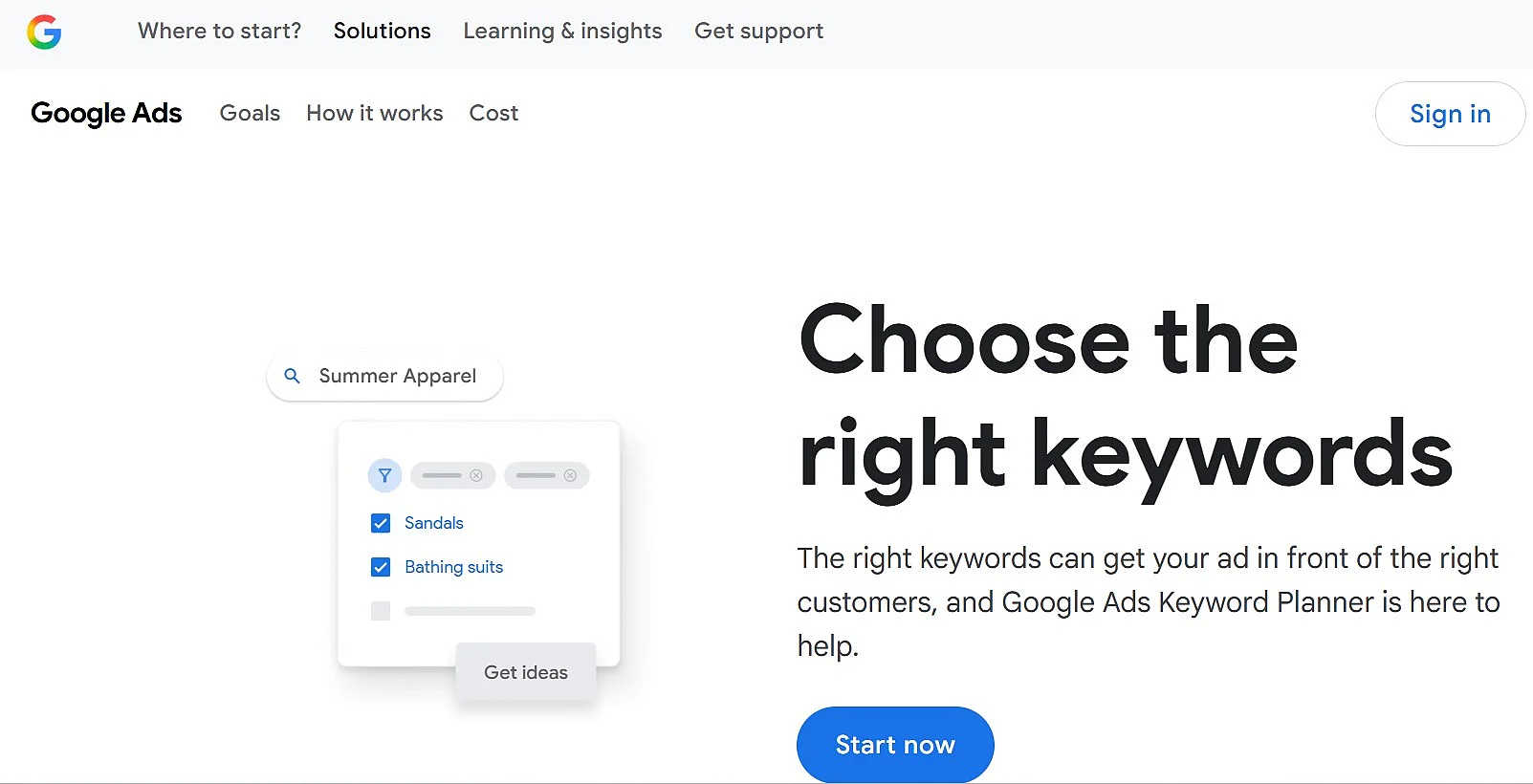
Before writing a post, it’s worth carrying out thorough keyword research. Google Keyword Planner supports this by highlighting relevant search terms and their search volume.
In practice, Google Keyword Planner is now often used as an entry-level tool, since the search volumes provided only offer rough reference values and are rounded to broad ranges. For more in-depth SEO work, many bloggers use additional tools.
Many bloggers today rely on holistic SEO platforms that combine keyword research, competitive analysis and content optimisation. In addition, many of these tools now also analyse SERP-features, search intent, and content gaps to highlight optimisation potential in a targeted way. The most commonly used tools include:
- Ahrefs – comprehensive analysis of keywords, backlinks, and rankings
- SEMrush – all-in-one platform for SEO and content marketing
- Moz Pro – popular for keyword research, site audits, and domain authority metrics
- Mangools (KWFinder) – a clearly structured solution for smaller projects
BuzzSumo
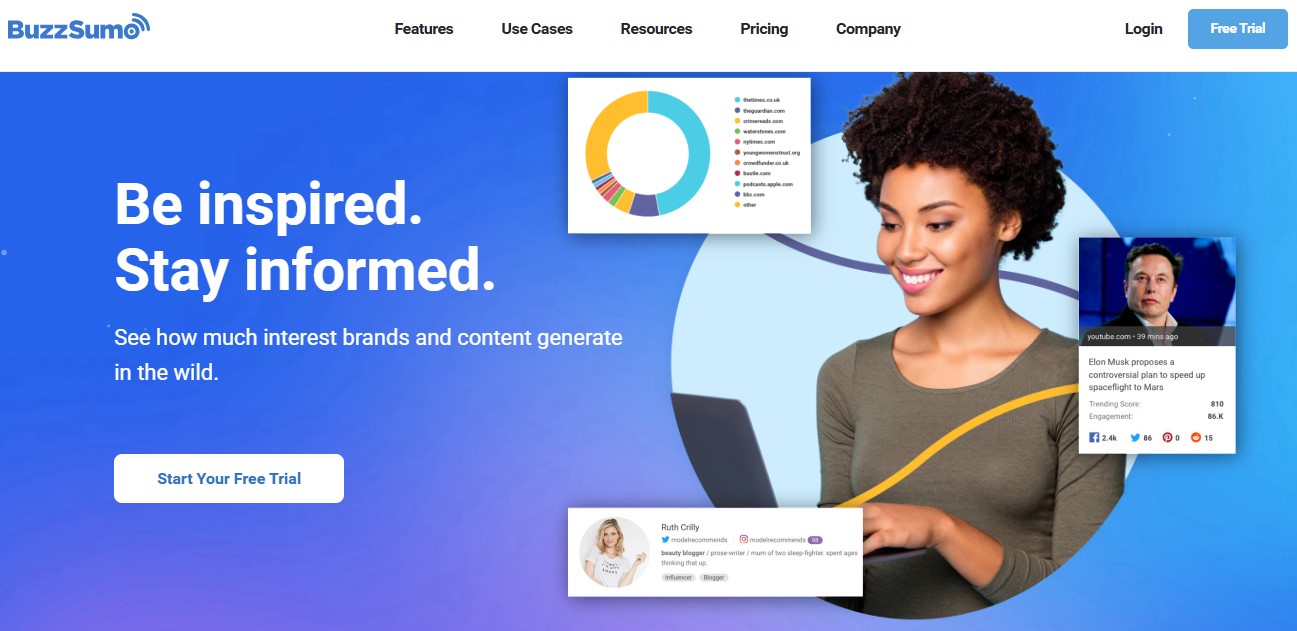
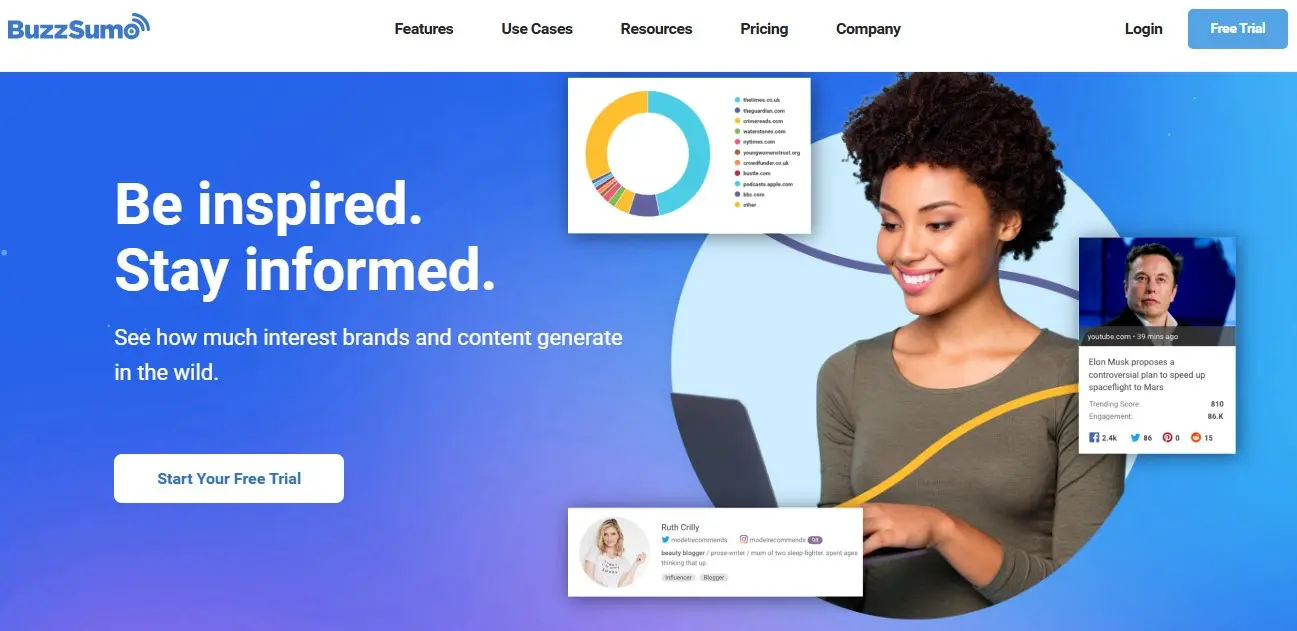
There are many ways to find ideas for blog posts, but keywords remain one of the most effective sources of inspiration. From an SEO standpoint, it makes sense to look for existing articles that already rank for your target keywords—ideally content that has performed well on social media. This is where BuzzSumo proves useful. Alongside classic keyword searches, the tool helps identify current trends, highly linked content, and topics with strong discussion potential. That said, free searches are now quite limited.
BuzzSumo is a powerful solution for content research, trend monitoring, and topic discovery, especially when combined with social media and digital PR efforts. It allows you to quickly uncover posts that have generated significant traction across social platforms. By entering a primary keyword, you receive an overview of recent and most shared blog posts related to that topic. You can also analyse content published by competitors to see what resonates with their audience—and use those insights to refine your own content and drive higher engagement.
Yoast SEO plugin
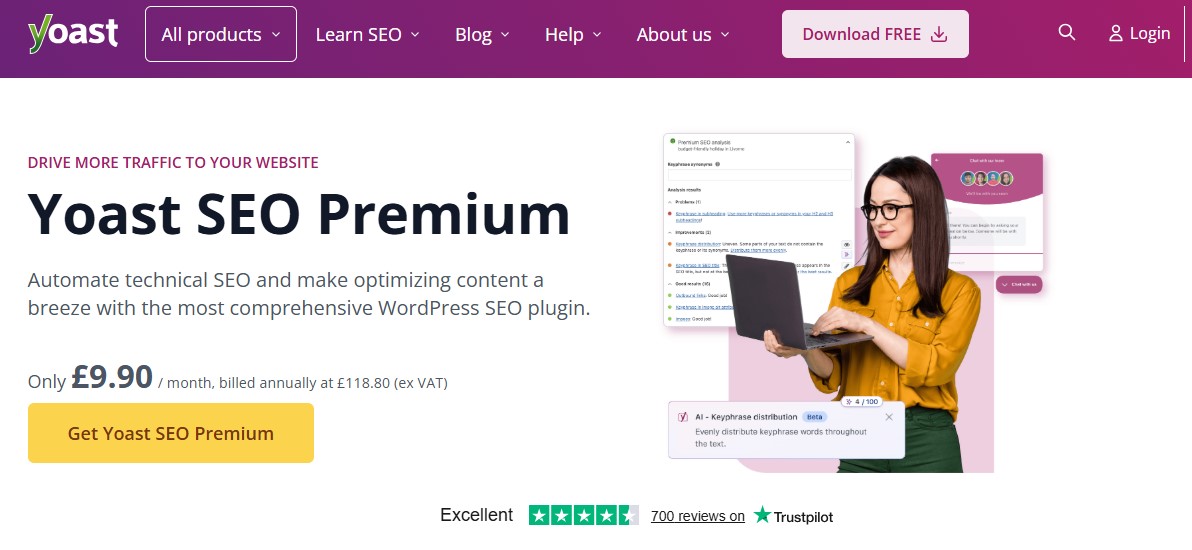
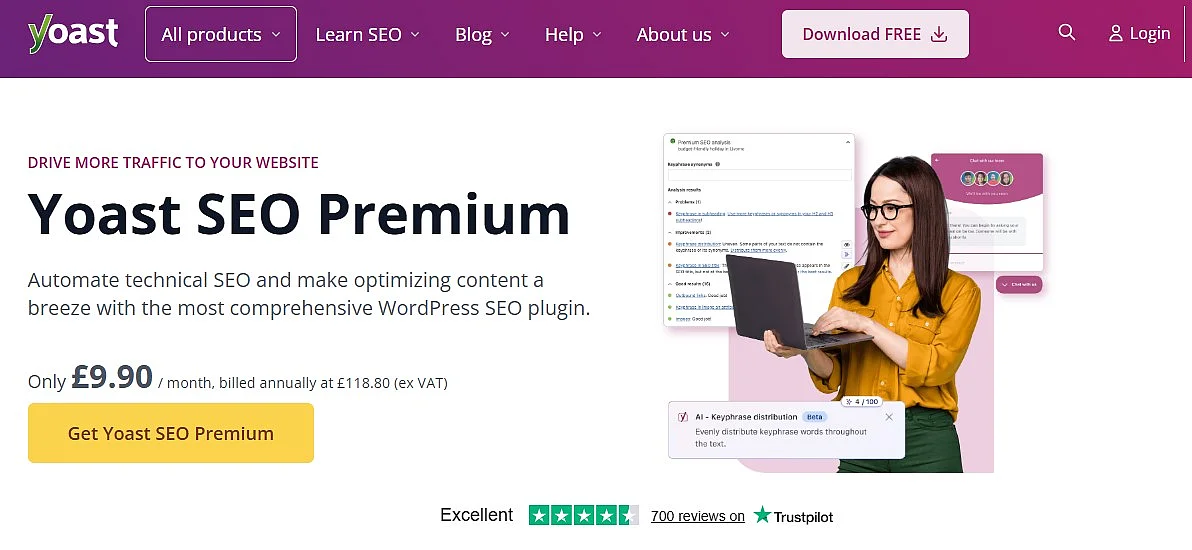
To drive traffic to your blog, you largely depend on search engines like Google and Bing. Appearing in search results for relevant queries helps potential readers discover your content, which is why strong rankings for those terms are essential.
The blogging tool Yoast SEO was developed as a WordPress plugin to help optimise key on-page SEO factors, even if you have little experience with web development or blog SEO. It covers everything from setting meta titles and descriptions to generating a sitemap. Yoast also supports more advanced tasks, such as editing robots.txt and .htaccess. In addition, it helps improve content quality and readability and offers guidance on search intent—though it does not replace a holistic SEO strategy.
Alongside Yoast, other plugins like the fast-growing Rank Math and All in One SEO have become well established. Still, Yoast remains one of the most widely used SEO solutions for WordPress, thanks to its stability and user-friendly approach.


AI-powered blogging tools
Artificial intelligence has become almost indispensable in day-to-day blogging. Modern AI tools support bloggers with topic discovery, text creation, and content optimisation.
ChatGPT
Producing high-quality content on a regular basis requires more than subject expertise—it also takes time for research, structuring, and writing. As the amount of content grows, getting support during the writing process can make a real difference.
The AI-powered blogging tool ChatGPT supports bloggers with idea generation, content planning, and drafting. It can be used to develop topic ideas, create outlines, write initial drafts, or generate meta descriptions. ChatGPT is also useful for refining existing content, such as improving wording or creating concise summaries. Editorial responsibility, however, remains with the author—ChatGPT functions as a supportive writing assistant, not a substitute for expert review.
Ask, create and research with the European alternative to ChatGPT. Robust security and unlimited chats give you peace of mind.
Jasper


In addition to classic blog posts, headlines, teasers, and conversion-focused copy also play an important role in day-to-day blogging. Especially for blogs with a marketing or business focus, it’s essential to phrase content consistently and in a way that fits the target audience.
Jasper is aimed at larger content teams and companies and was developed specifically for creating marketing and content copy. This blogging tool uses AI tools to support blog articles, social media posts, newsletter copy, or product descriptions, and even offers ready-made text templates. Jasper can be customised by topic and style and is especially suitable for bloggers who want to create content regularly with a clear brand or marketing focus. The same principle applies here, which is that the AI delivers drafts and inspiration, while the final quality is shaped through editorial review.
Other popular AI blogging tools include, among others:
- Neuroflash: AI writing and content optimisation tool with a strong focus on brand voice, readability, and performance prediction
- Writesonic: helpful for various content formats
AI doesn’t replace editorial judgement, but it can significantly streamline and speed up the writing process.
Blogging tools for marketing and analytics
Once your blog content is optimised and published, much of the work is complete. With the right marketing efforts and reliable analytics, however, you can actively shape and measure your success. A variety of dedicated tools support bloggers in both areas.
Email marketing tools to help you reach your target audience


Email and newsletter marketing is an excellent way to increase the popularity of your blog posts. You can reach your target audience directly via email, ensuring that important updates reliably land in their inboxes. With newsletter software, you can collect email addresses and automatically send your content to subscribers.
Some of the most popular email marketing blogging tools for businesses and personal bloggers include:
Once your account and email lists are set up, it’s important to send regular, well-targeted updates to your readers. This is how you generate the strongest responses to your content. Success isn’t just about sending emails frequently—it’s primarily about relevance, smart segmentation, and delivering consistent value to subscribers. The more often you provide fresh, high-quality content, the more steadily your audience will grow. If you want to make money with your blog, tools like these are essential.
Many bloggers also rely on specialised newsletter platforms such as Brevo (formerly Sendinblue) or ConvertKit, which are specifically designed for content creators and solopreneurs.
Google AdSense
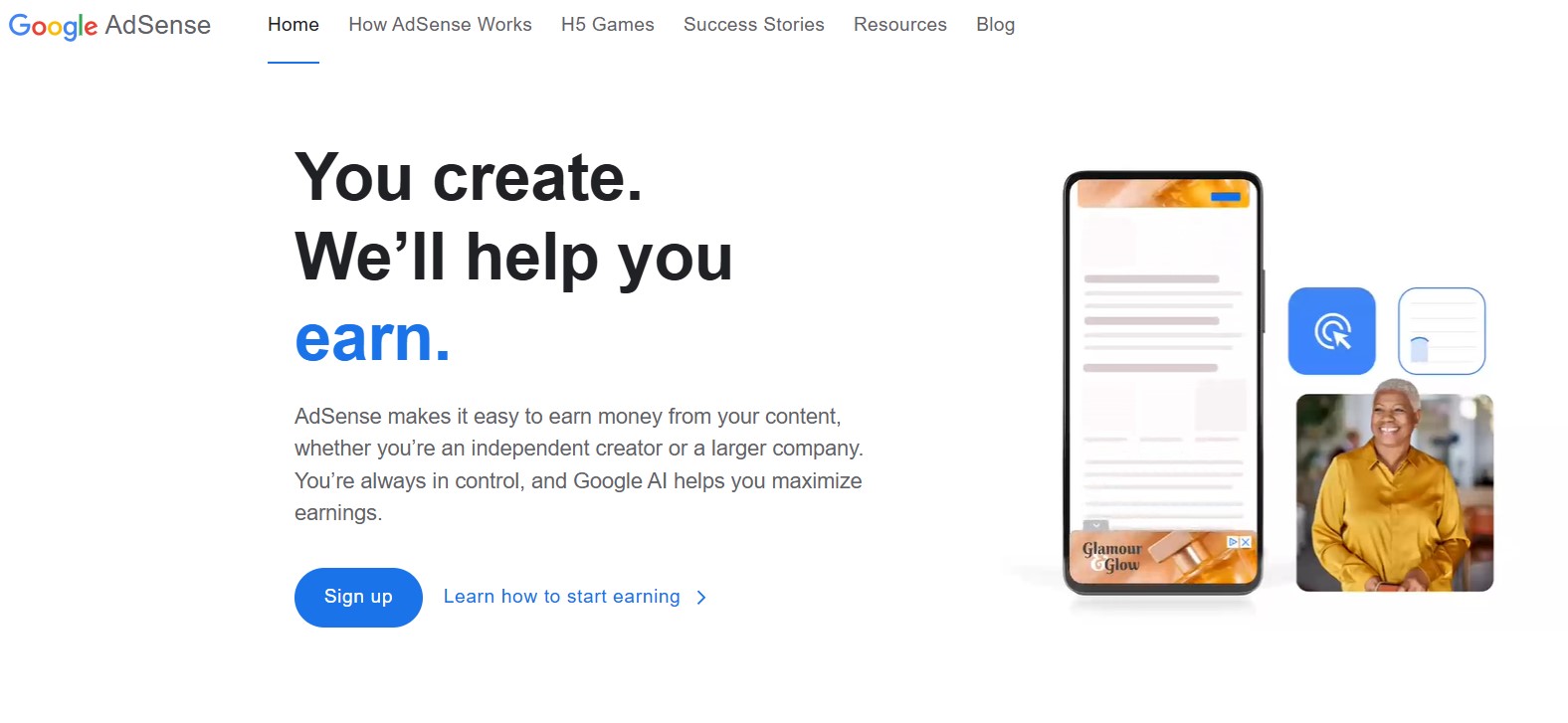
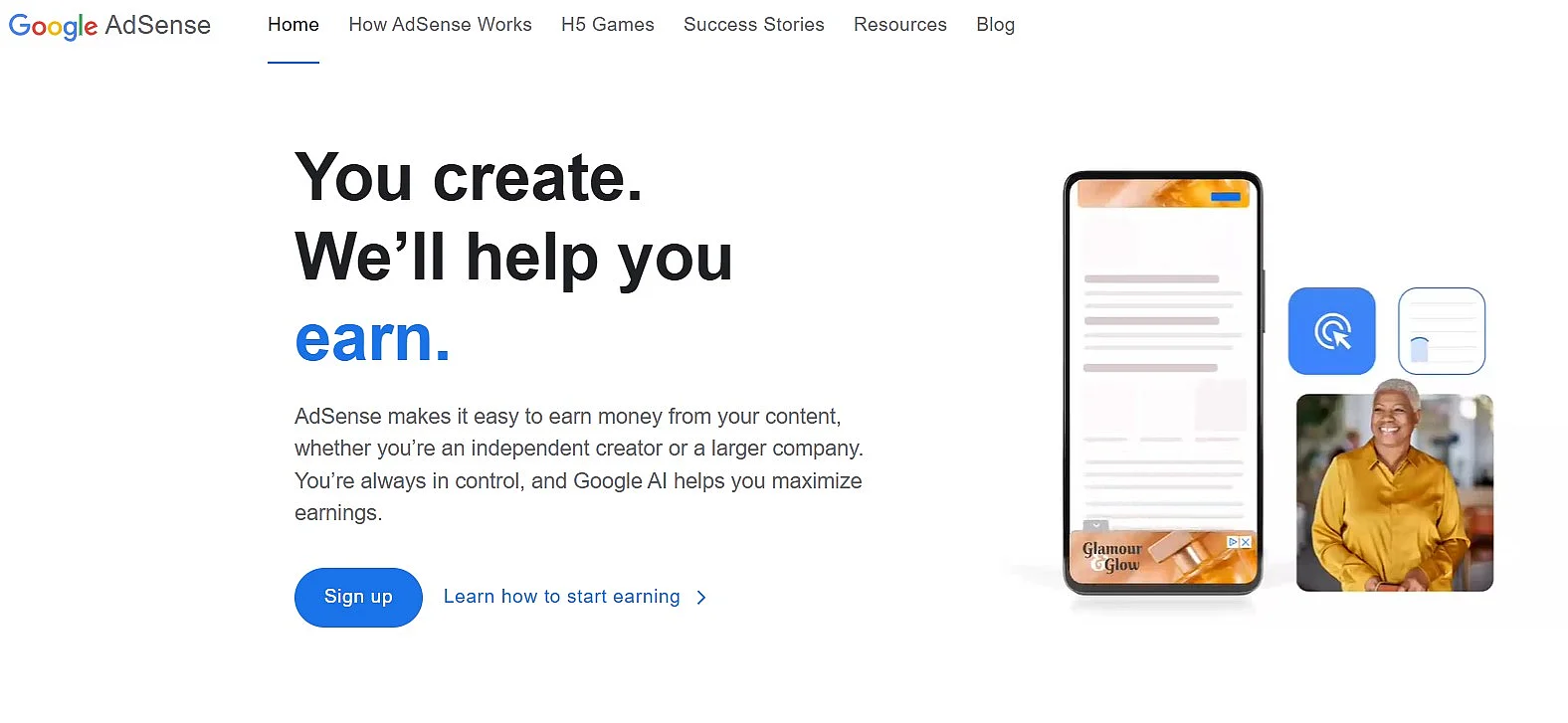
The best-known program for placing online ads is Google AdSense. The system has been successfully operated by Google since 2003. AdSense allows you to integrate text ads or ad banners into your web presence. Payouts to advertisers total billions worldwide, so you should consider this attractive option for your own blog.
Before you can place ads on your blog, you first need to create a Google account and register with Google AdSense. This allows you to integrate ads directly into your website. Ad delivery today is largely automated. Google’s algorithms determine suitable ad formats, placements, and frequency based on your content and user behaviour.
Rather than relying on fixed ad units or predefined limits, Google primarily uses Auto Ads. These dynamically optimise the number, size, and position of ads across your site. Publishers can still maintain control by restricting placements or excluding specific ad formats.
The revenue generated per click depends on several factors, including impression volume, the blog’s topic focus, market competition, and how visitors interact with the site.
Sprout Social
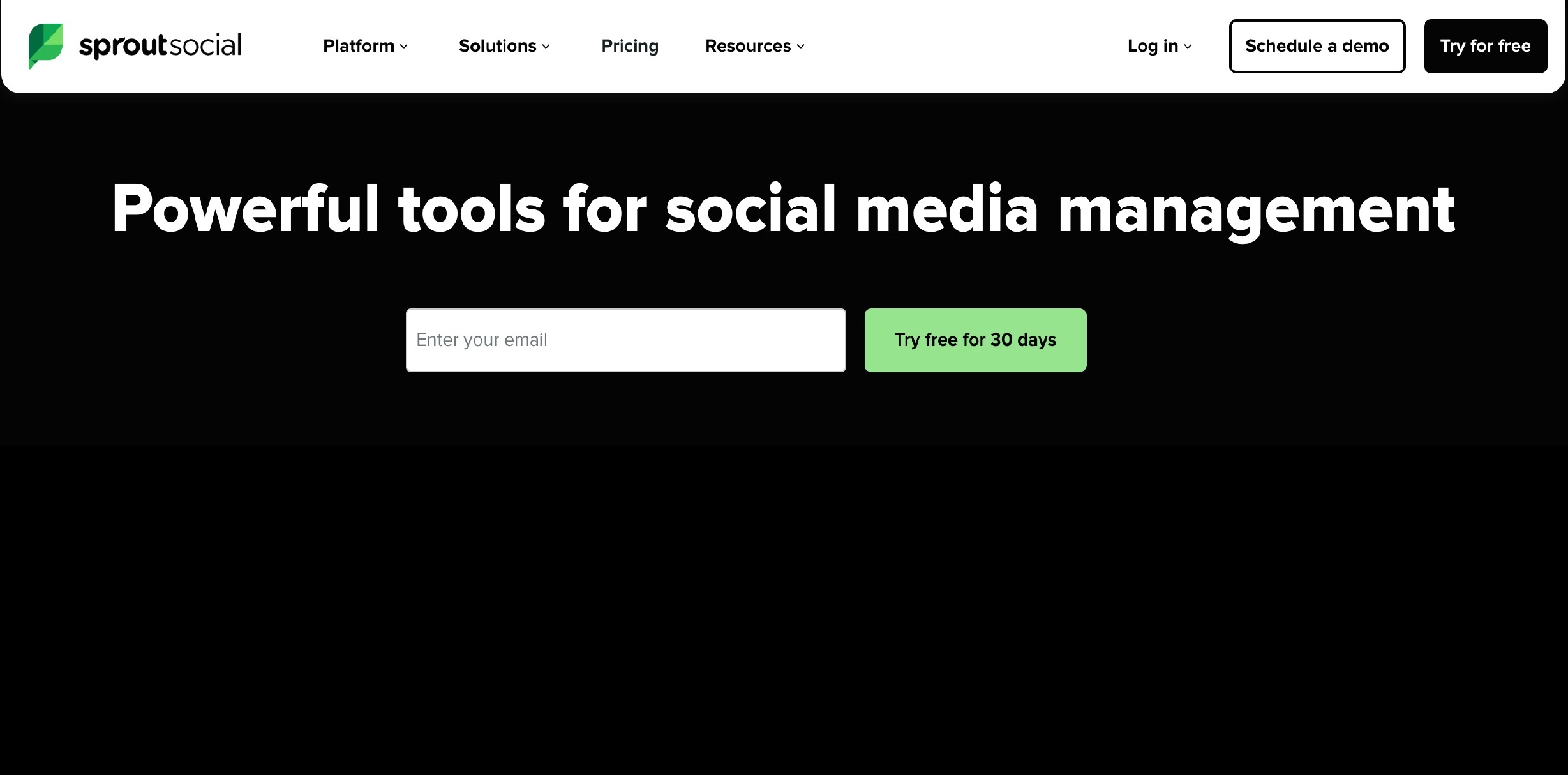
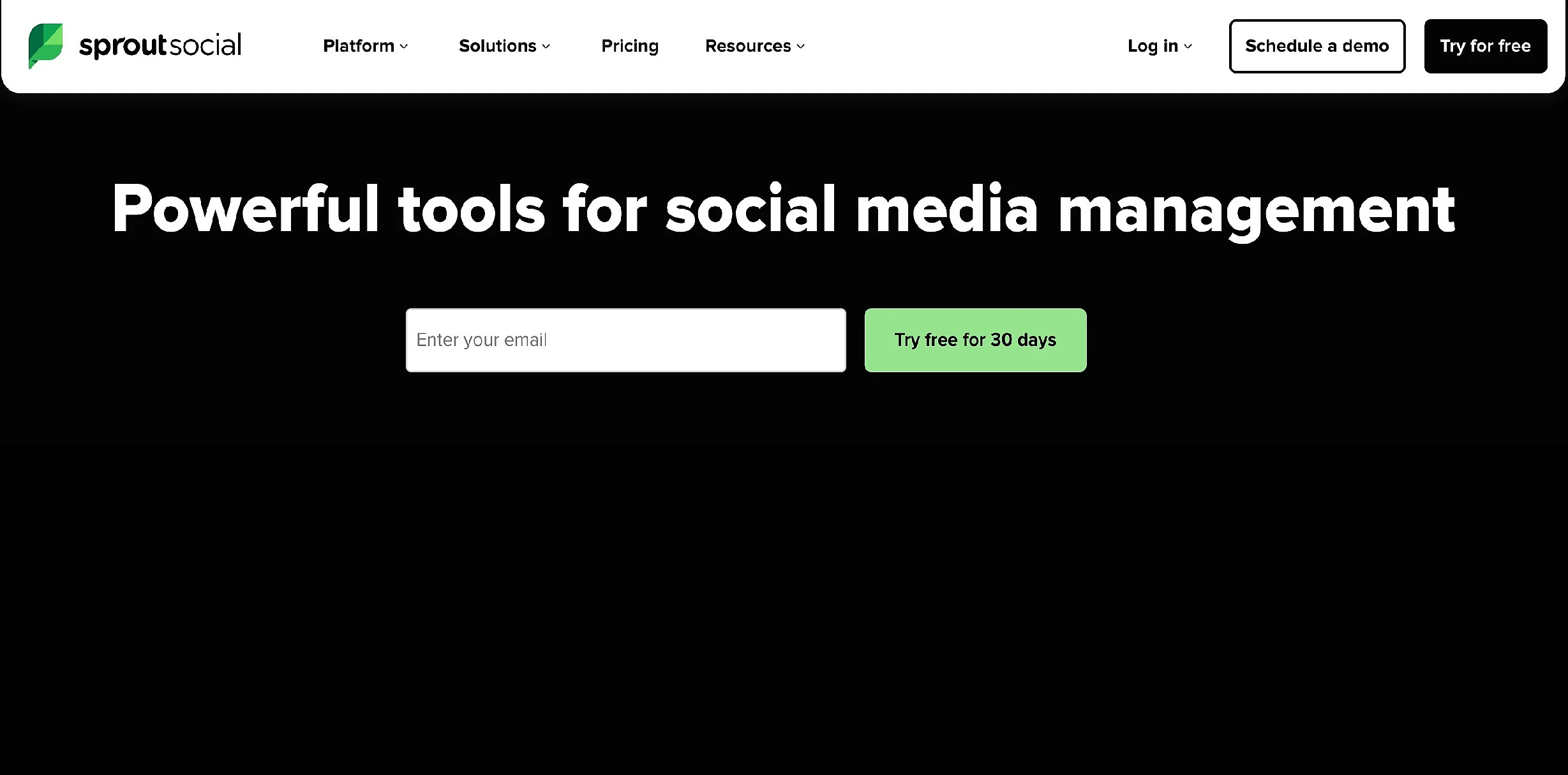
Promotion via social media is one of the best ways to quickly generate activity for your blog posts. To achieve this, you need a good blogging tool for social media management. You can conveniently use Sprout Social to plan and automate the publishing of your posts. You can easily set when posts are published via your social media profiles like X, Facebook, and LinkedIn.
Another good reason to use Sprout Social is its outreach marketing feature. Today, the focus is primarily on social listening, community management, and structured conversation management. With Sprout Social, you can identify relevant accounts as well as brand and topic mentions, and centrally document interactions. Manually sharing and managing individual platforms isn’t very efficient—Sprout Social takes this work off your plate.
For solo bloggers, leaner alternatives like Buffer, Hootsuite, or Later are also a good option, as they’re designed specifically for smaller teams and individuals.
Google Analytics
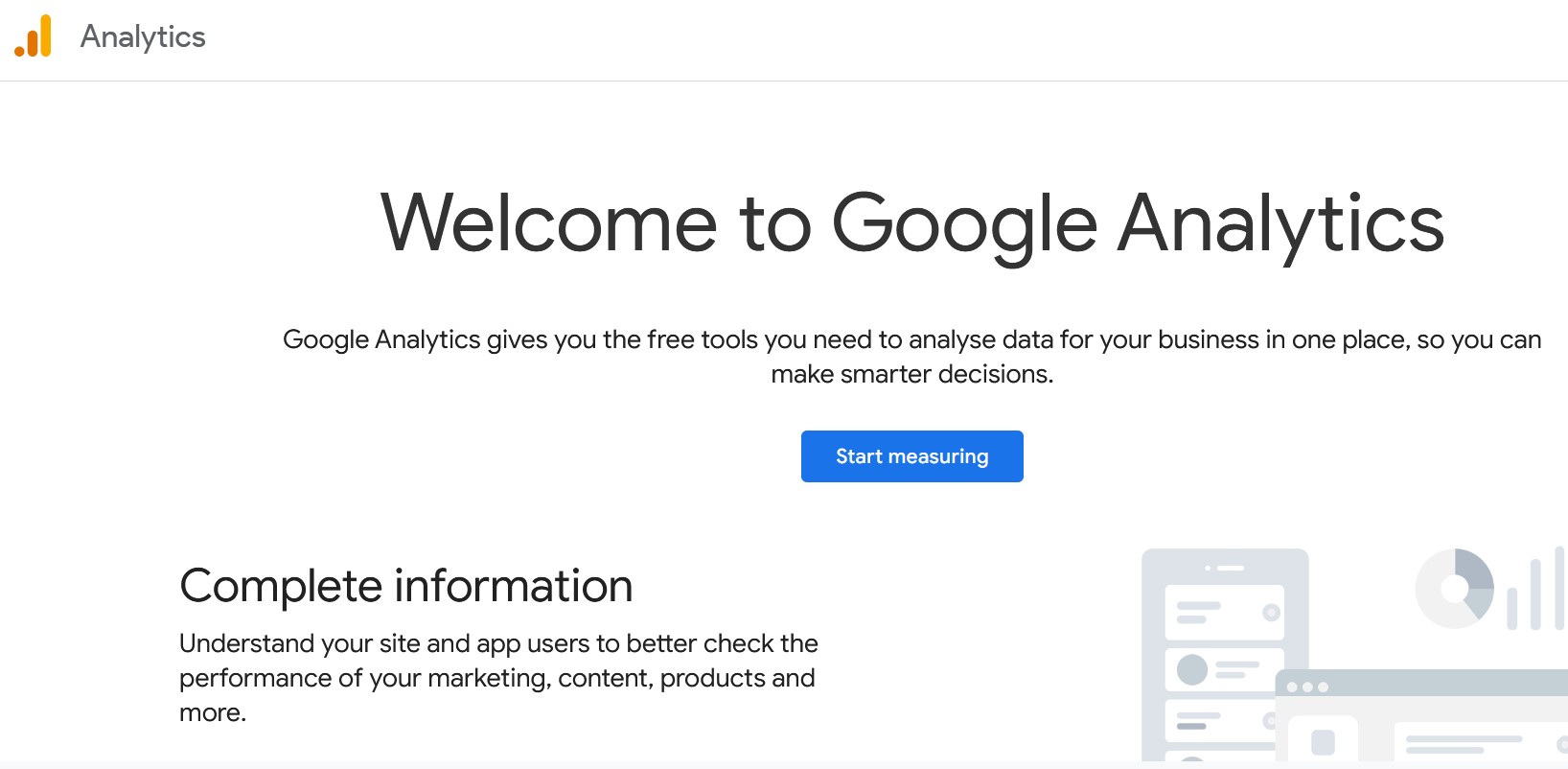
You’ve created your content, optimised it for SEO, and started promoting it through social media and email marketing tools. The next step is to track the results of your efforts. Google Analytics is the most widely used analytics tool for bloggers and allows you to measure your content’s performance in detail.
Today, Google Analytics is available exclusively as Google Analytics 4 (GA4). This version is based on event-driven tracking and follows a different analysis model than earlier releases. As a result, it can feel complex at first—especially for beginners. To get started, it’s best to focus on a few core questions, such as:
- How do users arrive at the blog?
- Which content is viewed most frequently or used most intensively?
- How long do visitors stay on individual pages?
If you want to track the performance of Google Ads or measure conversions, Consent Mode v2 must be correctly implemented, as it has been mandatory since 2024.
The more regularly you check your analytics, the more confident you’ll become at navigating the dashboard. Google Analytics enables you to track your blog’s performance over time, but you should be transparent about your use of tracking tools. In the UK, most blog owners include a notice in their privacy policy explaining that they use analytics to collect performance data and outlining their responsibilities under UK GDPR and the Data Protection Act 2018.
Because privacy expectations and data protection laws are evolving in the UK — particularly around cookies and consent rules under PECR — and because Google Analytics 4 can be complex to set up in a compliant way, many bloggers are turning to privacy-friendly alternatives, including:
- Matomo – a flexible analytics solution that can be self-hosted or cloud-based and configured to respect UK privacy and legal requirements.
- Plausible – a lightweight, cookie-free analytics tool that provides essential site metrics while minimising personal data collection.
There are also solid alternatives to Google Analytics for UK bloggers who want simpler analytics or prefer to avoid extensive data collection. If you’re less focused on detailed analysis, the basic visitor statistics offered by many blogging platforms may be enough.
- Our experts run your campaign
- Increase your online visibility
- Save money thanks to greater efficiency
Design and photo editing tools for bloggers
Visual content is playing an increasingly important role. For graphics, social media posts, and blog images, bloggers often use:
Canva


Visual content is playing an increasingly important role in day-to-day blogging—whether for featured images, infographics, or social media graphics. To create appealing designs, bloggers need an easy-to-use design tool. With Canva, you can quickly create graphics, cover images, and presentations without any prior knowledge. Numerous templates, fonts, and design elements make it easy to get started and ensure a consistent look and feel.
Another advantage of Canva is the variety of platforms and reusability of designs. Content can be tailored specifically for a blog, social media, or a newsletter and exported in different formats. Canva also enables team collaboration and helps bloggers create visual content efficiently without having to rely on complex photo editing software.
Other options include:
- Adobe Express – a simple alternative to the classic Adobe Suite
- Visme – especially well suited for infographics and presentations
To run a successful blog, you’ll also need to handle a range of other tasks. When designing individual posts, for example, selecting the right image plays an important role. Comparing different stock photo libraries can help you find suitable visuals.
Reviewer

Julia Hertler
With over 18 years of experience in content marketing, Julia Hertler has deep expertise in digital communications. For the past 10 years, she has specialised in the areas of domains and hosting at the IONOS Digital Guide, making complex technical topics easy to understand.