

How to find and use WordPress survey plugins

There are various plugins available if you want to create a survey on WordPress. The prices and the scope of the different options vary greatly.
- Free website protection with SSL Wildcard included
- Free private registration for greater privacy
- Free Domain Connect for easy DNS setup
What is a WordPress survey plugin and what are the advantages?
Maybe when you hear the term `survey´ you first think of political opinion polls or votes, but this doesn’t have to be the case. With the appropriate WordPress plugins it makes it easier to reach customers and clients for your website, blog or shop and benefit from valuable feedback. These surveys enable you to make direct contact and strengthen the bond between users and your website. You can ask potential customers what they’re interested in and adapt your own services. If you create a survey with WordPress on your WordPress site, both sides benefit.
The biggest advantage of a WordPress survey is its simplicity. With the right WordPress survey plugins you can reach your target audience quickly and easily and get their feedback in just a few clicks. The comment function or WordPress contact form plugins aren’t really suitable for this purpose. This is because visitors have to enter their name and email address to submit their feedback and it also takes a lot longer for you to analyse. If you do not want to use plugins or work with WordPress, you can also use online survey tools although the surveys are usually implemented via the provider’s website and not on your own website.
If you are still in the planning phase with your own WordPress website, you also need your own internet address. Register a domain via IONOS and benefit from many extra features.
What should a WordPress questionnaire plugin offer?
When looking for the right WordPress survey plugin for your purposes, you may find that there are quite a few suitable options. It is important to know what to expect from one of these plugins so you can include it in your shortlist:
- Intuitive operation: The plugin shouldn’t be too hard to use without much prior knowledge and be easy to get to grips with. It also helps if it isn’t too difficult to install. Your website visitors are obviously interested in what you’re offering and are no doubt happy that you’re providing a feedback function, but if it is not self-explanatory, it won’t be used.
- Responsive design: While this requirement is by no means unique to WordPress surveys, it plays a particularly important role here. Many of your users will access your website from their smartphone. This is why it makes sense for your survey plugin to be responsive and work on all devices.
- Reasonable pricing: From the free basic tool to the premium solution with monthly or annual billing, there’s every kind of WordPress survey plugin available. There is nothing wrong with choosing a commercial solution, if it’s worth the money and the costs are covered by your earnings. For example, if you want to create a survey on WordPress just once, then a free solution makes most sense.
- Customisation options: The extension should definitely match the layout of your website and offer you various customization options. Only if you can tailor the WordPress survey exactly to your needs, will you get the desired results you’re hoping for.
- Analysation options: If the survey is created on WordPress, you should have quick and easy access to the results. Only then can you properly analyse the feedback of your online survey and take the results into consideration.
Do you want to get started with the most popular content management system? With Hosting for WordPress from IONOS, you’ll benefit from high speed, more protection and get to always keep all your data under control. Choose the right plan for your requirements!
An overview of the best WordPress survey plugins
| WordPress survey plugin | Free basic version | Price |
| YOP Poll | Yes | £ |
| Quiz and Survey Master | Yes | ££ |
| Formidable Form Builder | Yes | £££ |
| Poll, Survey & Quiz | Yes | £ |
| Modal Survey | No | £ |
(Status as of August 2022)
YOP Poll
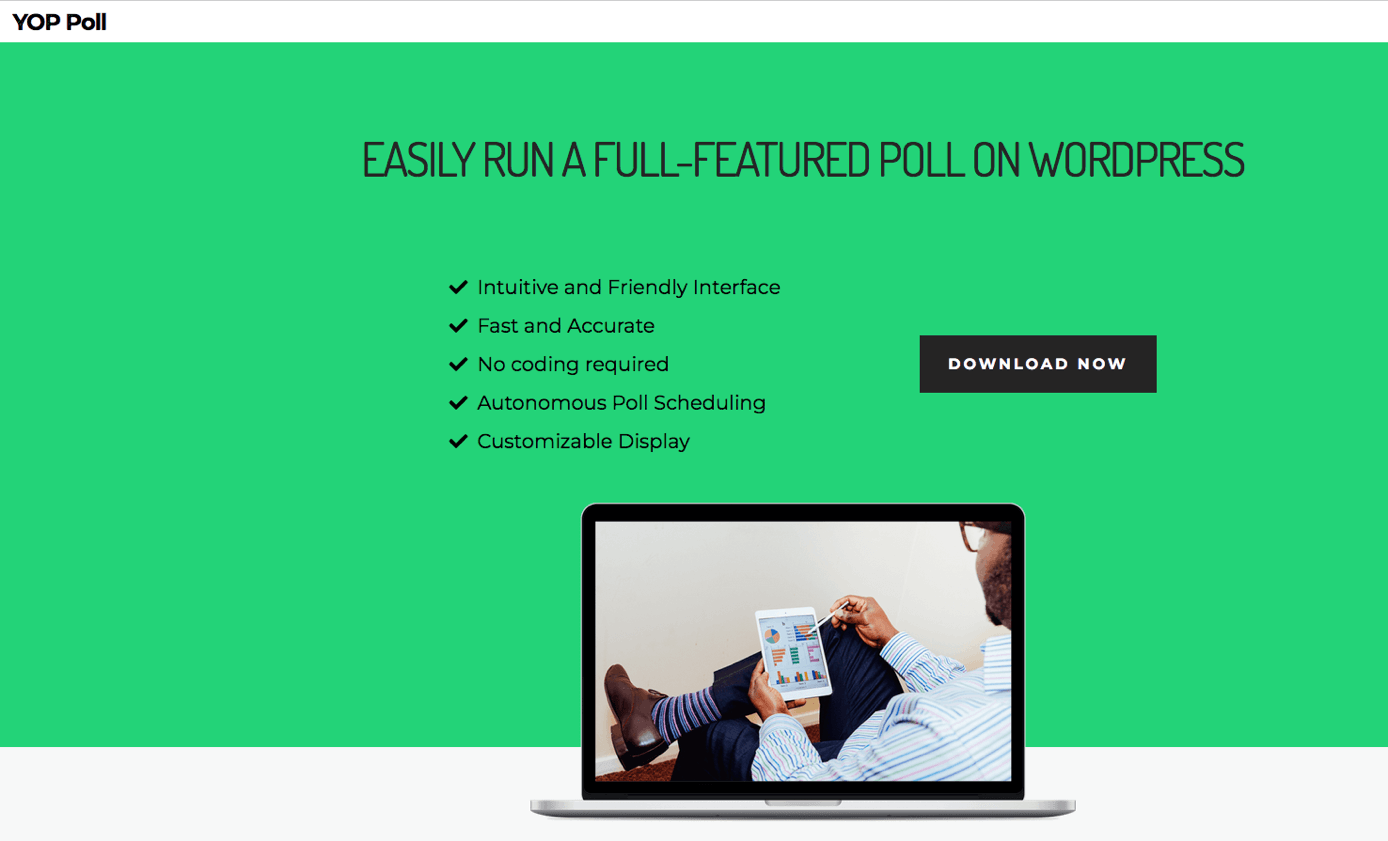
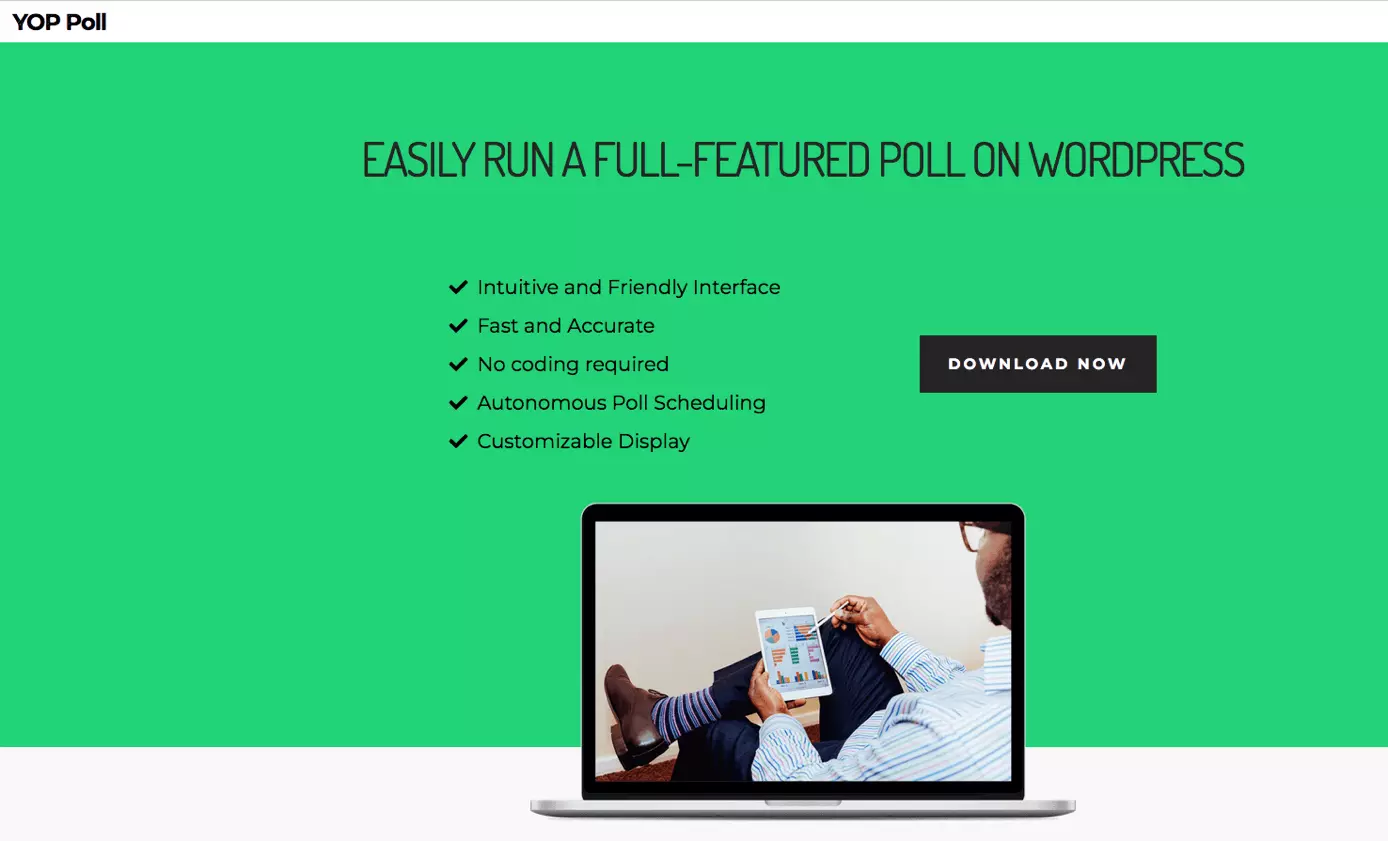
YOP Poll is a simple, very intuitive solution if you are looking for a WordPress questionnaire plugin. While the scope can’t be compared to the more costly options, this plugin offers more than enough for occasional surveys. It’s easy to understand how to use the tool as well as implement the surveys. It’s also possible to schedule when the survey should go live and you can have the results displayed in real-time. YOP Poll can also be customised visually and includes several security features to prevent abuse. A filter function also allows the results to be analysed very precisely. Another handy feature is that you can also use the plugin to allow only selected groups of visitors to take a survey on WordPress.
| Pros | Cons |
| ✓ Free basic version | ✗ Fewer features than other premium solutions |
| ✓ Very user-friendly | |
| ✓ Many setting options | |
| ✓ Numerous security features |
Quiz and Survey Master
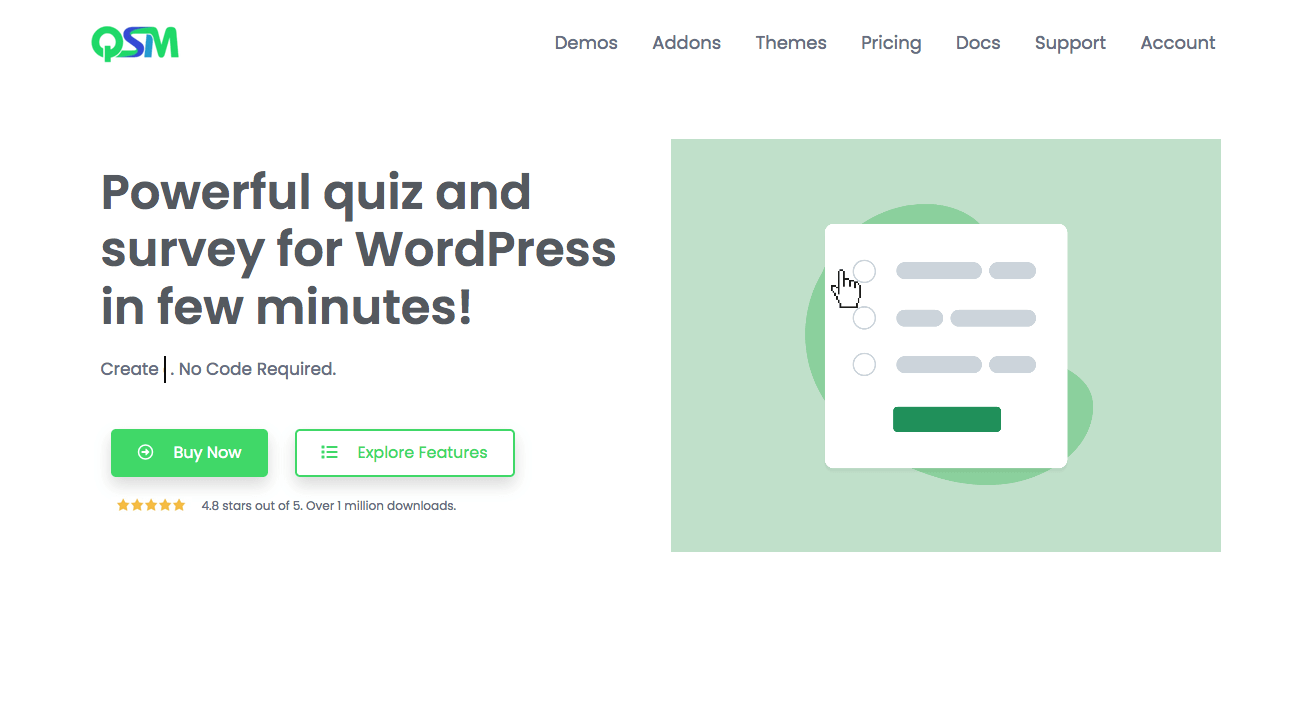
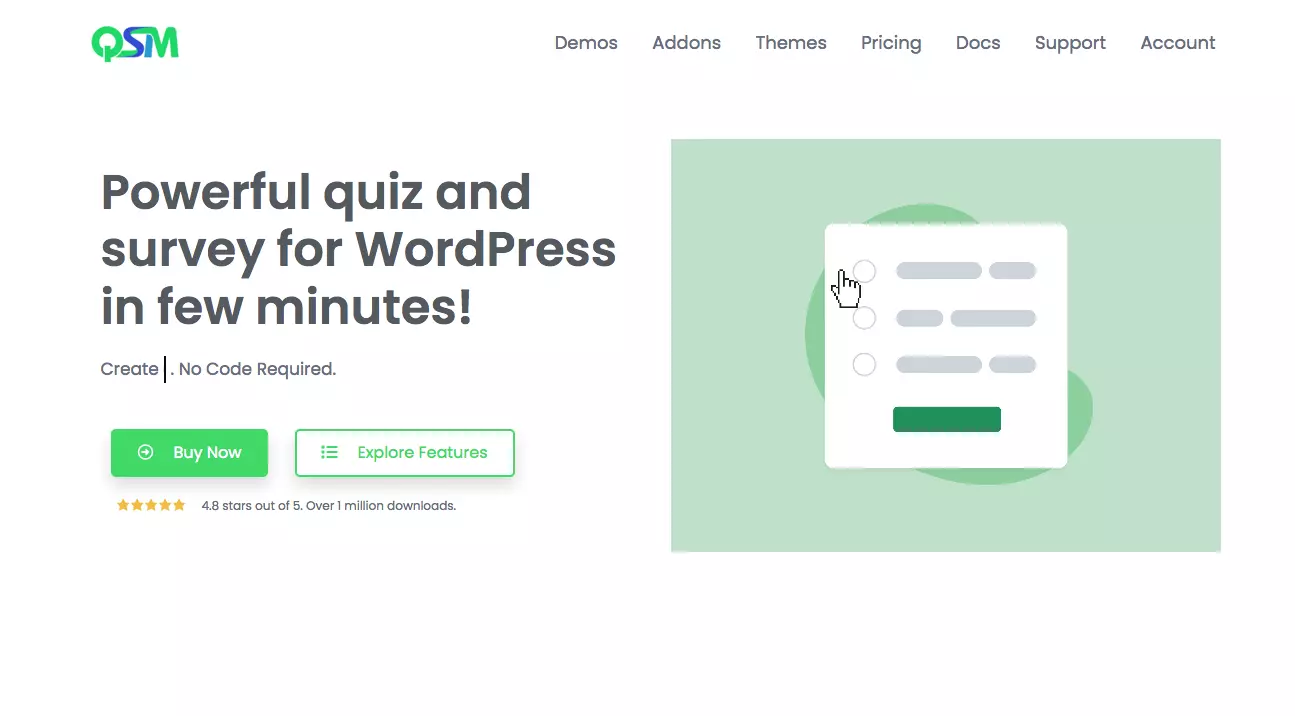
Quiz and Survey Master is a free WordPress survey plugin that offers numerous ready-made survey options. By connecting the tool with Google Analytics or email programs, you can draw much more valuable data from a simple survey and use it in the best possible way. As the name suggests, quiz functions are also part of the tool’s scope, which is why you don’t need an additional WordPress quiz plugin. Quiz and Survey Master can be perfectly embedded into your website through numerous layout options. The plugin also offers many add-ons, but you have to pay for some of them.
| Pros | Cons |
| ✓ Free basic version | ✗ Some add-ons are fee-based |
| ✓ Additional quiz functions | |
| ✓ Close cooperation with other tools | |
| ✓ Many layouts |
Formidable Form Builder
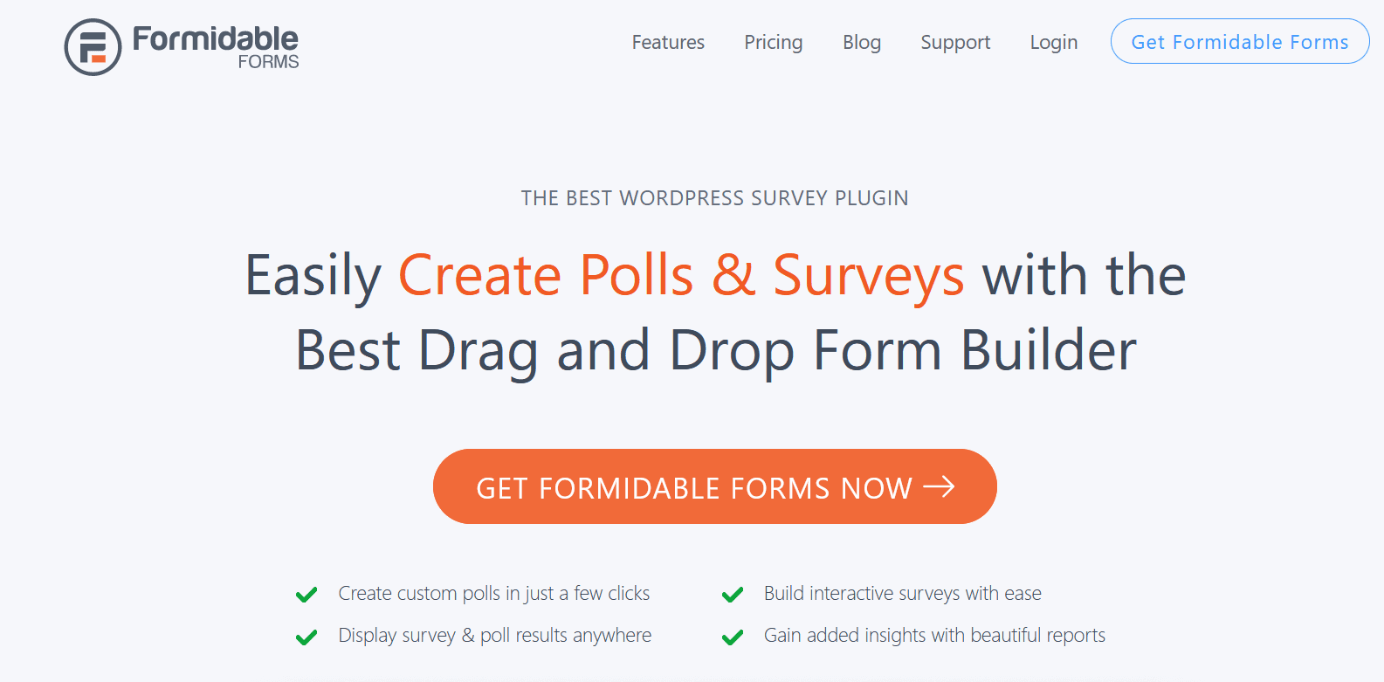
The Formidable Form Builder is a much more sophisticated option and offers a lot of possibilities. Besides simple surveys, there are also email forms, support feedback or reports. Even the free basic version is well equipped and offers various options. Despite its size, the plugin is very fast and allows surveys with multiple pages to be created. Due to the diverse customisation options, Formidable Form Builder can be optimally integrated into almost any website. In the rather expensive premium variant, it’s possible to add a CRM system.
| Pros | Cons |
| ✓ Free basic version | ✗ Premium version comparatively expensive |
| ✓ Numerous options | |
| ✓ Multi-page surveys possible | |
| ✓ Good adaptation options to the existing layout |

Poll, Survey & Quiz


Poll, Survey & Quiz is a very comprehensive solution if you are looking for a WordPress survey plugin. The tool has numerous customisation options and impresses with its modern design. Images can also be inserted into the polls. There are many templates for surveys and polls, but also lead generation, content marketing and email notifications can be implemented via the plugin. Various security measures are included to exclude fraud attempts and spam. Analysing the results can be done in real time and operation is very simple. In addition to the slimmer basic version, there are several paid packages. These are partly based on the number of interactions.
| Pros | Cons |
| ✓ Free basic version and templates | ✗ Paid packages partially dependent on number of interactions |
| ✓ Very extensive | |
| ✓ Many customisation options | |
| ✓ Strong security measures |
Modal Survey
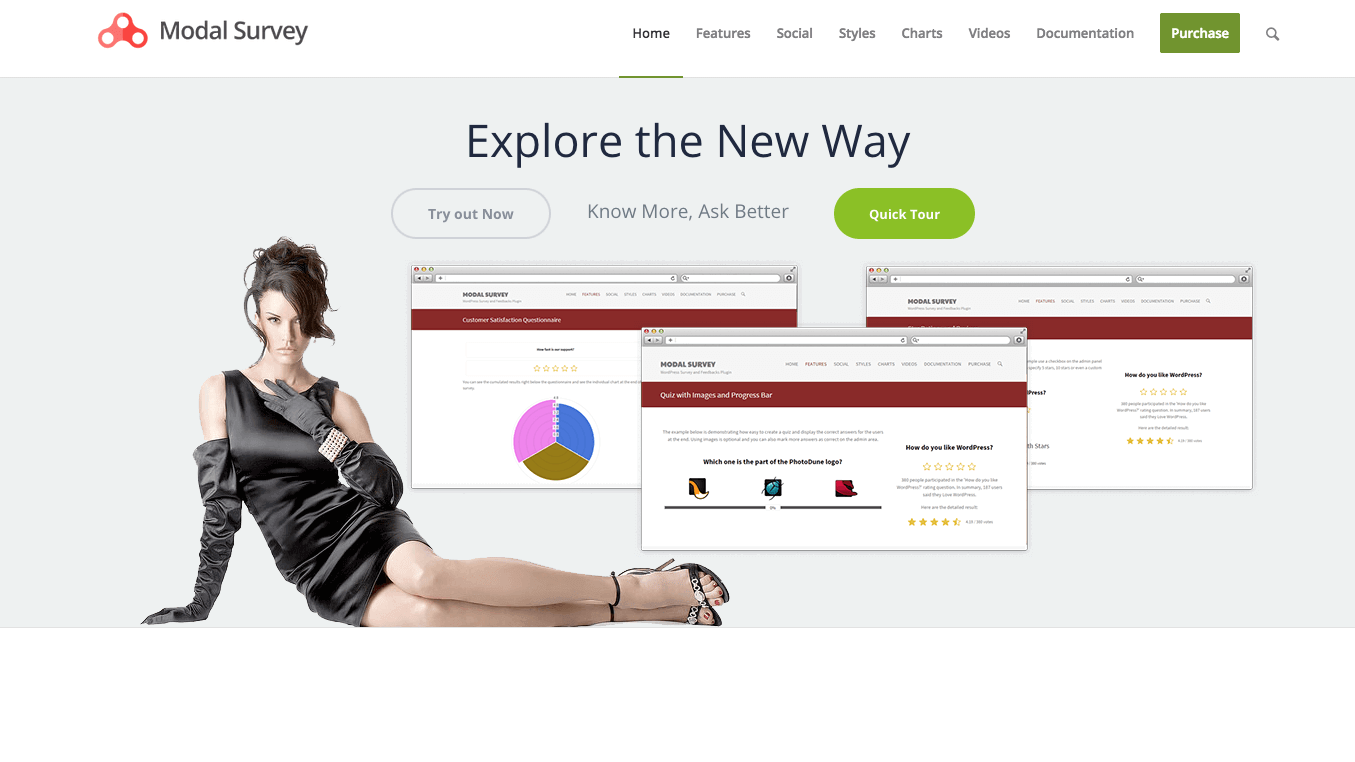

Modal Survey is a paid solution, which in comparison is nevertheless cheaper than many other premium options. The WordPress survey plugin is already very popular, which could have something to do with the unlimited number of surveys and quizzes among other things. The results can also be displayed in charts or percentages if desired. The export function also comes in useful. Modal Survey can be integrated well into any website and is very user-friendly. The design options for all surveys on WordPress are impressive even compared to many more expensive options.
| Pros | Cons |
| ✓ Many customisation options | ✗ No free basic version |
| ✓ Export function | |
| ✓ Very user-friendly | |
| ✓ Numerous templates for surveys, quizzes and polls |
- Stress-free, no matter your skill level with easy AI tools
- Full customisation with themes and plugins
- Hassle-free updates and less admin
How to create a WordPress survey step by step
If you have chosen one of the numerous survey plugins, you can interact even better with your visitors and in a more targeted way. We explain how to create a survey on WordPress step by step using YOP Poll as an example.
- Add the WordPress Survey plugin via the dashboard. To do this, select `Plugins´ then `Install´. Then search for YOP Poll and click `Install now´.
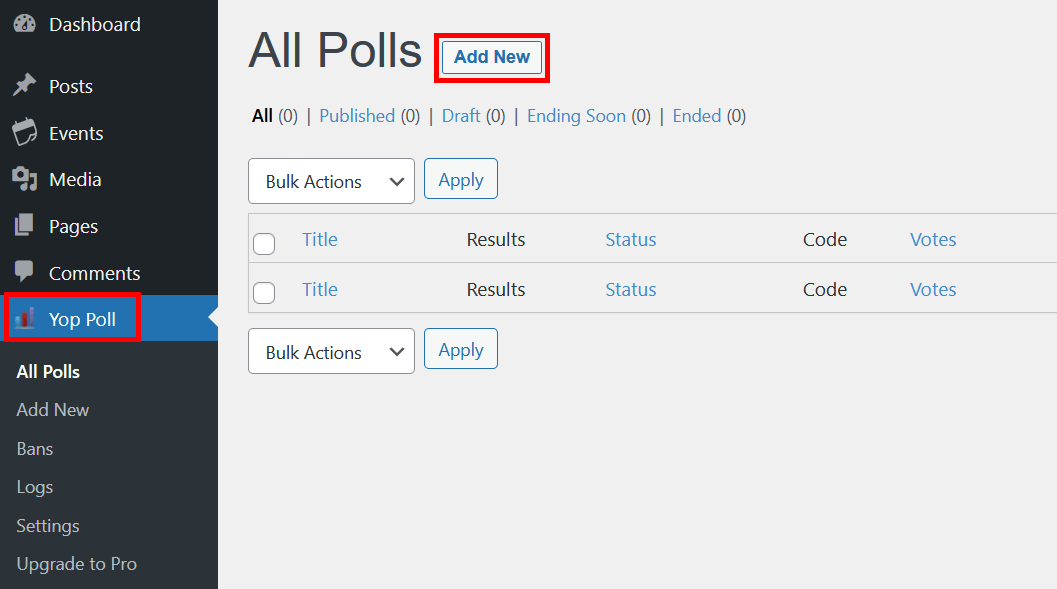
- After that, activate the plugin. You will now have a new entry in the left navigation bar.
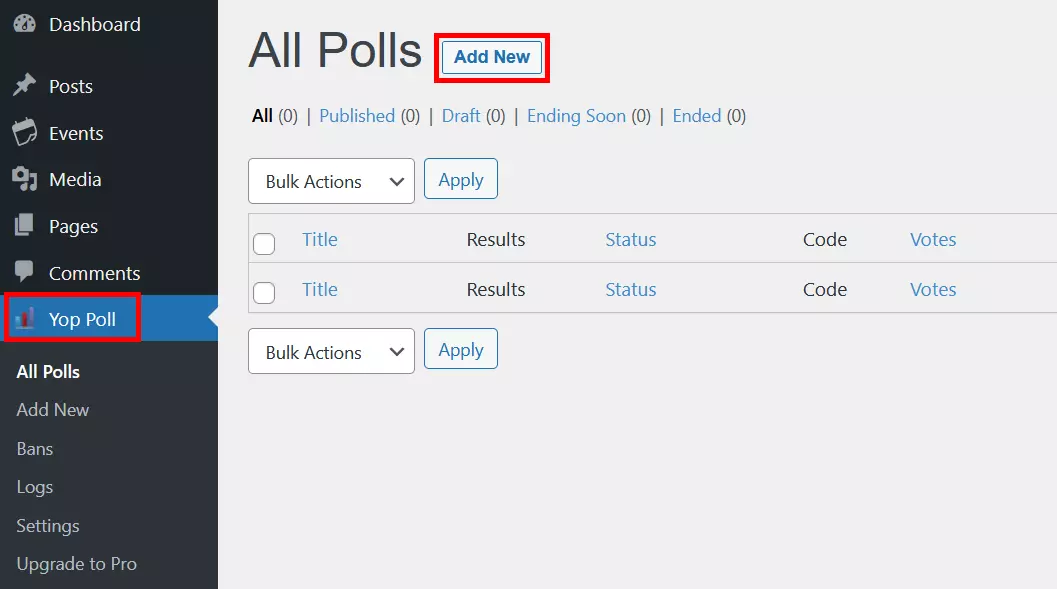
- Click on YOP Poll in your dashboard and then on “Add New” to create a new survey on WordPress.
- Now give your WordPress survey a name and choose a suitable template.
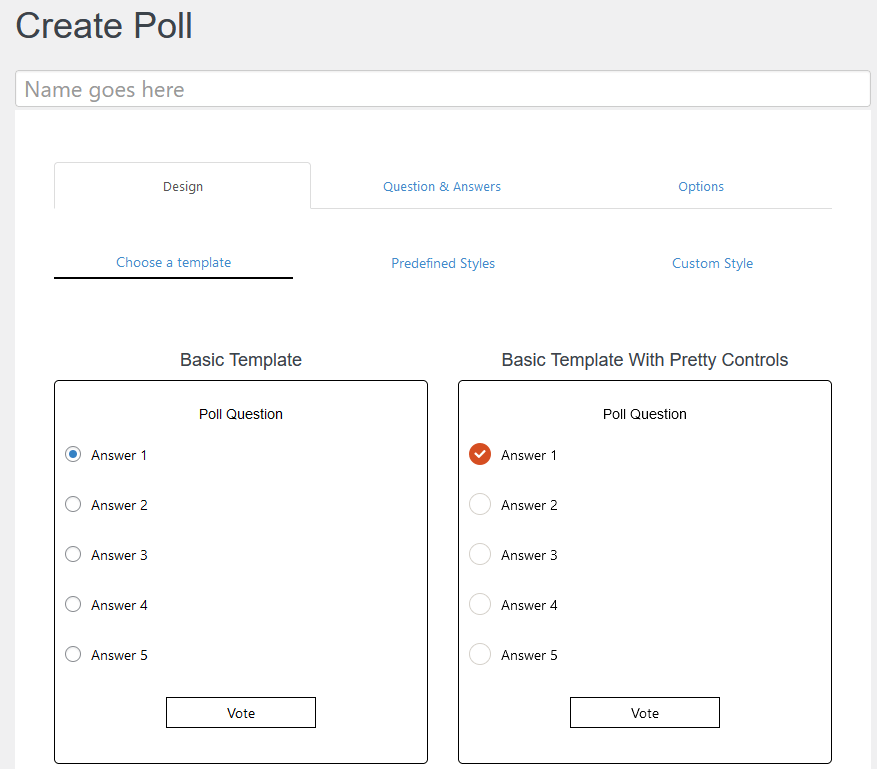
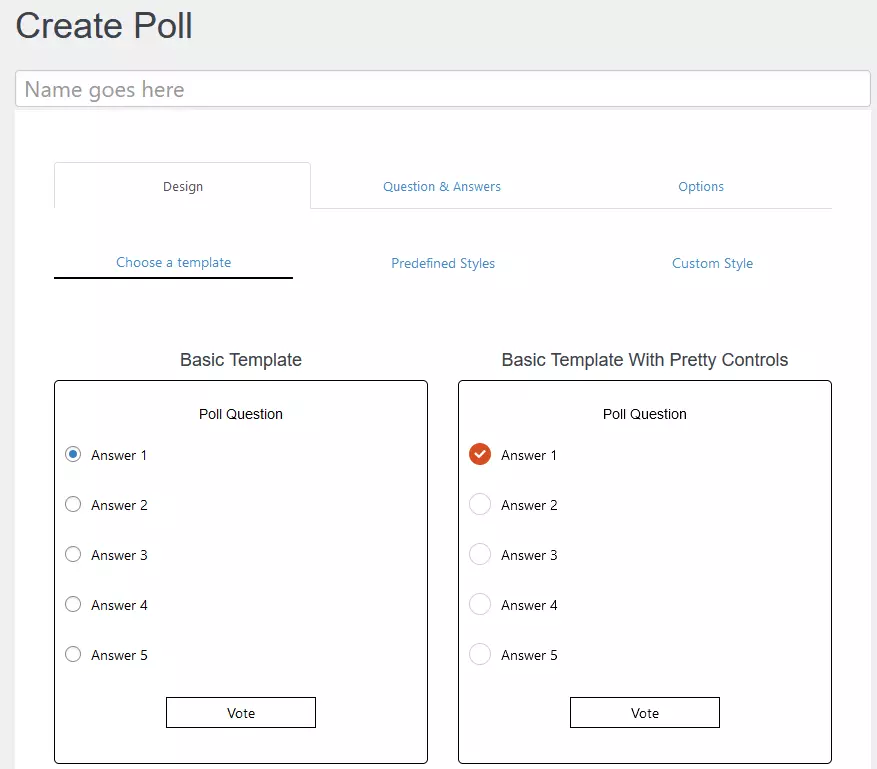
- In the next step, you define the desired questions and the appropriate answer options. You can also allow for a user’s own answers to be included.
- Under `Options´ you can change even more of the settings and decide on the type of survey and the layout. You can also choose to be notified by email. Please note that some features are only available in the paid version of YOP Poll.
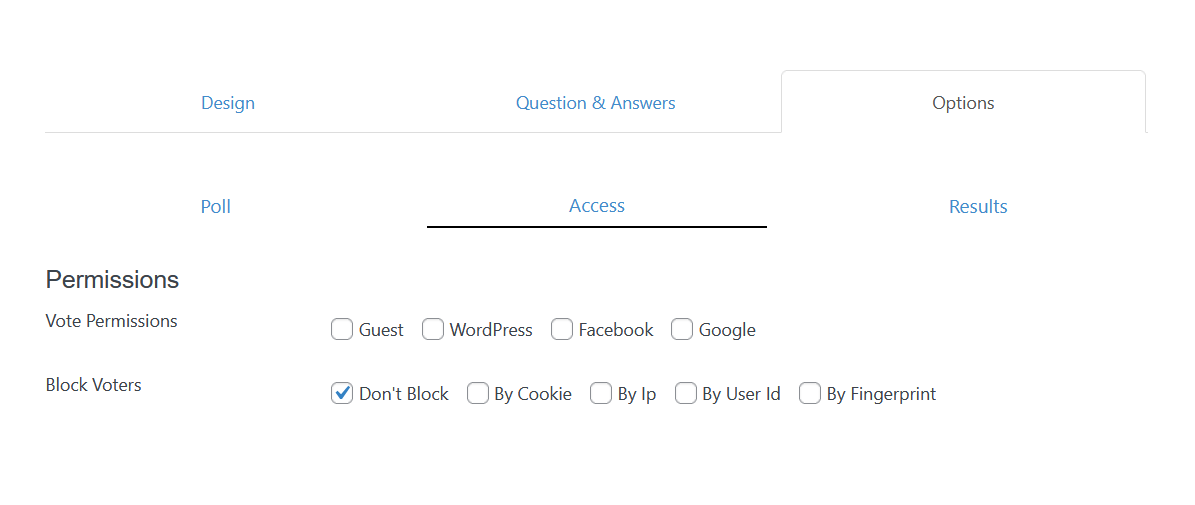
- The `Access´ tab gives you the option to specify which users are allowed to participate in your WordPress survey. For example, only users who are logged in to your website.
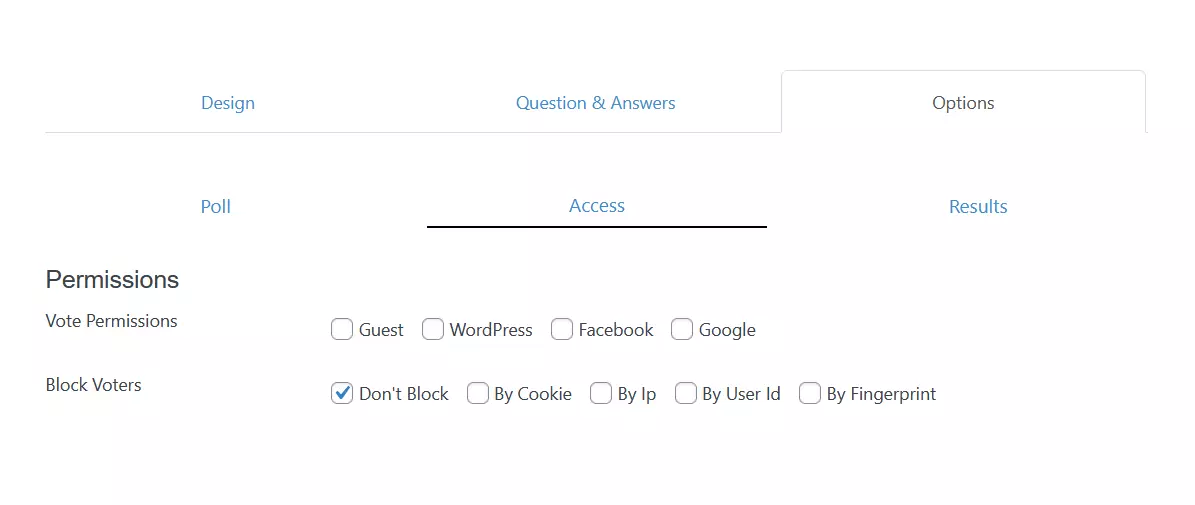
- Under `Results´ you determine when and if results should be displayed.
- At the top right you can now click on `Preview´ to display your survey. It also gives you the possibility to check if all settings are correct.
- If everything looks good, publish your survey to WordPress via the `Publish´ button or schedule it to be published at a certain time.
WordPress surveys are very easy to implement with plugins and they can be created in just a few clicks. You don’t necessarily have to spend a lot of money on the survey plugins either. Many features are already included in their basic versions.
There are many more interesting plugins that can help add features to WordPress:
- WordPress Instagram plugins
- WordPress Facebook plugins
- WordPress menu plugins
- WordPress calendar plugins
- WordPress SEO plugins