

The best WooCommerce plugins

If you’re planning to create an online store with WordPress, sooner or later you will read about WooCommerce. The popular store system is the solution for creating your own online shop in WordPress quickly and easily. With the right WooCommerce plugins, you can expand the system in no time at all to adapt it to your needs.
This article was last updated in August 2021.
- Free website protection with SSL Wildcard included
- Free private registration for greater privacy
- Free Domain Connect for easy DNS setup
A comparison of WooCommerce plugins
Further on in this article, you’ll find out about WooCommerce plugins that can be used in various cases. The following table provides an overview of the types of plugins and their key benefits:
| Plugins | Solution for | Provider | Costs | Greatest advantage |
|---|---|---|---|---|
| Print Invoice & Delivery Notes for WooCommerce | Print invoices and delivery notes for orders | Tyche Software | Free | Invoices include company postal address and return policies/conditions in footer |
| Checkout Field Editor | Improved checkout process | ThemeHigh | Free version available (Premium starting at around 35 pounds per year) | Adding individual input fields during the checkout process |
| WooCommerce Stripe Payment Gateway | Improved checkout process | WooCommerce | Free | Provision of numerous payment gateways |
| Direct Checkout | Improved checkout process | QuadLayers | Free version available (Premium starting at around 14 pounds per year) | Payment process is reduced to one page |
| WooCommerce Social Login | Improved checkout process | WPweb on Envato Market | around 35 pounds | Easy login via existing social media accounts |
| HubSpot | Marketing & customer retention | MakeWebBetter | Free | CRM for easy management of customers and orders |
| YITH WooCommerce Wishlist | Marketing & customer retention | YITH | Free version available (Premium starting at 94.99 euro (around 80 pounds) per year) | Individual wishlists for more sales and new customer acquisition |
| WooCommerce PDF Invoices & Packing Slips | Optimised checkout | Ewout Fernhout | Free | Invoice as PDF attachment in the order confirmation |
| Sendcloud | Optimised checkout | Sendcloud B.V. | Optimised checkout | Easy shipping with over 30 international carriers |
What is a WooCommerce plugin?
WooCommerce plugins expand your online shop with important features that not only improve the customer experience but also the conversion rate. WooCommerce itself provides the technical basis for an online shop in WordPress. However, every shop operator has their own individual requirements for their shop. This is where WooCommerce extensions come into play. There are now numerous extensions that cover a wide range of demands.
WooCommerce plugins: free or not – things to consider
It is precisely due to the wide range of WooCommerce extensions offered that too many plugins end up quickly being installed, thereby reducing the speed of the online store. Therefore, it is important that you think about the following points in advance:
- What special requirements do you have for your online shop?
- Which of these features are not directly integrated into WooCommerce?
- Is there a theme that already covers these requirements?
- Which plugins meet your requirements, and which of them may cover several requirements at the same time?
- Are there certain WooCommerce plugins bundled in a package to save money?
Would you like to create more than just an online shop? Get an additional IONOS domain quickly and easily.
The best WooCommerce plugins at a glance
For WooCommerce, there are now many plugins that provide more legal certainty, simplify purchase processes and support customer loyalty. We will introduce you to some of the best WooCommerce plugins for different needs and show you their key features in detail.
Complete package: WooCommerce extension for easy invoicing and order confirmations
A professional WooCommerce shop should be issuing store-branded PDF invoices and delivery notifications. This is particularly important when you are running a larger eCommerce business, but even smaller shops and sellers can benefit from adding professional-looking invoices and notifications to their order confirmations. The following WooCommerce plugin makes it easy to add customised and branded invoices, and issue delivery notifications.
Print Invoice & Delivery Notes for WooCommerce
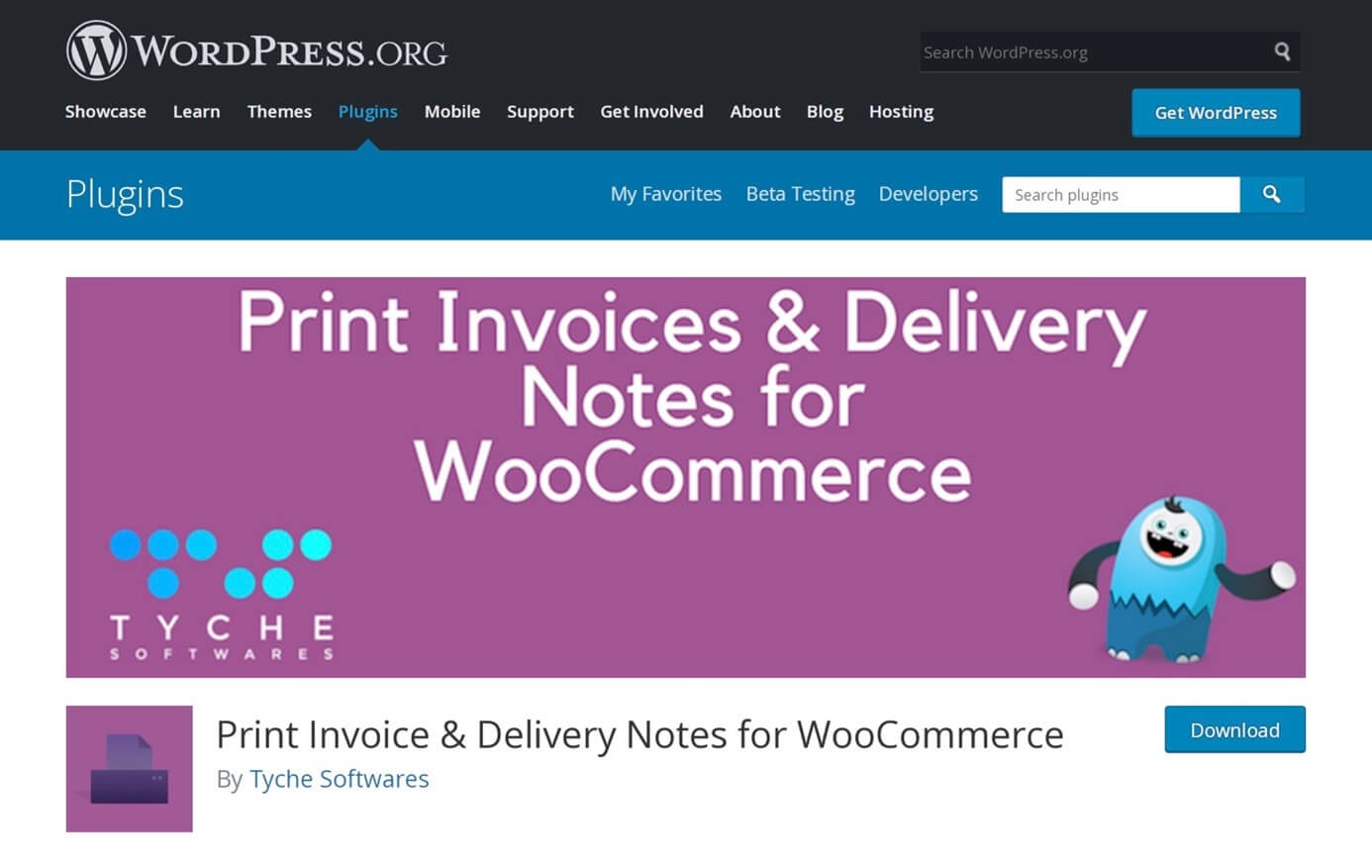
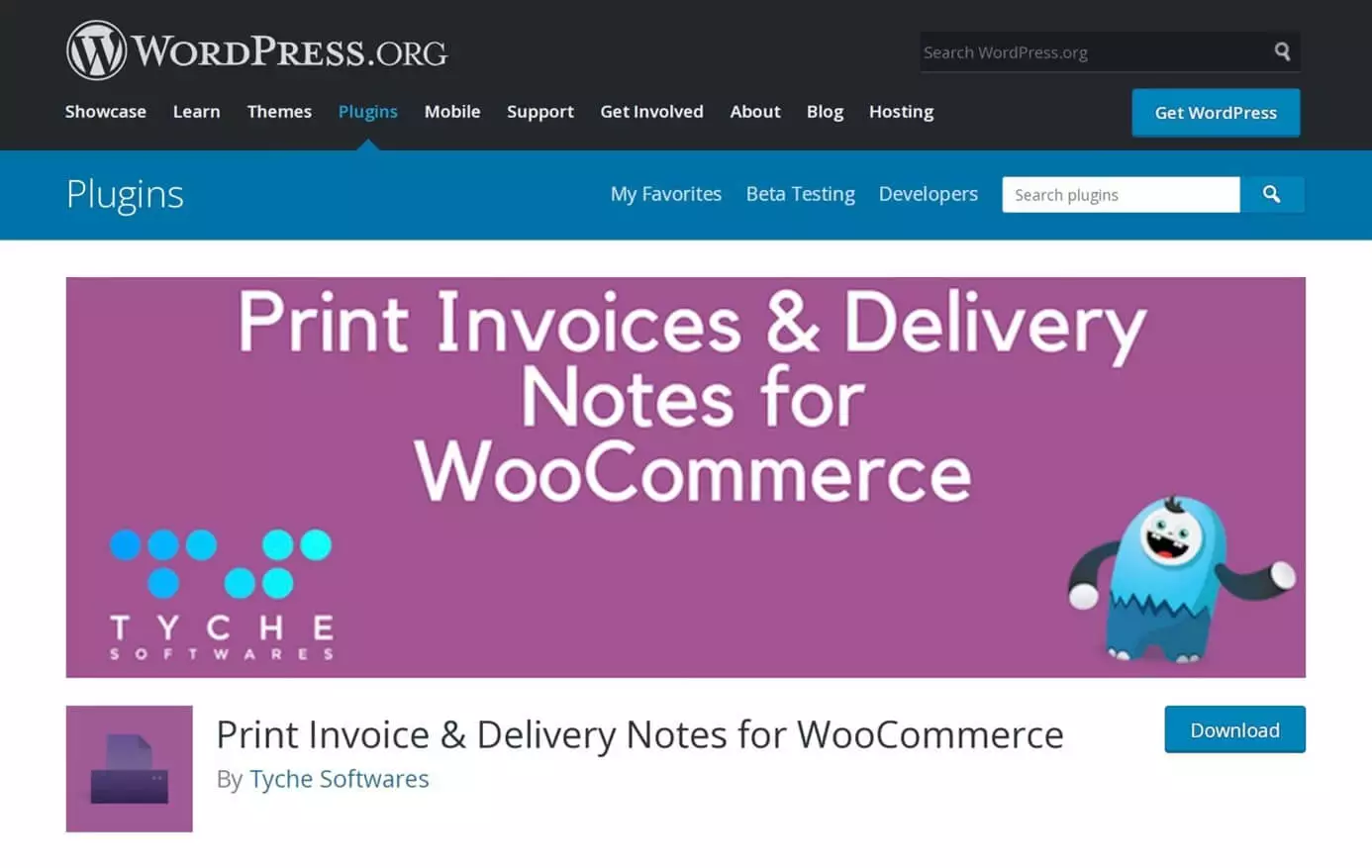
Print Invoice & Delivery Notes for WooCommerce is a plugin that simplifies printing invoices and delivery notes for your WooCommerce store orders. Users can customise the name of their shop, postal address, and even add a refund policy in the footer. The plugin is available free of charge. For more advanced features, Tyche Softwares offers pro plugins such as a Custom Order Status for WooCommerce at around 30 pounds per year.
WooCommerce plugins: free and paid extensions for an improved checkout process
A good conversion rate is particularly important for the payment process. With these WooCommerce plugins, you can adapt your checkout process to your needs and those of your customers:
WooCommerce extension: Checkout Field Editor
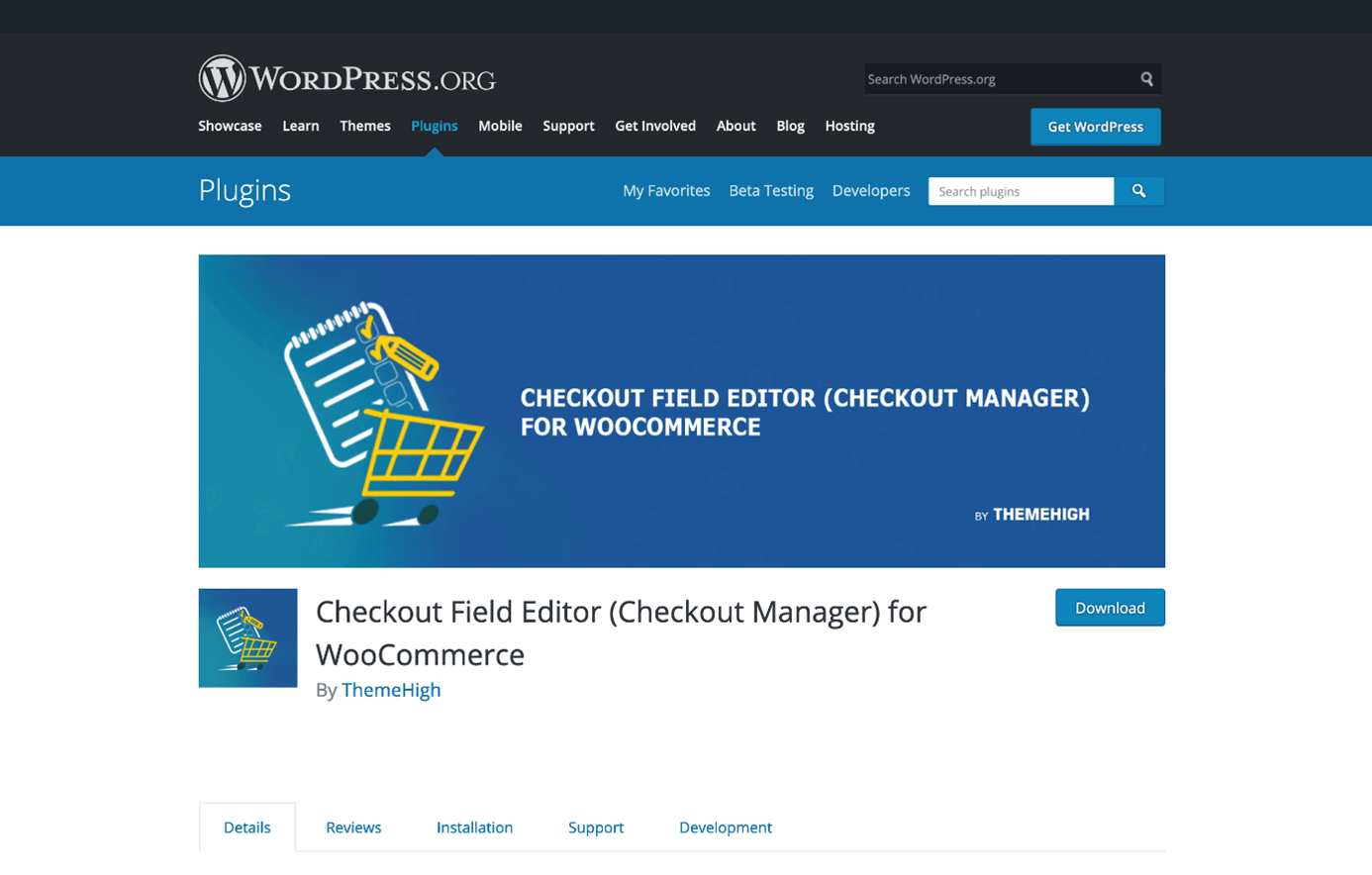
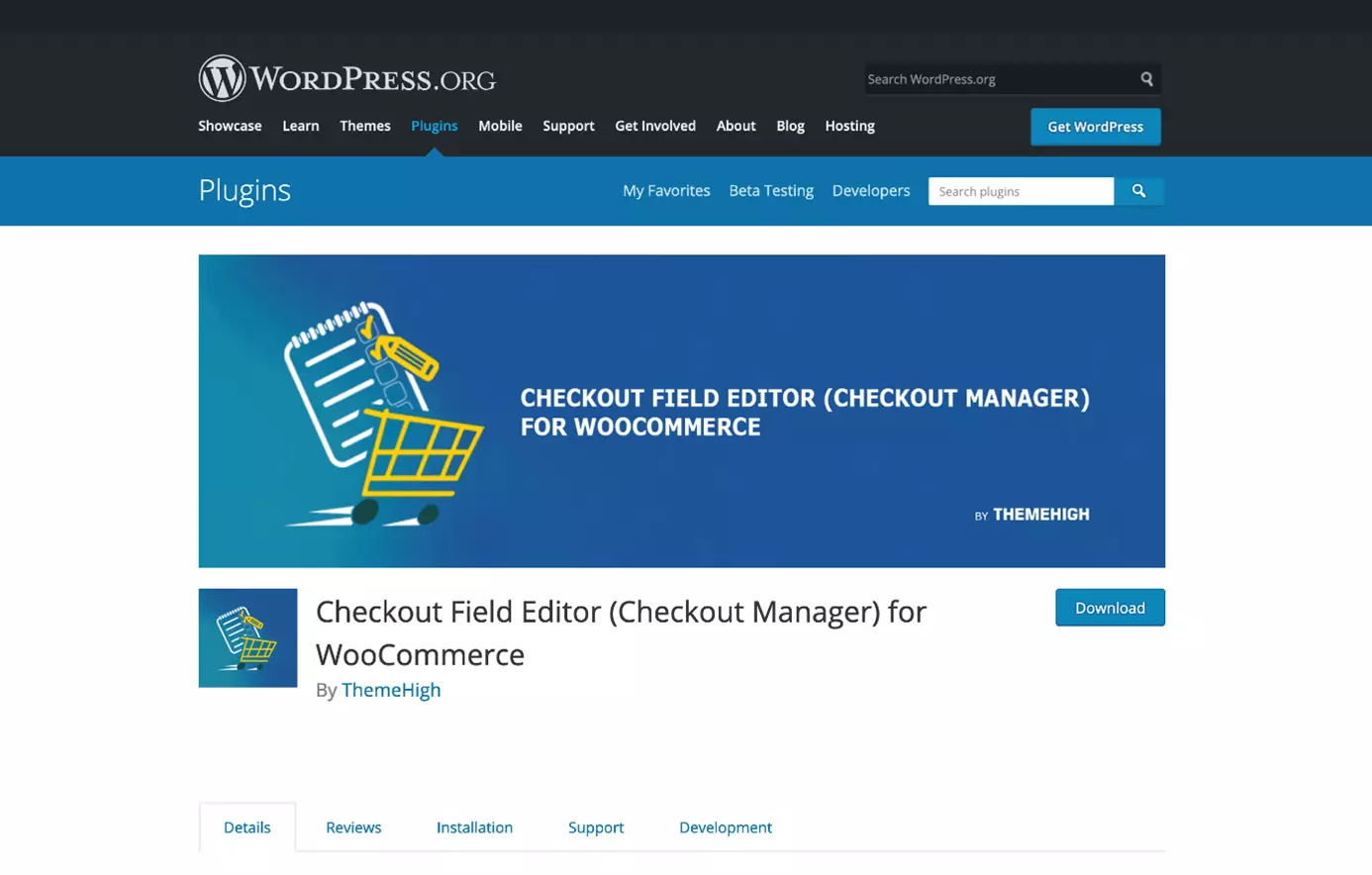
With the WooCommerce plugin Checkout Field Editor, you can add individual input fields in the billing address, delivery address and optional areas in no time at all. In the free version, in addition to field types such as input and text area, there are also other input options available such as password, email, telephone, select and radio buttons. In the Pro version, starting at around 35 pounds, there are 17 different field types including tick boxes, date input, and multi-select.
Similar to WooCommerce shortcodes, you can also integrate all fields quickly and easily using hooks. With just one click, you can decide whether the entries will also appear later in the order emails. In addition, predefined fields from WooCommerce can be deactivated and the order of the fields can be adjusted. The automatic deactivation of fields based on the products in the shopping trolley is also no problem with the Pro version.
The following table provides an overview of the free and paid functions of the WooCommerce plugin Checkout Field Editor:
| Function | Free version | Pro version |
|---|---|---|
| Individual field types | 7 field types | 17 field types |
| Individual fields on order pages and in emails | Yes | Yes |
| Individual fields based on the contents of the shopping trolley | No | Yes |
| Activate and deactivate standard fields | Yes | Yes |
| Change field order | Yes | Yes |
| Individual validation rules | No | Yes |
| Individual prices, depending on the field selection | No | Yes |
| Add new areas to the checkout process | No | Yes |
| WPML compatible | Yes | Yes |
| Connection to Zapier | No | Yes |
| Change the address display | No | Yes |
WooCommerce Stripe Payment Gateway
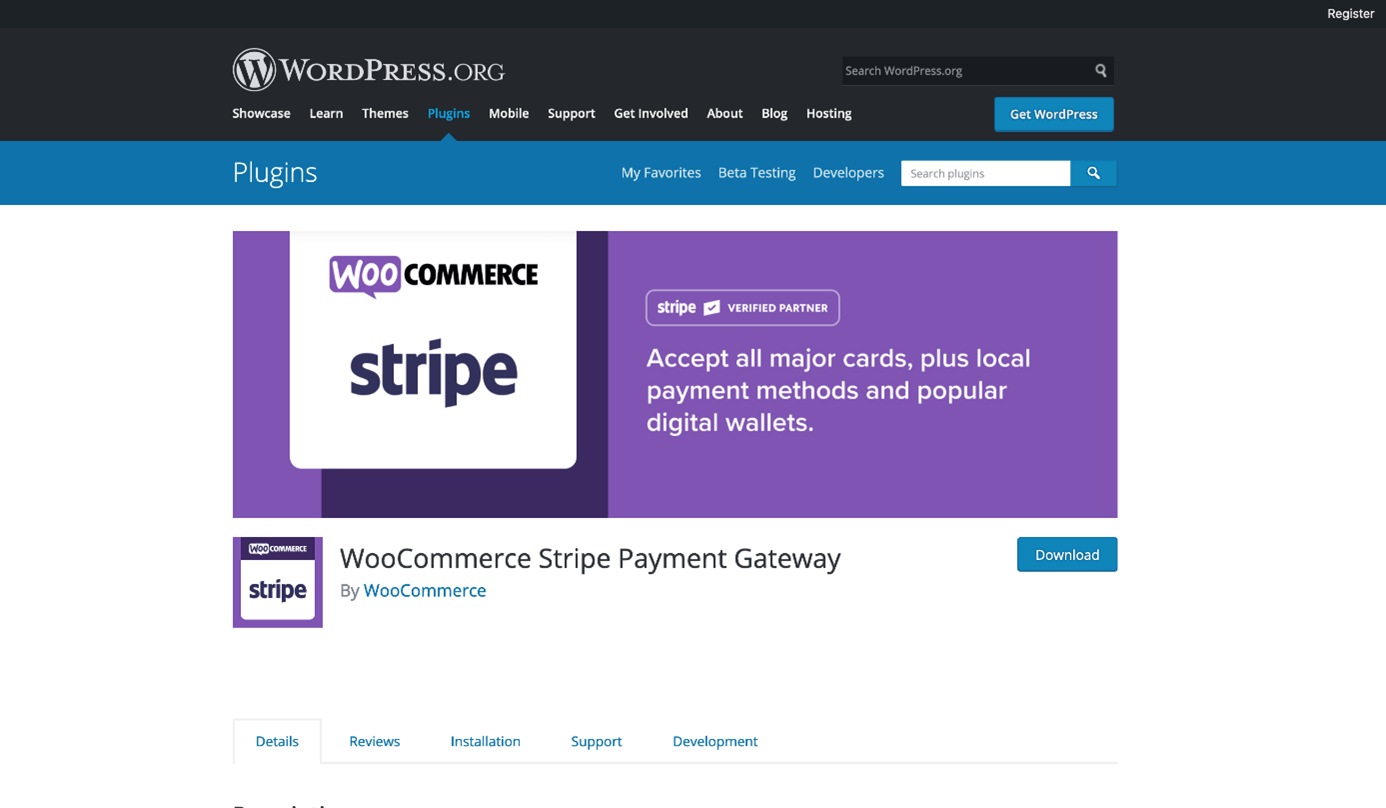
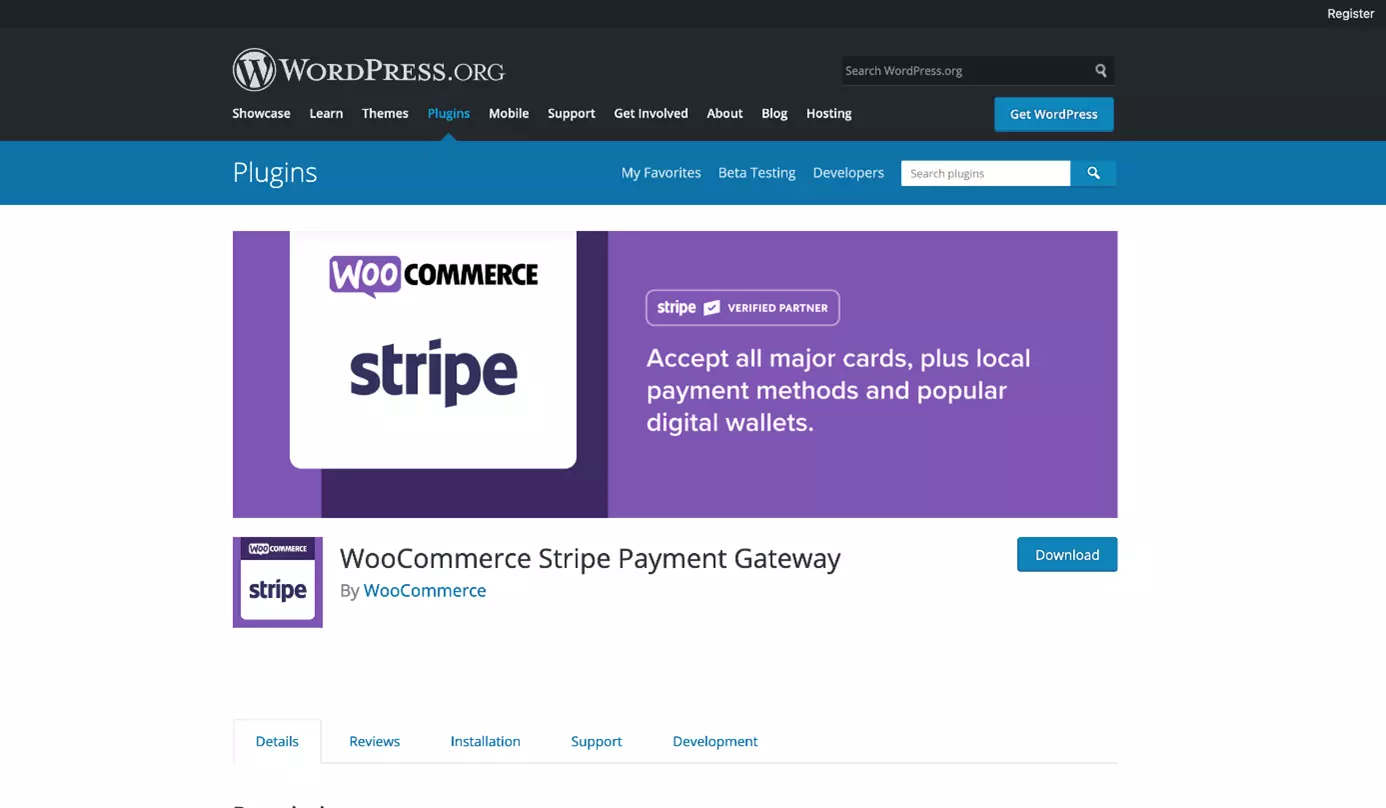
The provision of various payment methods in your online shop is an important criterion when it comes to closing sales. With the WooCommerce Stripe Payment Gateway, you can expand your online shop with numerous payment gateways. In addition to PayPal, Stripe has also established itself worldwide as a serious and secure payment provider and supports Google Pay, Apple Pay, local payments, and recurring payments.
Direct Checkout: simplified payment process
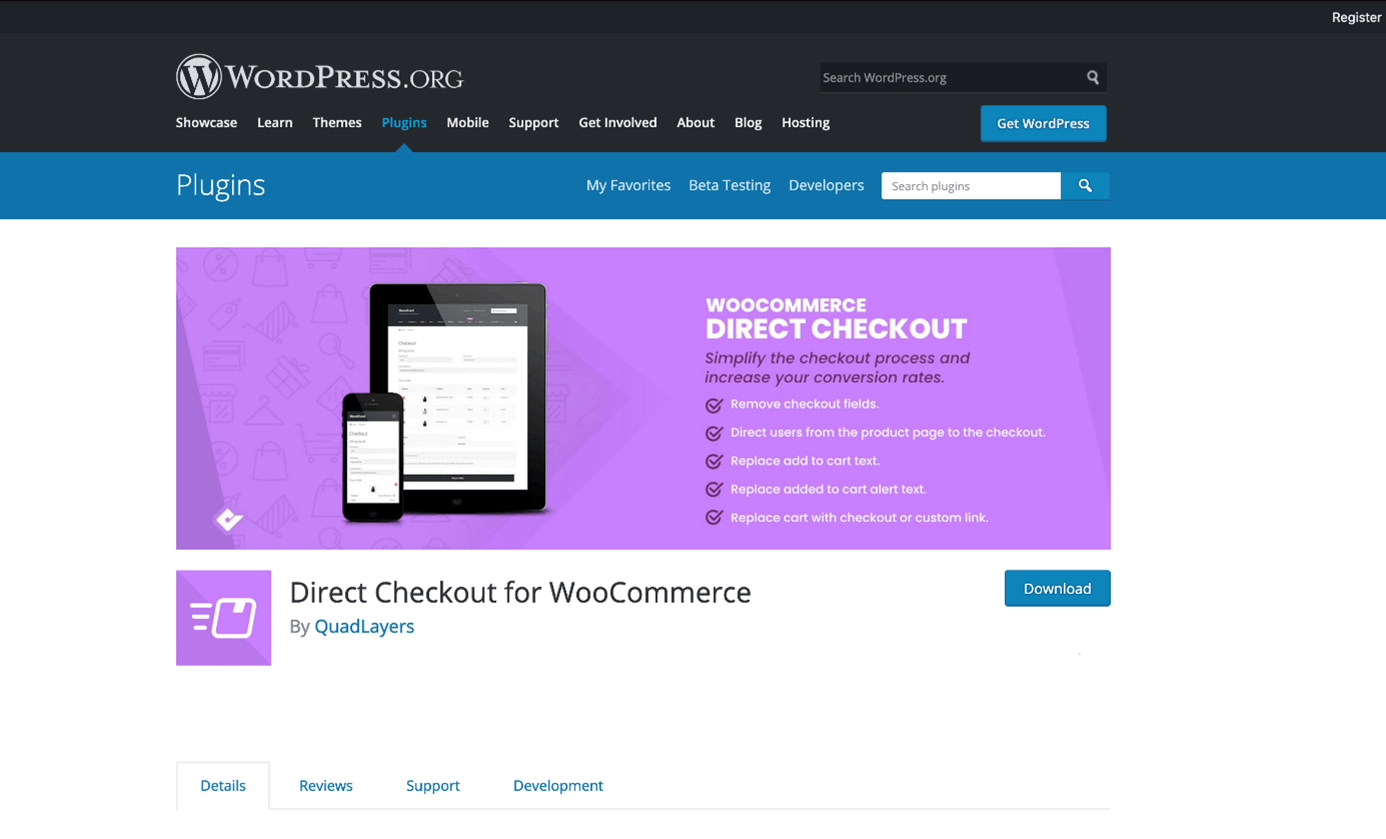
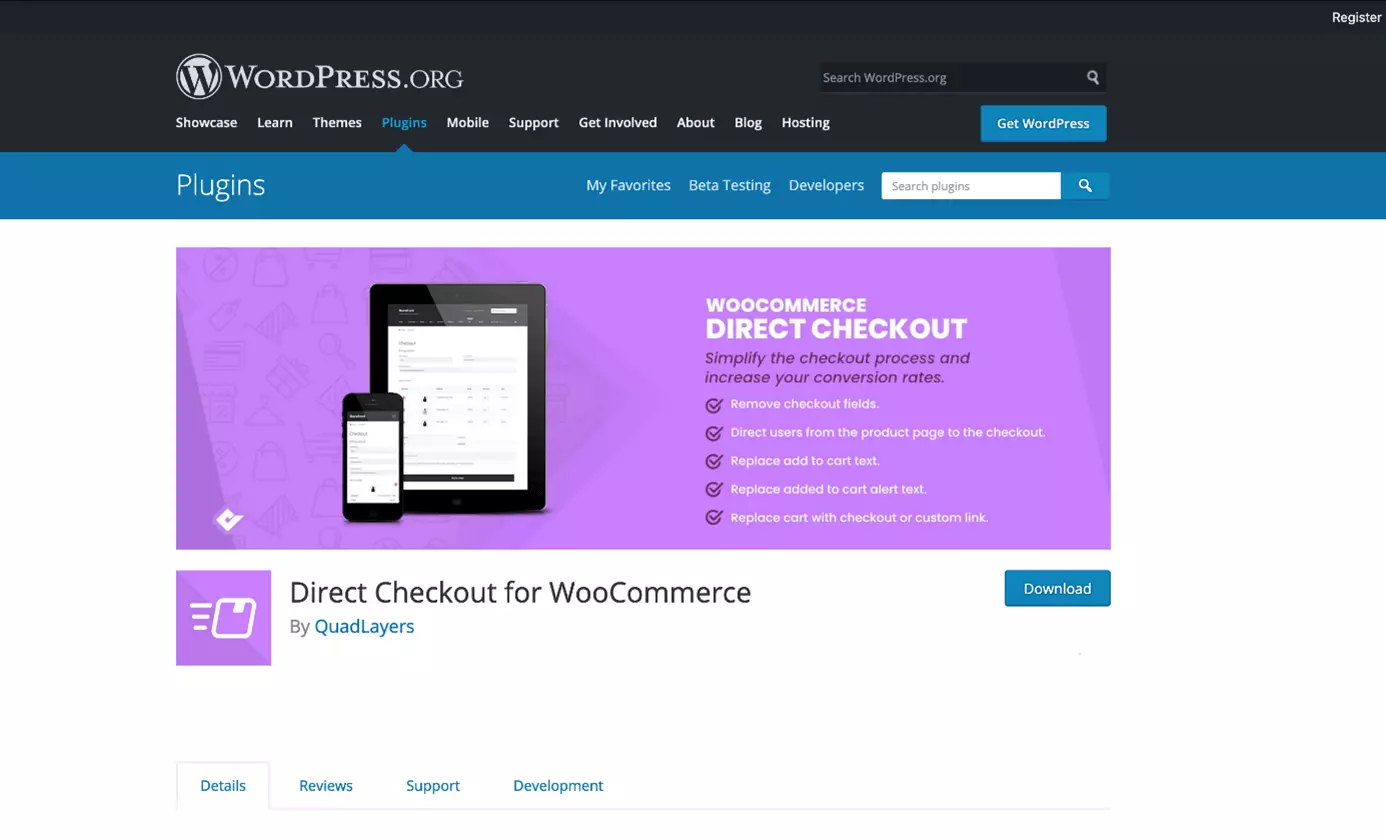
The number of clicks in a purchase process is often decisive for the conversion rate. With the free version of the WooCommerce plugin Direct Checkout, you lead your customers directly to the checkout process, instead of first to the shopping trolley. To further simplify the process, checkout fields that are not required can be removed. In the premium version, a quick-purchase button can also be placed under each product and the ordering process can be minimised to one page.
WooCommerce Social Login
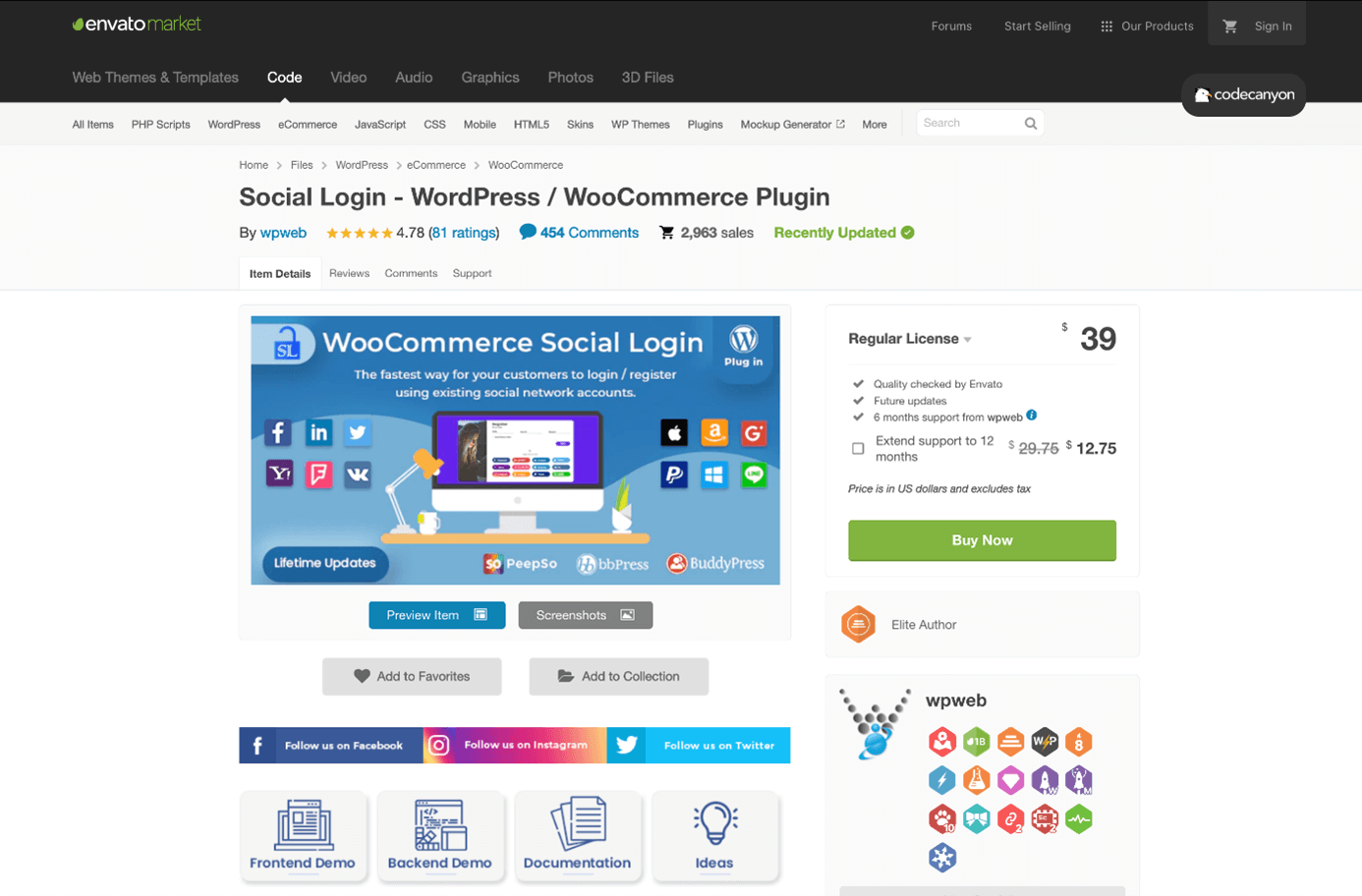
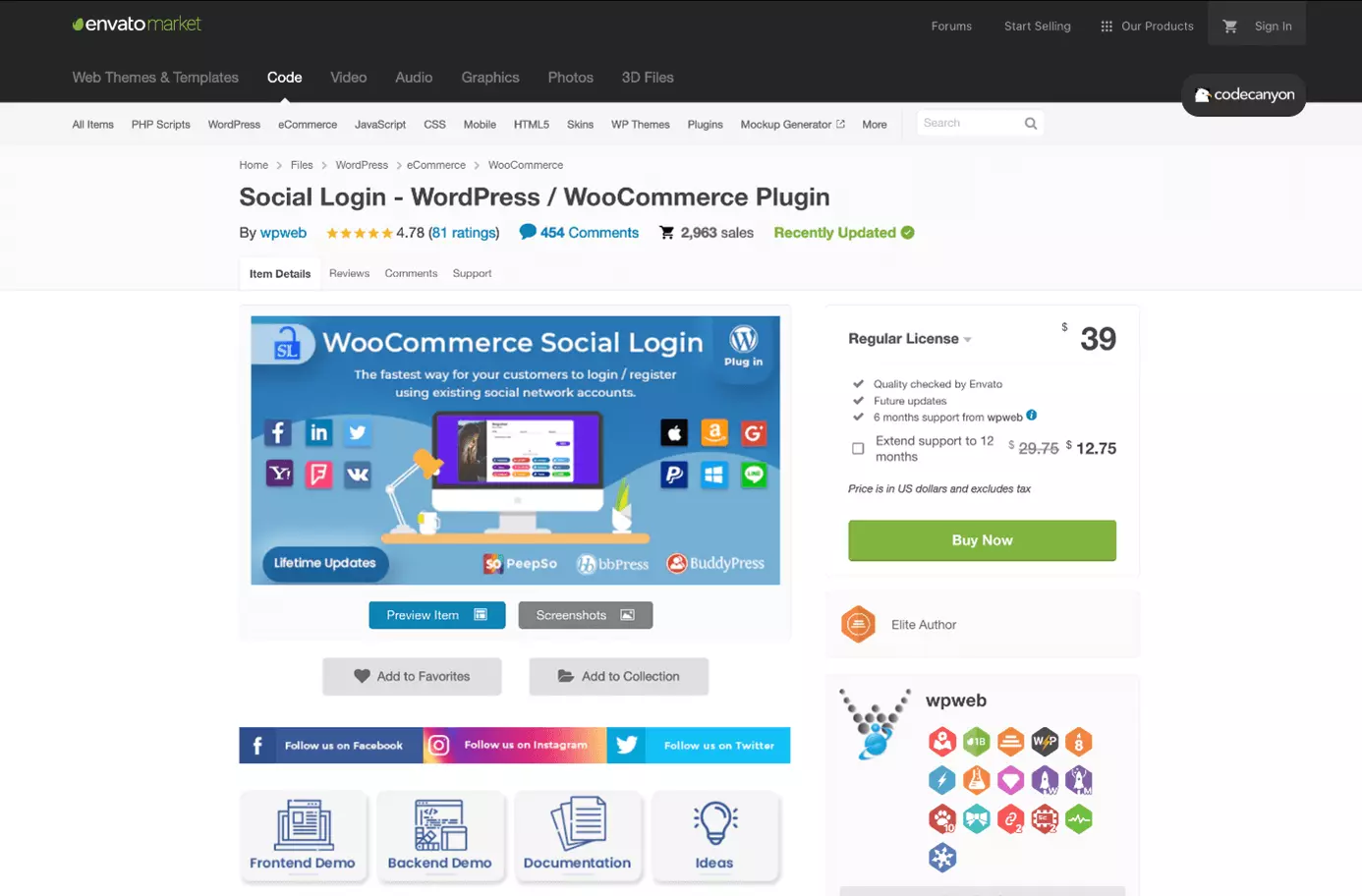
Customers can manage their orders and details more quickly and easily via an account in their online shop. With the WooCommerce Social Login, customers can log in directly through one of their existing social media accounts. The inhibition threshold for opening another account is thus reduced because data does not have to be re-entered. Especially during the checkout process, this uncomplicated solution ensures faster processing and fewer abandoned purchases. In addition to a branded registration form, this WooCommerce plugin offers statistics for analysing user behaviour on the website. WooCommerce Social Login is available on Envato Market for around 35 pounds.
- Smart, AI tools for any skill level make it easy
- Faster WordPress platform with an optimised database
- Free SSL for secure transactions
WooCommerce plugins for customer relations and marketing
Both the retention of existing customers and the acquisition of new customers play an important role in e-commerce. With the right WooCommerce plugins, you can easily create customer-retention and customer-winning marketing campaigns.
HubSpot for WooCommerce: a plugin for customer relationship management (CRM)
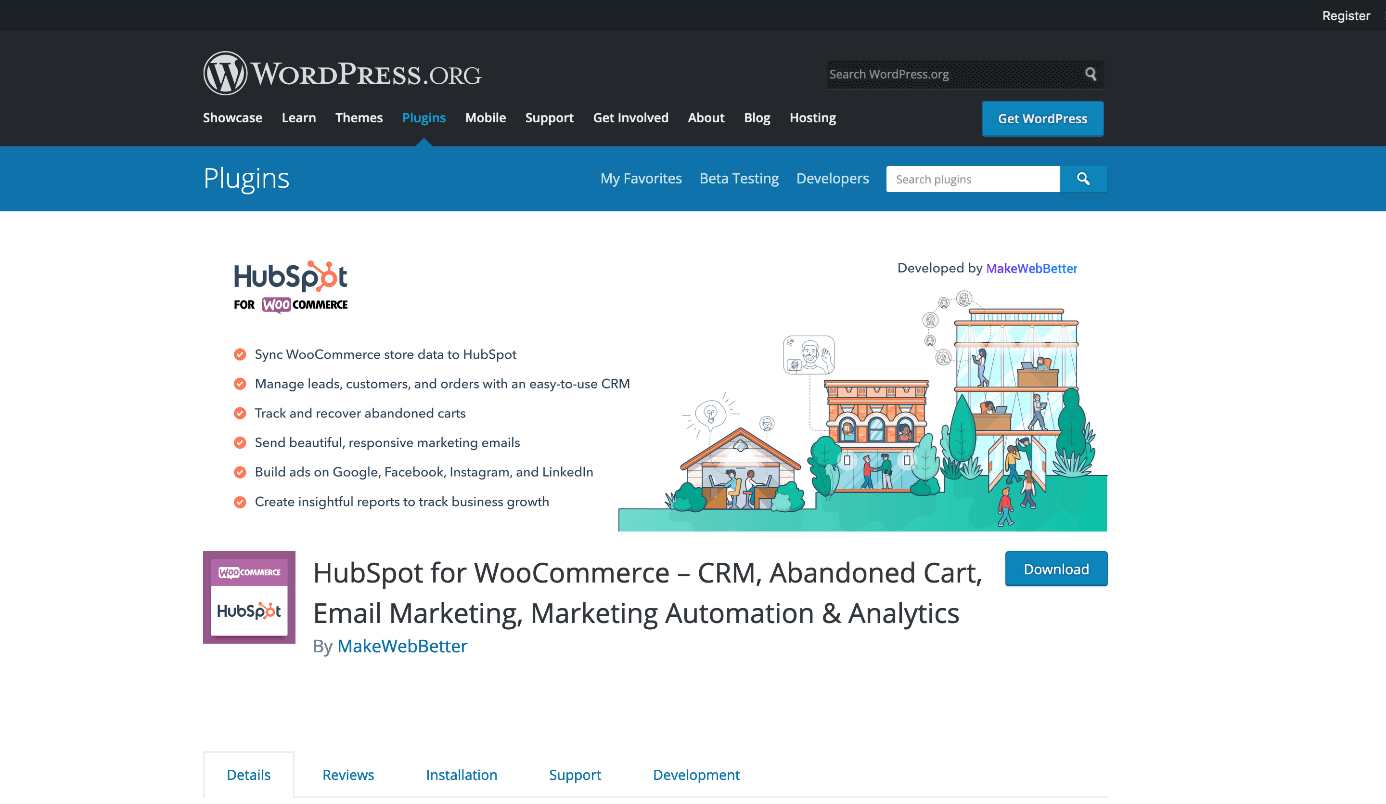
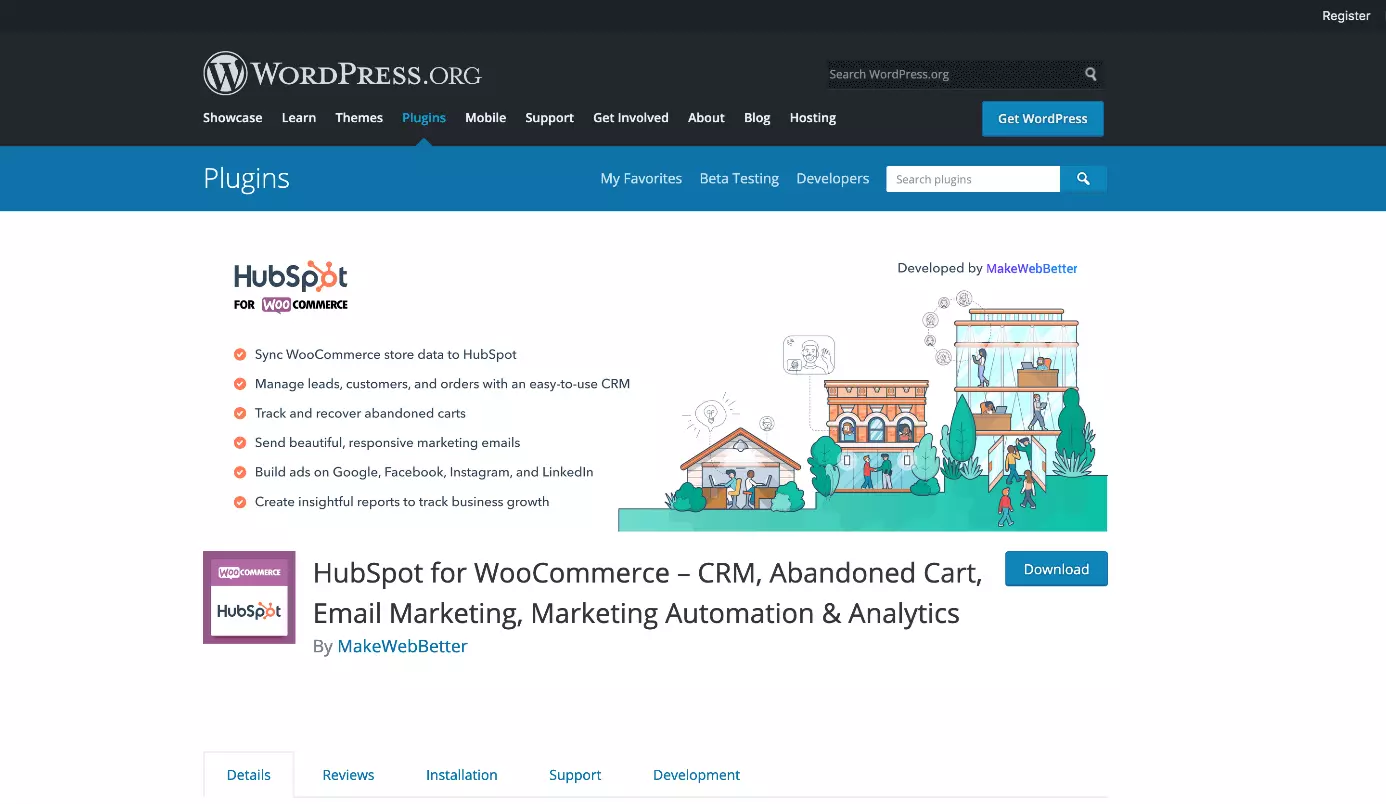
The free WooCommerce plugin HubSpot not only offers a comprehensive CRM to manage customers and orders but also the ability to track abandoned shopping trolleys, send email marketing campaigns, create advertising campaigns on Facebook, LinkedIn and Google, and generate reports on customers and orders. Data from WooCommerce can easily be synchronised with HubSpot.
YITH WooCommerce Wishlist
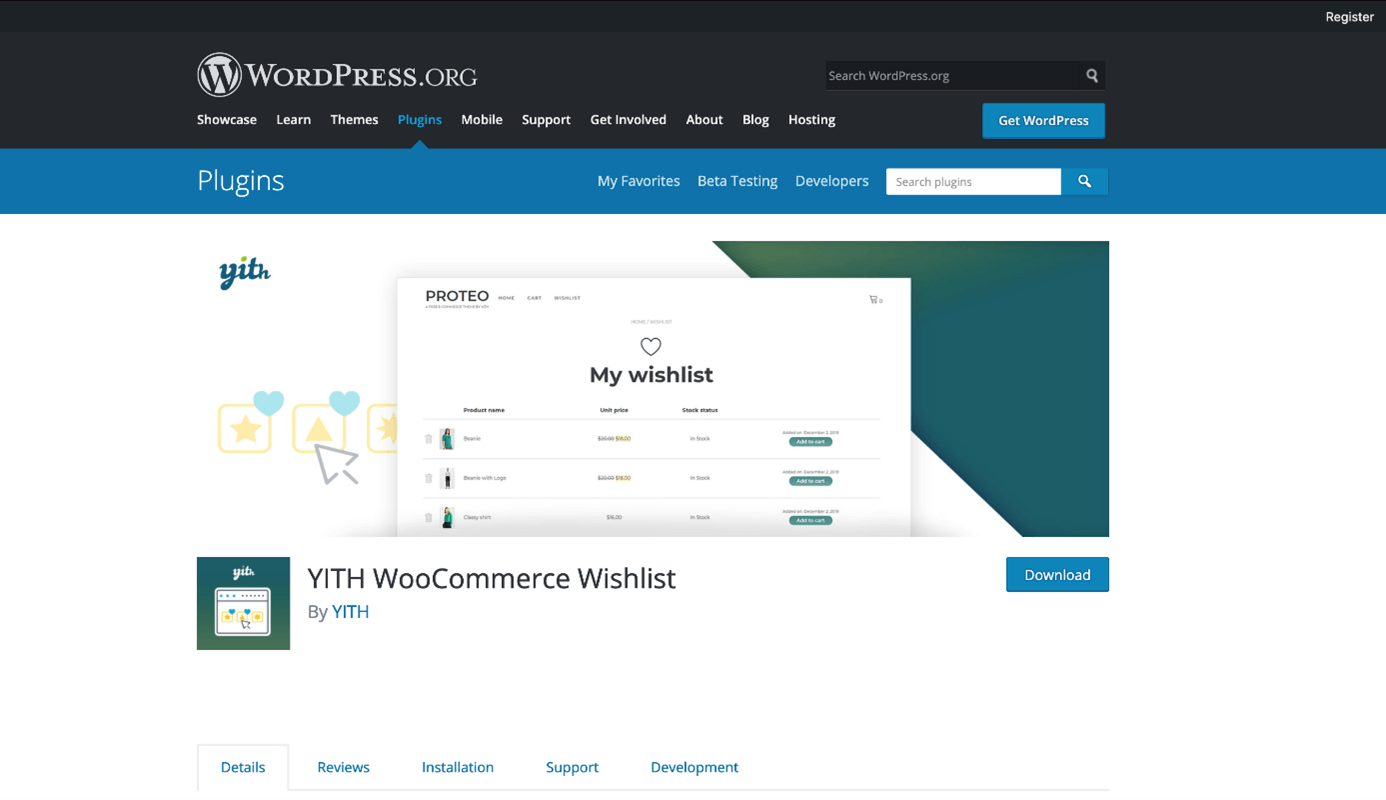
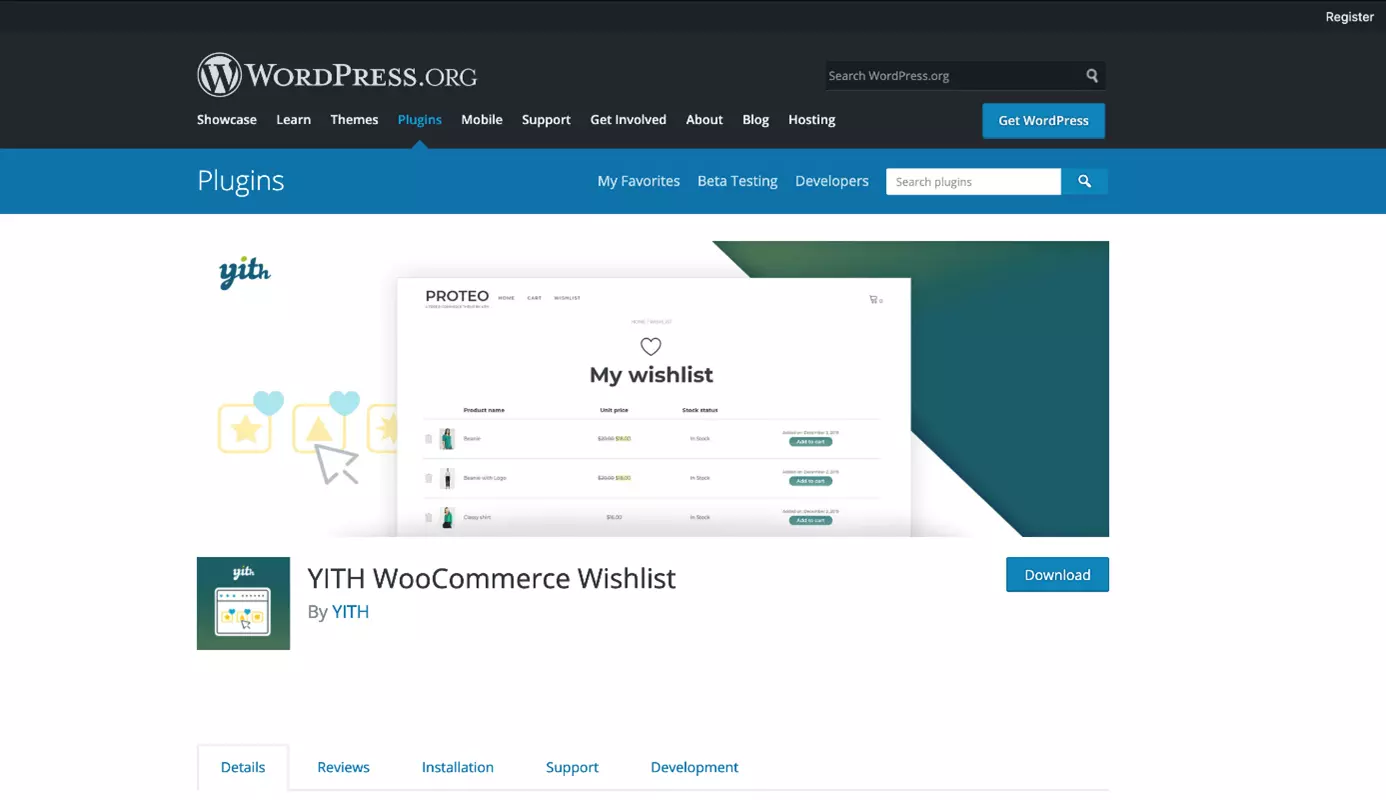
A wishlist not only gives existing customers the opportunity to save products for later but also to share them with others. Ideally, this is how you can win additional customers. YITH WooCommerce Wishlist includes all the functions that a user-friendly wishlist needs. In the free version, you can already choose which page serves as a wishlist or where the button ‘Add to wishlist’ appears. The premium version expands the wishlist with functions such as email notifications about products in the wishlist or a login notice.
The following table provides an overview of the differences between the free and premium versions of this WooCommerce extension:
| Function | Free version | Premium version |
|---|---|---|
| Page selection for the wishlist | Yes | Yes |
| Selection of the position of the button ‘Add to wishlist’ | Yes | Yes |
| ‘Add to wishlist’ button on the store page | Yes | Yes |
| ‘Remove from wishlist’ button for products in the wishlist | Yes | Yes |
| Individual columns on the wishlist page | Yes | Yes |
| Support for product variants | Yes | Yes |
| Show wishlists of logged-in users | No | Yes |
| Show popular products | No | Yes |
| Promotional emails to users with products in the wishlist | No | Yes |
| ‘Request a quote’ button | No | Yes |
| Deactivate wishlist for users who are not logged in | No | Yes |
| ‘Log in and use the wishlist advantages’ notice for users who are not logged in | No | Yes |
| Unlimited wishlists | No | Yes |
| Adjust the visibility of the wishlist from public to private, or allow it to be shared with others | No | Yes |
| Adjust product quantity in the wishlist | No | Yes |
| Move products from one wishlist to another | No | Yes |
WooCommerce plugins for invoices and shipping
If a customer has bought one or more products, it is up to you to process the order. Invoicing, shipping items, and managing returns should ideally take place in an optimised process. There are also WooCommerce plugins to support you with the purchase process in this case.
WooCommerce PDF Invoices & Packing Slips
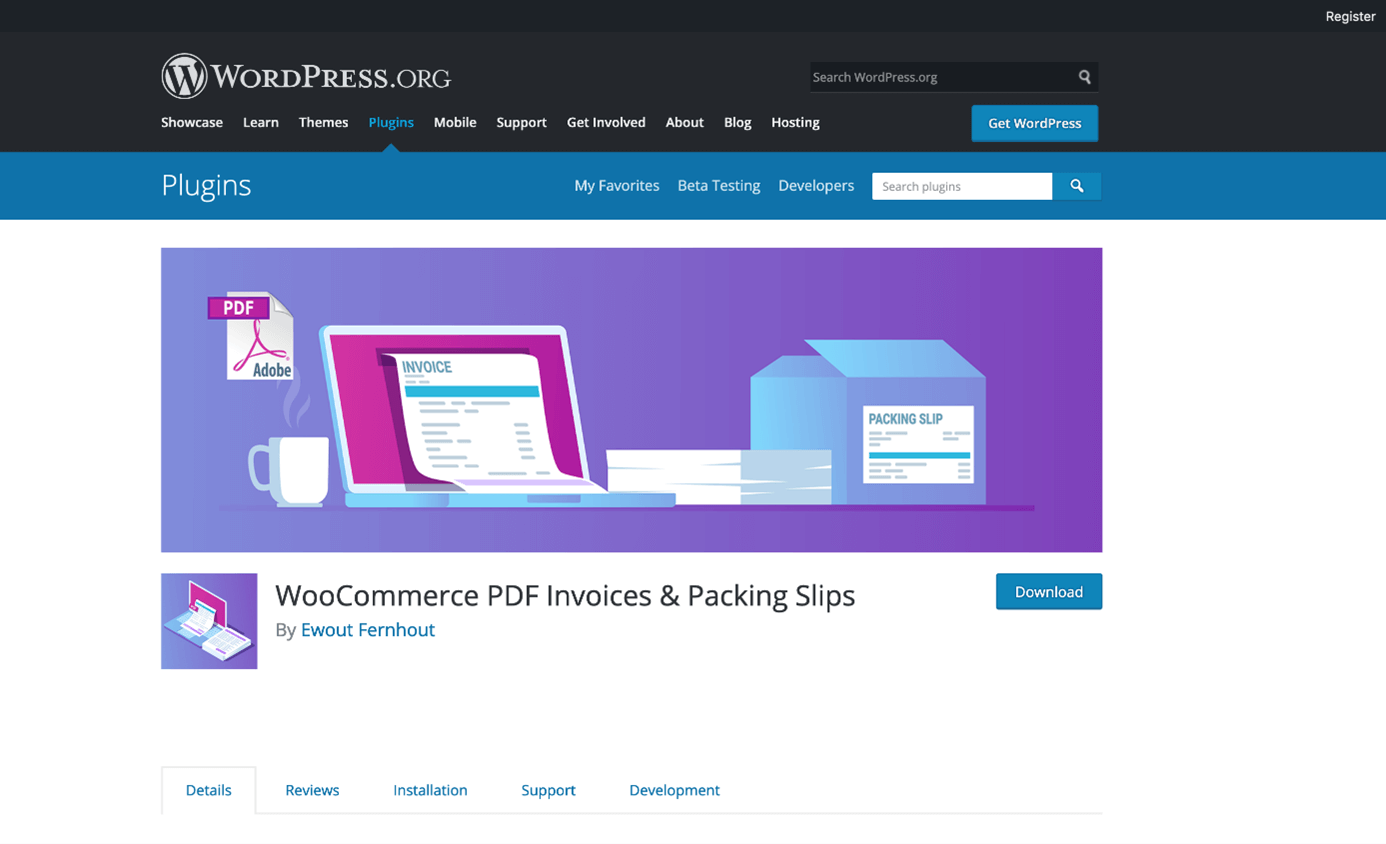
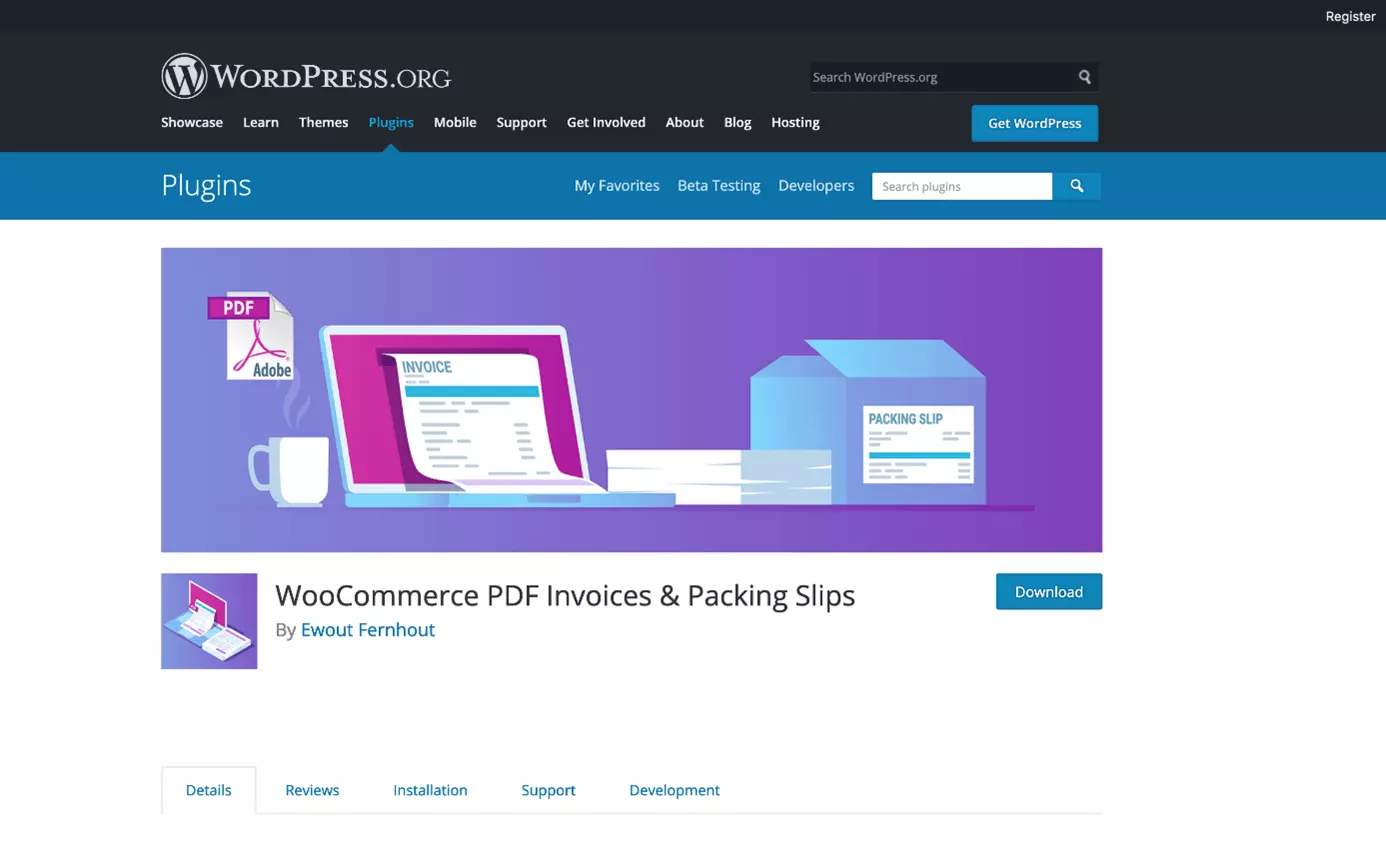
The WooCommerce plugin PDF Invoices & Packing Slips automatically attaches an invoice in PDF format to the order confirmation email that is sent to your customers and saves it in the respective customer account. Even in the free version, invoices can be completely adapted via HTML and CSS and given individually formatted invoice numbers. In addition, this WooCommerce extension generates a packing slip with all items, their SKU numbers, and the number of products for the shipping department. With the premium version, you can easily create PDF invoices and credit notes. In addition, packing slips can be sent by email or uploaded to Dropbox and delivery notes can be sent directly to a printer.
WooCommerce hosting by IONOS already contains thousands of extensions, templates, and designs that you can integrate directly into your online shop.