

How to use the WooCommerce Subscriptions plugin

Subscriptions enable you to build solid, loyal clientele in your online store. The WooCommerce Subscriptions plugin provides useful features which allow users to integrate subscription offers into a website with a WooCommerce store.
What is WooCommerce Subscriptions?
Paid subscriptions are one of the most important sources of revenue for many companies. Subscriptions grant subscribers exclusive access to services, premium services or unlimited content. Offering different subscription models caters to the needs and wishes of your customers. There should be offers for trial subscriptions, monthly subscriptions and annual subscriptions as well as subscription models based on the basic, standard and premium principle.
WooCommerce plugins offer the optimal subscription solution for your online store on WordPress: WooCommerce Subscriptions. Download the plugin in a few clicks, install it in your store and create paid WooCommerce Subscriptions for products, services or content. You can choose from a variety of subscription plans, automatic payment options, renewals, and subscription upgrades and downgrades, effectively strengthening customer loyalty and benefitting from generating regular, predictable profits.
What are the benefits of WooCommerce Subscriptions?
The WooCommerce Subscriptions plugin is a practical solution WooCommerce retailers who want to integrate subscription features into their shop. The tool not only integrates smoothly into the website, but it also offers comprehensive subscription features for management and subscribers.
Key features and benefits include:
- Seamless integration with WooCommerce stores
- Management via a dashboard
- Multiple subscription and billing models for physical and virtual products, services or content
- Easily manages automated recurring subscription payments with over 25 payment methods
- Manually and automatically renews subscriptions
- Automatically emails invoices and receipts
- Member pages for changing subscription, address, payment method or upgrades and downgrades
- Creates new invoice for failed payments
- Reminder functions for manual renewals or outstanding payments
- Automatic payment confirmations
- Discount and coupon options
- Optional synchronisation of subscription terms or shipping periods
- Configurations for registration fees
- Free trial subscriptions
- Transparent reports on subscribers, profits and payments
What does WooCommerce Subscriptions cost?
WordPress and WooCommerce do not cost anything. You create a functional website for free with WordPress and integrate a modern online shop with WooCommerce. However, a successful shop usually requires additional functions, user-friendly features and an appealing design. This may lead to additional WooCommerce costs and WordPress costs.
Using paid plugins like WooCommerce Subscriptions and customising your shop with premium WooCommerce themes will increase your costs. WooCommerce Subscriptions currently costs about £180 annually (as of November 2022). This may seem expensive, but the comprehensive features and WooCommerce Subscriptions’ seamless integration make the investment worthwhile.
How do I add WooCommerce Subscriptions?
Begin by creating an online shop with WordPress and install the free store plugin WooCommerce. Or alternatively, go straight to setting up the subscriptions plugin if you already have a WooCommerce store.
Stick to the following two methods to install WooCommerce Subscriptions.
Take a look at the WooCommerce Hosting from IONOS if you’re still in the planning phase of your online store. The basic framework is already there for you.
Method 1: Download as ZIP file and add
Step 1: Buy the plugin WooCommerce Subscriptions directly from the WooCommerce website. Click on ‘Buy now’ and follow the steps. This requires logging into your WooCommerce account beforehand.
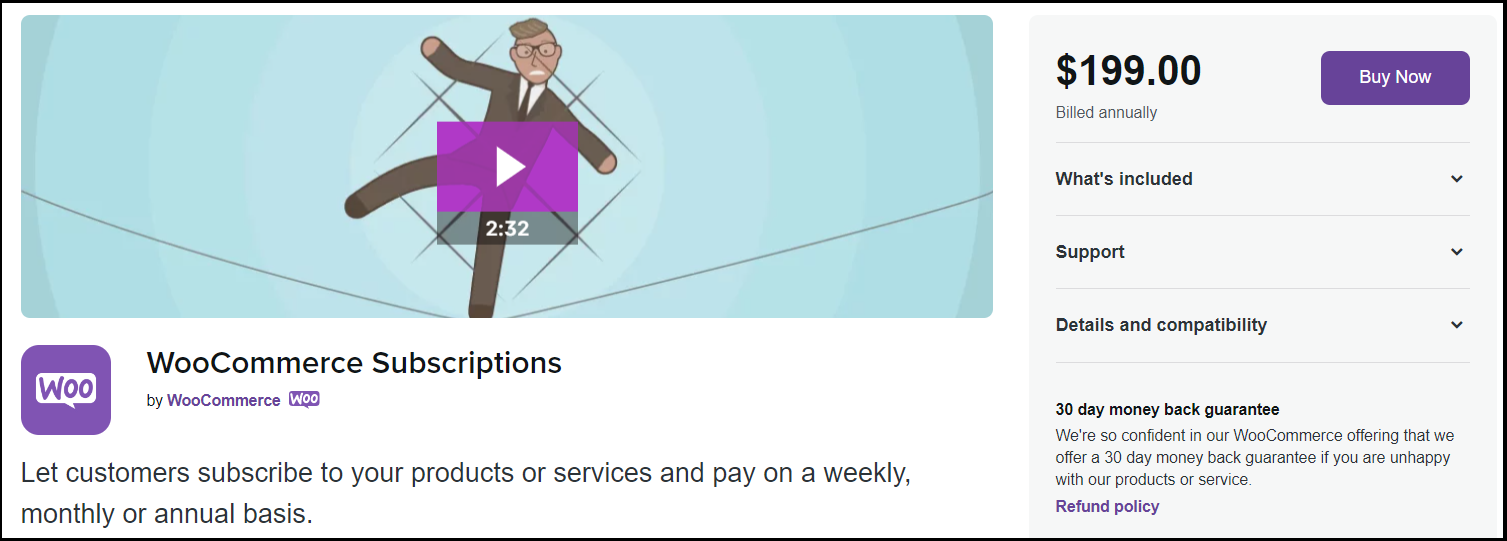
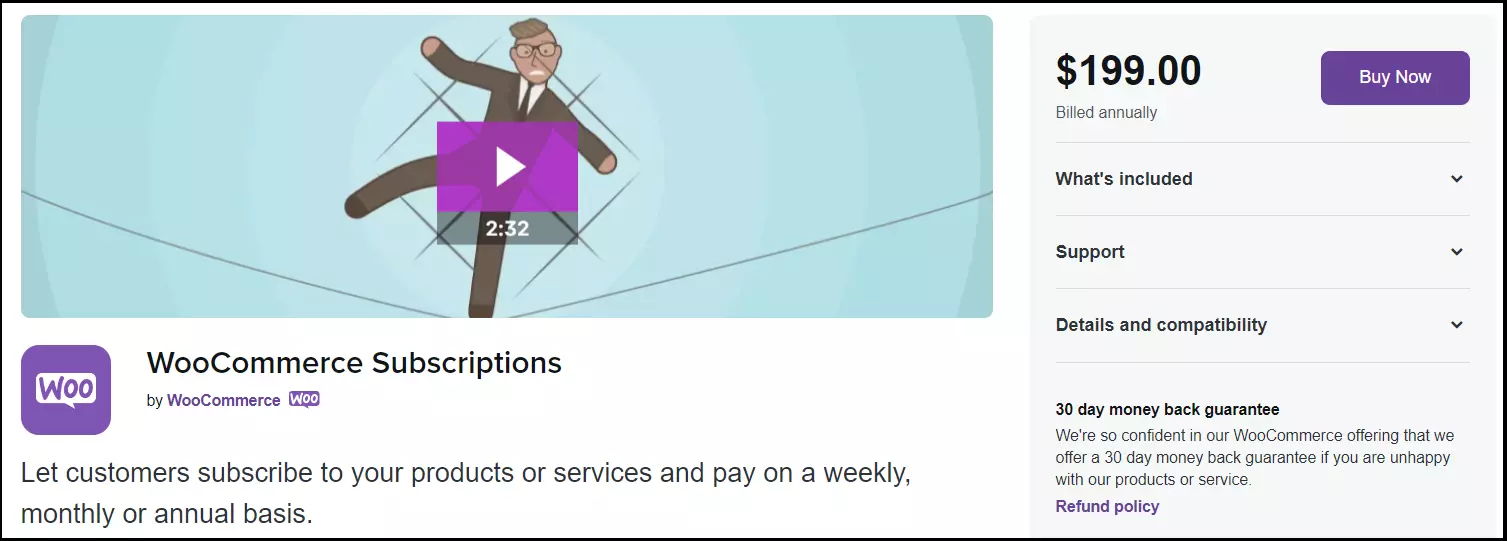
Step 2: Click ‘Download’ to download the plugin as a ZIP file after completing the purchase.
Step 3: Access your WordPress dashboard and go to ‘Plugins’.
Step 4: Upload the ZIP file by clicking on ‘Upload Plugin’. Select ‘Install now’ and ‘Activate’ to activate the plugin for your shop.
Method 2: Add using WooCommerce dashboard
This method offers the advantage of integrating the Subscriptions plugin directly into the shop using the Dashboard and WooCommerce extensions. This creates a better overview if you use other WooCommerce extensions, as all plugins are visible in one area and can be updated and activated or deactivated.
Step 1: Login to your WordPress account, go to the dashboard. Follow the path WooCommerce > Extensions. Go to the tab ‘WooCommerce.com Subscriptions’.
Step 2: Click on ‘Connect’ and authorize the connection between your account at WooCommerce.com and your store.
Step 3: You will see a list of future subscriptions in the WooCommerce.com Subscriptions tab. However, you will need to click “Download” and set the switch to ‘Active’ to activate the plugin in your store.
How do I configure WooCommerce Subscriptions?
You can set up subscription offers as desired after installing and activating the plugin. There are two options to choose from here:
- Simple subscriptions: You offer only one subscription option at a fixed price to all interested parties.
- Variable subscriptions: You create different subscription rates for customers to choose from. This includes different price levels, services or product offers.
How do I create subscriptions?
Go to ‘Products’ in the dashboard to create simple or variable subscriptions and click on ‘Add new’. Scroll down and click on ‘Product data’. You will find the options for the subscriptions here. Decide on a version and fill out the following specifications for the subscription:
- Subscription price
- Billing interval
- Accounting period
- Duration of the subscription
- Registration fee
- Probationary period
You can restrict variable subscriptions under the Advanced tab to prevent customers taking out multiple subscriptions for the same product. Upgrades and downgrades of current subscriptions are also important for variable subscriptions. Go to ‘Settings’, ‘Subscriptions’ and ‘Switch’ for this.
How do I set payment methods?
It is important to integrate payment gateways to support recurring payments. WooCommerce payment methods support 34 different payment gateways, some of which are available as free plugins, others as paid plugins. Suitable plugin extensions are:
- Amazon Pay
- Stripe
- Authorize.net
- PayPal Pro
- Apple Pay
- Square
Note that different payment gateways may offer different subscription payment features. For example, not every gateway supports the purchase of multiple subscription offers or the purchase of subscriptions and non-subscription products in one transaction. However, this is not a major problem because customers can still purchase multiple subscriptions in consecutive transactions.
Subscription features important to payment method plugins include:
- Cancelling the subscription
- Pausing the subscription
- Reactivating the subscription
- Purchase of multiple subscriptions in one transaction
- Purchase of subscription and non-subscription products in one transaction
- Changes to the subscription rates (by the shop owner)
- Change of payment method (by customers or shop owners)
You’ll need a catchy address to make your shop stand out on the internet. Get your desired domain plus wildcard SSL and email box. Register your domain with IONOS.
What is WooCommerce Membership?
The plugin WooCommerce Membership is a worthwhile add-on for those who use WooCommerce Subscriptions. Memberships offers exclusive options to purchase products or services for members only. If you are planning a membership model, we recommend the plugin WooCommerce Membership in combination with Subscriptions. These combined make it possible to release certain services or products with recurring subscription payments only for paying members. WooCommerce Subscriptions is sufficient if your focus is just on subscriptions.
The main differences between the two plugins:
| Features | WooCommerce Subscriptions | WooCommerce Membership | WooCommerce Subscriptions + WooCommerce Membership |
|---|---|---|---|
| Recurring payments | ✓ | ✗ | ✓ |
| Fixed period for subscription / membership | ✓ | ✓ | ✓ |
| Multiple subscriptions / memberships at the same time | ✓ | ||
| Free test phase | ✓ | ✗ | ✓ |
| Options to edit, upgrade or downgrade subscription plans / membership | ✓ | ✗ | ✓ |
| Automatically adjusts price plans after upgrades and downgrades | ✓ | ✗ | ✓ |
| Interrupts or pauses subscription / membership | ✓ | ✗ | ✓ |
| Services / products / contents for members only | ✗ | ✓ | ✓ |
What are some alternatives to WooCommerce Subscriptions?
There are several other subscription alternatives if you are interested in subscription features. We present four interesting plugins which offer similar subscription features to WooCommerce Subscriptions.
Subcription plugins overview
| Subscriptions plugin | Features | Price |
|---|---|---|
| Paid Membership Pro |
|
Standard: around £210 per year for 1 website Plus: around £340 per year for 2 websites Builder: around £590 per year for 5 websites |
| SUMO Subscriptions |
|
One-time around £41 payment for 1 website (including 6 months developer support) |
| Subscriptio |
|
One-time around £40 payment for 1 website (including 6 months developer support) |
| S2Member |
|
Free version: for 1 website Pro version: around £75 for 1 website Pro version: around £160 for unlimited websites |
All rate information is as of November 2022.
Paid Membership Pro
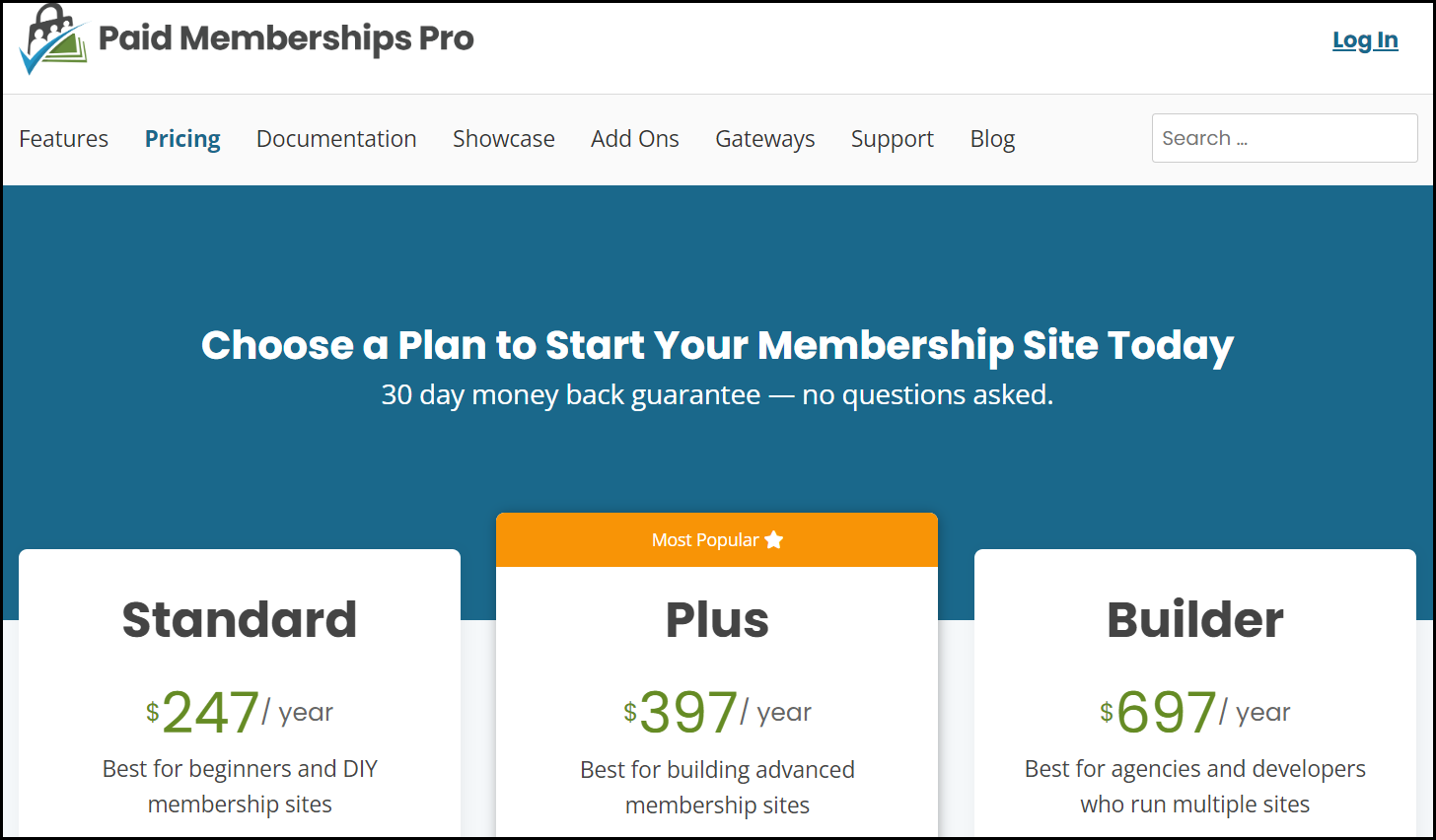
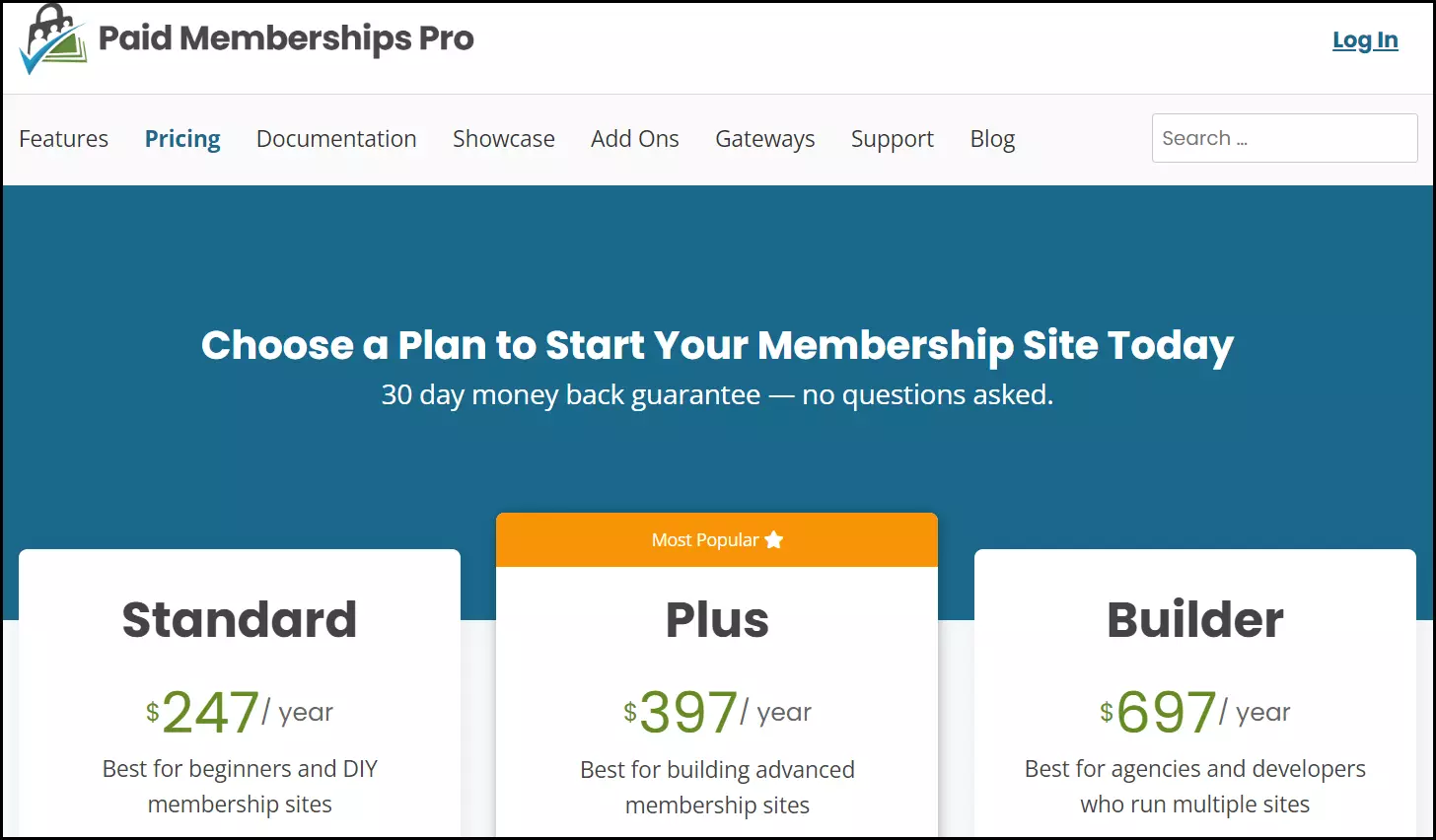
The Paid Membership Pro plugin offers a combination of subscriptions and memberships, even for online shops which are not based on WooCommerce. This enables website content, products, services or membership packages to be restricted to members, while other content remains publicly available.
Features:
- Unlimited member levels at flexible rates
- Free memberships or free trial periods
- Recurring payments or one-off payments
- Manual or automatic renewal of subscriptions
- Integration of six popular payment gateways such as Stripe, Authorize.net and PayPal
- Memberships and customer data administration and processing
- Reports on customer data and revenues
- Automated workflows through REST API interfaces (with Zapier integration)
- Dashboard for member accounts
- Frontend features for login, registration, password recovery and profile editing
| Pros | Cons |
|---|---|
| ✓ Flexible rates for member subscriptions | ✗ Offers members-only subscriptions |
| ✓ Supports common payment methods for online payments | ✗Quite expensive |
| ✓ Offers various payment models for members such as recurring payments and one-off payments | |
| ✓ Easy administration and updating of customer data | |
| ✓ Also suitable for non-WooCommerce shops |
Sumo Subscriptions
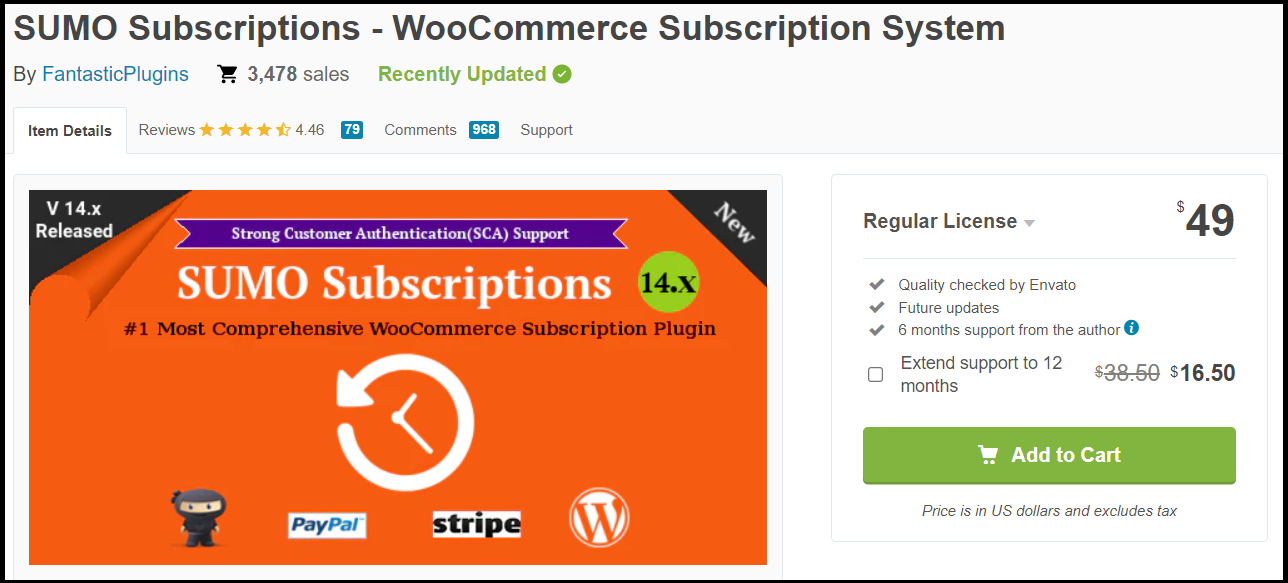
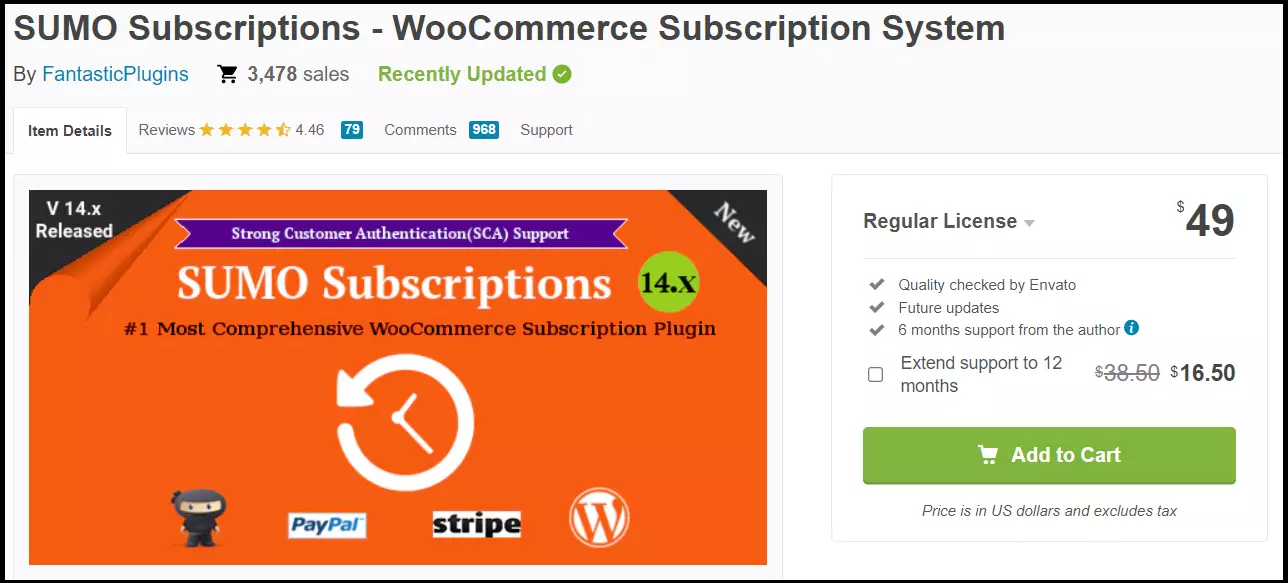
The SUMO Subscriptions plugin presents itself as an affordable alternative to WooCommerce Subscriptions. It offers all the important features for subscription models, recurring payments and subscription account management which WooCommerce Subscriptions offers. The plugin is updated regularly and is easily compatible with WordPress and WooCommerce.
Features:
- Simple subscriptions and variable subscriptions
- Subscriptions for several products or services at the same time
- Subscription options for selected products
- Payment methods Stripe and PayPal for automatic subscription renewal
- Multiple subscription orders in one transaction
- Free test phase
- Report and log of all transactions
- Optional registration fee
- Supports upgrade and downgrade of subscriptions
- User cancellation/pause/resumption of subscriptions
- User customisation of subscription accounts and subscription payment methods
| Pros | Cons |
|---|---|
| ✓ Almost identical functions to WooCommerce Subscriptions | ✗ Offers only two payment methods (Stripe and PayPal) for automatic renewal |
| ✓ Supports common payment methods for online payments | ✗ Additional WooCommerce plugins needed for manual subscription renewal |
| ✓ Very reasonable license price for a wide range of features | ✗ Only for WooCommerce stores |
Subscriptio
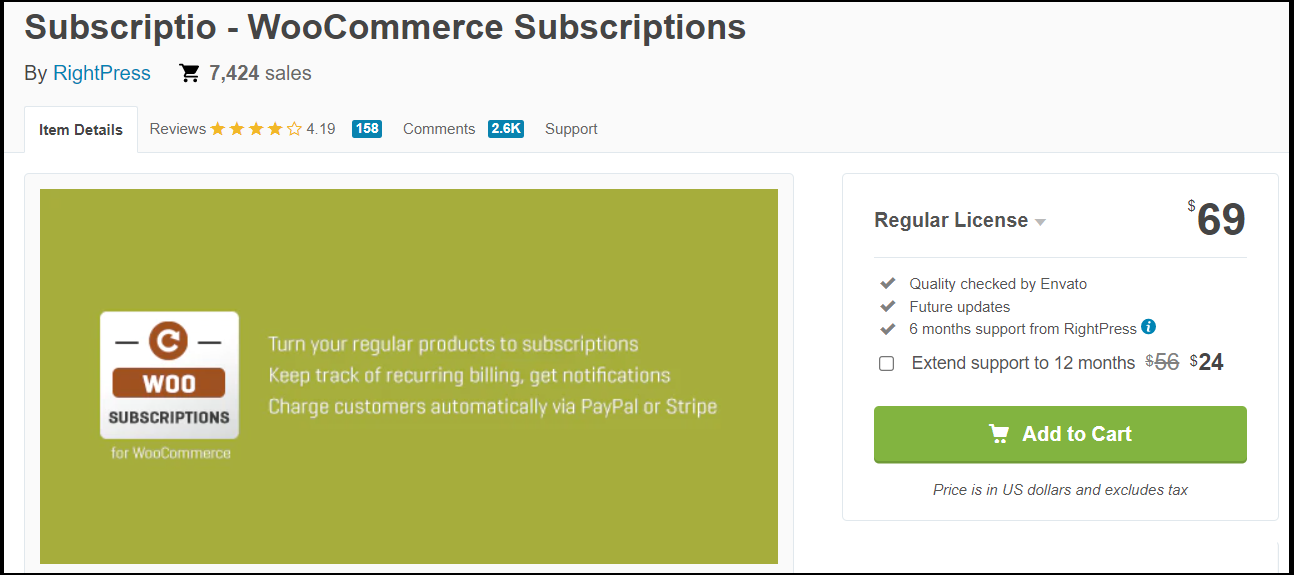
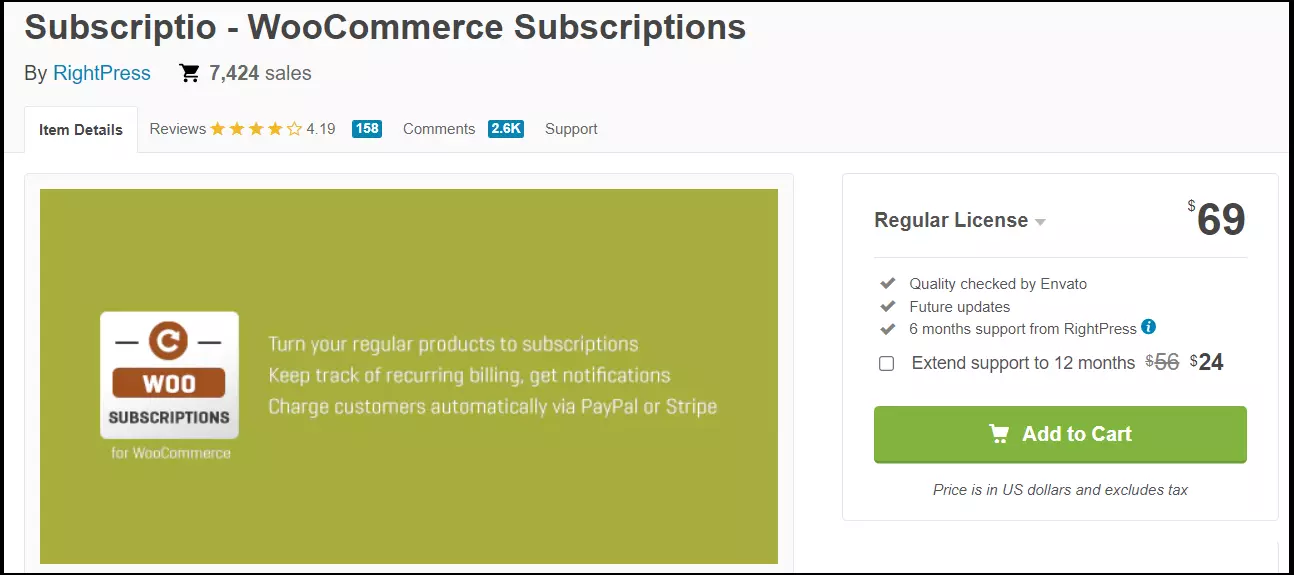
Subscriptio is slightly more expensive than Sumo Subscriptions, but it offers a similar set of features. This includes everything you need, such as simple or variable subscription options, automatic or manual subscription renewals, recurring automatic payments, and popular payment gateways PayPal and Stripe. Subscriptio makes subscription management very easy with a clear subscription management menu. Subscribers also have the option of making changes to their subscription using their account.
Features:
- Offers flexible, simple and variable subscription options
- Automatic subscription renewals and recurring payments
- Semi-automatic or automatic payments possible
- Flexible subscription duration
- Optional one-time registration fee
- Order subscription and non-subscription products in one transaction
- Pause, interrupt and resume subscriptions
- Optional free trial period
- Separate subscription orders or multiple subscriptions in one transaction
- Effective, straightforward subscription management menu
- Records for all transactions
| Pros | Cons |
|---|---|
| ✓ Large set of features similar to WooCommerce Subscriptions, but at a lower price | ✗ Supports automatic subscription renewal, but only with Stripe and PayPal payment methods |
| ✓ Very user-friendly administration area for subscription management | ✗ Only for WooCommerce |
| ✓ Subscription offers and non-subscription offers possible in one order |
S2Member

S2Member is an effective subscription plugin. It is also suitable for web shops and subscriptions without WooCommerce. The free version offers basic features including PayPal payments to allow smaller sites to integrate a subscription and membership feature. The plugin is based on shortcodes, so there is a lot of scope to customize a subscription setup to your liking. The paid versions offer the full range of features for subscription and membership. A special USP: Download files as well as audio and video streams can also be protected by restricted member access.
Features:
- Unlimited membership levels in Pro versions
- Subscriptions and memberships optionally limited or with automatic renewal
- Optional registration fee for non-subscribers
- Protects content incrementally through registration fees and subscriptions (also for audio and video streams)
- Share content based on membership level
- Flexible adaptation according to your own ideas with shortcodes
- Free version including PayPal and four membership levels
- Supports common payment methods in Pro versions
- Very good documentation of transactions and completed subscriptions
| Pros | Cons |
|---|---|
| ✓ Free version offers basic functions for subscriptions | ✗ Design and user interface not optimal |
| ✓ Supports PayPal in free version, all common payment methods in paid versions | ✗ Relatively complex setup |
| ✓ Unlimited membership levels | |
| ✓ Various models such as subscription rates, limited-term memberships or special membership packages |
WooCommerce offers many advantages for online retailers. Our guides and tutorials on various WooCommerce topics will show you how to use the online shop plugin correctly, such as:
Reviewer

Julia Hertler
With over 18 years of experience in content marketing, Julia Hertler has deep expertise in digital communications. For the past 10 years, she has specialised in the areas of domains and hosting at the IONOS Digital Guide, making complex technical topics easy to understand.