

5 alternatives to Kodi for a great home cinema

Kodi is an open source media center that organises your media files, presents them attractively, and plays them back. Its 10-foot user interface (meaning a graphical user interface optimized for viewing at 10 feet) makes elements on a television or projector more visible. It’s also usually operated with a remote control. The program plays back photo, video, and audio files. It creates a library from the existing media files, supplements them with additional information such as genre or release date, and allocates film posters or album covers. The strength of the software lies in its high level of adaptability. For example, using various skins and community add-ons you can stream your favorite series while also checking the weather or movie times on your personalised background.
Kodi recently got in trouble for its add-ons, however, after drawing legal claims due to some channels illegally distributing links to paid TV channels or copyrighted films. Kodi itself is legal, but its users are stuck with uncertainty when it comes to whether they’re using channels that provide illegal content. Because of this, the home theater software developed an extremely complex add-on structure. For inexperienced users, this has turned setup in a lengthy process. This is reason enough to look for alternatives to Kodi.
Media centers are programs that organise media files like video, audio, and image files on a computer and optimise them for presentation on a TV or other end devices. The user interface is mostly adapted for use on a television. The software also offers an interface for streaming and information about offers that can be added with add-ons. The program can bundle multiple media playback options together on one unified user interface.
An overview of the best alternatives to Kodi
There are quite a few software solutions on the market with which you can organise your digital media and prime it for home playback. If you want to link up multiple devices, such as a television with a PC or laptop, to build a personal home cinema, then you should ask yourself one question above all: What requirements do I have for my personal media center?
Users consume media in various ways. Some prefer to get a hold of the newest blu-rays, other prefer to stream their series and films online. If you frequently watch films in a group, then an LCD screen in your living room is a comfortable solution. If you fill your travel time with videos, then you would probably use a tablet or smartphone more often. If the entire family wants to enjoy the full benefits of the available offers, then you need software solutions that allow access to multiple devices. Do you want to play your music through the entire apartment while showing your friends pictures from your vacation? This is also possible with the right media center.
The graphical orientation of the TV screen is called the 10-foot user interface. Format and font size are designed to match the TV screen and be easily seen from 10 feet. All media centers that want to serve as alternatives to Kodi offer this type of user interface.
Plex: Kodi’s ambitious little sister
Plex is a freemium media server and media client for various end devices. Those who know Kodi will probably also get along well with Plex, as the software is a fork of Kodi. One difference, though, is the back end. A server contains all media and provides access for linked devices. When you install Plex, you need an account and are required to set up a server. For this, it’s easiest to use a PC that’s always turned on and connected to the internet. This “home cinema PC” hosts all your videos, photos, and music files. You can add other devices by installing the app and logging in with your account.
“Fork” is a software development term. It refers to a program that’s developed independently from a source project. Oftentimes, the source text of the original is simply processed further. Based on the licencing rights, this practice is applied to open source software rather than closed source projects.
The design of the Kodi alternative is rather simple. The selection in the channel directory is not as extensive as Kodi’s. As a result, even inexperienced users can grasp the overview of the offer much more easily. The program also earns points with a USP: Users simply exchange their libraries with one another over the server. Would you like to use the Plex server and enjoy all features of its parent project at the same time? Kodi allows you to do this with the available Plex add-on.
The paid version of Plex considerably improves the user experience. For this, you pay either a one-time fee or a monthly subscription. The Plex Pass contains features like music recognition with matching music videos, or child-safe mode. If you don’t want to be constantly running a computer to access your media, you can opt for cloud synchronisation instead. In some cases, this requires a paid installation, i.e. for Android or iOS.
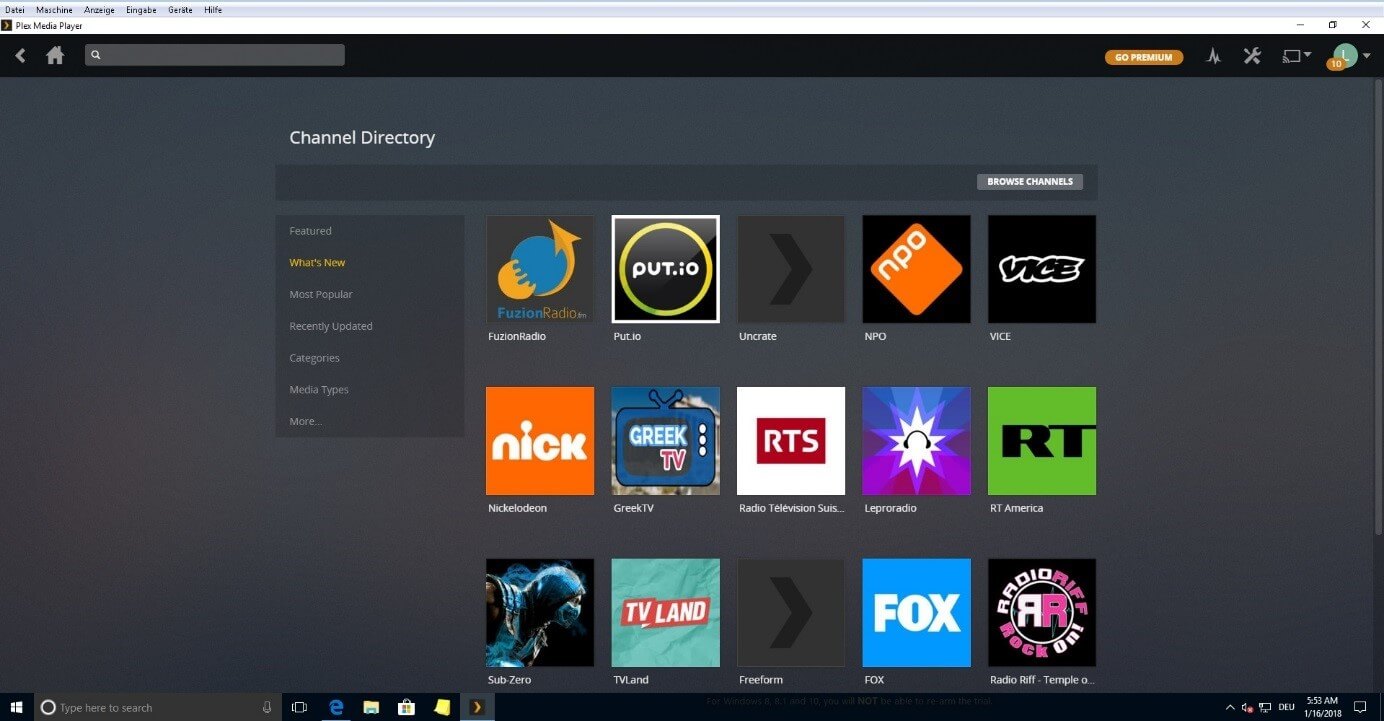
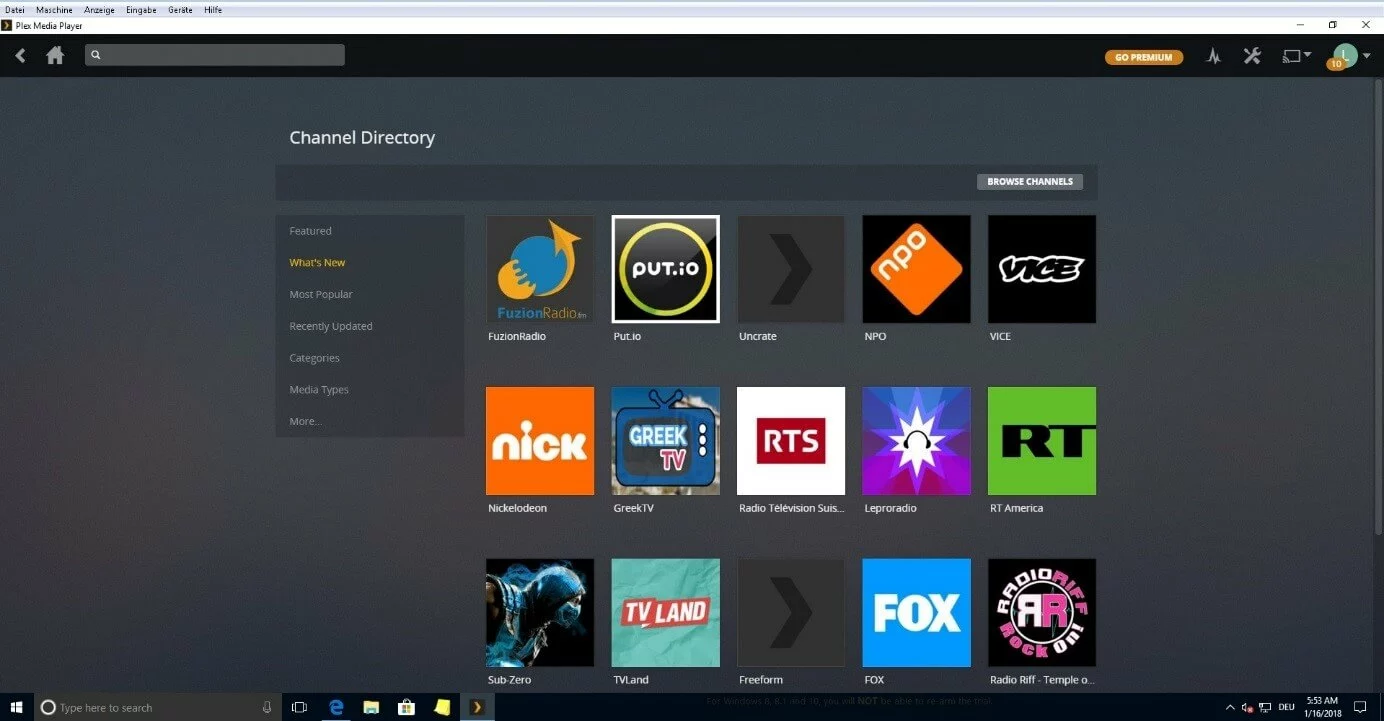
| Server | From Windows 7, Mac OS X from Mountain Lion, Linux, Thecus, Sinology from Disc Manager 5, Nvidia Shield TV, Netgear, Free BSD9 unRAID, QNAP, Drobo, Seagate, ASUStor, Western Digital |
|---|---|
| Player | Amazon Fire TV, Apple TV from Version 4, Roku, Android, Android TV, webOS , Chromecast, iOS 8.1 and later, PlayStation 3 and 4, Tizen, from Windows Vista, Mac OS X from Snow Leopard, Xbox 360, Xbox One |
| Pros | Simultaneous conversion makes files playable on all devices |
| Cloud synchronisation | |
| Cons | Free version requires a constantly running server |
| Less customisable than Kodi |
MediaPortal: the home cinema for Windows
MediaPortal is an open source media center developed specially for Windows. The developer concentrated on the integrated video recorder in particular, which is the unique selling point of the Kodi alternative. For this, you need a TV subscription. Teletext as well as a guide provide information via the television programme. The selected films or series can be watched either live or recorded. The program even wakes up the computer when the shows in question are on. An active community provides plugins, for example MP-TVSeries, for organising your shows on your hard drive. Users access the stream via the home network.
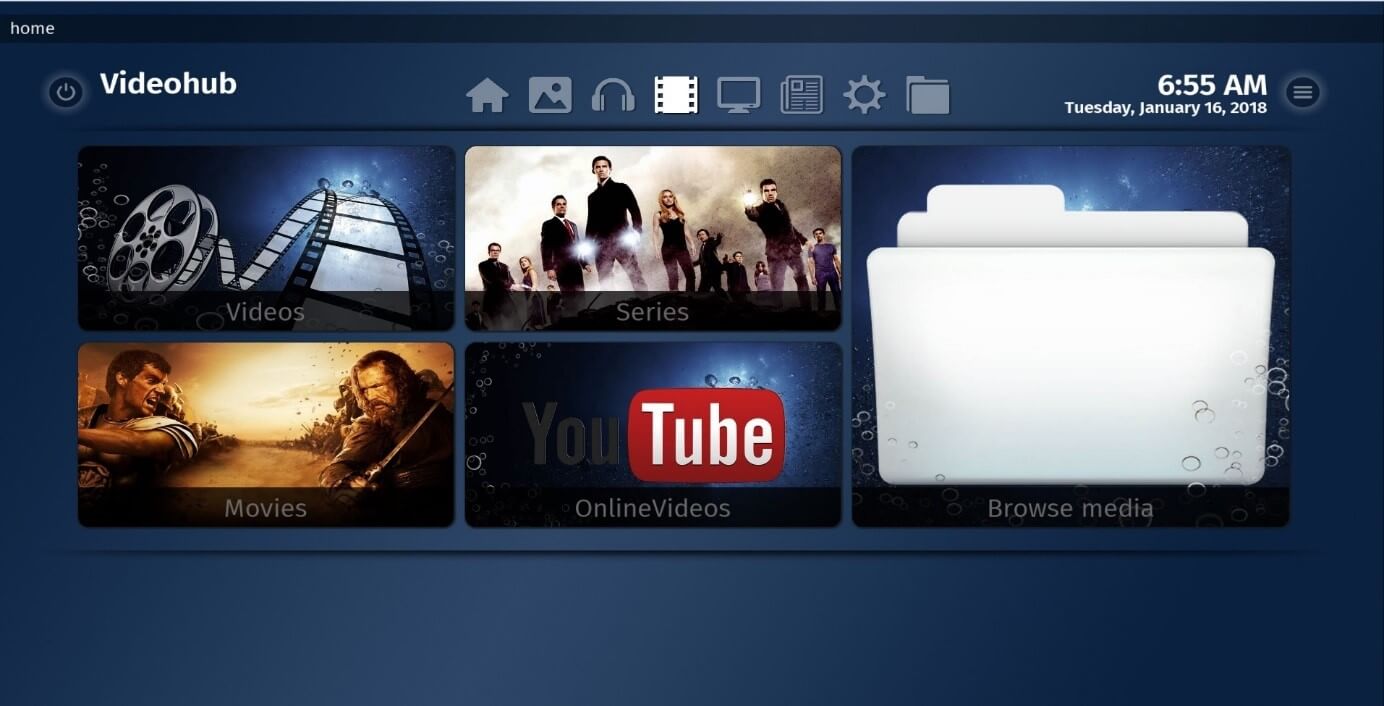
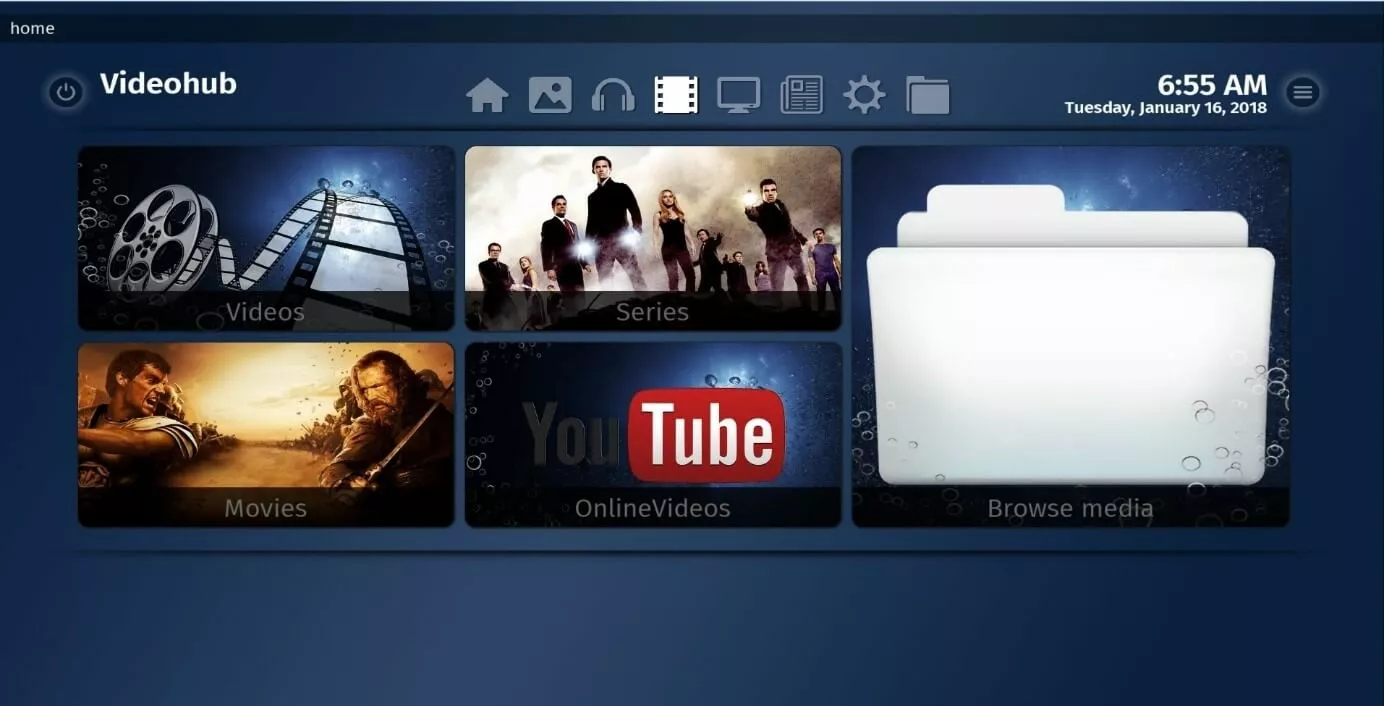
Watching television obviously isn’t the only thing that a media center should be able to do. The program also helps you organise your music and add metadata. MediaPortal allows you to create playlists, and recognizes existing playback lists. With the home cinema user interface for TV devices, you can easily scroll through your library from the comfort of your sofa. Listen to music from your computer or laptop via your HiFi system, stream the radio (internet radio as well), or watch DVDs and stored videos. Your photos can be run in a slideshow with background music. The Ambilight plugin supports televisions with its mood lighting function.
The MediaPortal community contributes to the user experience with plugins. For example, the voluntary programming provides skins with which you can individually customise the user interface. Simply download the extensions from the official download page. Then you can modify the program with RSS feeds, messages, weather, or integrated videos as desired. The user-friendliness of the 10-foot interface also has improvement potential. For example, breadcrumbs simplify navigation.
| Operating system | MediaPortal 1: from Windows Vista, MediaPortal 2: from Windows 7 with at least 1.4 GHz processor (for HDTV: at least 2.8 GHz and 512 MB RAM) |
|---|---|
| Player | Windows Media Player from Version 11, DirectX 9 or later |
| Analogue TV subscriptions with MPEG-2 encoder | |
| Digital TV subscriptions with BDA drivers | |
| Pros | Free |
| Lots of extensions | |
| Very good for recording TV | |
| HDTV suitable | |
| Cons | Setup only possible for Windows |
| iOS and Android connection doesn’t work for some users |
Emby: parental lock included
Similar to Plex, Emby (earlier: “Media Browser”) gathers all your media files onto one server. The user interface is quite intuitive, and offers lots of options for customisation. Downloading subtitles from the internet is one of these options. In the basic premium version, Emby Premiere, you can link up to 15 devices with the server and so have access to your media everywhere. The program also converts at the same time so that it runs on the corresponding device with no problems. Emby works with DLNA services and offers plugins for individually customising the skins. It also sends media via Chromecast.
The free version already makes itself attractive with its comprehensive parental lock, which makes Emby a more family-friendly alternative to Kodi. This version is available for both live TV and playback. With the integrated DVR software, you can record TV shows or organise fixed recording times. Playback in cinema mode might inspire you to watch trailers from the internet – which can easily be done. The robust web player streams smoothly. No internet? No problem: The premium version can be downloaded as a mobile app. This way, you can watch your shows and films offline as well.
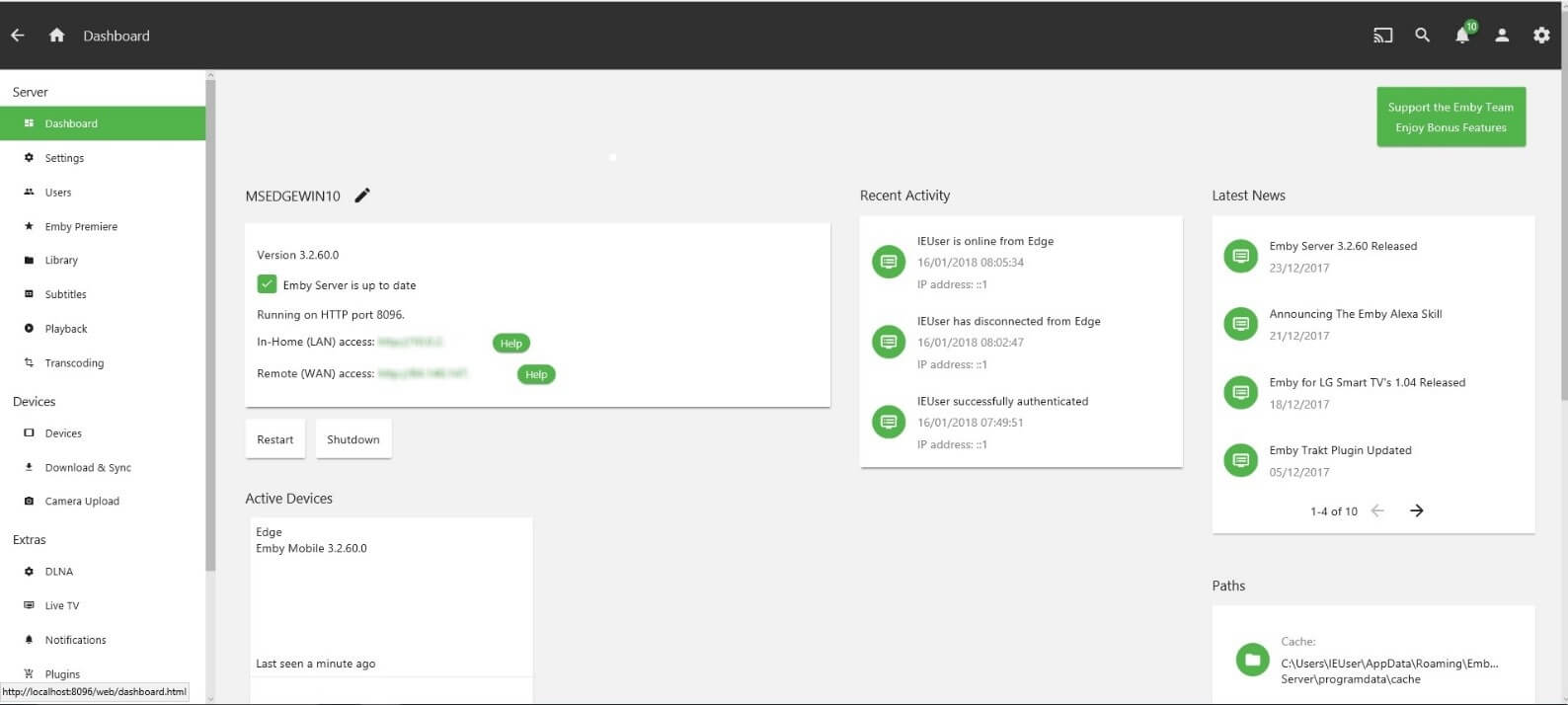
The Emby Home Theater is an interface for your smart TV. Ideally, you should be about 10 feet away from your screen – for an optimal picture experience as well as to protect your eyes. The media center can also be controlled by the television or using voice control from Amazon’s Alexa.
| Operating system/server | From Windows 7, Linux (Arch, CentOS, Debian, Fedora, Mint, openSUSE, Ubuntu), FreeBSD, macOS, NAS, Docker |
|---|---|
| Player | Android, iOS, Web and Windows from 8.1, Windows Phone, Xbox (One and 360), Amazon FireTV, Shield, Apple TV, Chromecast, Roku, Playstation 3 + 4, SmartTV |
| Pros | Free parental lock |
| Playback of mobile offline media | |
| Cloud synchronisation | |
| DLNA service | |
| Subtitles and transcoding | |
| Cons | Less user-friendly interface |
MythTV: the Linux media center for enthusiasts
While it’s of course possible to download MythTV as a package, most true Linux enthusiasts would prefer to assemble the desired components according to their own specifications. For this reason, MythTV has an available source packet as well as plugins for additional services with which you can build your home cinema. Most Linux users swear by the operating system. It’s also well suited for media center solutions. If you don’t know about Linux yet, you can learn more about the open source operating system here.
MythTV also has a 10-foot user interface. You can comfortably navigate through the application using the TV remote or a keyboard on the large screen. You can watch, pause, or rewind current broadcasts. The software recognises commercial breaks, and you can skip over them if you wish. The recorder intelligently records broadcasts on multiple channels, and supports analogue as well as digital TV subscriptions. MythWeb enables a detailed look at the user interface. This way, you can navigate more easily through the programme overview and organize your TV recordings.
As a Kodi alternative for Linux users, this is obviously not enough. The office website offers source code for building your own, though. You can include the add-ons yourself while building, or download a bundle from a third-party community provider. LinHES, for example, expands MythTV with its official plugins as well as Samba, NFS, and other daemons. The developer also released the Linux distribution Xubuntu with integrated MythTV. Mac and FreeBSD have also received packages for MythTV versions. Some Windows users have no other choice than to incorporate the plugins themselves.
MythBox is a plugin for Kodi that takes over the TV and recording functions of MythTV in a MythTV interface. If you use Kodi, you can link both offers or use it to get insight into the MythTV installation.
 To display this video, third-party cookies are required. You can access and change your cookie settings here.
 The basic idea for MythTV came from Isaac Richards. In 2002, he struggled with a digital TV offer that was slow and riddled with commercials – as MythTV explains in its introduction. He wanted more than a simple television with a video recorder. He wanted to at least include a browser and interfaces for games. He developed MythTV as open source software, and it has remained that way today. With the foundational source code, the developer community built the corresponding plugins.
These are the official MythTV plugins:
- MythVideo: The player renders DVDs, helps video management with metadata, and adds film posters (since Version 0.25 as the “video library” part of the source file)
- MythArchive: The plugin burns recorded movies and shows to DVD
- MythNetvision: This plugin integrates streaming services such as YouTube and Twitch in the MythTV interface
- MythGallery: The gallery recognises all popular image files, organizes photos, and lets you create slideshows
- MythWeb: The browser interface enables media management as well as TV recording on the PC
- MythWeather: The plugin for daily weather reports
- MythBrowser: Surf the net via your television with the light browser
- MythMusic: This module manages audio files on the server and serves as an audio player
- MythGame: Native computer games as well as emulators can be integrated into the MythTV interface with this plugin
- MythNews: The module accumulates your subscribed RSS feeds and displays the posts
- MythZoneminder: The plugin integrates the monitoring technology Zoneminder into MythTV, as long as the program is already installed on your PC
| Operating system | Linux, macOS, Windows (limited support) |
|---|---|
| Player | Linux, television, OS X, Windows, web |
| Pros | Fully customisable as source build |
| HDTV capable | |
| Parental lock | |
| Skip commercial breaks while recording | |
| Cons | Windows version not fully supported |
| Customisation less suitable for inexperienced users | |
| Support for mobile devices could be improved |
JRiver MC: TV and video of the best quality
A jukebox from the fifties inspired the idea for the JRiver Media Center. In other words, the program, which was first released in 1998, used a jukebox structure similar to what is also used by iTunes. Up to version 8, the home cinema programme also ran under the name “JRiver Jukebox”. After the rebranding, some updates only went out once there was another JRiver Jukebox – which was only the free audio-only version of JRiver MC 12. For the media center, you simply pay a fixed fee and then receive a lot of features and excellent video quality for all popular formats.
The JRiver Jukebox is a good free solution for your music library. You have a lot of other options, though. Read more in our article on the best iTunes alternatives.
The JRiver Media Center combines a clear user interface with an easy-to-use library. The program has many attractive features for the playback of videos and television programmes. Its RedOctober system automatically configures the DirectShow filter, which ensures consistently high video quality for DVDs, blu-rays, and digital formats on all devices. The automatic continuation function makes note of where you paused a video and resumes from there when you start watching again. If you want to play your media with different regional codes, this is no problem. You can change the region as much as you want.
The Media Center offers a full range of features that allow you to customise the playback and display of your media. The lossless audio playback ensures a good sound, and playback smoothing prevents skipping and noise. Digital audio extraction or ripping runs the program effectively and with a high output quality. The video player contains functions like pausing, lopping, and different playback speeds. If subtitles for different languages or the hearing impaired are missing, you can probably find them in the subtitle search for the corresponding files on the internet. These are then integrated into the player.
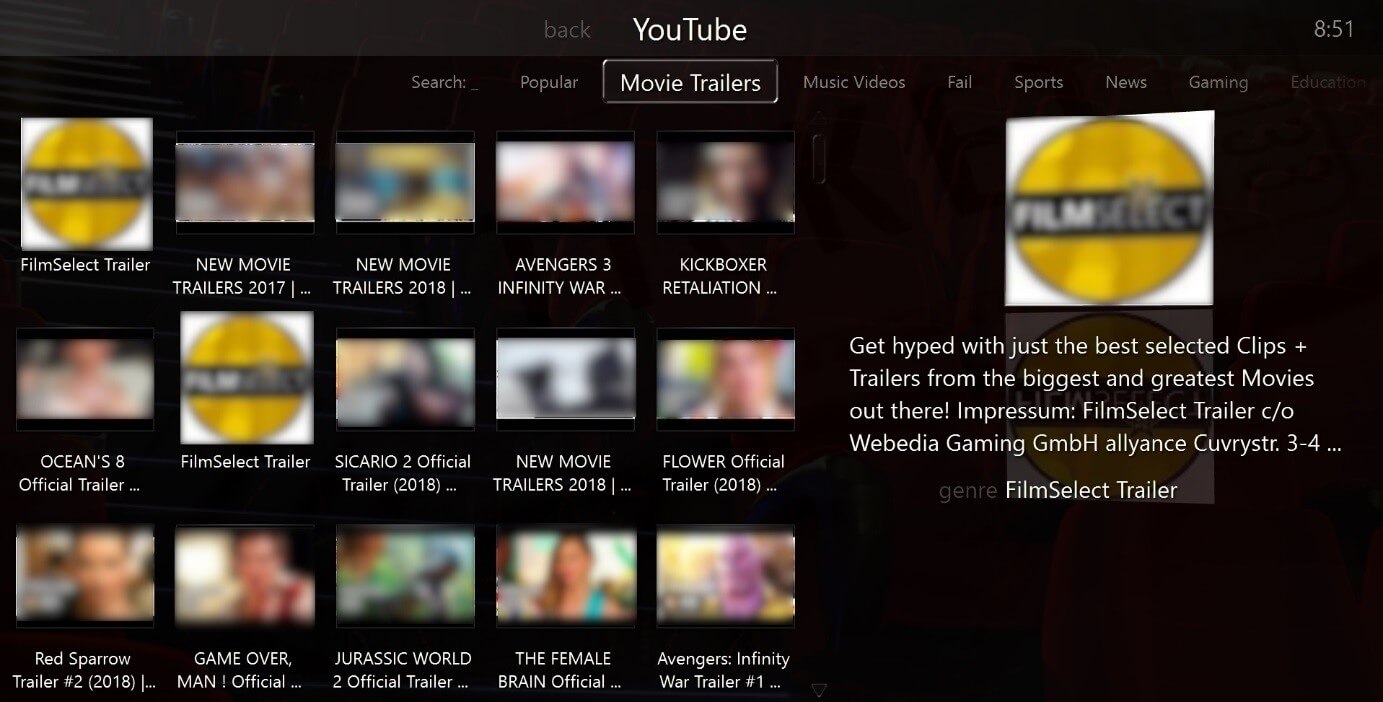
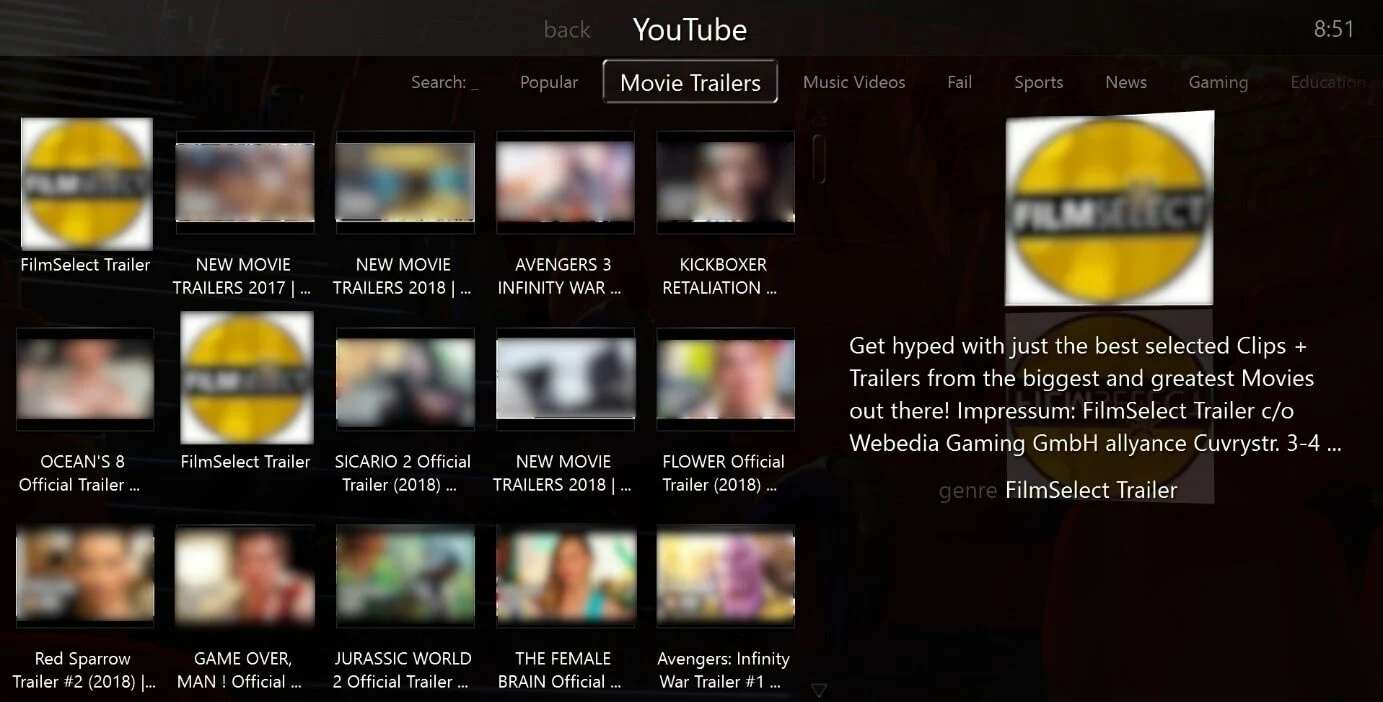
The Media Center recognises all popular TV subscriptions. In the channel section, you can look at the TV guide, watch live TV, or record your favorite shows. With just a few clicks, you can plan multiple recordings that could even take place at the same time on multiple channels, if needed. You also have the option to share your library on the media network. Streaming services like YouTube or Amazon Prime can be controlled easily via the cinema view interface. This works over an external interface with your mobile Android or iOS device, for example.
| Operating system | Windows 2000, XP, Vista and 7, Windows Home Server, Linux openSUSE, Debian, Ubuntu, Mint, Fedora, Raspberry Pi, macOS |
|---|---|
| Player | Android and iOS, web, Windows, Linux, macOS, televisions, projectors, add-on devices like DVD/BD-Player, Apple TV, Amazon Fire TV etc. |
| Pros | High quality video and TV playback through DirectShow filter |
| External interface supports remote control function on Android (Gizmo) and iOS (WebRemote) | |
| Freely selectable aspect ratio | |
| Helpful forum and extensive wiki | |
| Cons | Always paid, doesn’t contain any lifetime upgrades |
| Netflix channel no longer available | |
| F | irst version for Mac and Linux only for audio, some features are missing |
A comparison of the best alternatives to Kodi
| Features/ Functions | Plex | MediaPortal | Emby | MythTV | JRiver MC |
|---|---|---|---|---|---|
| Type | Freemium media server and client | Free open source application | Freemium Media Server und Client | Free open source code / packages | Paid media center |
| Operating system | Windows, Mac, Linux, Free BSD | Windows | Windows, Linux, Mac, FreeBSD | Linux, Mac, Windows (limited) | Windows, Linux & Mac limited, Raspberry Pi |
| Simple operation | ✓✓ | ✓✓✓ | ✓ | ✓ | ✓✓✓ |
| Own server/cloud | Server and cloud (premium) | TV server | Server, cloud synchronisation | Client server | Library |
| Operation | iOS und Android, web | iOS and Android, PC remote control, webOS, controller, keyboard & mouse, Wii | iOS, Android, Windows Phone, Amazon Alexa voice control, controller, remote control | Keyboard & mouse, remote control, webOS | iOS and Android, as player and remote control |
| Suitable for | Intermediate | Beginner and intermediate | Intermediate | Intermediate | Beginner and intermediate |