

Paperless office: can you really digitise everything?

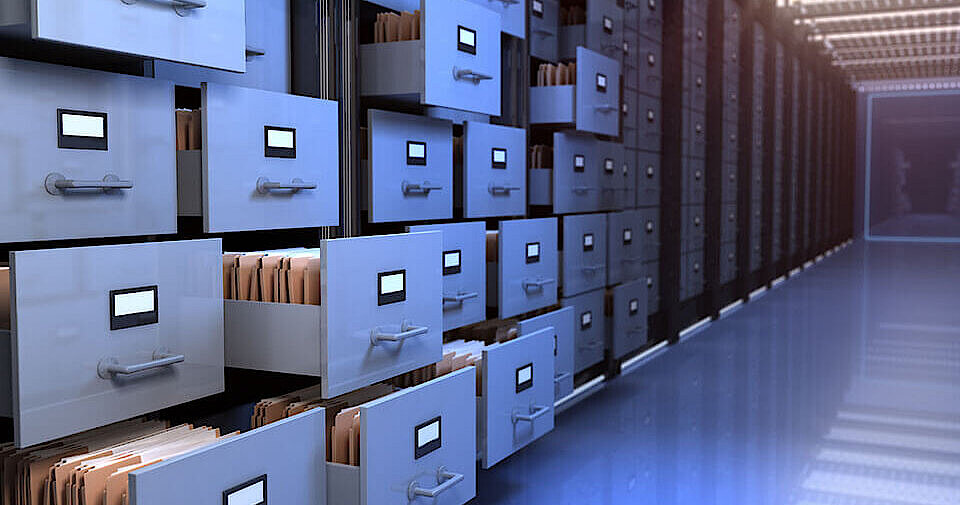
Well organised and readily available contracts, orders, and invoices are some of the hallmarks of a structured workplace, although the average office tends to be anything but! Even if employees spend a good chunk of their working day structuring, ordering, and prioritising their important documents, those mountains of paper will only grow taller with time. Eventually, these files end up stacked so high that the hunt for an old document can feel like an eternity. Digital archiving offers a smart alternative to this bureaucratic nightmare of endless red tape and administrative tumult. With a paperless office, these bureaucratic tasks are reduced, significantly improving the workflow.
- Store, share and edit data easily
- ISO-certified European data centres
- Highly secure and GDPR compliant
What’s the idea behind a paperless workplace?
Nowadays, managing media content, such as photos or music, is as commonplace as having an internet connection. Digital cameras and smartphones enable us to capture snapshots and share them across social media platforms within seconds. Your personal music collection can be stored in the cloud and accessed anywhere in the world. When given a second thought, it seems remarkable how little value is placed on digital archiving in the workplace. Offices in particular often accumulate masses of paper, and it’s difficult to avoid these piles of documents, contracts, and invoices unless they’re sent by email.
The concept of the paperless office goes further than simply saving important files and documents: it’s actually an attempt to banish paper documents from the workplace all together. The exclusive use of electronic data processing increases work efficiency, and it has a less damaging effect on the environment. A paperless office can be achieved through the following steps:
- Save all documents on a data storage device, such as a hard drive or a removable disk.
- Exchange these documents via electronic means (i.e. via a file server, e-mail, or instant messenger).
- Use electronic signatures as an equivalent to a handwritten signature on paper documents. All paper documents of any further relevance should be scanned and digitally archived.
- Up to 50 GB Exchange email account
- Outlook Web App and collaboration tools
- Expert support & setup service
Implementing the paperless office
If you’re wondering if a paperless office is worth the trouble, ask yourself this: how much time do you and your colleagues lose when hunting for specific documents? And how much does this end up distracting you from your real work? Depending on the size of your archives, you could end up spending hours of your week searching through piles of paper. This is all time that could be saved with digital archiving strategies. Restructuring an office’s filing system is no easy task, however. Getting rid of all the paper in an office is not something that can be done overnight. There are various additional costs that come from purchasing paperless office software. If you’re planning to make the switch, you should ensure that you have the following resources:
- Storage and server capacity: whatever kind of storage media you choose, first ensure that you have sufficient storage space for all your documents: both current ones and those that are yet to come. These should all be saved on the database of a local server, which should also offer enough space for all the documents. It’s also necessary to plan and execute a suitable backup strategy. Cloud solutions, such as Dropbox and Evernote, provide two alternatives to external storage. These are responsible for hosting, but also preventing the documents from ending up in the wrong hands.
- Scanner: digitally archiving every important document is the main function of a paperless office. That’s why it’s crucial that your scanner has a sufficient spectrum of functions. When selecting your scanning device, consider the benefits of a high-speed device that can produce high-quality images. It’s also worth ensuring that your scanner can handle various formats and paper thickness, if necessary.
- Document management system (DMS): it’s recommended that you use paperless office software to manage the transition to digital archiving. These allow the scanned documents to be filed and organised as quickly as possible. There are many different kinds of document management systems, such as open source Alfresco or the programs ELOoffice, and BSCW. iDocument enables you to create a paperless office on Mac computers.
- Electronic signature: for official documents, such as contracts, handwritten signatures are no longer sufficient; they lose their validity upon being scanned. Therefore, it’s important to ensure you have the facilities to create electronic signatures. Digital transaction companies such as DocuSign provide a wide range of devices that enable you to verify your identity and apply your electronic signature to any document.
Digital archiving: an expense that pays off
Having a paperless office accelerates your work process, since all your documents can be accessed easily and with little effort. Additionally, the office both gains space previously designated to storing files and saves money spent on postage. Digitally archiving your documents is also an environmentally friendly alternative to printing endless sheets of paper, which will reflect positively on your company as a whole.
However, it’s also crucial to consider potential problems that come hand-in-hand with a paperless office. While having your documents saved on a central storage device or in a Cloud allows easy access to your files, opportunistic hackers may take advantage of this fact. This is why it’s important to ensure that adequate security measures have been taken to protect your files, either by you or your hosting provider. Furthermore, the DMS used should include a comprehensive access rights management system, which only allows permitted users access to the documents. You should also make sure that all legal documents are available in their unchanged form in accordance with their applicable retention periods.
If you follow these steps and put in the initial effort, you’ll soon be enjoying the benefits of a paperless office, not to mention all the newly free space where stacks of paper used to pile up.
- Professional, automatic archiving
- Securely stored in European data centres
- Protect yourself against data loss
 To display this video, third-party cookies are required. You can access and change your cookie settings here.