

What are the best SEO tools? 10 tools compared

All you need for search engine optimisation (SEO) success are some key data insights and the right tools. SEO tools help your website to rank higher on Google and other search engines so that customers can find you more easily.
- Improve your Google ranking without paying an agency
- Reply to reviews and generate social media posts faster
- No SEO or online marketing skills needed
What sets the best SEO tools apart from the rest?
The goal of search engine optimisation is to improve a website for search engines (mostly Google) so that the content on the website appears as high up as possible in search results (SERPs). To do this successfully, you should rely on data. SEO tools are useful for monitoring your performance and can help you optimise your content. With SEO tools, you can carry out:
- Keyword research: which keywords should you create content around?
- Keyword monitoring: how does your website currently rank for relevant keywords?
- Backlink analysis: which external pages link to your content?
- Page structure analysis: how is your website structured? (Does it generate a sitemap?)
- Performance analysis: is your website loading fast enough?
- Internal link analysis: are internal links free from errors?
Ahrefs


The tools that Ahrefs offers are aimed at search engine optimisation for professionals. With Ahrefs, you get access to the following five tools:
- Site Explorer: provides information about the site’s backlink profile and how your pages rank compared to your competitors
- Keywords Explorer: helps to find relevant keywords
- Site Audit: displays all important SEO data about your pages and checks pages for problems
- Rank Tracker: tracks the evolution of your website ranking over time
- Content Explorer: finds good content within your sector and helps you to write your own
Ahrefs offers several SEO tools for beginners and there are plenty of free tools available to help with keyword research or small-scale analysis of your website. Don’t expect any detailed reports though. To access some features, you’ll need a subscription. The Ahrefs website boasts plenty of guidance so you can learn some of the finer aspects of search engine optimisation.
| Advantages | Disadvantages |
|---|---|
| ✓ Extensive suite of tools | ✗ Can be quite expensive |
| ✓ Some free tools available | |
| ✓ Educational materials and tips for beginners |
Google Search Console
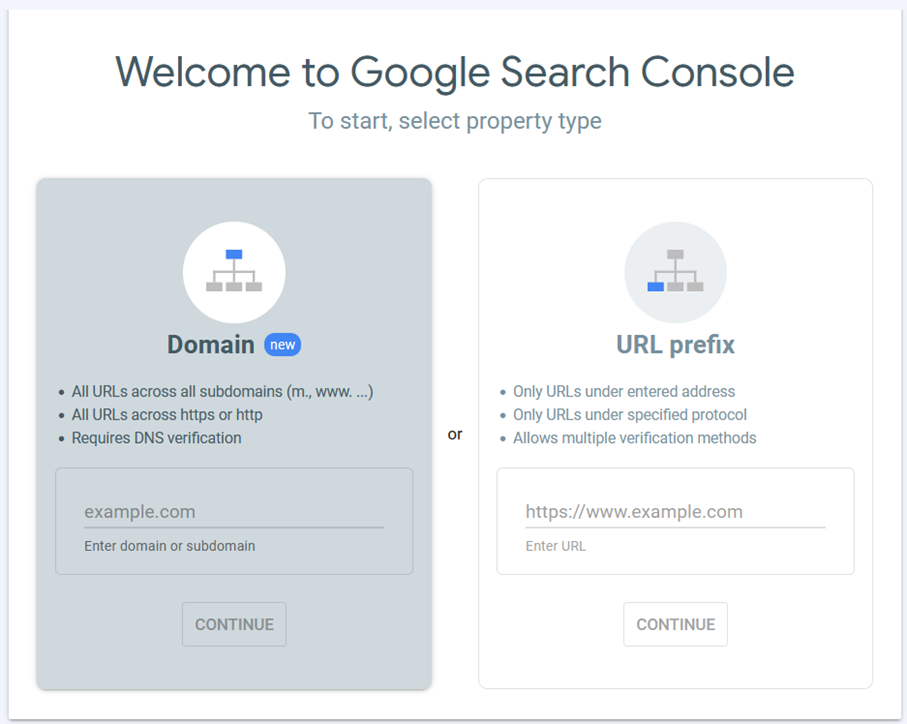
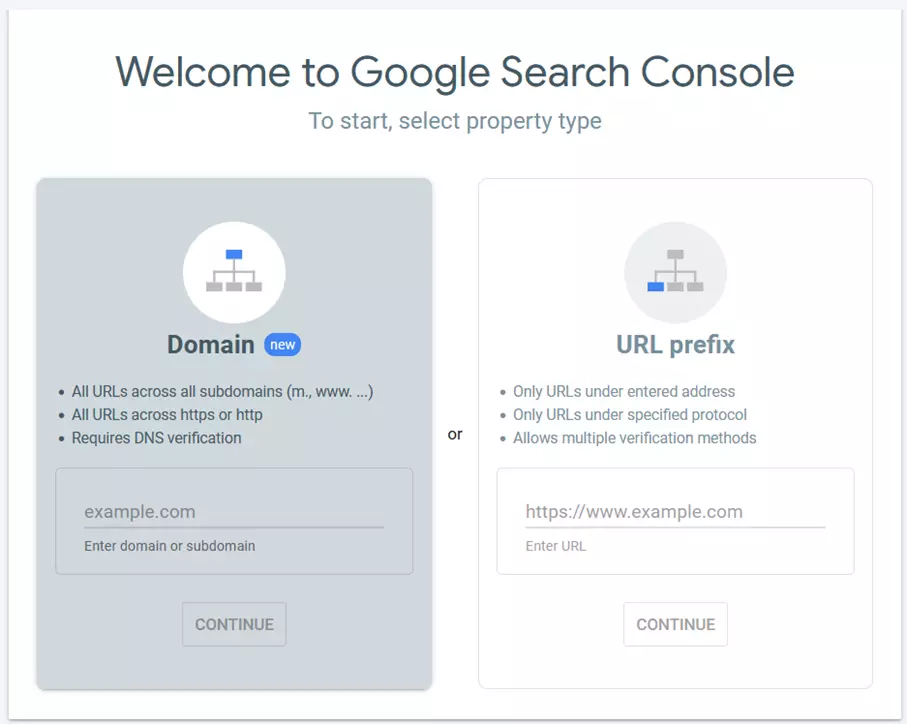
Google Search Console is Google’s own tool to help with SEO. Every website administrator should be using this tool because submitting a website to Google is usually one of the first steps in SEO. All you need to do is verify that you’re the owner of the domain. The Google console boasts plenty of information and features and can be used free of charge. Google Search Console:
- Analyses search queries, impressions and how visitors navigate your site to find content
- Allows for a manual sitemap to be added
- Checks your URLs for potential problems
- Analyses your website performance based on Core Web Vitals
The Search console can be combined with other Google products such as Google Analytics or Google Ads.
| Advantages | Disadvantages |
|---|---|
| ✓ Service provided by Google | ✗ Limited range of features |
| ✓ Can be connected to other Google services | |
| ✓ Free |
There are many other Google SEO tools you can use to help you improve your search ranking.
Ryte
Much like Ahrefs, Ryte is an extensive SEO suite that is used to optimise search engine performance. Its target market is predominantly professional marketers and it offers support in the following areas:
- User experience: which steps can you take to enhance user experience on your site?
- SEO: what data is SEO-relevant?
- Quality control: does your website contain errors?
- Web performance: are there technical improvements that can be made to your website?
- Sustainability: are you using a sustainable website design?
- Accessibility: is your website accessible?
- Compliance: are your privacy settings GDPR-compliant?
Ryte stands out with its reports on sustainability, accessibility and privacy, which aren’t typically included in many of the other SEO tools available on the market. Ryte also offers content creation tools, which provide tips on word frequency to make texts more suitable for search engines.
| Advantages | Disadvantages |
|---|---|
| ✓ Extensive suite | ✗ Fairly expensive |
| ✓ Tips for content creation | |
| ✓ Reports on sustainability, accessibility and privacy |
Screaming Frog
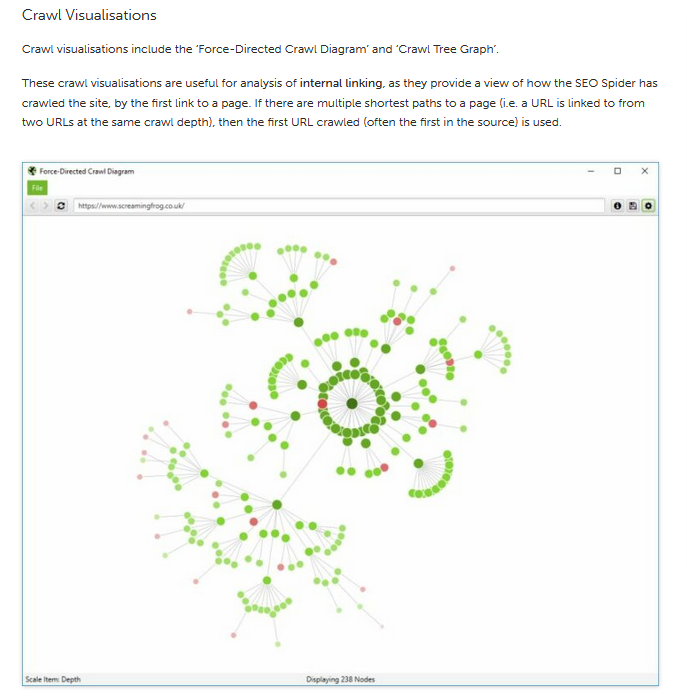
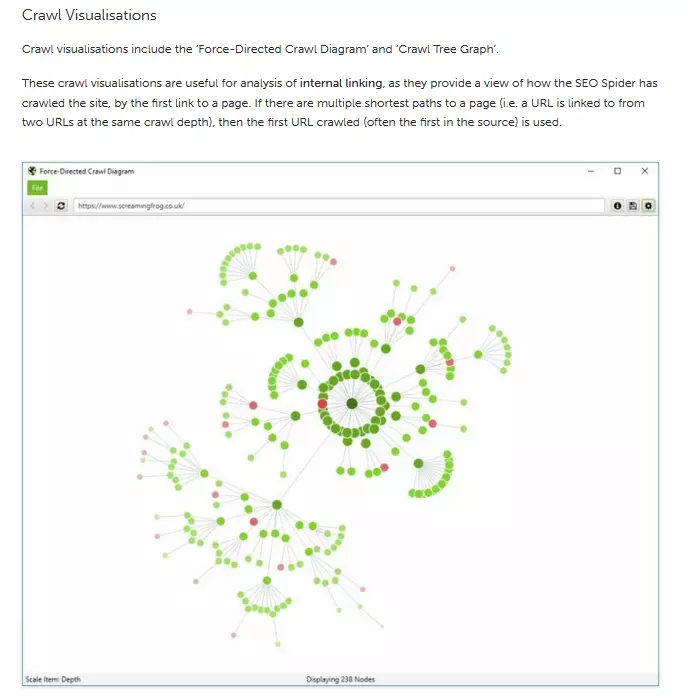
SEO agency Screaming Frog has two popular tools that come in both a free and a paid version.
- SEO Spider: the crawler checks your website for errors and duplicate content. In addition, the software creates an XML sitemap. The paid-for version boasts additional analytics tools and plenty of resources. Google services can also be added.
- Log File Analyser: this tool provides interesting data on how search engine crawlers perceive your website. This way you can explore any potential issues in your page structure. The premium version comes with technical support and places no limits on projects or log events.
Both SEO tools need to be downloaded and are available for Windows, Mac and Linux. The free options also include all the most important features.
| Advantages | Disadvantages |
|---|---|
| ✓ Most important features available in free version | ✗ Limited amount of features |
| ✗ Requires program installation |
Conductor (formerly Searchmetrics)
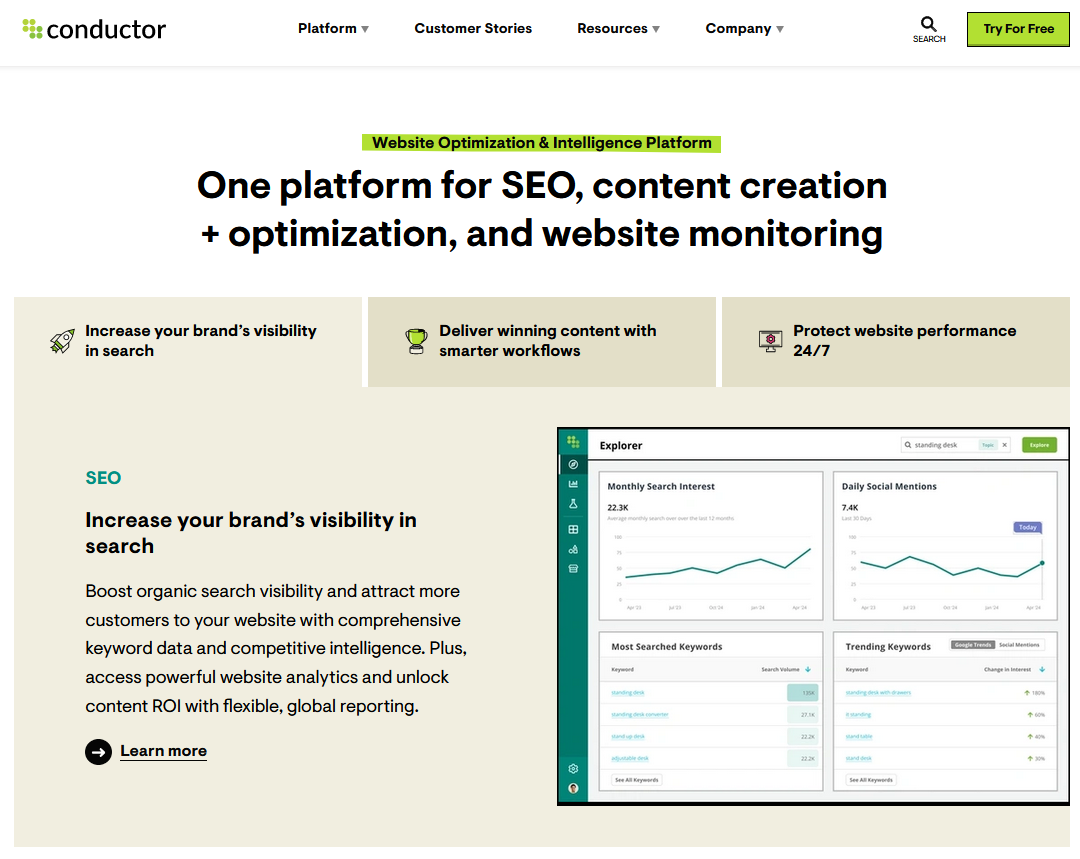
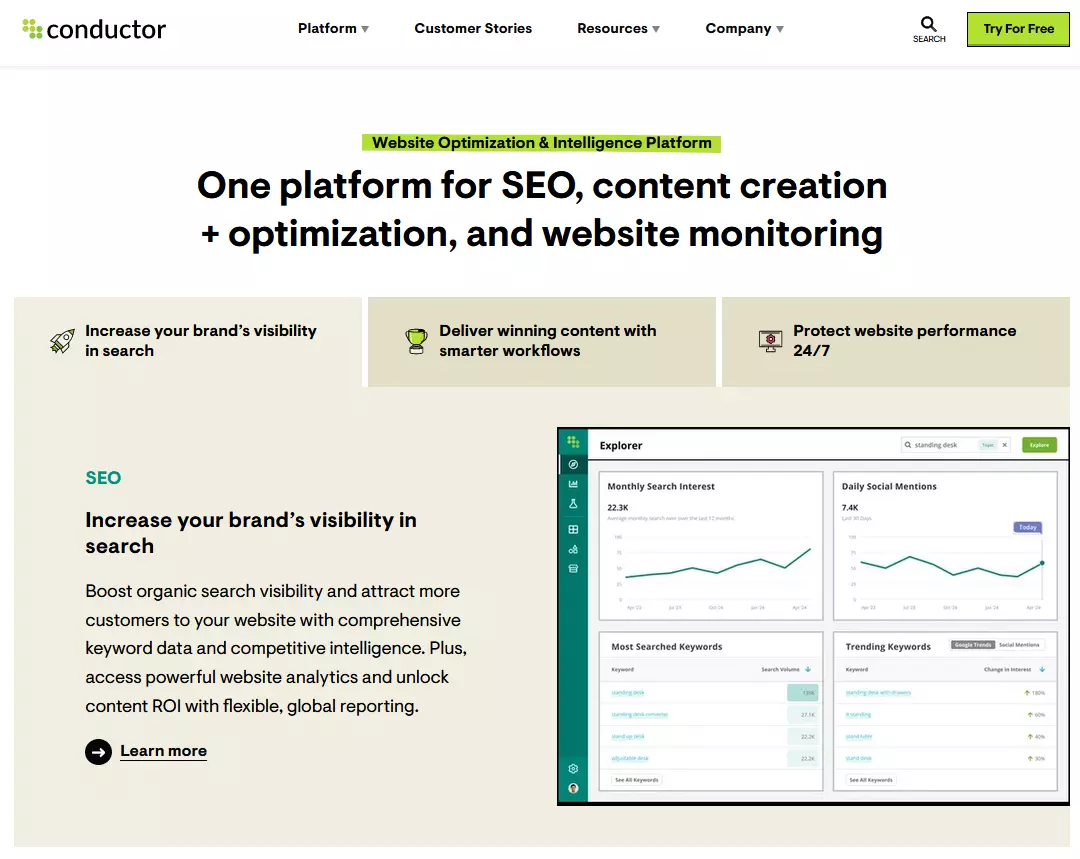
The Conductor platform combines a comprehensive range of useful tools in the follow areas:
- Keyword research and tracking: extensive competitive analysis and identification of potential keywords
- Content experience: assistance with content creation including integration of a task manager
- Performance measurement: rankings and different options for reporting
- Site health optimisation: review of the technical implementation of your website
The Conductor suite is a paid service and prices are disclosed upon request. Just like Ahrefs, Conductor provides tons of information, guidance and tutorials on its website to help beginners get started with SEO.
| Advantages | Disadvantages |
|---|---|
| ✓ Comprehensive platform | ✗ Prices available upon request |
| ✓ Educational materials and tips for SEO beginners |
Semrush
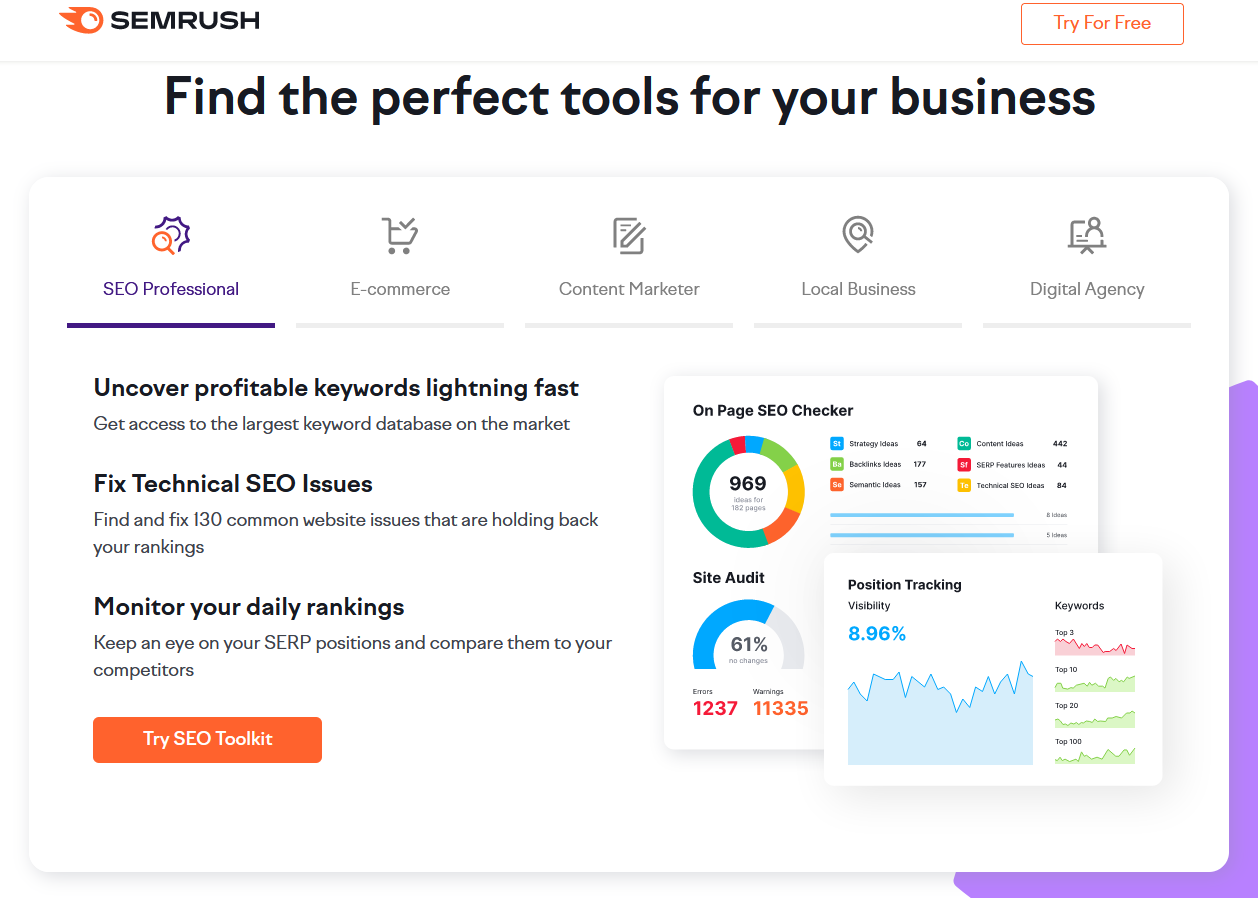
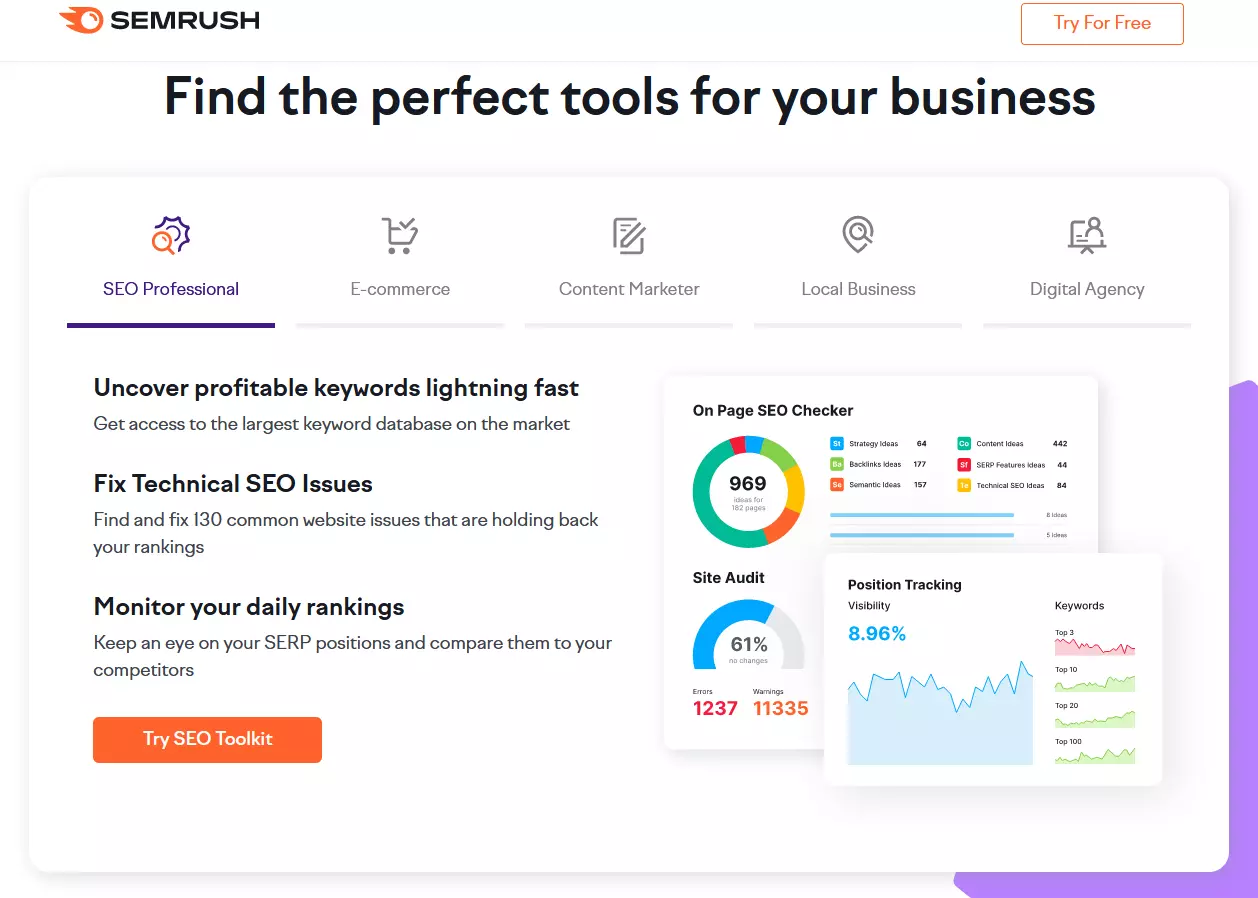
Semrush offers more than 50 different tools. Some of them are similar, but each focuses on a different aspect of SEO. For example, there are six different tools for keyword research. Broadly speaking, the different tools can be grouped into the following categories:
- SEO: backlink analysis, keyword research, ranking analyses, etc.
- Content: help with content creation, marketing calendar, etc.
- Advertising: support with online advertising
- Social Media: scheduling posts, monitoring competition, organising Facebook Ads
- Ad analysis: SEO competitor reports
There are three different plans that Semrush offers, each offering a different constellation of SEO tools, features and training material. However, prices are fairly steep. A free option is available that includes some of the tools, but it has limited functionality.
| Advantages | Disadvantages |
|---|---|
| ✓ Extensive suite with over 50 SEO Tools | ✗ Very expensive |
| ✓ Educational resources, webinars and tips for beginners | ✗ Can be too expensive for freelancers and companies with smaller budgets |
| ✓ Free version available with limited range of features | ✗ Business plan has low usage limits |
Seobility
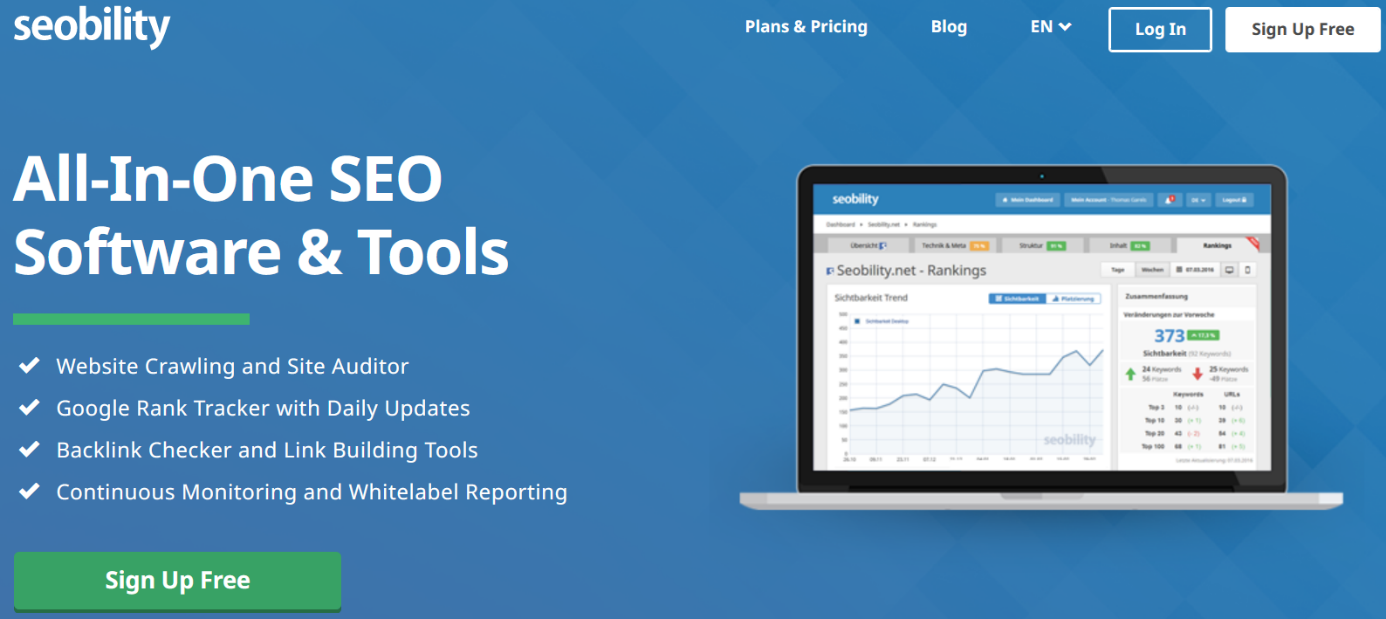
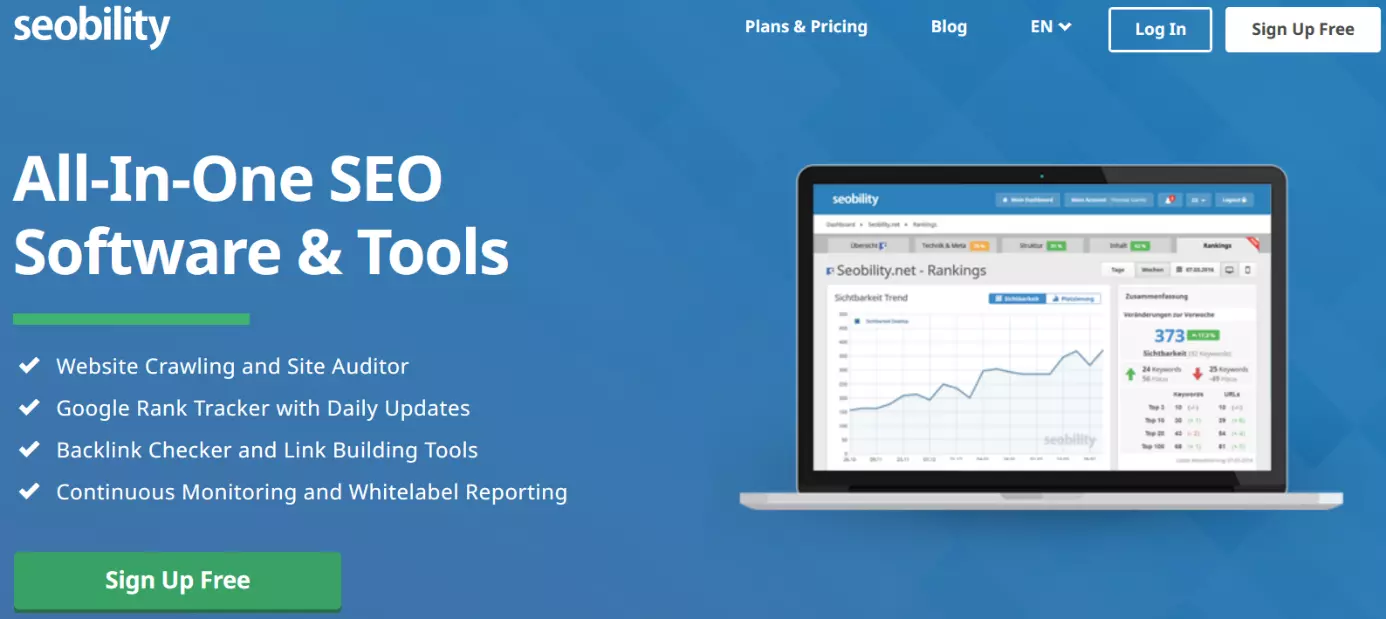
Seobility combines plenty of useful features but overall is a little leaner in its breadth of functionality compared to competitors. The main areas of support include:
- On-page optimisation: entire website is searched to reveal structures and identify errors
- Rank tracking: displays how your website is positioned in search engines
- Backlink analyses: determines the backlink profile and provides tips for new links from external websites
Seobility’s basic plan can be used free of charge. This is a great option for website owners who prefer to take care of search engine optimisation themselves. The free version combines the most important features, but only allows for a single domain to be optimised. For additional capacity, a comparatively inexpensive premium version is available.
What’s more, Seobility provides a few smaller tools on its website that are freely available and do not require users to sign up. Included in these are a keyword checker and a WDF*IDF tool.
| Advantages | Disadvantages |
|---|---|
| ✓ Free version includes essential features | ✗ Comparatively limited functionality |
| ✓ Can be used without needing to sign up | ✗ No instructional content for beginners |
| ✓ Can be used for free with certain restrictions | ✗ Sometimes lacks flexibility in reporting options |
Sistrix
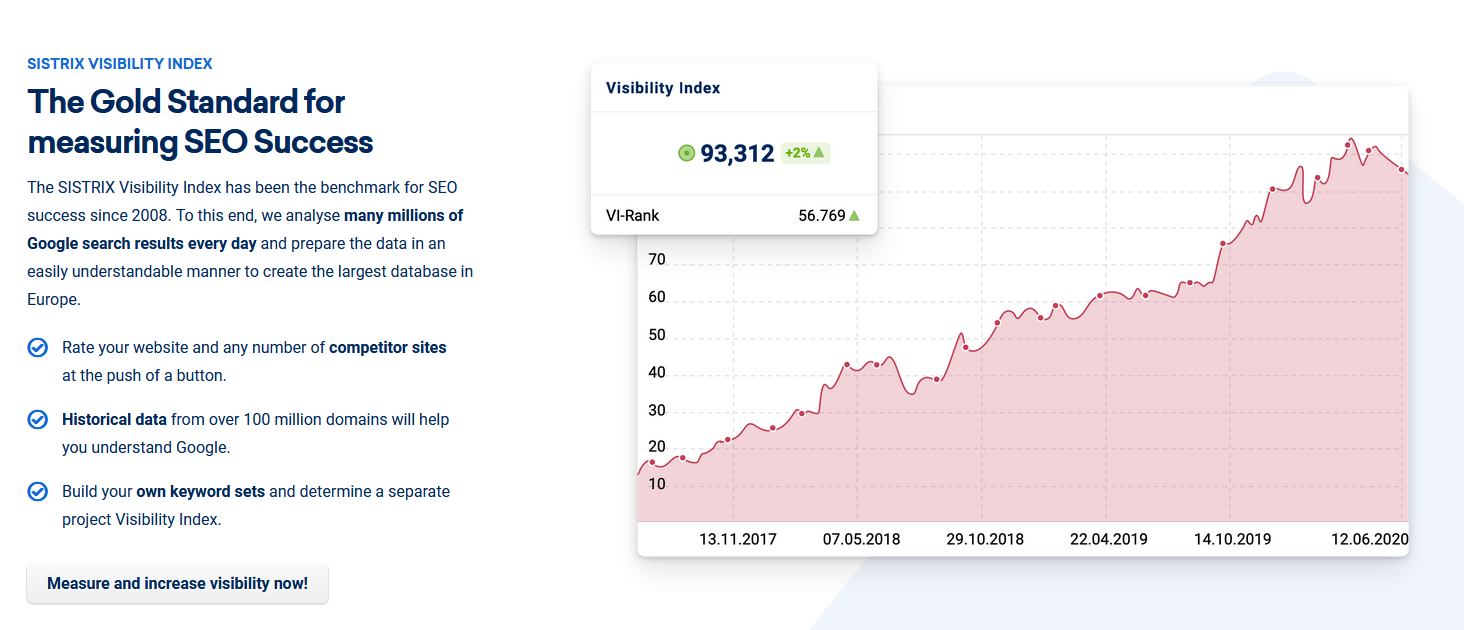
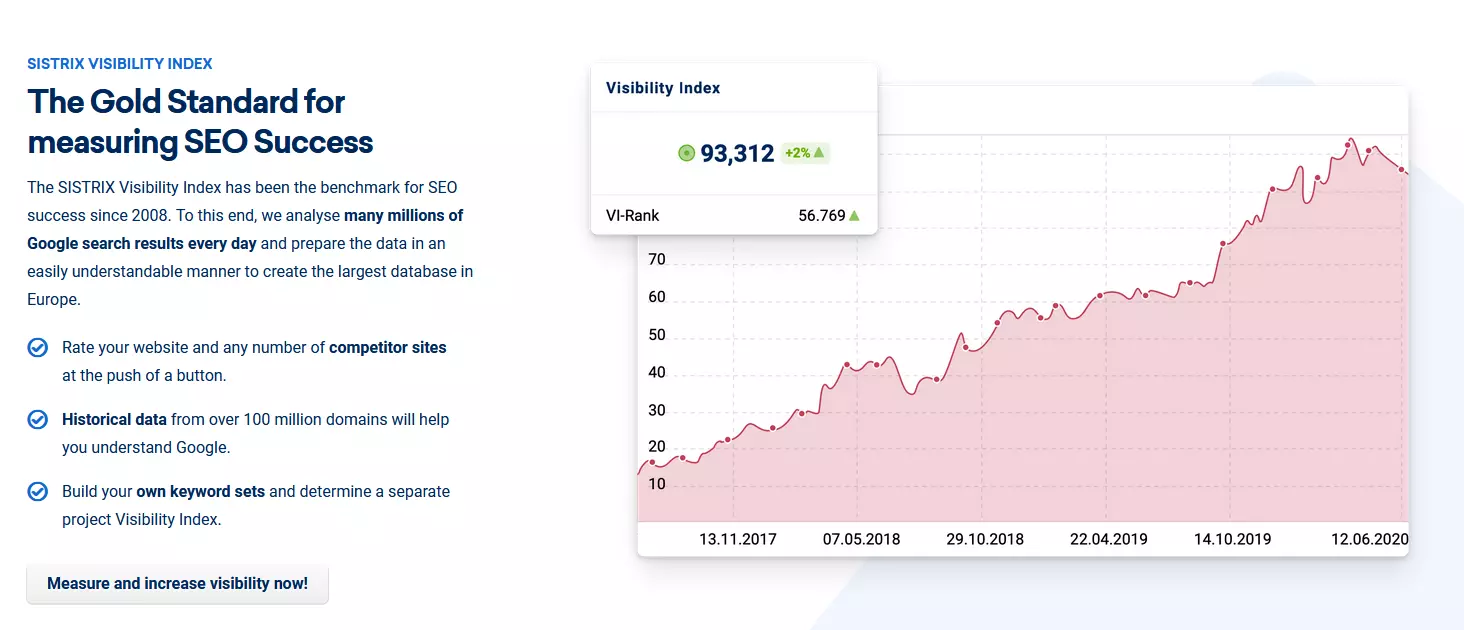
Sistrix is well known for its visibility index. The SEO tool can be used for other tasks as well, with a special focus on the following:
- Visibility index: checks your website visibility on Google
- Competitor Analysis: checks the visibility of your competitors
- Content Assistant: helps you to write SEO-optimised texts
- On-page Audit: spots errors and identifies areas for optimisation
Even though the visibility index is the most interesting feature (in the context of competitive analysis), the provider also offers tools for keyword research, backlink analysis and Google Ads.
Given its wide range of offers, Sistrix is aimed at SEO professionals, which is why prices are higher. Much like other providers of extensive SEO suites, Sistrix offers plenty of information and resources on its website.
| Advantages | Disadvantages |
|---|---|
| ✓ Extensive suites | ✗ Quite expensive |
| ✓ Industry-relevant visibility | ✗ UI somewhat complicated |
| ✓ Educational content and tips for beginners |
XOVI
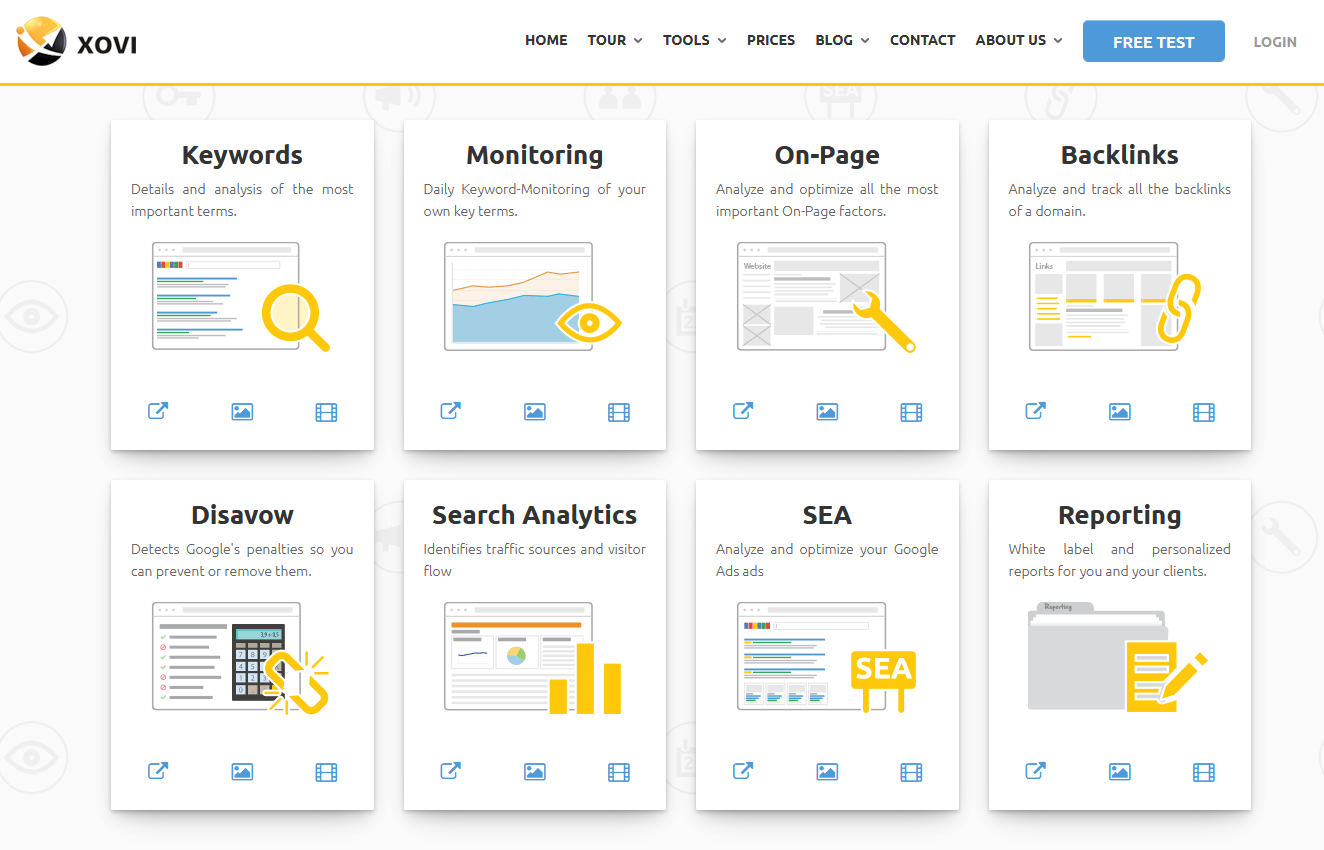
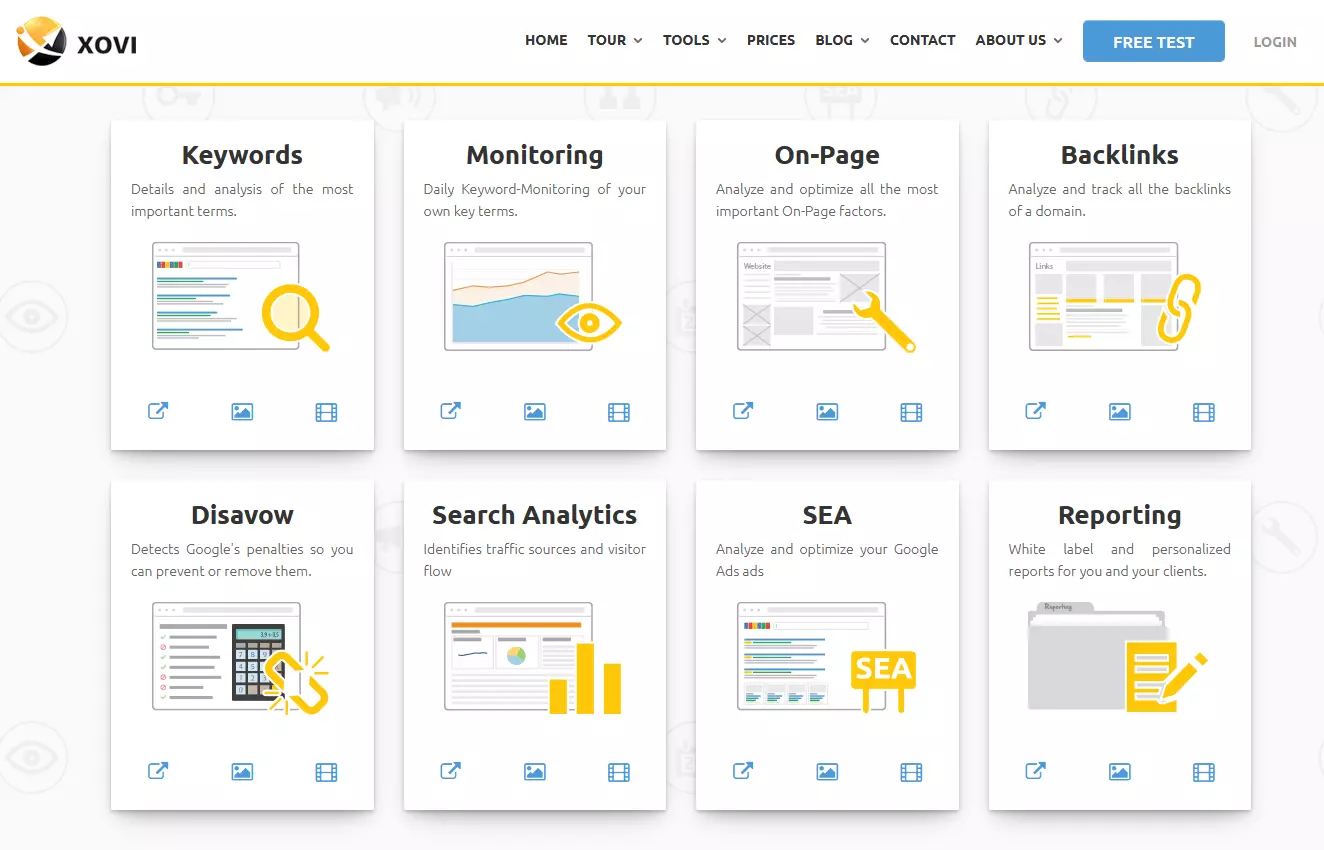
XOVI is an all-round solution. The suite bundles eight different tools:
- Keywords: helps with the development of keyword strategies
- Monitoring: monitors website ranking for certain keywords
- On-page: spots errors in website structure
- Links: assembles a backlink profile
- Disavow: ensures your website doesn’t get Google penalties
- Search Analytics: analyses how visitors arrive on your website
- SEA: supports Google Ads
- Reporting: lets you assemble different reports
XOVI is aimed at both website administrators and SEO professionals. Different pricing plans are available. These differ predominantly in the number of monitorable URLs and user accounts you can have. XOVI also offers learning materials and organises educational seminars.
| Advantages | Disadvantages |
|---|---|
| ✓ Extensive suite | ✗ Fairly expensive |
| ✓ Learning resources and tips for beginners |
Yoast
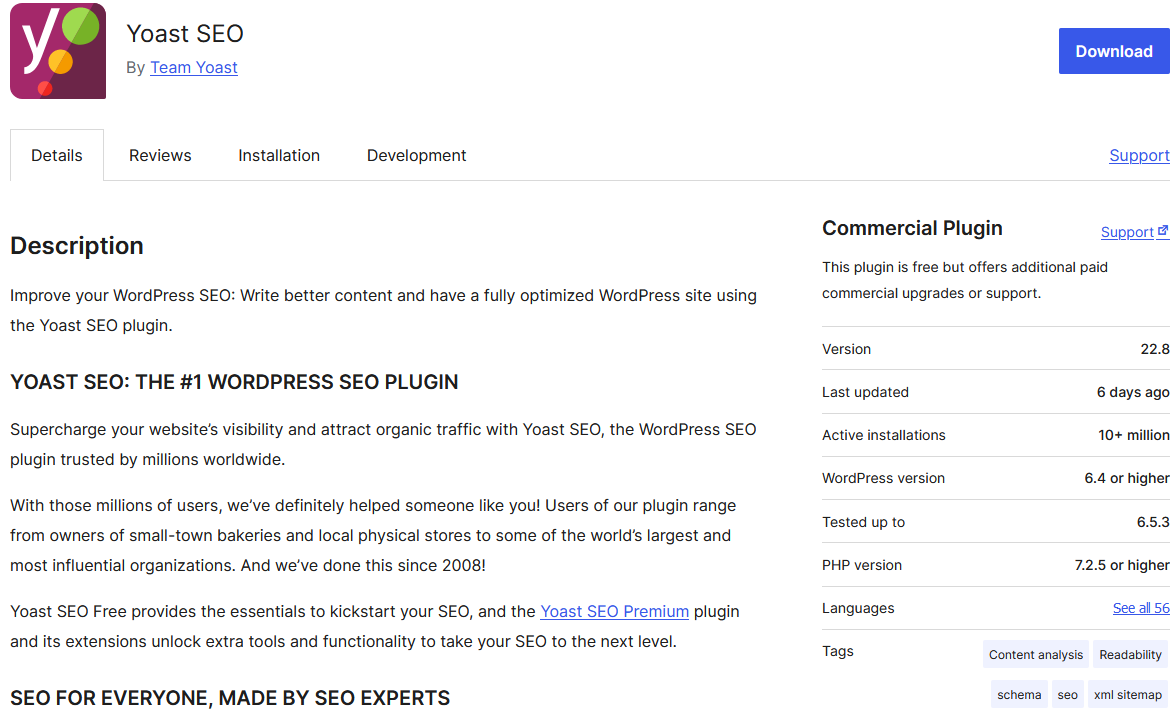
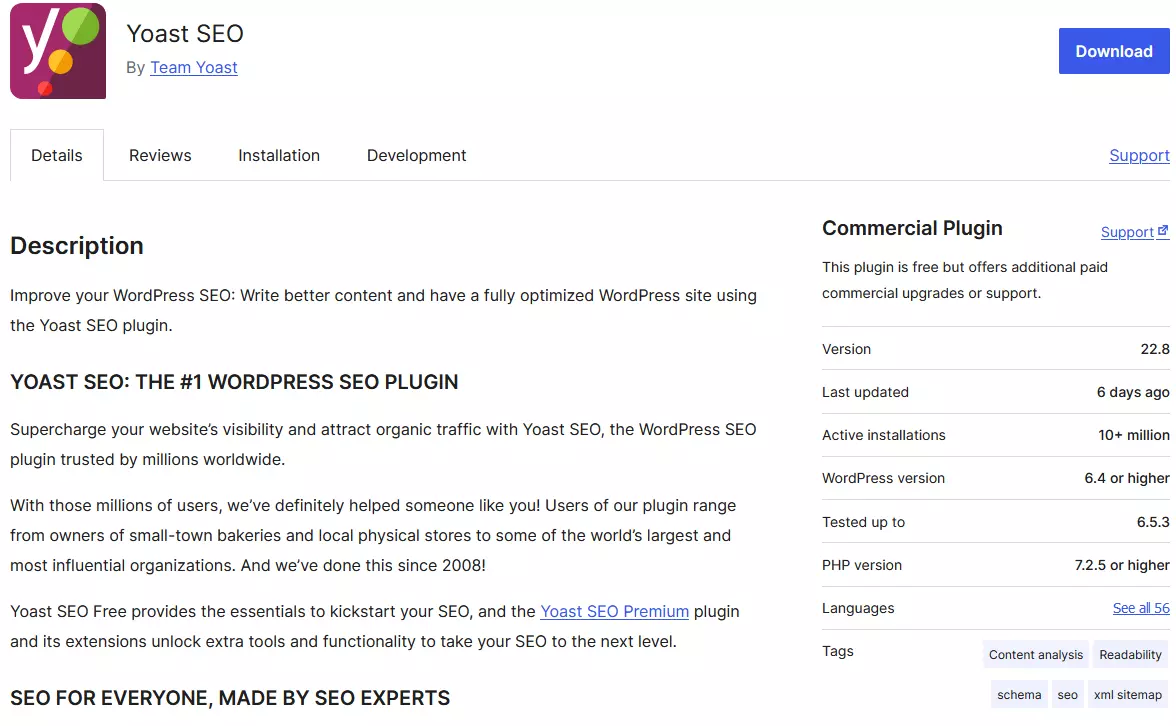
Yoast is a little different. With the popular SEO plugin for WordPress, you can work directly in the dashboard of the content management system (CMS), allowing you to implement changes immediately. The extension can:
- Help you create meta data
- Provide SEO content writing support
- Automatically create structured data
- Optimise page load speed
- Create XLM sitemaps
The free version is a good start, but for additional support with content creation, help with internal links and professional support, you’ll need the premium plan.
| Advantages | Disadvantages |
|---|---|
| ✓ Basic features available for free | ✗ Only suitable for WordPress websites |
| ✓ Works directly in the WordPress dashboard | ✗ Limited functionality |
Most of the SEO tools on our list are all-in-one solutions. This means you can use them for every aspect of search engine optimisation. To this end, they’re good for creating reports that monitor website performance over a long period of time. But quick insights can also be just as useful. SEO plugins for browsers display plenty of information about your website while you’re surfing it.
- Improve your Google ranking without paying an agency
- Reply to reviews and generate social media posts faster
- No SEO or online marketing skills needed