

Search engines for kids: The big web for small people

The World Wide Web is a truly remarkable and fascinating place with so much to discover and learn. However, not everything that we come across online is suitable for children. But this also doesn’t mean that the right approach is to keep children away from the internet altogether. By limiting and controlling their access, you can help ensure that they can benefit from much that the web has to offer in the form of suitable content for children, while simultaneously learning important media competencies. Safe search engines for kids have this exact purpose – making content available to younger users.
TA search engine for kids is the ideal introduction to the online world. But what are the principles around which such a child-safe search engine is based? And do they actually carry out what it is that they promise to do? We take a close look at the functions of such online resources and introduce the most popular junior safe search engines.
Even for adults, there are also plenty of alternatives to Google. For example, other search engines place a greater emphasis on things like data protection or dedicate some of their budgets to non-profit organisations.
Why do we need search engines for kids?
The internet is filled with fascinating ideas, every kind of fact, and limitless amounts of fun. These are all things that are interesting to children too. And that’s not all, it’s the ever-increasing digitisation of the world we live in, it is very important that children learn how to access information online. Additionally, children should also learn how the internet and computers work, how to communicate online, and what you should be cautious about while surfing the web. When you think about it, it also makes a lot of sense for children to learn how to differentiate and identify the difference between good and bad content, as well as how to recognise and deal with harmful things online like malware, viruses, phishing, etc.
Media competency is a skill that, with the increasing dependency on the internet, is becoming more and more indispensable. This involves being able to understand and evaluate media and its content. The current debate that is raging around the topic of so-called ‘Fake News’ and ‘alternative facts’ are demonstrating each day how important it is to have a responsible approach to the media. In order to be able to identify clearly incorrect facts and unreliable news, you need to know what signals and sources to look out for. Of course, this doesn’t just apply to how you approach news online, it goes for anything that you come across in newspapers, on television, and on the radio. Furthermore, children should also learn how media like this is brought about and how it is structured. How does a website work? What is a blog? The reasons outlined above go as far as to show why it is important to allow children to be active online; why not go so far as to create a website with your own son or daughter?
If you are looking to create your own website, you don’t necessarily need to have programming skills. For example, the IONOS MyWebsite Editor allows you to build a website easily with just a few clicks.
The World Wide Web is, of course, not just made up of only positive content and educational websites. A large part of the internet has to do with pornography, violence, and gambling – things that are in no way suitable for children. On top of this, there are other aspects of the online world that are dangerous for everyone, adults included. Viruses, which can be sent via email, malware, and phishing interfaces that can access and steal personal data. It goes without saying that if grown-ups have a lot of trouble identifying dangerous content like this, then the same applies to children, or worse. This is the main reason why there has to be a certain amount of control and restrictions for children accessing the internet. Kid safe search engines can be a great aid in combatting this. Such search engines make it possible for children to find websites that are suitable for their age group and for example, can help them with their school homework. Of course, they should also be fun to use as well.
Parents should not be relying on the internal monitoring policy of the search engines. It goes without saying that the parent or guardian should be responsible for controlling their children’s access to the internet: this includes the content that the child or children see, as well as the contact that they might have with anyone online. Another important aspect of the online world that needs to be controlled is the amount of time that kids spend online. Therefore, it’s recommended that parents set a time limit for surfing the web, do not leave children unattended while they surf the web, and utilise additional security measures. Child protection software that you can install on your PC or laptop can filter internet pages and results. But you should also remember that no software can offer fully comprehensive protection.
How do kid-safe search engines work?
Search engines for kids work with so-called whitelists – this is where websites that are seen as being harmless for children are listed. Conversely, a blacklist contains the exact opposite. This is where content that should not be accessed by any means is listed. This leads to a dilemma of sorts: should the sites that you allow your child to see only consist of those that are on the whitelist, or should all websites be permissible, as long as they don’t feature on the blacklist? Given that the main idea behind child protection is to ensure safety and that the World Wide Web is developing so fast that it is impossible to maintain a comprehensive and authoritative blacklist, safe search engines for kids tend to base themselves on the whitelist.
Most normal search engines use their own webcrawlers. They scan the entire web and analyse the results. With the likes of safe search for kids, this is usually done manually. The people behind these search engine manually add websites to the whitelist and check whether they are still live and relevant. This editorial supervision means that the search engine functions more as a web catalogue, similar to what would have been around in the early days of the internet. Thus, most search engines for kids function simultaneously as a portal. Alongside their actual search function, they also recommend particular webpages, as well as their own content in the form of games and courses about how to use a search engine correctly.
In order for a website to be entered into a whitelist, there are certain criteria that such search engines require them to meet. Alongside the type and structure of the content, things like data protection, advertising, and paid services all play a role when it comes to evaluation of these websites. Websites for children should be safe and secure insofar as they do not pass on any sensitive data or trick visitors into parting with their money. Ideally, there should be no advertising at all, and if there is, then it should be content that is appropriate for children and make it very clear that it’s an ad. But even search engines for kids don’t offer full and comprehensive protection for children. It’s always possible that links will lead young visitors to other content that is not as suitable for people in their age bracket. However, with the combination of child protection software and adult supervision, search engines for kids offer a great possibility to make the internet a very useful resource for young children.
Due to the fact that engines that offer a safe search for kids are based on the principle of a manually created whitelist, SEO possibilities are relatively limited. Additionally, you should make a request to be included in the search engine. Therefore, it is important that your web page does not break with the editorial criteria. When creating content for all ages, you should always keep the interests of the children at the forefront of your mind and keep this in mind when integrating keywords.
Child-safe search engines: the most popular choices
The search engines on offer are in part run by private companies and in other cases by not-for-profit organisations. Several of them have been around for quite some time and have media education experts involved in the running of them.
Kidrex
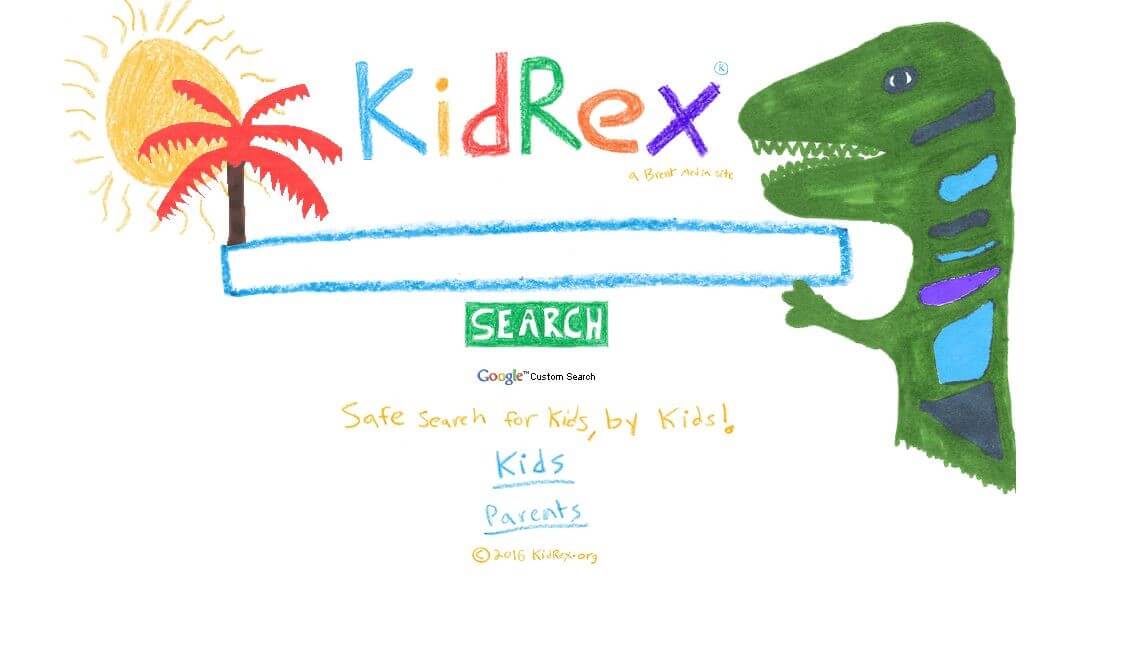

Powered by Google Custom Search, KidRex is a safe search for kids that also uses Google SafeSearch technology. This allows the search engine to filter out content that is deemed to be sexually explicit and remove them from any list of search results. However the ‘About’ section of the KidRex website makes sure to state that “No filter is 100 percent accurate”, it goes on to say, however, that SafeSearch should be able to get rid of “most inappropriate material”. Along with the Google SafeSearch function, KidRex also has its own list of web pages as well as keywords that should be kept well away from the eyes of children. The web service claims to have researchers that test the search engine on a daily basis with the intention of constantly evolving and optimising. At the same, time they include a disclaimer that they cannot guarantee that these researchers will find each and every inappropriate website and that there is always a chance that “inappropriate sites will sometimes slip through the cracks.” KidRex also offers a very useful service that allows users to submit a webpage removal request.
Kiddle
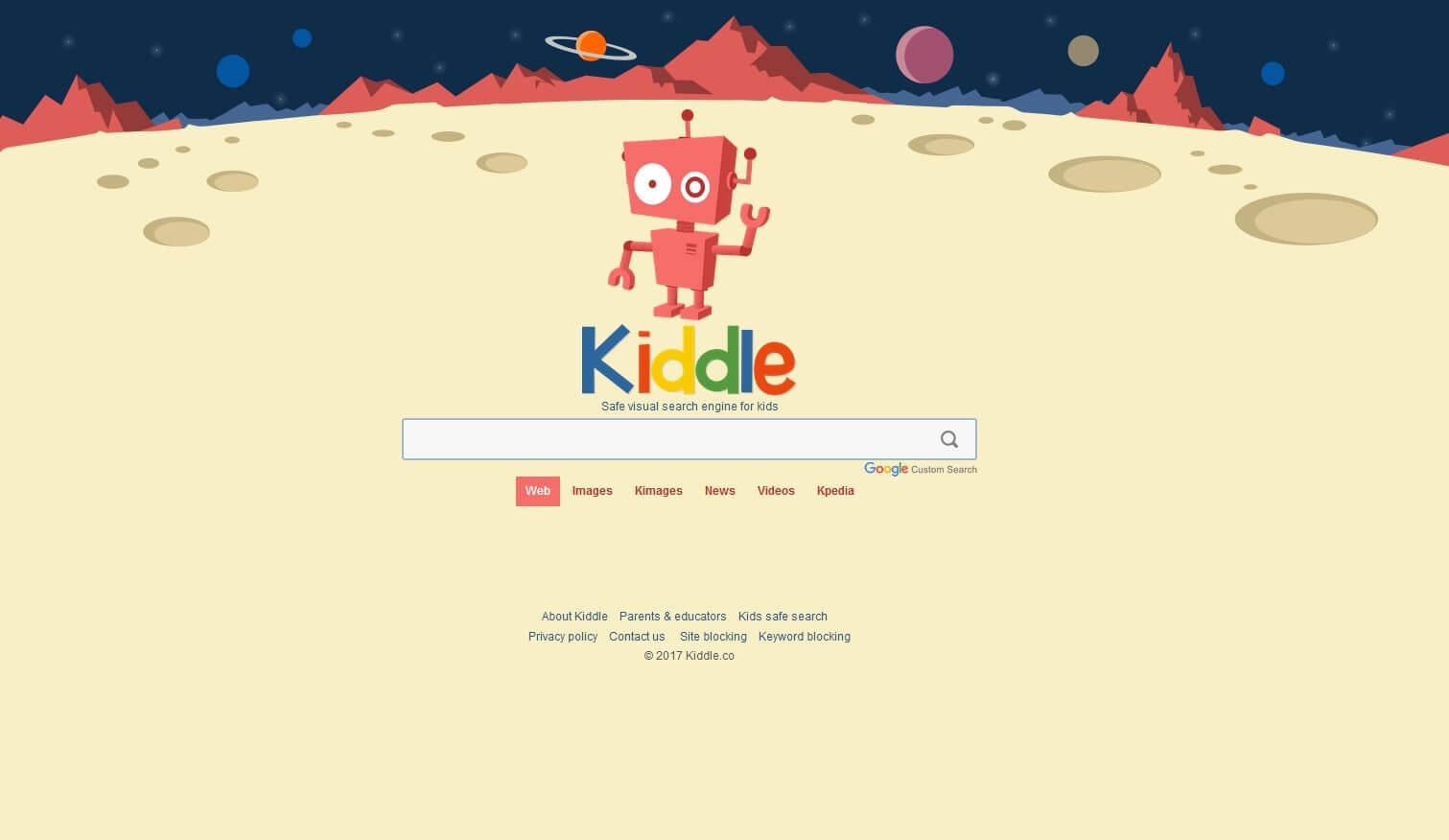
Similar to KidRex, Kiddle is another junior safe search that utilises both Google’s SafeSearch and CustomSearch. This helps it to ensure that explicit or deceptive content is kept far away from the results page. While it’s a search engine that is powered by these Google search functions, it is not actually affiliated with Google Inc. Kiddle has also established a specific method of organising and ordering the results page. The top three results (1 – 3) are safe sites and pages written specifically for children. These have often been specifically chosen by Kiddle editors. After this usually come safe sites that may not have been written specifically for young audiences but still have content that is easy enough for them to be able to understand. Anything after this will be sites written for grown-up audiences but are still subject to the Google safe search criteria. Kiddle goes as far as to say that the reason they have .co as their domain instead of .com is to emphasise how it is a ‘children only’ service, i.e. that they are solely orientated towards a young audience. There are also other features of Kiddle that make it a great safe search for kids. These include large thumbnails that make it easier to scan the results of a search and find the one that you are actually looking for. They provide an increased visual aspect to word heavy activities like using a search engine. Kiddle also displays its results in a large Arial font, which makes it more readable for all users. One thing that may be of great interest to parents is Kiddle’s privacy policy – to explicitly not collect any personally identifiable information and to delete all of its logs every 24 hours.
Kid’s Search
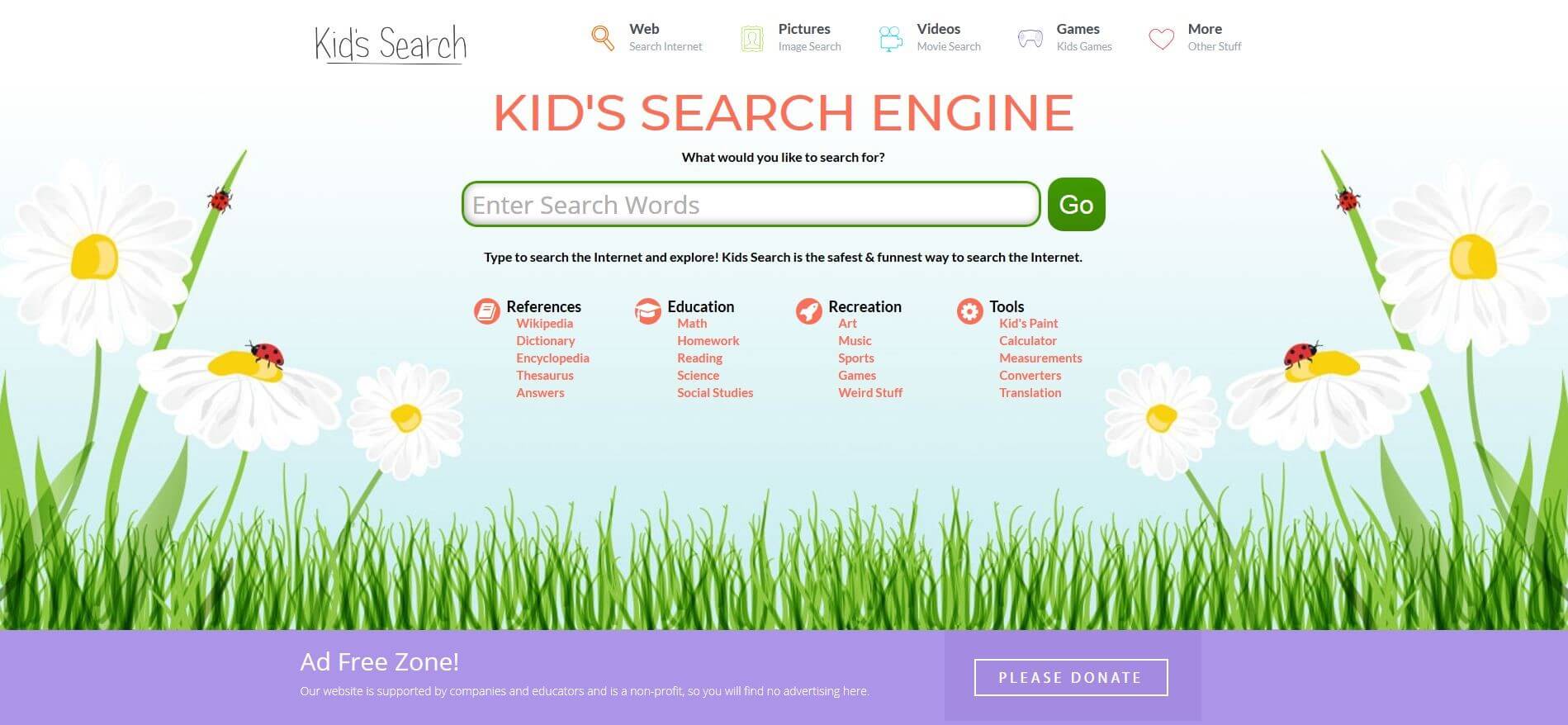
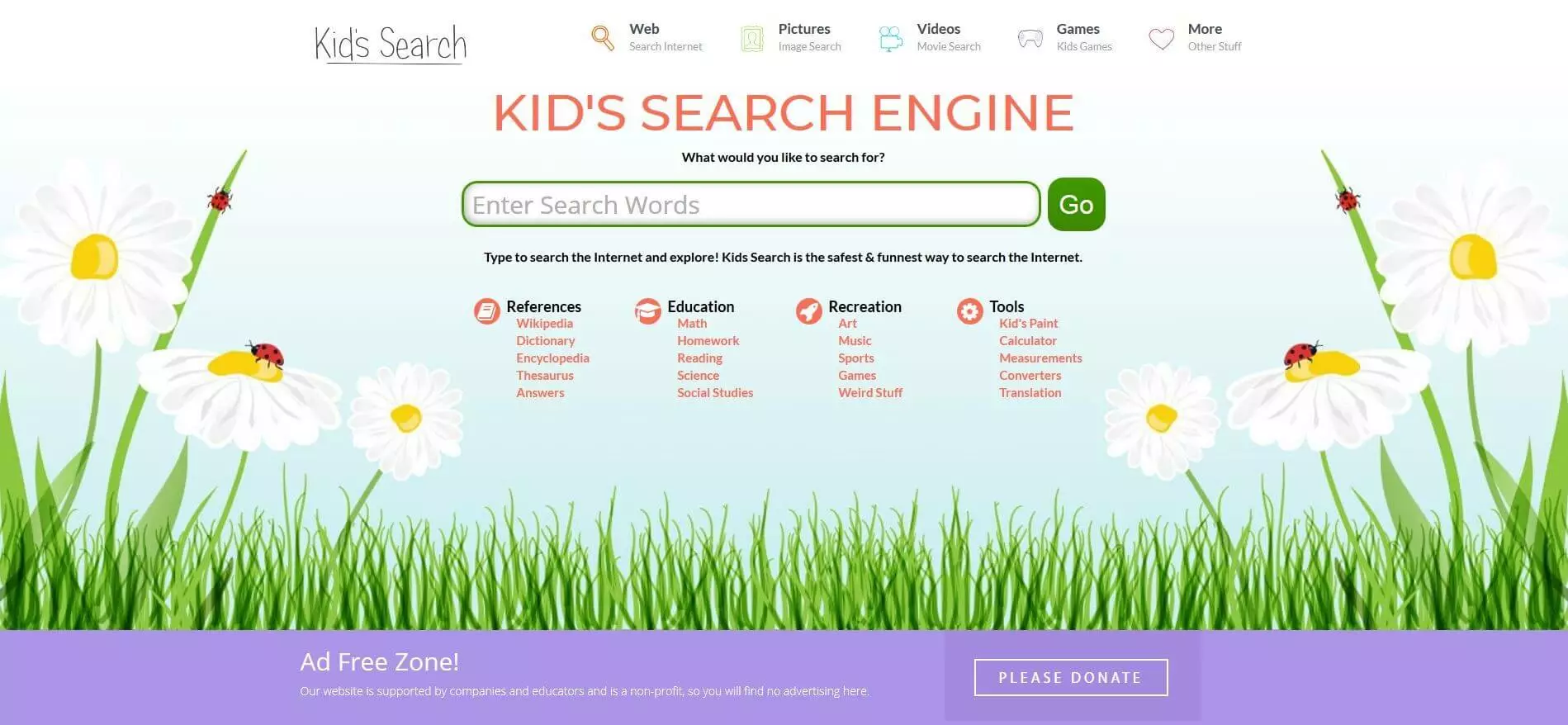
For parents, guardians, teachers, etc. out there that feel that Google’s safe search functions are not adequate, there is the option of ‘Kid’s Search’ that uses extra filters. Community feedback also helps to ensure greater security. ‘Kid’s Search’ has a directory where kid-friendly links are listed, with each site having been peer-reviewed for appropriate content, usefulness, and fun. Users have the option of both suggesting as well as reporting sites. ‘Kid’s Search’ is well aware that it cannot guarantee security once someone clicks on a link that brings them to another website. However, it does recommend installing JRSurfer, its partner browser that is designed to be safe for children. Along with offering safe browsing, JRSurfer (also known as Junior Surfer) claims to block 99% of internet ads, pop-ups, and click bait links, while simultaneously being kid friendly with easy-to-use controls and options.
Safe Search Kids
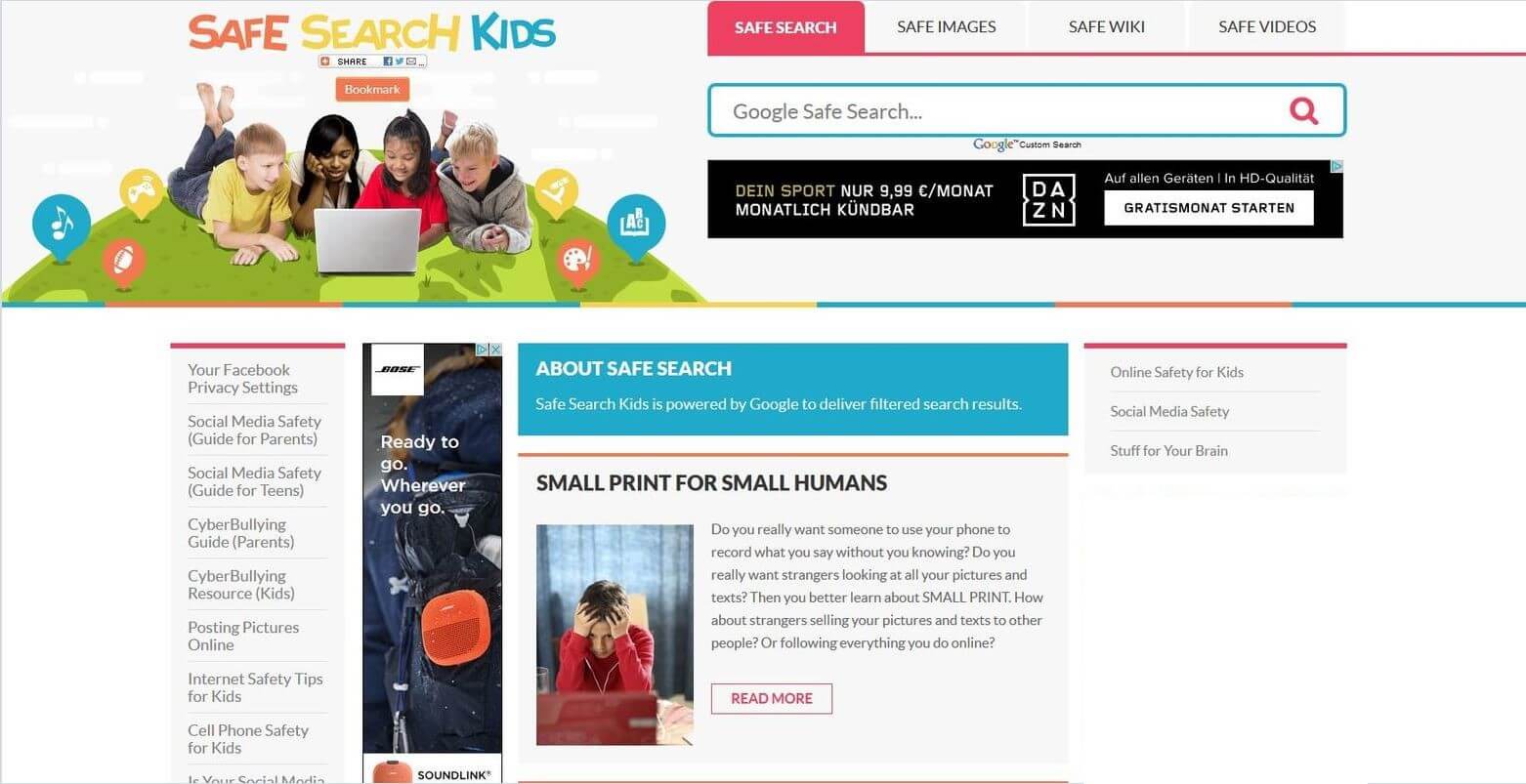
Another child-friendly search engine that is powered by Google custom search is SafeSearchKids, whose name clearly denotes its functions. Something that stands out about this site is the tabs on the homepage labelled Safe Search, Safe Images, Safe Wiki, and Safe Videos. This means that younger users can search what Google and Wikipedia have to offer directly from this site. Aside from these search functions, this page also offers helpful guides relating to social media safety, cyberbullying, as well as general online safety. One downside of this site is the presence of plenty of targeted ads based on the use of cookies.
Boolify
 Vlad_ChorniyShutterstock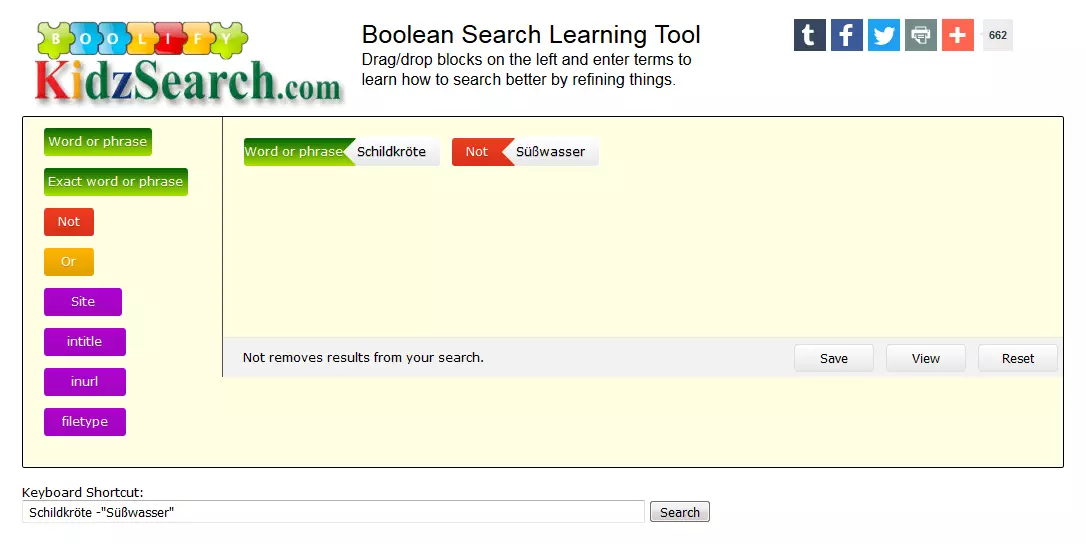
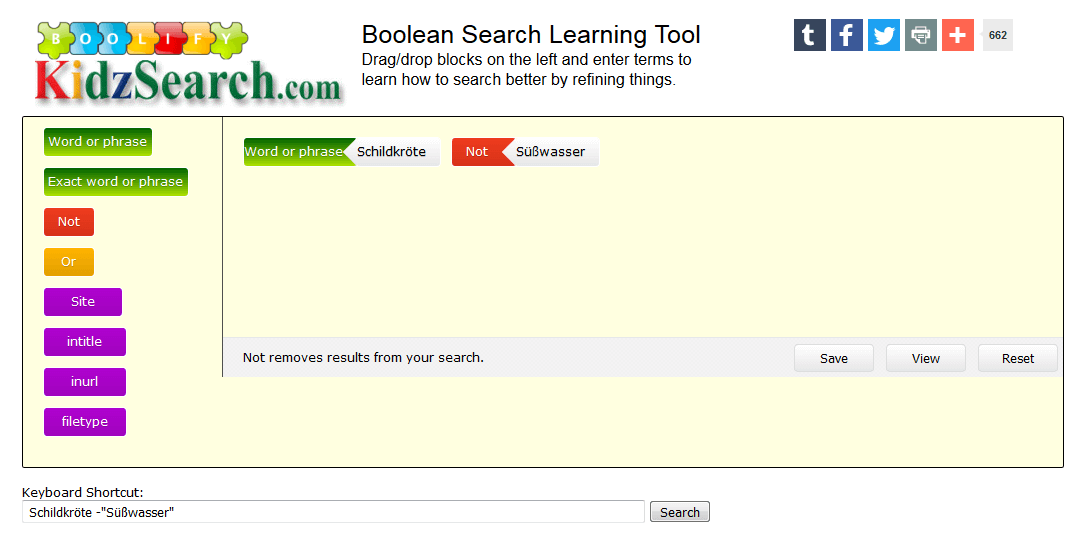
Boolify is a very interesting project. It is a website that is supposed to explain to children how search engines and Boolean operators are supposed to work. The Drag & Drop function allows children to add the operators to a search bar and decide exactly how a search should be done. In principle, the search engine is just a Google Custom Search with an integrated SafeSearch: this is a filter offered by Google primarily with the aim of excluding pornographic content. Additionally, the Boolify team put together a list of banned keywords. If users attempt to search for one of these keywords then they will be informed of the fact that the term in question is one which is blocked.
The list of results remains quite comprehensive while containing no websites that may have content that is deemed harmful to children. It is likely that the information that is to be found in Wikipedia articles or on news websites will be quite difficult to understand. Given that we are mainly dealing with a Google search, it is inevitable that some of the results that are provided will contain links to sites with questionable content. For this reason, it is advisable that children only visit these sites while under adult supervision. This will also allow the adult in question to answer any question that the child might have pertaining to this Google operated search engine. When it comes to developing media competency, Boolify is a great tool for learning how to use the functions of a search engine.
It is the case with Google SafeSearch that we are not dealing with a Whitelist, which is the case with a lot of the other search engines mentioned above. Instead, Google has developed a filter which keeps pornographic content away from the results table. Due to the fact that this is operated automatically it means that it does not have the same security standard as a hand-picked Whitelist might have.
Overview: search engines for kids
The various search engines outlined above have different individual strengths and weaknesses. Some offer more safety, others offer better visual aspects, while others use no adverts on their site. We hope that this article has given you an overview of some of those on offer and has allowed you to make a more informed choice about which one to choose.